How to get better design in Bolt
Bolt design templates are production-ready HTML files you paste into your Bolt project as a design reference. Bolt builds fast, but fast and polished are not the same thing. A landing page that looks like every other vibe coded app will not convert. A template gives Bolt a design it can actually execute.
Why Bolt design goes wrong
Centered everything
Bolt defaults to centered layouts because they are the safest choice for unknown content. Real products use left-aligned text, intentional whitespace, and grid structures that center-align cannot produce.
Color and type from nowhere
Without a palette or type system, Bolt picks a blue primary color and a system font. It works. It does not stand out. A template gives Bolt a specific set of values to build around instead.
Component inconsistency
Each section Bolt adds can drift from the last. Button radius changes. Padding shifts. Spacing gaps appear. A single design reference, used consistently throughout the build, keeps every section on system.
How to use a design template in Bolt
- 1
Pick a template from BrowserMoon
Browse the Bolt templates library and choose a section that matches what you need to build. Hero, pricing, dashboard, and onboarding templates all work well in Bolt.
- 2
Copy the template code
Use the copy button to get the template source. This is a single self-contained HTML and CSS file with no external dependencies. Bolt can read it directly.
- 3
Paste it into your Bolt project and give a clear instruction
Open your Bolt project and paste the template as context. Tell Bolt: "Use this as the design reference. Keep my content, but match the layout, spacing, and color system from the template."
- 4
Use Mon to generate the exact prompt
If you are not sure how to describe the design change to Bolt, ask Mon. It reads the template and your project and writes the prompt for you.
Template categories that work best in Bolt
These section types have the highest success rate when used as design references in Bolt builds.
Bolt design templates
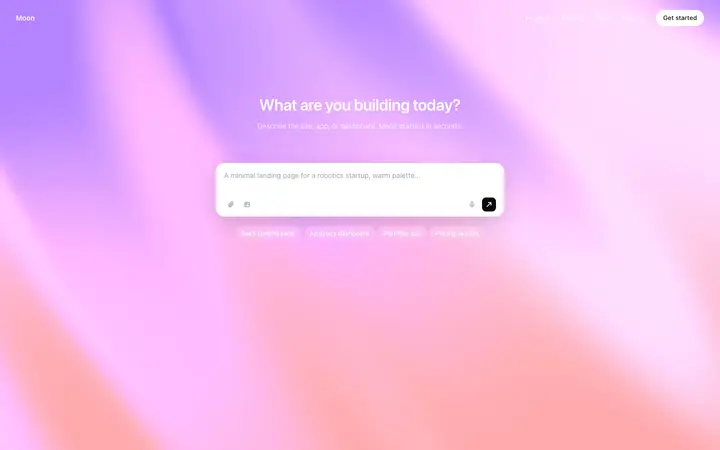
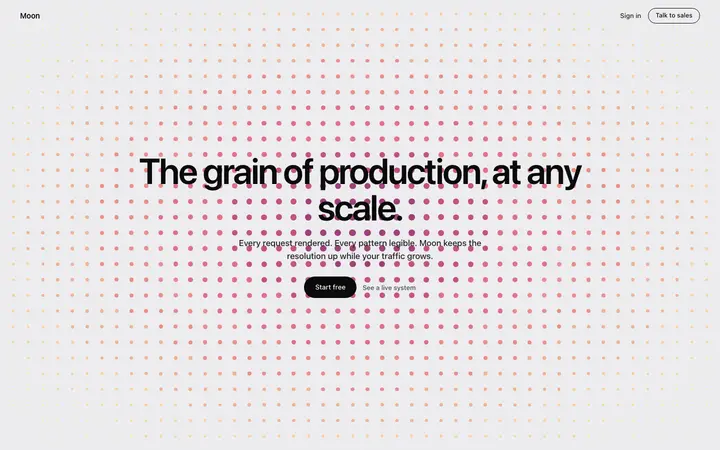
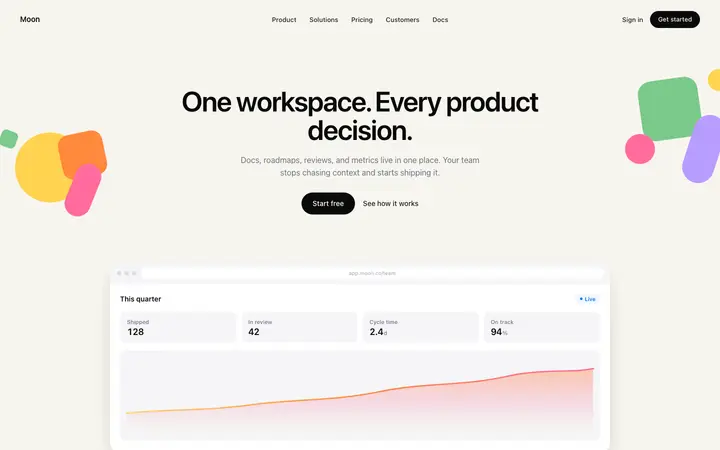
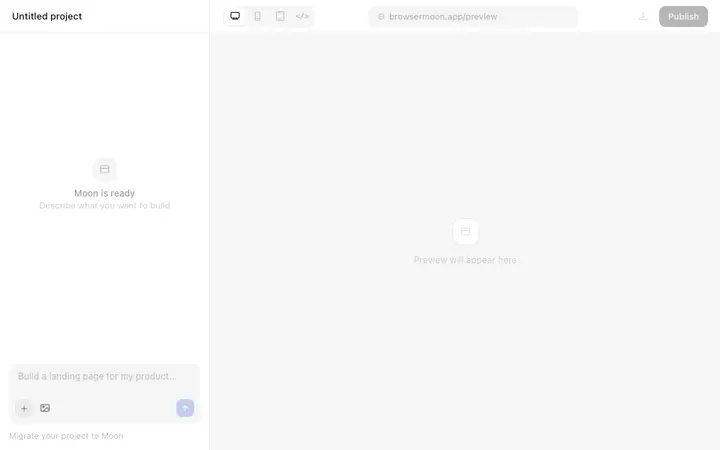
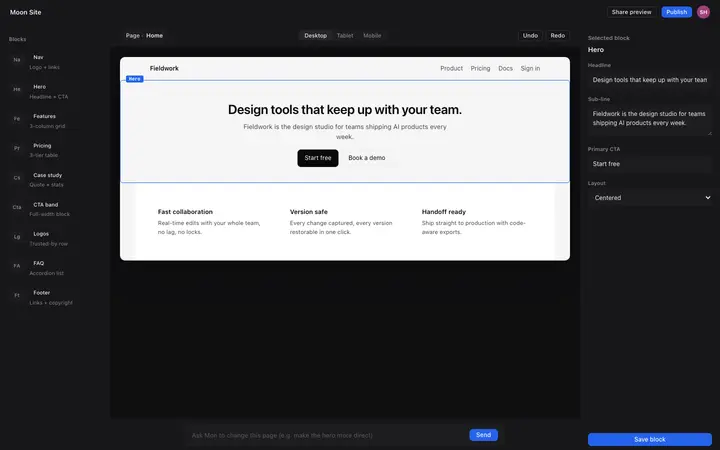
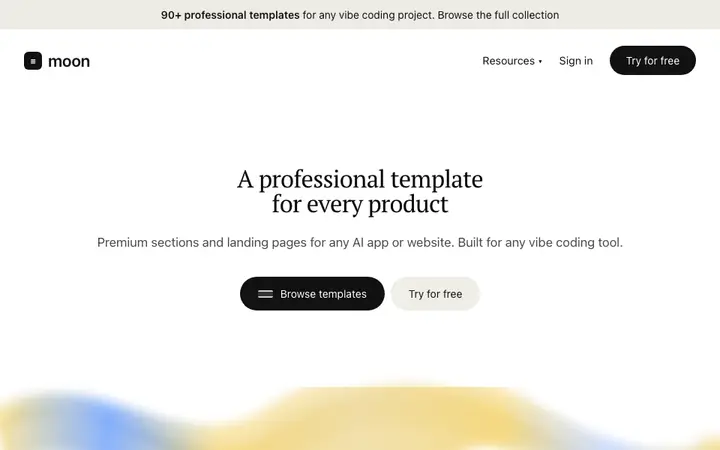
Copy any of these into Bolt as your design reference. Each one is a self-contained HTML and CSS file that Bolt can read and implement directly.
Frequently asked questions
Why does my Bolt app look generic?
Bolt generates functional UI from scratch, which means it relies on standard components and common layouts. Without a design reference, every app ends up looking the same: a hero with centered text, a card grid, a blue button. A template gives Bolt a specific visual target to hit instead.
How do I improve design in Bolt without a designer?
Copy a BrowserMoon template and paste it into Bolt as a reference. Ask Bolt to match the layout, spacing, and color system you see in the template. Mon can help you pick the right template and write the exact prompt to give Bolt.
Can Bolt implement complex design templates?
Yes. Bolt handles multi-section layouts, CSS animations, and component libraries well when given a clear reference. The clearer your design input, the more consistent the output. Pasting a BrowserMoon template into your Bolt project gives it a real spec to follow.
What is Mon and how does it help Bolt design?
Mon is BrowserMoon's AI design assistant. It recommends templates from the BrowserMoon library based on what you are building, then generates a ready-to-paste prompt for Bolt so the design lands correctly without trial and error.
What design templates work best in Bolt?
Hero sections, SaaS landing pages, and dashboard layouts work especially well in Bolt because they rely on clean HTML and CSS that Bolt can reproduce accurately. BrowserMoon templates in these categories are built for exactly this use case.
Do I need to know CSS to use BrowserMoon templates in Bolt?
No. Copy the template code and describe what you want to Bolt in plain language. Bolt reads the code and applies the design to your project. Mon can write the prompt for you if you are not sure how to describe it.
Is BrowserMoon free to use with Bolt?
Anyone can make their vibe coded site or app look top designed with Mon, the AI designer of Moon. Ask Mon what template to use, copy it, and paste it into Bolt as a design reference.
Not sure which template fits your Bolt project?
Anyone can make their vibe coded site or app look top designed with Mon, the AI designer of Moon.