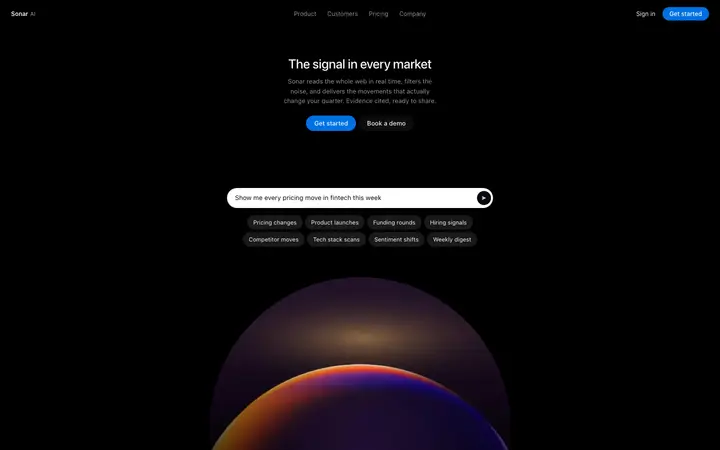
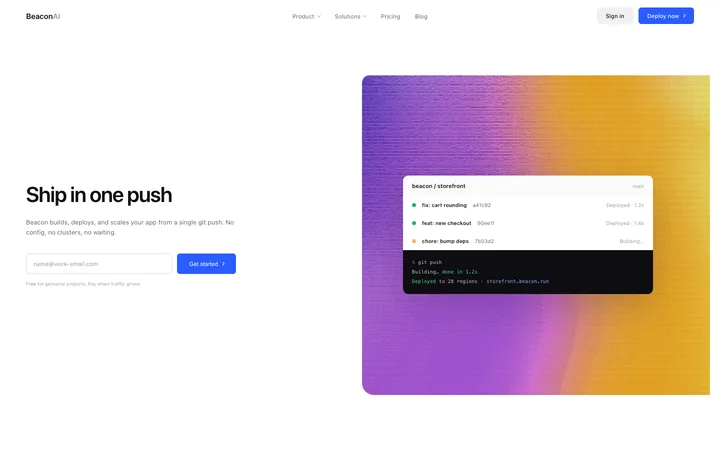
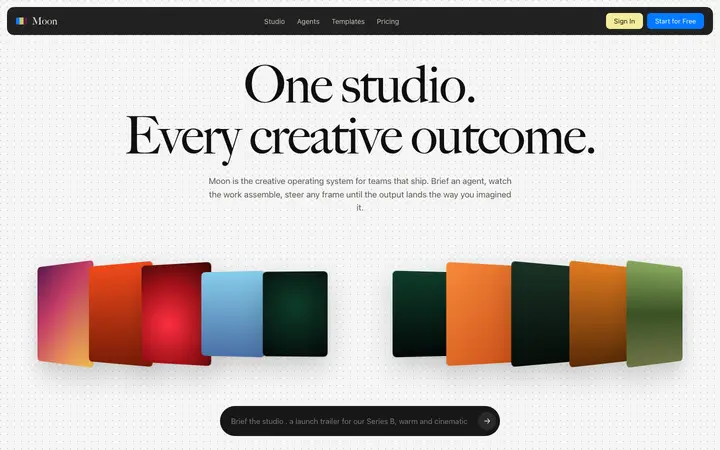
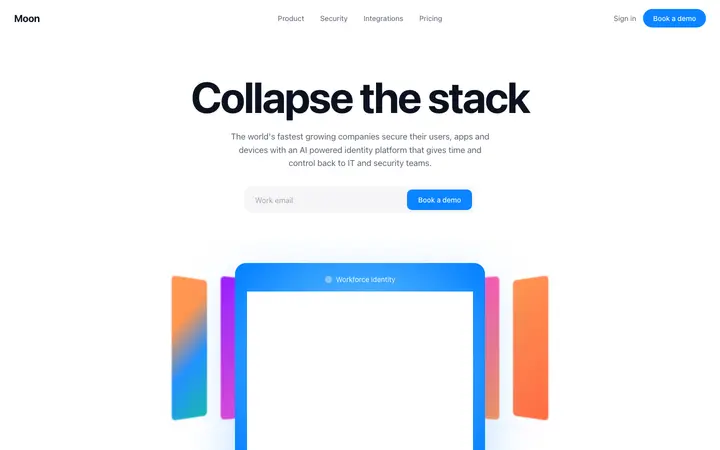
What is a pricing template?
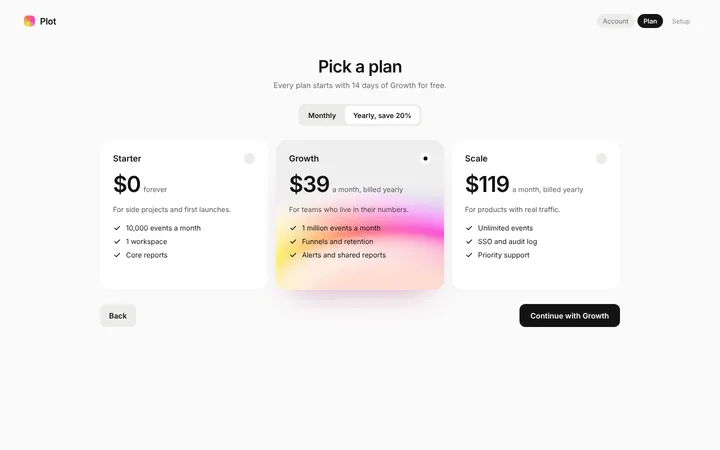
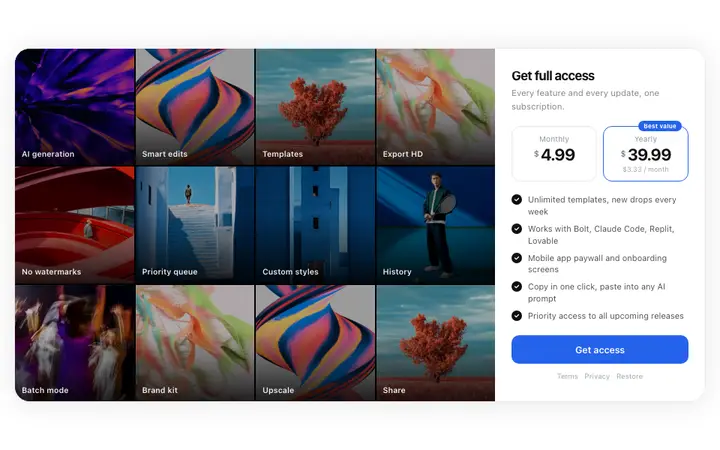
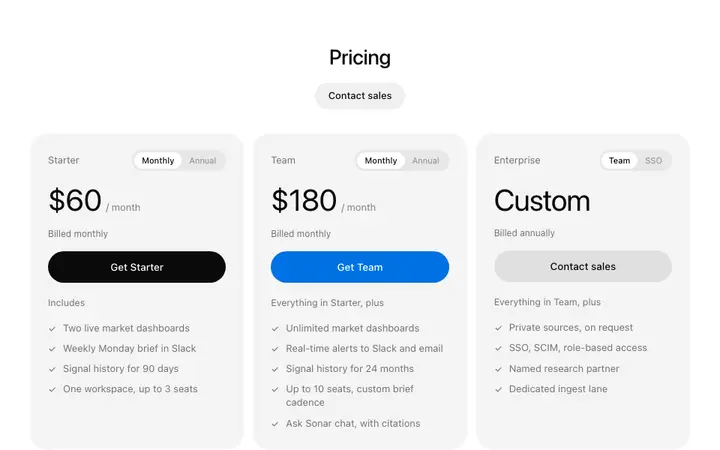
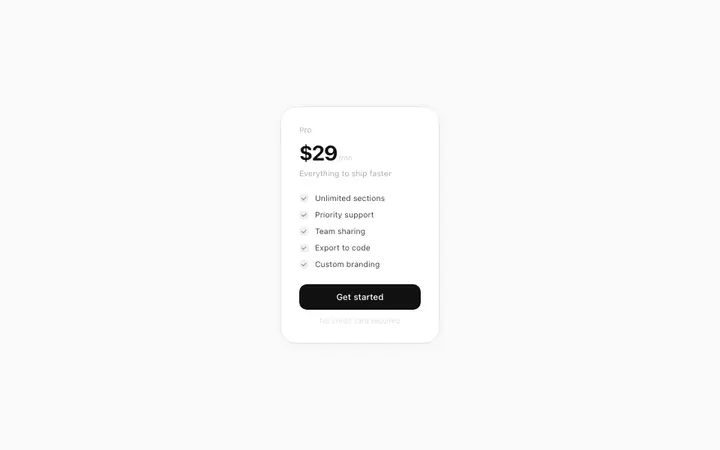
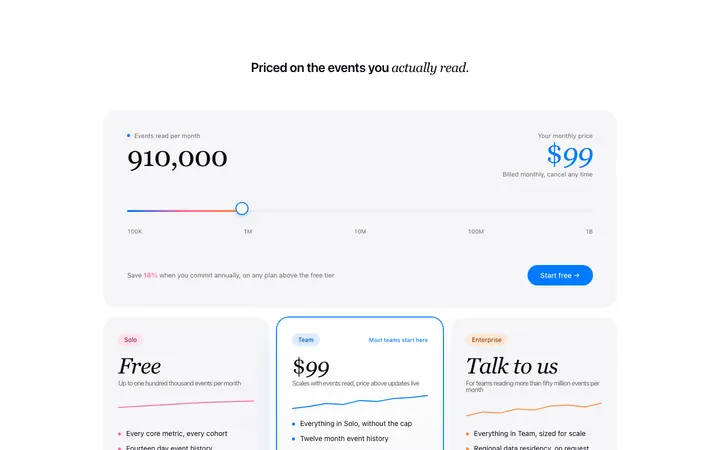
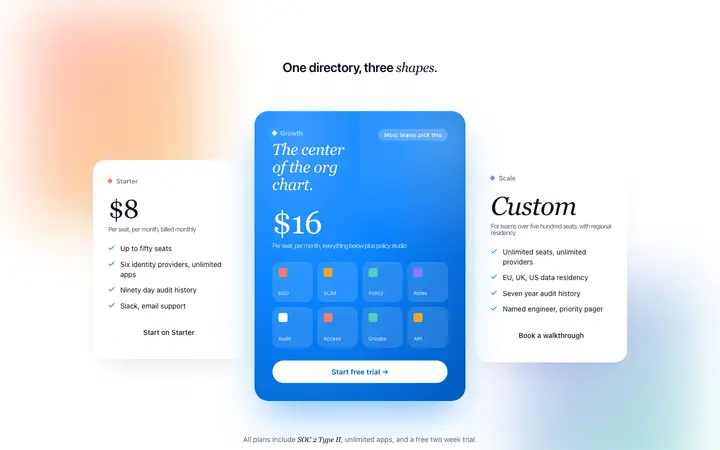
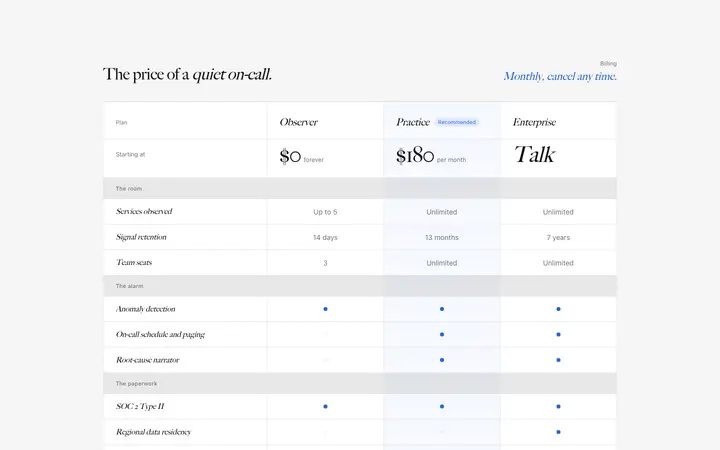
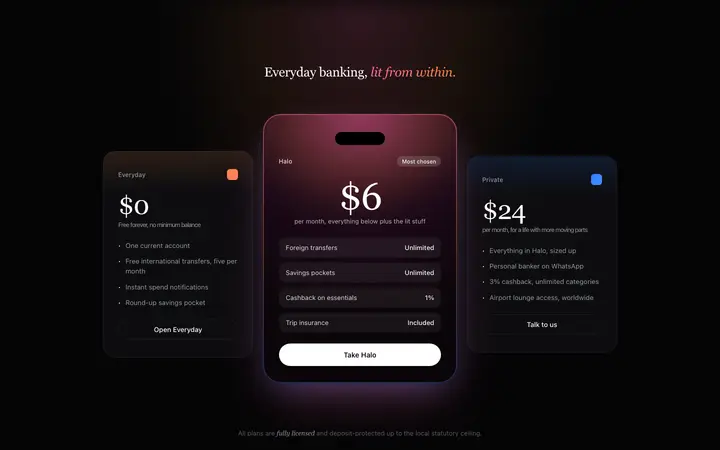
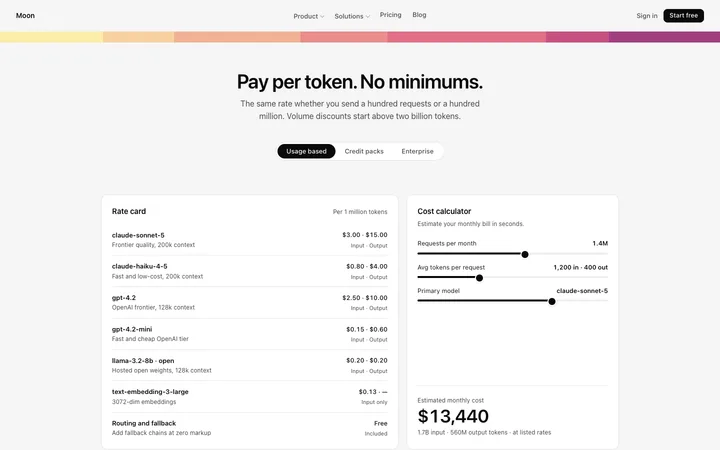
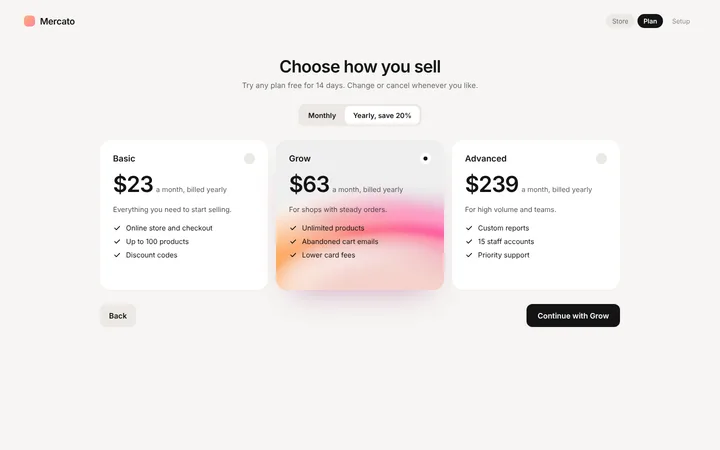
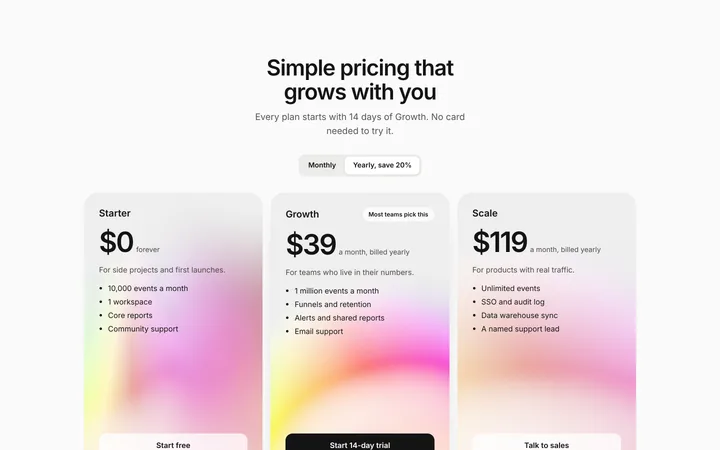
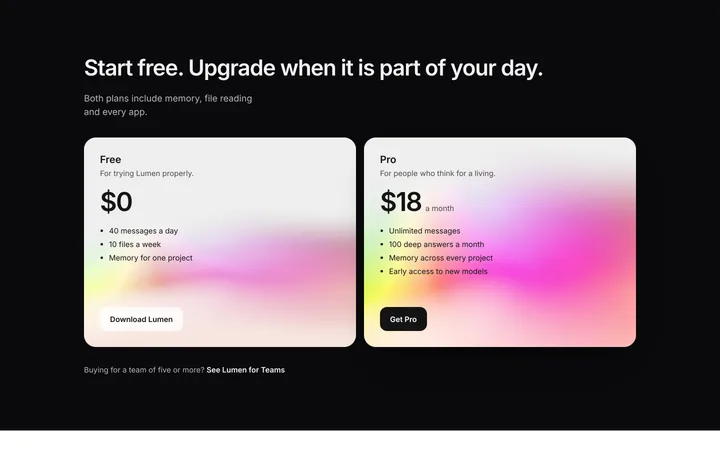
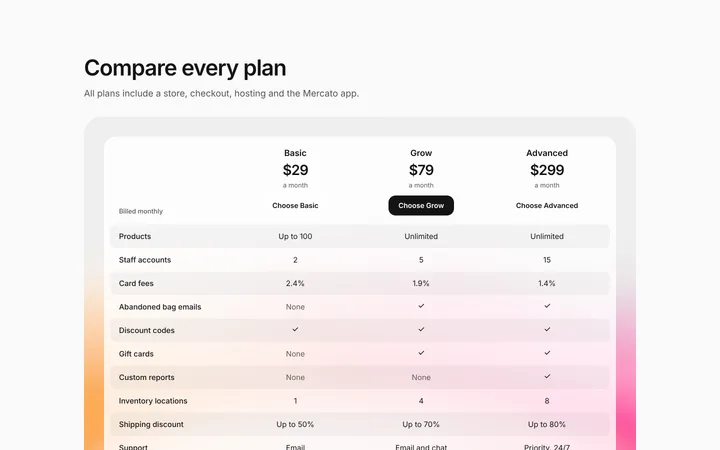
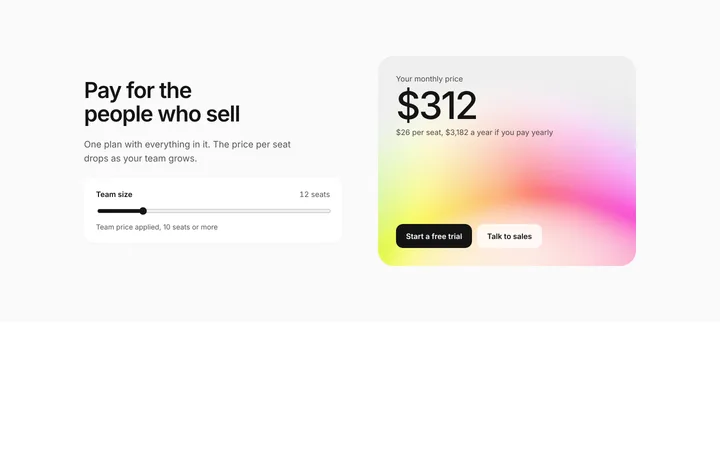
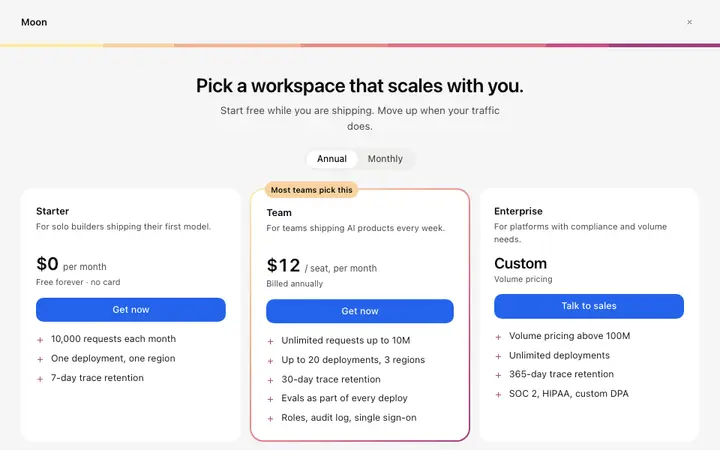
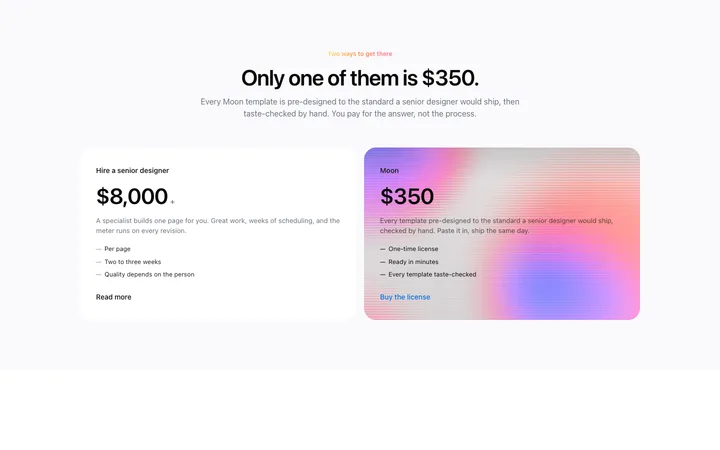
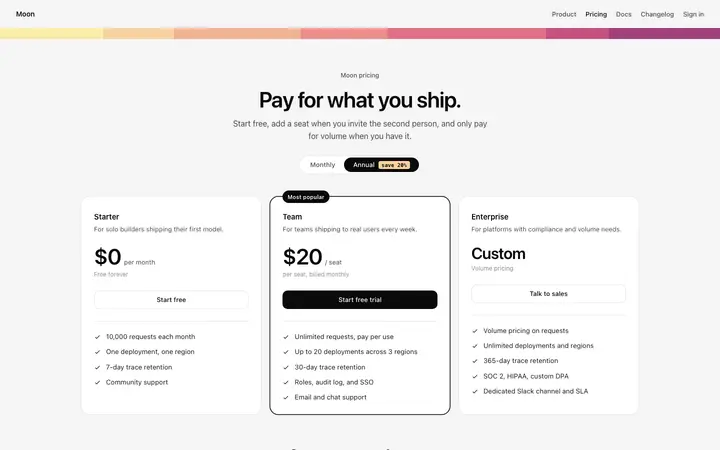
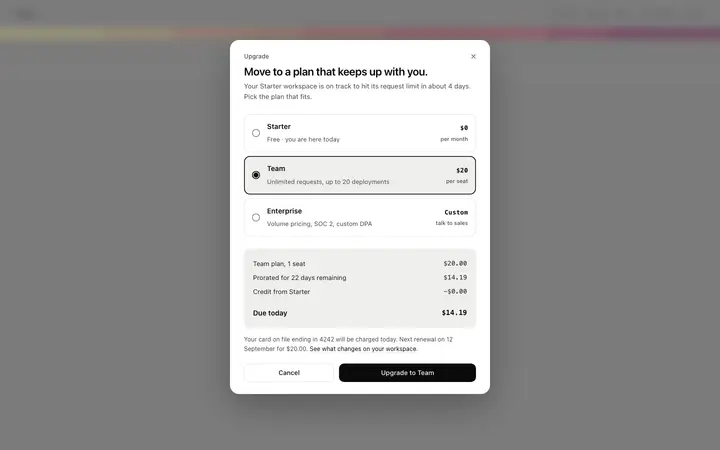
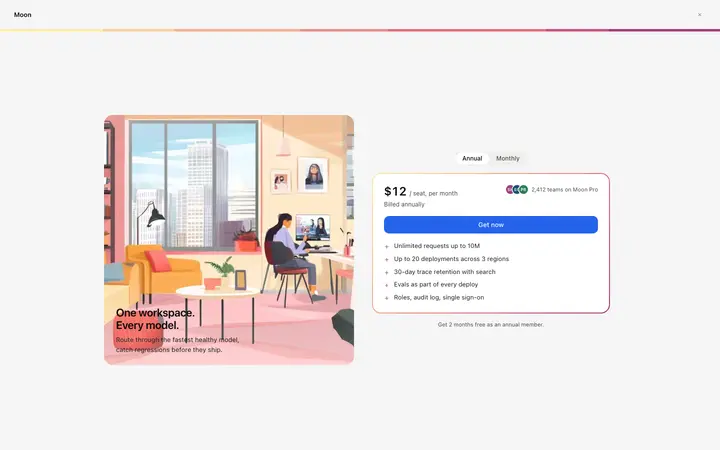
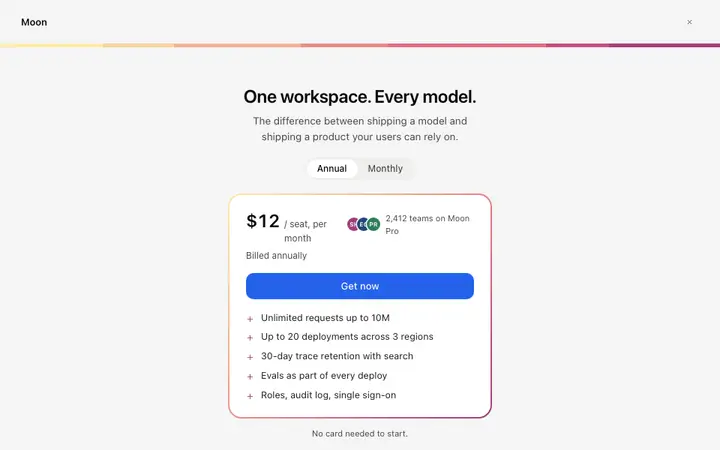
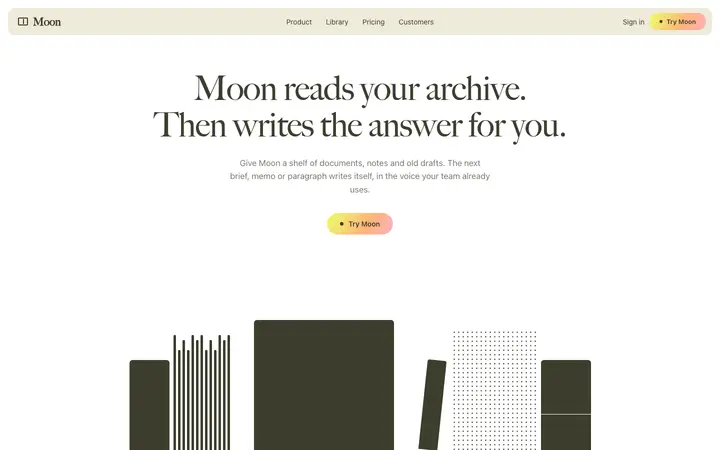
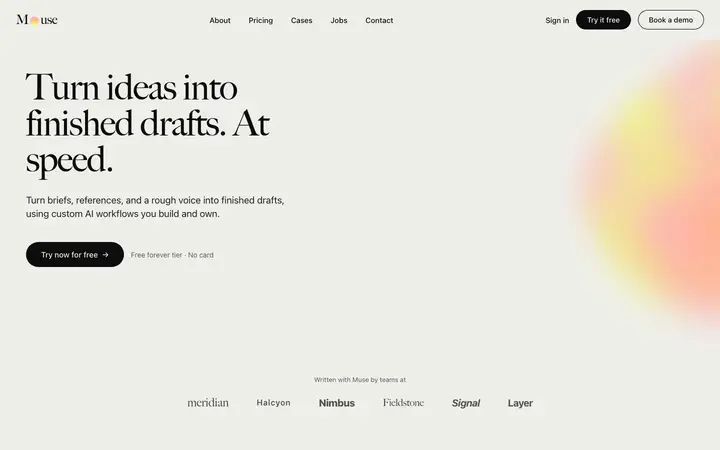
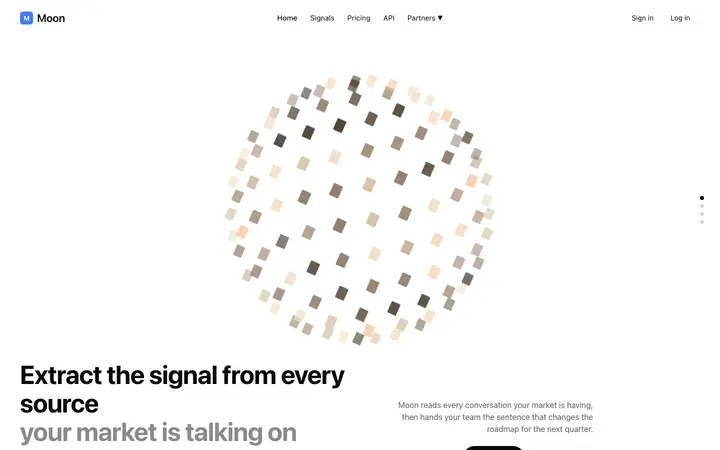
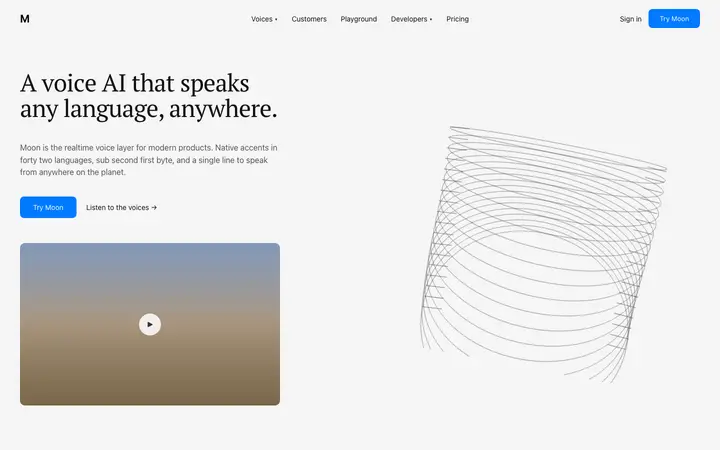
A pricing template is a ready made design that displays subscription plans, feature comparisons, and call to action buttons. BrowserMoon pricing templates are modern layouts designed for SaaS landing pages, AI product websites, and app pricing pages.
How do I use a pricing template with Bolt, Claude Code, or Lovable?
Paste a BrowserMoon pricing template into your Bolt, Claude Code, Replit, or Lovable prompt. Describe your pricing plans, the price for each, and what features each tier includes. The AI fills in your actual pricing structure while keeping the professional layout and CTA buttons intact.
Can I connect a BrowserMoon pricing template to Stripe?
Yes. Paste any pricing template into Claude Code, Replit, or Lovable and ask the AI to add Stripe Checkout or payment links to each CTA button. The AI wires your pricing section to your payment flow without touching the design.
How many plans should a SaaS pricing page show?
Three is the number most products land on, because it gives a floor, a recommendation and a ceiling. More than four and the page stops being a decision and becomes a spreadsheet.
Should the annual price be the default?
Usually, since it is the number you want anchored and the discount reads as a reason to choose it. Show the monthly equivalent so nobody has to do the arithmetic.
What makes a pricing page convert?
Answering the question the visitor arrived with, which is almost never what a feature is called. It is whether their team size fits, what happens when they outgrow a plan, and what it costs when they do.
Do I need a comparison table as well as plan cards?
If the plans differ on more than three or four things, yes. Cards sell the choice and the table settles it, and buyers spending real money want both.