

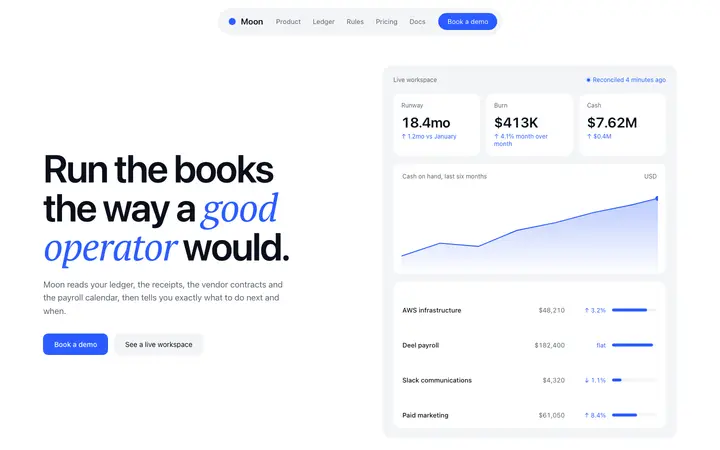
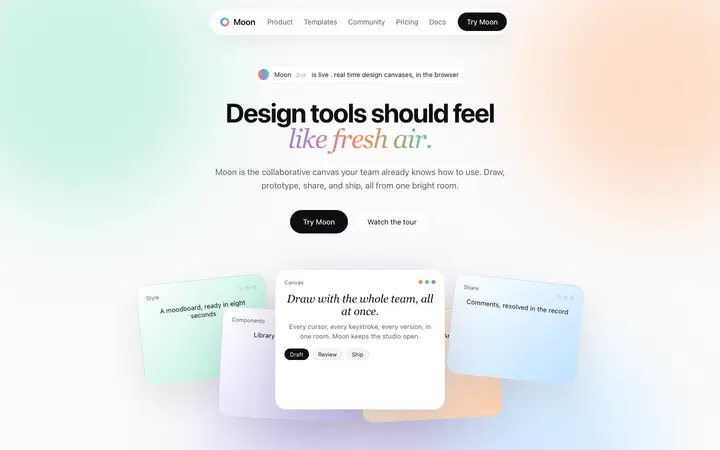
Bolt features templates for AI websites and apps

Real features designs you can copy into Bolt. Bolt turns a pasted template into a full JavaScript app, usually React with Vite, running in the browser. Below: the designs, how to set Bolt up so it keeps the design, and what makes a good features section.

Bolt features templates

82 features design templates for Bolt. Browse the full BrowserMoon library for every template category.

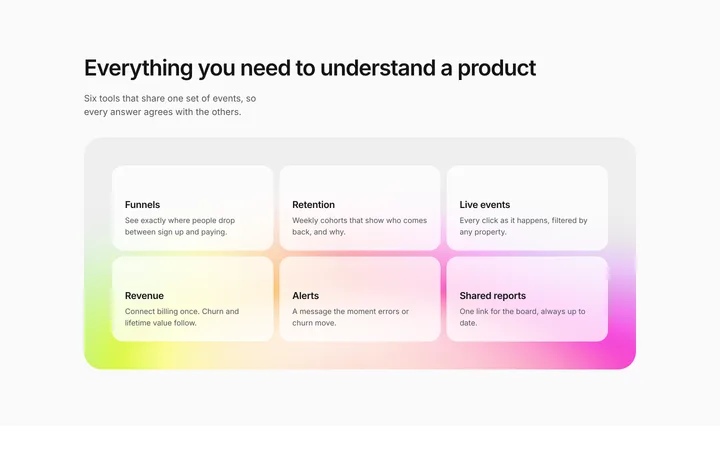
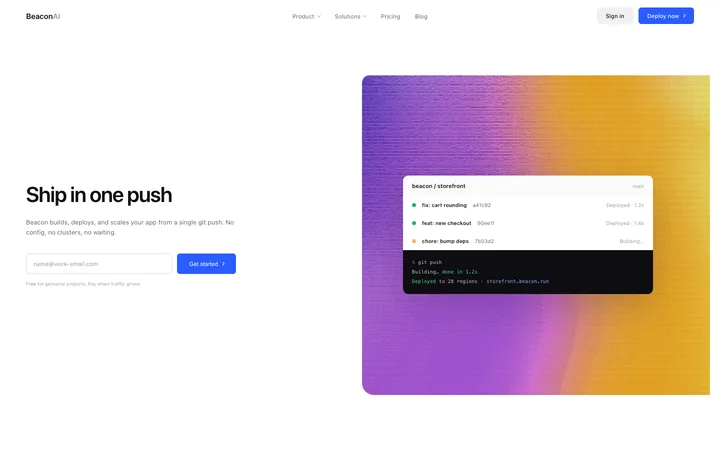
Feature grid template for SaaS landing pages
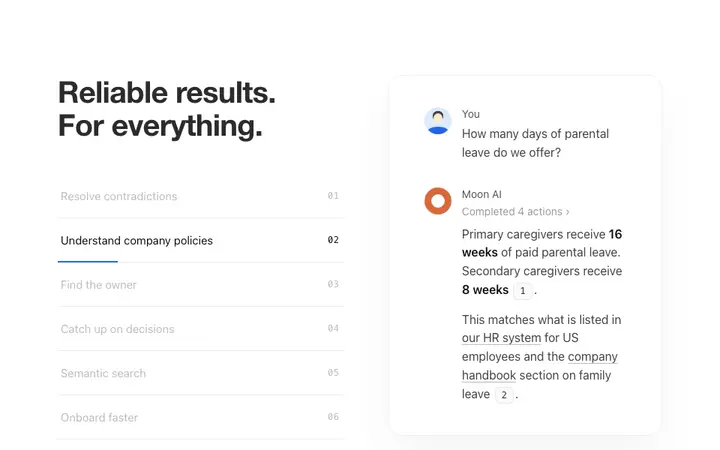
AI feature section template for SaaS
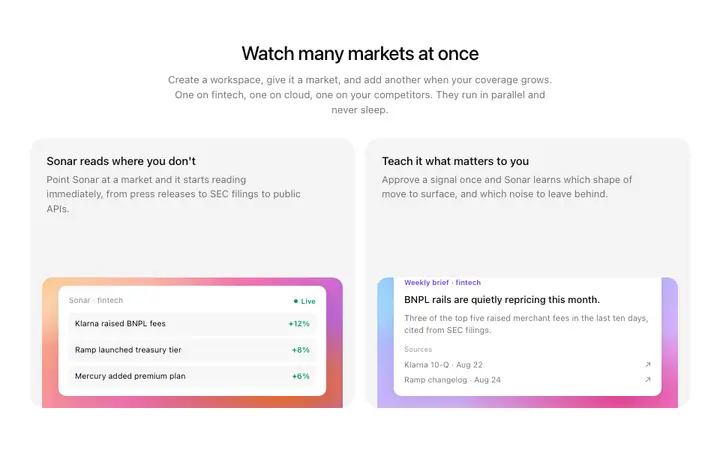
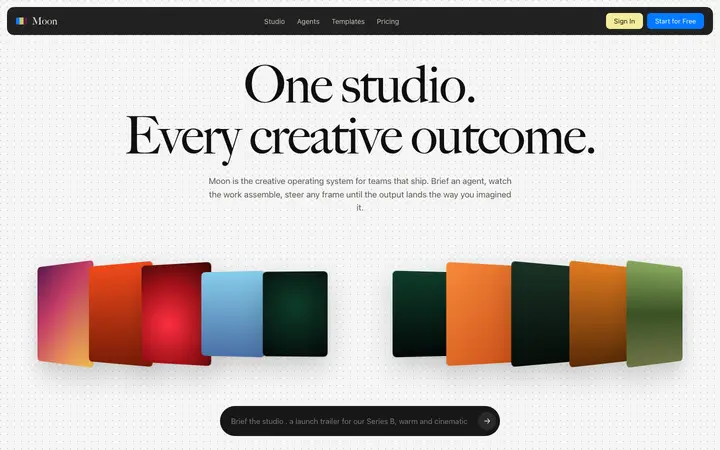
Gradient feature cards template for AI SaaS
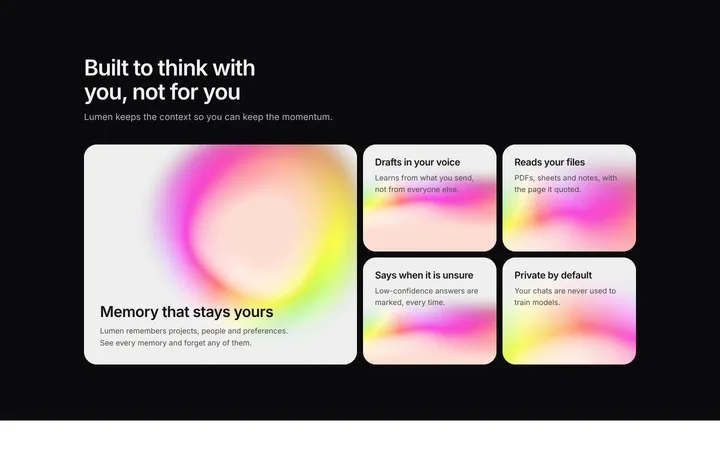
AI features section for SaaS with bento grid
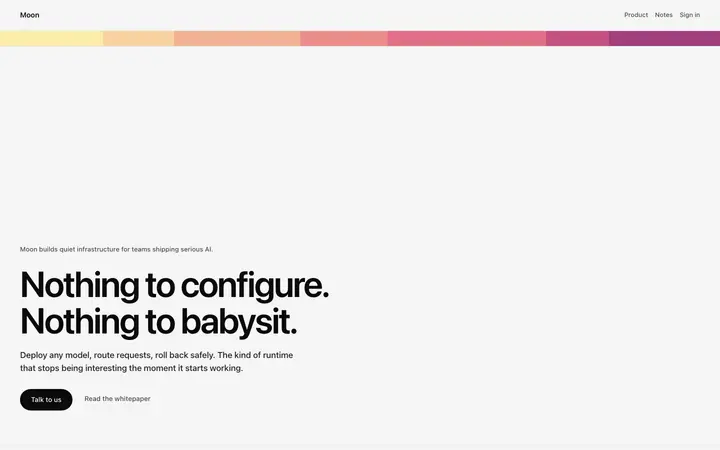
SaaS feature grid section on animated gradient
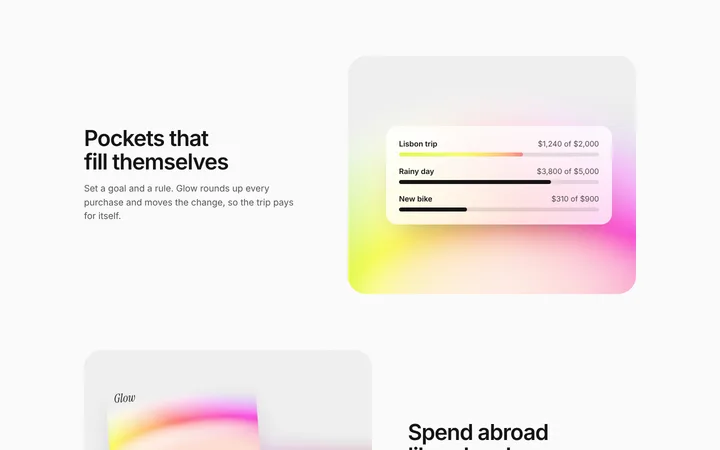
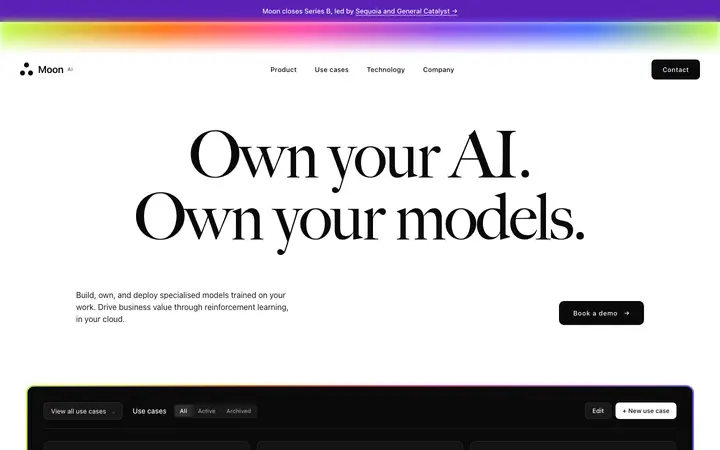
SaaS features section with alternating rows
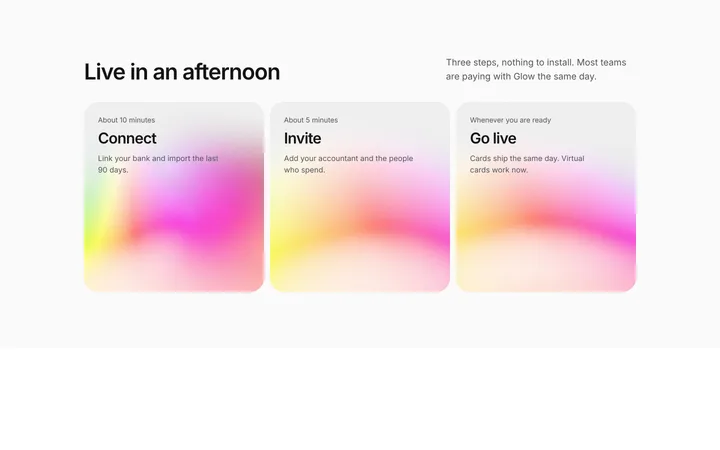
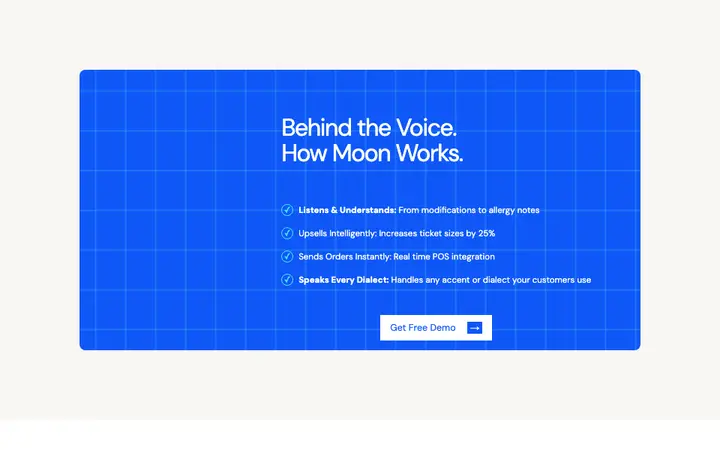
How it works section for SaaS in three steps
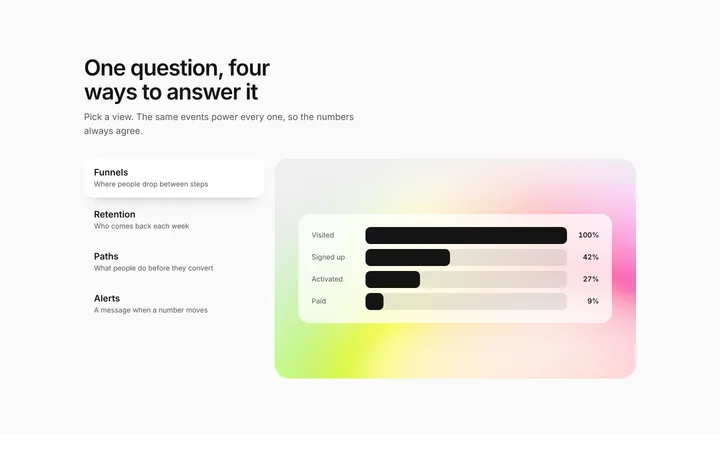
SaaS tabbed features section with chart
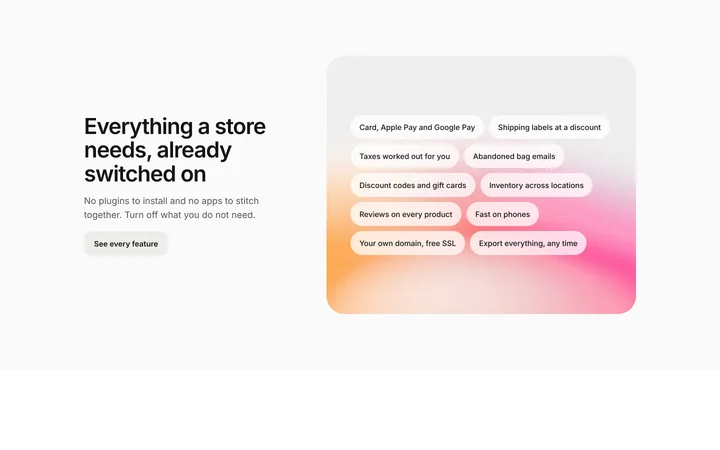
Ecommerce SaaS features section with checklist
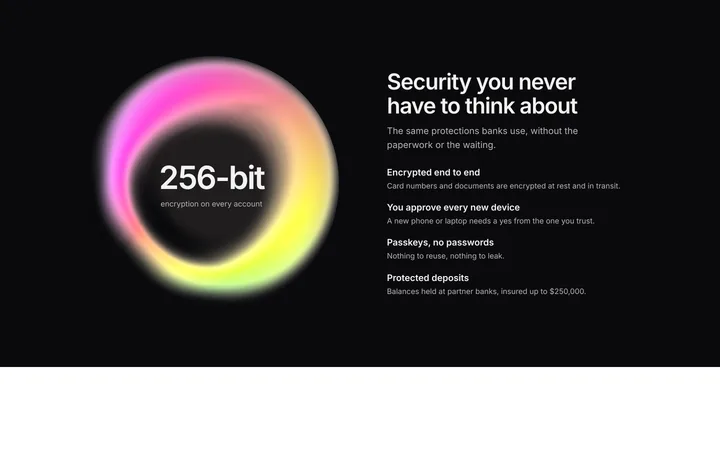
Security features section for SaaS and fintech
Parallax features template for SaaS pages
Features section template for AI SaaS
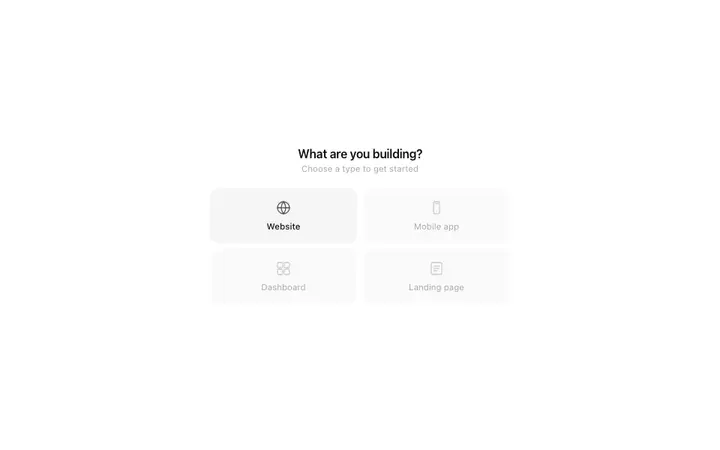
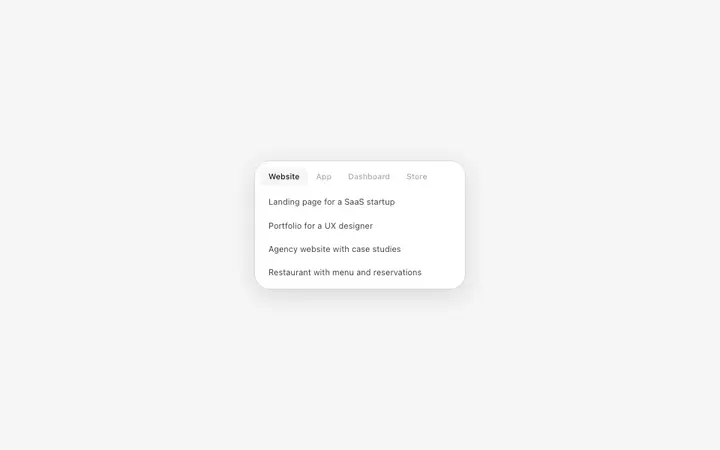
Category selector template for AI SaaS apps
Prompt suggestions template for AI SaaS apps
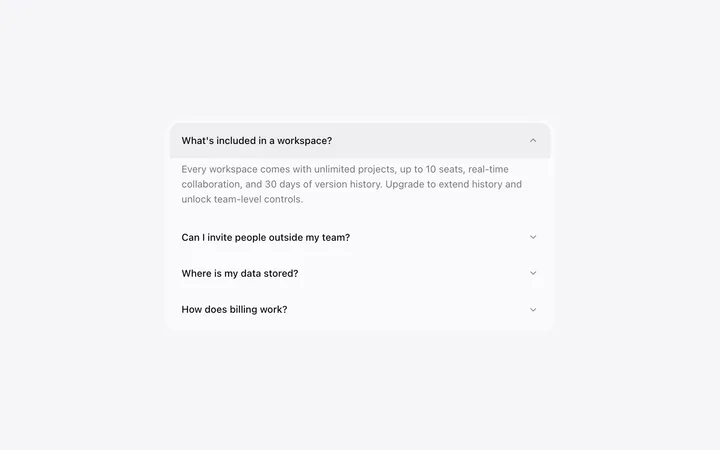
Accordion template in HTML for SaaS FAQ
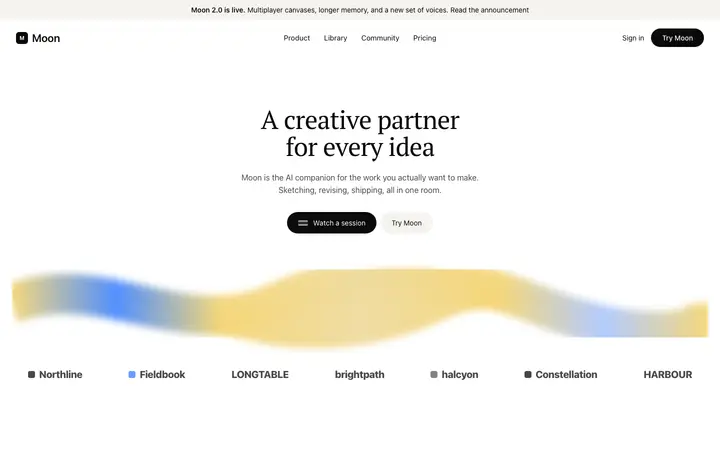
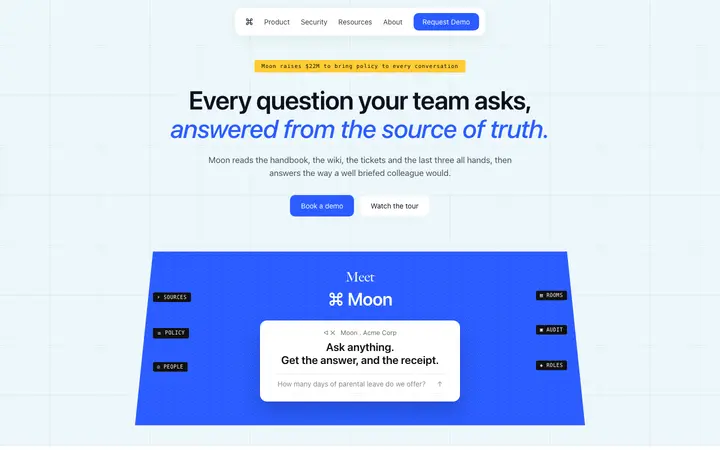
AI chatbot assistant SaaS landing page template
AI assistant SaaS landing page template
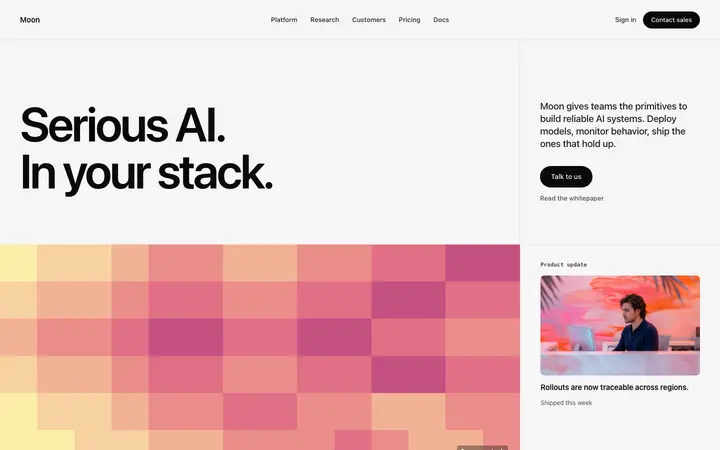
Pixel art AI SaaS landing page template
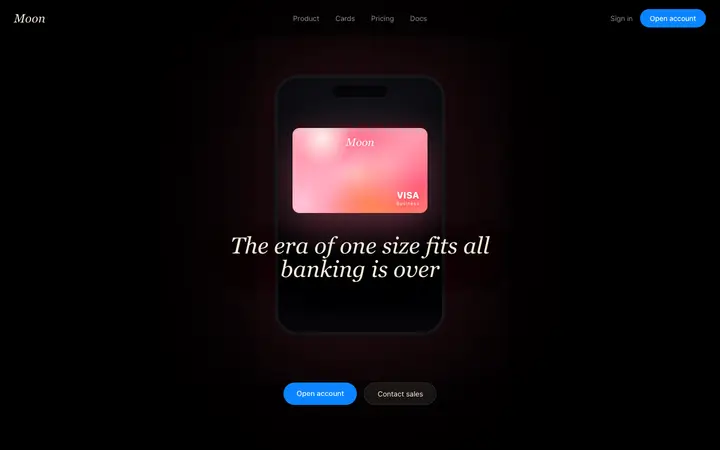
Fintech SaaS banking landing page template
AI search SaaS landing page template
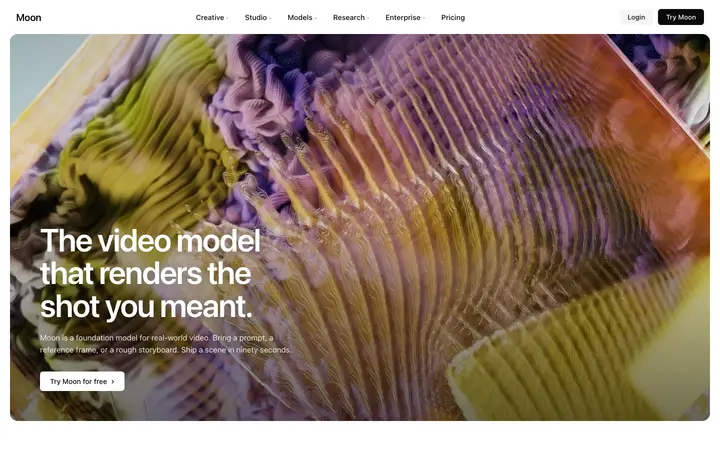
AI video SaaS landing page template
AI content SaaS landing page template
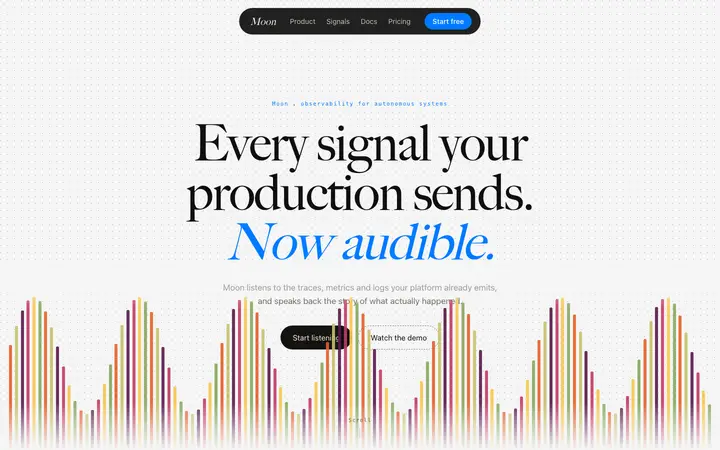
Social listening SaaS landing page template
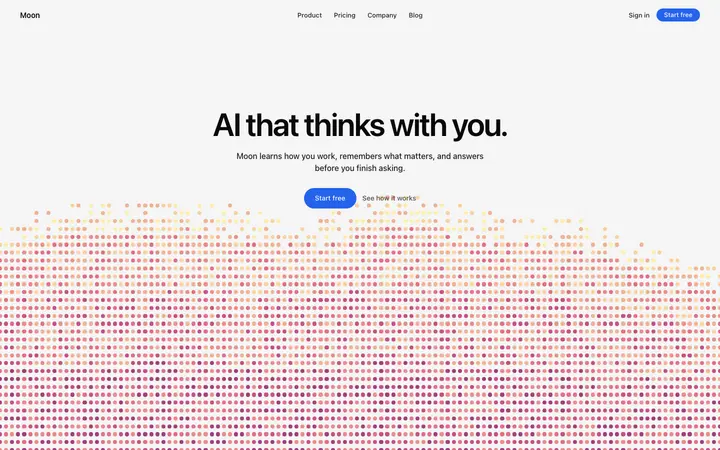
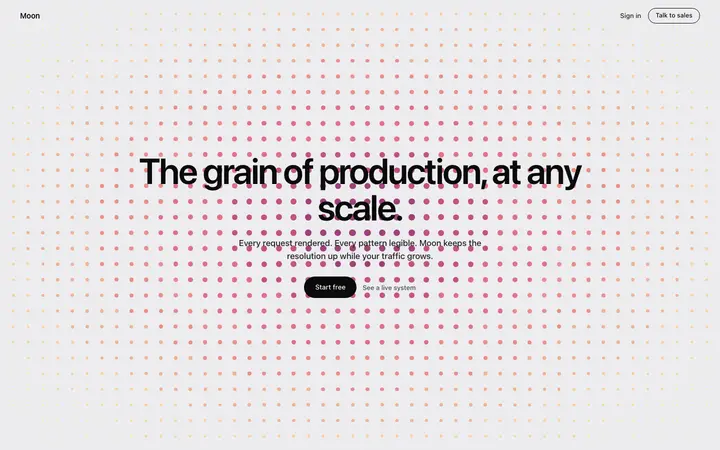
Dot grid SaaS landing page template
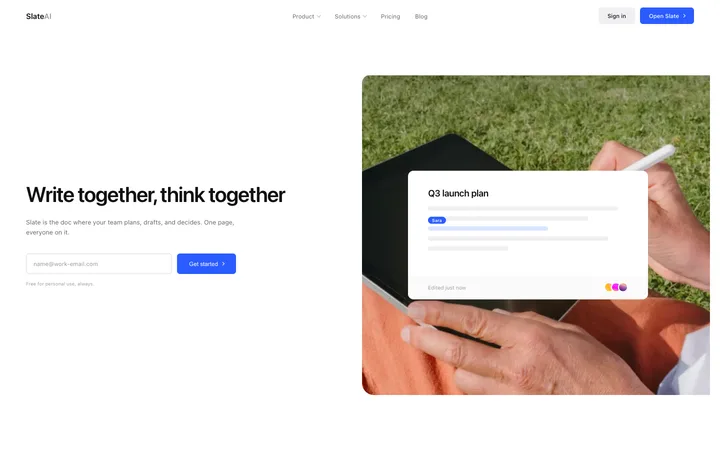
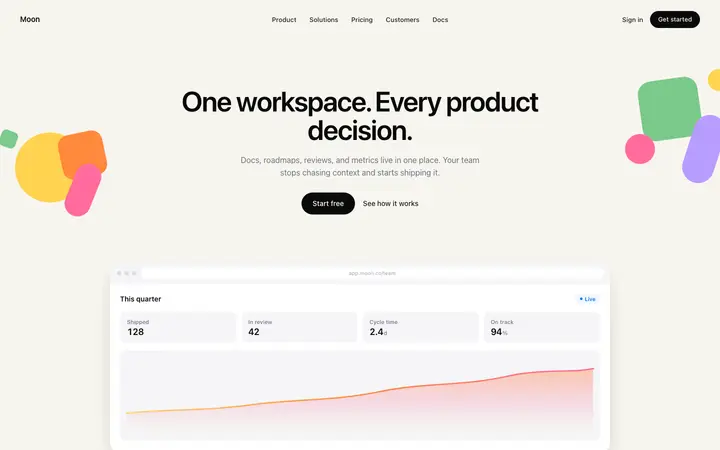
Productivity SaaS landing page for team docs
Text to speech SaaS landing page template
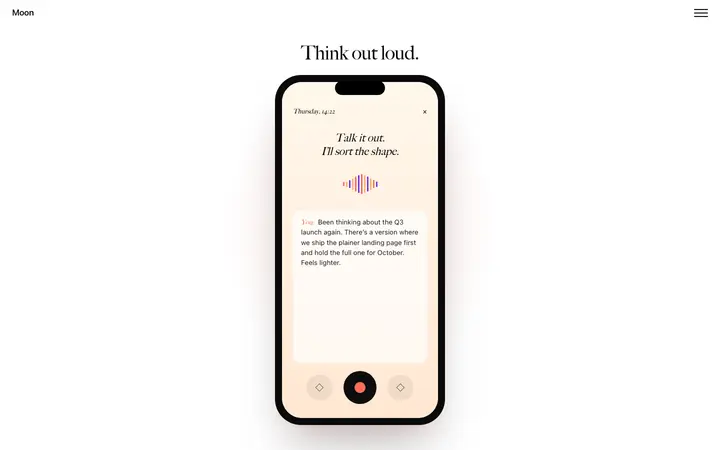
Mobile app SaaS landing page with scroll
Stripe style SaaS landing page template
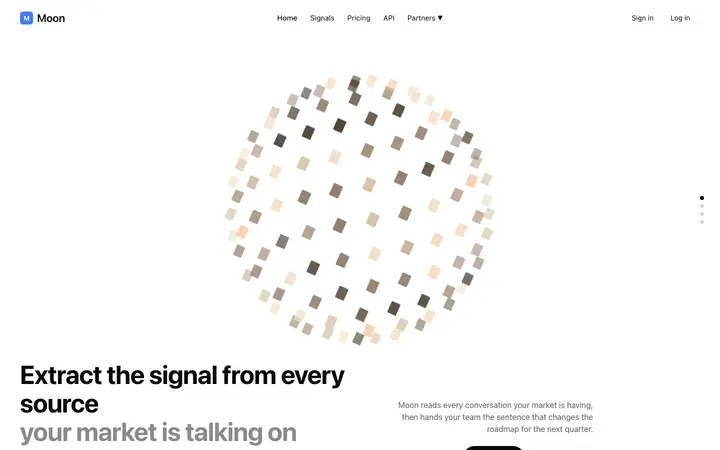
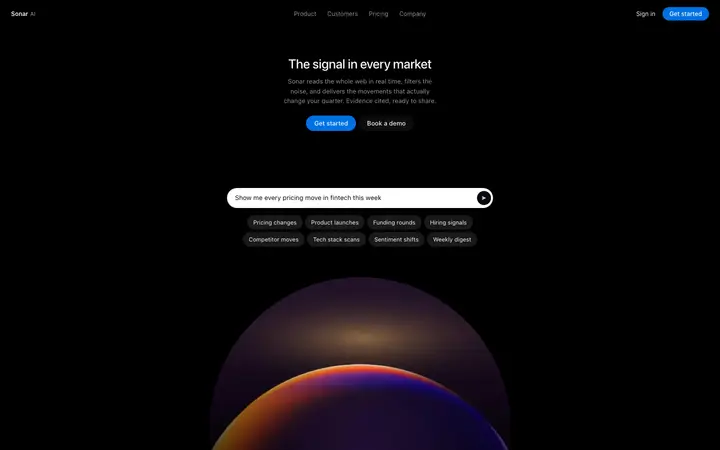
AI market intelligence landing page template for SaaS
Developer tools SaaS landing page for hosting
Parallax SaaS landing page template for AI
Gradient stripe SaaS landing page template
MLOps SaaS landing page template for AI
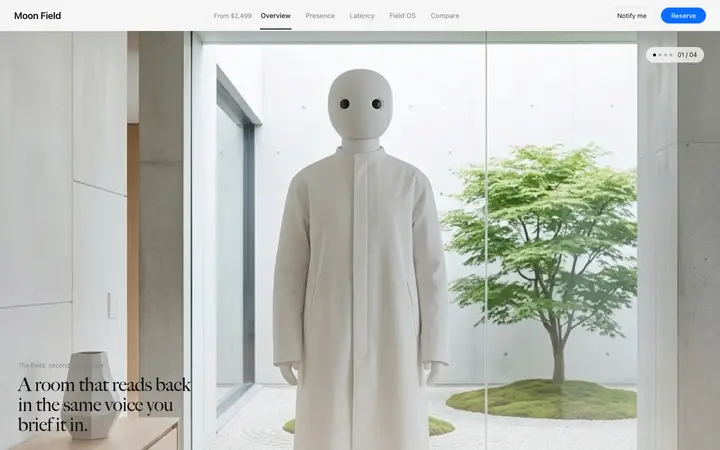
Hardware launch page template for AI devices
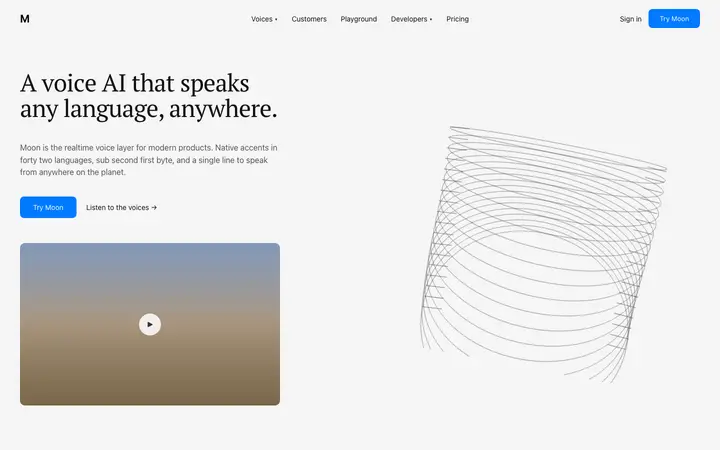
Voice AI landing page template for speech SaaS
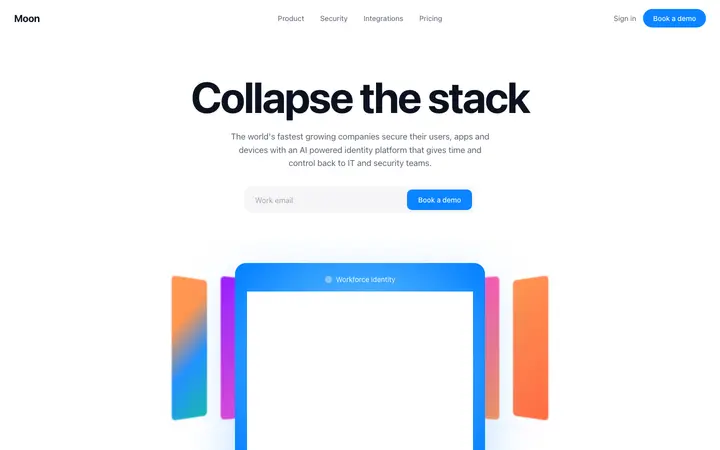
Identity SaaS landing page template
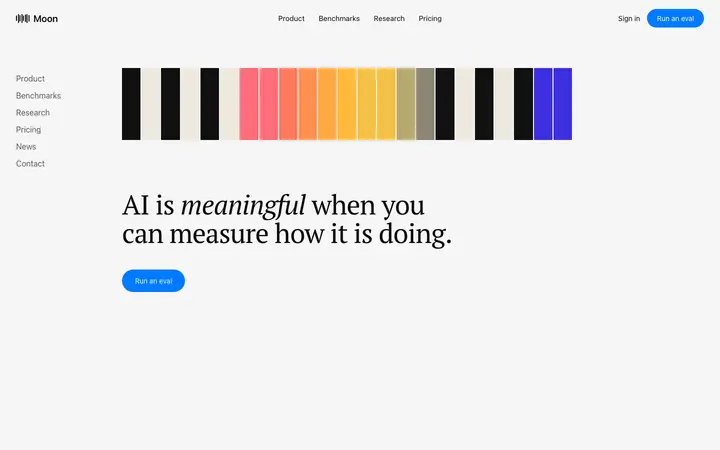
LLM SaaS landing page template for AI tools
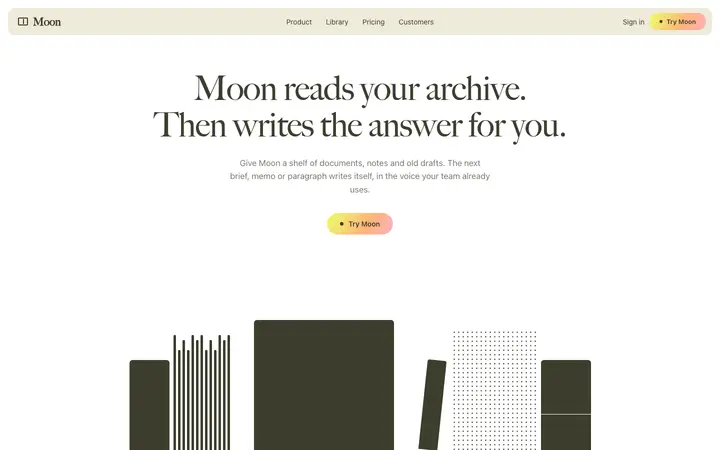
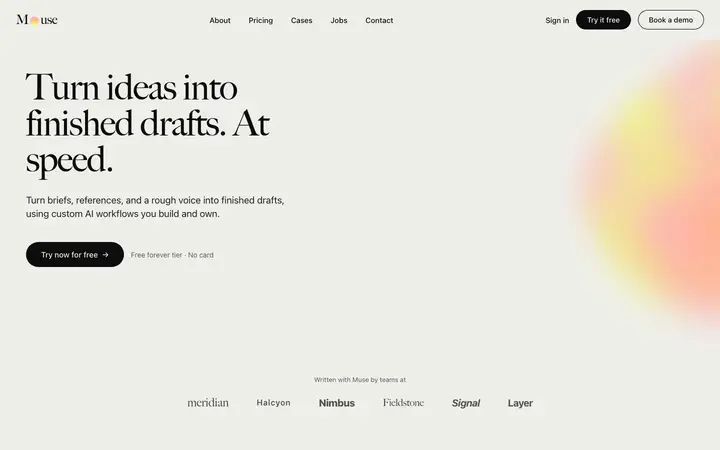
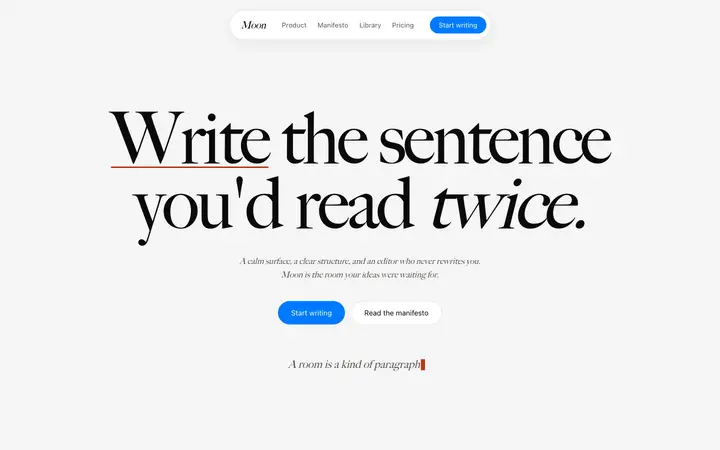
AI writing SaaS landing page template
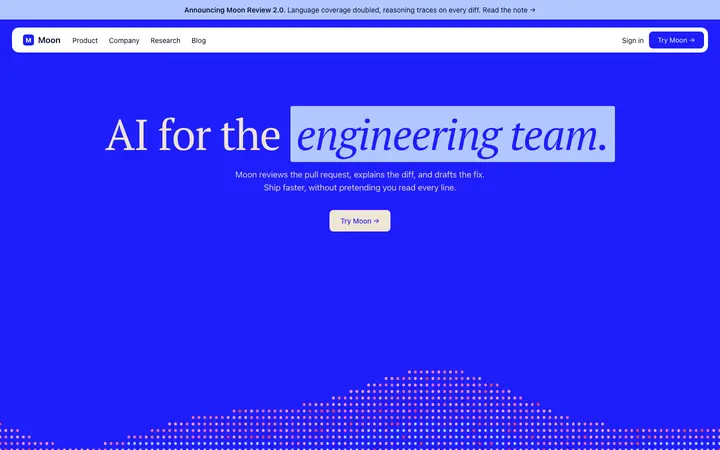
AI code review SaaS landing page template
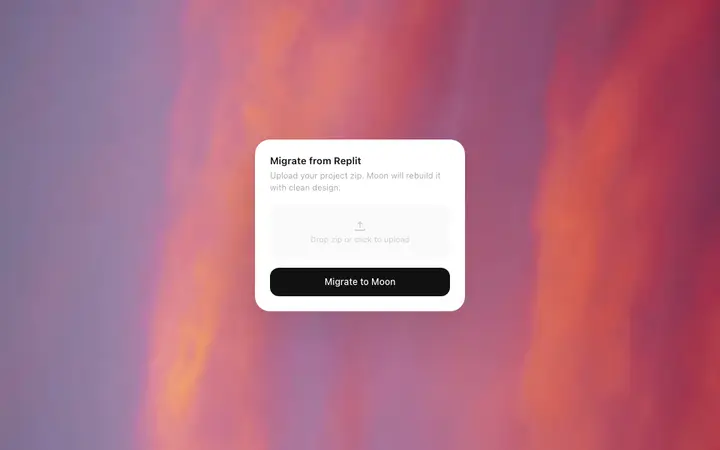
File import modal template for SaaS apps
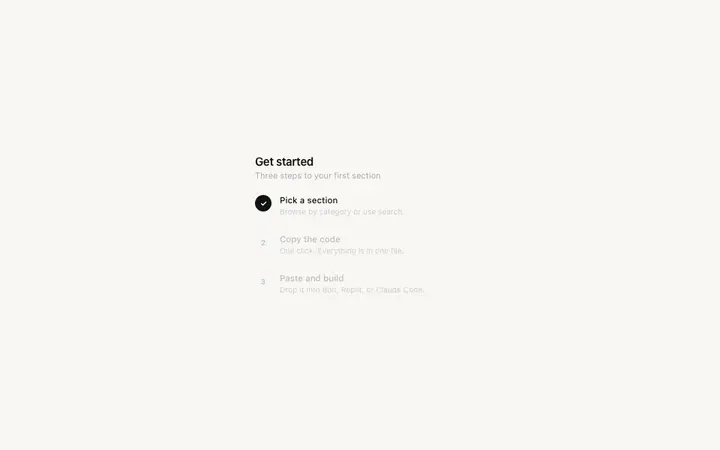
Onboarding checklist template for SaaS apps
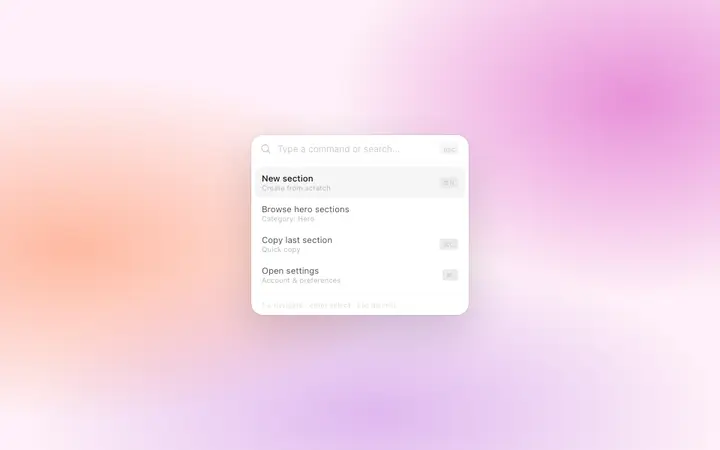
Command palette template for SaaS web apps
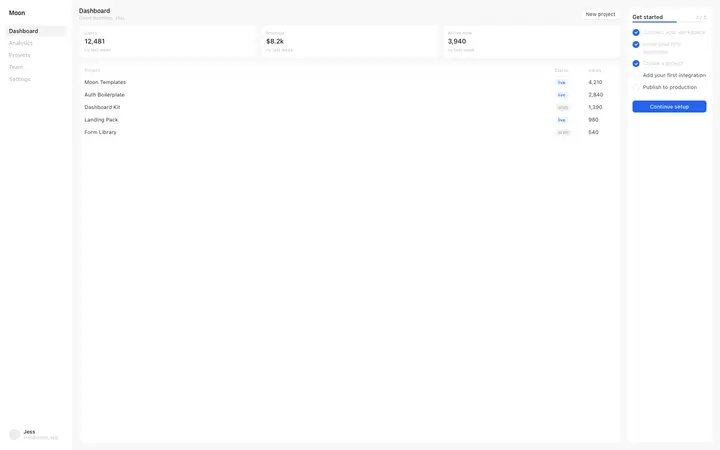
SaaS dashboard template with onboarding
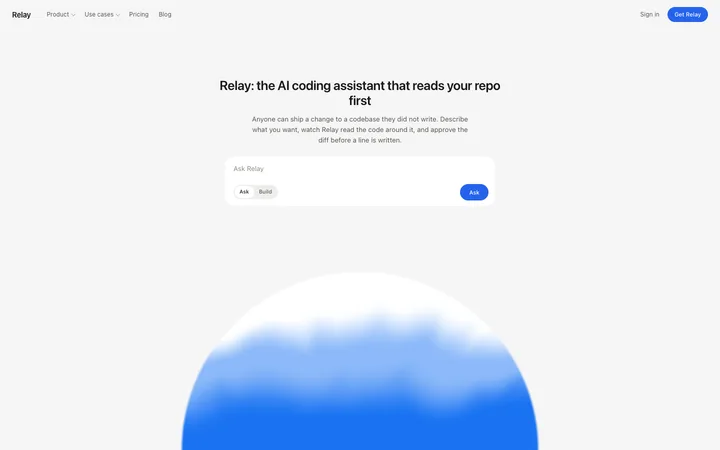
SaaS landing page template for AI coding tools
Enterprise SaaS landing page template for B2B
AI writing SaaS landing page template for teams
Fintech SaaS landing page template
SaaS landing page template for design tools

48 of 82

Browse all templates

How to use features templates with Bolt

1

Pick a design

Choose a features design above and open it to see it live.

2

Copy the template

Copy the template from its page. It is one HTML file with no dependencies.

3

Set up Bolt

Paste the template into your first Bolt prompt as the design to build from, and describe the product in a sentence or two.

4

Prompt, then refine

Paste it and describe your product. Then follow up with: "Use the pasted template as the exact design for this section. Do not change the layout or spacing."

What makes a good features section

Common types: bento grids, alternating rows of text and screenshots, icon grids and tabbed feature sections.

Benefits, not just features

Each block says what the visitor can now do.

Something to look at

A screenshot or small demo per feature makes it real.

Easy to scan

Short headings and two-line descriptions.

Common mistake: Grids of icons with vague one-word labels. Features section design ideas →

Keeping the design in Bolt

Bolt builds and runs a full app in the browser, so it suits fast prototypes and launch pages you want to see working within minutes.

What Bolt builds

A full JavaScript app, usually React with Vite, running in the browser.

Where the design goes

Paste the template into your first Bolt prompt as the design to build from, and describe the product in a sentence or two.

Bolt and features sections

Very long prompts get summarised, so details of a big template can be lost. Paste the template again with your follow-up prompt if it starts to drift.

What to tell it

Keep the grid or bento layout, and write each feature as a benefit in under fifteen words.

A Bolt prompt for this

Pixel SaaS landing page

Bolt SaaS landing page prompt

A full landing page for a SaaS product: hero, logos, features, how it works, pricing, FAQ and a closing call to action.

Template: Pixel SaaS landing page

“Build a landing page for [product name], a SaaS product that helps [audience] [main outcome]…”

Full Bolt prompt with a licence

More in Bolt prompts.

Not sure which features design fits?

Ask Mon, the AI design assistant, describe your product and Mon suggests the features design and how to prompt Bolt with it.

Ask Mon

Frequently asked questions

How do I use a features template in Bolt?

Paste the template code into your Bolt prompt at bolt.new and describe what your product does. Paste the template into your first Bolt prompt as the design to build from, and describe the product in a sentence or two.

What does Bolt turn the template into?

A full JavaScript app, usually React with Vite, running in the browser.

How do I stop Bolt changing the design?

Very long prompts get summarised, so details of a big template can be lost. A follow-up prompt that helps: "Use the pasted template as the exact design for this section. Do not change the layout or spacing."

What makes a good features section?

Benefits, not just features: each block says what the visitor can now do. Something to look at: a screenshot or small demo per feature makes it real. Easy to scan: short headings and two-line descriptions.

Any Bolt tips for features sections?

Very long prompts get summarised, so details of a big template can be lost. Paste the template again with your follow-up prompt if it starts to drift.

More Bolt template categories

Bolt promptsCopy-paste Bolt prompts for landing pages, dashboards, pricing, login and AI apps, written to use with these templates.

Features templates for other tools