Lovable builds full-stack React apps from plain language. You describe what you want, Lovable writes the code, and the result deploys with one click. You do not need to know React, JavaScript, or CSS. Lovable handles the stack.
What Lovable does not handle, by default, is making the result look designed. The default Lovable output uses the same safe choices for every project: basic card layouts, system-default button styles, predictable spacing, and generic hero text centred on a white background. Every Lovable app that starts from a blank prompt looks similar. That is not a quality issue. It is a design input issue. Lovable builds what you describe, and most prompts describe the function without describing the look.
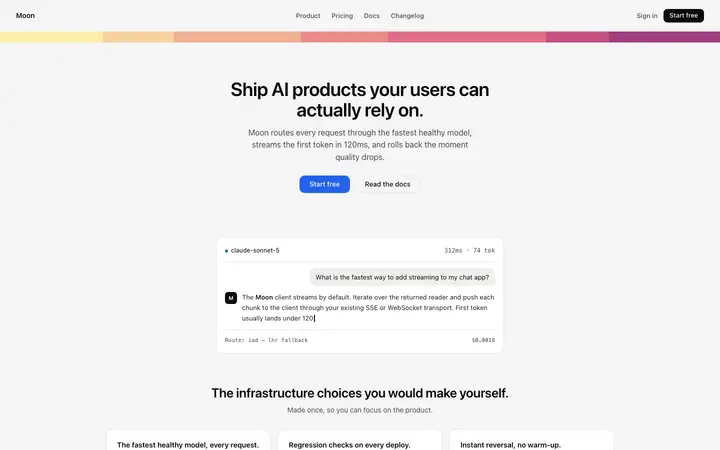
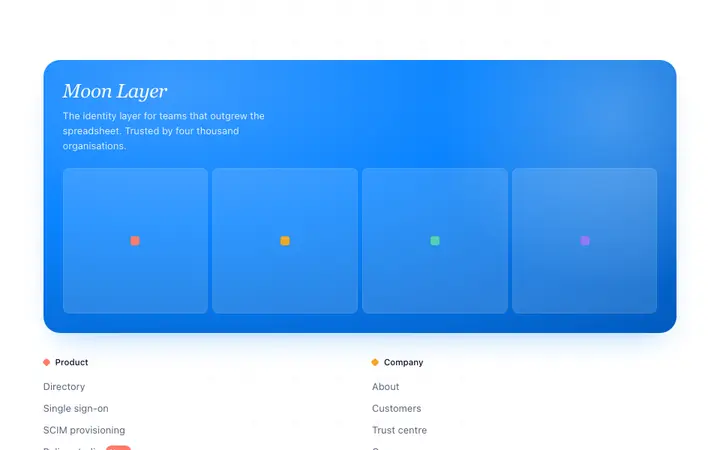
A BrowserMoon vibe coding template gives Lovable a professional design to build around. Copy a template, paste it into your Lovable prompt, and the typography, the colour palette, the spacing, and the responsive layout are all defined before the first build.
Building a Lovable app with a Moon vibe coding template
Start a new Lovable project and paste the BrowserMoon template into your initial prompt alongside the app description. Separate the design from the function:
Build a project management app for small design teams.
Design: use the hero template below as the homepage. Keep all the design values unchanged: the fonts, the gradient, the spacing, the button style. Replace the headline with "Track every project, from brief to delivery."
App: add user authentication with email and password. Add a dashboard page that shows a list of active projects as cards. Each card shows the project name, the deadline, and a progress bar. Add a simple task list inside each project.
[paste Moon template here]
Lovable generates the homepage with the template design and builds the authentication, dashboard, and task list around it. The result is a React app or website with a professional landing page and a functional backend.
Preserving your Moon template design in Lovable across edits
The most common problem in Lovable is the design drifting after a few follow-up prompts. Each edit gives Lovable a chance to "improve" the styles, which usually means reverting to defaults.
Prevent this with one phrase in every follow-up prompt: "Keep the existing design exactly as it is."
If the design has already drifted, send a correction prompt: "Restore the homepage hero to match the original template design. The headline should be 48px, the background should use the gradient from the original, and the button should be the same size and colour as the first version."
Adding BrowserMoon templates to an existing Lovable app
For a Lovable project that already has pages and logic, copy a BrowserMoon template and send it with a scoped instruction:
"Replace the current pricing page with this template. Keep all existing routes, authentication, and database logic. Only update the pricing page design."
Lovable swaps the component and leaves the rest of the app or website unchanged.
Best BrowserMoon templates for Lovable app projects
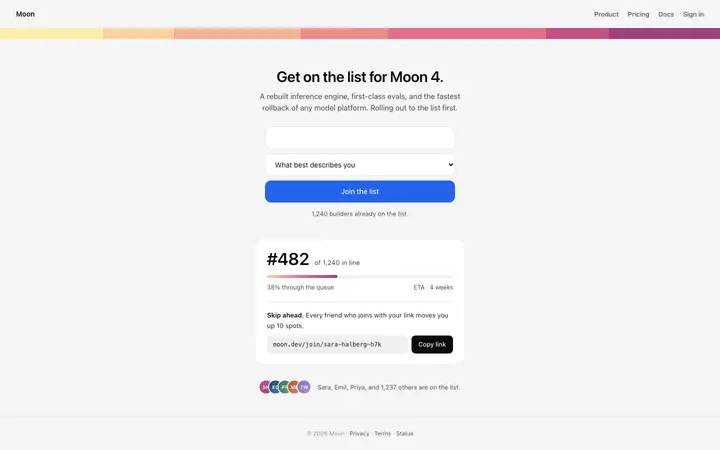
For builders who use Lovable, the highest-value templates are the ones with the most design detail already built in. The Stripe style SaaS landing page template includes a hero, a feature card grid, social proof, and a CTA with modern typography and spacing. Paste it into Lovable and build an entire SaaS app or website around it.
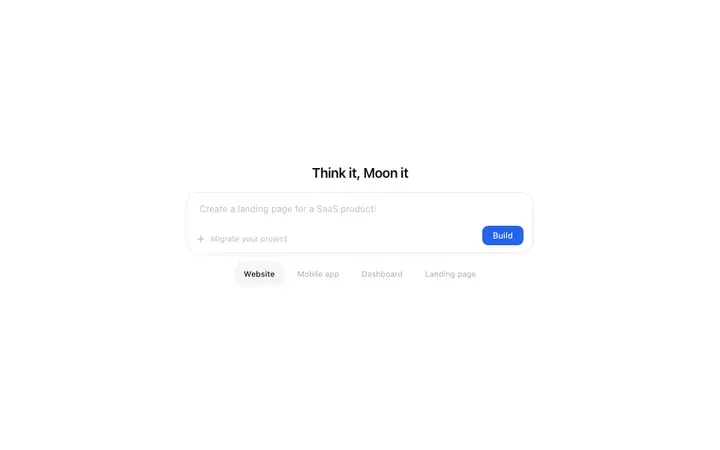
For a simpler start, a hero template like the Dot grid SaaS landing page template or the Carousel hero template for SaaS product pages sets the visual tone for the entire app.