Claude Code hero templates for AI websites and apps

Real hero designs you can copy into Claude Code. Claude Code turns a pasted template into code in whatever stack your project already uses, from plain HTML to Next.js or SvelteKit. Below: the designs, how to set Claude Code up so it keeps the design, and what makes a good hero section.

Claude Code hero templates

215 hero design templates for Claude Code. Browse the full BrowserMoon library for every template category.

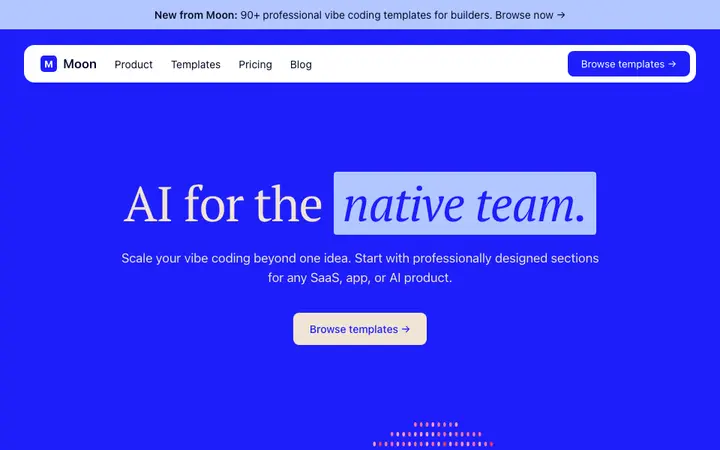
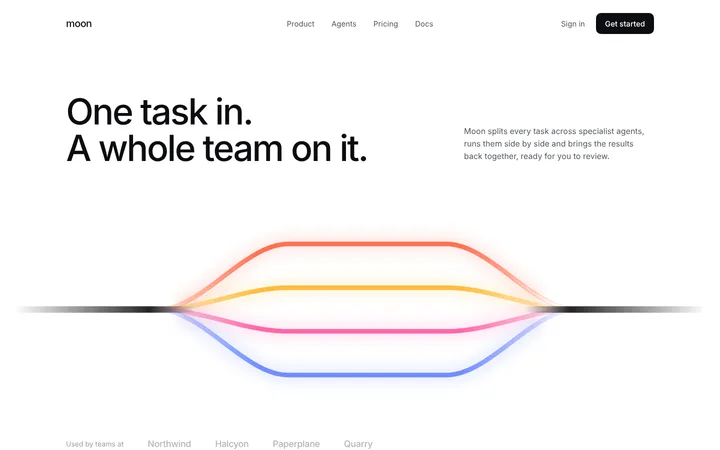
AI agent workflow hero section template
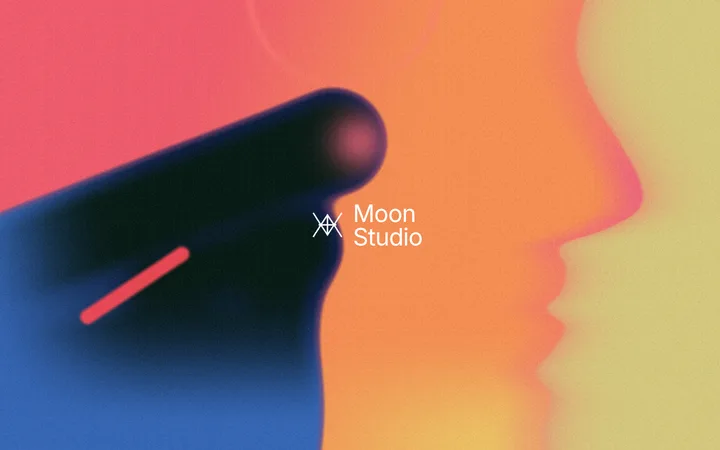
Animated gradient hero section with a centred logo
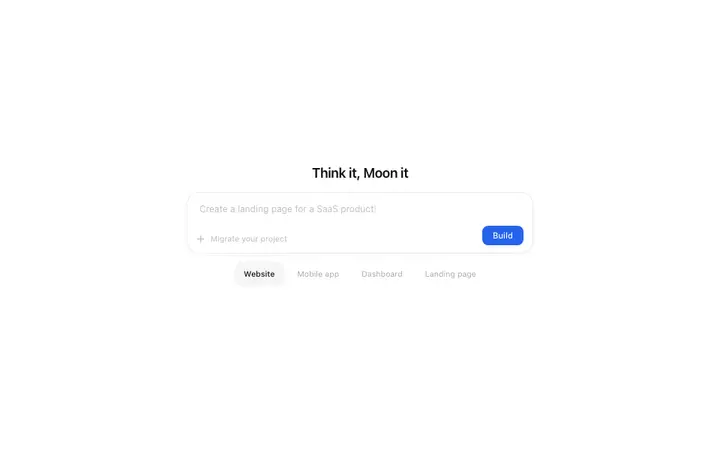
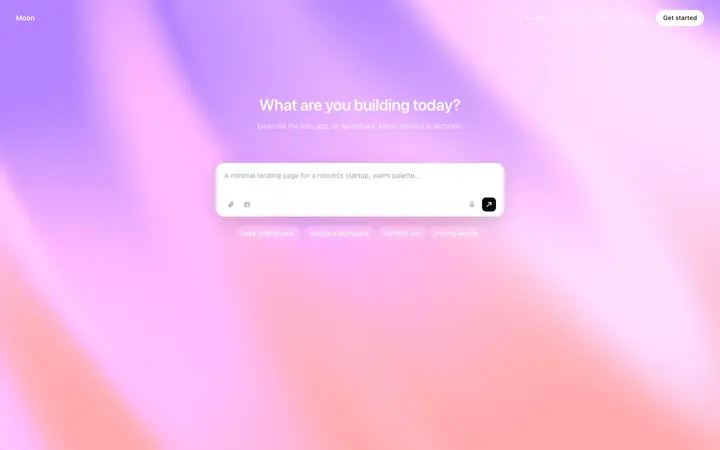
Animated AI prompt hero template for SaaS
Dark gradient hero template for AI SaaS
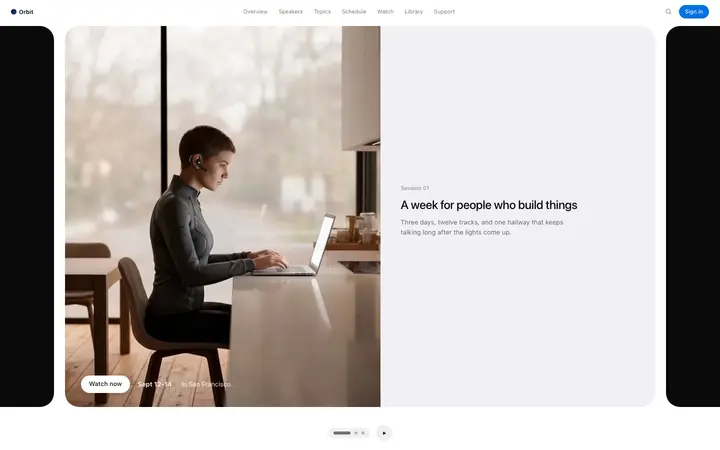
Carousel hero template for SaaS product pages
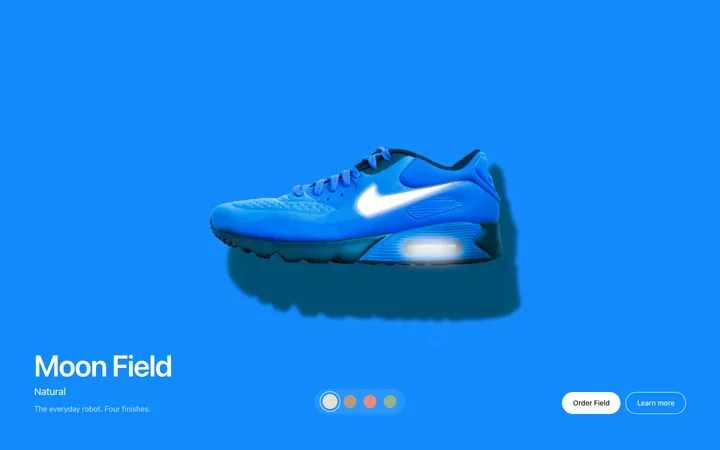
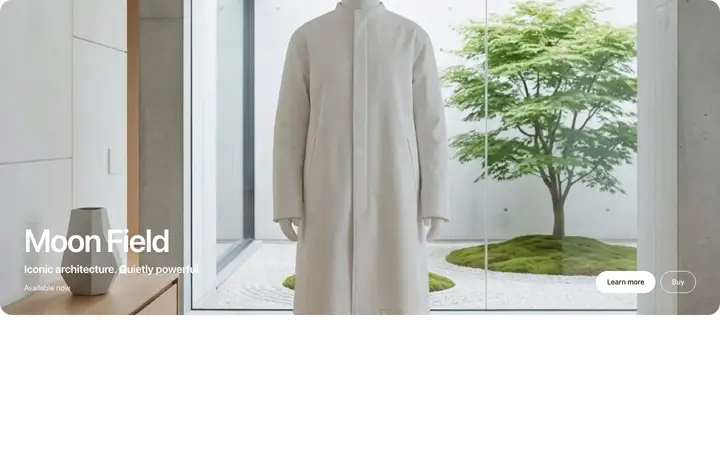
Product finish hero template for fashion
Parallax storytelling hero for SaaS and brands
Brand story parallax hero template for apparel brands
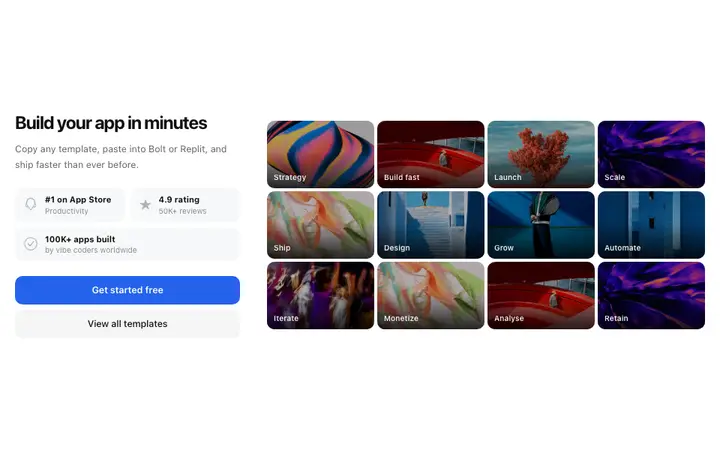
Photo grid hero template for SaaS and agency sites
Global hero template for API SaaS platforms
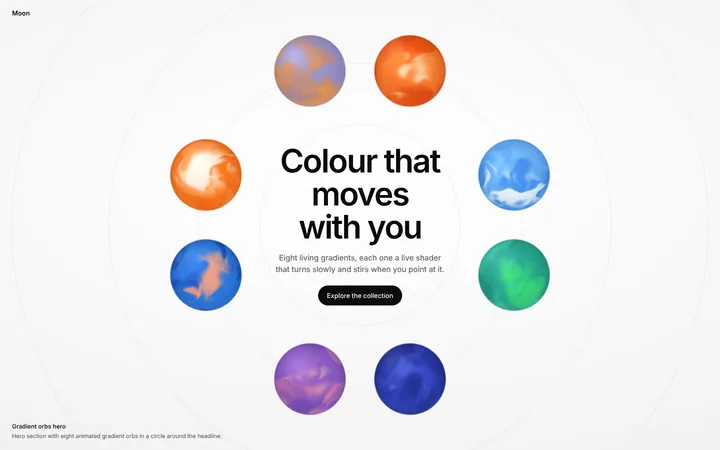
Hero section with animated gradient orbs
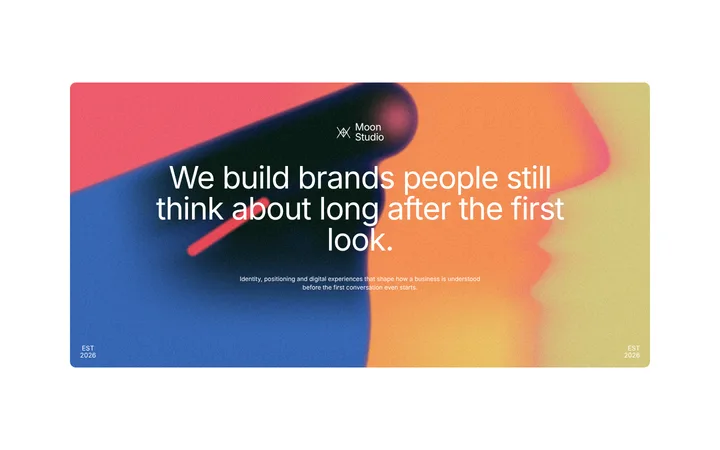
Gradient hero section with a big headline card
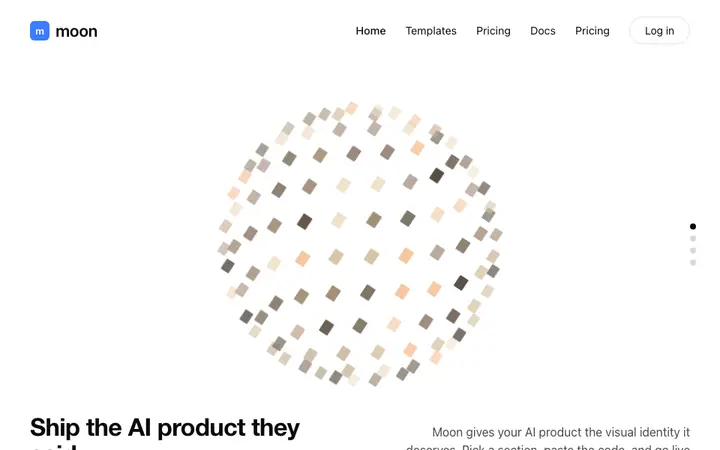
AI SaaS thinking orb hero section template
Hero template for AI content SaaS platforms
Animated text hero template for SaaS websites
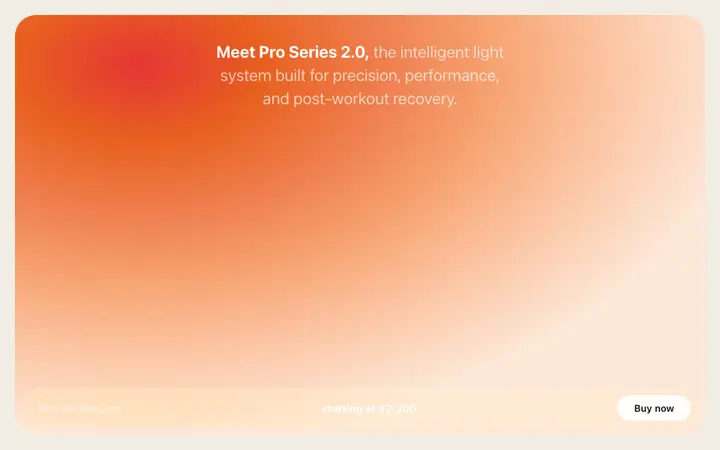
Warm gradient hero template for creative SaaS
Image carousel hero template for SaaS websites
Photo hero template for SaaS and agency sites
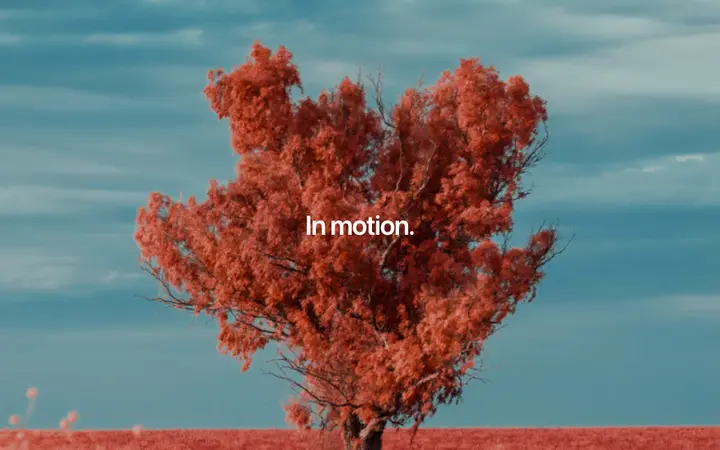
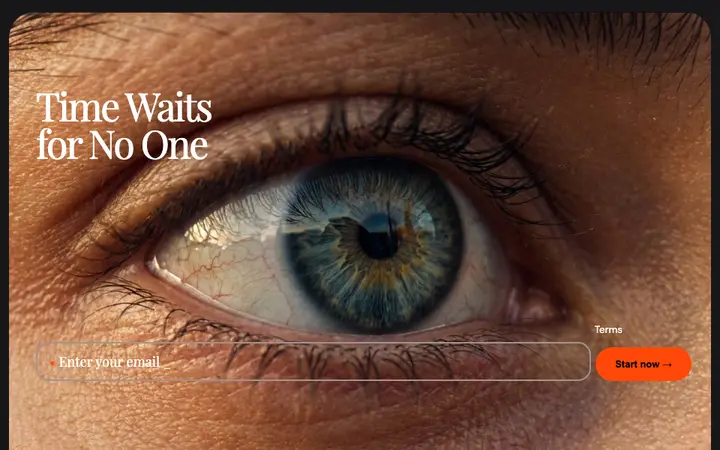
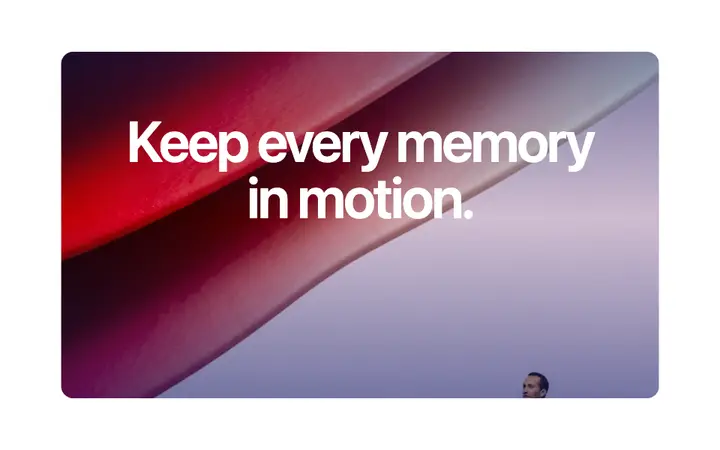
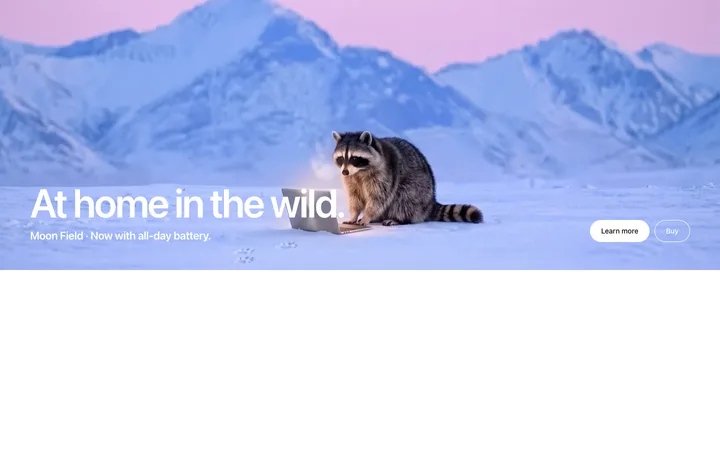
Cinematic photo hero for SaaS and brand sites
Hero slider template for SaaS websites
AI prompt hero template for SaaS landing pages
SaaS hero template with social proof
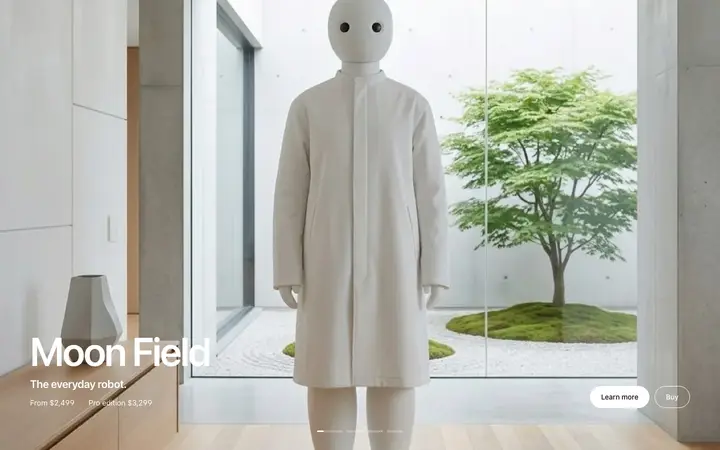
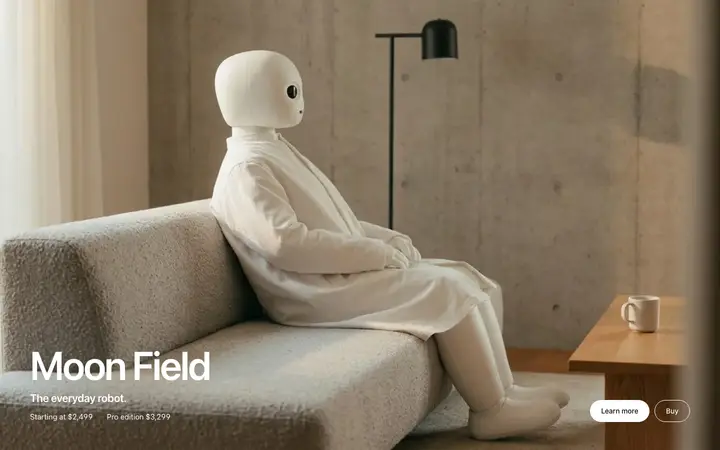
Product launch hero template for SaaS and hardware
Fashion hero template for lifestyle brands
Beauty brand hero template with email signup
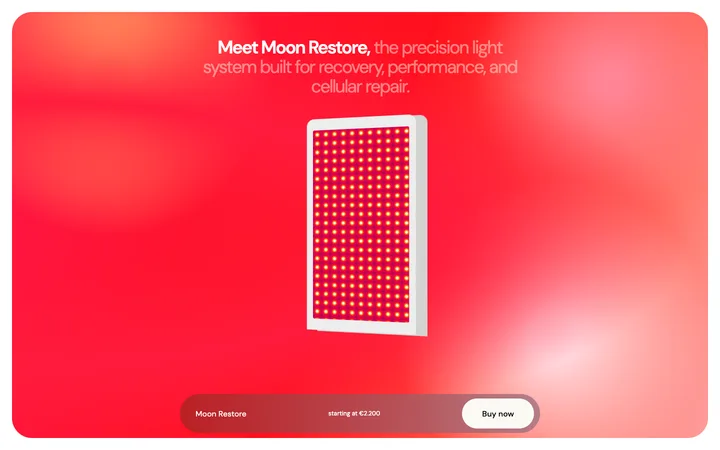
Wellness device hero template for health tech
Parallax reveal hero template for SaaS sites
Parallax hero template for AI image SaaS
Startup hero template for SaaS waitlist pages
AI platform hero template for SaaS products
AI agent hero template for developer SaaS
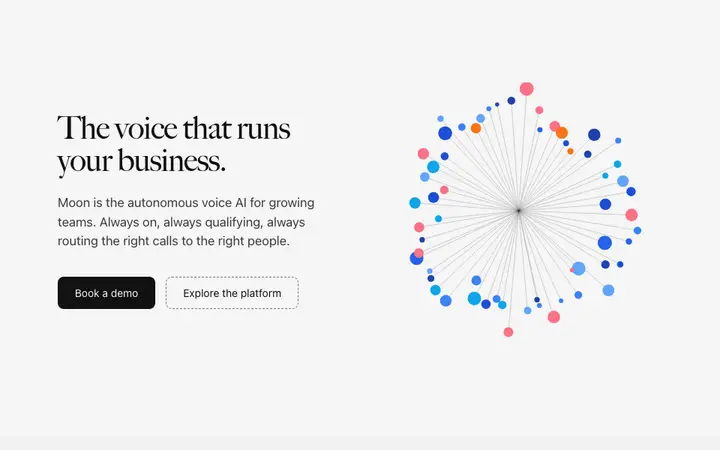
Voice AI hero template for speech SaaS
Fintech SaaS hero template for banking
Launch hero template with pricing for SaaS
SaaS hero template with free trial CTA
Parallax features hero template for SaaS pages
Parallax pan hero template for product pages
AI launch hero template for research SaaS
Sidebar hero template for SaaS products
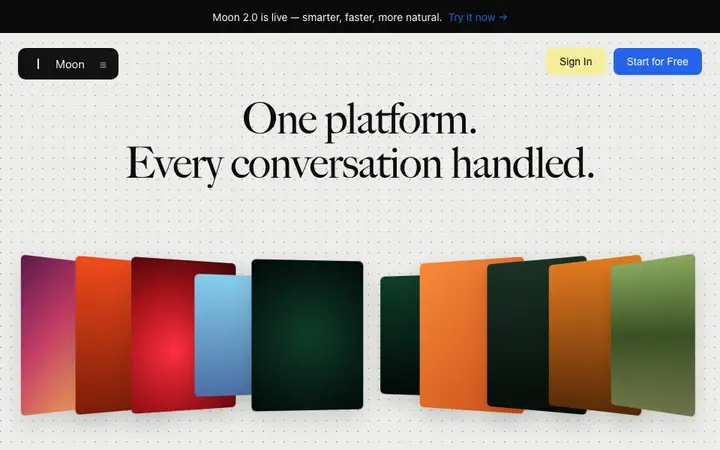
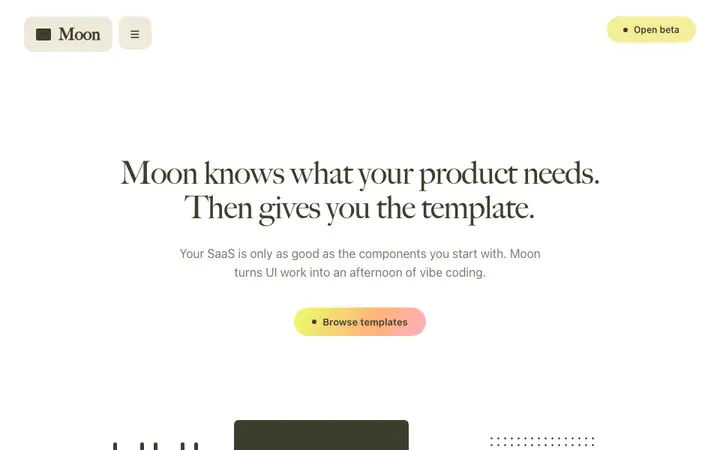
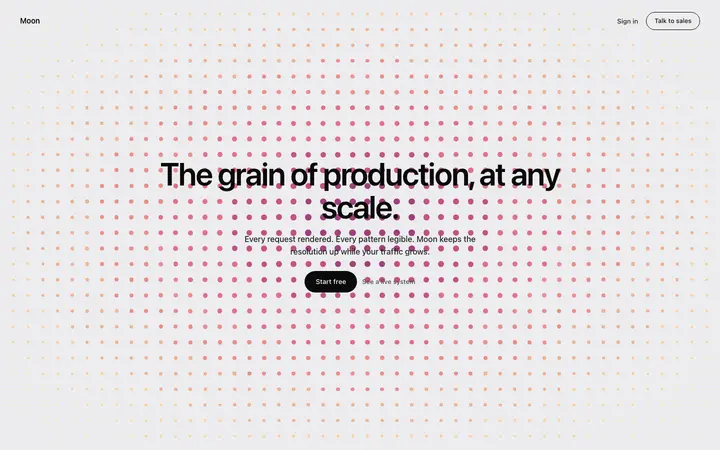
Dot grid hero template for SaaS products
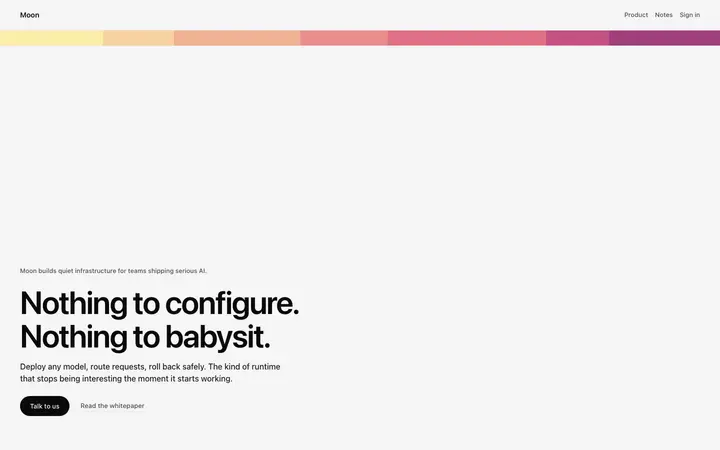
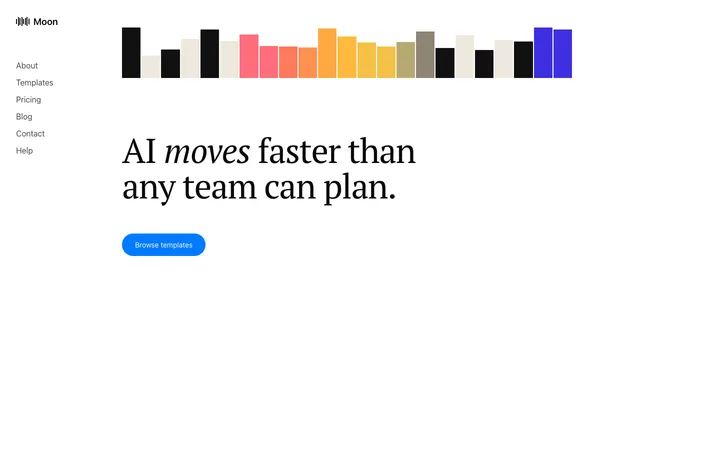
Gradient stripe hero template for SaaS
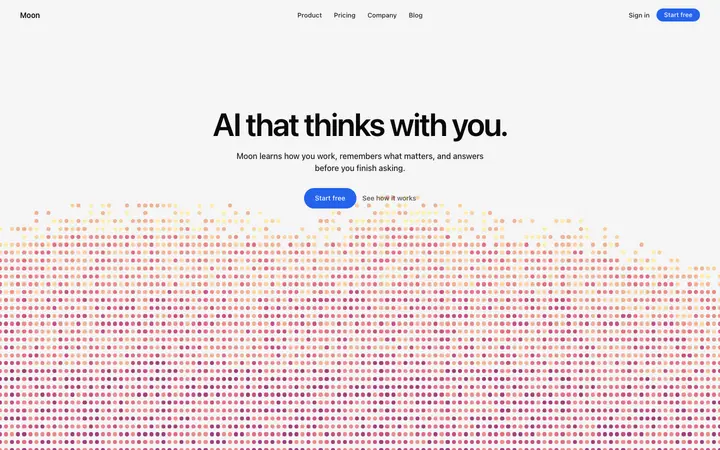
AI assistant hero template for AI SaaS apps
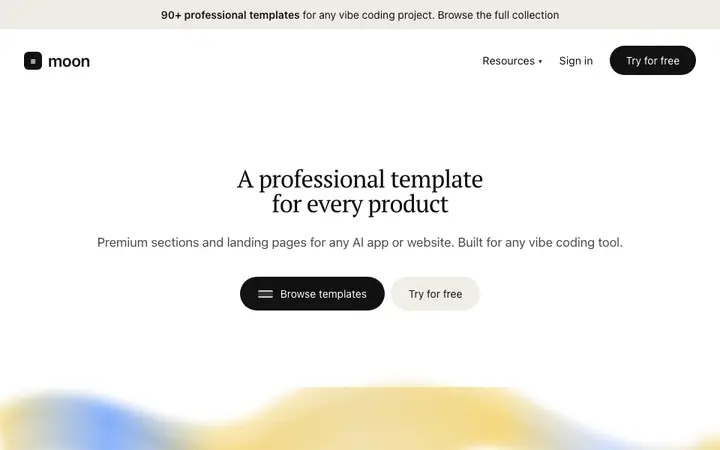
White hero template for AI SaaS product launches
Bold hero template for AI SaaS developer tools
Split screen hero carousel template for SaaS and AI
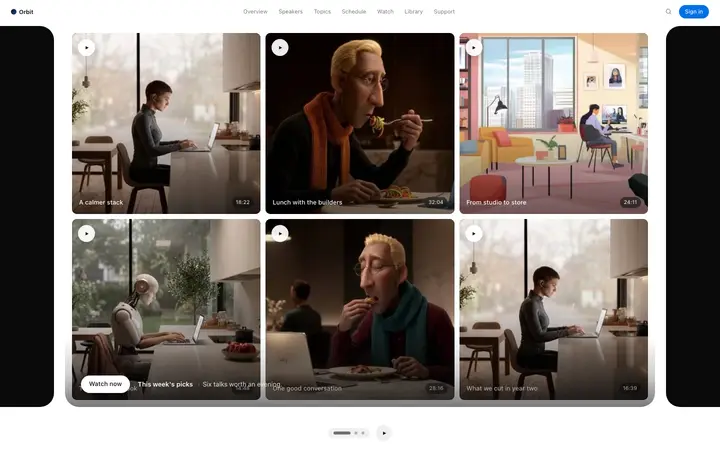
Video carousel template for courses and SaaS
Lifestyle photo hero template for SaaS sites
Dark hero template for SaaS and products

48 of 215

Browse all templates

How to use hero templates with Claude Code

1

Pick a design

Choose a hero design above and open it to see it live.

2

Copy the template

Copy the template from its page. It is one HTML file with no dependencies.

3

Set up Claude Code

Save the template in your repo, for example as design/template.html, and point to it from CLAUDE.md so Claude Code reads it at the start of every session.

4

Prompt, then refine

Paste it and describe your product. Then follow up with: "Rebuild this section in our stack using design/template.html. Keep its spacing, type sizes and colours exactly; change only the text."

What makes a good hero section

Common types: split heroes with text beside a product image, centred heroes over a background, video or animated heroes, and prompt-first heroes with an input box.

Says the result in one line

The headline tells visitors what they get, not what the product is called.

One main button

A single filled call to action, with a quieter second option at most.

Shows the product

A real screen, demo or image beats an abstract illustration.

Common mistake: Vague headlines like "The future of work" that could belong to any product. Hero section design ideas →

Keeping the design in Claude Code

Claude Code works in your terminal on a real codebase, so it suits developers who want the design built into an existing project and kept consistent across many sessions.

What Claude Code builds

Code in whatever stack your project already uses, from plain HTML to Next.js or SvelteKit.

Where the design goes

Save the template in your repo, for example as design/template.html, and point to it from CLAUDE.md so Claude Code reads it at the start of every session.

Claude Code and hero sections

Keep the template file in your repo, so later sessions can compare the hero with the original when you change it.
What to tell it

Write the headline as the result for the visitor, keep one primary button, and keep the hero visual at the same size and position.

Set it up once with our CLAUDE.md design template.

A Claude Code prompt for this

Dark gradient hero

Claude Code hero section prompt

A hero section that explains the product in one line and gets the click, with a product visual and social proof.

Template: Dark gradient hero

“Build the hero section for [product name], which helps [audience] [main outcome]…”

Full Claude Code prompt with a licence

More in Claude Code prompts.

Not sure which hero design fits?

Ask Mon, the AI design assistant, describe your product and Mon suggests the hero design and how to prompt Claude Code with it.

Ask Mon

Frequently asked questions

How do I use a hero template in Claude Code?

Paste the template code into your Claude Code session and tell it what to build around the design. Save the template in your repo, for example as design/template.html, and point to it from CLAUDE.md so Claude Code reads it at the start of every session.

What does Claude Code turn the template into?

Code in whatever stack your project already uses, from plain HTML to Next.js or SvelteKit.

How do I stop Claude Code changing the design?

Without a rule in CLAUDE.md, later sessions drift back to generic spacing and colours. A follow-up prompt that helps: "Rebuild this section in our stack using design/template.html. Keep its spacing, type sizes and colours exactly; change only the text."

What makes a good hero section?

Says the result in one line: the headline tells visitors what they get, not what the product is called. One main button: a single filled call to action, with a quieter second option at most. Shows the product: a real screen, demo or image beats an abstract illustration.

Any Claude Code tips for hero sections?

Keep the template file in your repo, so later sessions can compare the hero with the original when you change it.
More Claude Code template categories

Claude Code promptsCopy-paste Claude Code prompts for landing pages, dashboards, pricing, login and AI apps, written to use with these templates.
Hero templates for other tools