What is a features template?
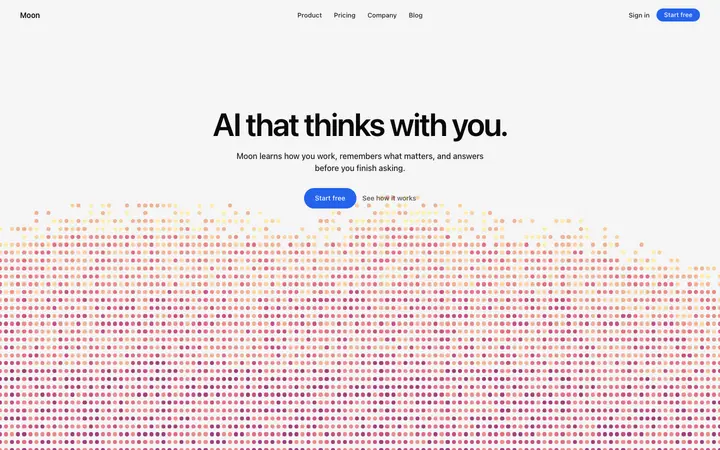
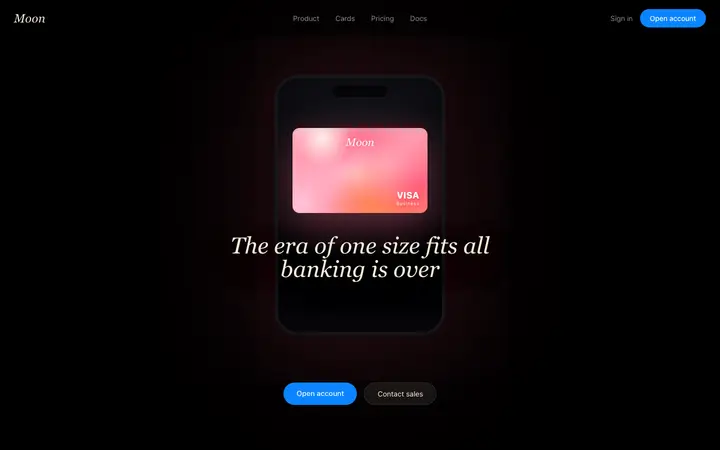
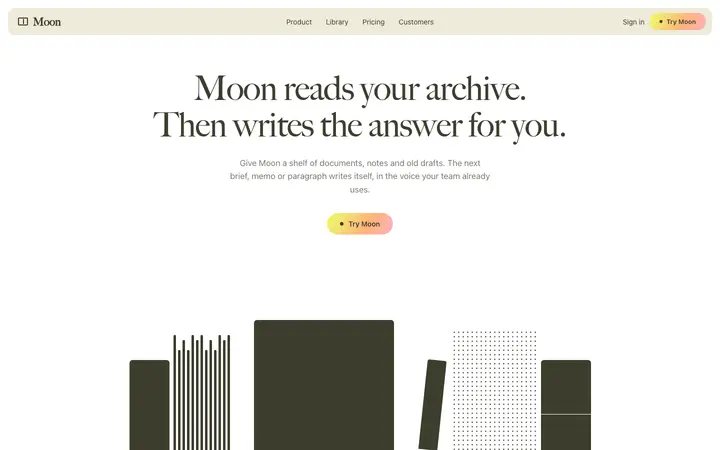
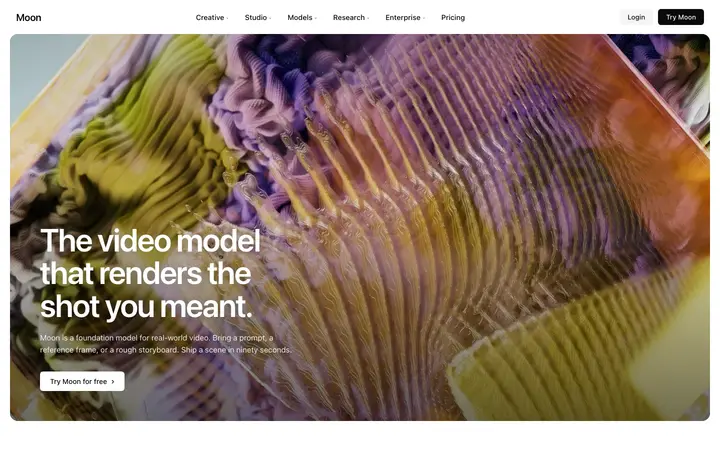
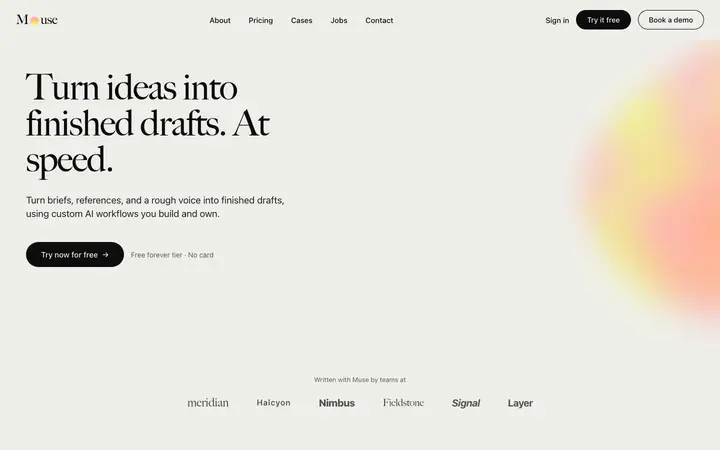
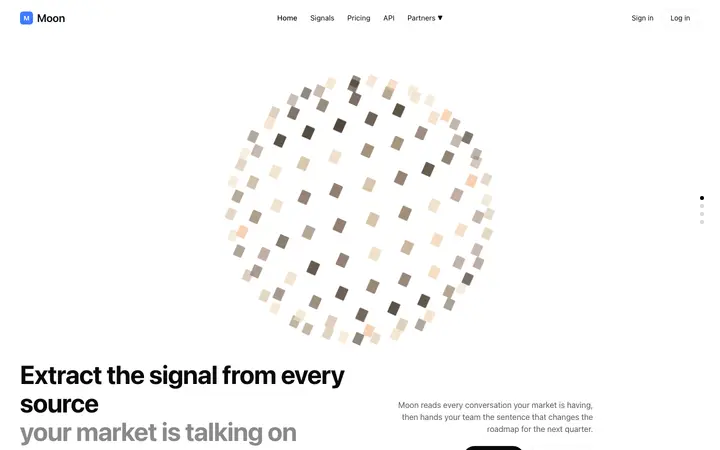
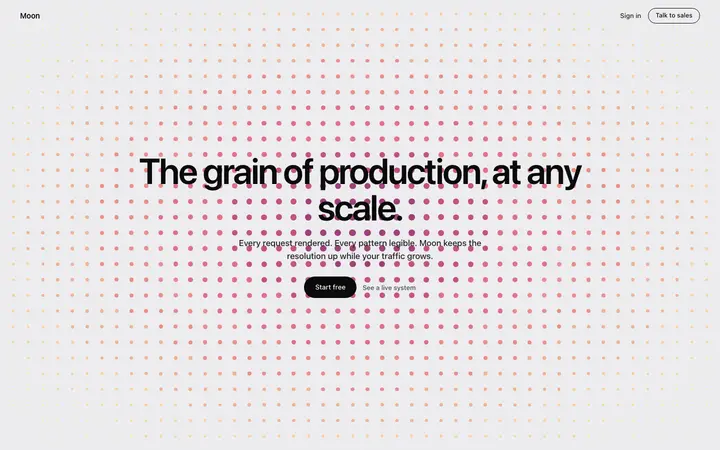
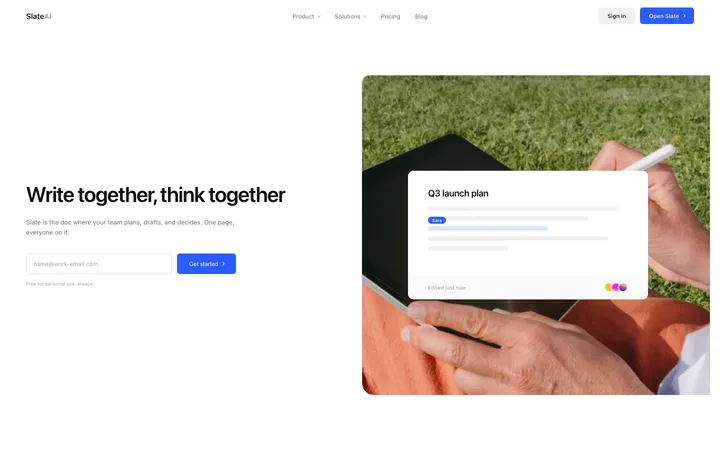
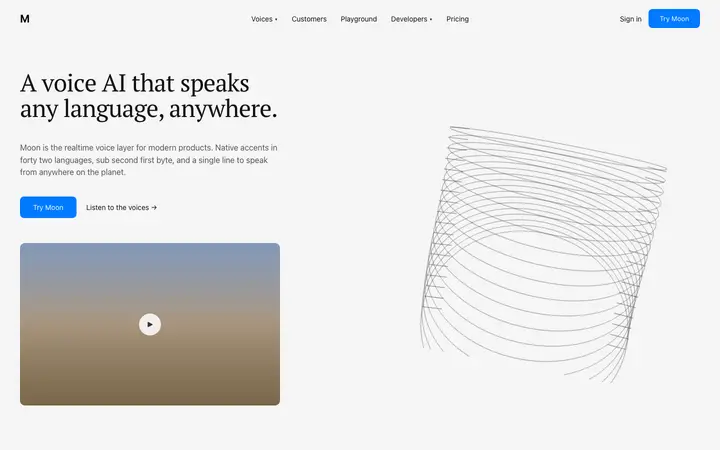
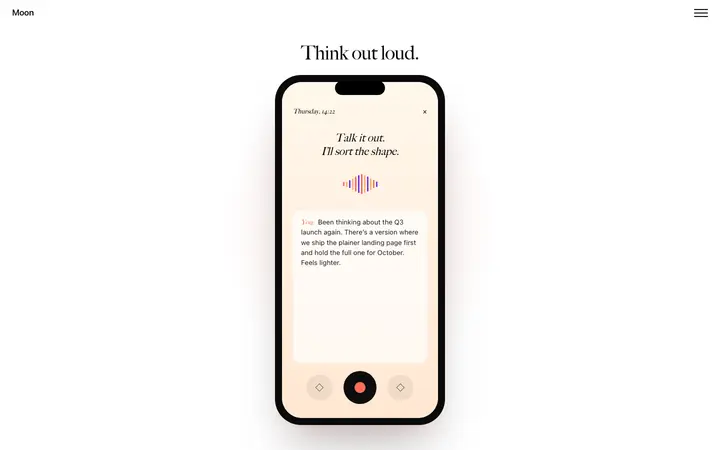
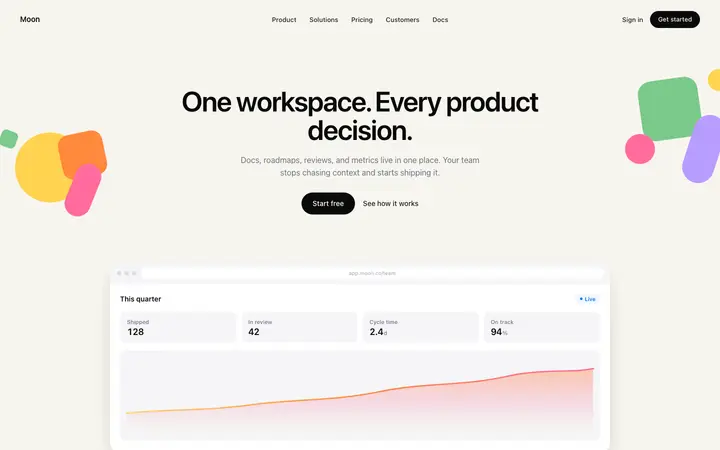
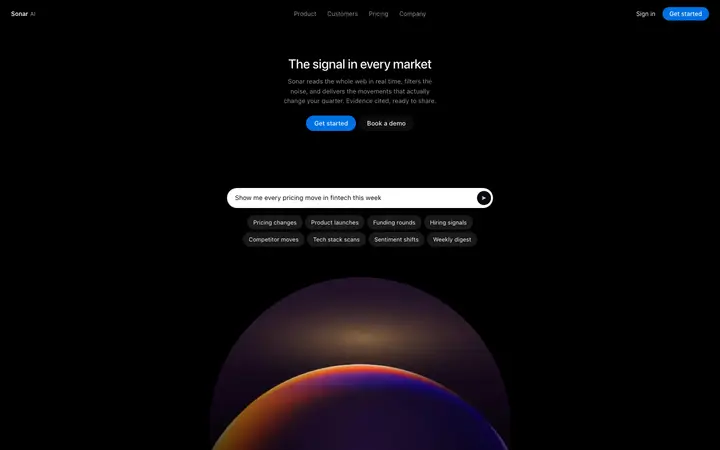
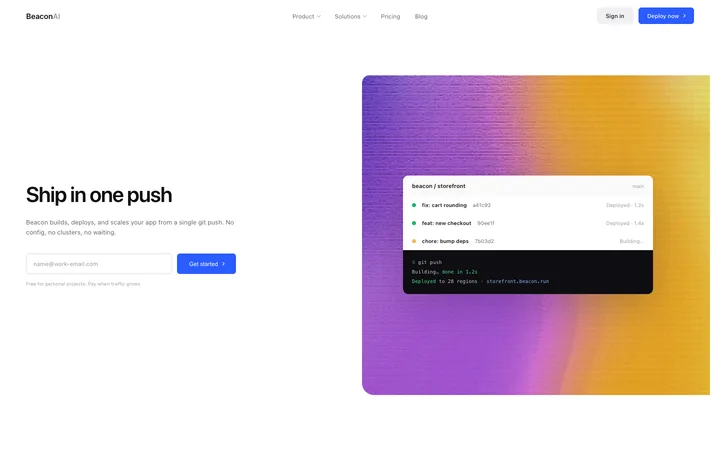
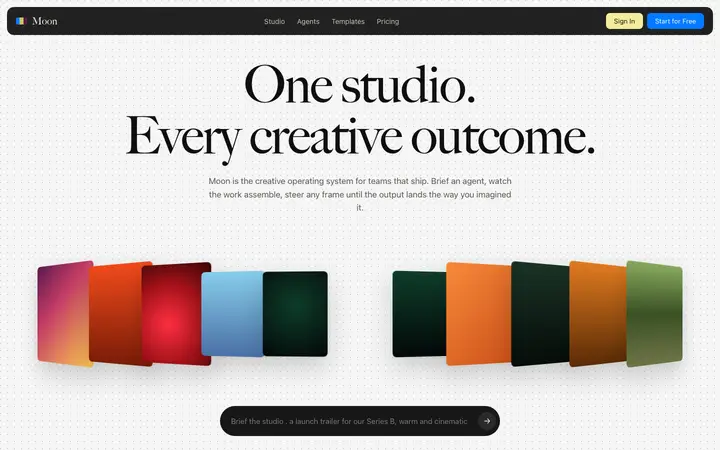
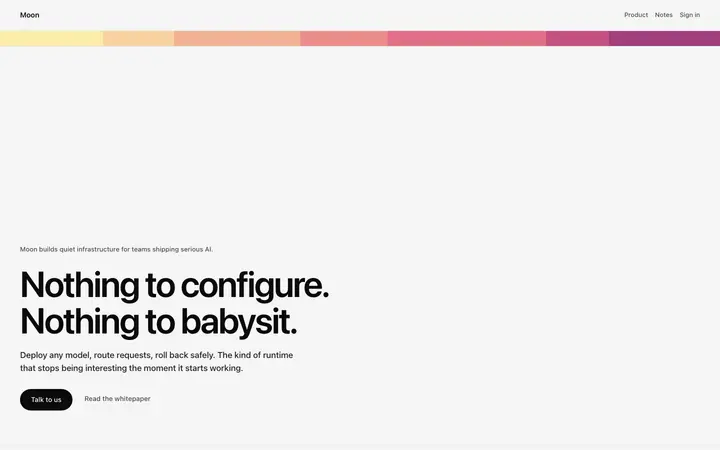
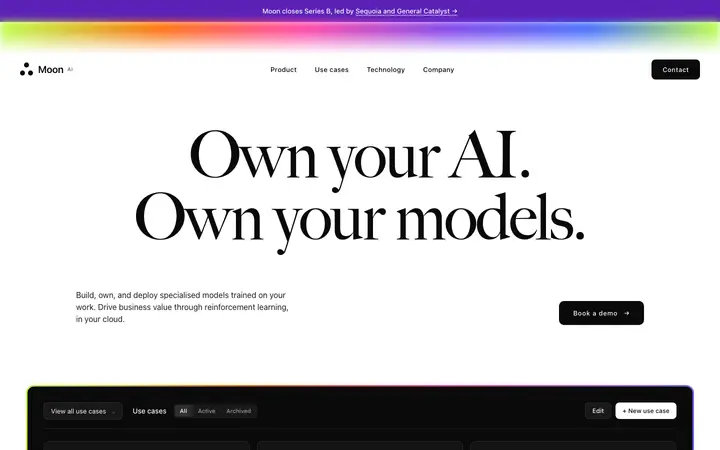
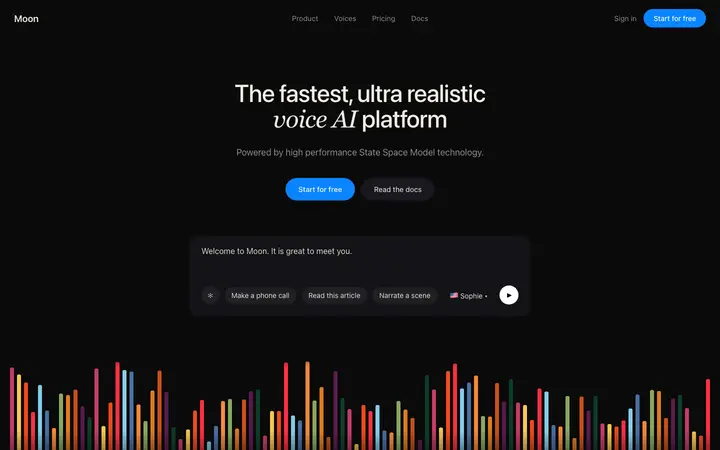
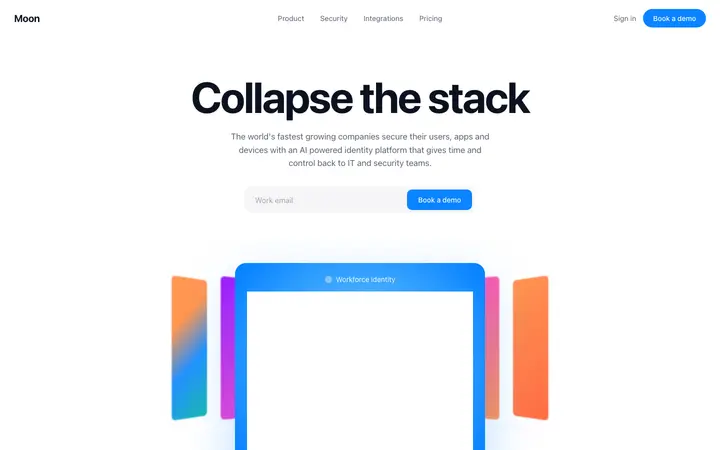
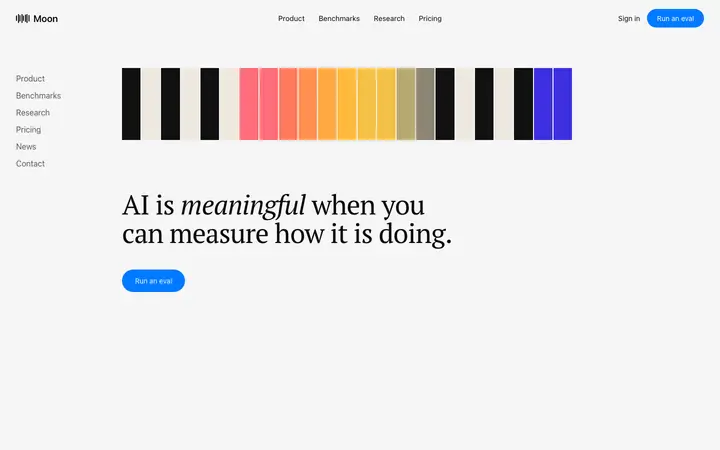
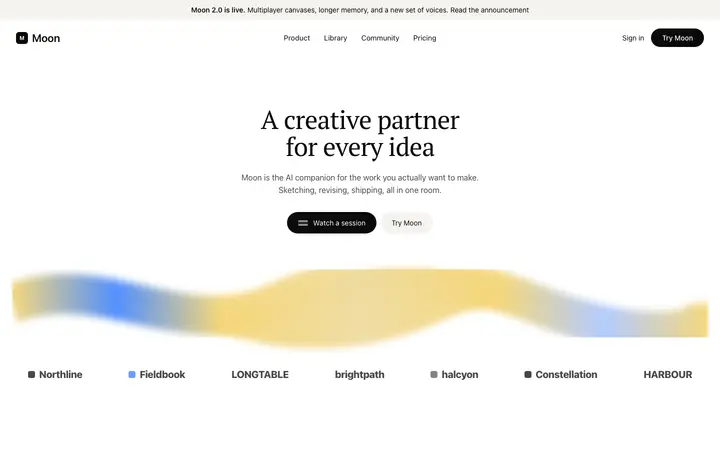
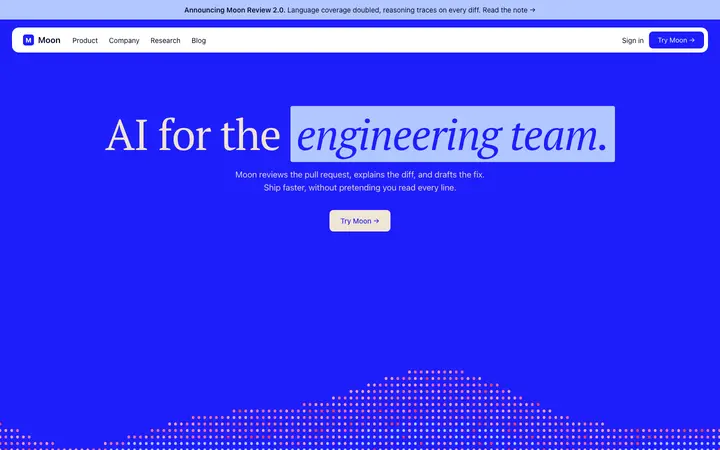
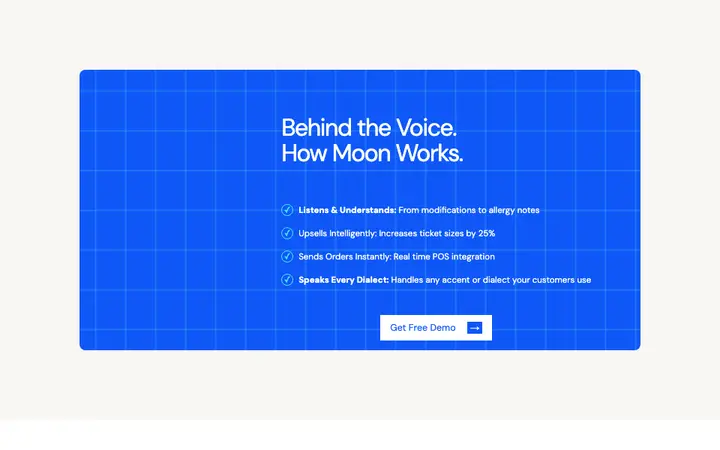
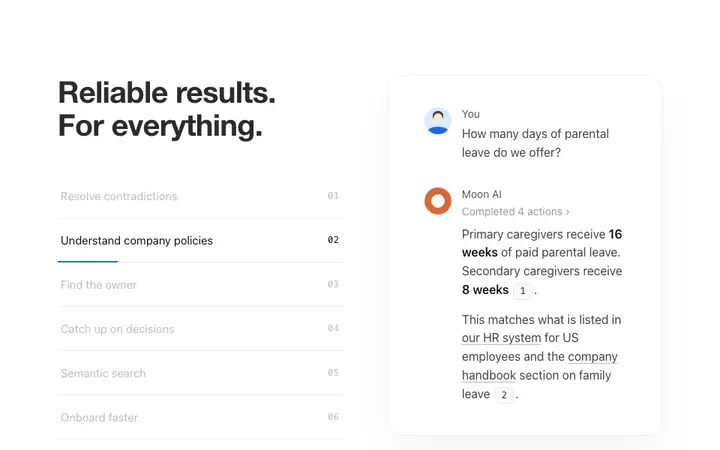
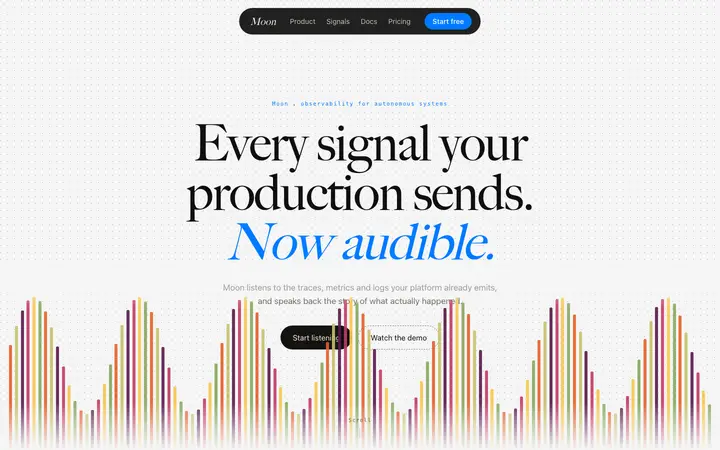
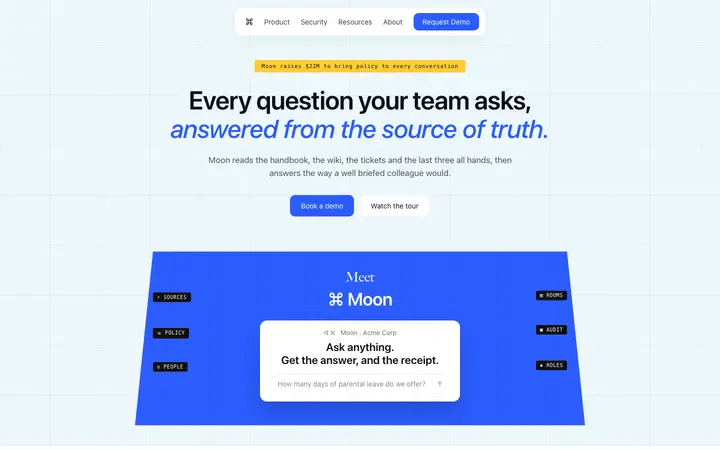
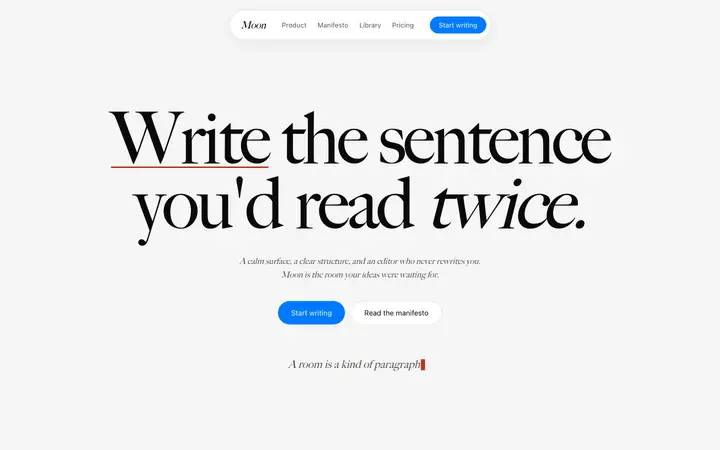
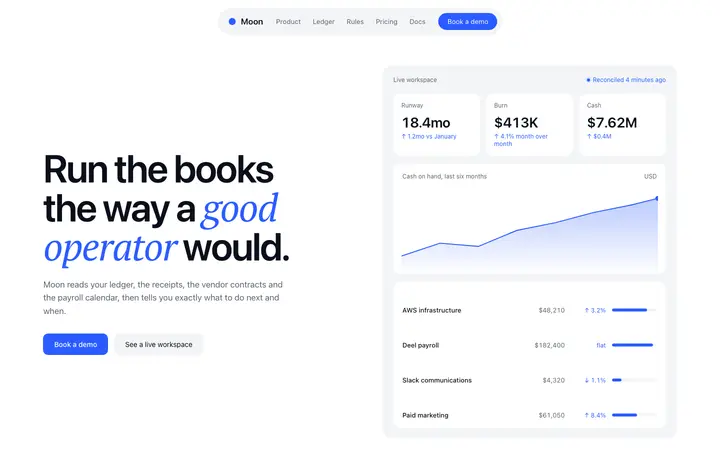
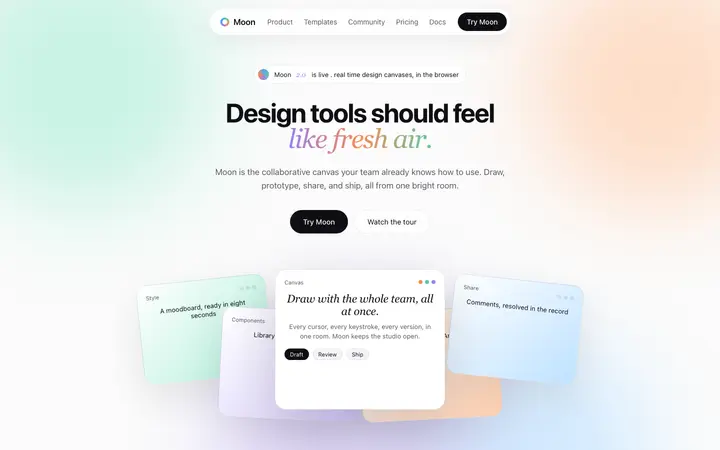
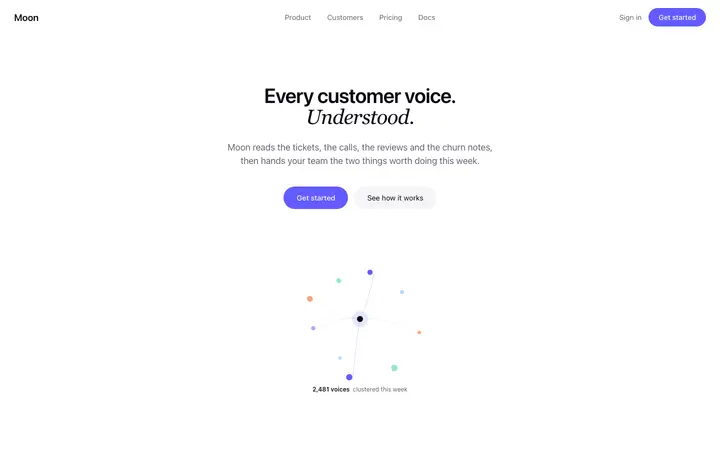
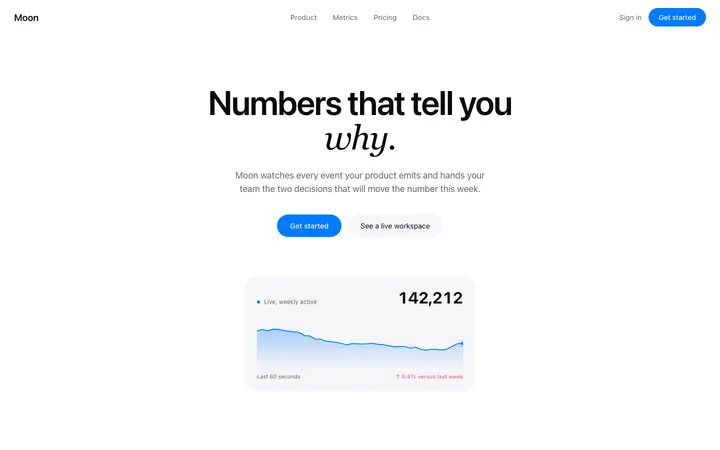
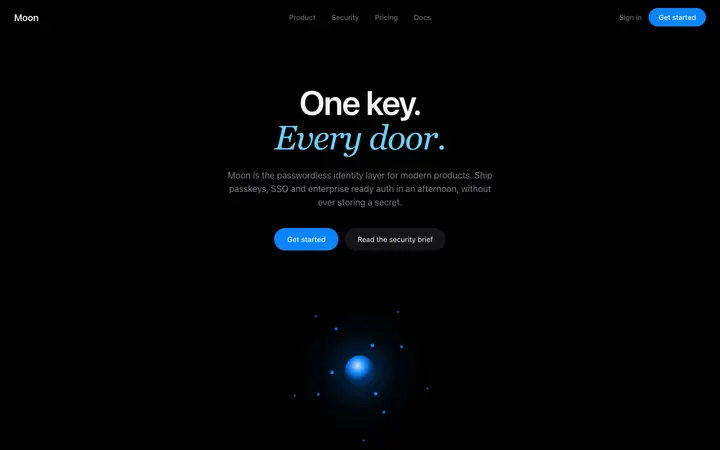
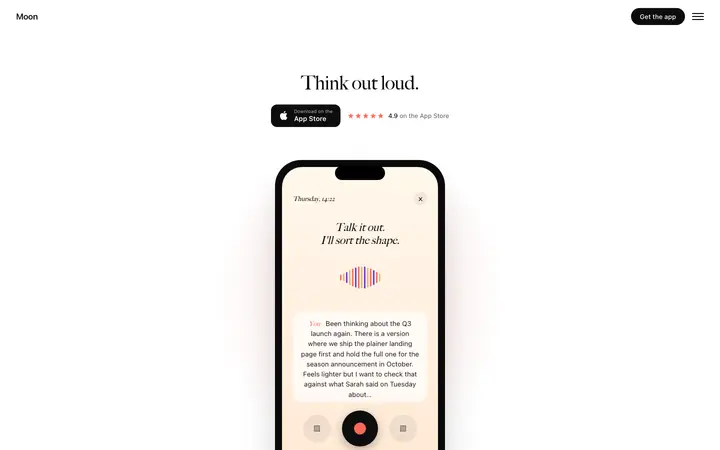
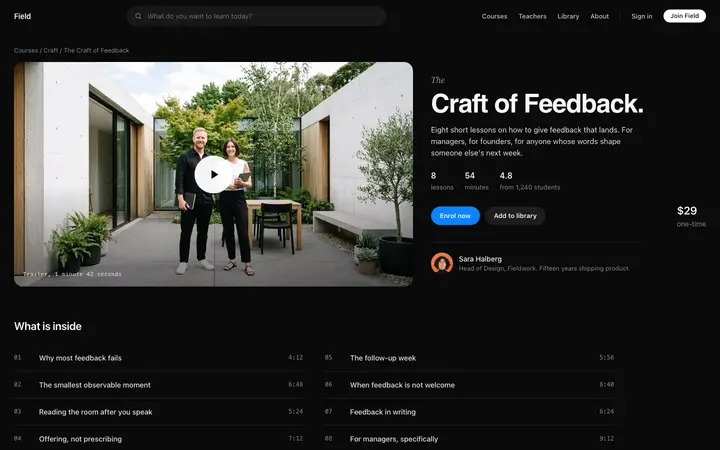
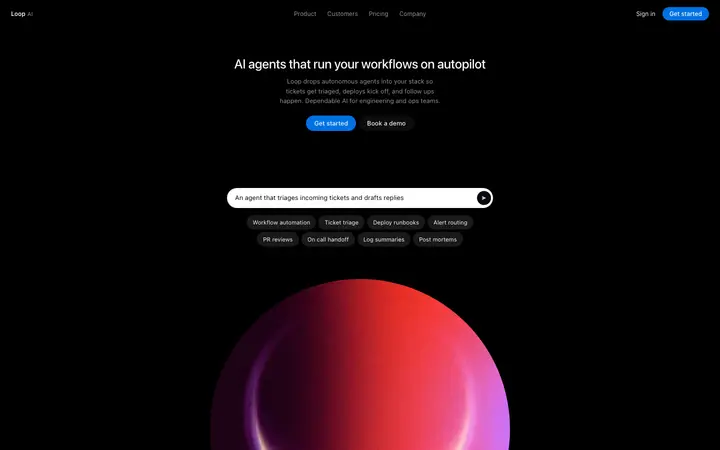
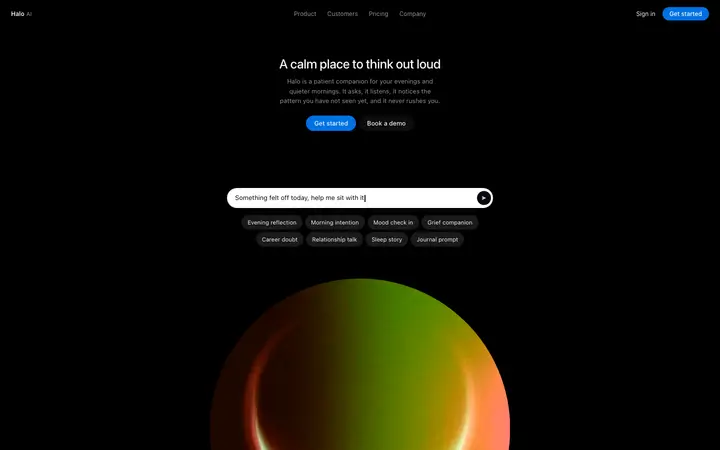
A features template is a ready made design that displays a product's key capabilities in a structured grid or list. BrowserMoon features templates are modern layouts used by SaaS products, AI apps, and developer tools to communicate value clearly on a landing page.
How do I use a features template with a vibe coding tool?
Copy a features template from BrowserMoon, open Bolt, Claude Code, Replit, or Lovable, and paste it into your prompt. Describe your product's three or four main capabilities and the AI updates the feature titles, descriptions, and icons while keeping the layout and visual style intact.
What kinds of AI products use features templates?
Features sections are used on nearly every SaaS and AI product landing page. They work especially well for AI tools, productivity apps, developer platforms, and subscription services where communicating specific capabilities is the key to converting a visitor into a customer.