In short
Replit templates are ready-made website and app designs you paste into Replit as a starting point. Replit is a full-stack AI agent that handles routes, databases, and backend logic. When you give it a BrowserMoon design template, the app or website it builds looks professional from the start.
Replit templates by category
How to design a website with Replit using templates
Copy a template from BrowserMoon
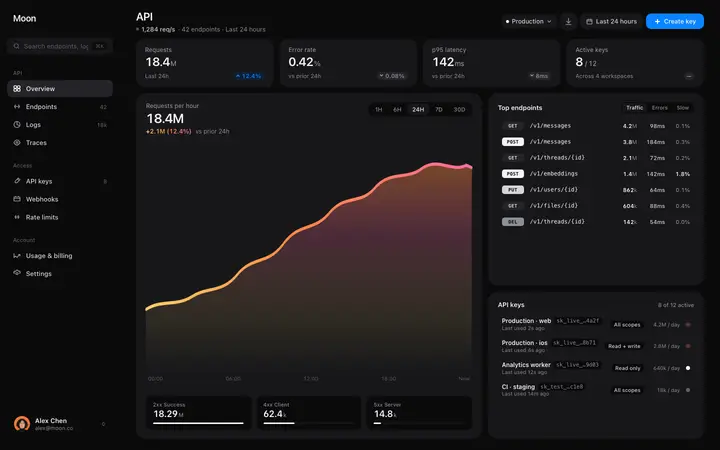
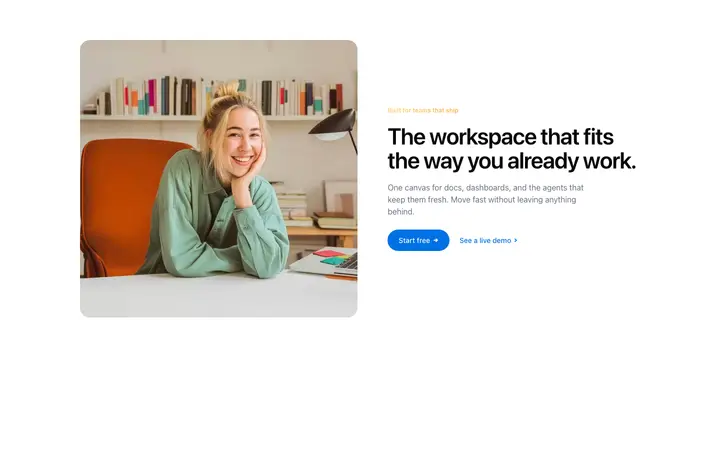
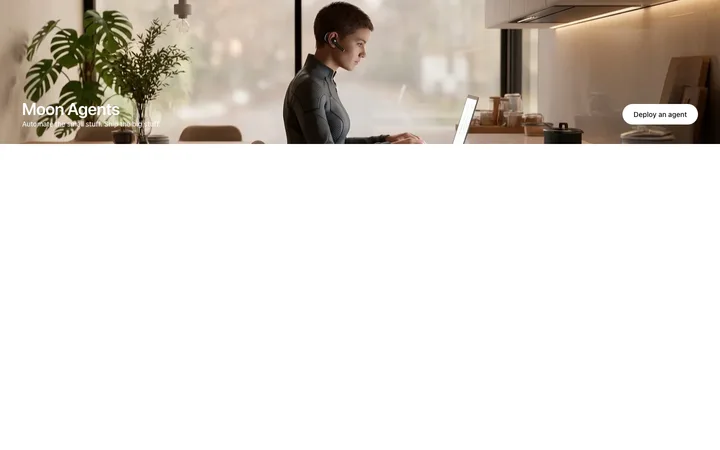
Browse the gallery and copy the HTML for the template that will anchor your app's design. A hero template, dashboard layout, or navbar is the most valuable starting point.
Include the template in your opening Replit prompt
Open a new Replit project and paste the template into your first message. Structure it clearly: describe the full-stack app, then add the template HTML as the frontend design reference.
The agent builds around the design
Replit's AI agent uses the BrowserMoon template for the visual layer and generates the backend, API routes, database schema, and authentication around it. The design baseline stays intact.
Add templates to specific pages as you go
For additional pages in the same project, paste new BrowserMoon templates with targeted instructions. Tell the agent which page to apply each template to and what content it should contain.
Why Replit projects need a design template
The Replit AI agent is one of the most capable vibe coding tools for full-stack applications. It scaffolds databases, sets up authentication, and builds complete backends in a single prompt. Visual design is where it needs guidance.
Without a design template, the first several Replit sessions are spent correcting layout problems: fonts that do not load correctly, buttons with default browser styles, spacing that does not hold across breakpoints. A BrowserMoon template eliminates that phase. The design is correct from the first build.
Browse Replit templates
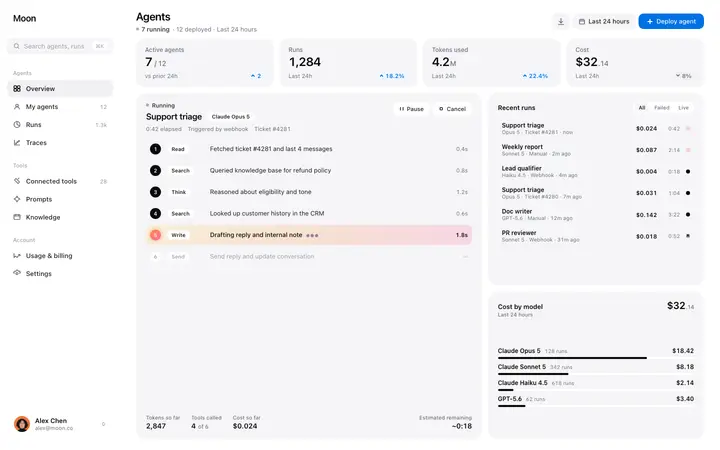
Every template in the BrowserMoon library works with Replit. Hero templates, navbars, dashboards, pricing tables, feature grids, and footer templates.





Frequently asked questions
What are Replit templates?
Replit templates are ready-made design templates you paste into your Replit prompt as a starting point. BrowserMoon templates give the Replit agent a professional design to work from while it builds the backend, database, and routing for your app or website.
How do I use a BrowserMoon template in Replit?
Copy any template from BrowserMoon, open Replit, and paste it into your opening prompt. Describe the app or website you want to build and tell the Replit agent to use the template as the design for the homepage or whichever page you are building.
Can Replit convert templates to React or other frameworks?
Yes. Tell the Replit agent which framework you are using and ask it to convert the BrowserMoon template to that format. Replit handles Angular, Vue, React, SvelteKit, and more.
Can I add a BrowserMoon template to an existing Replit project?
Yes. Give the Replit agent a targeted instruction like 'Replace the current navigation with the template below. Keep the existing routes and login logic, just update the design.' The agent finds the right file and makes the change without breaking anything else.
Which BrowserMoon templates are most useful for Replit full-stack apps?
Hero templates, navigation bars, and dashboard templates are the highest-value starting points for Replit projects. They set the visual identity for the whole app and are the hardest templates to get right from a blank prompt.
Related