How to get better design in Lovable
Lovable design templates are production-ready HTML files you paste into your Lovable prompt. Lovable reads the template and applies the layout, typography, spacing, and component structure to the page it generates. The result is a product that looks built by a design team from the first build, not after ten rounds of iteration asking Lovable to fix the hero section.
Why Lovable apps need a design template
Lovable is one of the most capable vibe coding tools available in 2026. It generates full-stack apps from a text prompt: backend, database, auth, and frontend, often in a single generation. The design is where it needs help.
Without a visual reference, Lovable defaults to generic layouts. Fonts are system defaults, spacing is approximate, and component arrangements reflect the first pattern the model associates with the described page type. The app works. It just does not look like it was designed by someone with taste.
A BrowserMoon design template gives Lovable a precise visual baseline. Instead of inferring what your hero section should look like, Lovable reads the template and implements the exact layout, font scale, spacing, and component structure. The difference between a Lovable app without a template and one with a BrowserMoon template is immediately visible.
How to use a design template in Lovable
Browse BrowserMoon and copy a template
Find the template that matches the page you are building. Hero sections, pricing pages, SaaS landing pages, dashboards, and onboarding templates are the highest-value starting points for Lovable projects. Copy the full HTML.
Open Lovable and start or continue a project
In a new project, paste the template in your opening message. In an existing project, open a new chat and scope your instruction to the section you want to replace.
Tell Lovable to use the template as the visual design
Write clearly: "Use the HTML I pasted as the design for the [page name]. Build the backend and make the components functional." Lovable applies the template layout and generates working code around it.
Iterate with Mon if the result needs tuning
Ask Mon what to adjust if the layout needs refinement. Mon gives you a targeted instruction to pass back into Lovable rather than a generic redesign request.
Best BrowserMoon templates for Lovable projects
Hero section templates
Set the visual identity of the whole app. The most important design decision in any Lovable project.
SaaS landing page templates
Full landing page layouts with hero, features, pricing, and CTA. Paste the full page or section by section.
Pricing page templates
Pricing tables that position the paid plan correctly. High-conversion layouts designed for SaaS upgrade paths.
Onboarding templates
Step-by-step flows that apply progressive commitment. Keep users moving through setup without dropping off.
Dashboard templates
Information hierarchy layouts for SaaS products. Primary metric first, supporting detail below.
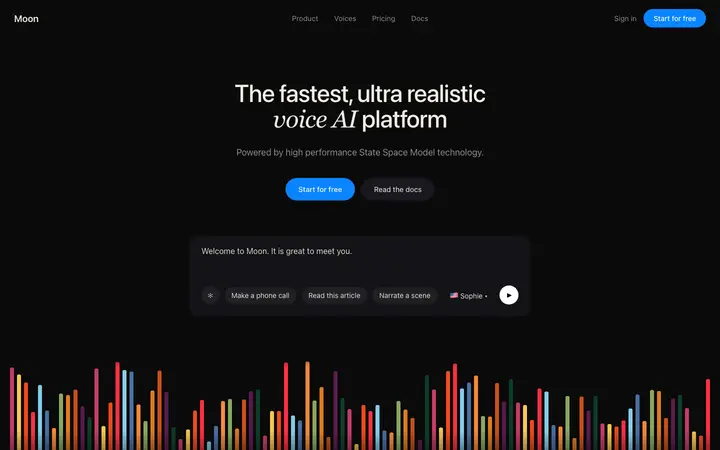
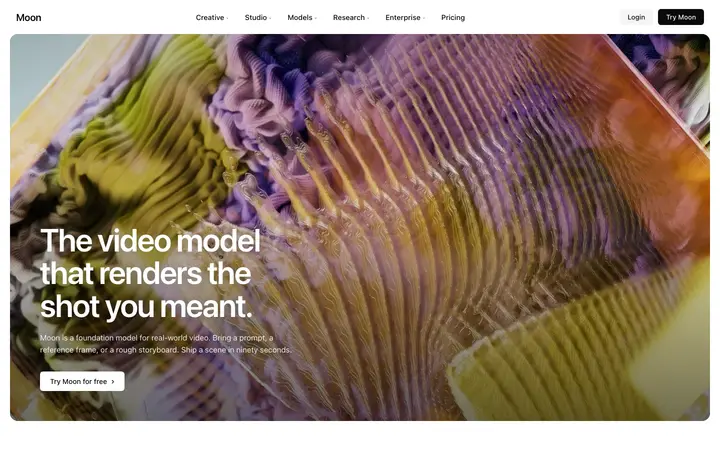
Lovable design templates
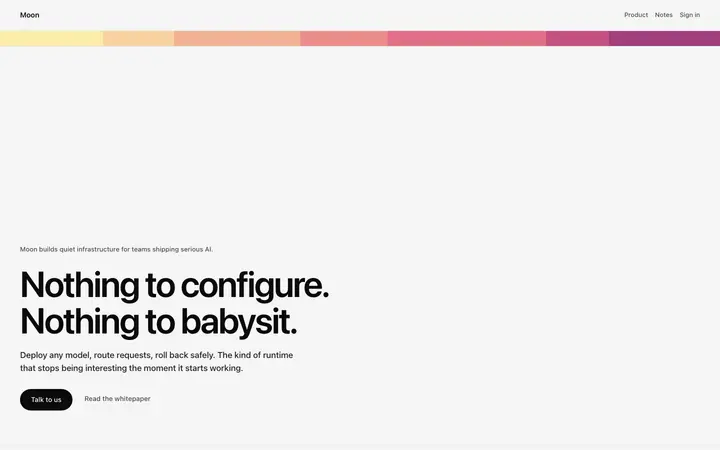
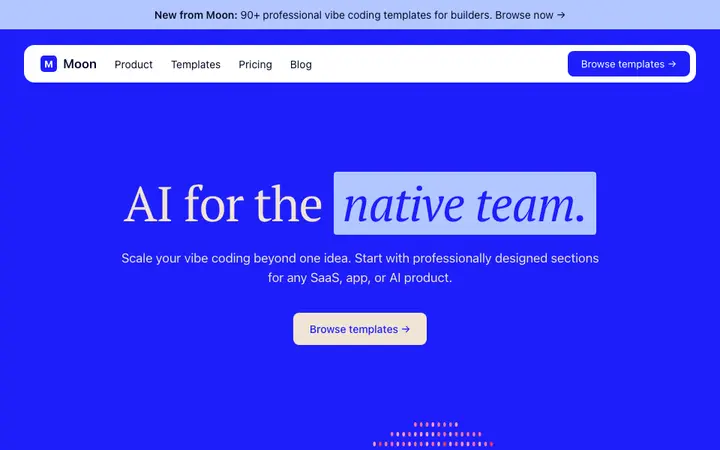
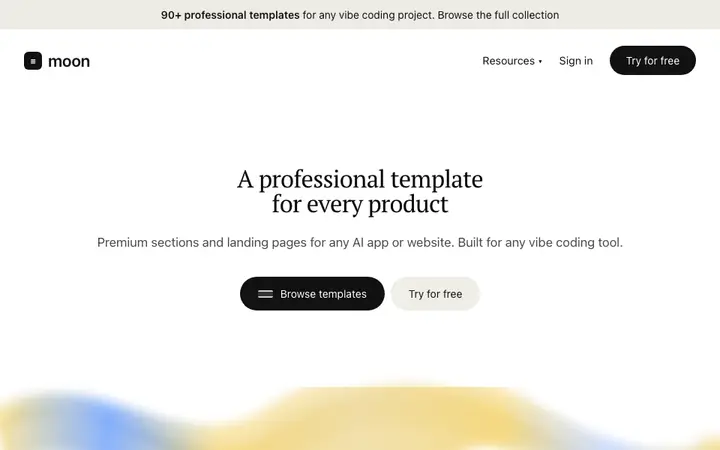
Copy any template and paste it directly into your Lovable prompt. Each is self-contained HTML ready to use.
Frequently asked questions
How do I get better design in Lovable?
Paste a BrowserMoon HTML design template into your Lovable prompt. Tell Lovable to use the pasted template as the visual design for the page you are building. Lovable applies the layout, spacing, typography, and component structure from the template and generates the rest of the app around it.
What are the best design templates for Lovable?
BrowserMoon has over 450 production-ready HTML design templates for Lovable. The most used categories for Lovable apps are hero section templates, SaaS landing page templates, pricing page templates, and onboarding templates. Every template is self-contained HTML that Lovable reads and implements directly.
Can I use a design template in an existing Lovable project?
Yes. Open a chat in your existing Lovable project and paste the BrowserMoon template with a scoped instruction: 'Replace the current hero section with this HTML. Keep everything else.' Lovable updates only the targeted section without changing other parts of the project.
Can an AI designer help me choose the right Lovable template?
Yes. Ask Mon, the BrowserMoon AI design assistant, what you are building and what design problem you are trying to solve. Mon recommends the specific BrowserMoon template that fits your Lovable project and tells you how to paste it into your prompt effectively.
Does Lovable support HTML design templates?
Yes. Lovable reads HTML included in your prompt and uses it as the design reference for the pages it generates. BrowserMoon templates are written as self-contained HTML files specifically for this workflow. You copy the template, paste it into Lovable, and describe the app you want to build around it.
Why do Lovable apps often look generic?
Lovable generates layouts based on your text description. Without a visual reference, it defaults to generic component arrangements and system fonts. Adding a BrowserMoon design template gives Lovable an exact visual baseline to work from. The result is a product that looks designed from the first generation, not after several rounds of iteration.
Not sure which template fits your Lovable project?
Anyone can make their vibe coded site or app look top designed with Mon, the AI designer of Moon.