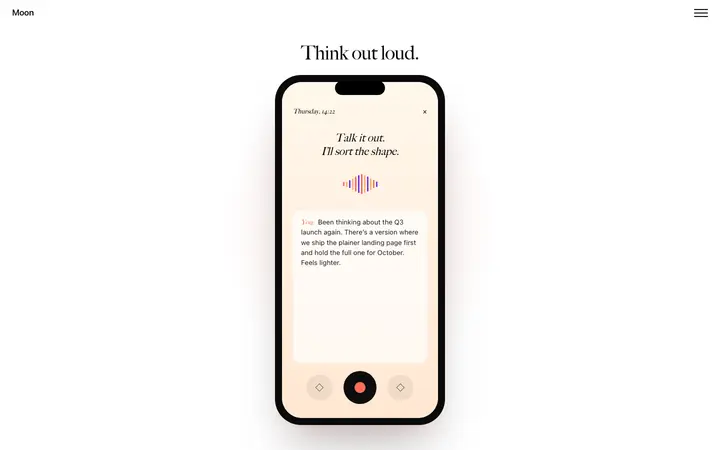
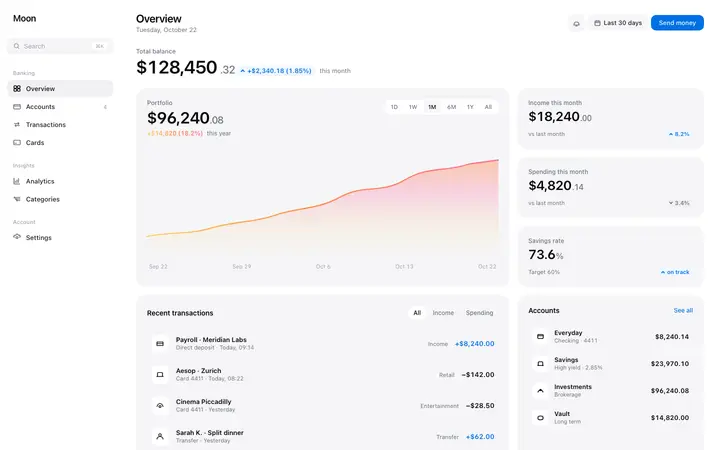
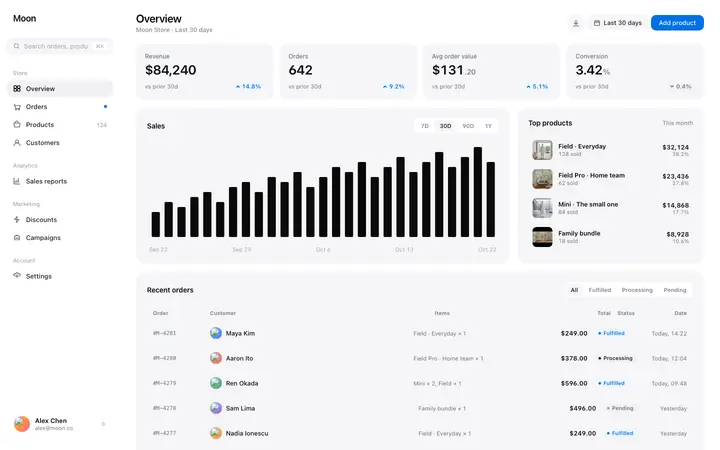
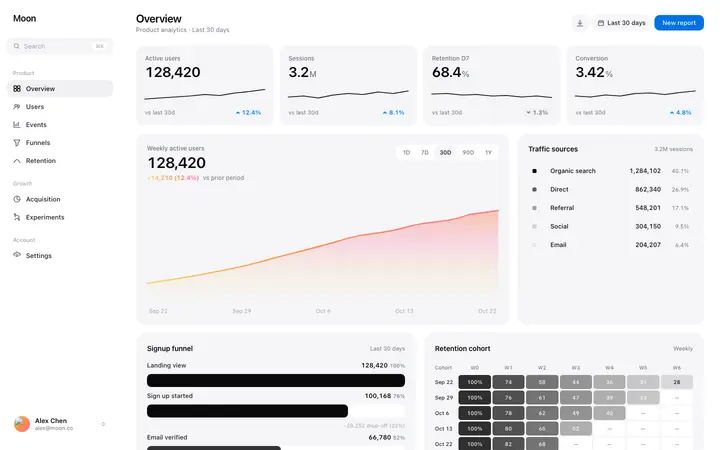
Building an app with AI now takes hours. An AI coding tool reads a plain English description and returns production-ready code, a running preview and a deployable project. What it will not do reliably is design. Every AI coding tool produces a recognizable look, and buyers notice it.
This hub covers how to build an app with AI end to end, and links to a guide for each type of app. Building a marketing site as well? See how to build a website with AI. Every guide gives you the prompt, the screens to include, and app templates you can paste straight into your tool so the design starts from a finished baseline.
The four steps to build an app with AI
- Describe the app. Name the users, the main action, and the data the app stores. Vague prompts produce generic apps.
- Set the design first. Paste an app template into the prompt before the tool generates anything. The model then works from your design.
- Generate and review. AI coding tools produce a running app in one pass. Check the flows a real user takes, not the home screen.
- Connect data and ship. Add authentication, a database and payments. Most AI coding tools wire these in from a single instruction.
Which AI coding tool should you use
All of them build apps. They differ in where they are strongest. Claude Code and Cursor work inside an existing codebase and suit developers. Bolt and Lovable start from a blank project and suit people who want a running app quickly. Replit adds hosting and a database in the same place. ChatGPT Codex handles longer multi step builds.
Every BrowserMoon app template is plain HTML, so it works in all of them. You are not choosing a tool when you choose a template, which matters because most people switch tools partway through a build.
Why AI built apps look the same
AI coding tools converge on one visual style: default type, default spacing, a blue or purple accent and the same component library. The result is an app that works and looks unfinished. These are the visual tells that give it away, and this guide covers how to fix them.
Starting from a designed template solves it before the first prompt. The AI inherits real spacing, type and color, then spends its effort on your product logic.
What AI coding tools do well and where they struggle
They are strong on the parts that used to take longest. Data models, routing, forms, authentication, API integration and deployment all come out working on the first pass.
They struggle in three places. Design is the obvious one. The second is state that spans several screens, where the model loses track of what should persist. The third is edge cases, particularly empty states, error states and the first run experience, which get skipped unless you ask for them by name.
Ask for empty states and error states in the prompt. It is one sentence and it removes most of the polish gap between an AI built app and a shipped one.
What it costs to build an app with AI
- AI coding tool: 20 to 30 dollars a month, which covers the whole build
- Hosting: free to 20 dollars a month until real traffic arrives
- Database and authentication: free at low volume on Supabase, Firebase or Clerk
- Payments: per transaction, with no monthly fee on Stripe
An agency build of the same app runs 20,000 to 400,000 dollars. That gap is why so much of the content ranking for app development searches is written by agencies selling the service.
Common mistakes when building an app with AI
- Prompting for everything at once. Build the core flow, check it, then add features one at a time.
- Letting the tool design. Paste a template before the first generation.
- Skipping the empty and error states. They are what new users see first.
- Not reading the generated code at all. You should know roughly what it does, even when the tool writes all of it.
- Building features before anyone has asked. The speed of these tools makes it tempting and it is still the same mistake it always was.
From complete app to shipped product
A running app and a shippable one differ by a short list: authentication, a real database, payments if you charge, a privacy policy, error tracking and a domain. Every AI coding tool adds the first three from a plain instruction, and the rest is an afternoon of setup.