Replit footer templates for AI websites and apps

Real footer designs you can copy into Replit. Replit turns a pasted template into a full app with front end and back end, hosted on Replit. Below: the designs, how to set Replit up so it keeps the design, and what makes a good footer section.

Replit footer templates

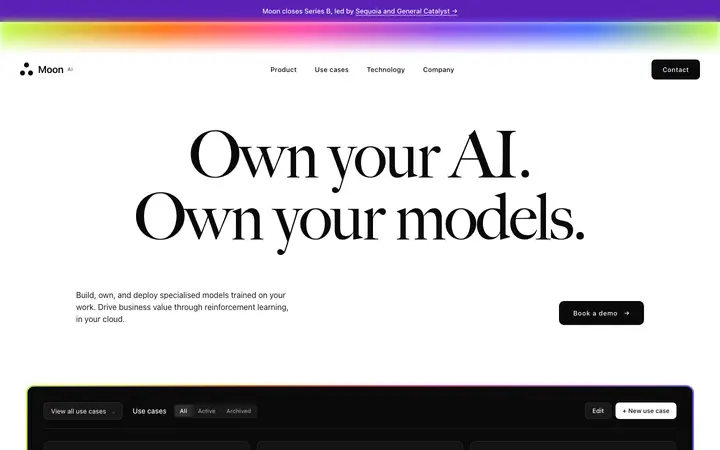
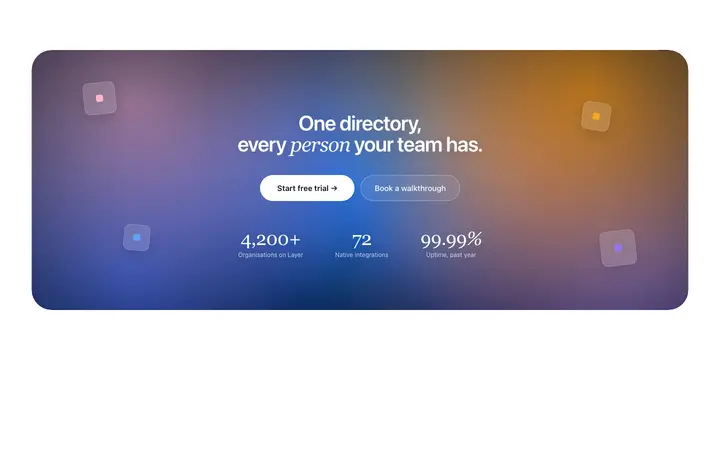
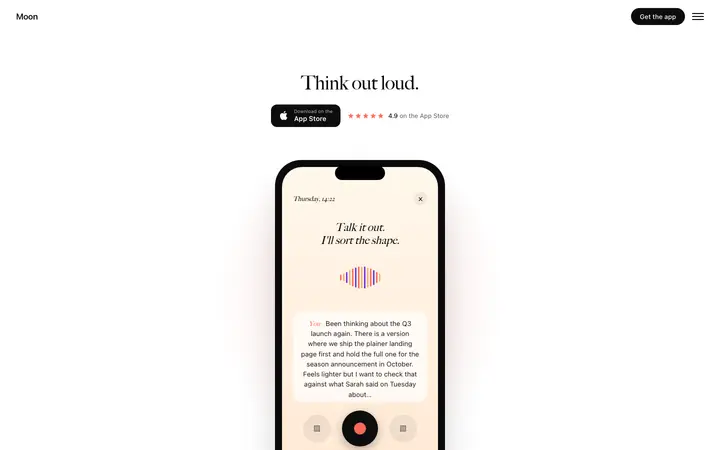
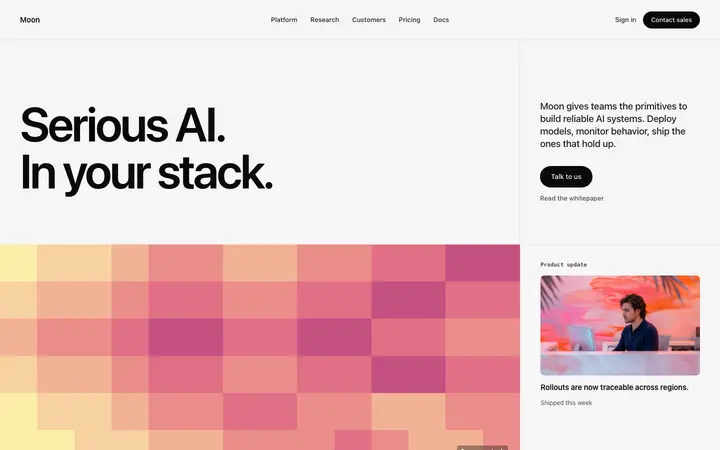
19 footer design templates for Replit. Browse the full BrowserMoon library for every template category.

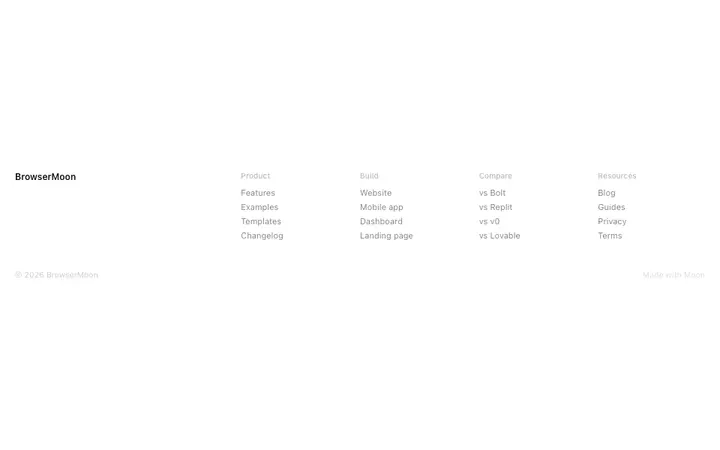
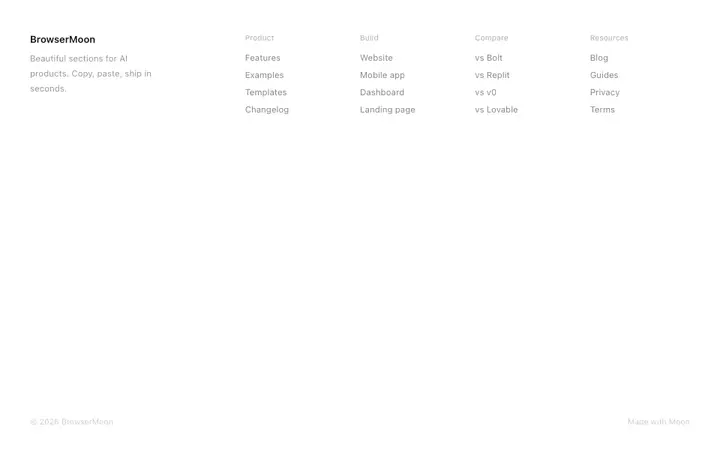
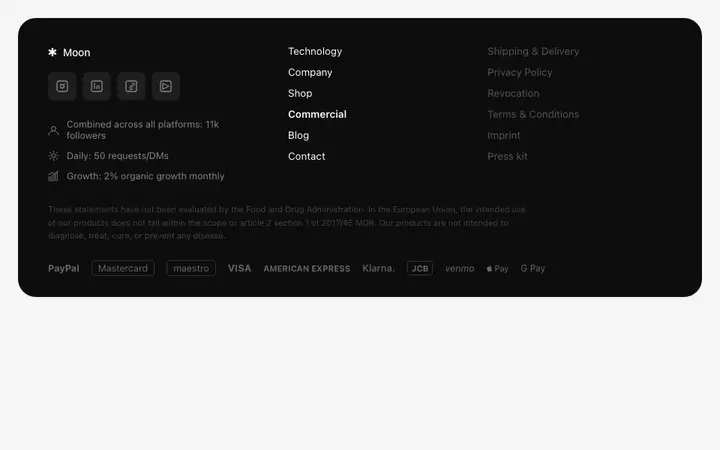
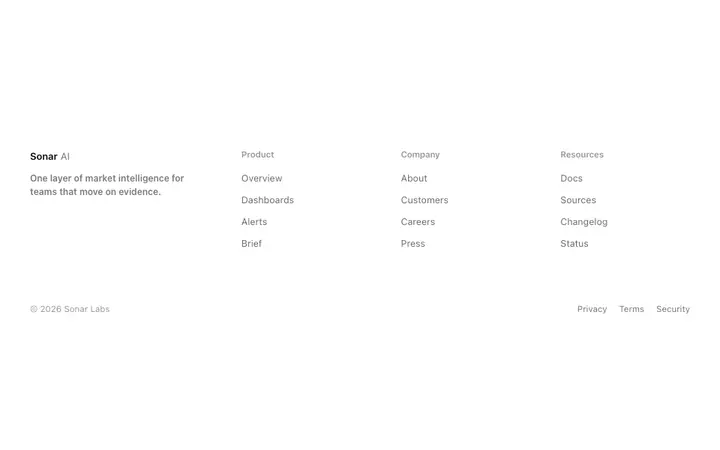
SaaS footer template for websites and apps
Full page footer template for SaaS sites
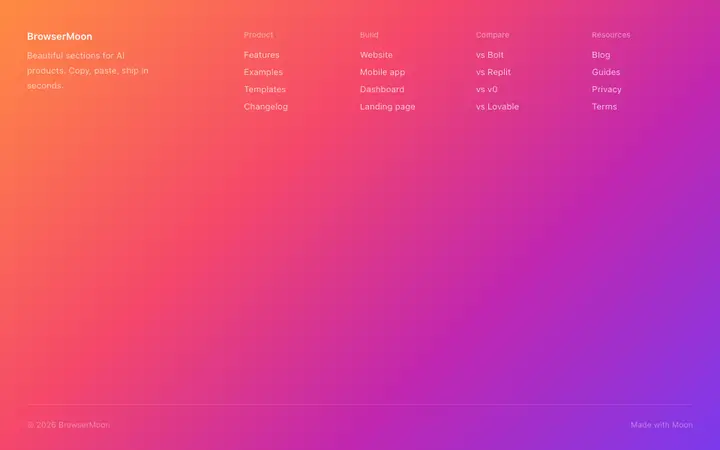
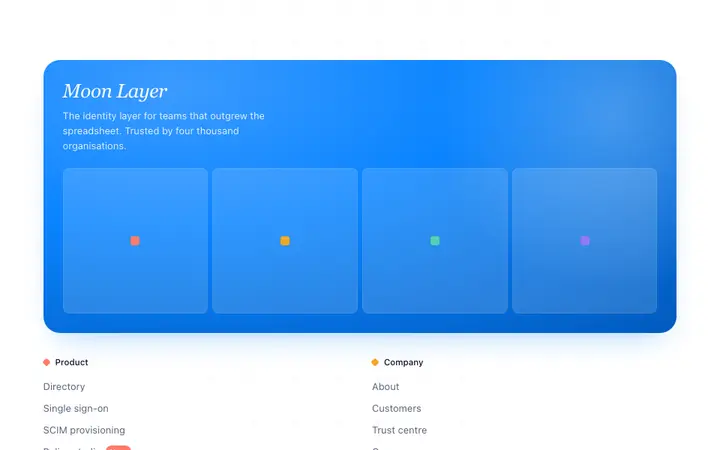
Gradient footer template for creative SaaS
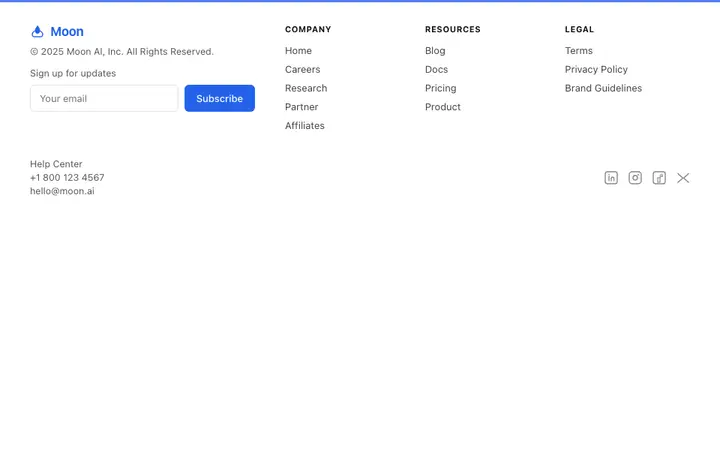
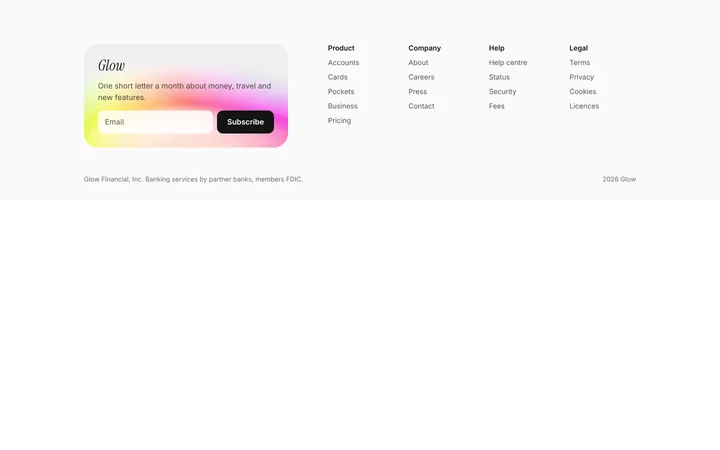
SaaS footer template with newsletter signup
Fintech SaaS footer template for payments
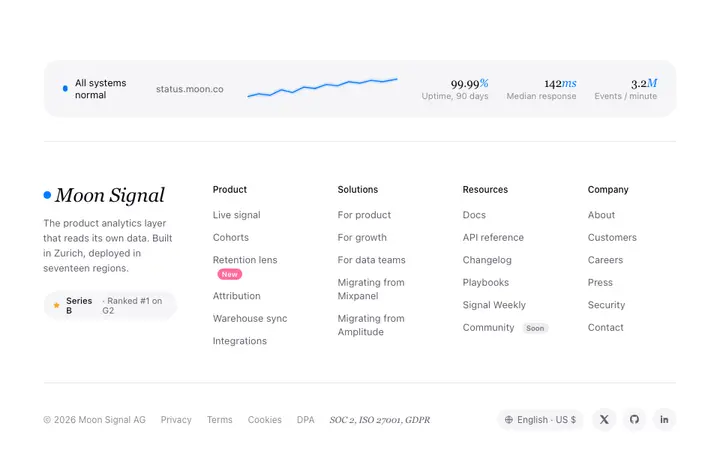
Status footer template for SaaS dev tools
Enterprise footer template for B2B SaaS
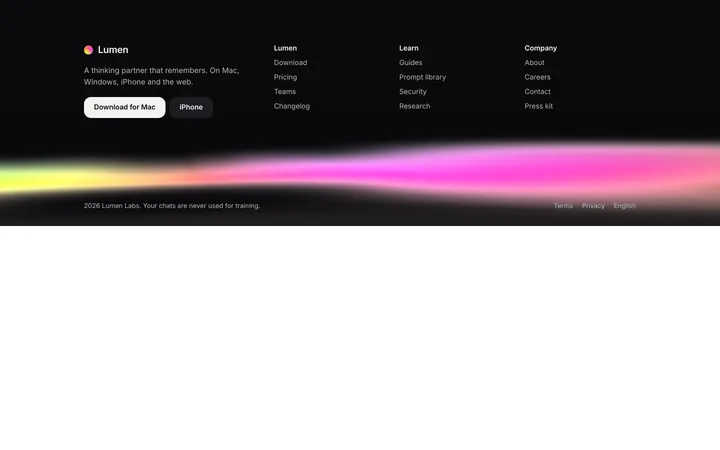
AI product footer template for SaaS websites
SaaS footer with newsletter signup
SaaS dark footer with animated gradient glow
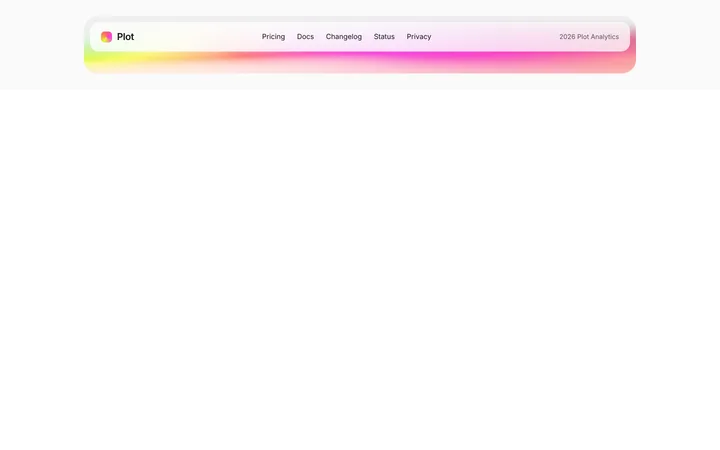
SaaS minimal footer bar with gradient edge
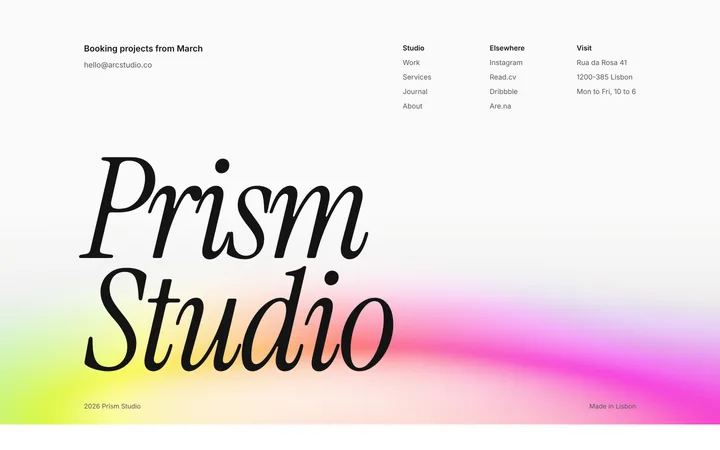
Agency footer with big serif logo
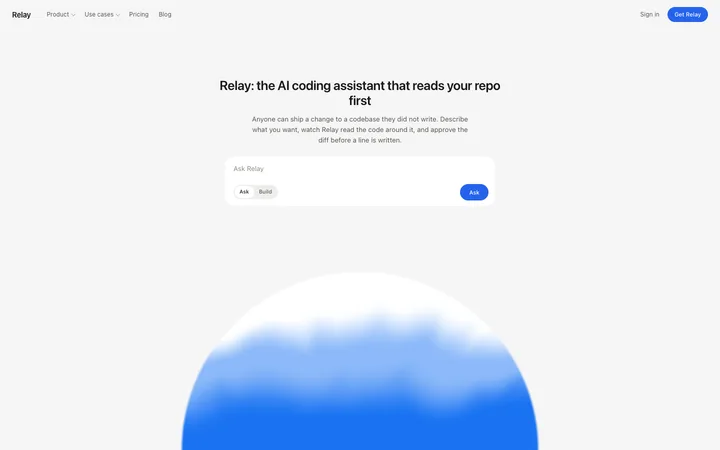
AI chatbot assistant SaaS landing page template
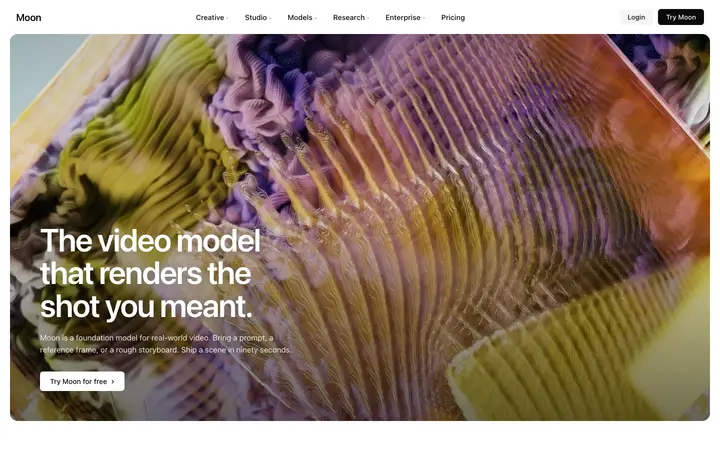
AI video SaaS landing page template
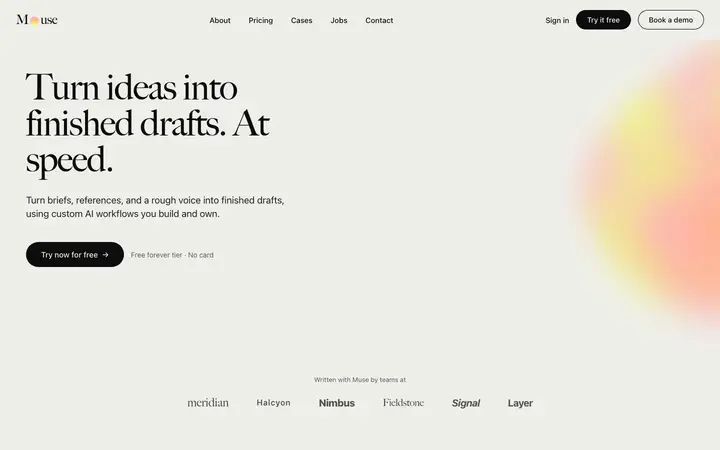
AI content SaaS landing page template
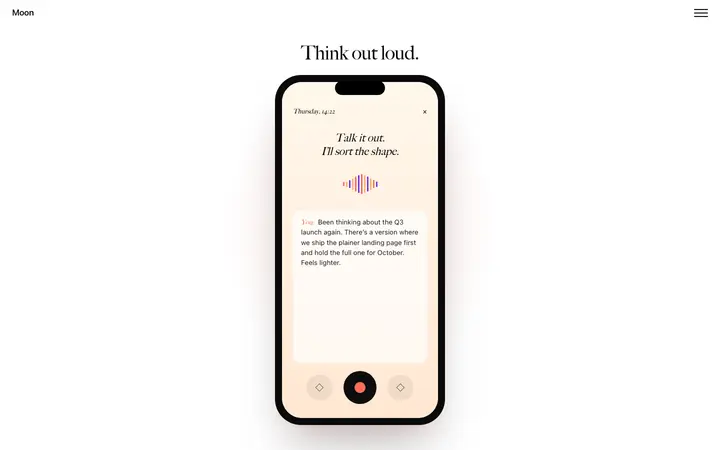
Mobile app SaaS landing page with scroll
MLOps SaaS landing page template for AI
Closing CTA section template for SaaS landing pages
Mobile app SaaS landing page template
Browse all templates

How to use footer templates with Replit

1

Pick a design

Choose a footer design above and open it to see it live.

2

Copy the template

Copy the template from its page. It is one HTML file with no dependencies.

3

Set up Replit

Include the template in your first message to Replit Agent and say it is the design for the front end.

4

Prompt, then refine

Paste it and describe your product. Then follow up with: "Build the front end to match the pasted template exactly before adding back end features."

What makes a good footer section

Common types: minimal footers with a few links, multi-column footers that work as a sitemap, and footers with a newsletter signup.

Labelled link columns

Three to five short headings so people can scan.

A last call to action

Repeat the main action or a signup for people who scrolled this far.

Quiet legal row

Privacy, terms and copyright in one small row.

Common mistake: A wall of unsorted links. Footer design ideas →

Keeping the design in Replit

Replit Agent builds and hosts the whole app, front end and back end, so it suits people who want one place to build, run and share.

What Replit builds

A full app with front end and back end, hosted on Replit.

Where the design goes

Include the template in your first message to Replit Agent and say it is the design for the front end.

Replit and footer sections

Agent plans the whole app at once, so the design can get simplified while it builds the back end. Paste the template again with your follow-up prompt if it starts to drift.

What to tell it

Keep the column structure and the final call to action; replace the links with your own pages.

A Replit prompt for this

Pixel SaaS landing page

Replit SaaS landing page prompt

A full landing page for a SaaS product: hero, logos, features, how it works, pricing, FAQ and a closing call to action.

Template: Pixel SaaS landing page

“Build a landing page for [product name], a SaaS product that helps [audience] [main outcome]…”

Full Replit prompt with a licence

More in Replit prompts.

Not sure which footer design fits?

Ask Mon, the AI design assistant, describe your product and Mon suggests the footer design and how to prompt Replit with it.

Ask Mon

Frequently asked questions

How do I use a footer template in Replit?

Include the template code in your opening Replit AI agent prompt as the visual design reference. Include the template in your first message to Replit Agent and say it is the design for the front end.

What does Replit turn the template into?

A full app with front end and back end, hosted on Replit.

How do I stop Replit changing the design?

Agent plans the whole app at once, so the design can get simplified while it builds the back end. A follow-up prompt that helps: "Build the front end to match the pasted template exactly before adding back end features."

What makes a good footer section?

Labelled link columns: three to five short headings so people can scan. A last call to action: repeat the main action or a signup for people who scrolled this far. Quiet legal row: privacy, terms and copyright in one small row.

Any Replit tips for footer sections?

Agent plans the whole app at once, so the design can get simplified while it builds the back end. Paste the template again with your follow-up prompt if it starts to drift.

More Replit template categories

Replit promptsCopy-paste Replit prompts for landing pages, dashboards, pricing, login and AI apps, written to use with these templates.

Footer templates for other tools