How to get better design in Replit
Replit design templates are production-ready HTML files you paste into Replit Agent as a design reference. Replit ships apps fast, but the design is a different problem. Without a visual reference, every section defaults to the same safe patterns. A template gives Replit something specific to build toward.
Why Replit design goes wrong
The static screenshot problem
Replit defaults to a hero with a product screenshot placed below centered text. It is a recognizable pattern that signals startup rather than product. Scroll-driven reveals and interactive product shots perform better and are straightforward for Replit to implement with a reference.
Feature sections that flatten everything
Three equal-weight feature cards do not help users understand what matters most. A design reference shows Replit how to give features hierarchy: lead with the thing that solves the sharpest pain, let the rest support it.
No conversion anchor
Replit-built landing pages often end before the call to action. A strong CTA section at the bottom, with a design that matches the hero, can double the conversion rate on the same traffic. It is one template away.
How to use a design template in Replit
- 1
Pick a template from BrowserMoon
Browse the Replit templates library and find a section that matches what you need. Landing page heroes, feature sections, and CTA blocks all work well as Replit design references.
- 2
Copy the template code
Use the copy button to get the full template source. Each template is a single HTML and CSS file with no external dependencies. Replit Agent can read it directly.
- 3
Paste it as context for Replit Agent
Paste the template into your Replit project and instruct Agent: "Use this as the design reference for this section. Keep my product content but match the layout, spacing, and visual system from the template."
- 4
Let Mon write the prompt
If you are not sure what to ask for, describe your current design to Mon. It will recommend the right templates and generate the exact Replit Agent instruction for each section.
Template categories that work best in Replit
These section types have the highest success rate when used as design references in Replit builds.
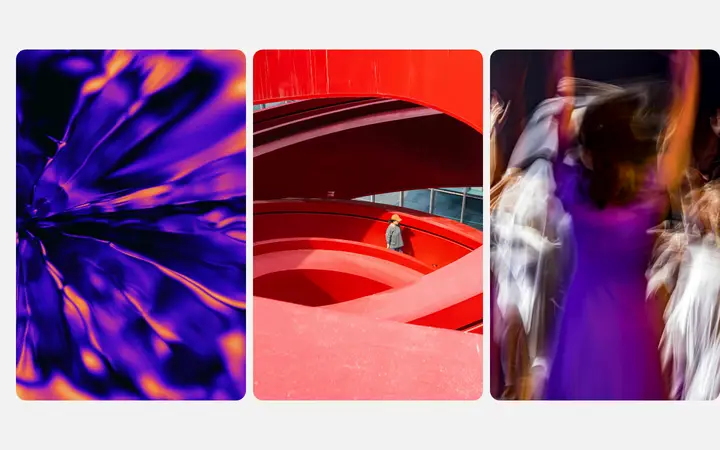
Replit design templates
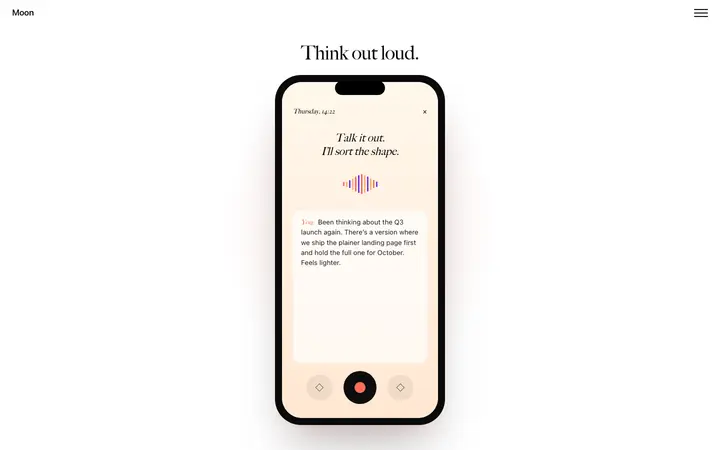
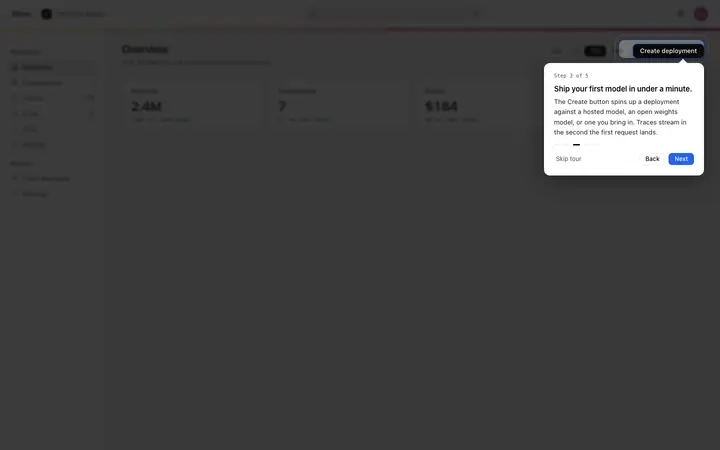
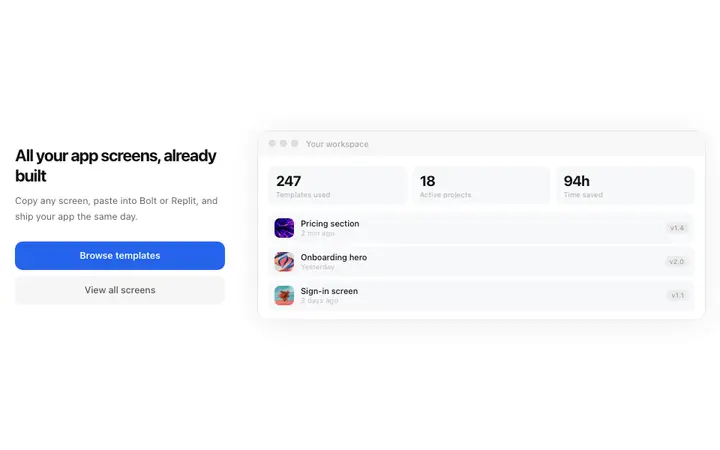
Copy any of these into Replit Agent as your design reference. Each is a self-contained HTML and CSS file that Replit can read and convert to any stack.
Frequently asked questions
Why does my Replit app look unfinished?
Replit builds working apps fast, but the default UI output comes from common design patterns rather than intentional design decisions. Without a visual reference, the app has a functional layout but no distinctive visual identity. A BrowserMoon template gives Replit a specific design to implement rather than a pattern to approximate.
How do I improve design in Replit without a designer?
Copy a BrowserMoon template and paste it into your Replit project as a design reference. Tell Replit Agent to match the layout, color system, and spacing from the template. Mon can help you pick the right template and write the exact instruction.
Can Replit implement a complex UI design?
Yes. Replit Agent handles multi-section layouts, animations, and responsive design well when given a concrete reference. The gap is almost always a missing visual spec, not a capability limit. A BrowserMoon template closes that gap.
What is Mon and how does it help Replit design?
Mon is BrowserMoon's AI design assistant. It recommends templates from the BrowserMoon library based on what you are building in Replit, then generates a ready-to-paste prompt for Replit Agent so the design lands correctly the first time.
What design templates work best in Replit?
App landing pages, SaaS dashboard layouts, and scroll-animation sections work especially well in Replit because Replit Agent can implement them as complete, standalone HTML and CSS components. BrowserMoon has a full library of these built for vibe coding workflows.
Do BrowserMoon templates work with Replit Agent?
Yes. Templates are plain HTML and CSS. Paste the template code as context in Replit Agent and instruct it to convert the design to your project's stack. Replit can convert it to React, plain HTML, or any other framework you are using.
Is BrowserMoon free to use with Replit?
Anyone can make their vibe coded site or app look top designed with Mon, the AI designer of Moon. Ask Mon what template to use, copy it, and paste it into Replit Agent as a design reference.
Not sure which template fits your Replit project?
Anyone can make their vibe coded site or app look top designed with Mon, the AI designer of Moon.