How to get better design in Claude Code
Claude Code design templates are production-ready HTML files you paste into your Claude Code prompt. Claude Code reads the template and applies the exact layout, font scale, spacing system, and component structure to the code it writes. Every component it generates stays consistent with the template rather than drifting between sessions.
Why Claude Code projects need a design template
Claude Code is one of the most capable vibe coding tools for developers who want precise control over what gets built. It reads your codebase, understands the existing architecture, and writes code that fits. It is exceptional at logic, structure, and implementation. Design consistency is where it needs a reference.
Without a design template, Claude Code generates each component by inferring style from your description. Font sizes drift between pages. Spacing is inconsistent. Colours are approximated. The individual components work, but the product does not feel like a single coherent design. Multiple sessions without a shared visual reference make this worse.
A BrowserMoon template gives Claude Code an exact visual system. Every spacing value, every font size, every component pattern comes from the template. The design is consistent across every file Claude Code touches because it is reading the same reference every time.
How to use a design template with Claude Code
Copy a BrowserMoon template
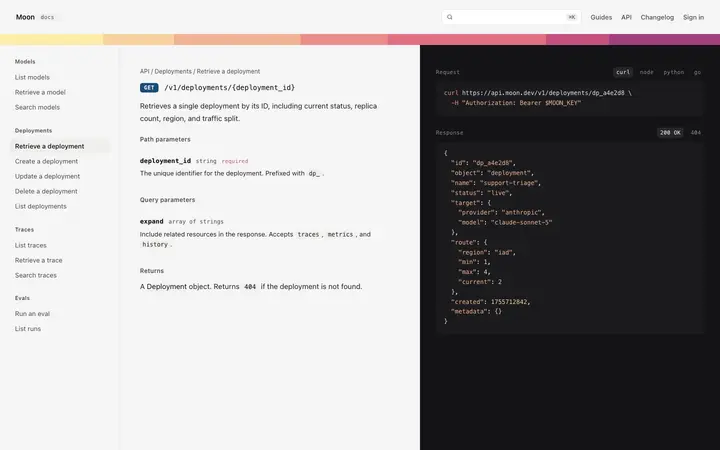
Browse the library and copy the HTML for the template that matches the page you are building. AI app landing pages, documentation sites, SaaS dashboards, and API-first product pages are the most-used templates for Claude Code projects.
Paste the template into your Claude Code prompt
Include the template HTML alongside your feature request. Add the instruction: "Use the pasted HTML as the design reference for this page. Apply its spacing, typography, and component patterns exactly."
Reference the template across sessions
For multi-session projects, paste the template at the start of each session to maintain design consistency. You can also ask Claude Code to extract the design tokens from the template into a shared CSS file that all future components reference.
Use Mon to choose and refine
Ask Mon which template fits your Claude Code project. Mon gives you the specific recommendation and the prompt instruction that works best for Claude Code, not a generic suggestion.
Best BrowserMoon templates for Claude Code projects
AI app templates
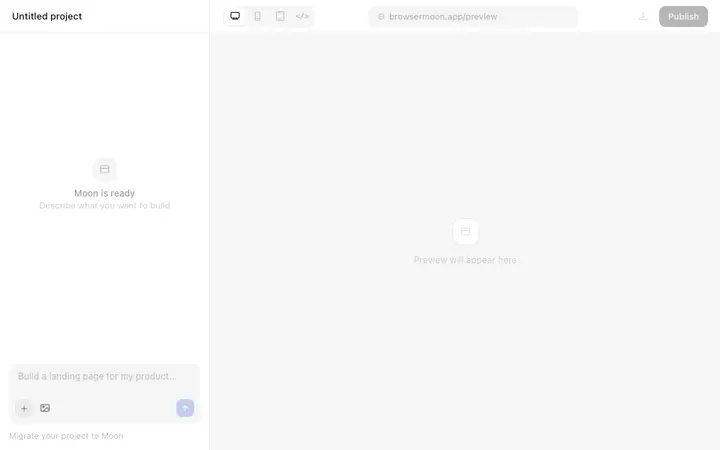
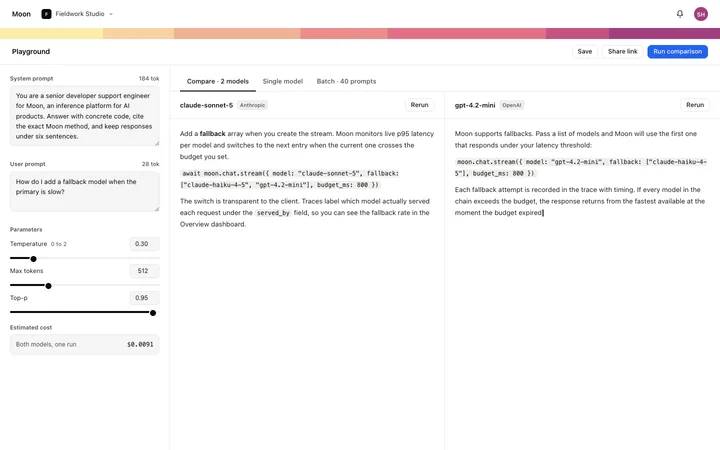
Landing pages, chat interfaces, and prompt playgrounds for AI-powered products built in Claude Code.
Claude Code hero templates
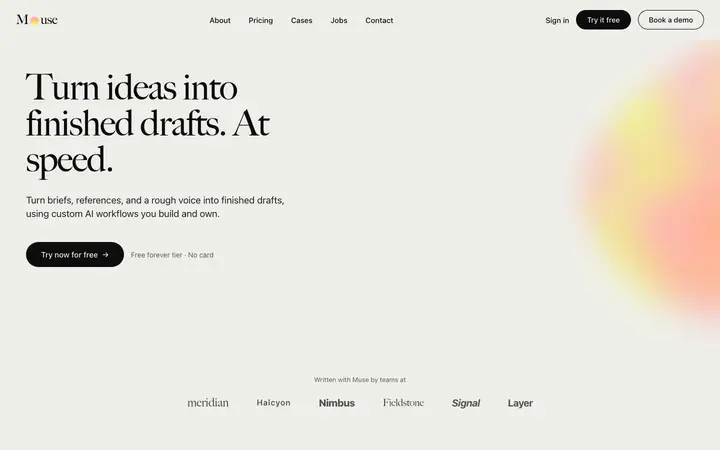
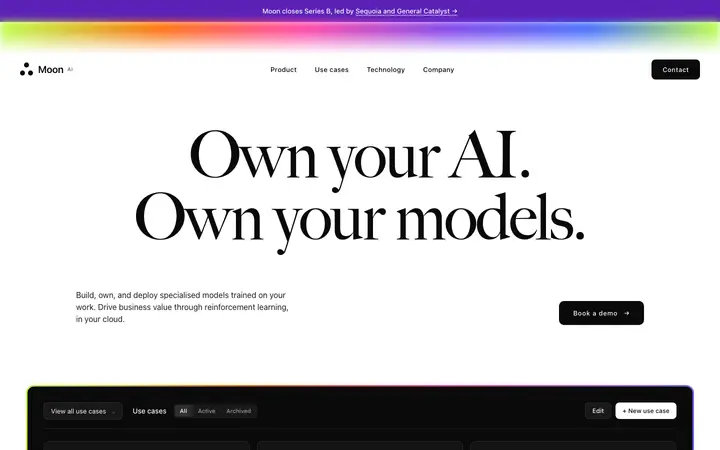
Hero sections optimised for AI and developer tools. Set the visual identity from the first generation.
Claude Code pricing templates
Pricing tables for developer and SaaS products. Correct hierarchy so the paid plan reads as the destination.
Documentation site templates
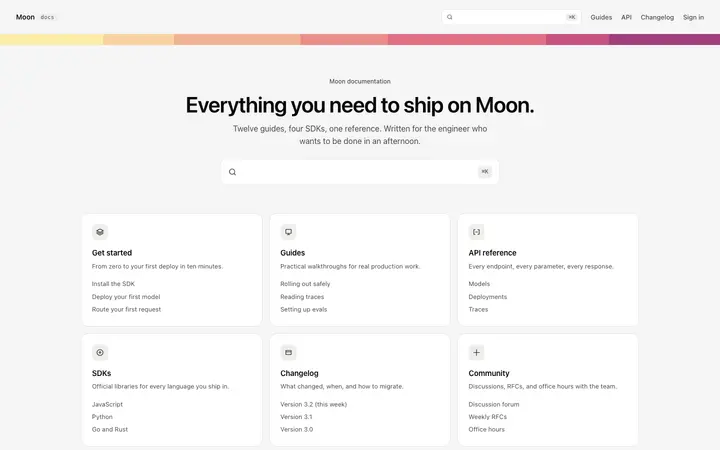
Doc site layouts for API-first and developer products. Clear navigation, code block styling, and sidebar structure.
Dashboard templates
Information hierarchy layouts for SaaS and AI products. Primary metric first, supporting detail below.
Claude Code design templates
Copy any template and paste it into your Claude Code prompt. Self-contained HTML that Claude Code reads and implements directly.
Frequently asked questions
How do I get better design in Claude Code?
Paste a BrowserMoon HTML design template into your Claude Code prompt alongside the feature you are building. Tell Claude Code to use the pasted template as the visual design for the page or component. Claude Code applies the layout, spacing, font scale, and component structure from the template exactly.
What are the best design templates for Claude Code?
BrowserMoon has over 450 HTML design templates that work with Claude Code. Hero templates, SaaS landing pages, dashboard layouts, and onboarding flows are the most-used starting points. Every template is self-contained HTML Claude Code reads and implements without additional setup.
Can I add a BrowserMoon template to an existing Claude Code project?
Yes. Reference the specific file you want to update and paste the template with a scoped instruction: 'Replace the current hero section in index.html with the HTML below. Keep the existing nav and footer.' Claude Code makes the targeted change without rewriting the whole project.
Can Mon help me choose the right template for my Claude Code project?
Yes. Tell Mon what you are building in Claude Code and where the design is weakest. Mon recommends the specific BrowserMoon template that fits your project and tells you exactly how to include it in your Claude Code prompt for the best result.
Why does Claude Code produce inconsistent design without a template?
Claude Code generates layout based on your text description. Without a visual reference, each component it generates is styled independently with no shared design system. Spacing, font sizes, and colours drift between sections. A BrowserMoon template gives Claude Code a consistent visual system to work from across every component and page it generates.
Does BrowserMoon have templates for AI apps built in Claude Code?
Yes. BrowserMoon has AI app templates, AI chat interface templates, AI prompt playground templates, and AI product landing pages that work directly with Claude Code. These templates are designed for the specific layout patterns AI-powered products need: prompt input heroes, output displays, usage dashboards, and model comparison pages.
Not sure which template fits your Claude Code project?
Anyone can make their vibe coded site or app look top designed with Mon, the AI designer of Moon.