What is an AI UX designer?
An AI UX designer is an AI tool that reviews user experience decisions in digital products: onboarding flows, navigation structure, information hierarchy, and conversion pages. It identifies where users are likely to drop off or feel confused, and recommends specific layout and structure changes grounded in UX principles. In 2026, AI UX designers are used by vibe coders building with Claude Code, Lovable, Replit, Bolt, and Cursor who need UX judgment without a UX team.
UX design is the gap vibe coding leaves open
Vibe coding tools such as Claude Code, Lovable, Replit, Bolt, and Cursor can build a working product from a description. They generate screens, forms, flows, and navigation without a developer. What they cannot generate is the UX judgment that determines whether those flows work for users.
UX judgment is the accumulated knowledge of what causes users to drop out of onboarding, why pricing pages do not convert, when navigation becomes disorienting, and how much to ask of a user before they have seen value. A UX designer knows these patterns. A vibe coding tool does not, unless you tell it exactly what to do.
An AI UX designer closes this gap. You describe the flow or layout you have built, describe where it is failing, and the AI UX tool tells you the cause and the fix, grounded in the UX principle behind the recommendation.
The UX problems AI UX designers solve
The most damaging UX problems in vibe-coded products share a pattern: they look like conversion problems or engagement problems, but the root cause is a design decision made without UX judgment. An AI UX designer identifies the design decision and fixes it.
High onboarding drop-off
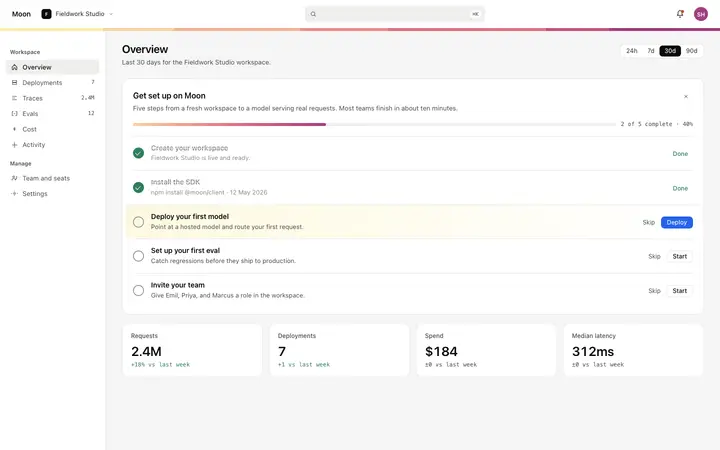
Asking for commitment, permissions, or setup before the user has seen value. The fix is progressive commitment: defer high-friction actions until after the first activation moment.
Low pricing page conversion
Free plan positioned prominently pushes the paid plan into upgrade territory. Users anchor on free. The fix is a hierarchy change: paid plan centered and visually prominent, free plan subordinate.
Navigation users cannot find
Navigation that reflects internal product structure rather than how users think about the task. The fix is task-based navigation labels that match the user's goal, not the system's architecture.
Hero sections that do not explain the product
A headline that describes the category, not the product. Users cannot tell within five seconds what the product does or who it is for. The fix is a concrete value statement with a use case.
Dashboard layouts that overwhelm
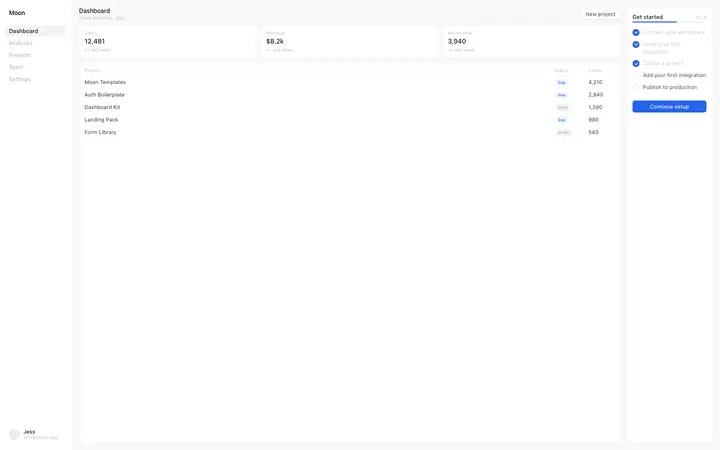
Dashboards that surface all data at once with no visual hierarchy. The fix is a primary metric or action at the top, supporting detail below, and empty states that guide rather than confuse.
Who needs an AI UX designer in 2026
Any builder who ships a product without a UX team. In practice:
Indie builders vibe coding a SaaS product in Lovable, Bolt, or Replit
Solo founders building an AI app who need UX decisions made quickly
Product managers who ship without a designer and need UX critique on demand
Small teams building fast who cannot afford a UX research cycle
Developers who know the code is right but cannot identify why users are dropping off
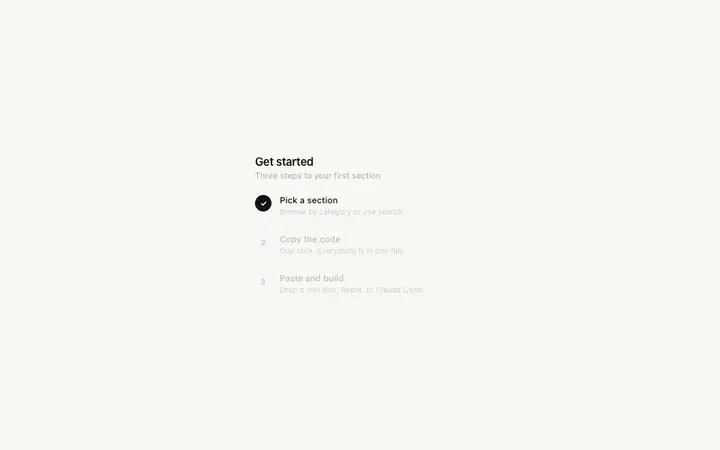
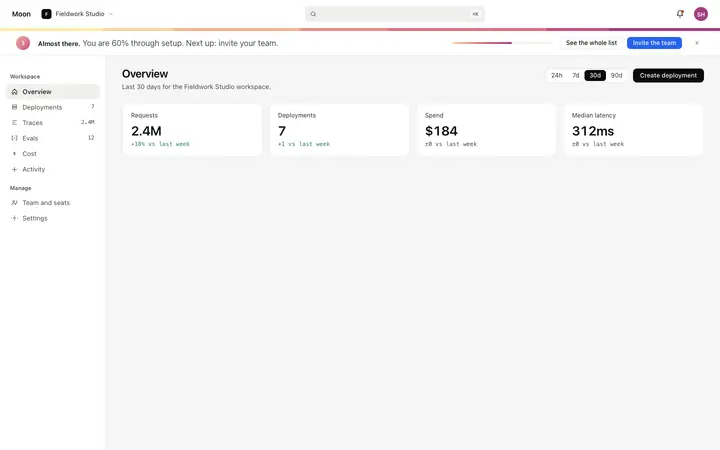
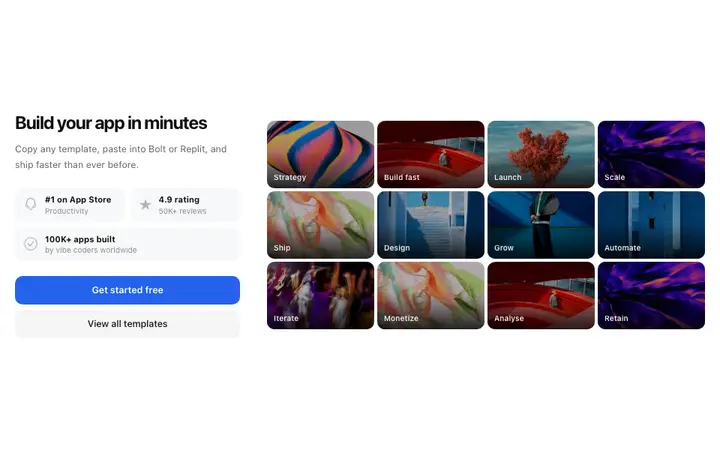
UX and onboarding design templates from BrowserMoon
When Mon identifies the UX pattern your product needs, it points you to the template that implements it. Paste directly into Claude Code, Lovable, Replit, Bolt, or Cursor.

Frequently asked questions
What is an AI UX designer?
An AI UX designer is an AI tool that reviews user experience decisions in digital products: onboarding flows, navigation structure, information hierarchy, and conversion pages. It identifies where users are likely to struggle, drop off, or feel confused, and recommends specific layout and structure changes grounded in UX principles.
What is the best AI UX designer tool in 2026?
Mon by BrowserMoon is the AI UX design tool built for vibe coders. It reviews flows and layouts, diagnoses UX problems before they become user research findings, and recommends production-ready templates that implement the fix. It is designed to work alongside Claude Code, Lovable, Replit, Bolt, and Cursor.
Can an AI UX designer replace user research?
An AI UX designer cannot replace user research for complex products where user behavior is unpredictable or highly contextual. For most builders and early-stage products, it catches the design and flow problems that user research would surface anyway: high-friction onboarding, unclear CTAs, navigation that does not match user expectations, and layouts that bury the most important action.
How does an AI UX designer help with onboarding flows?
An AI UX designer reviews each step of your onboarding flow and identifies where you are asking for too much too soon, where the value is unclear, and where the visual design is creating unnecessary friction. Mon asks about your specific drop-off point and gives you a targeted layout recommendation with the template that implements it.
What UX problems does Mon solve for vibe coders?
Mon solves the most common UX problems in vibe-coded products: onboarding flows that lose users before activation, pricing pages where the upgrade path is unclear, navigation structures that do not match how users think about the product, hero sections that fail to communicate what the product does, and dashboard layouts that overwhelm rather than orient.
Is there a free AI UX designer tool?
Anyone can make their vibe coded site or app look top designed with Mon, the AI UX designer of Moon. Describe your flow, get a UX design recommendation, and implement it with the right template.
Can an AI UX designer review my current product?
Yes. Describe your current onboarding flow, paste a screenshot, or explain where users are dropping off and Mon gives you a UX critique: what is creating friction, what to change first, and which layout pattern to use instead. The feedback is grounded in the specific flow in front of you.
Try Mon, your AI UX designer
Anyone can make their vibe coded site or app look top designed with Mon, the AI designer of Moon.
Related