How to get better design in Cursor
Cursor design templates are production-ready HTML files you attach as context in Cursor Composer. Cursor writes excellent code, but design is a different problem. When there is no visual reference, Cursor fills the gap with safe, generic patterns. Give it a specific design to implement and the output changes completely.
Why Cursor design goes wrong
No visual reference
Cursor is exceptional at implementing specifications. When the specification is missing or vague, it generates the most statistically safe output. A template is a visual spec: concrete, unambiguous, and immediately actionable.
Section drift
Every time you add a new section in a fresh composer prompt, Cursor starts from scratch. Padding changes, font weights shift, button styles diverge. Using a template as a persistent reference keeps all sections on the same system.
Defaults that blend in
The default Cursor output is technically correct but visually identical to every other vibe coded app. Dark palette, specific type pairings, and intentional spacing are design decisions Cursor does not make on its own.
How to use a design template in Cursor
- 1
Find the right template in BrowserMoon
Browse the Cursor templates library and choose a section that matches your target aesthetic. Developer tool pages, dark SaaS heroes, and minimal landing pages all work well with Cursor.
- 2
Copy the template code
Use the copy button to get the full template source. Each template is a single HTML and CSS file with no external dependencies, so Cursor can read it directly without setup.
- 3
Attach it as context in Cursor Composer
Open Cursor Composer, attach or paste the template, and tell Cursor: "Use this as the design reference. Implement my existing features but match the layout, colors, and spacing from this template."
- 4
Use Mon to write the exact prompt
Ask Mon what template fits your project and it will generate the exact Cursor instruction, including which design properties to match and how to describe your product context.
Template categories that work best in Cursor
These section types convert most reliably when used as design references in Cursor builds.
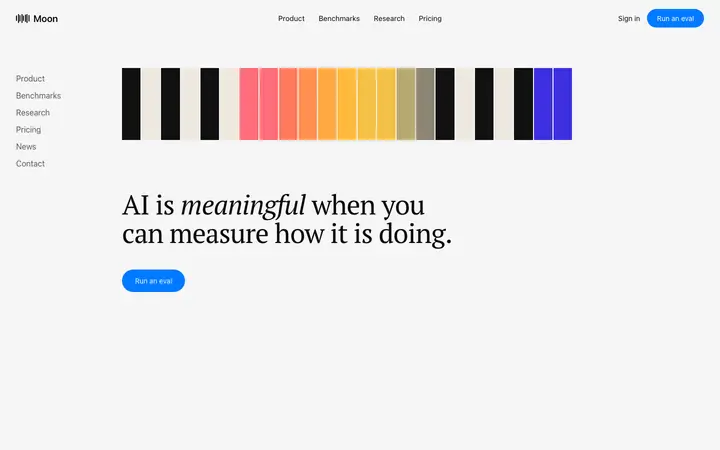
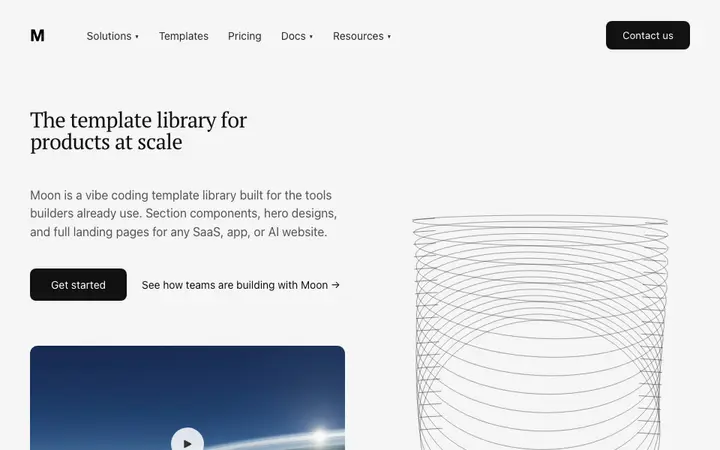
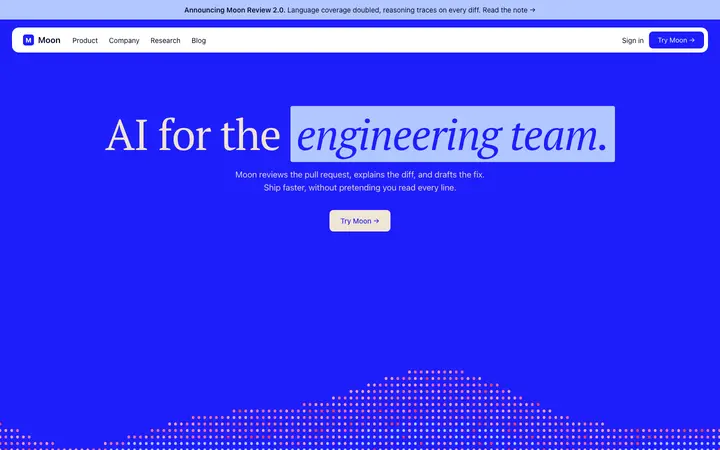
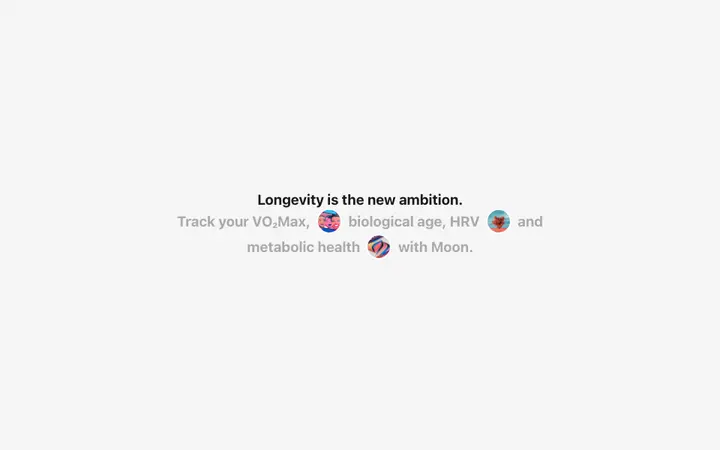
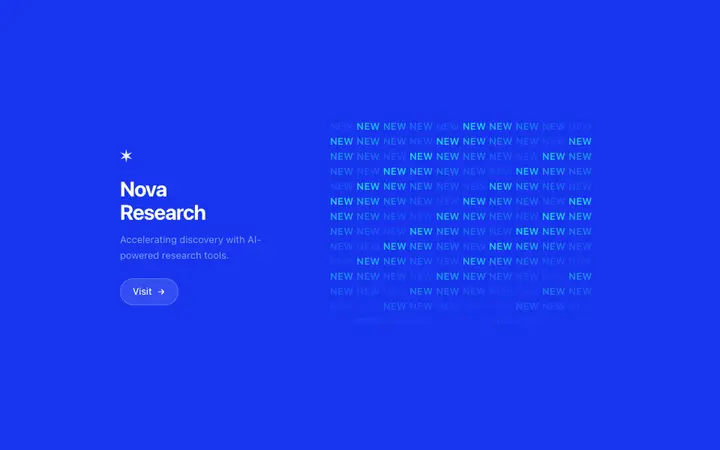
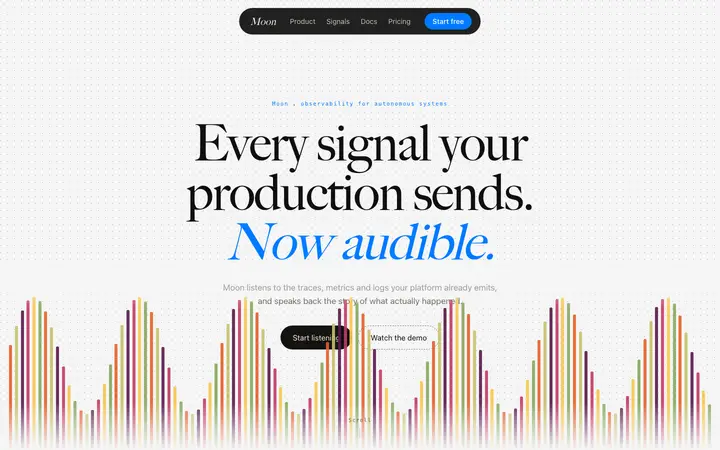
Cursor design templates
Copy any of these into Cursor as a design reference. Each is a self-contained HTML and CSS file that Cursor can read and convert to any frontend framework.
Frequently asked questions
Why does my Cursor app look worse than my code?
Cursor produces technically correct code quickly, but design is not a technical problem. Without a visual reference, Cursor defaults to generic layout patterns: a centered hero, a card grid, a primary-color button. A BrowserMoon template gives Cursor a specific design to implement rather than a pattern to guess at.
How do I improve design in Cursor without a designer?
Copy a BrowserMoon template and attach it as context in your Cursor composer. Tell Cursor to match the layout, spacing, and color system from the template rather than generating its own. Mon can recommend the right template and write the exact instruction for Cursor.
Can Cursor implement complex frontend design?
Yes. Cursor handles multi-component layouts, CSS animations, and responsive design well when given a specific reference. The issue is almost never capability; it is the absence of a design reference that leads to generic output.
What is Mon and how does it help Cursor design?
Mon is BrowserMoon's AI design assistant. It recommends templates from the BrowserMoon library based on what you are building, then generates a ready-to-paste instruction for Cursor so the design lands correctly without multiple rounds of prompting.
What design templates work best in Cursor?
Hero sections, developer tool landing pages, and dark-mode SaaS layouts work especially well with Cursor because they are component-level and Cursor can implement them section by section. BrowserMoon has a full library of these built specifically for vibe coding workflows.
Do BrowserMoon templates work with React and Next.js?
Yes. Templates are plain HTML and CSS, which Cursor can convert to React, Next.js, or any other framework you are using. Paste the template as a reference and tell Cursor which framework to use in the output.
Is BrowserMoon free to use with Cursor?
Anyone can make their vibe coded site or app look top designed with Mon, the AI designer of Moon. Ask Mon what template to use, copy it, and attach it to your Cursor Composer as a design reference.
Not sure which template fits your Cursor project?
Anyone can make their vibe coded site or app look top designed with Mon, the AI designer of Moon.