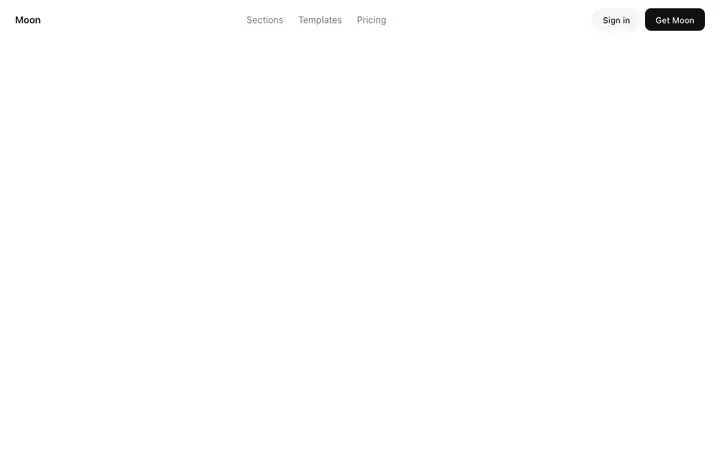
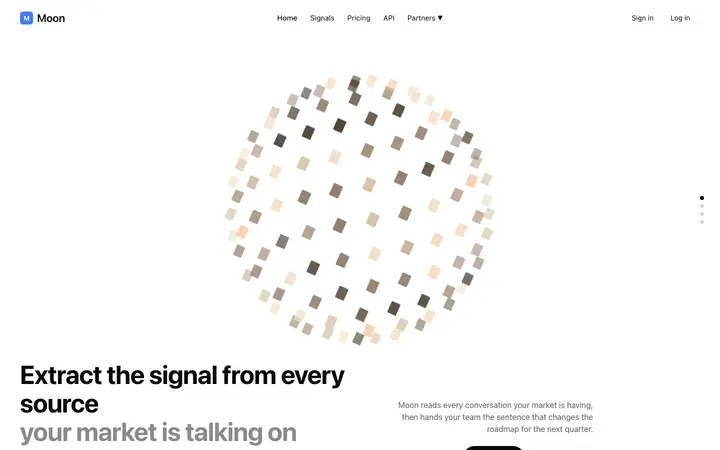
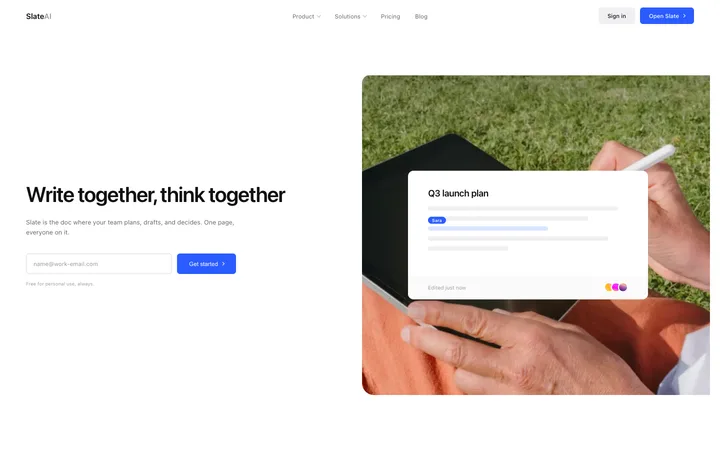
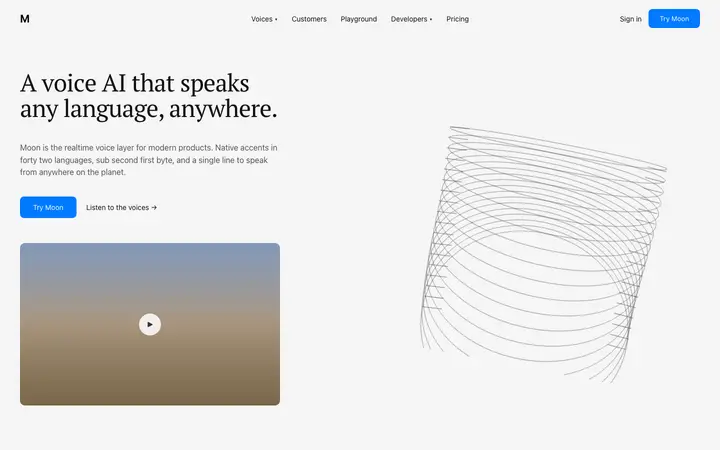
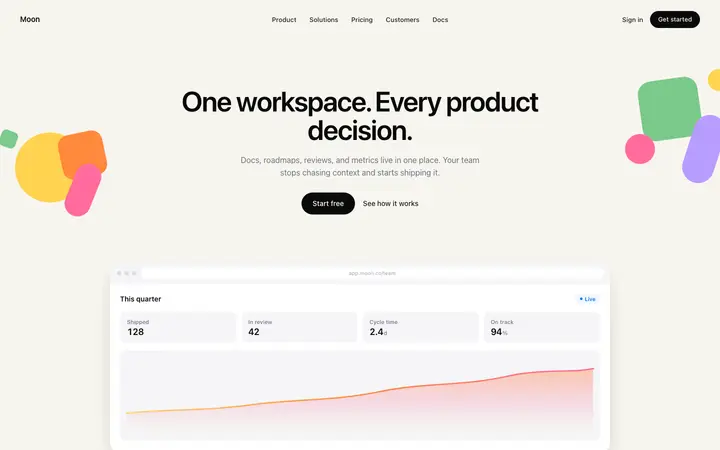
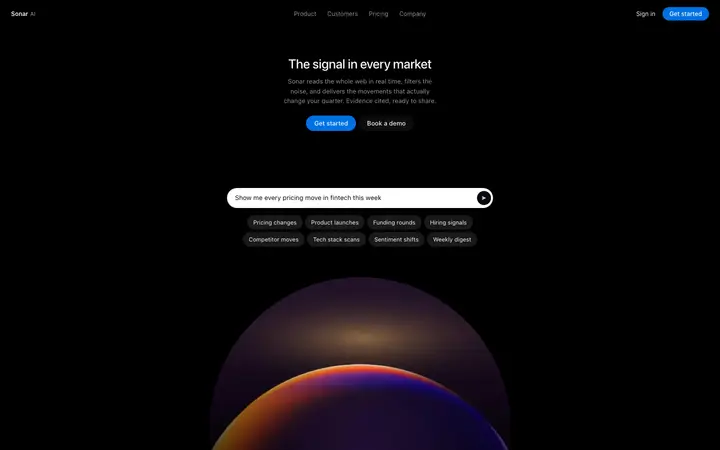
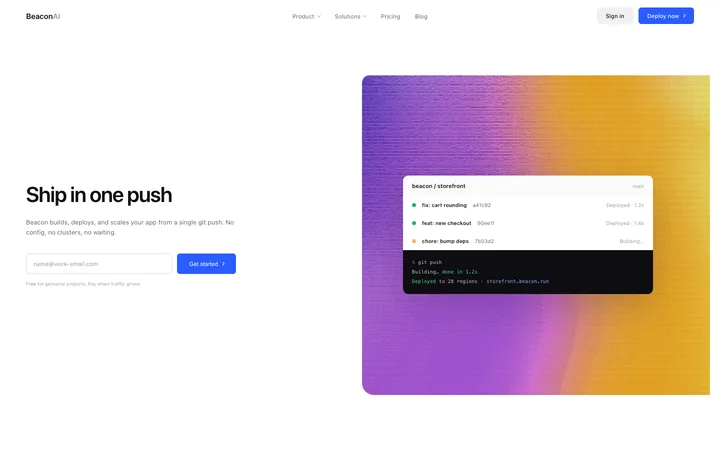
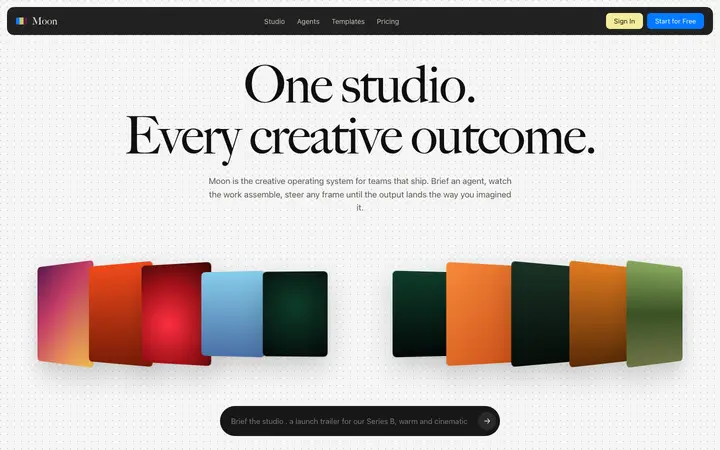
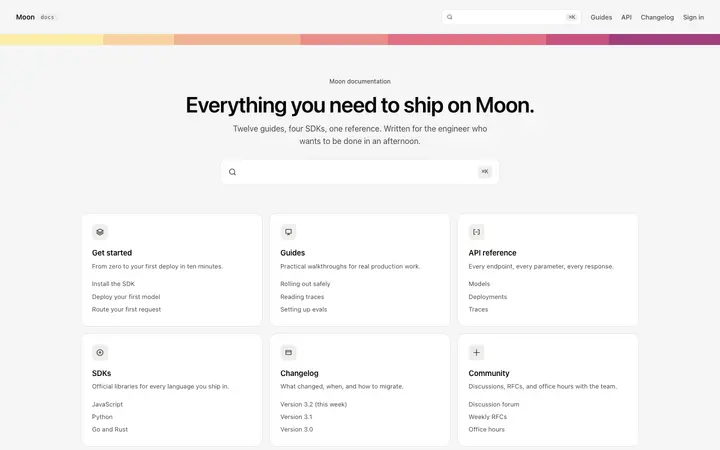
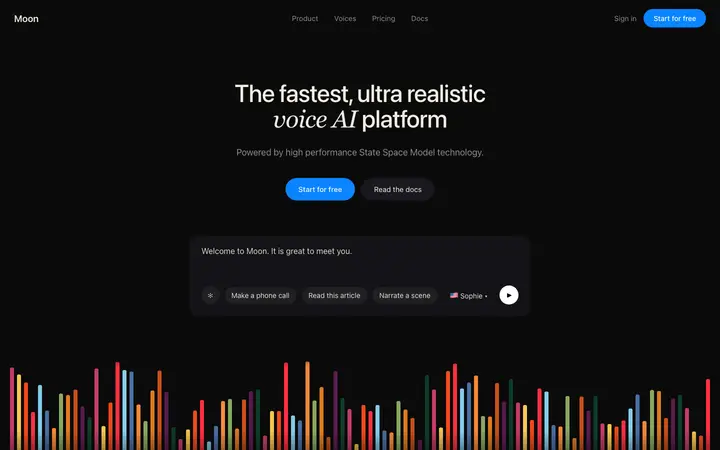
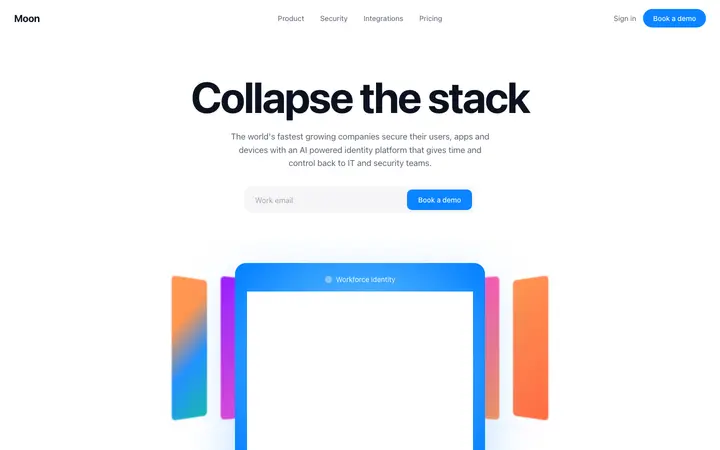
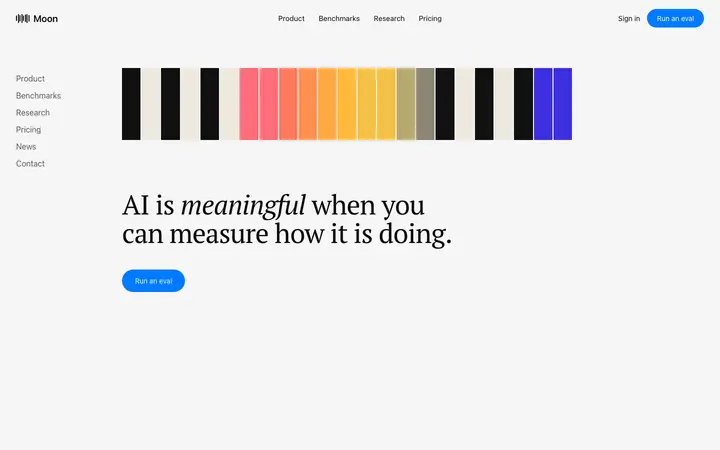
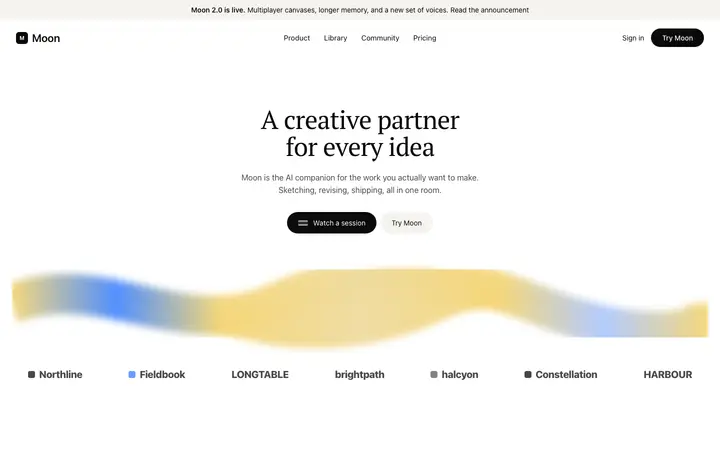
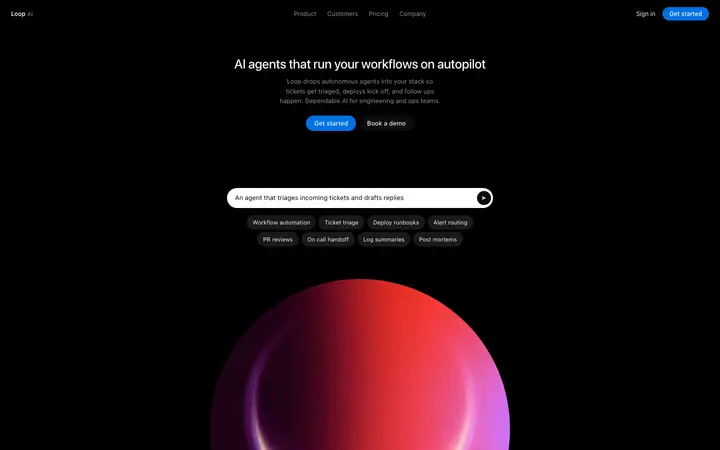
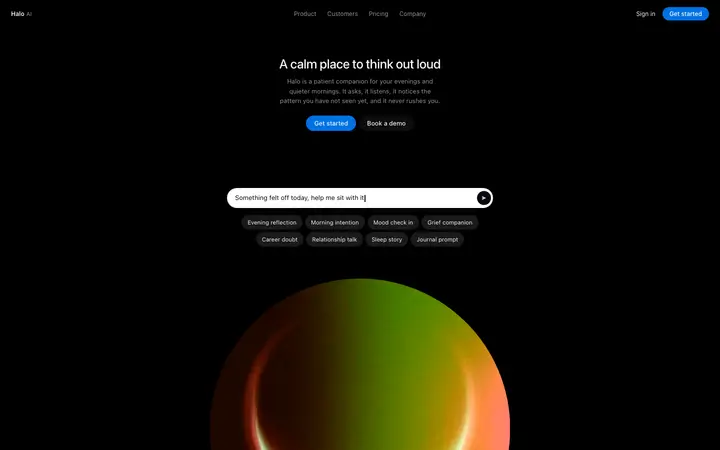
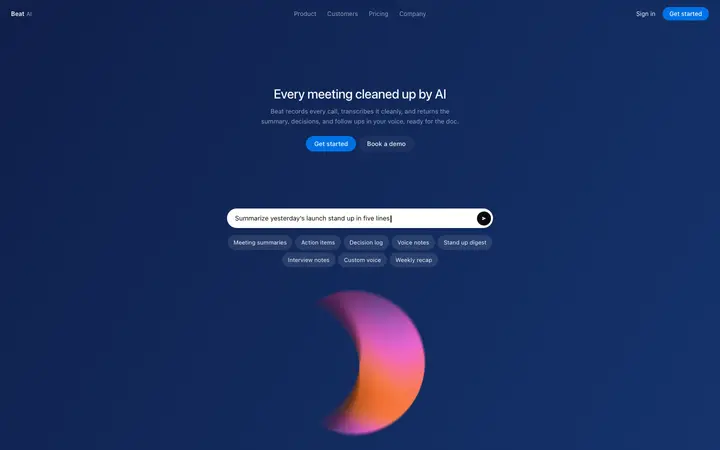
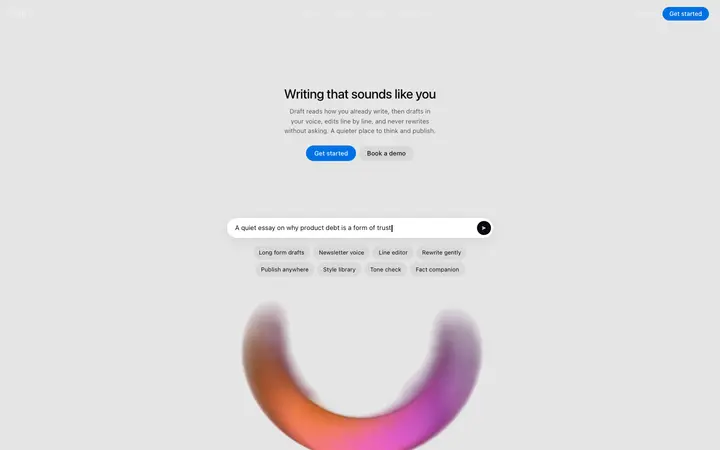
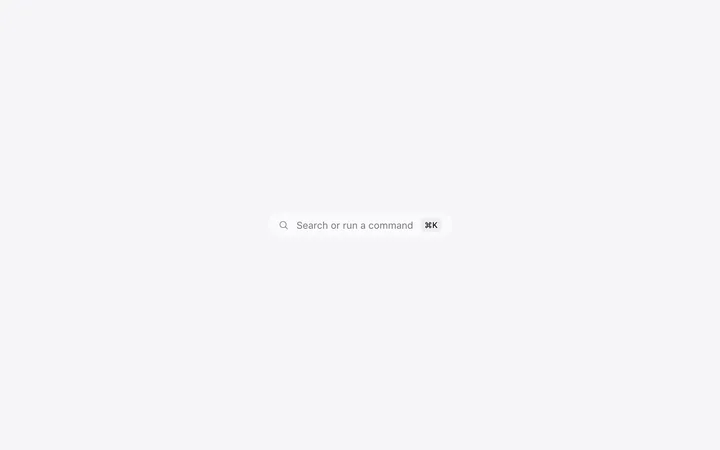
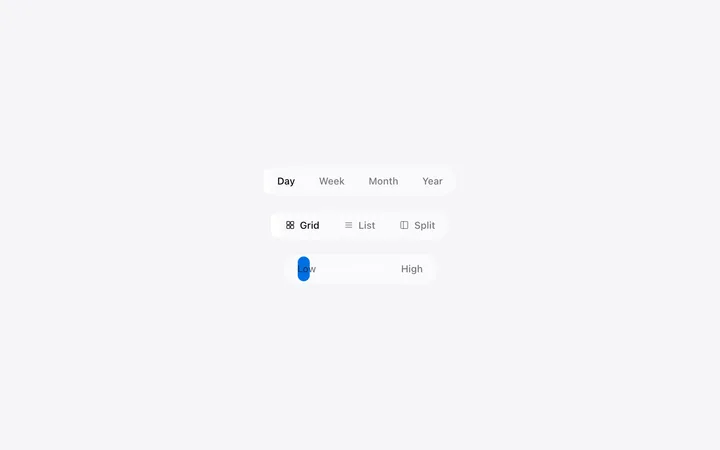
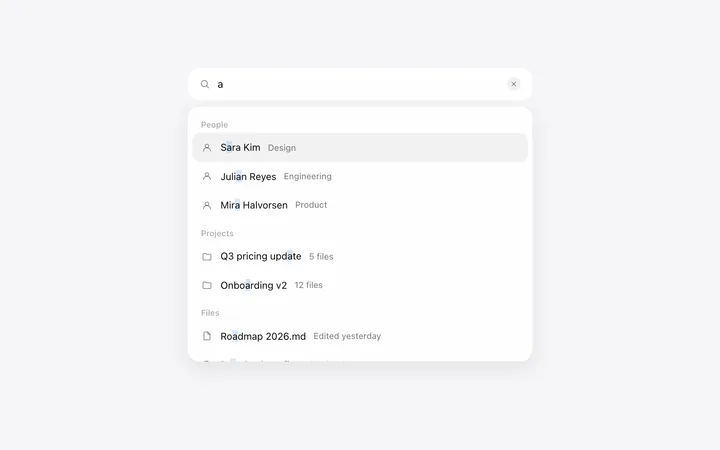
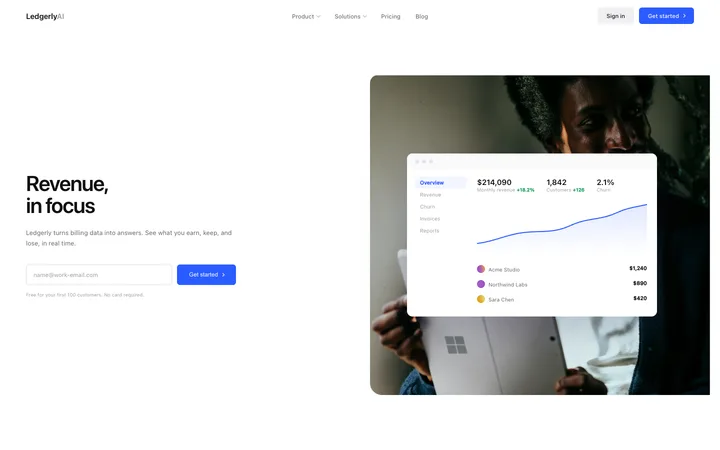
What is a navbar template?
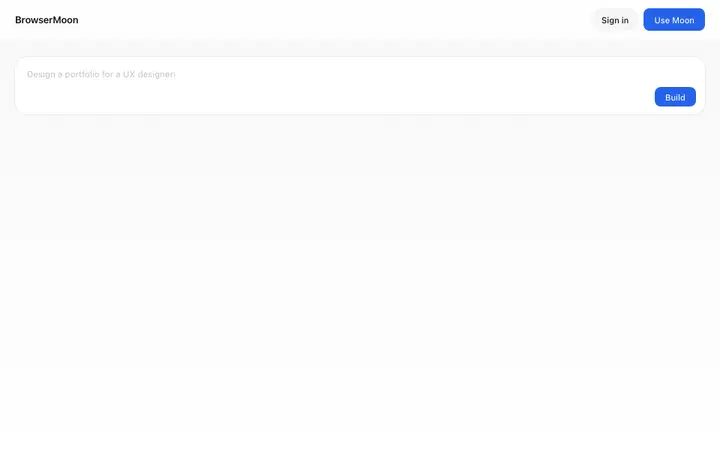
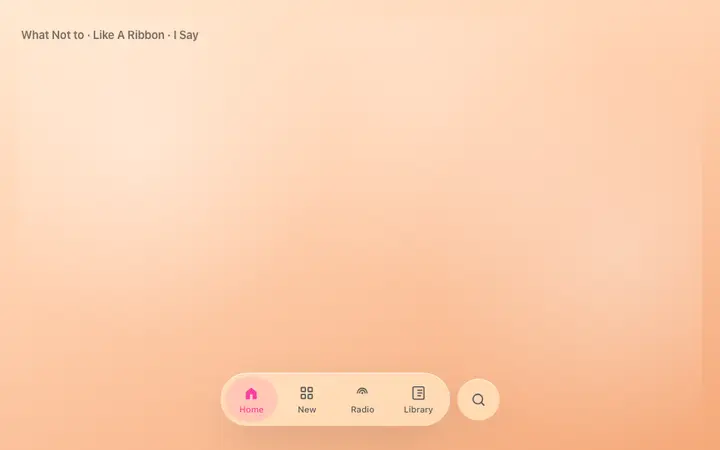
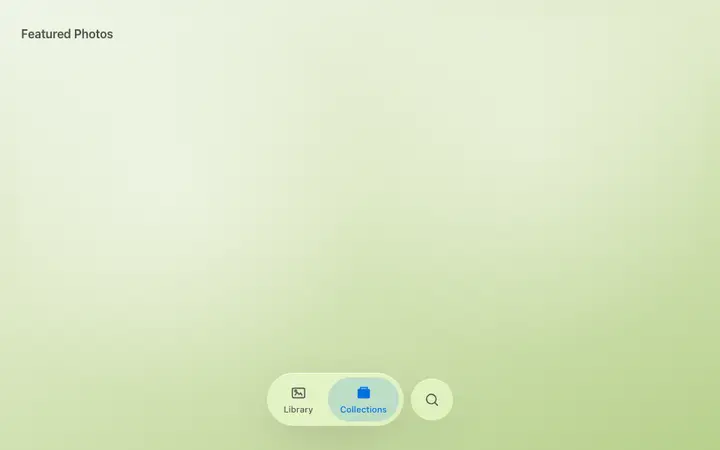
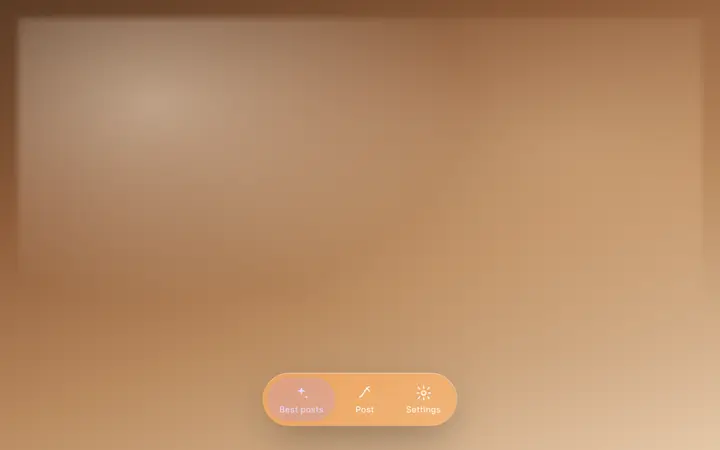
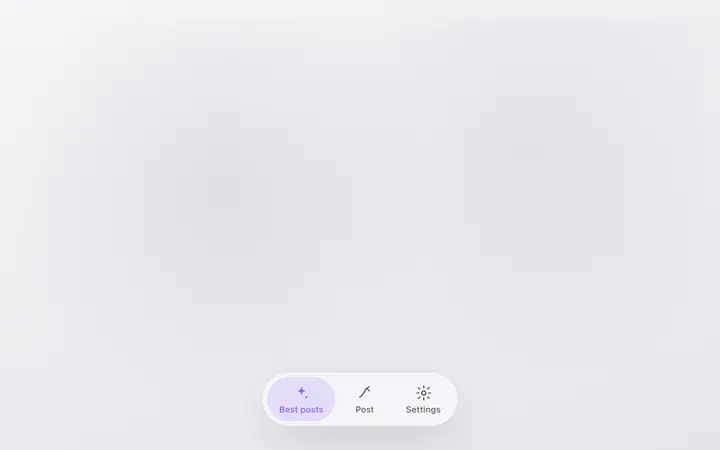
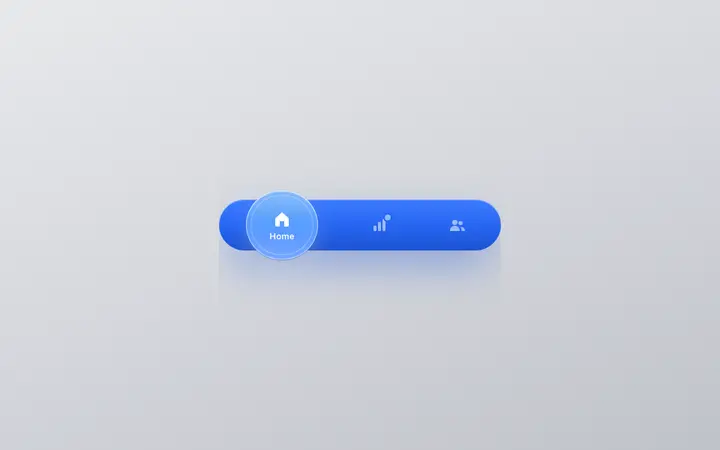
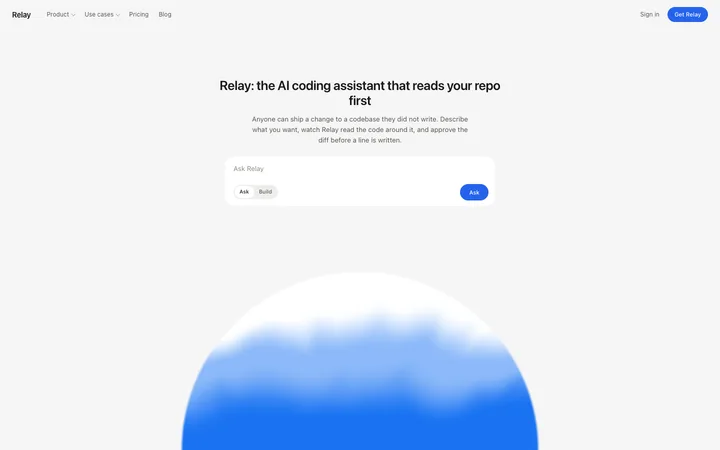
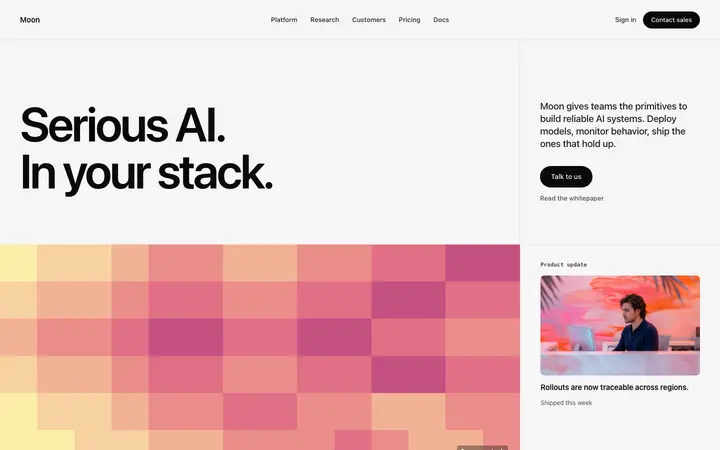
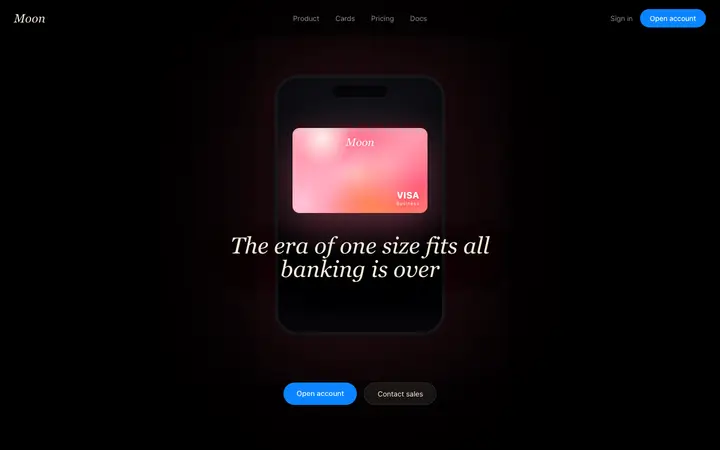
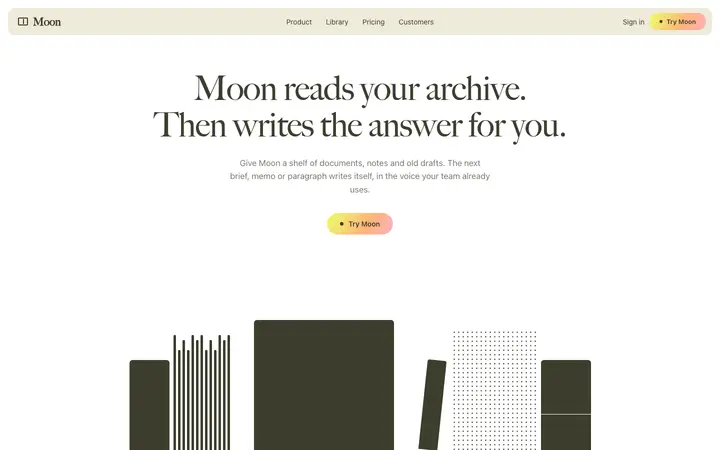
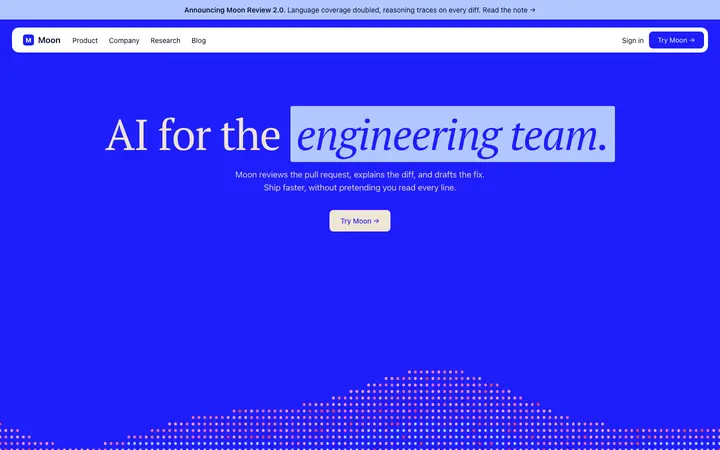
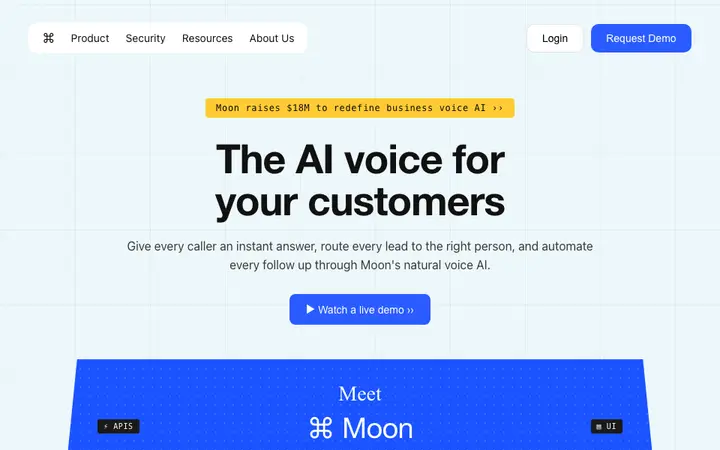
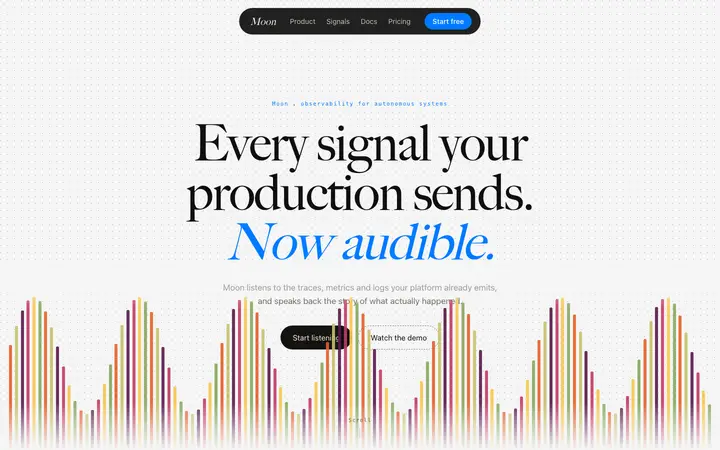
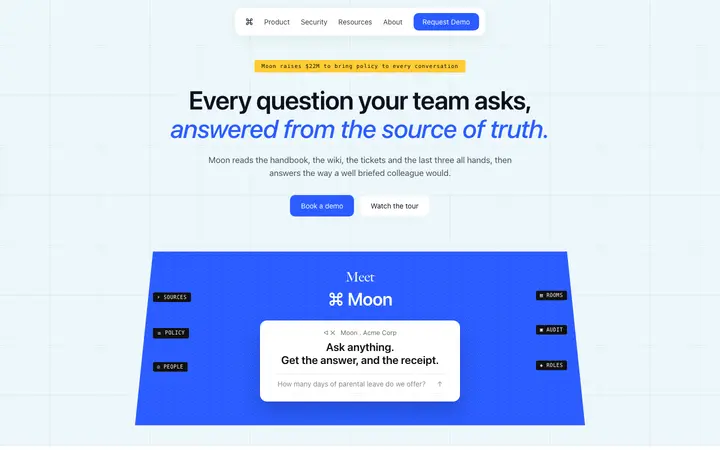
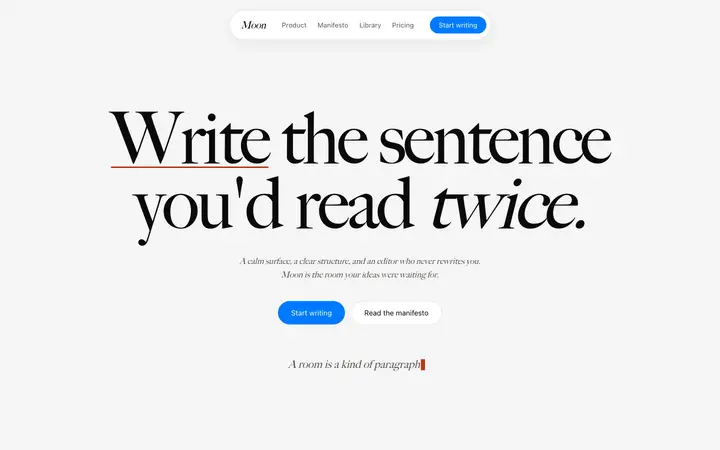
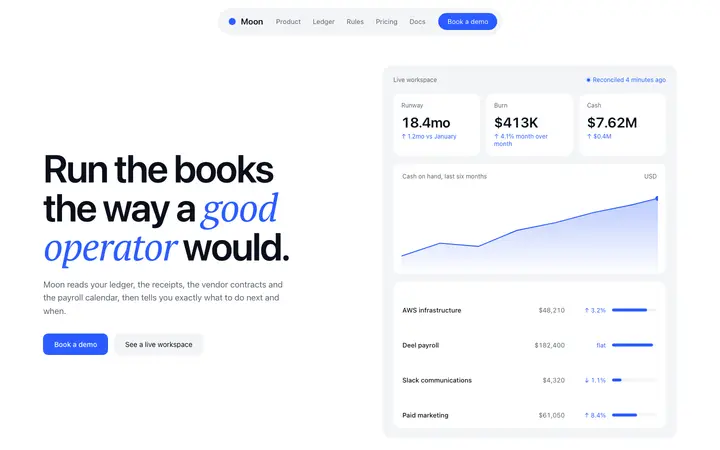
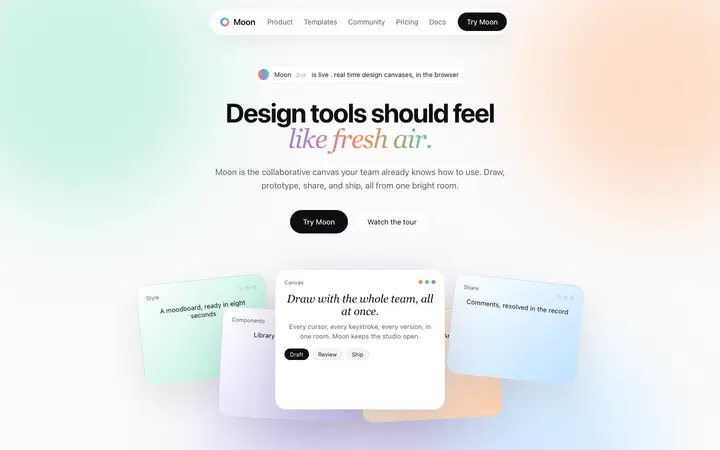
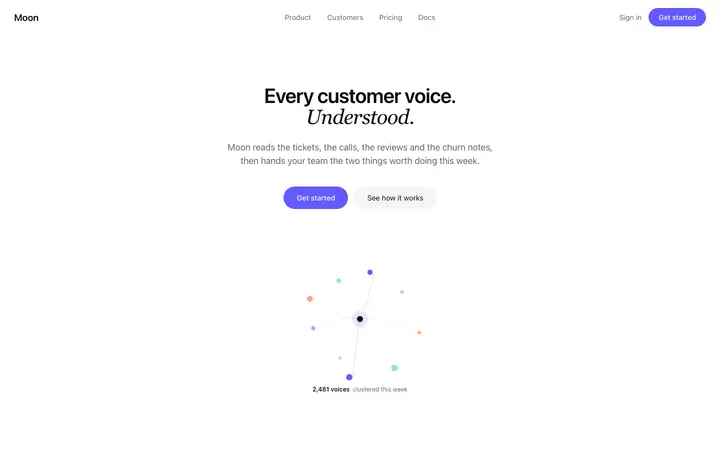
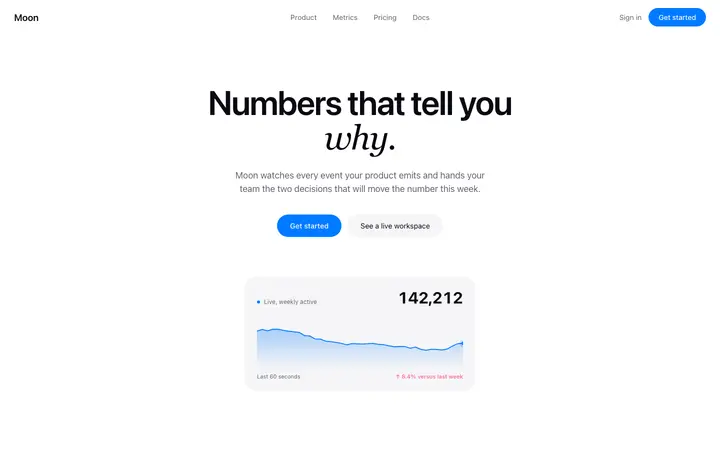
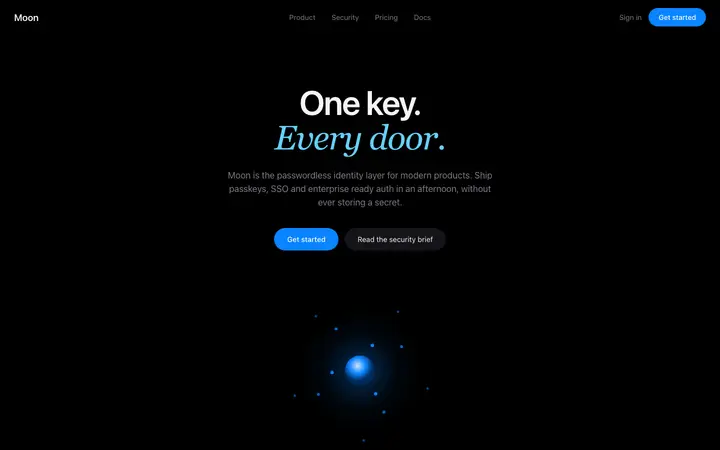
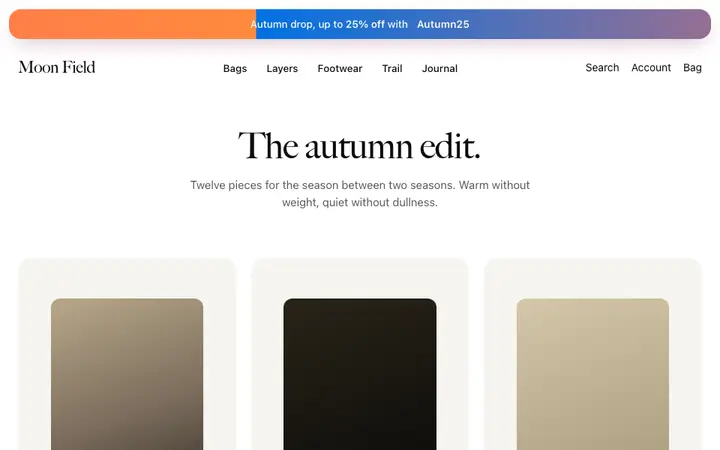
A navbar template is a ready made navigation bar design for a website or app. It includes the wordmark, menu links, and a primary call to action button. BrowserMoon navbar templates match the visual pattern used by Linear, Vercel, and the best AI and SaaS products.
Which vibe coding tools work with BrowserMoon navbar templates?
All of them. Paste any BrowserMoon navbar into Bolt, Claude Code, Replit, Lovable, or ChatGPT Codex and describe your product name, navigation links, and button label. The AI updates the text and wires the navigation into your app while keeping the professional layout intact.
What kinds of products use these navbar templates?
BrowserMoon navbar templates match the visual pattern of leading AI products, developer tools, and SaaS platforms. They work for AI chat apps, productivity tools, developer APIs, SaaS dashboards, and any product that needs a clean, credible navigation bar that signals product quality.
How many links belong in a SaaS navbar?
Five or six before a visitor stops reading and starts scanning. Anything past that belongs in a menu that opens, not a row that is always there.
Should a SaaS header stick to the top?
Usually. Long marketing pages send people a long way from the call to action, and a sticky header keeps the way back one click away.
When is a mega menu worth it?
Once you have more than one product, or categories deep enough that a flat list would not fit. Below that it is a bigger surface with the same links on it.
What goes in the top right?
One control, not three. A row that offers sign in, a demo and a trial at once makes the visitor choose before they have decided anything.