In short
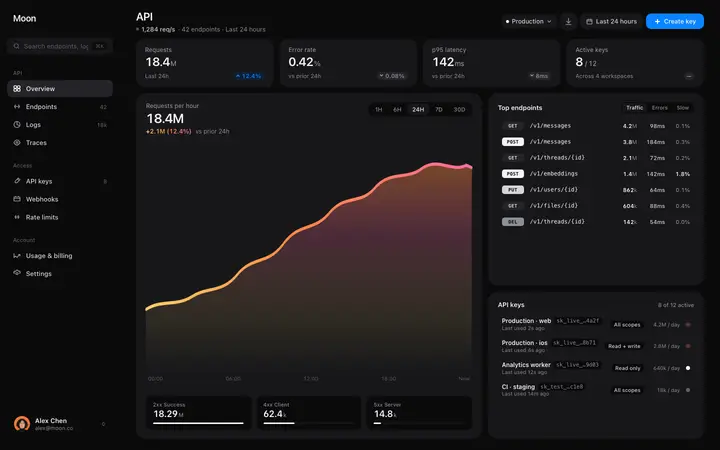
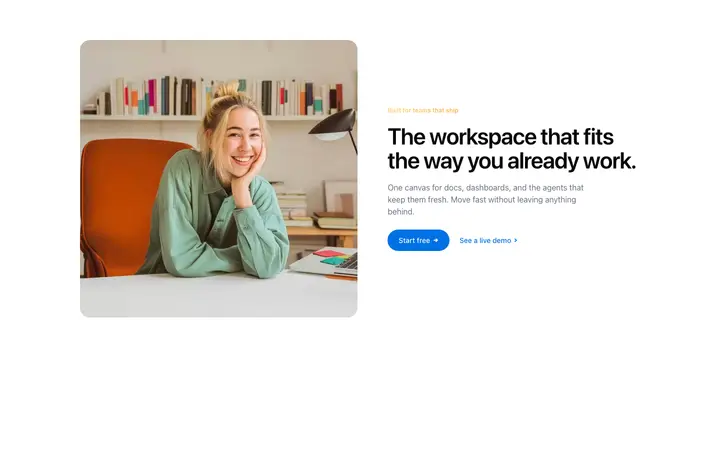
Bolt templates are ready-made website and app designs you paste into Bolt as a starting point. Instead of getting the default vibe-coded look, you start with a professional design and Bolt builds your website or app around it. BrowserMoon is a library of these templates, covering landing pages, hero sections, pricing pages, dashboards, navigation, and more. This is the fastest way to vibe code something that actually looks finished.
Bolt templates by category
How to design a website with Bolt using templates
Pick a design template
Browse the BrowserMoon gallery and choose the template you need. Hero designs, navigation bars, pricing pages, feature sections, footer layouts, and more.
Copy the template
Click any template to open its detail page. Click Copy code to get the full design on your clipboard.
Paste into Bolt and describe your website or app
Open Bolt at bolt.new. Paste the template into your prompt and describe what you are building. Tell Bolt your headline, your brand colours, and where the sign-up button should go.
Refine with follow-up prompts
Use short follow-up prompts to adjust specific elements. Bolt refines the design without starting over.
Why vibe coding with Bolt needs a design template
Bolt builds complete apps fast, but the design quality depends on what you give it to start with. Without a template, Bolt generates a generic layout that needs several rounds of fixing before it looks like a real website or app.
A BrowserMoon template gives Bolt a professional design to build from. Every follow-up prompt in that session builds on a real design that is already in place, instead of patching a default layout after the fact.
Browse Bolt templates
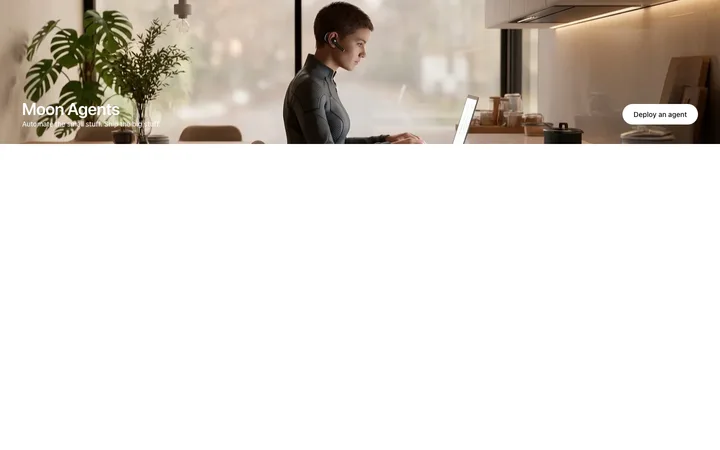
Every template in the BrowserMoon library is designed for vibe coding with Bolt. Landing page designs, hero sections, pricing pages, dashboards, navigation bars, and more.





Frequently asked questions
What are the best vibe coding templates for Bolt?
BrowserMoon offers a library of professionally designed Bolt templates for websites, landing pages, and apps. Each template is a ready-made design you paste into your Bolt prompt so your project looks polished from the first generation, with no extra setup needed.
How do I design a website with Bolt?
Start with a BrowserMoon template. Copy any design from the gallery, open Bolt at bolt.new, and paste the template into your prompt. Describe your app or website and what you want to change. Bolt builds on the template design and adapts it to your project.
Can Bolt turn a template into React or Tailwind?
Yes. Add 'convert to React with Tailwind' to your Bolt prompt and it will translate the BrowserMoon template into a React component with Tailwind classes. The layout, spacing, and typography carry over.
Can I combine multiple templates in one Bolt website?
Yes. Copy each template separately and describe in your prompt how they should connect. Bolt assembles them into a full page and adapts the content to your app or website across every section.
Are Bolt templates free to use?
BrowserMoon templates are available to copy from any template detail page. Browse the gallery, pick a template, and click Copy code. Then paste it straight into Bolt to start building.
Related