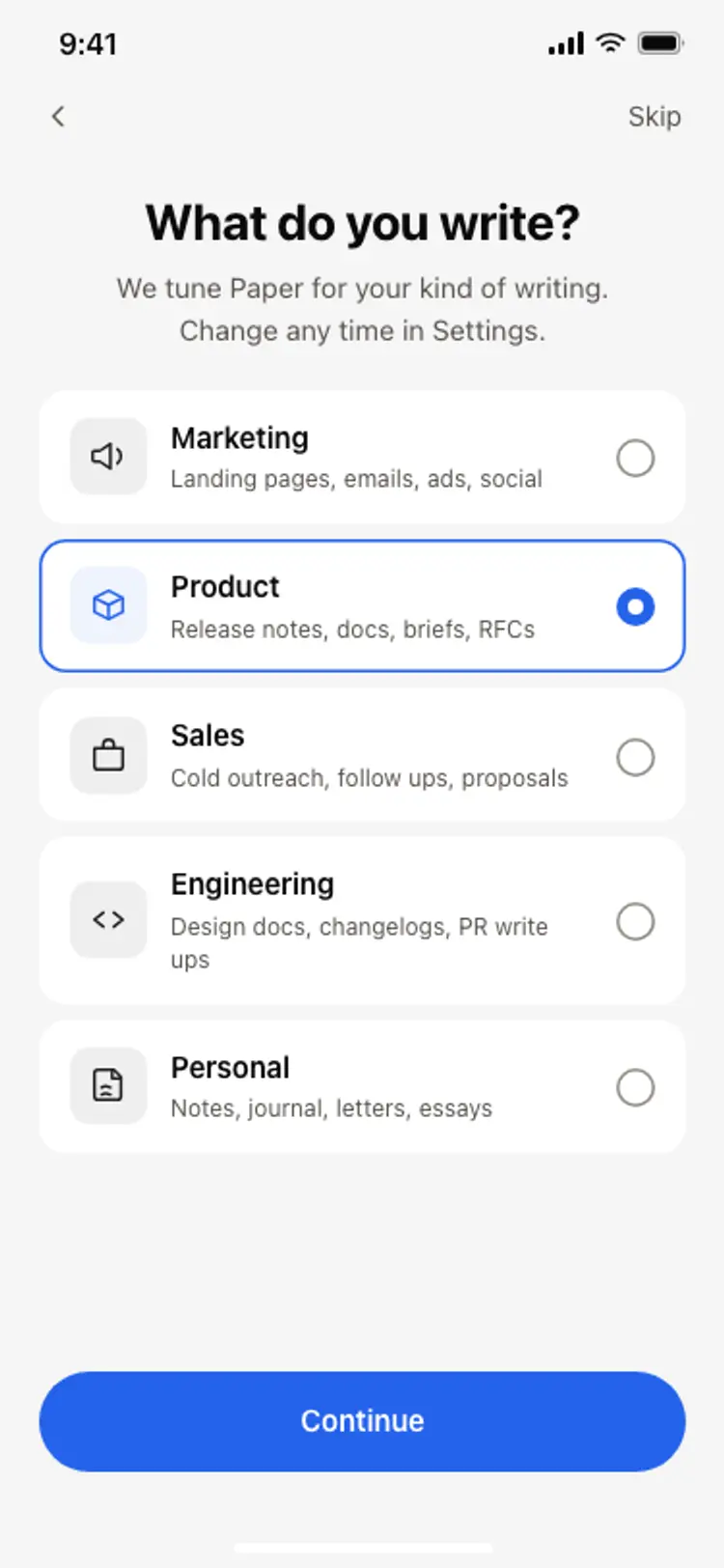
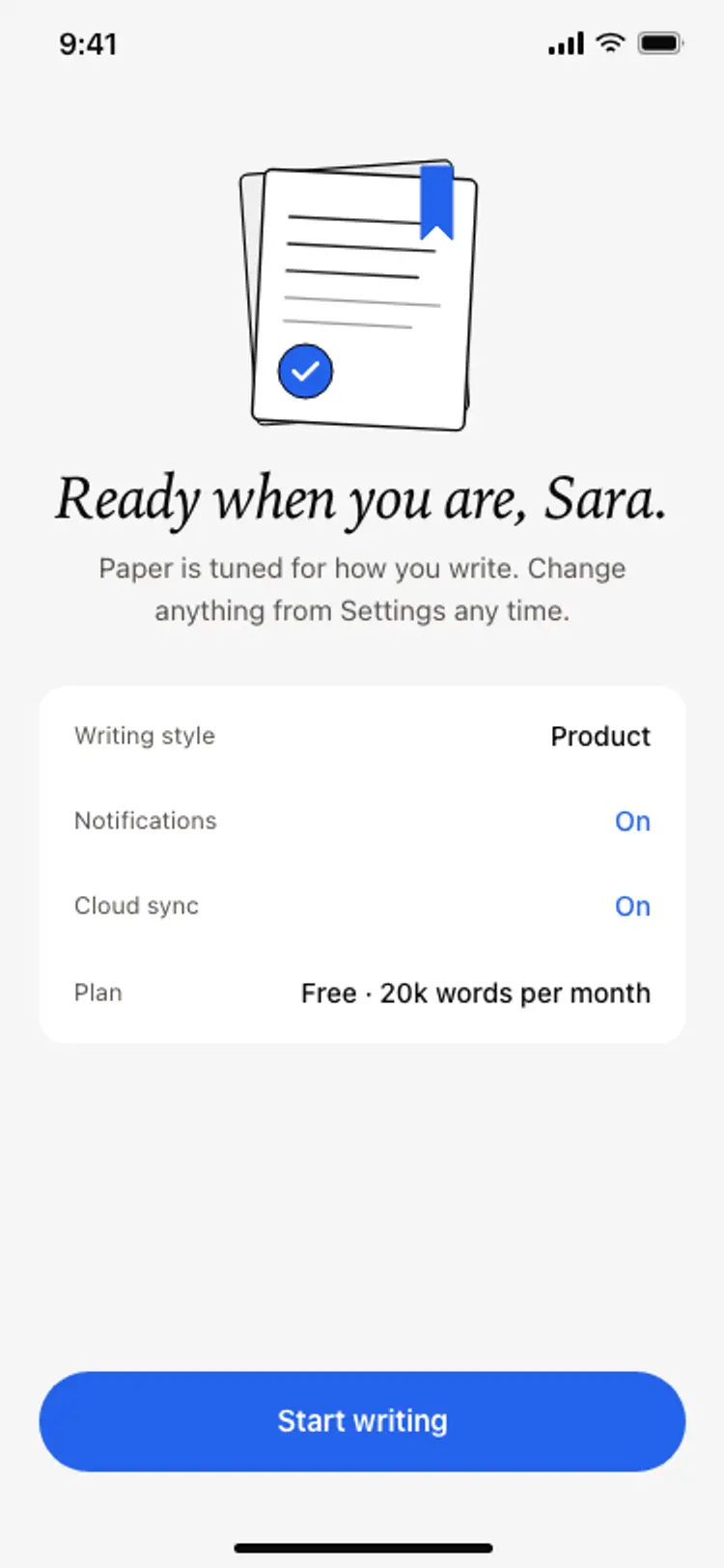
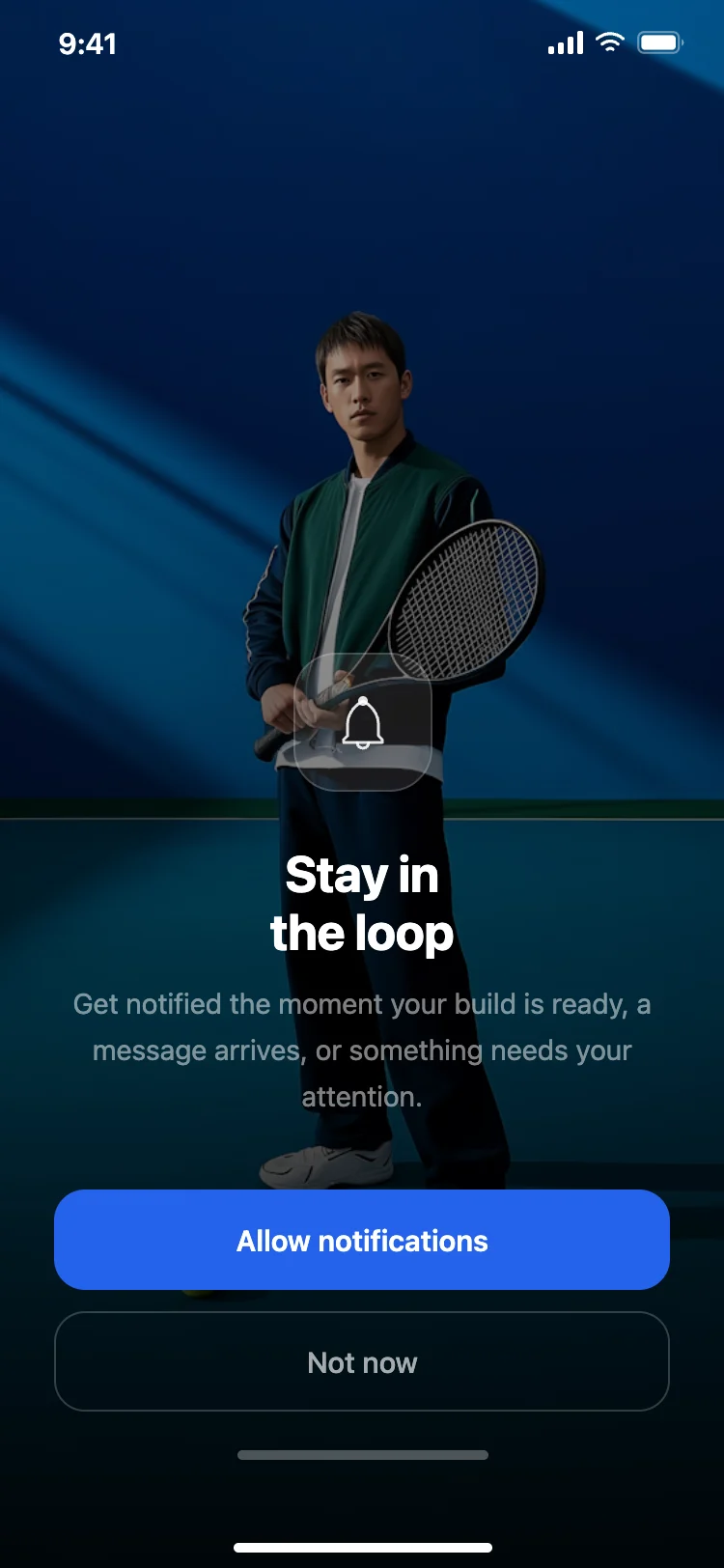
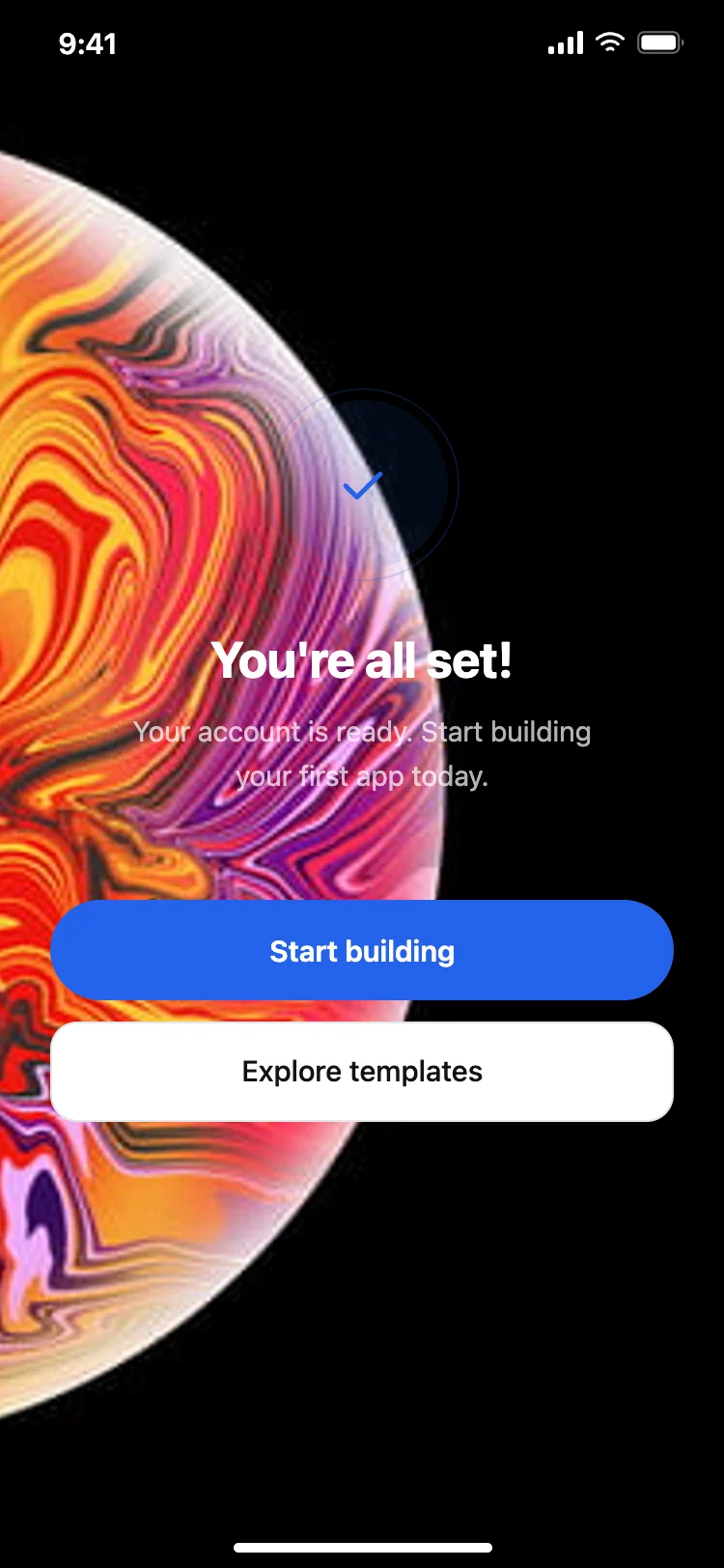
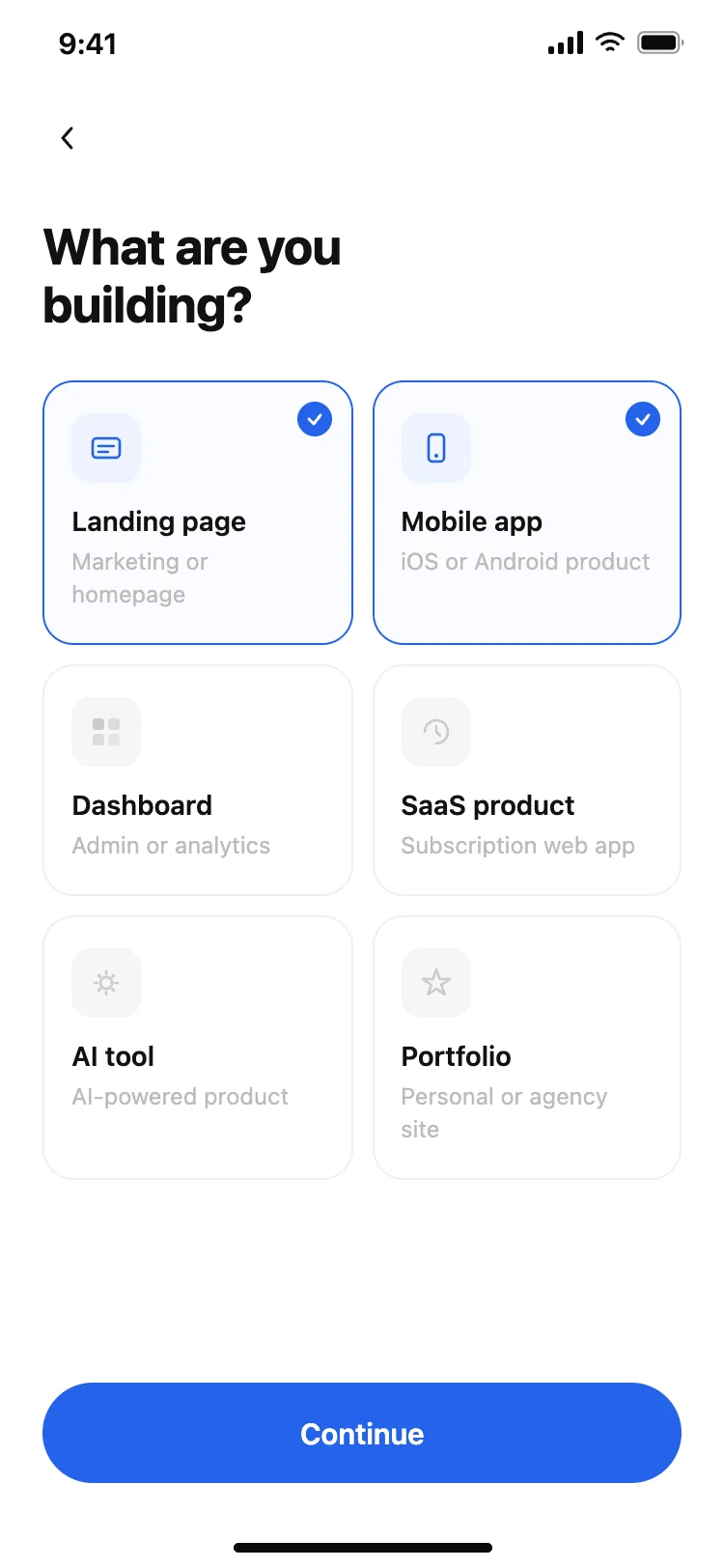
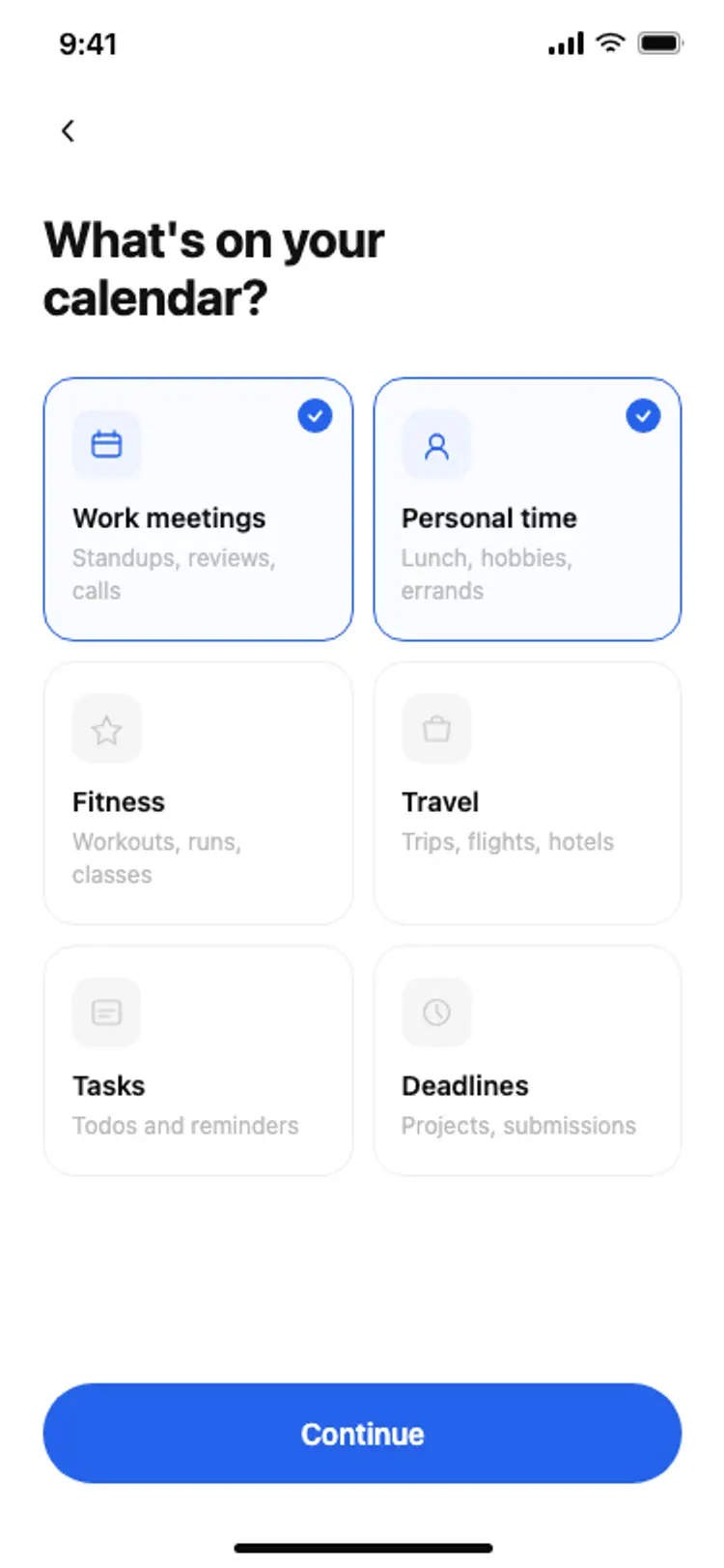
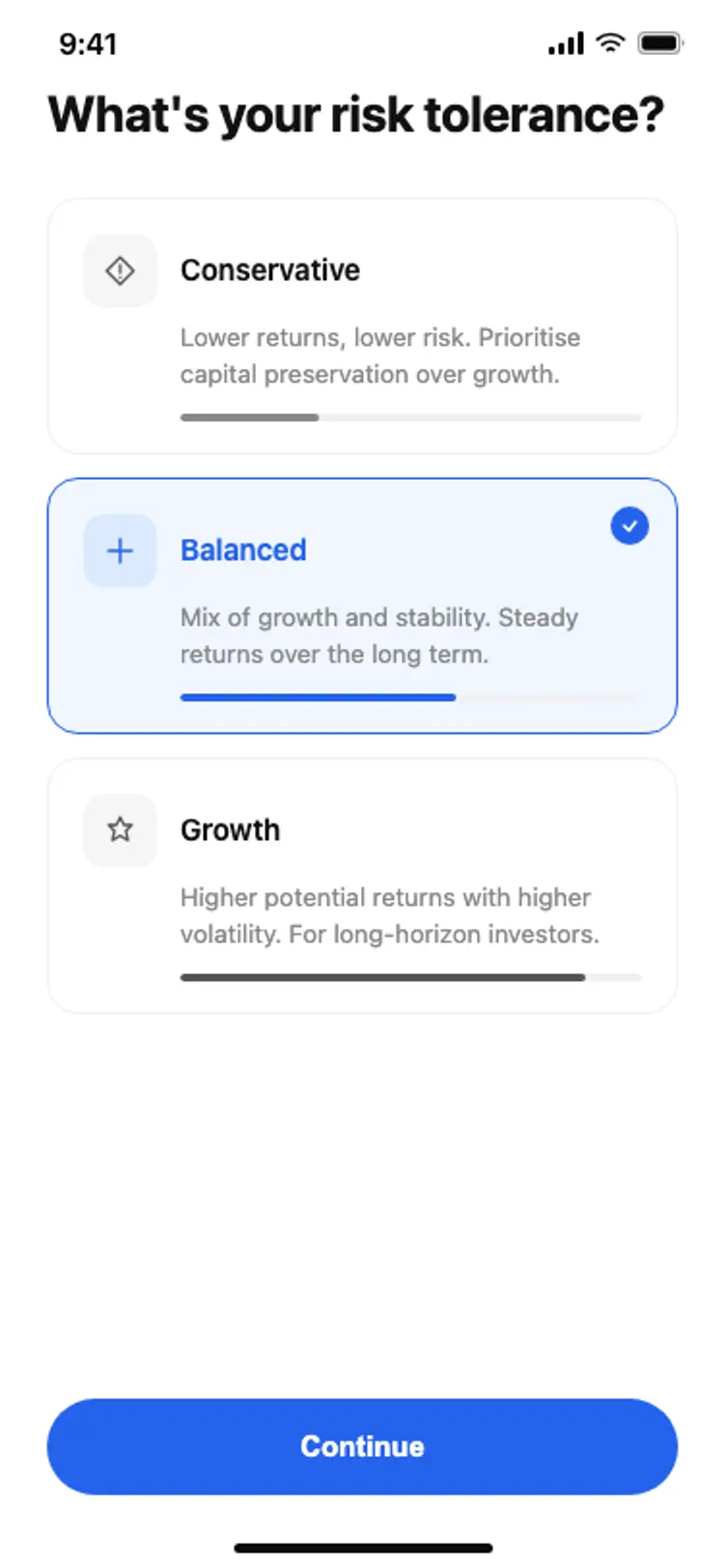
Best app onboarding screen templates for vibe coding

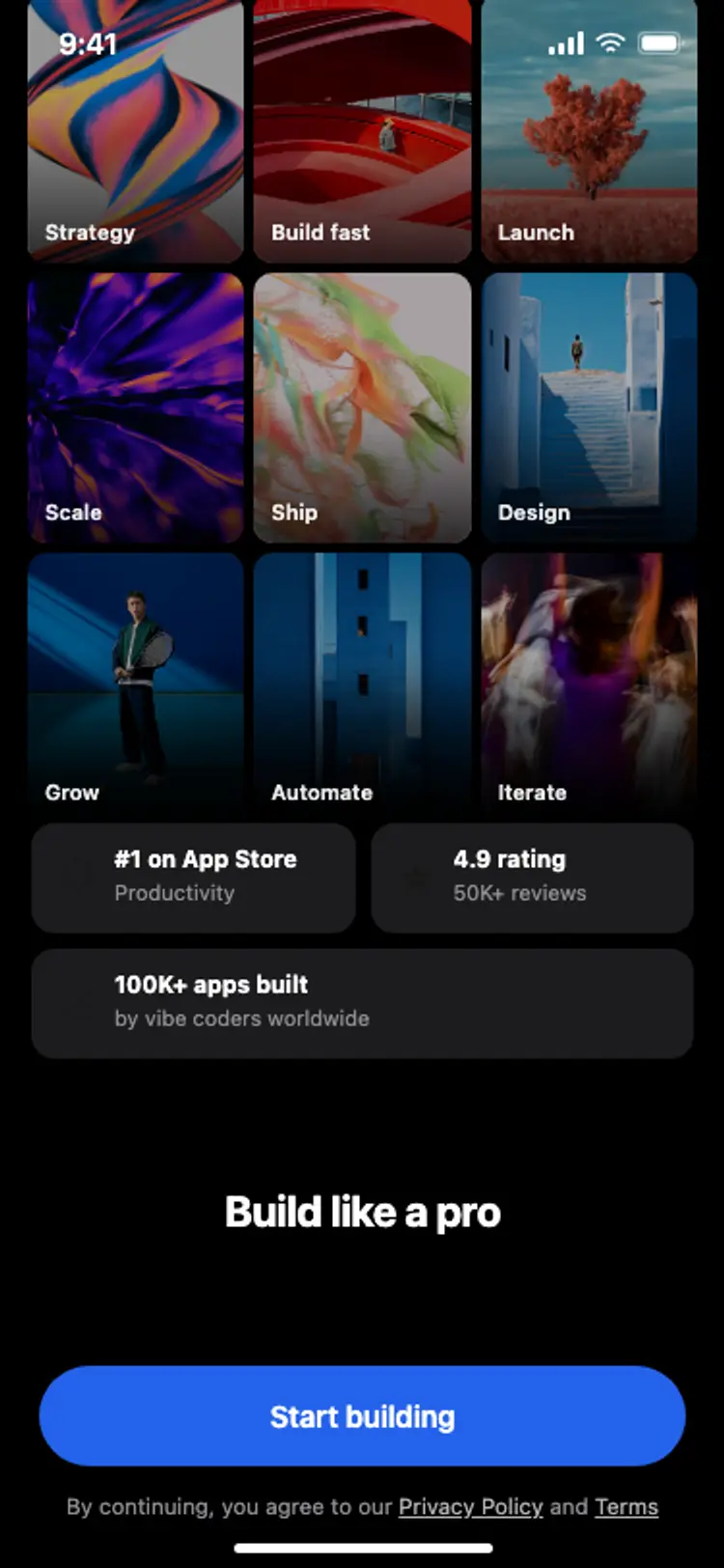
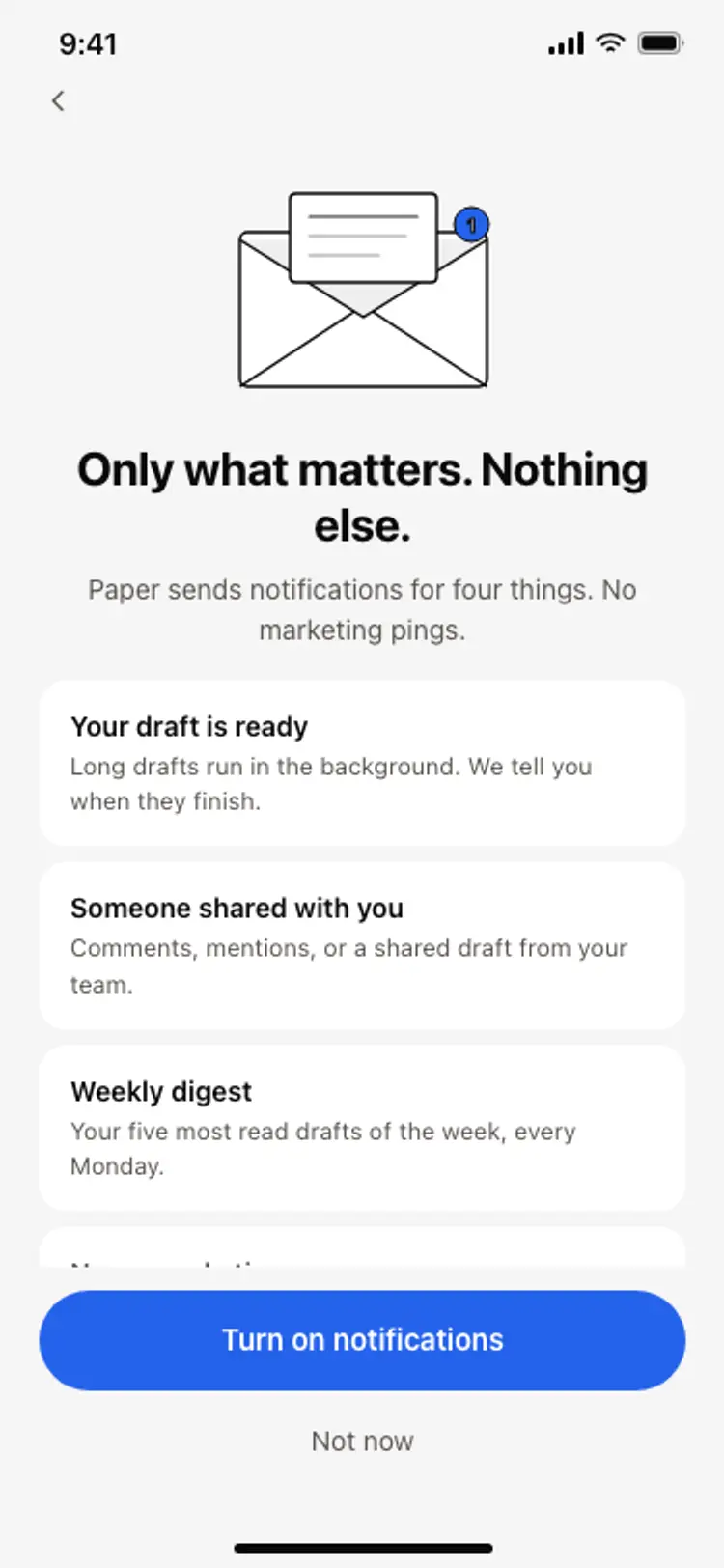
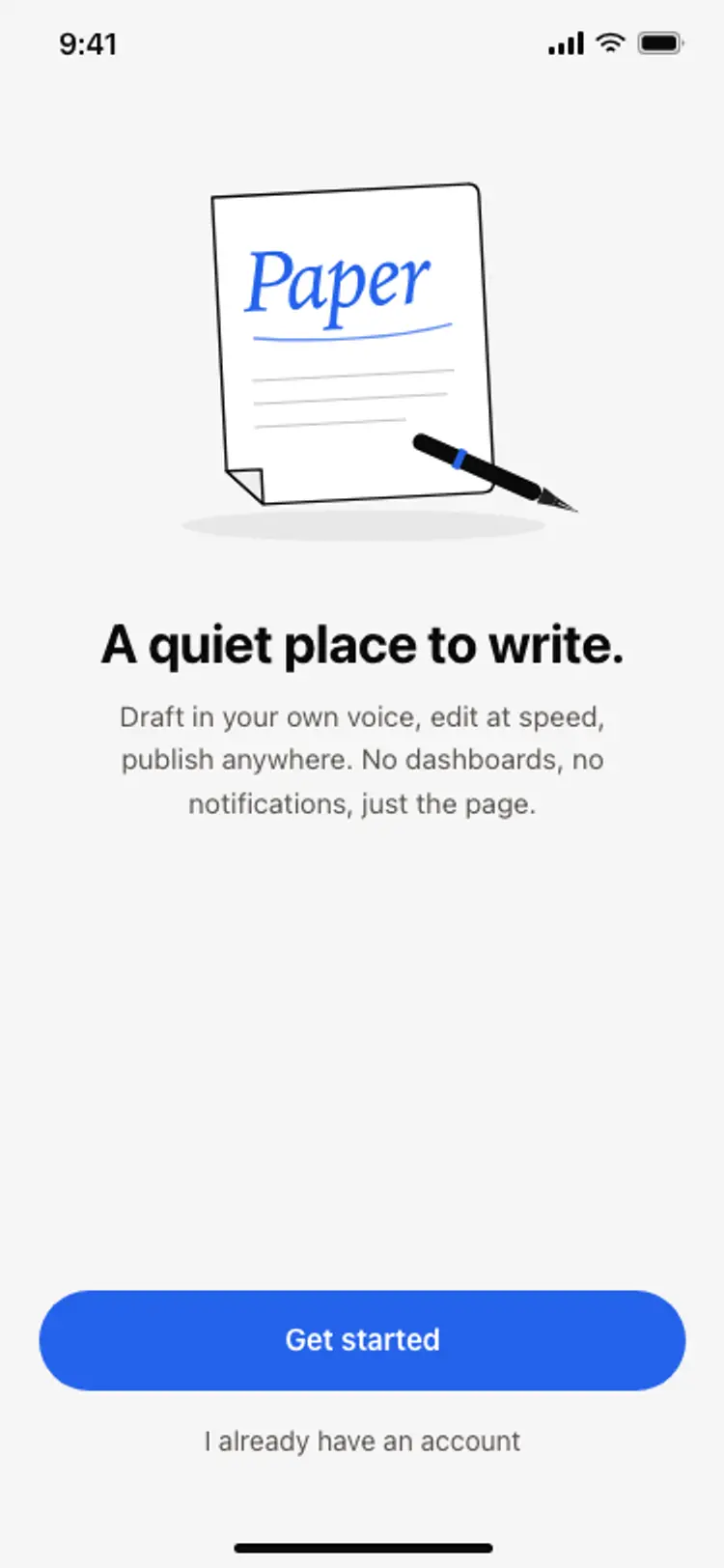
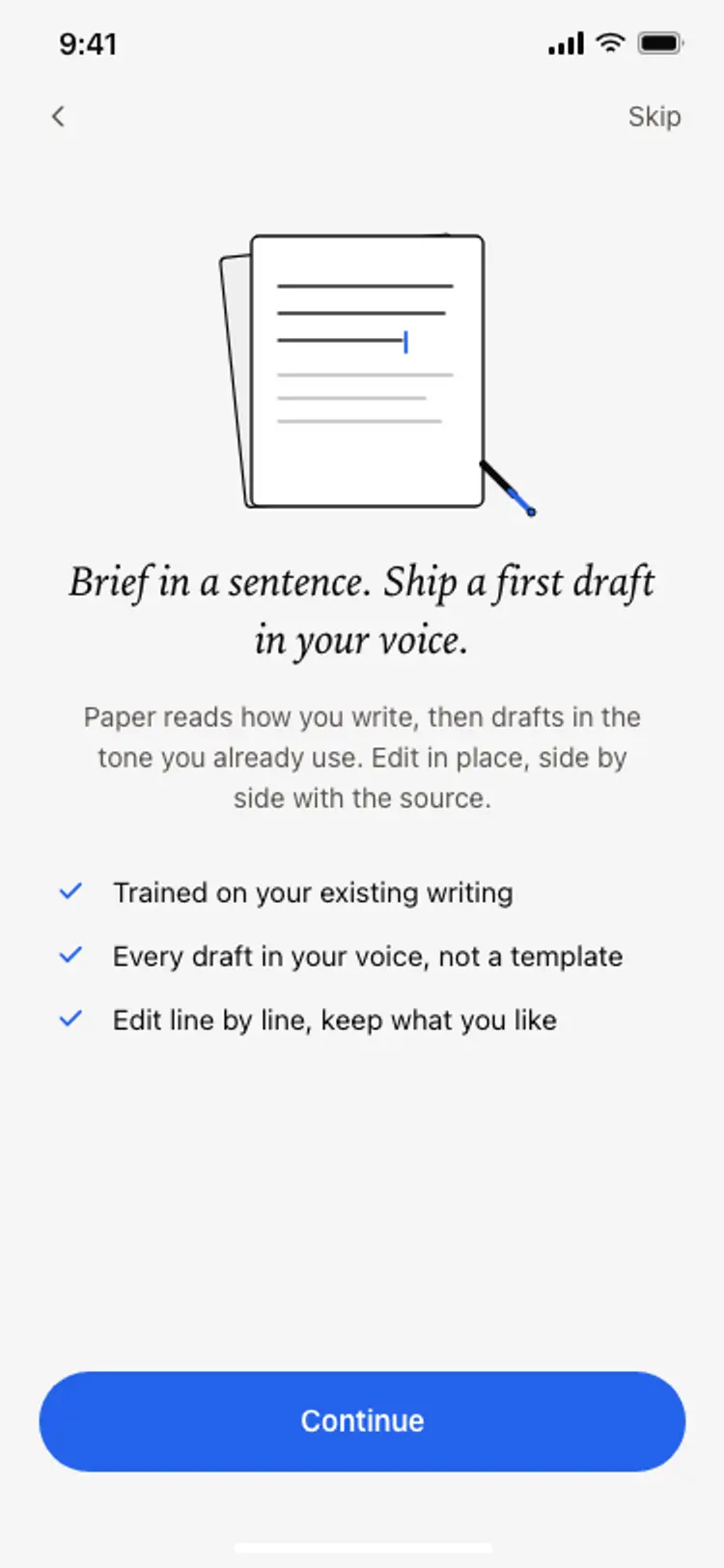
Discover the best mobile onboarding screens for AI vibe coding: photo grids, social proof badges, value headlines, role pickers, and permission prompts. Copy any coding template into Replit, Lovable, Claude Code, Bolt, or Cursor and build a first run that earns the sign up.

Common questions about onboarding templates

What should app onboarding screens cover?

What the app does, what it needs from the user, and why. Onboarding is where most apps lose people, so every screen has to earn the next tap, and describing a feature will not do it.

How many onboarding screens should an app have?

Three or four, each asking one thing. A longer flow reads as work before any value has arrived, and a single screen carrying five questions reads the same way.

Should onboarding come before or after sign in?

Before, wherever the app allows it. Showing the value first and asking for an account second is what separates the apps people finish setting up from the ones they abandon on the sign in screen.

How do I turn one onboarding screen into a full flow?

Paste it into Replit, Lovable or Bolt and ask your AI coding tool to repeat the layout across the steps you name, carrying a progress marker and saving each answer. The design stays fixed while the question changes.

Related guides and resources