What is a logo template?
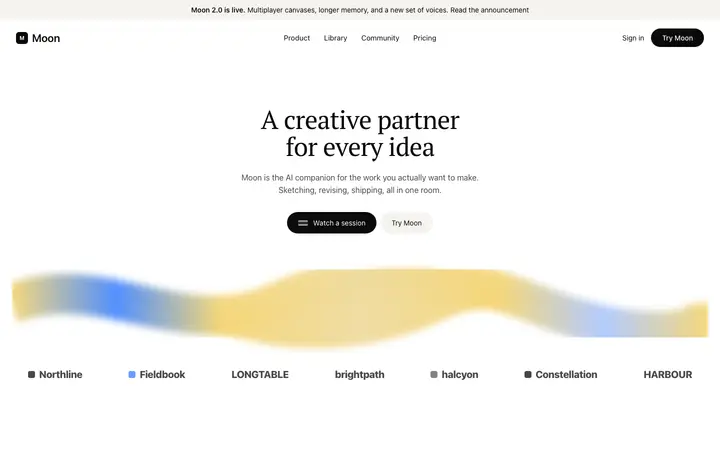
A logo template is a ready made design that displays client, partner, or investor brand names as a trust signal on a landing page. BrowserMoon logo templates include static rows, animated marquees, bordered grids, and card grids.
How do I update a logo template with my own brands using a vibe coding tool?
Paste any BrowserMoon logo template into Bolt, Claude Code, Replit, or Lovable and tell the AI which brand names to display. If you have logo image files, tell the AI to replace the text names with the actual logo images at a consistent size. The AI updates the template while keeping the layout intact.
Which logo template works best for an AI or SaaS landing page?
The minimal text only logo row is the most popular choice for AI products and developer tools because it signals confidence without visual clutter. The animated marquee works well when you have many brands to feature. The bordered grid and card grid are better suited to partner or press sections where each brand deserves its own visible space.
Where should a logo cloud sit on a landing page?
Directly under the hero, while a visitor is still deciding whether to keep reading. Proof that arrives after the pitch is proof nobody reached.
How many logos should a row show?
Five to eight at a time. Beyond that no single logo registers, and the row starts reading as wallpaper.
Should logos scroll or stay still?
A marquee fits a long list and a small space. A still row is stronger when the names are recognisable, because movement makes them harder to read.
What if we have few customers to show?
Show fewer, larger, and name what they use you for. Three logos with a sentence each do more than a sparse row stretched to look full.