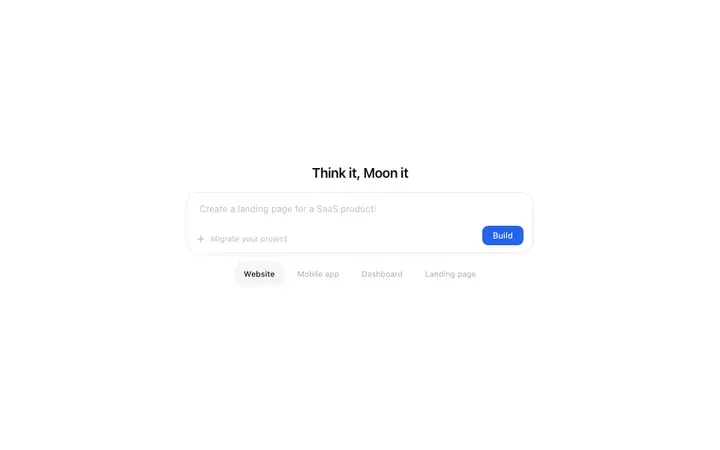
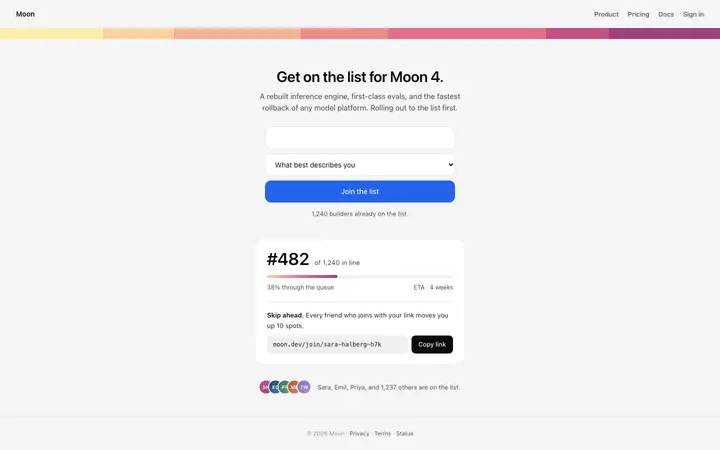
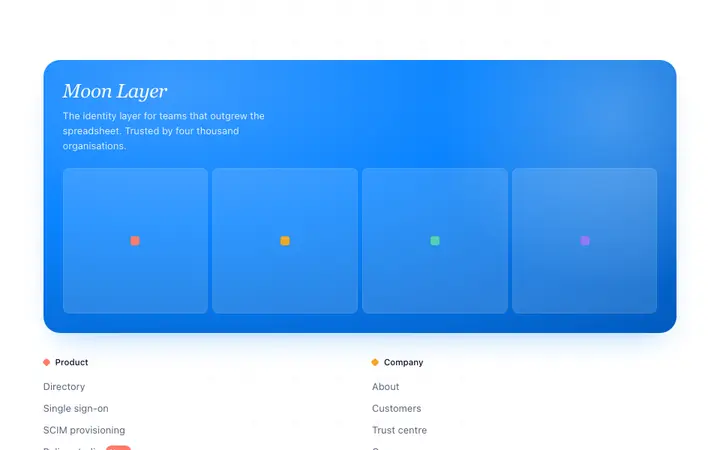
Every BrowserMoon template is self-contained: the fonts, the styles, the layout, and the responsive breakpoints are all in one file. There are no external stylesheets to override, no framework to install, and no build step. That means customisation starts the moment you copy the code. Whether you edit it by hand in a text editor or paste it into a vibe coding tool like Lovable, Bolt, Claude Code, Replit, Cursor, or ChatGPT Codex, the result is the same: you change a value and the design changes with it.
What is inside a BrowserMoon vibe coding template
Every template has three layers. Understanding them makes customisation faster.
The style block at the top defines the colours, fonts, and spacing as CSS variables. The primary colour, the background, the text colour, and the font family are all declared in one place. Change one variable and it updates everywhere the template uses it.
The HTML structure in the middle defines the layout: how the headline sits above the subheading, how the CTA button aligns, how the grid distributes its columns. This is where responsive breakpoints live.
The content at the bottom is the text, images, and links. Headlines sit in h1 or h2 tags. Body text is in p tags. Buttons are in div or a tags inside the CTA area.
Changing copy and brand colours
For the fastest customisation, replace the text and the primary colour. Find the colour value in the style block (often a hex code like #004FFF or a CSS variable like var(--accent)) and replace it with your brand colour using find and replace. Then update the headline, the subheading, and the button text with your own copy.
This takes under five minutes and covers most of what makes a template feel like yours. The typography, the spacing, and the responsive behaviour all stay intact.
Changing typography and spacing
To swap the font, replace the CDN import URL at the top of the style block with your preferred font's URL. Update the font-family declaration in the body rule to match. BrowserMoon templates use Geist Sans by default, loaded from a CDN link at the top of the template.
To scale the type, change the base font-size on the body element. All type sizes defined in em units scale proportionally with it. A base of 16px makes the text larger across the entire template without touching individual elements.
Converting a BrowserMoon template to React, Tailwind, or Svelte
Paste the template into Claude Code, Cursor, or Bolt and include one instruction: "Convert this to a React component. Use Tailwind for the styles. Keep the layout and spacing exactly as designed."
The vibe coding tool translates the inline styles to Tailwind classes, wraps the HTML in a React component with proper JSX syntax, and preserves the design values. Claude Code and Cursor also match your existing Tailwind config if the project has one.
For Svelte, replace "React component" with "Svelte component" in the instruction. For plain Tailwind without a framework, ask for "HTML with Tailwind classes."
Which vibe coding tool for which type of edit
For plain text and colour changes: a text editor is fastest. Open the code, find the value, replace it.
For responsive adjustments, layout changes, or adding interactive elements: paste the template into Lovable, Bolt, or Replit and describe the change in plain language. These tools handle CSS edits and structural changes without you writing code.
For integrating a template into an existing codebase with Tailwind, shadcn/ui, or an existing design system: use Claude Code or Cursor. Both read your project files and match the conversion to your existing conventions.
For a deeper look at which design decisions have the most impact on whether a vibe-coded app or website looks professional, the vibe coder's design guide covers typography, colour, spacing, and component style with specific values and reasoning.