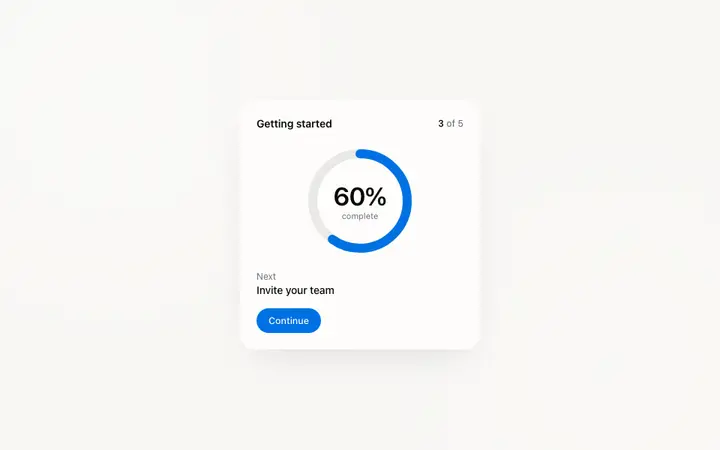
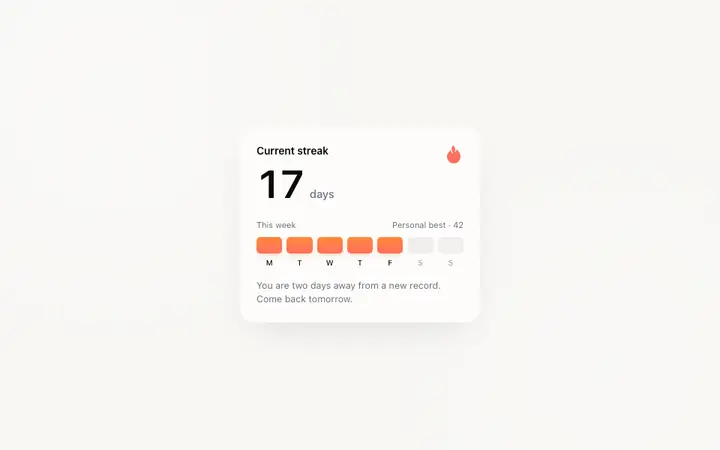
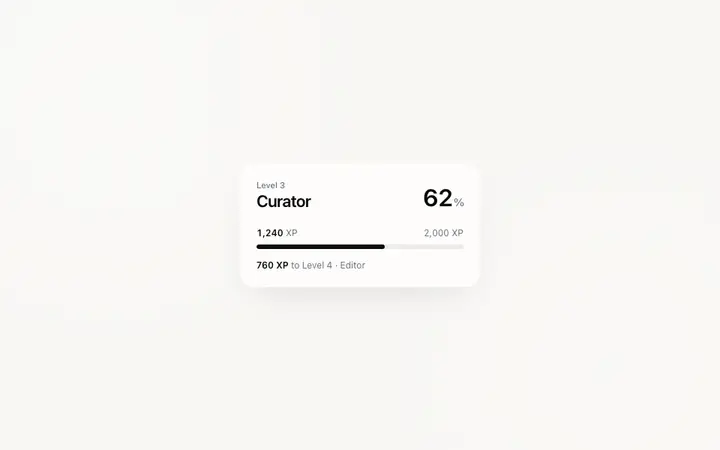
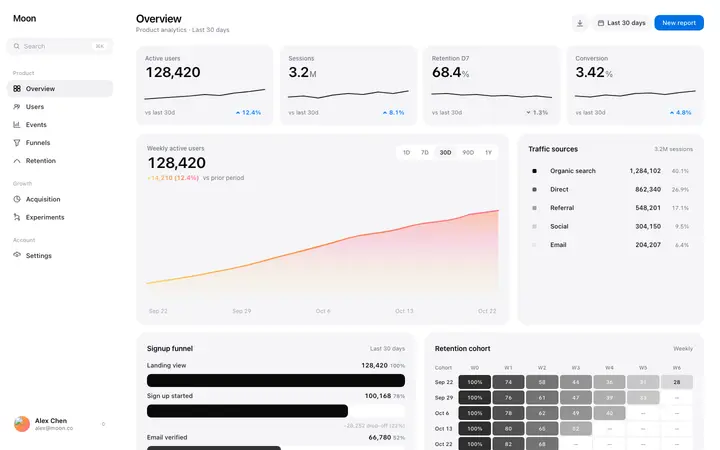
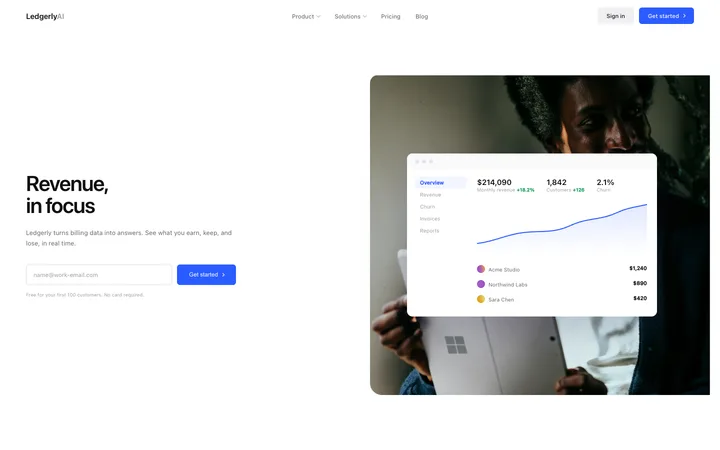
What is a stats template?
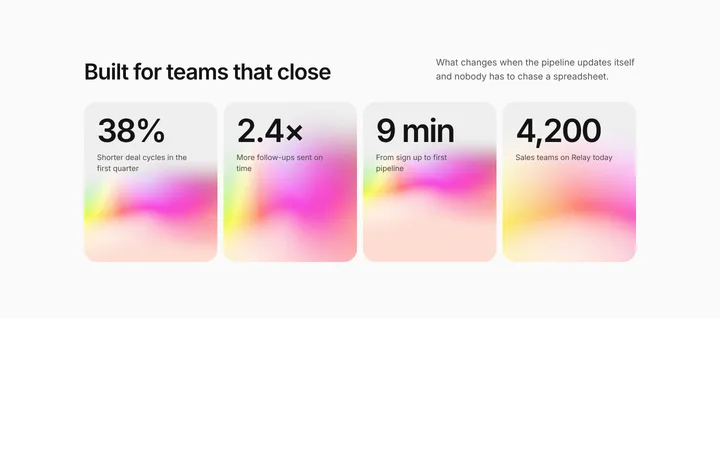
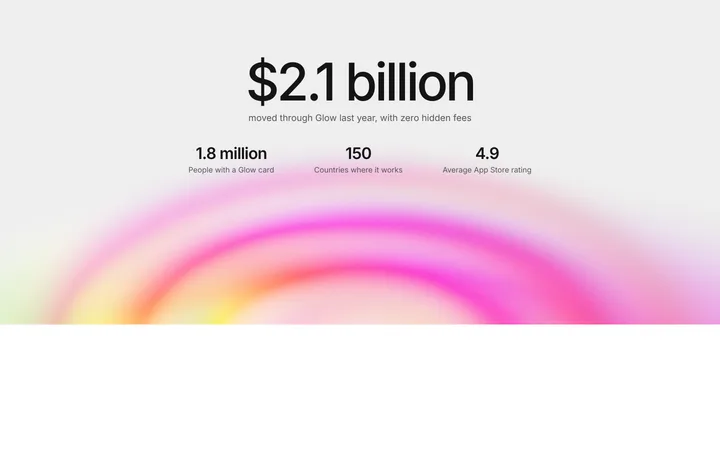
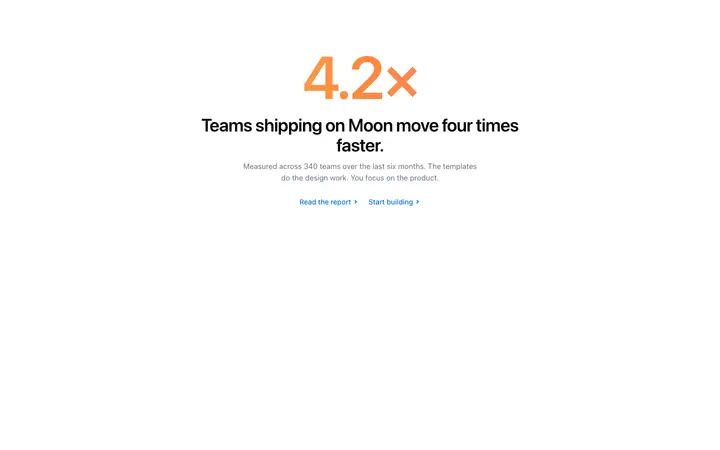
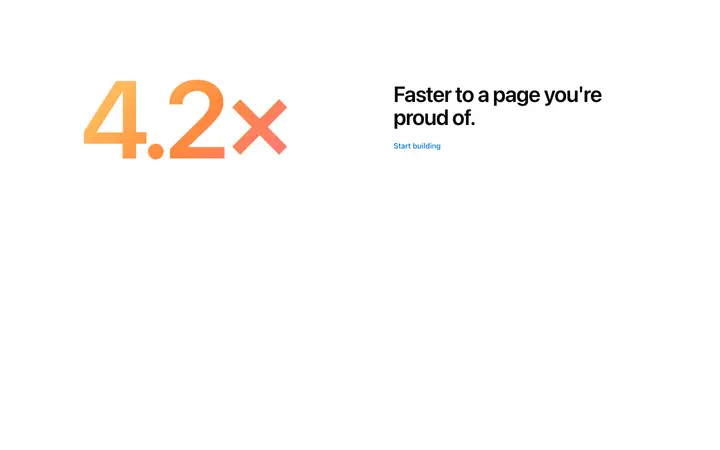
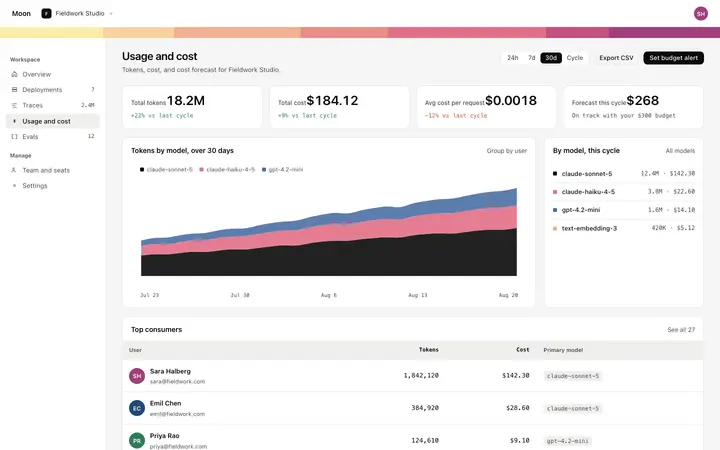
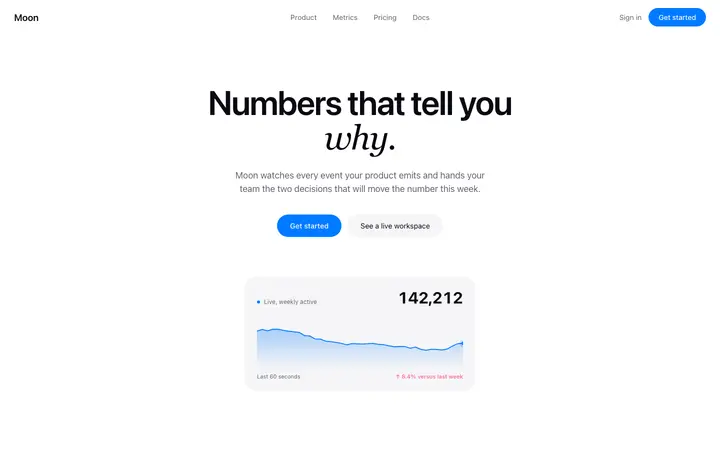
A stats template is a ready made design that displays large numbers or metrics to establish credibility on a landing page. BrowserMoon stats templates are designed for user counts, revenue figures, product uptime, and other social proof metrics used by SaaS and AI products.
How do I update the numbers in a stats template using a vibe coding tool?
Paste a BrowserMoon stats template into Bolt, Claude Code, Replit, or Lovable and tell the AI which metrics to display and what the actual numbers are. The AI updates the values and labels while keeping the visual layout and spacing intact.
Which vibe coding tools work best with stats templates?
All BrowserMoon stats templates work with Bolt, Claude Code, Replit, Lovable, and ChatGPT Codex. If you want the counters to animate up when the section scrolls into view, ask your vibe coding tool to add a scroll triggered count up animation and it will add the behavior without changing the design.
Which numbers belong on a SaaS landing page?
The ones a buyer would check. Scale figures answer whether you are real, and result figures answer whether you work, and the second kind converts harder.
How many stats should a section show?
Three or four. A row of eight reads as a search for something impressive, not a claim you stand behind.
Should stat counters animate?
A short count on first scroll draws the eye to numbers that are easy to skip. Keep it brief, and make sure the final figure is what stays on screen.
What if the numbers are small?
Use a ratio or a result, not a total. Time saved per week or a percentage moved says more than a customer count you would rather not print.