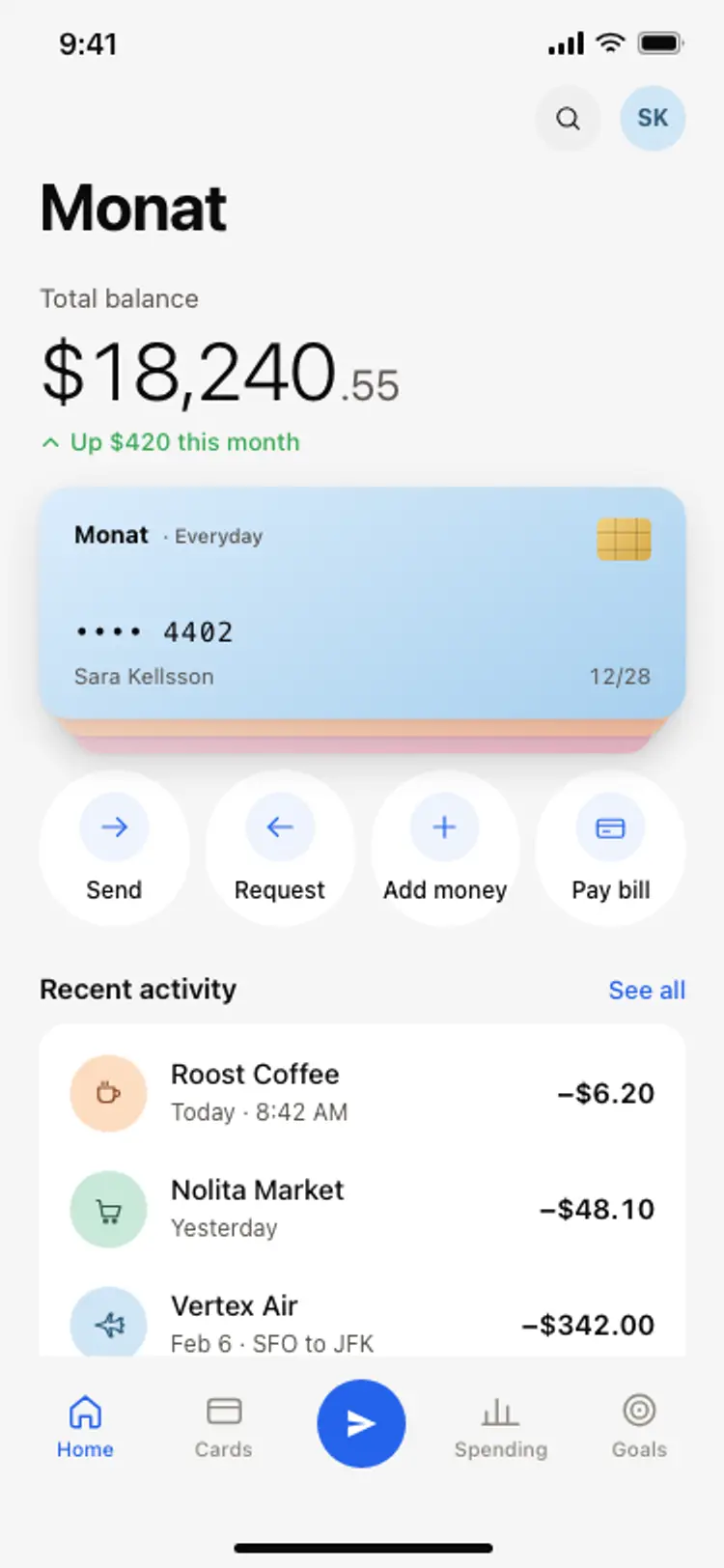
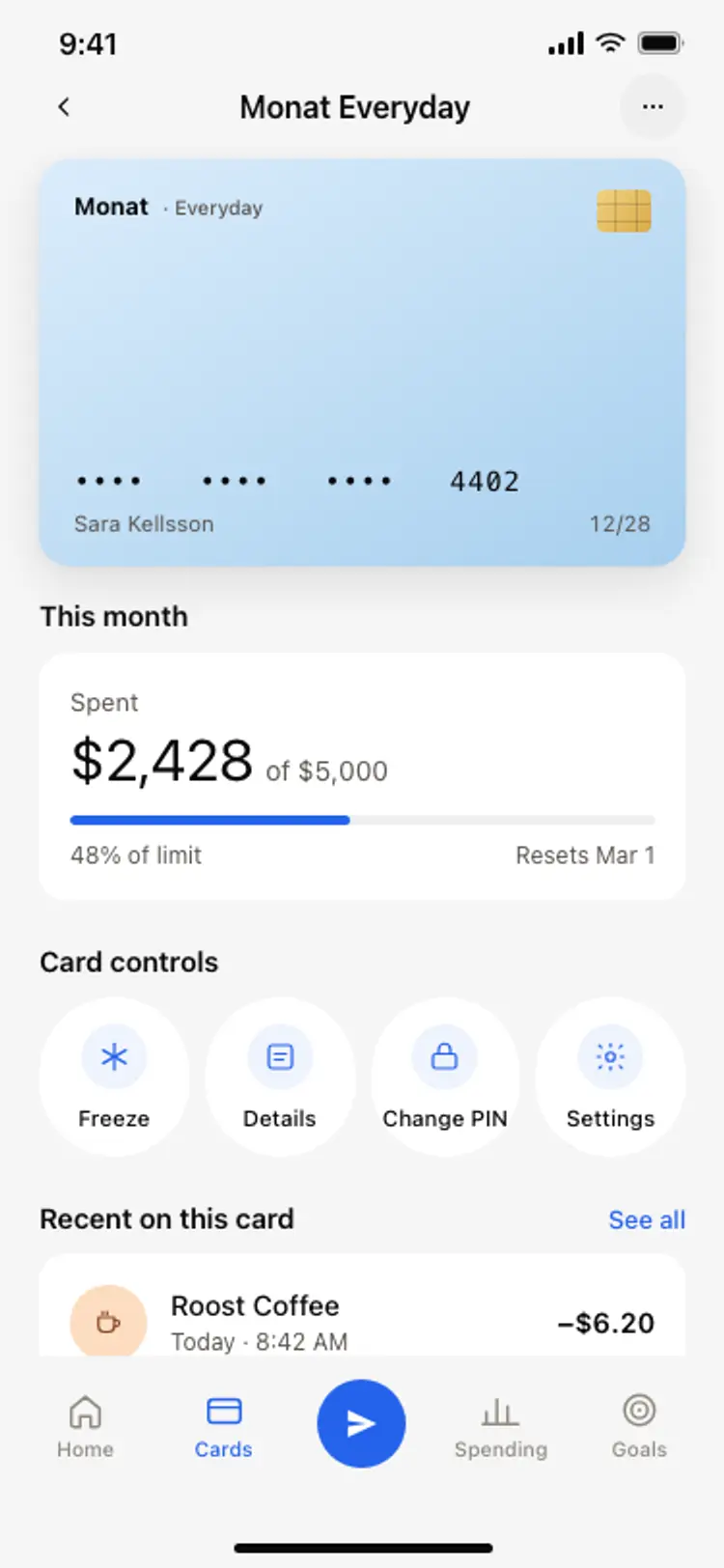
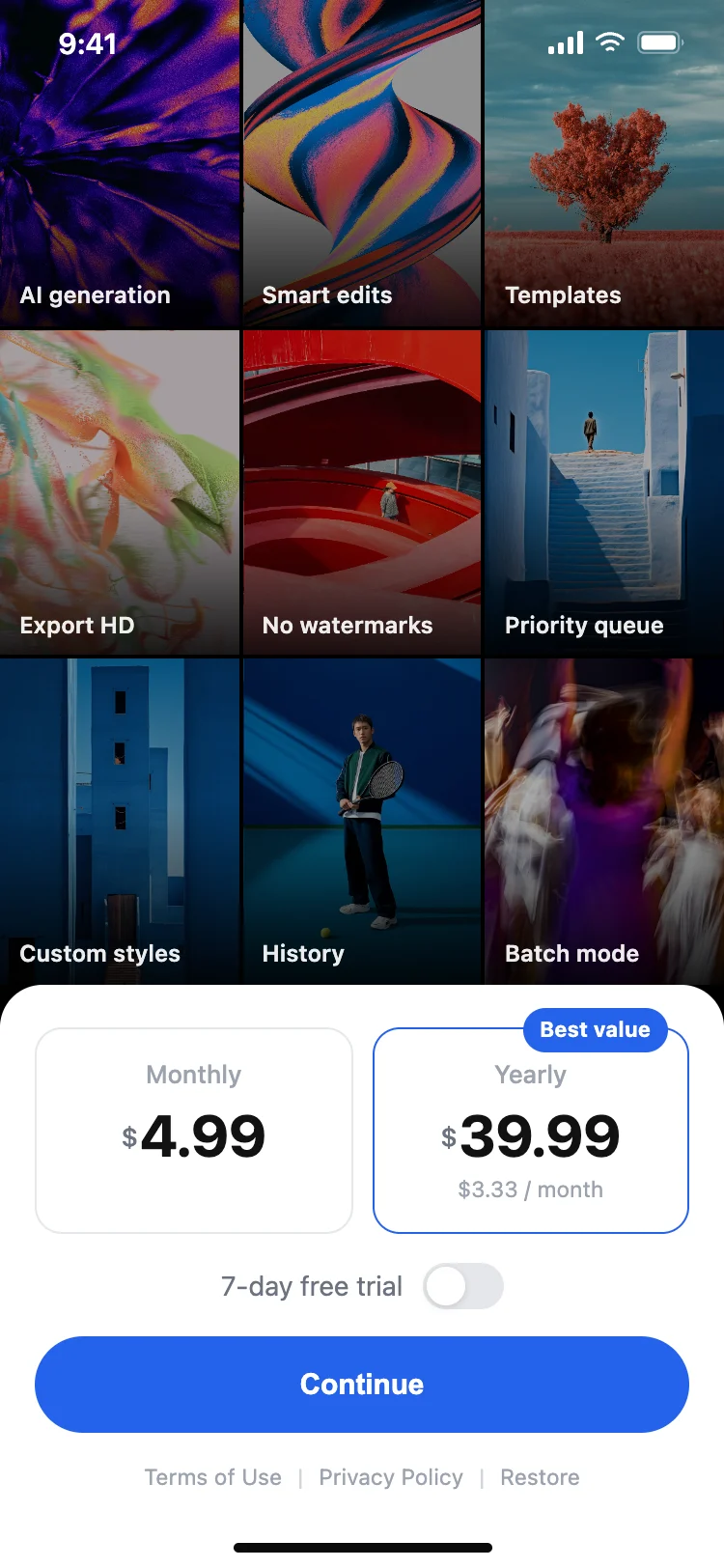
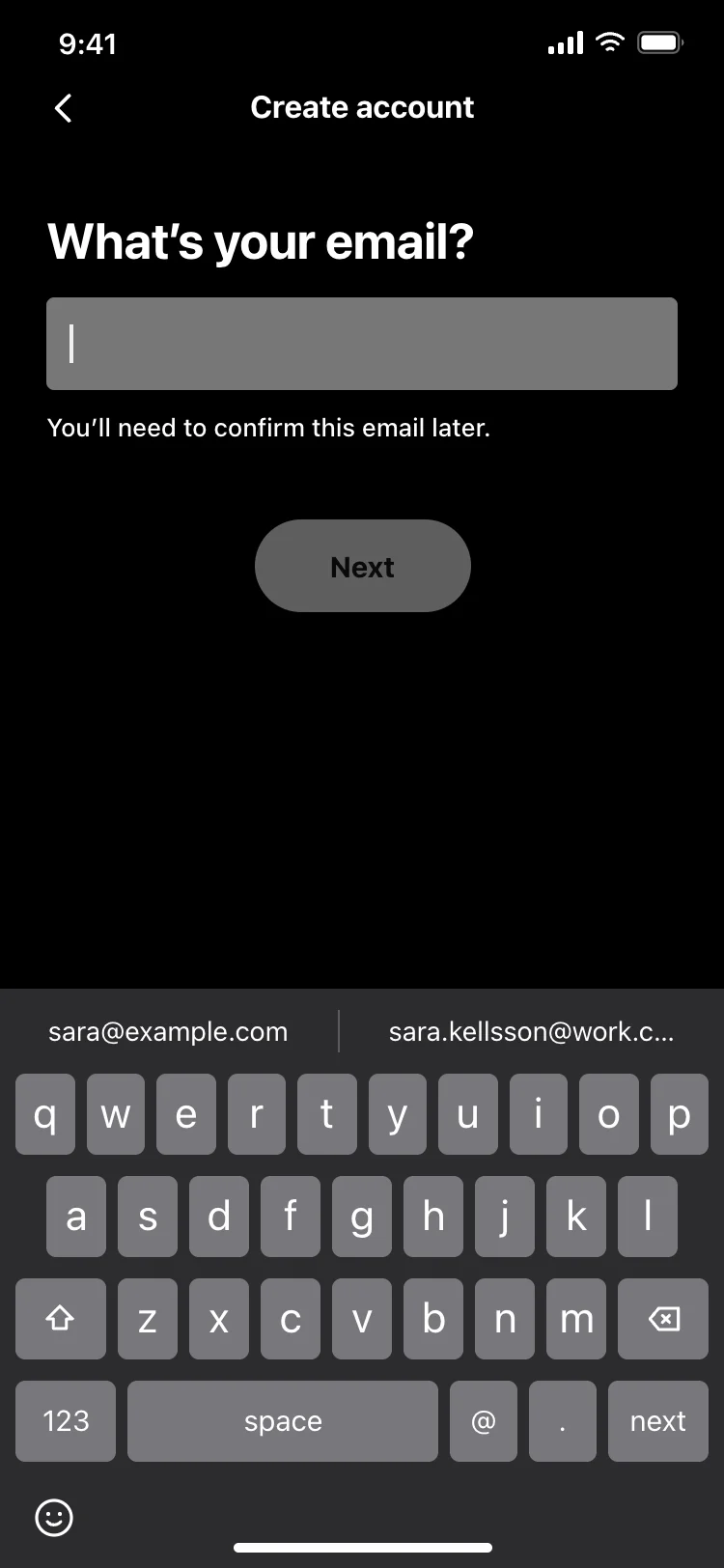
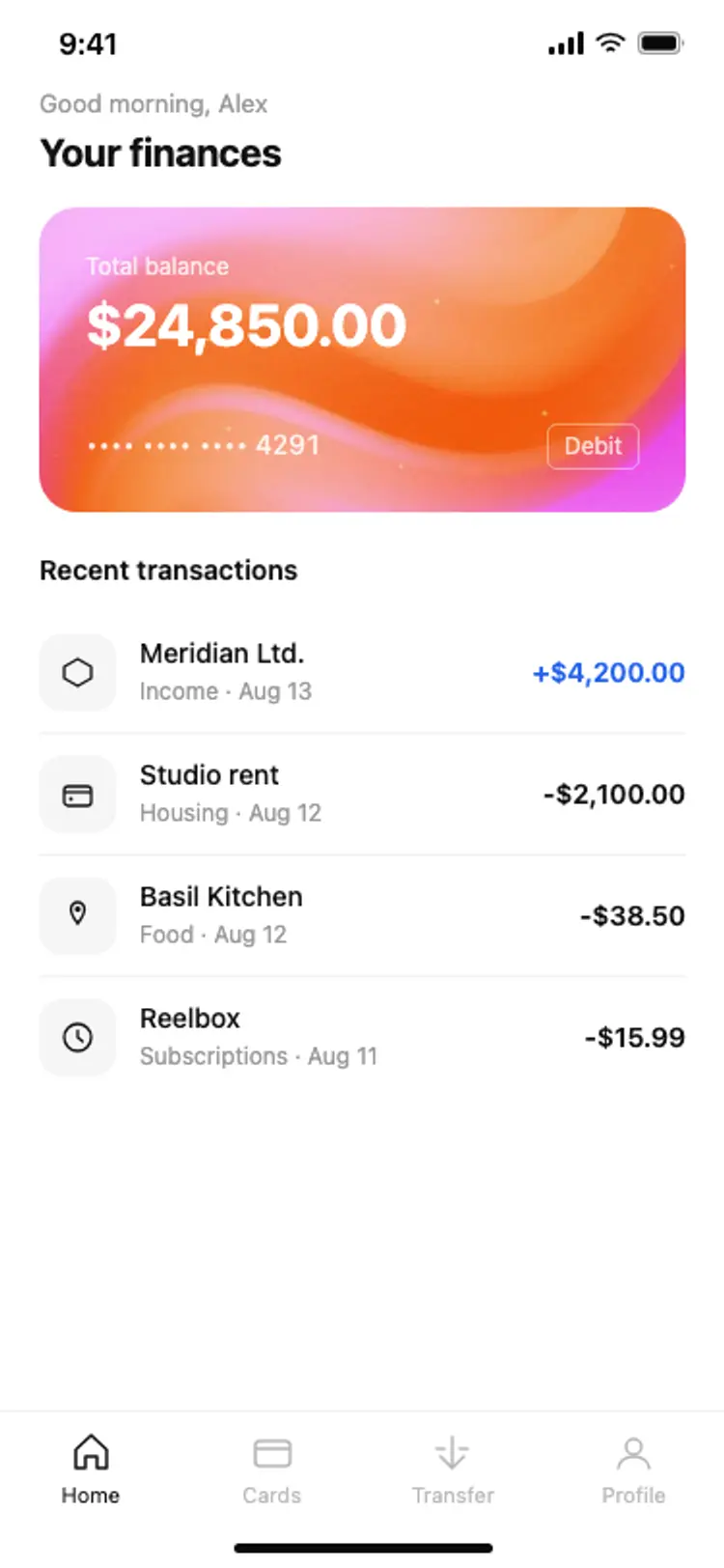
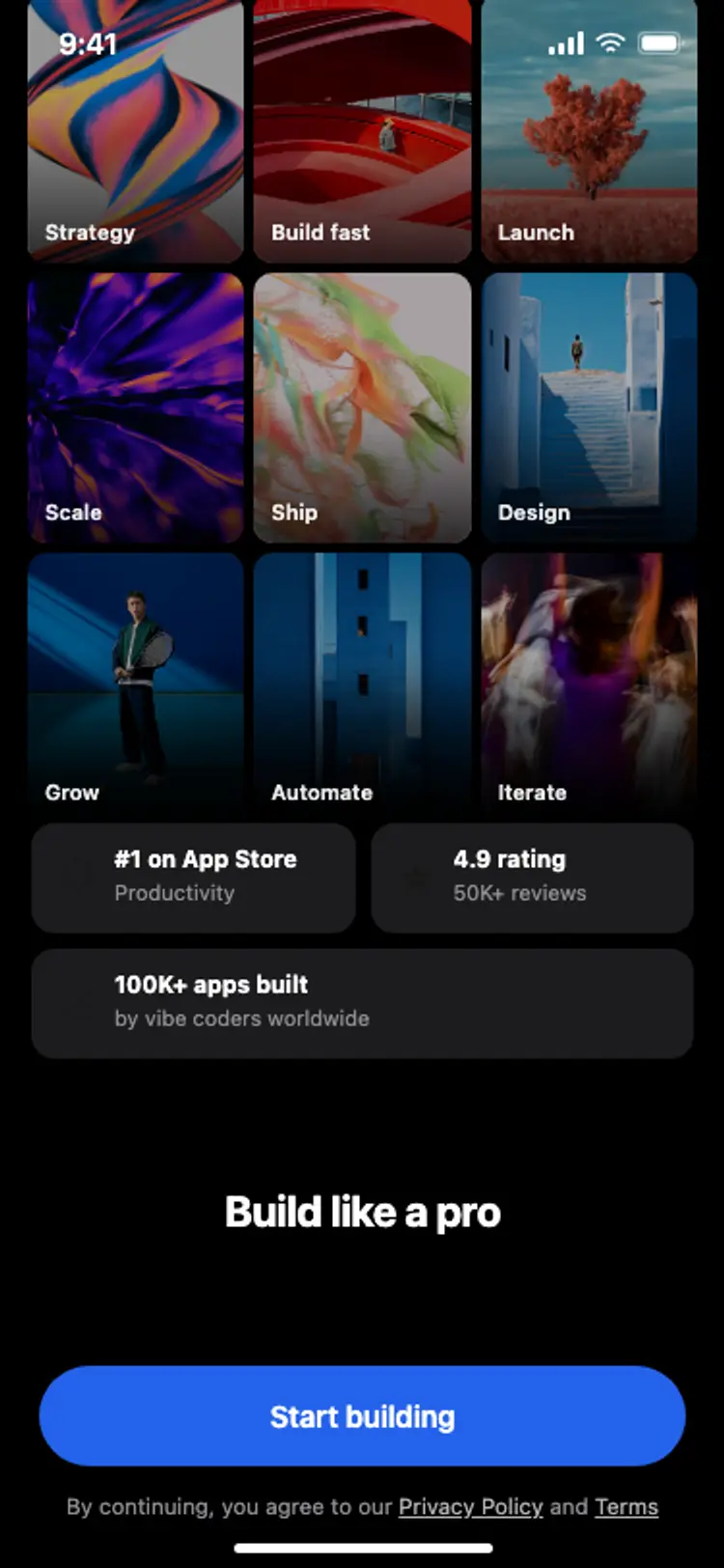
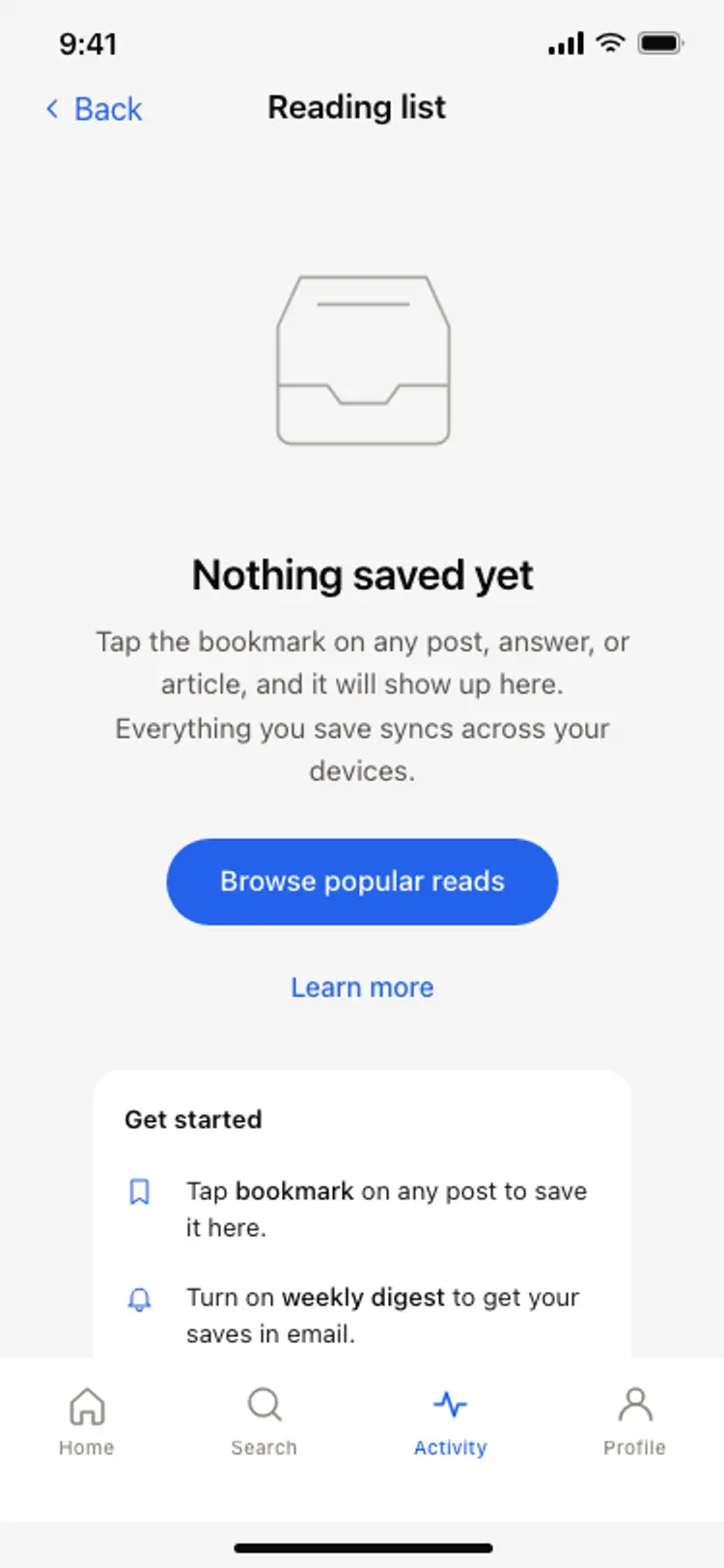
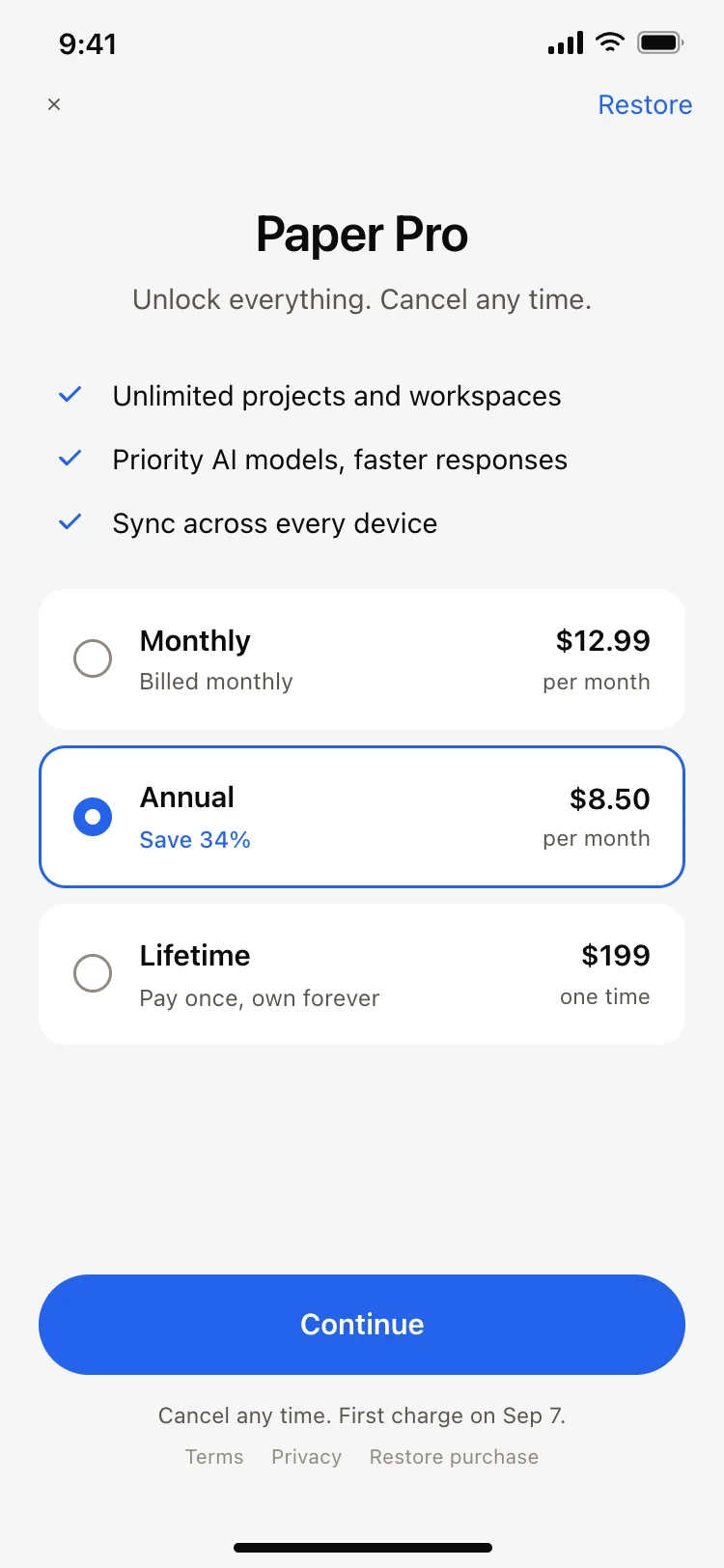
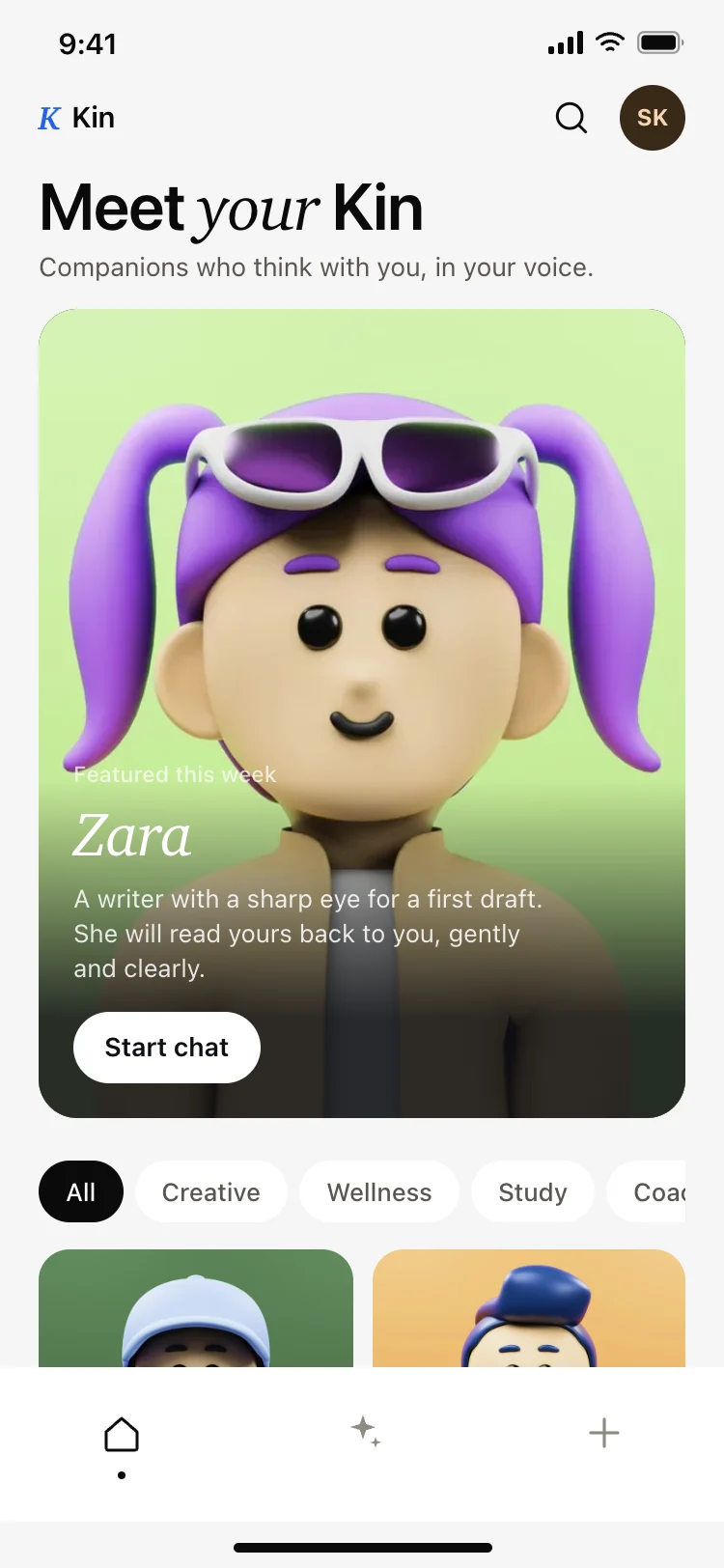
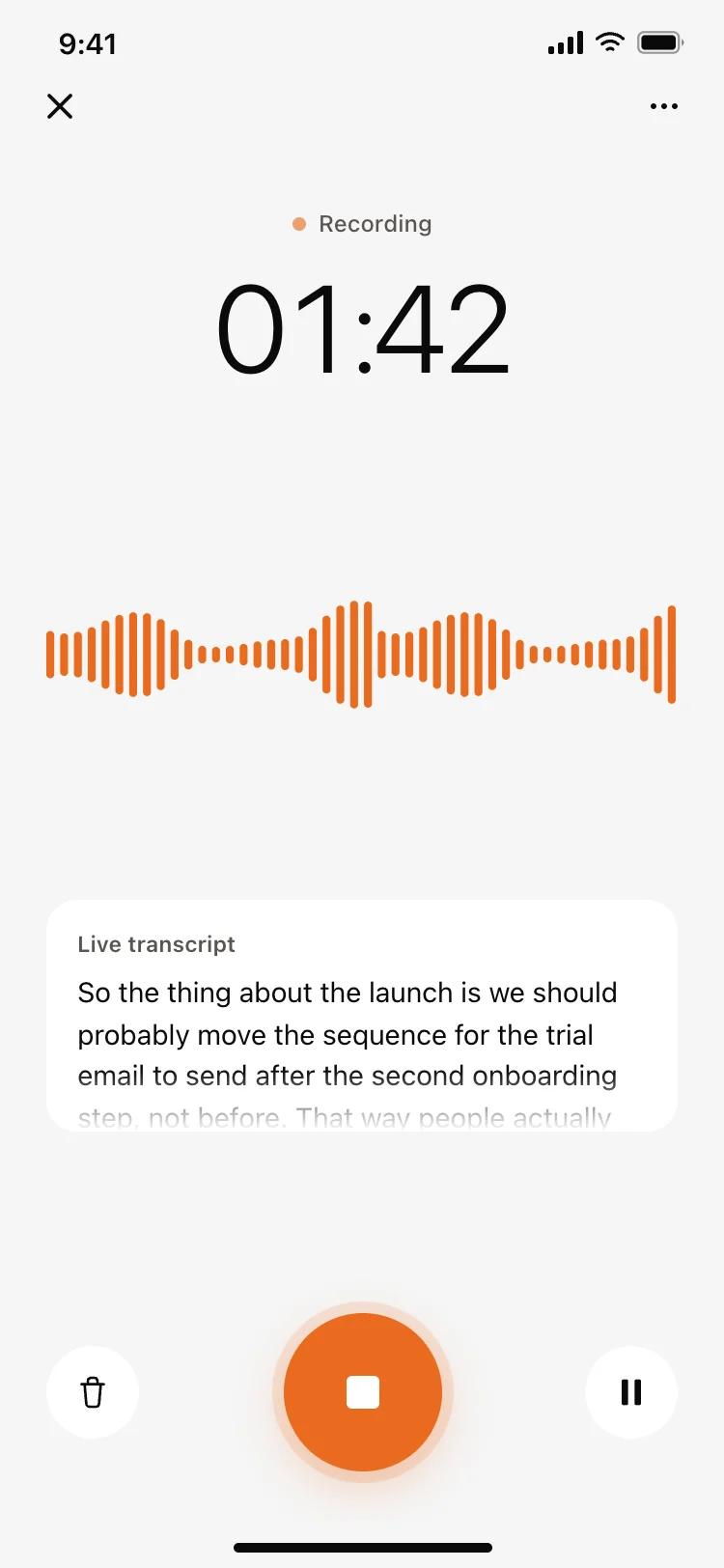
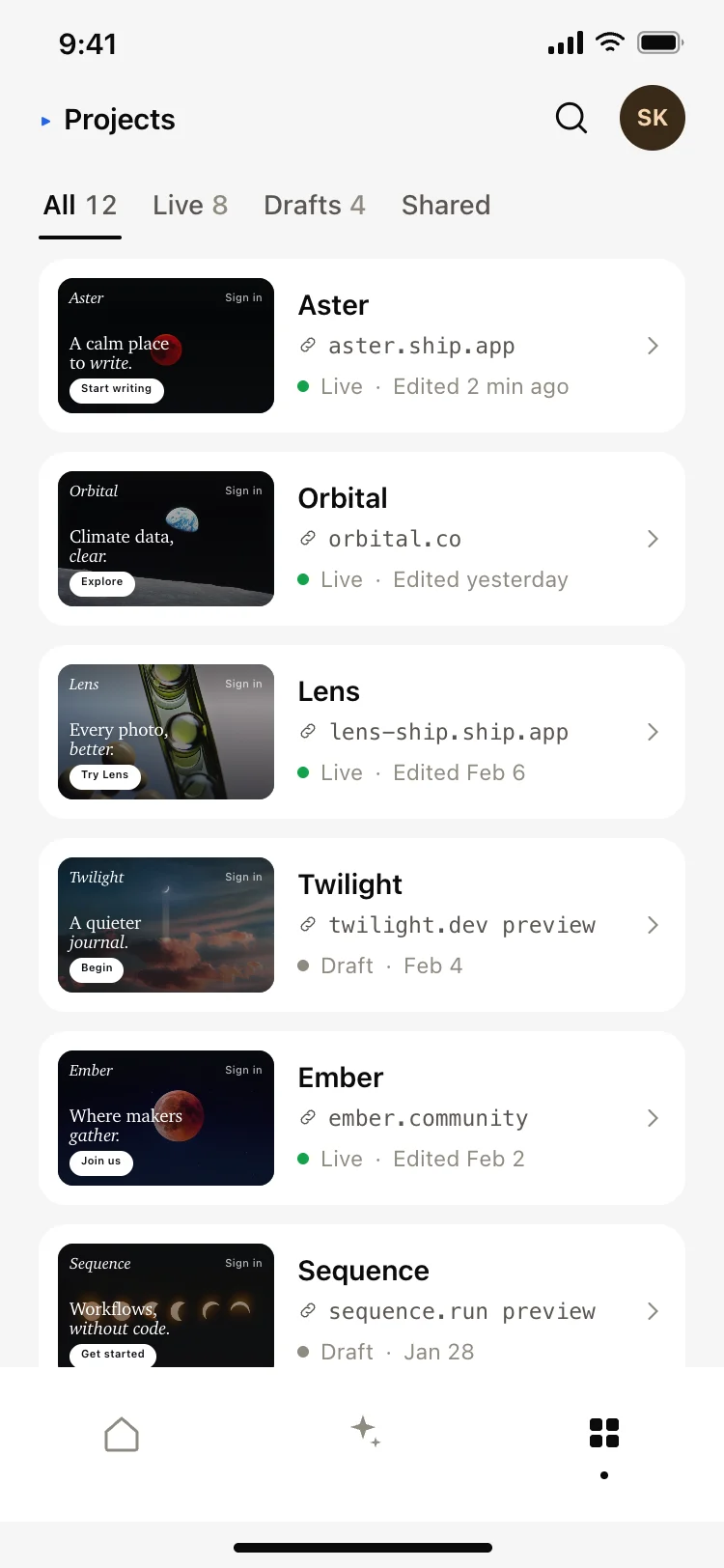
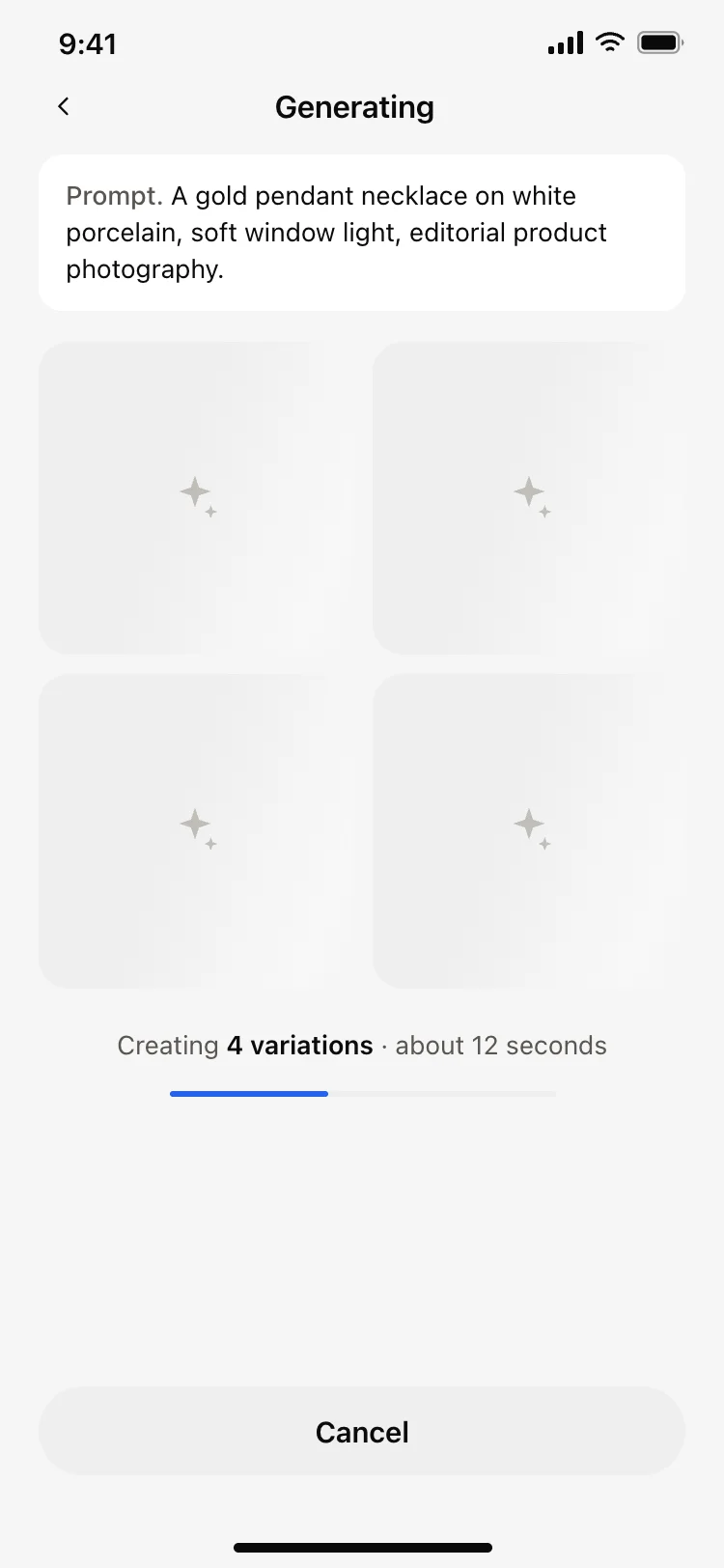
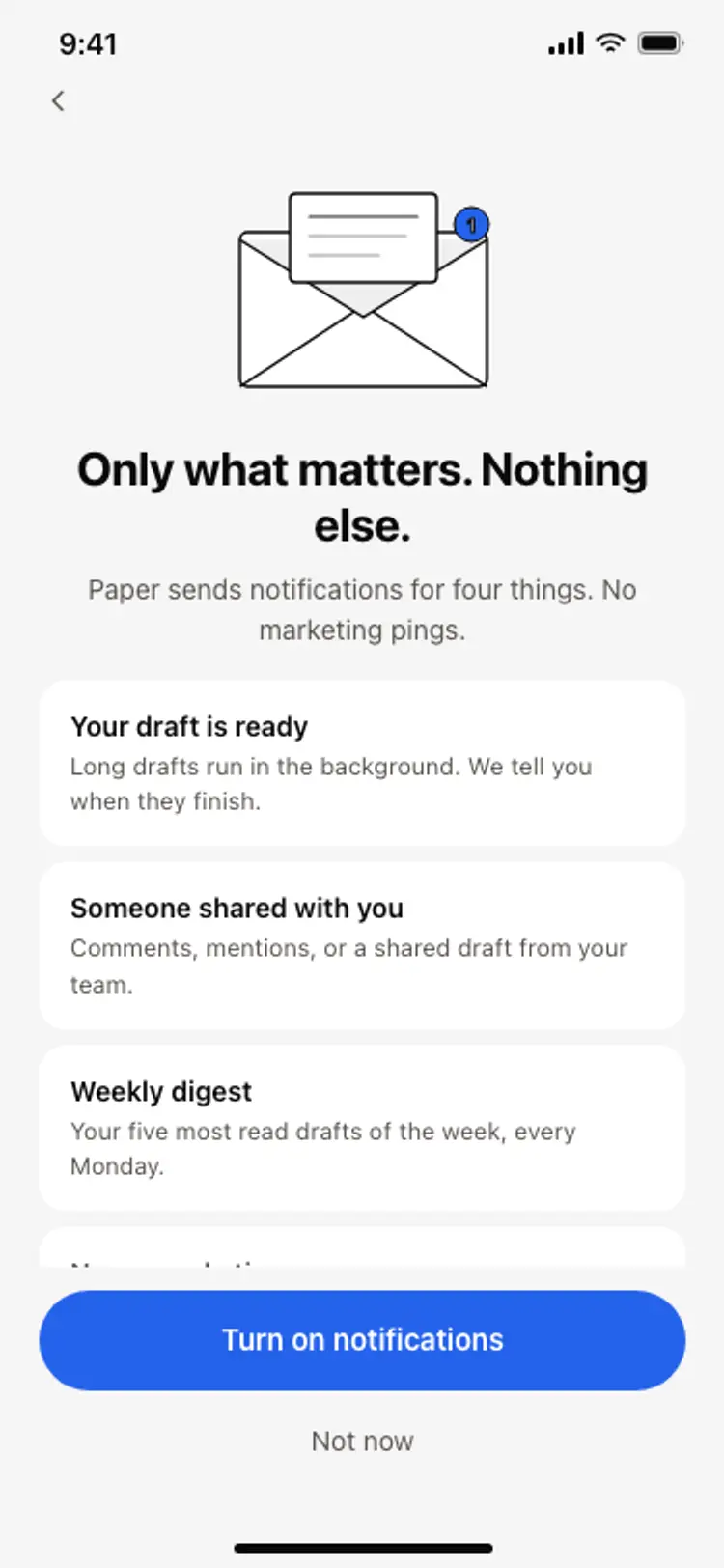
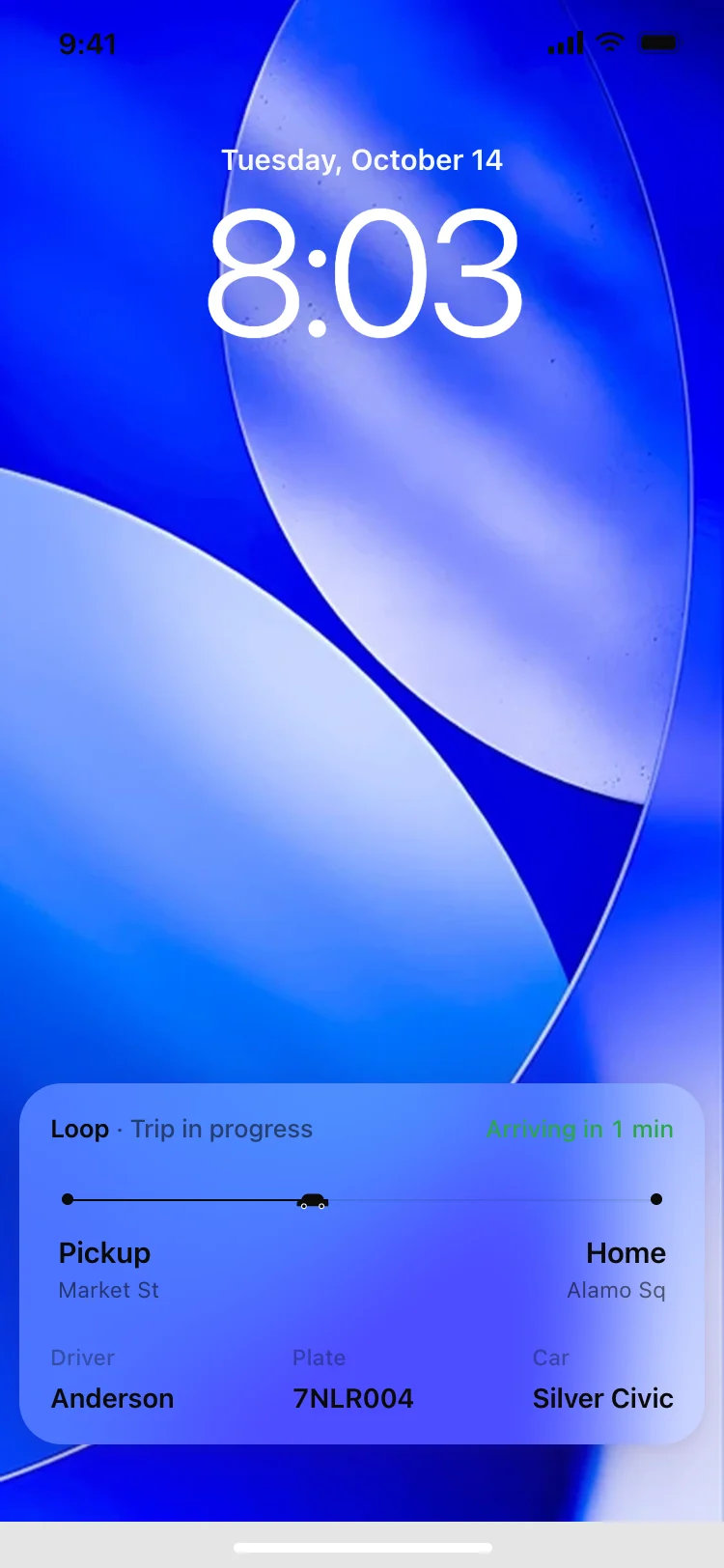
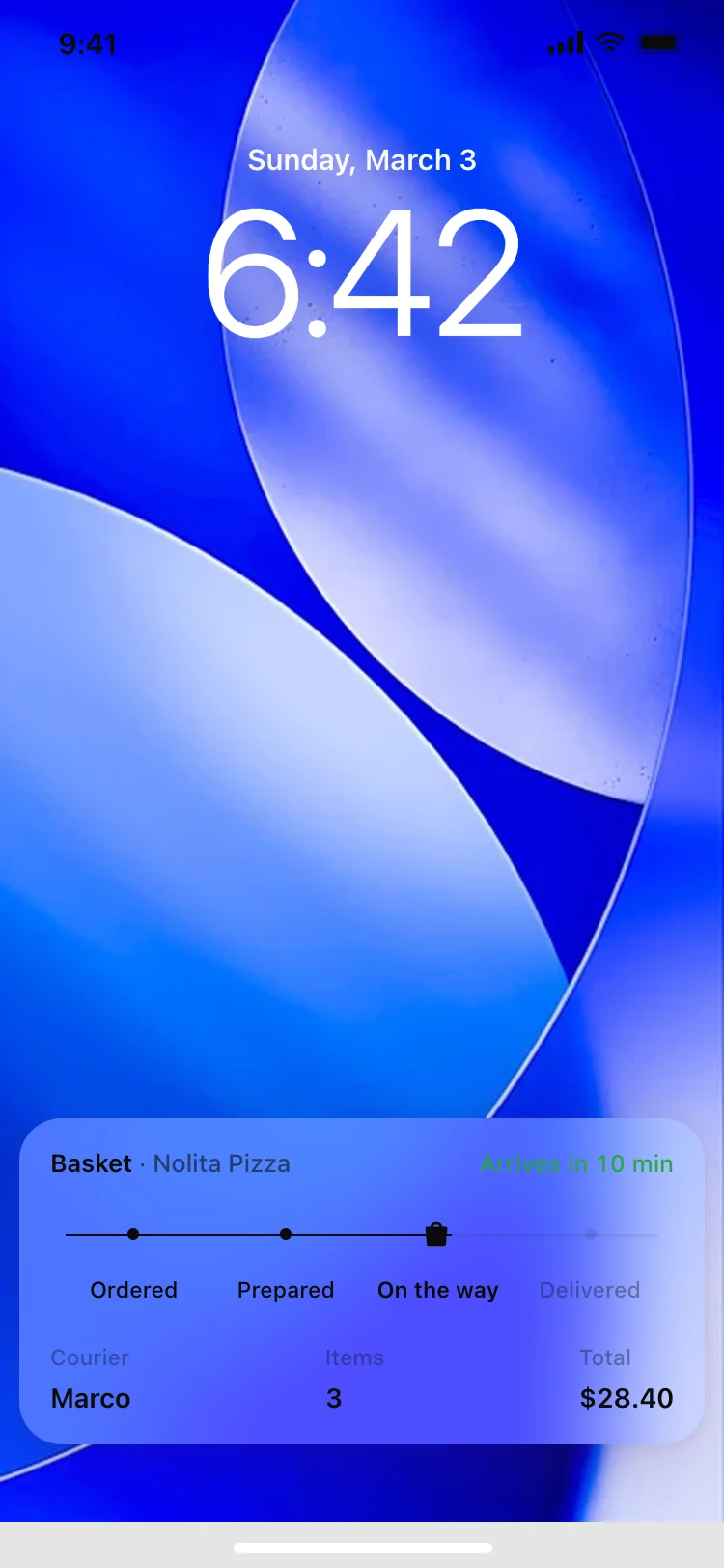
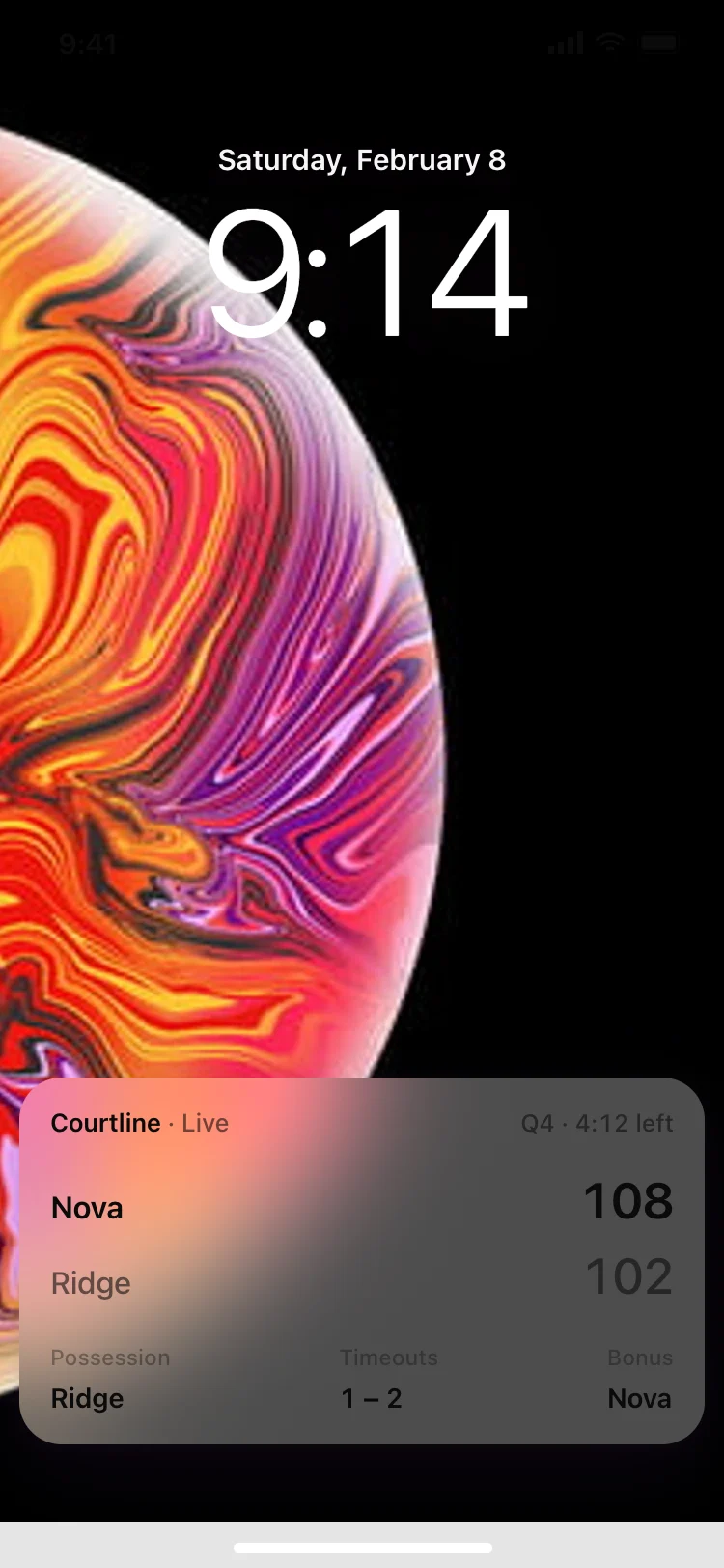
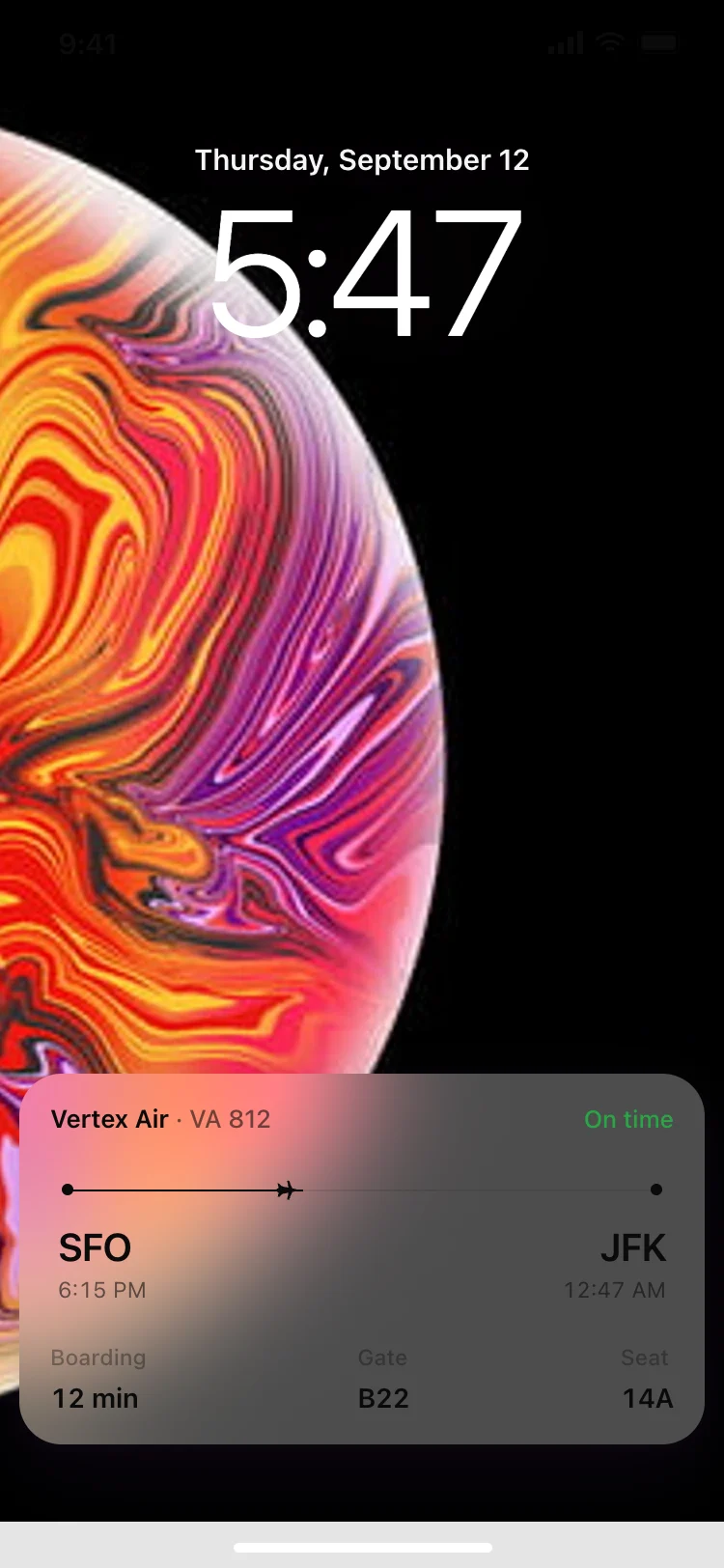
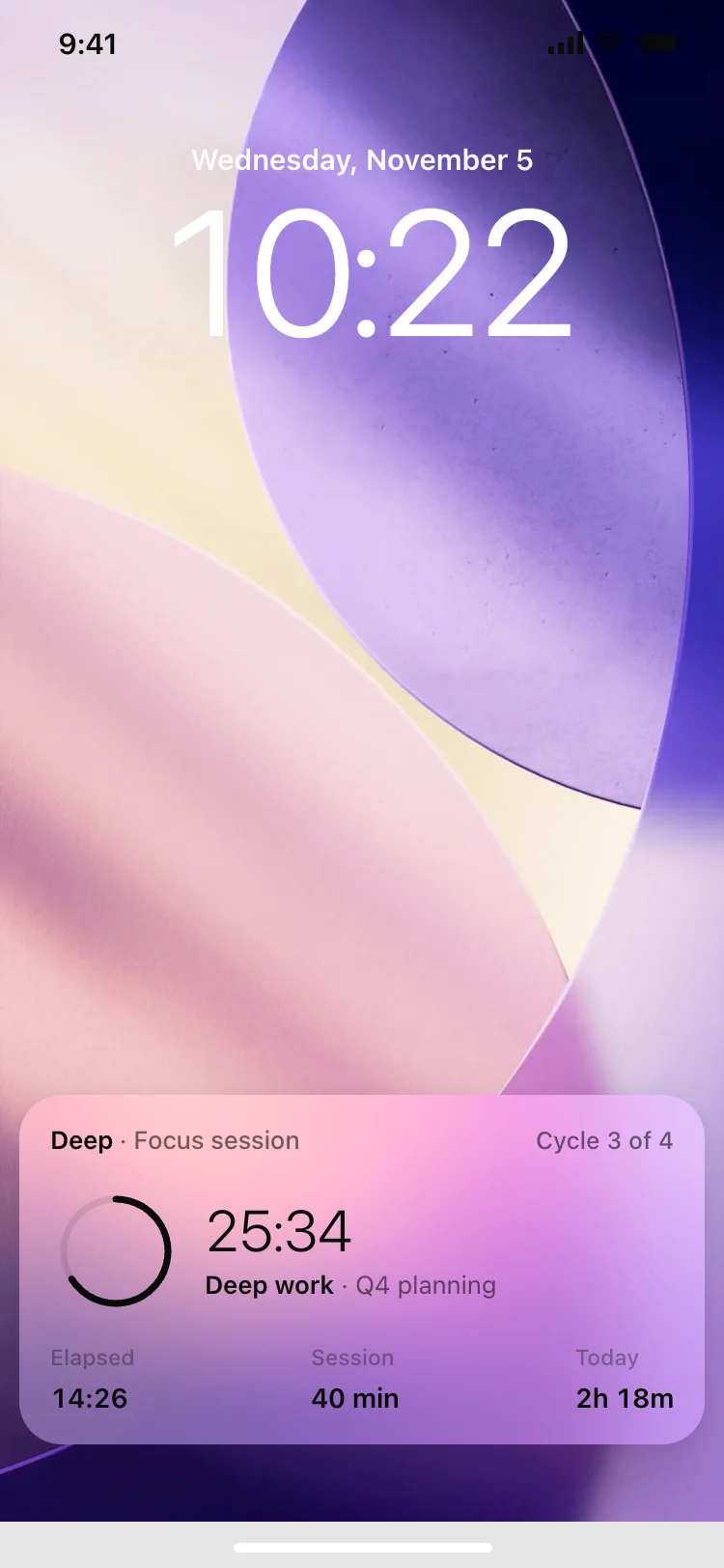
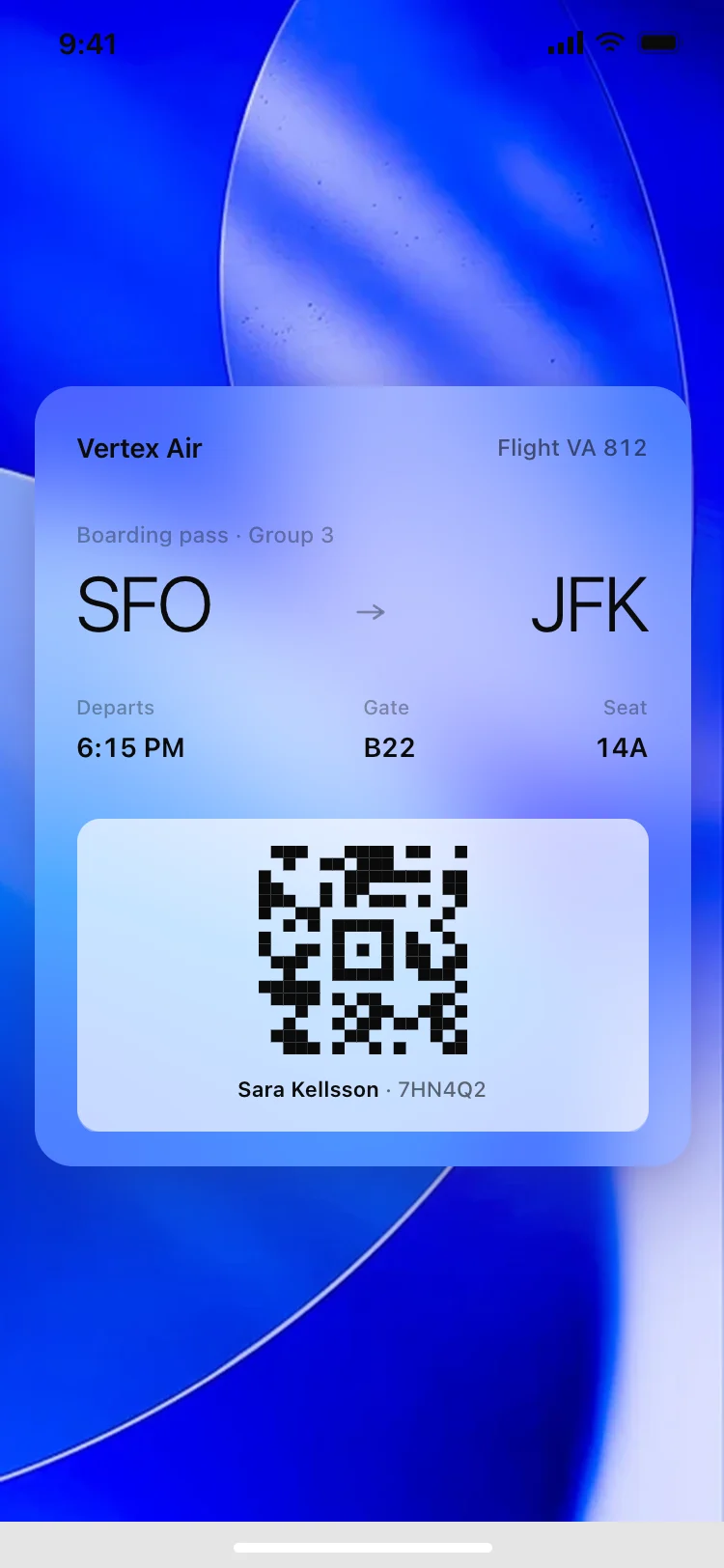
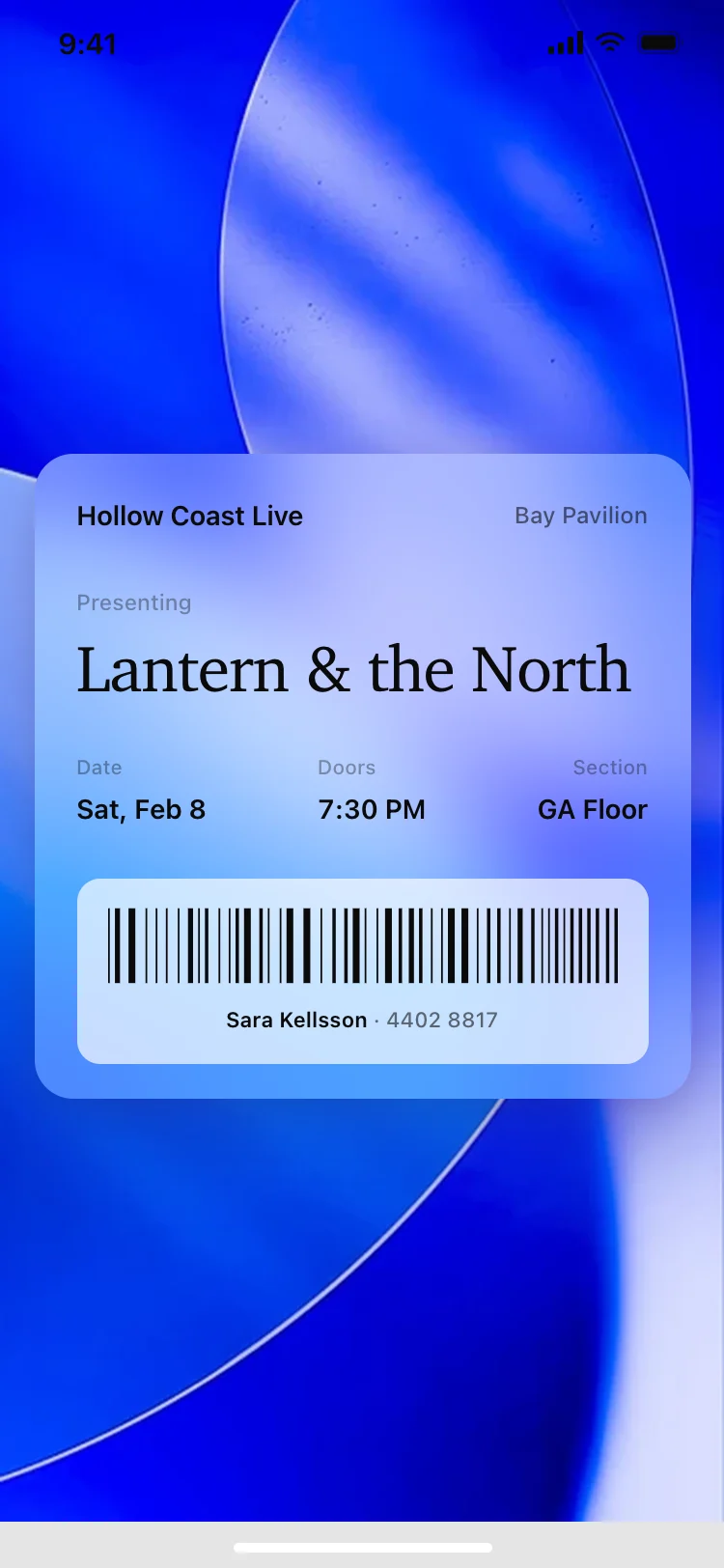
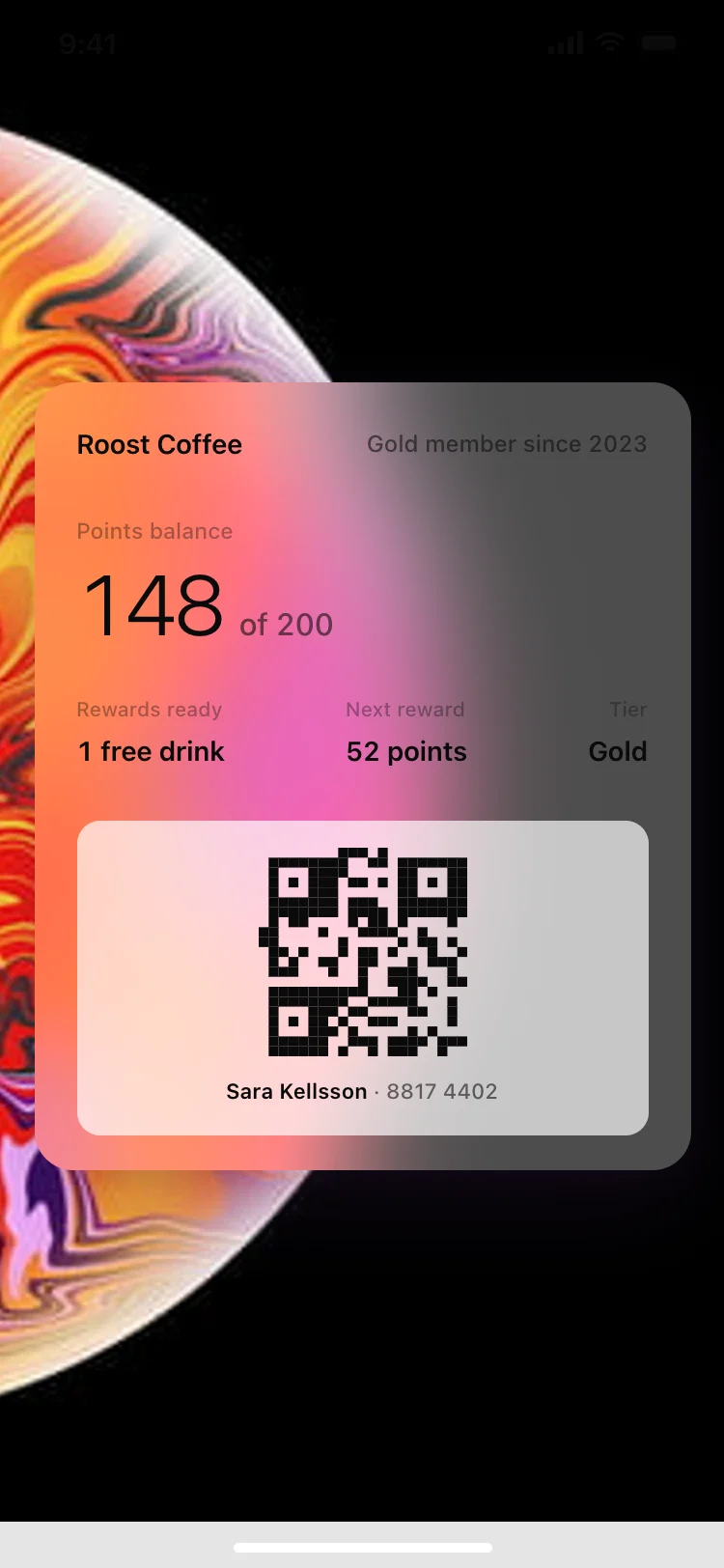
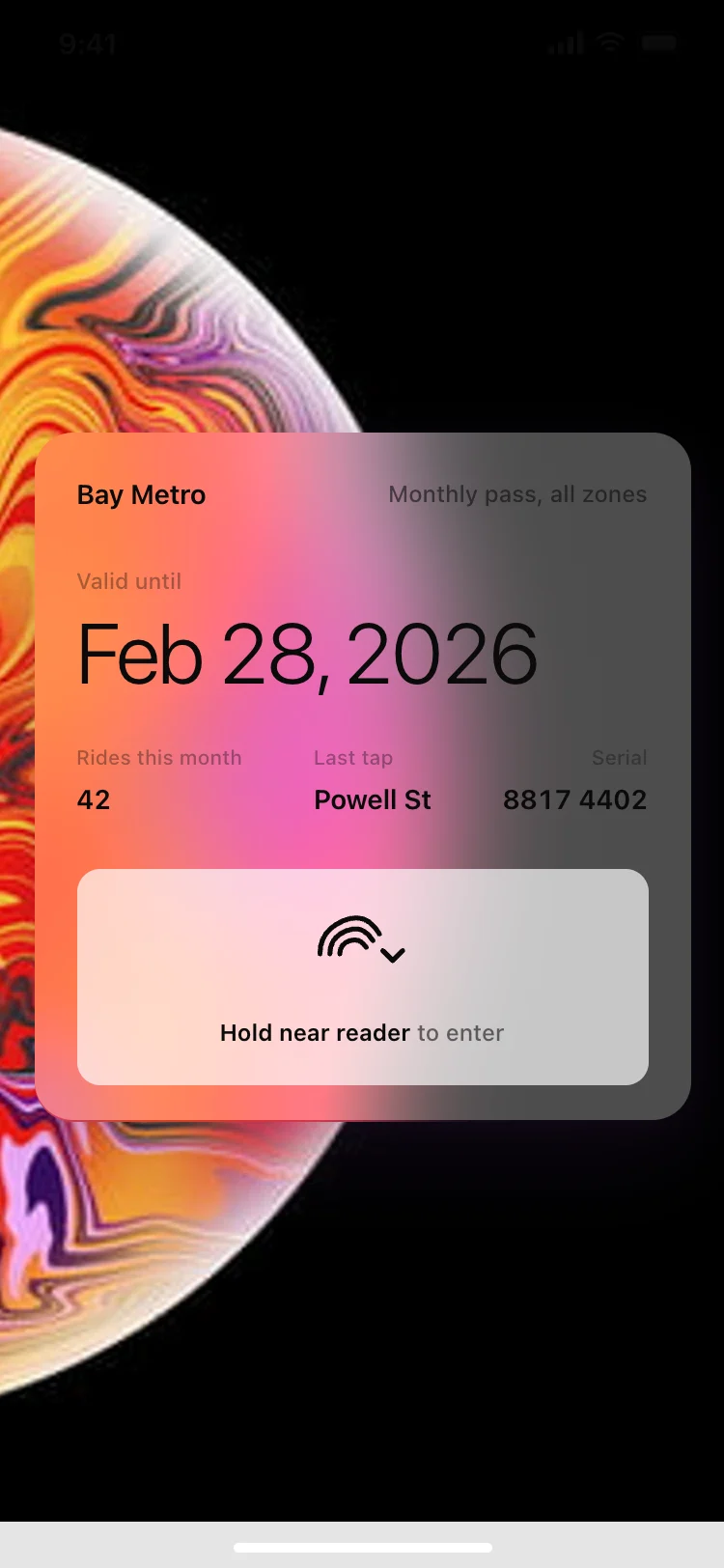
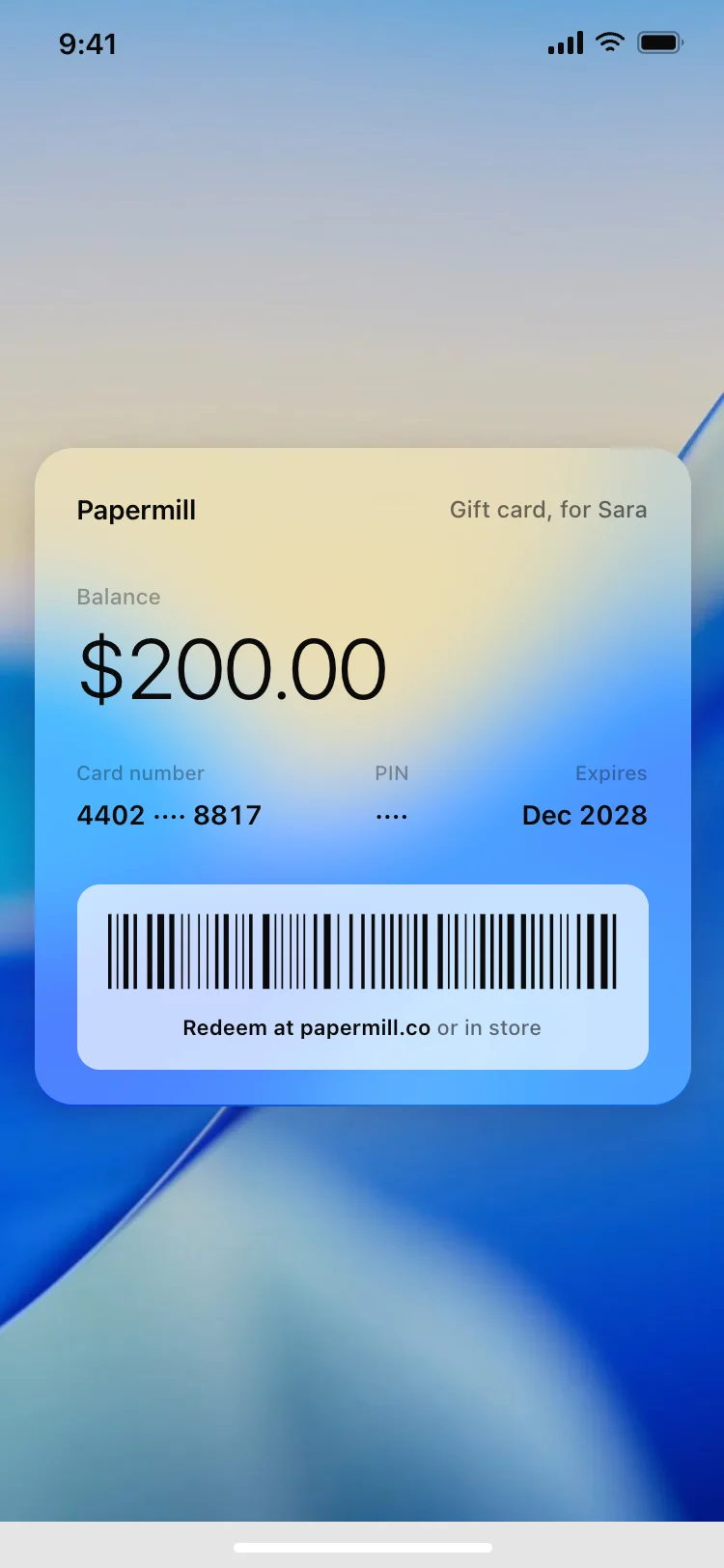
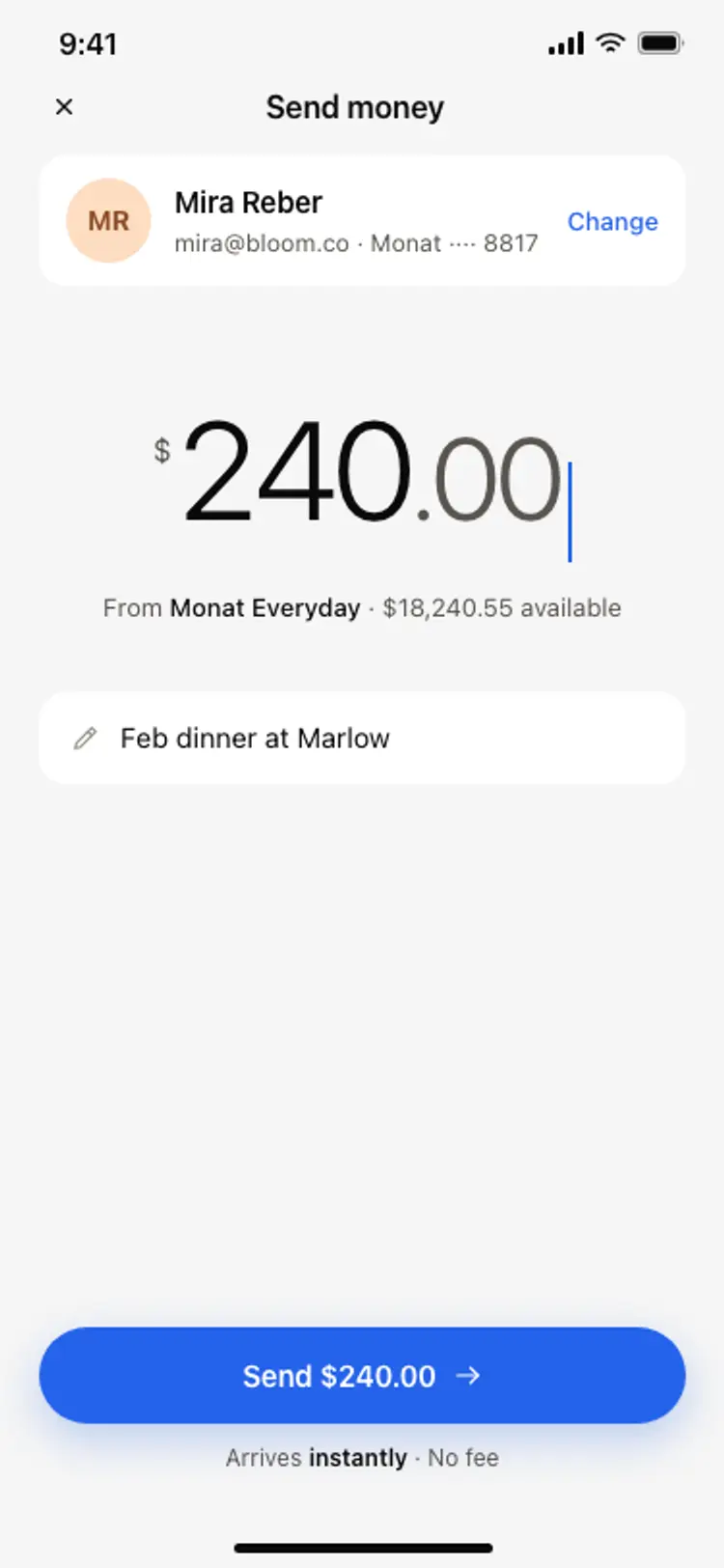
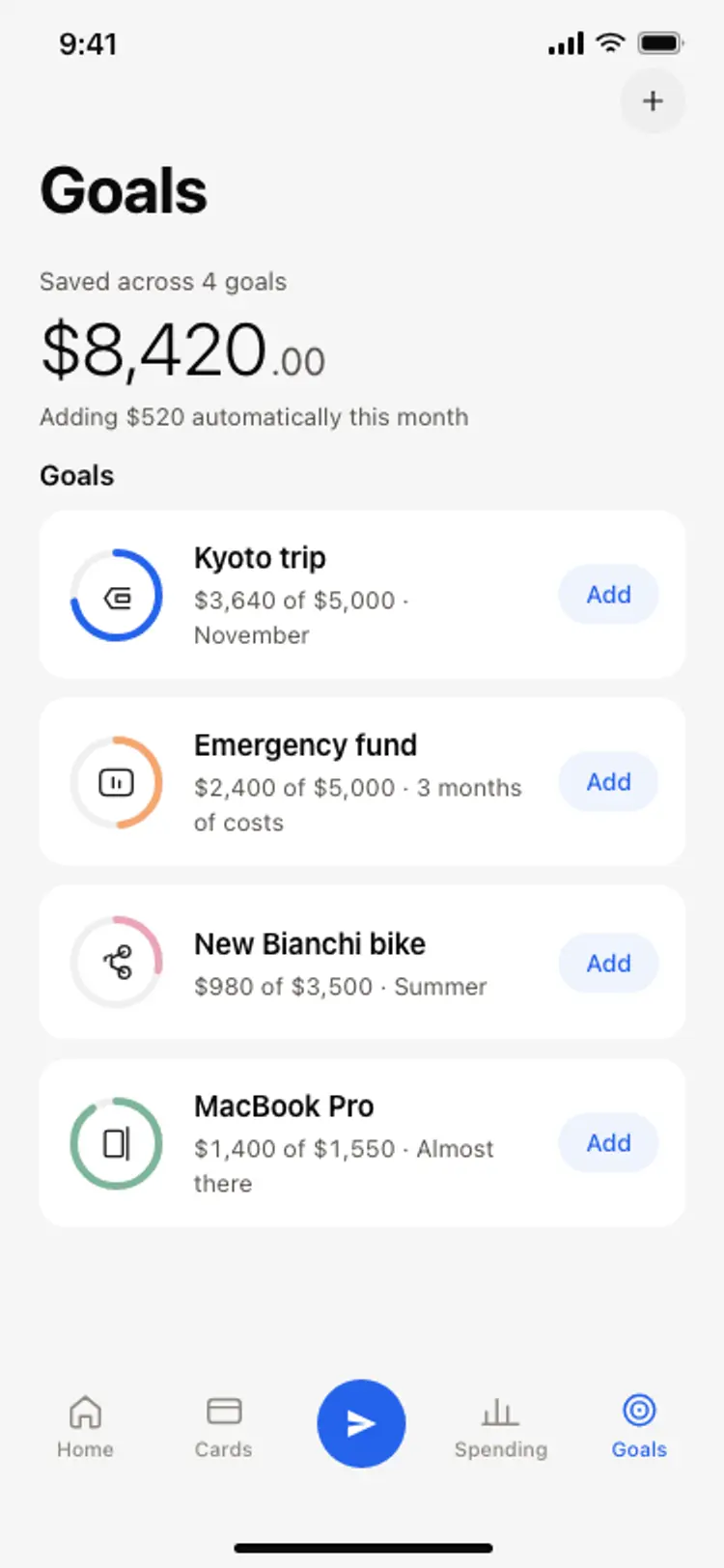
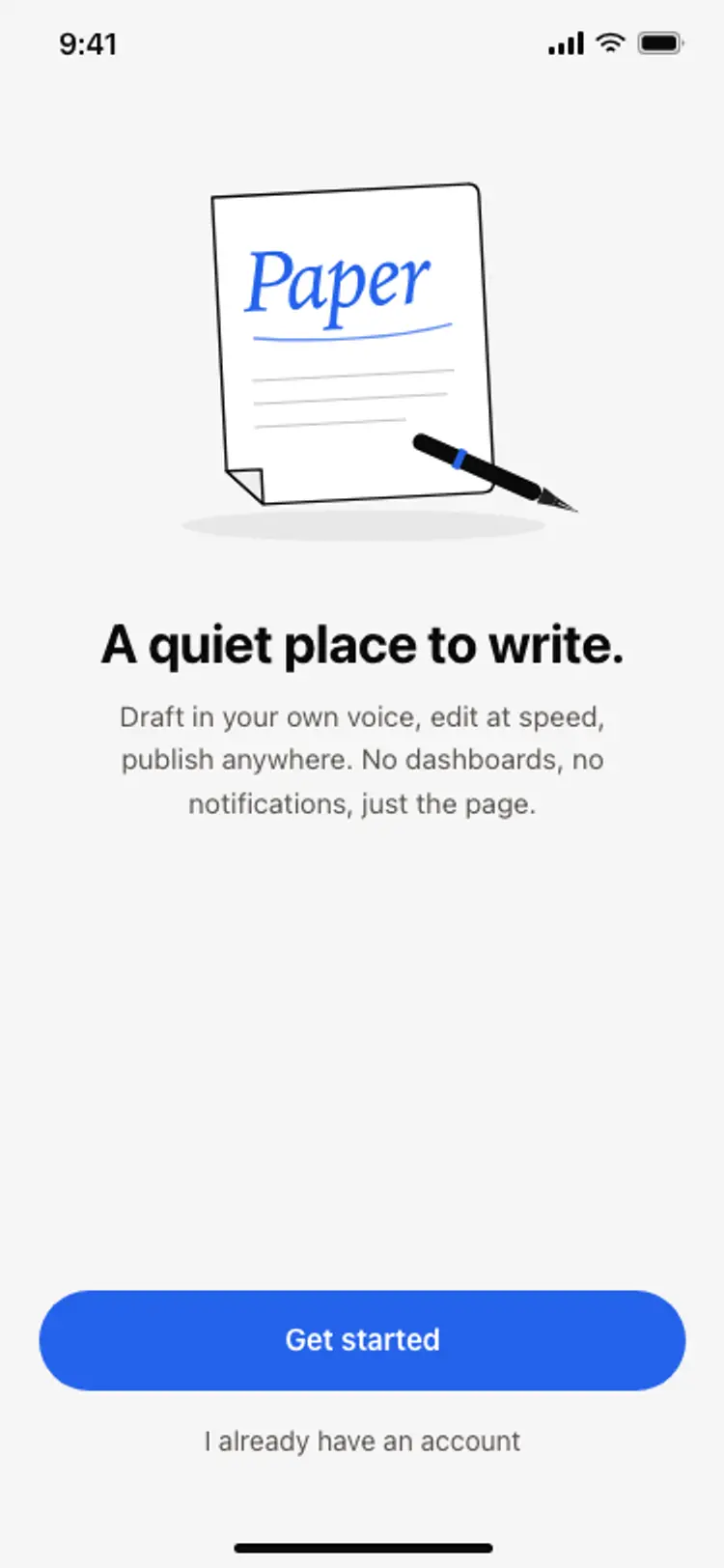
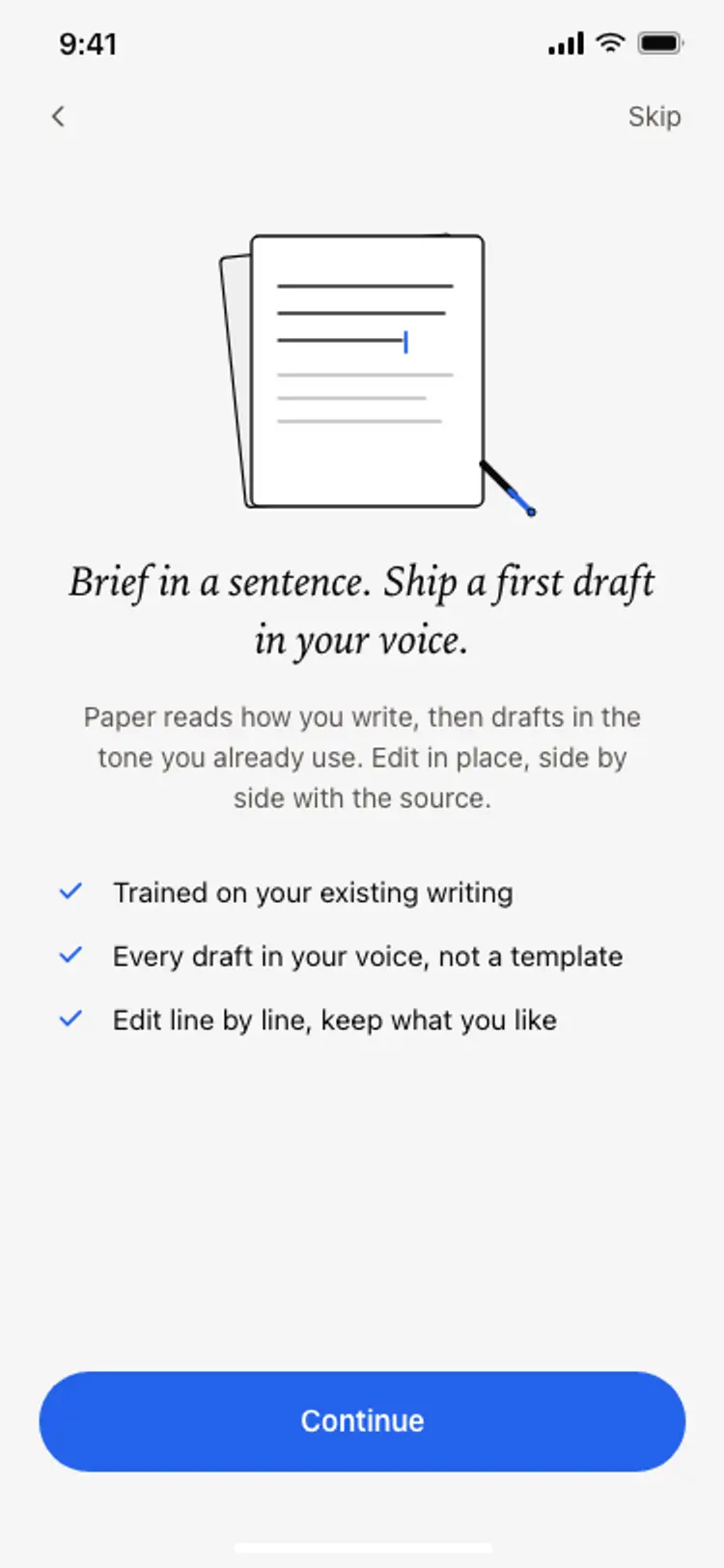
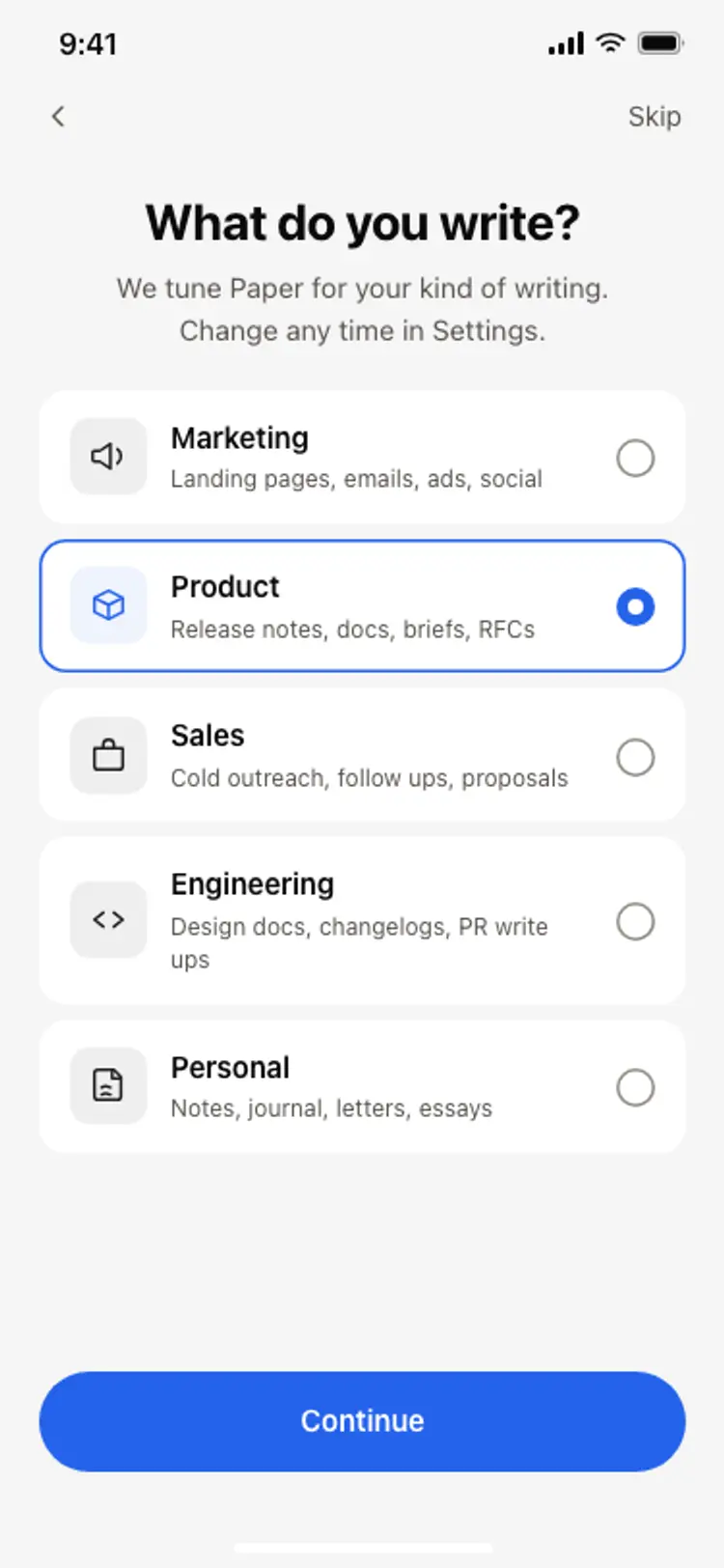
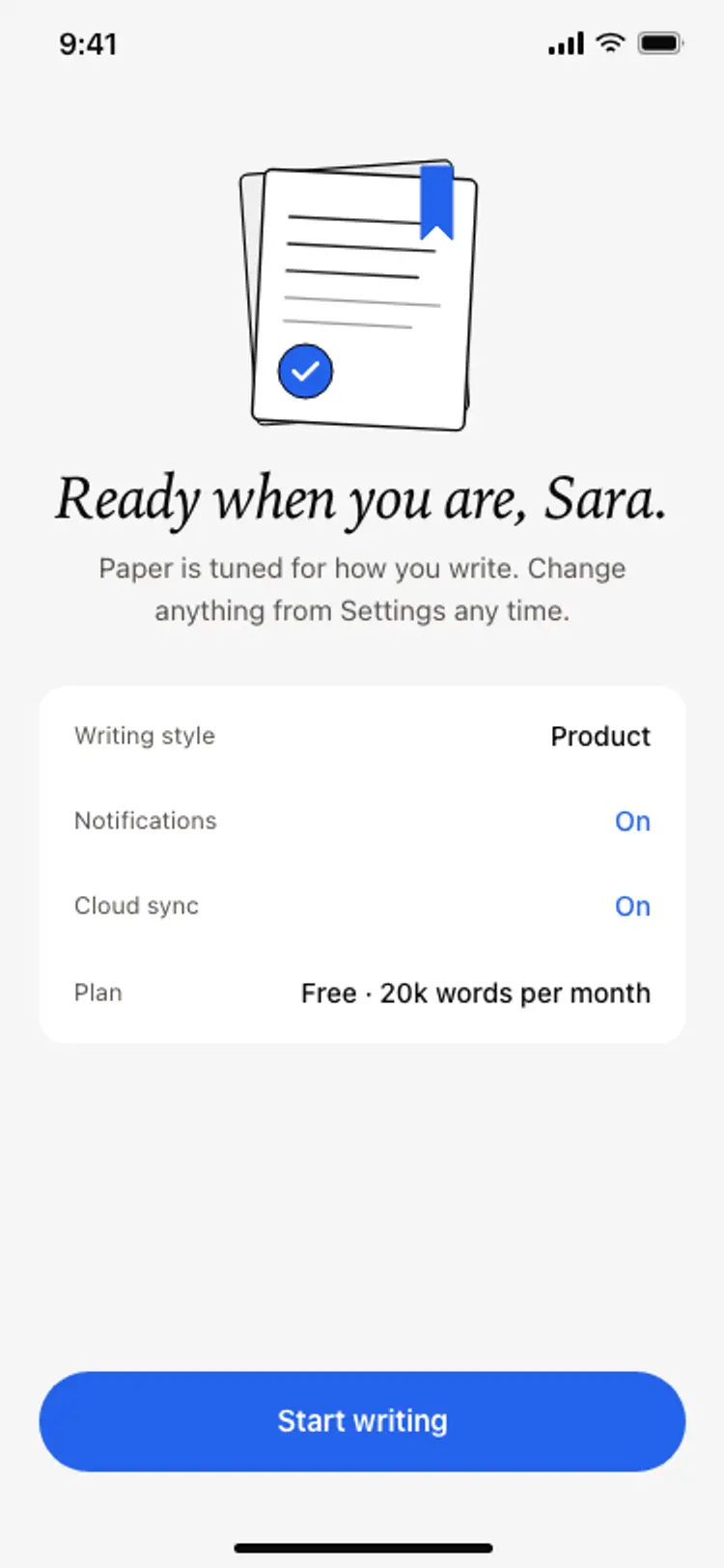
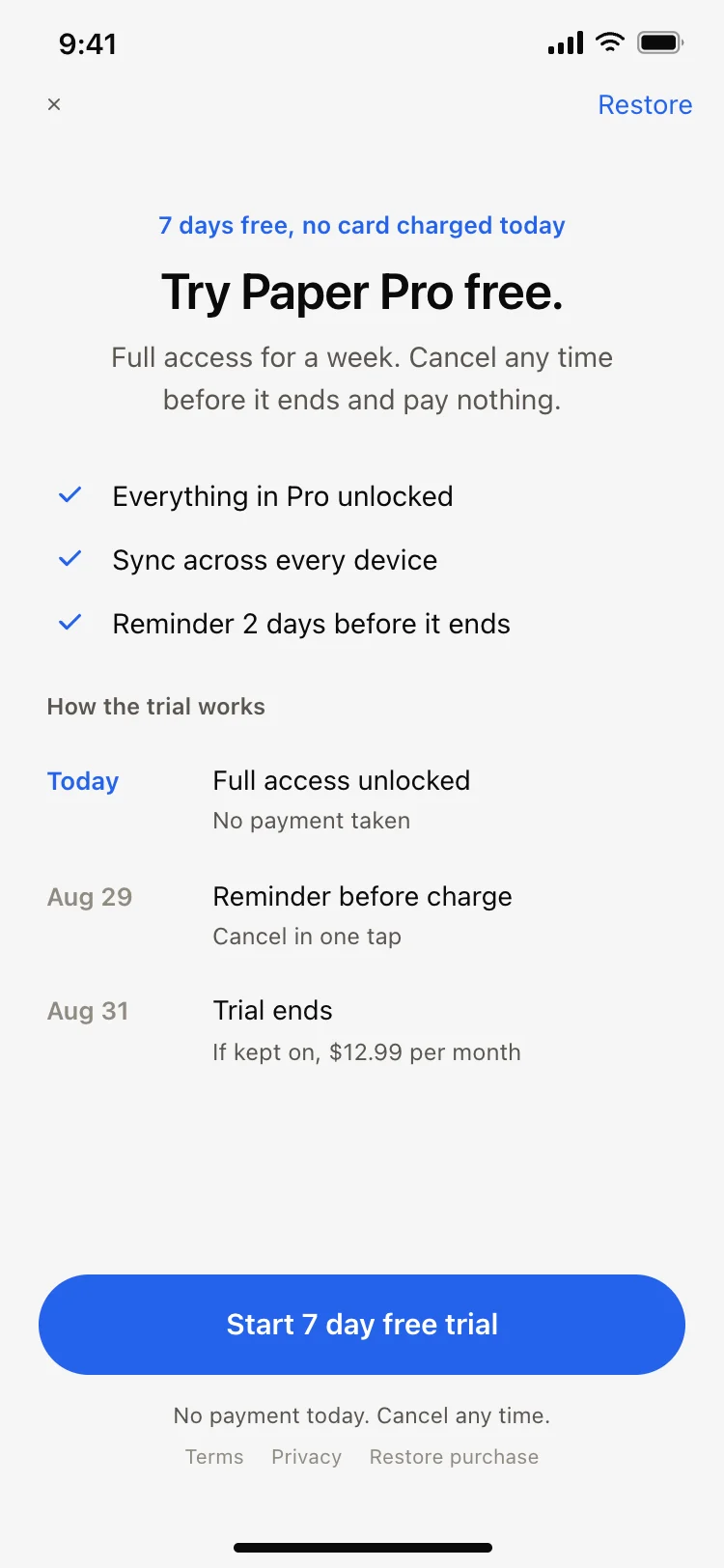
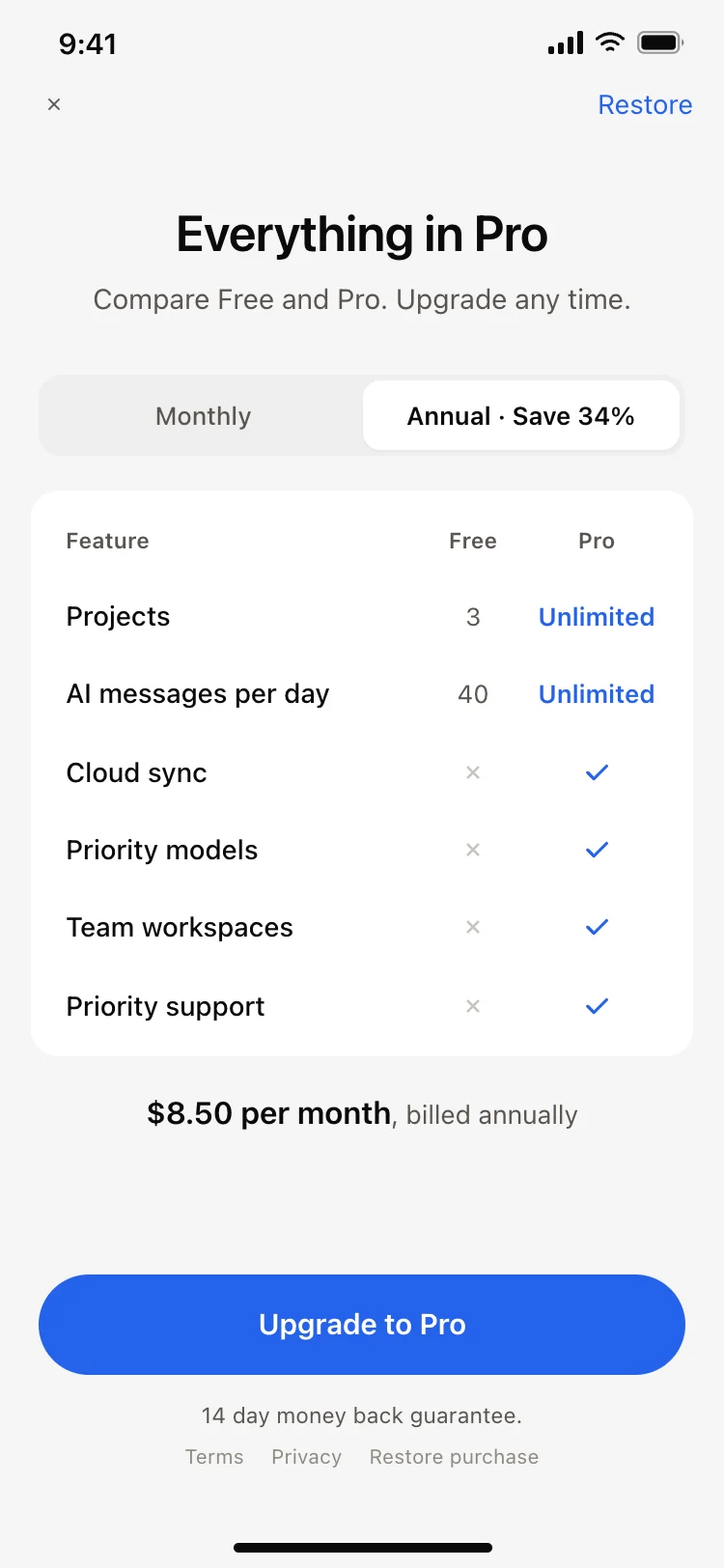
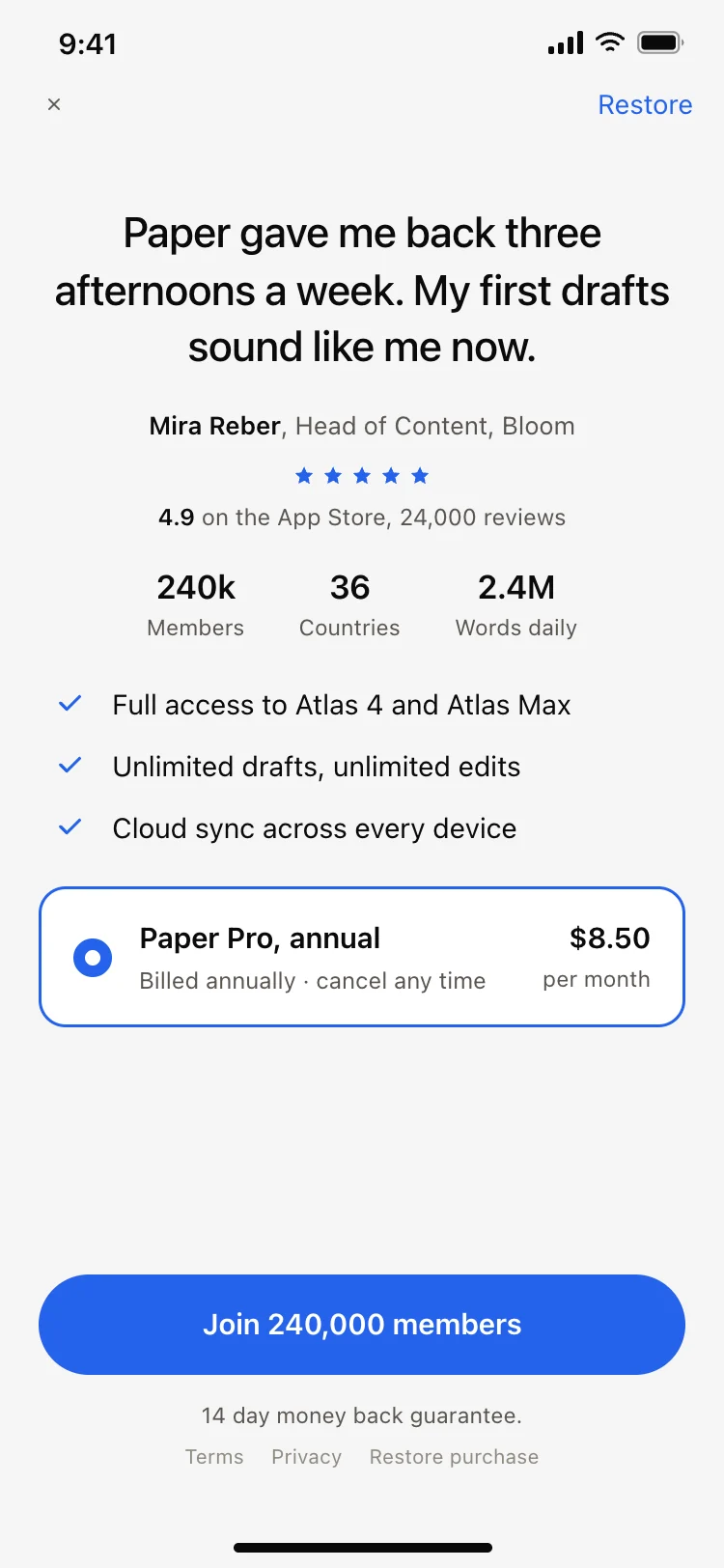
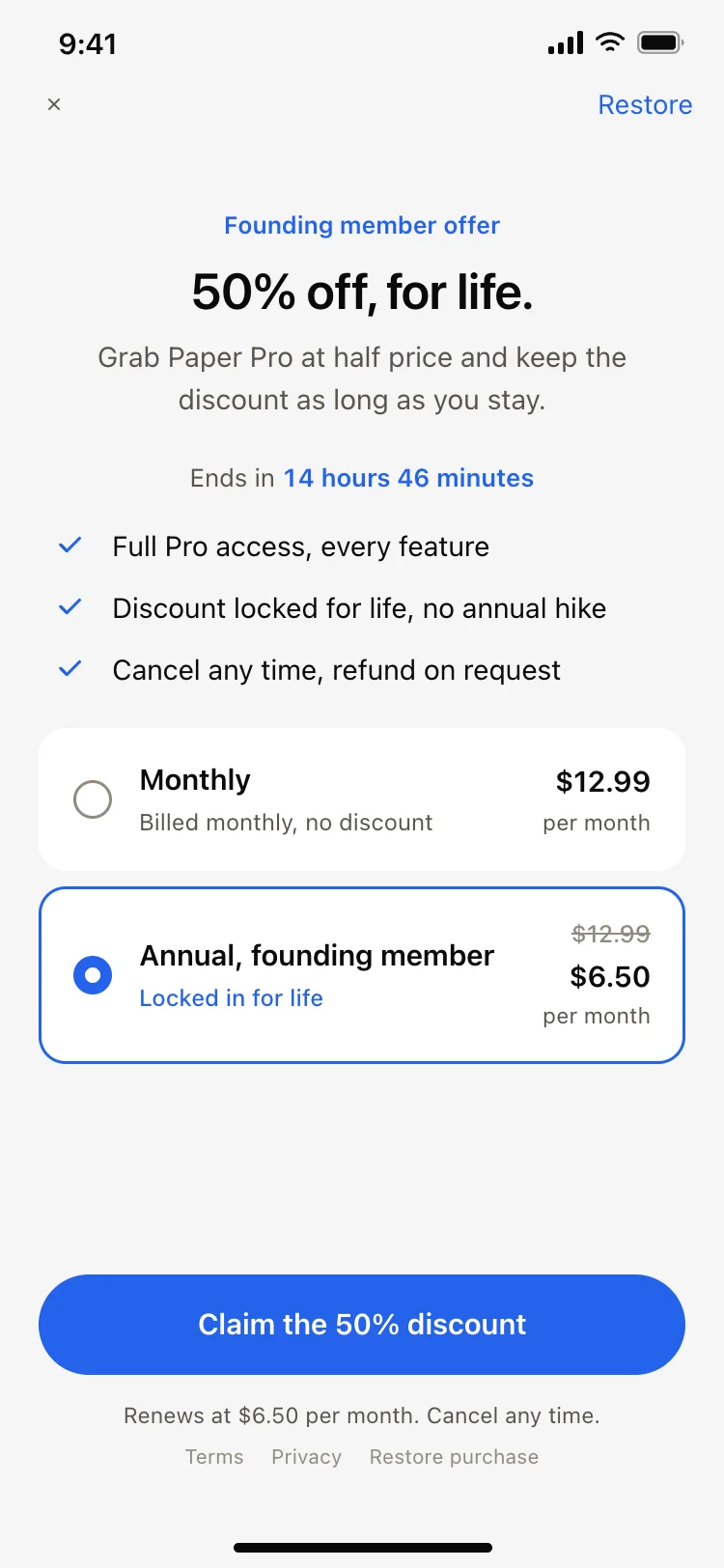
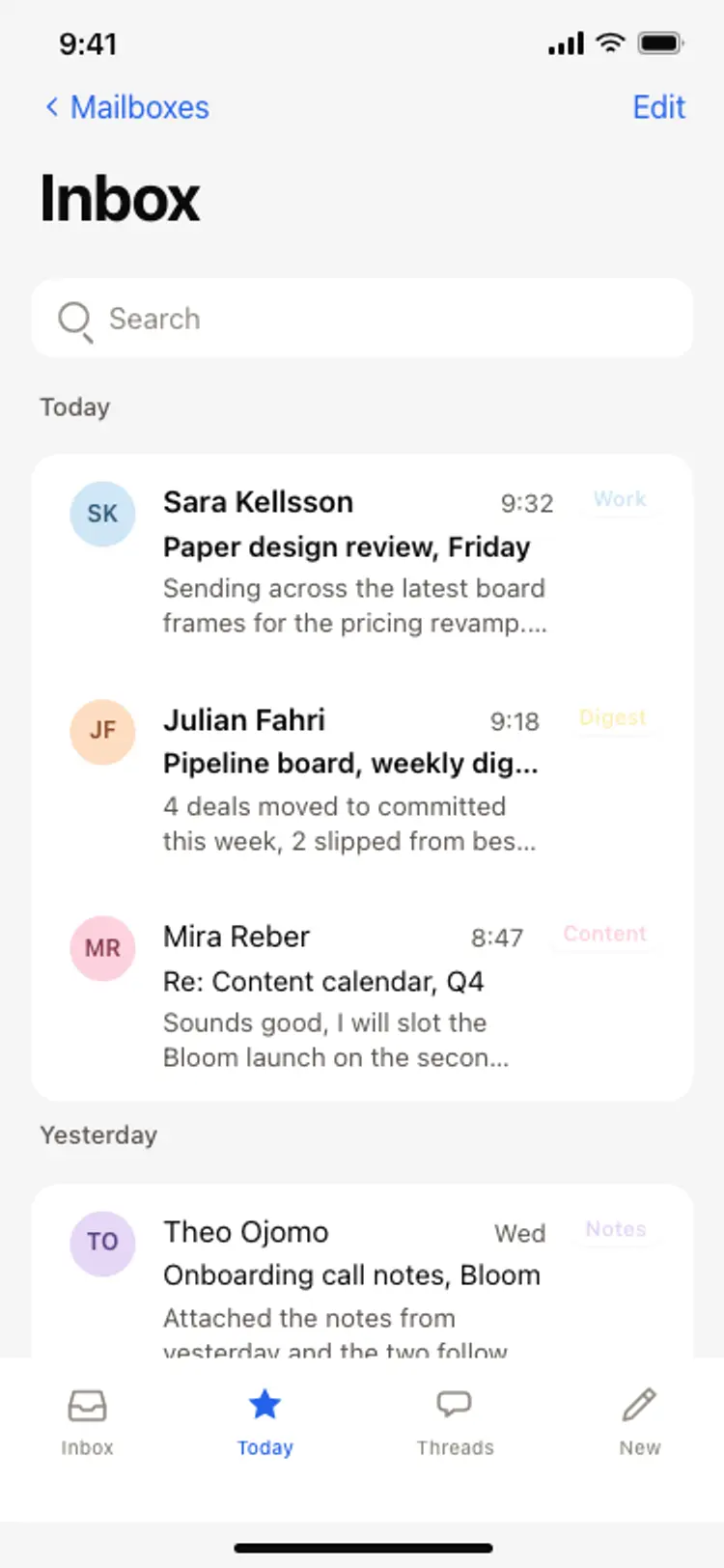
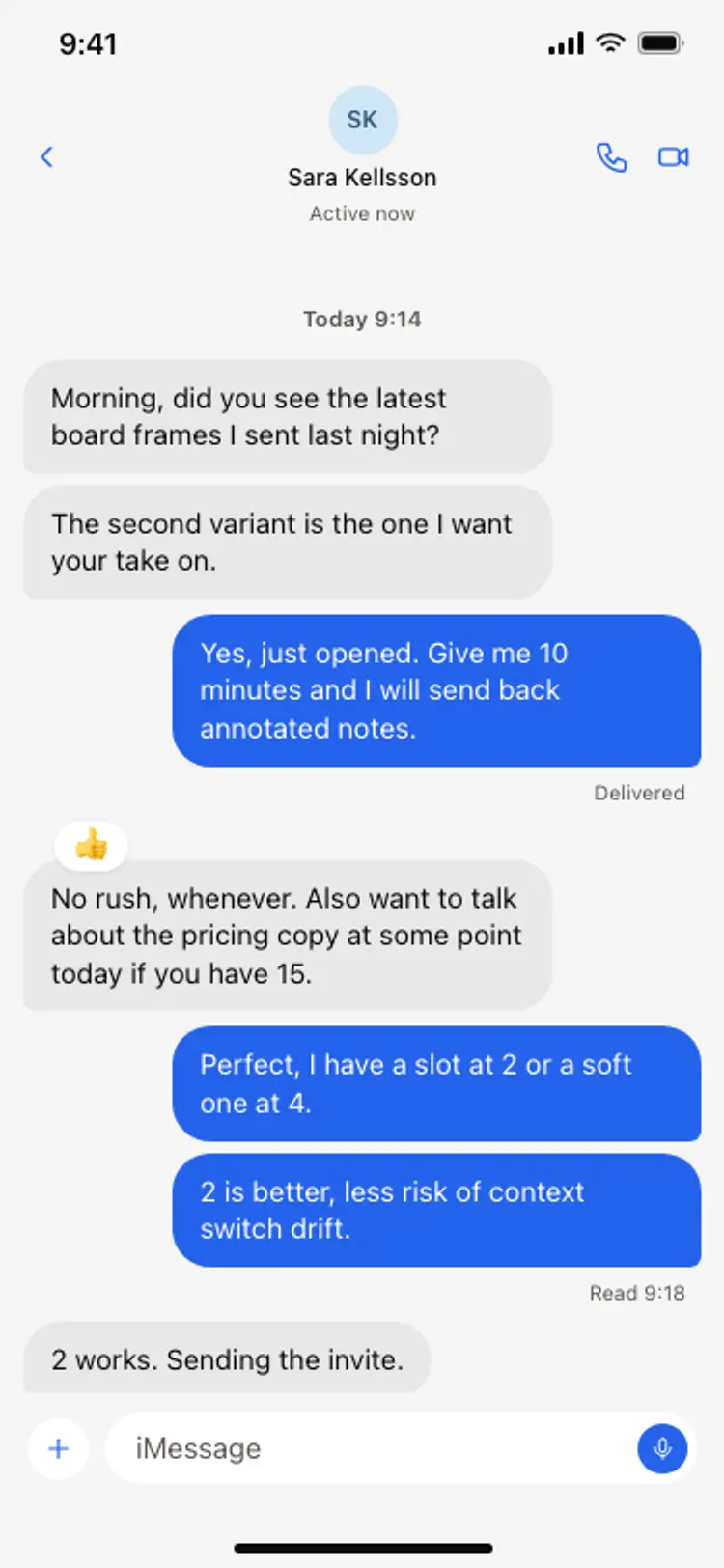
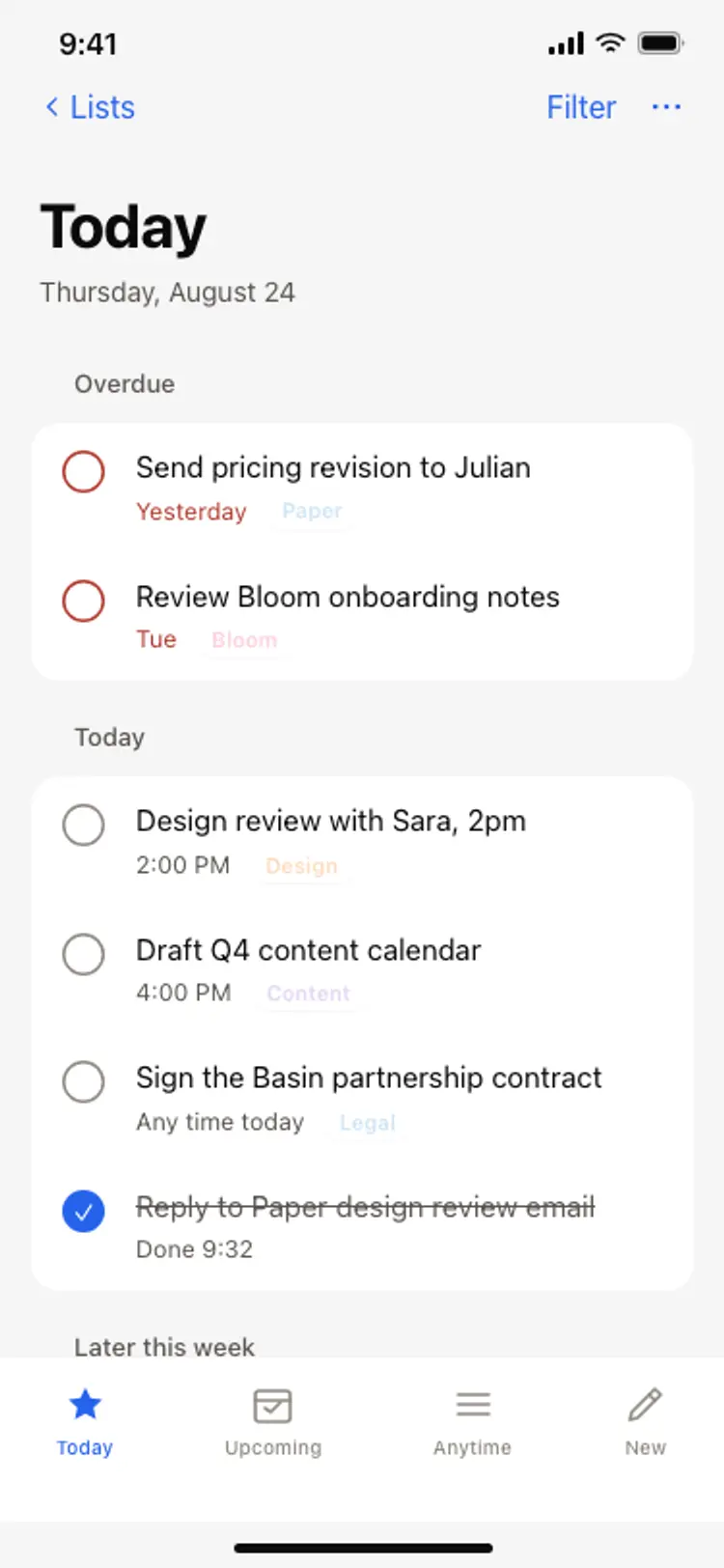
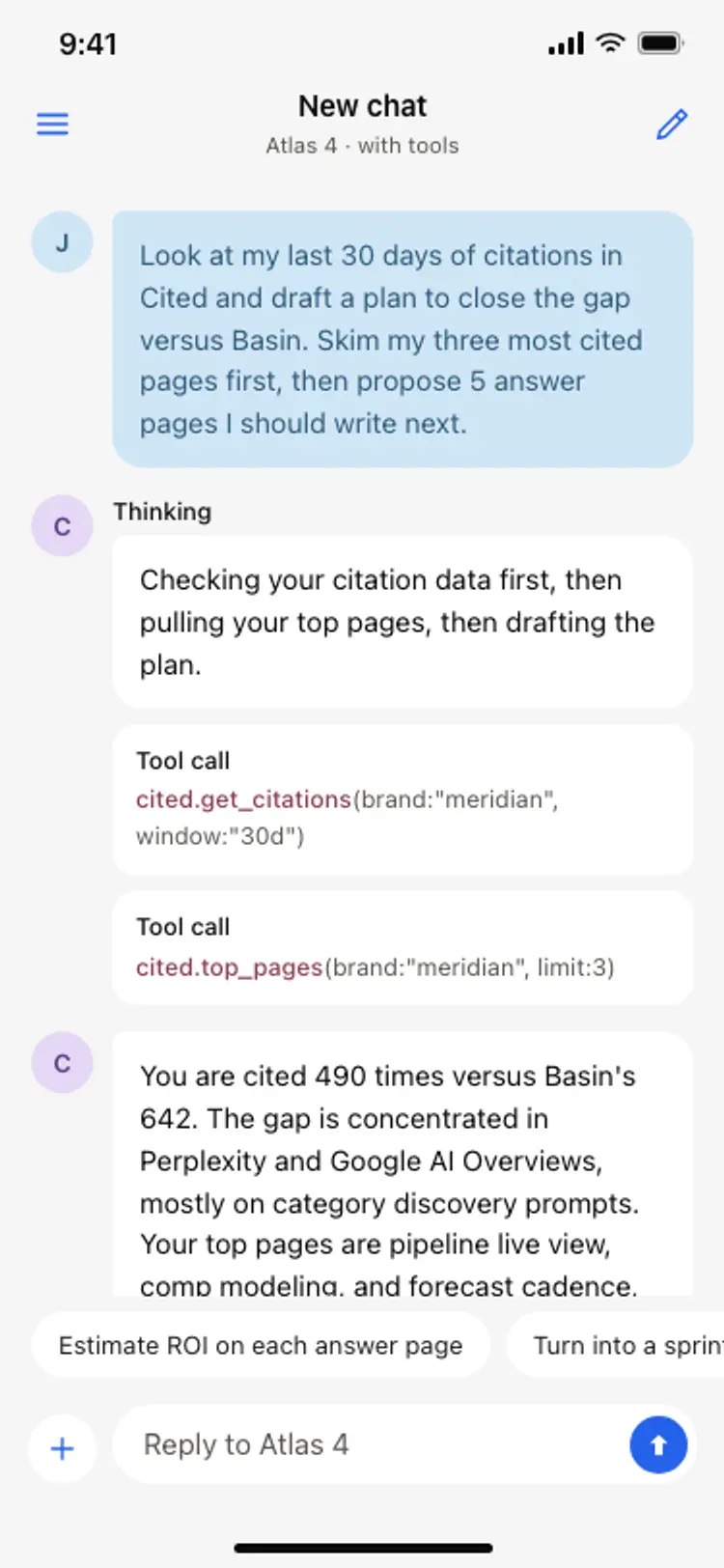
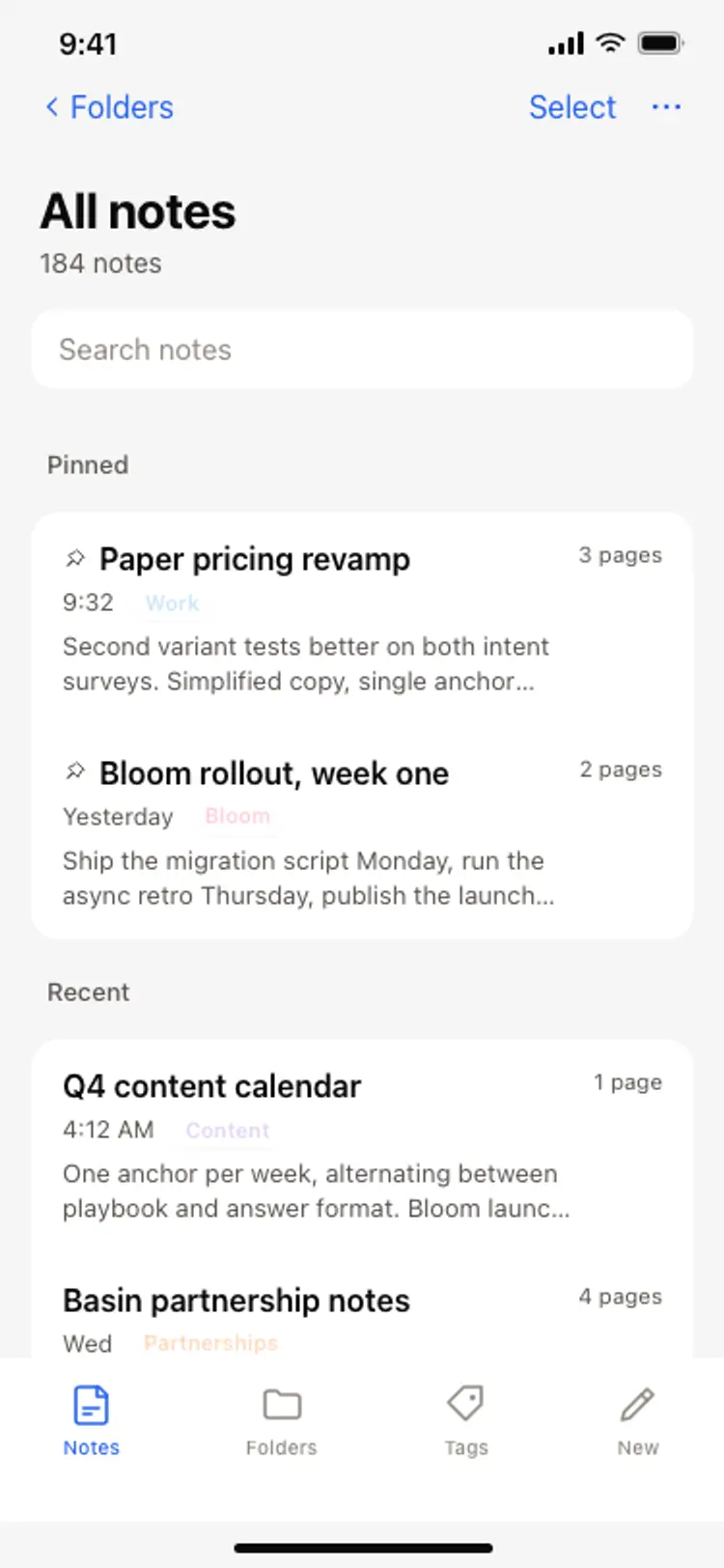
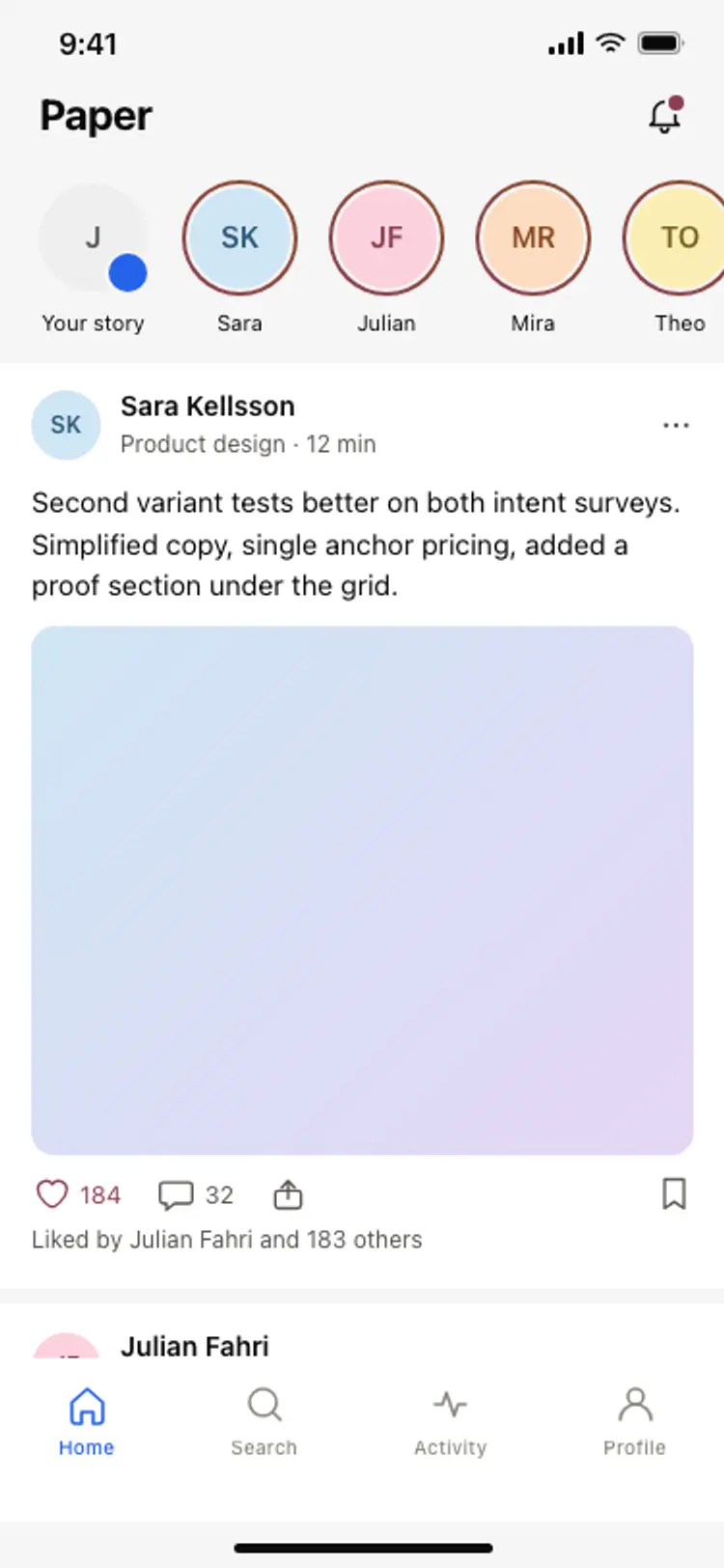
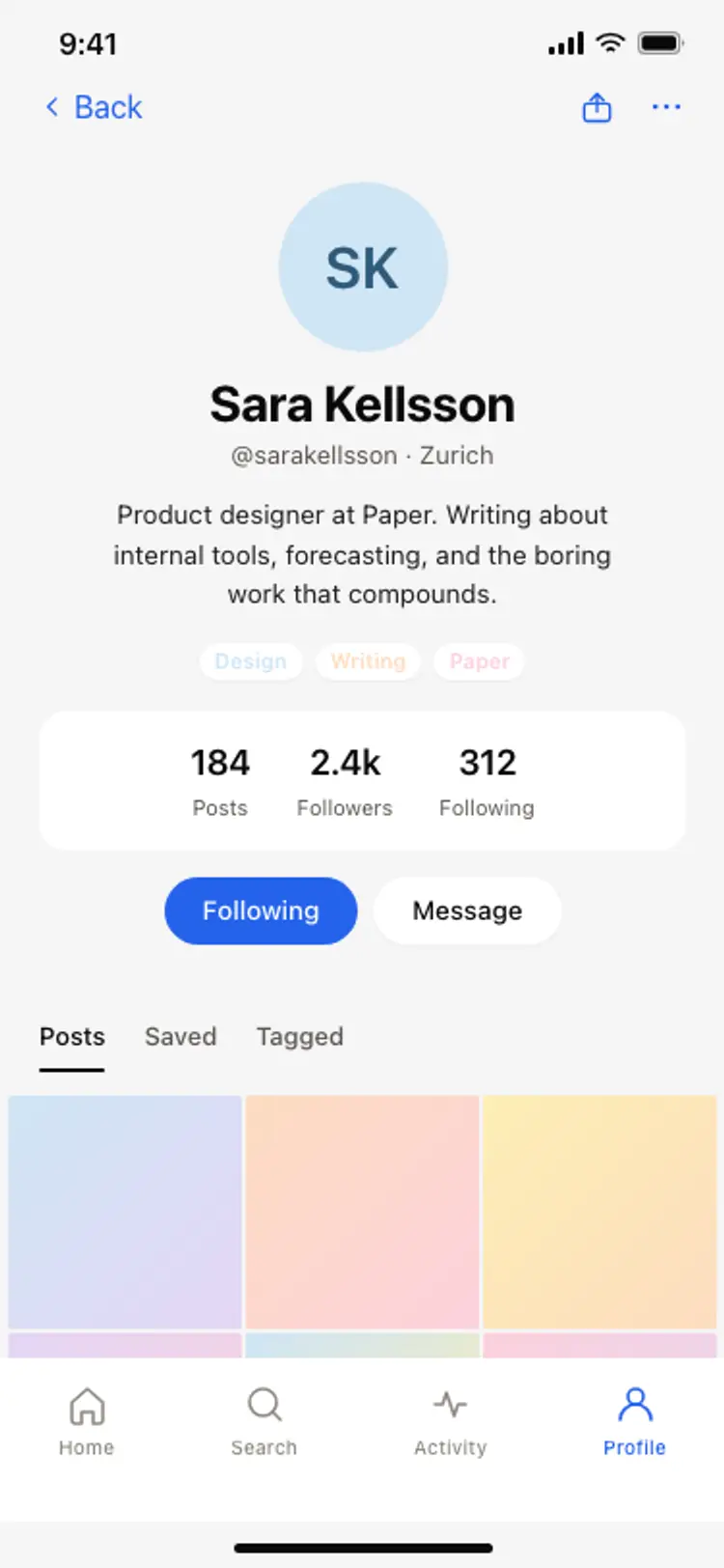
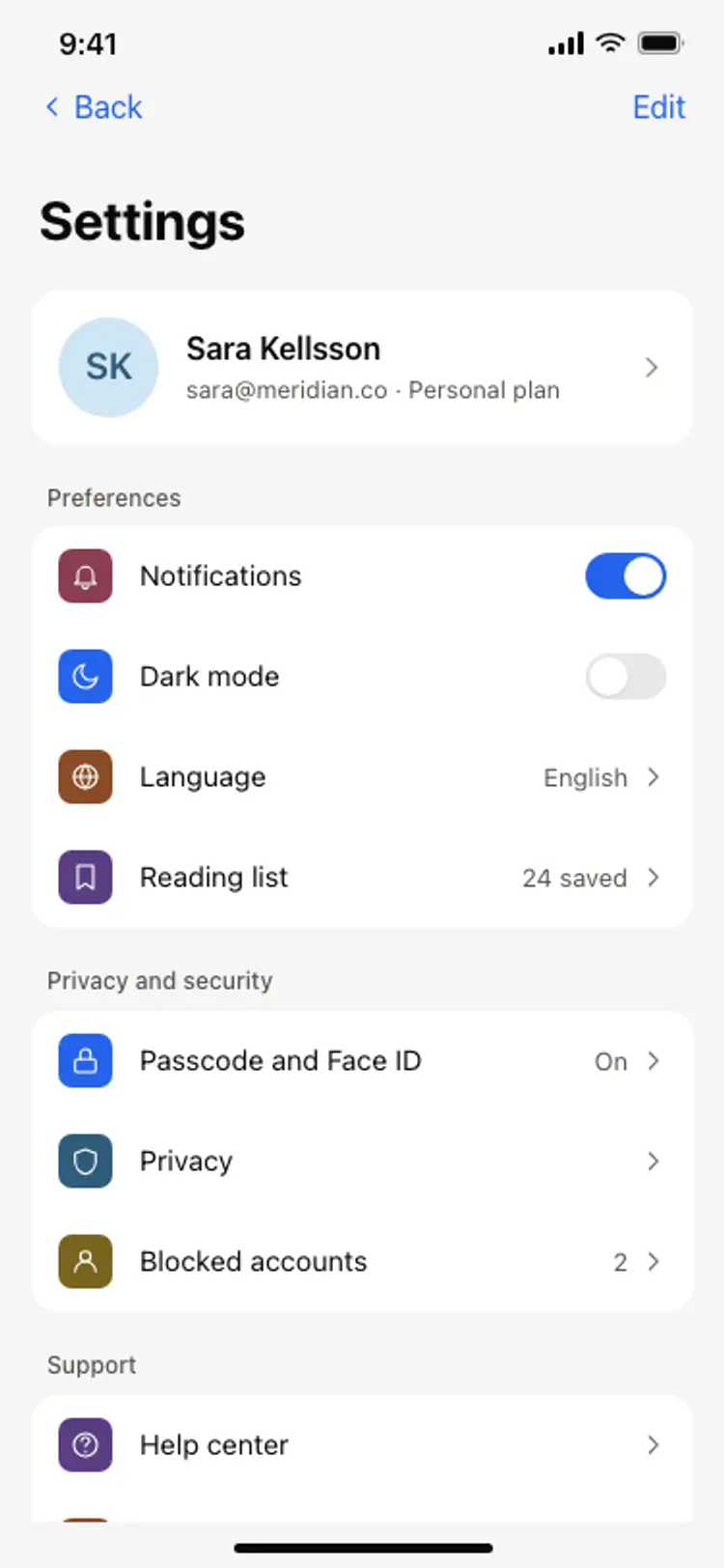
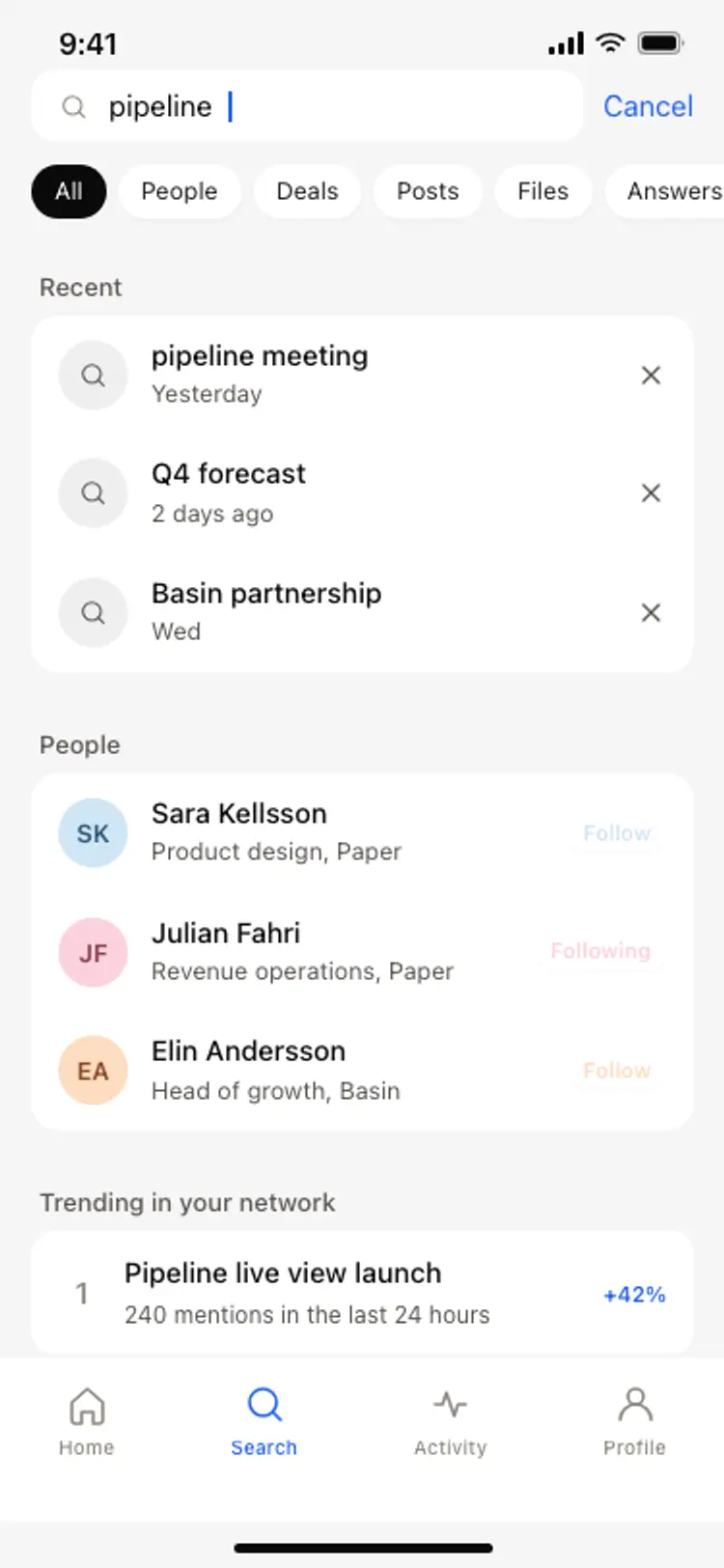
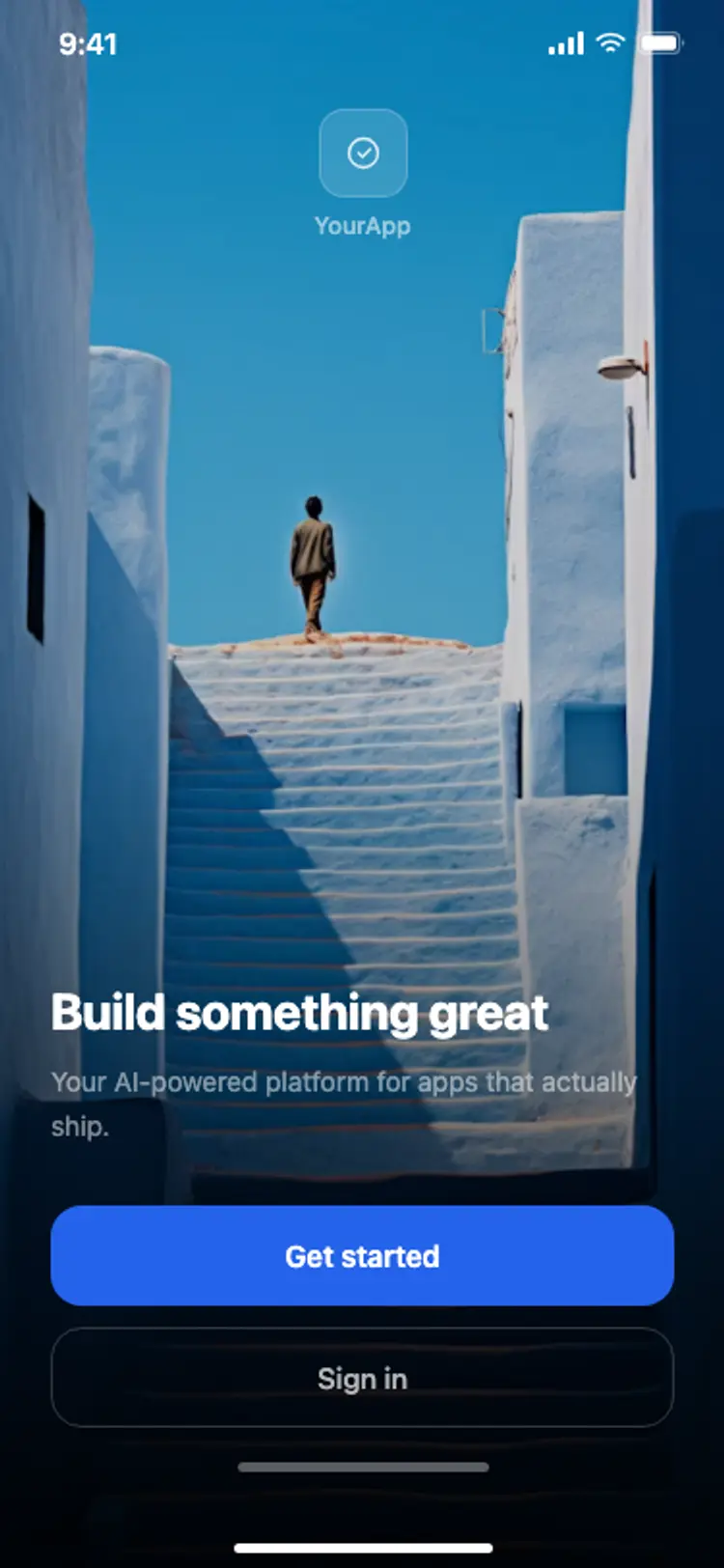
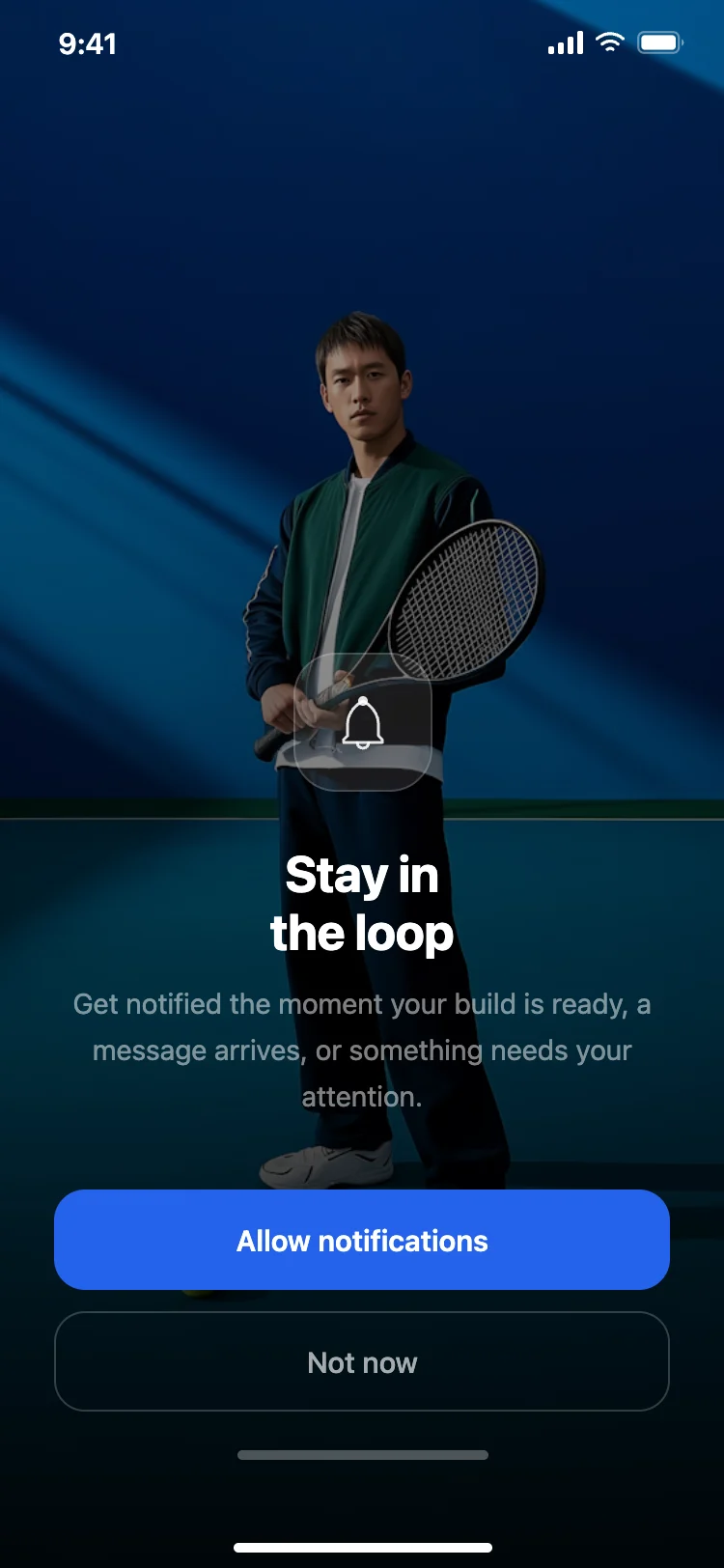
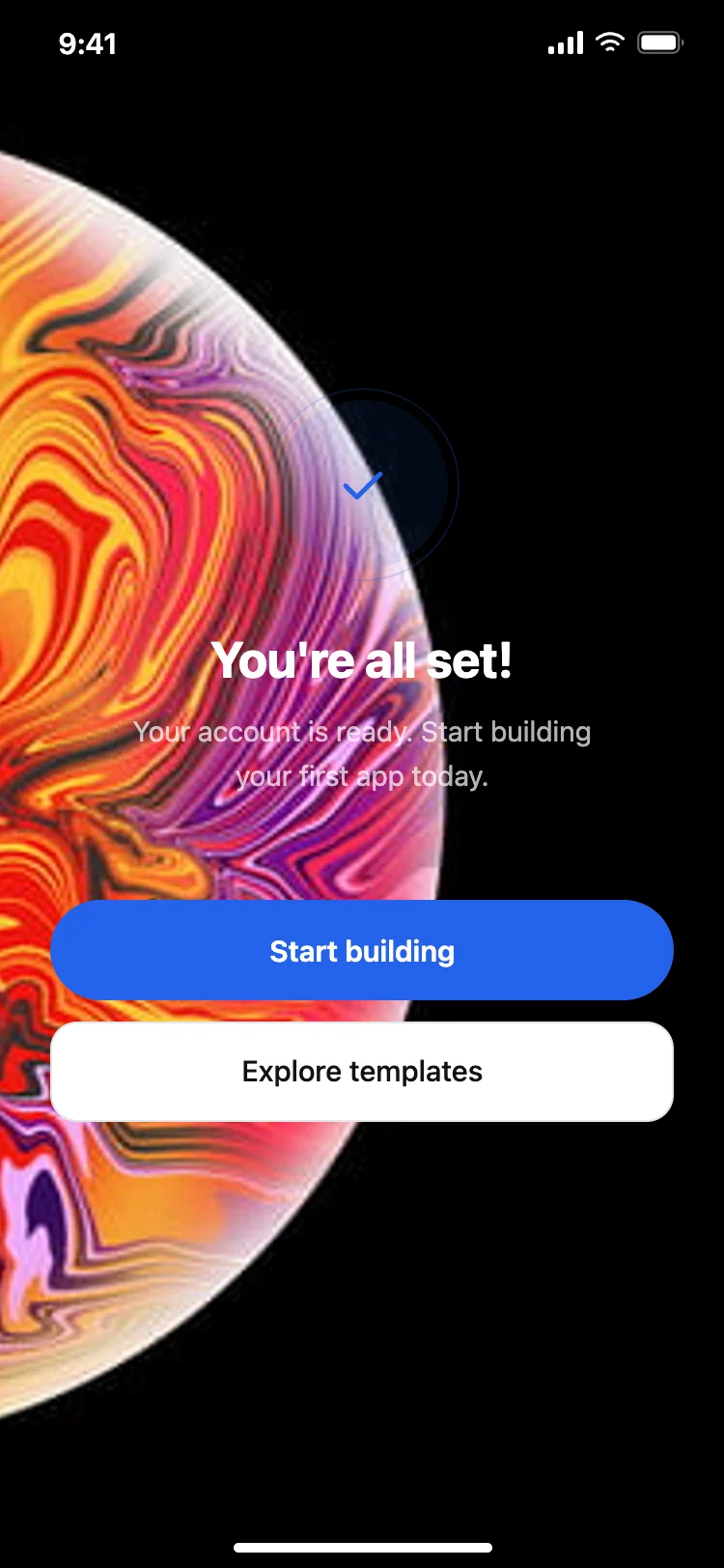
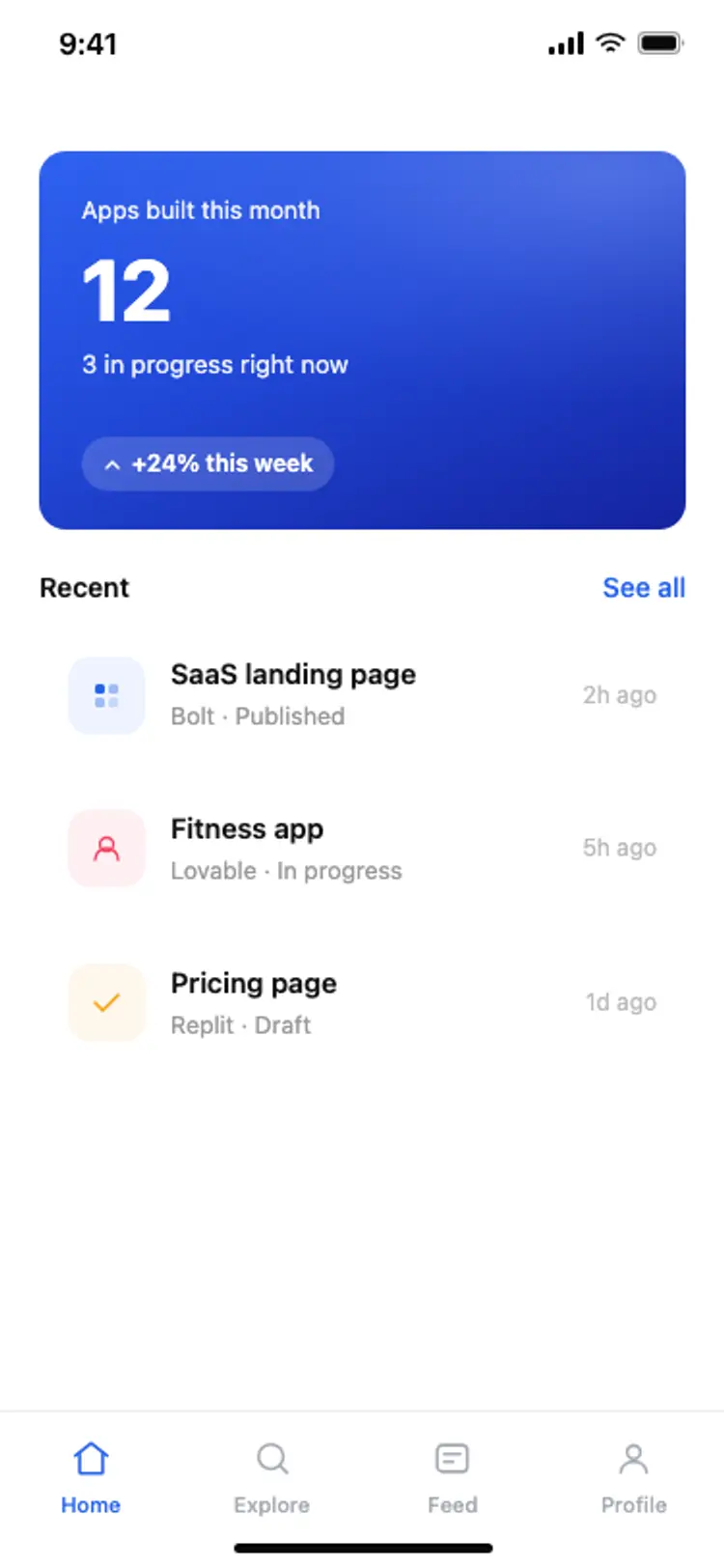
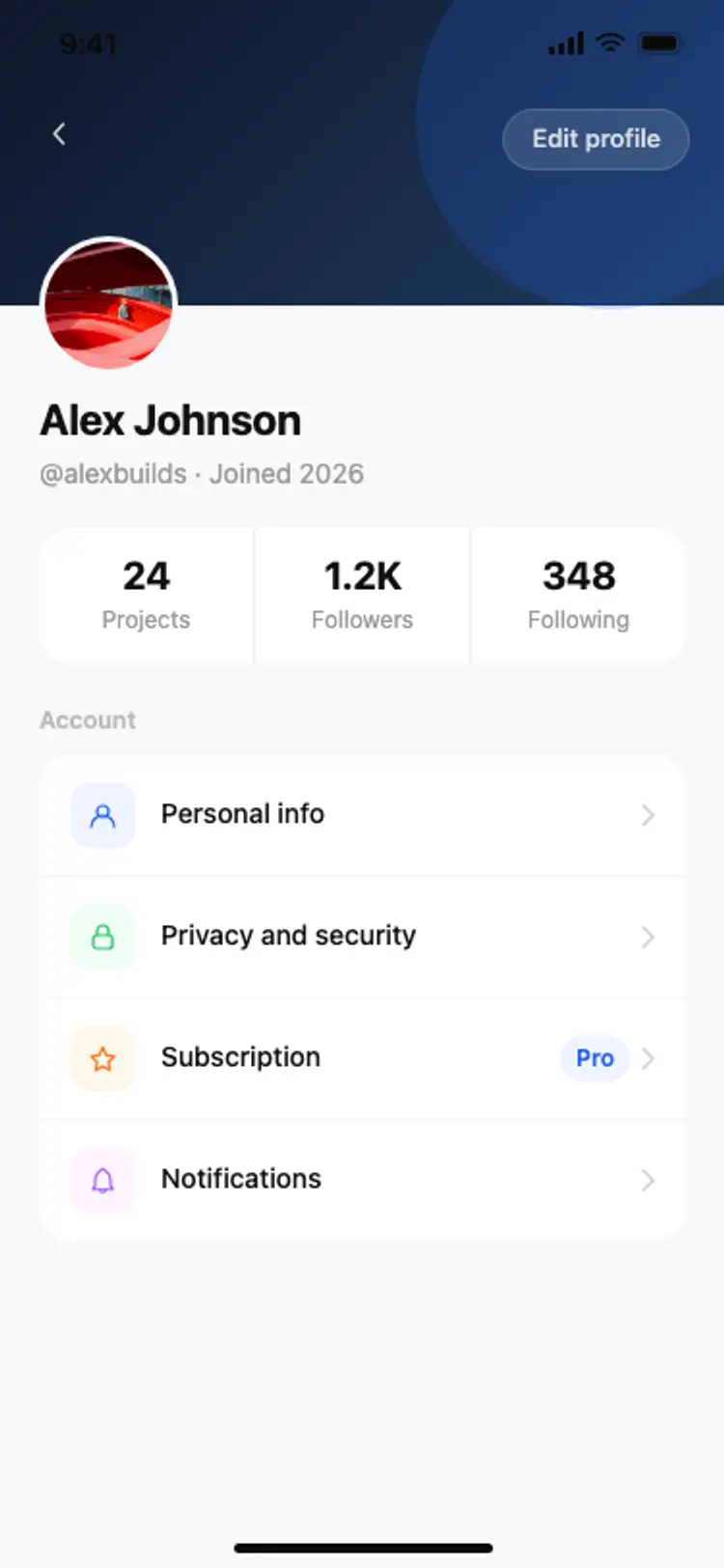
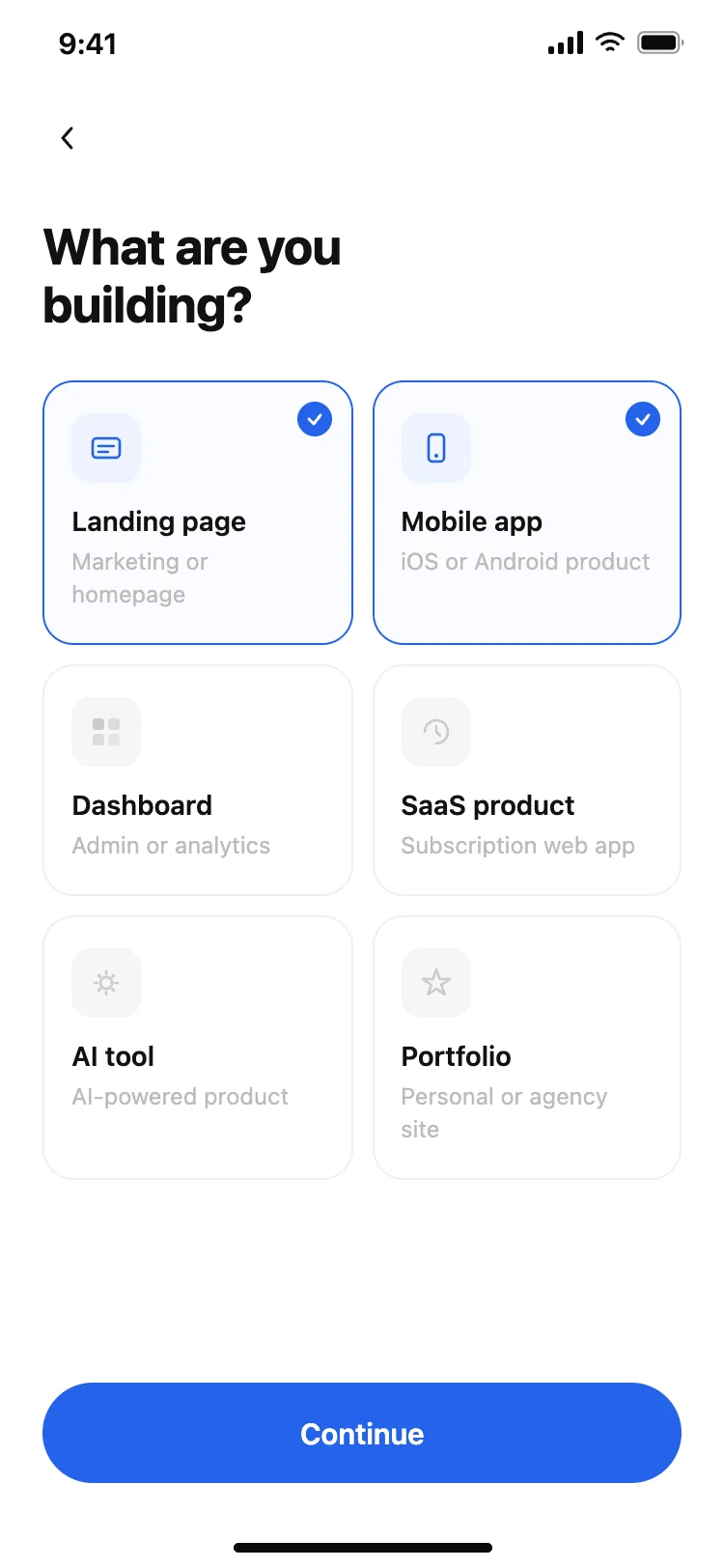
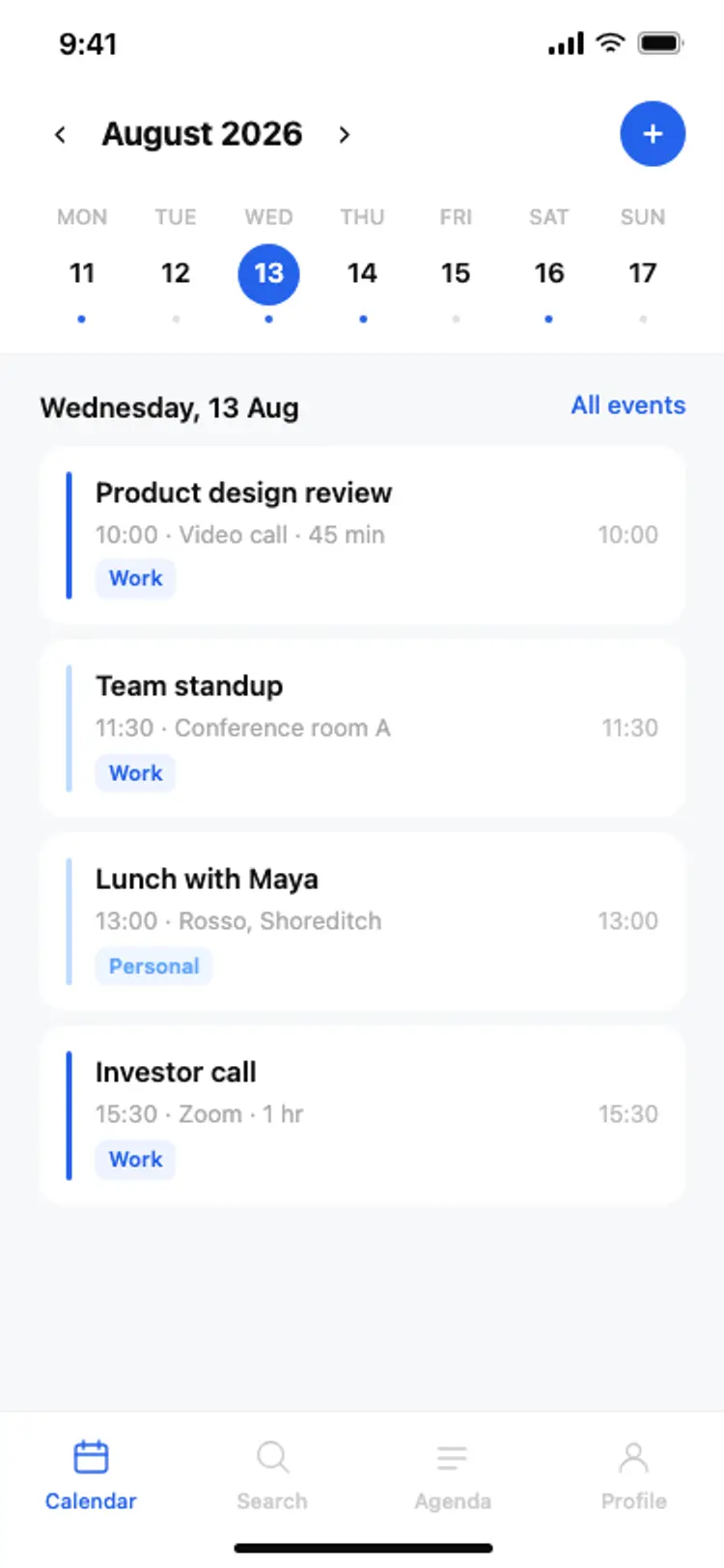
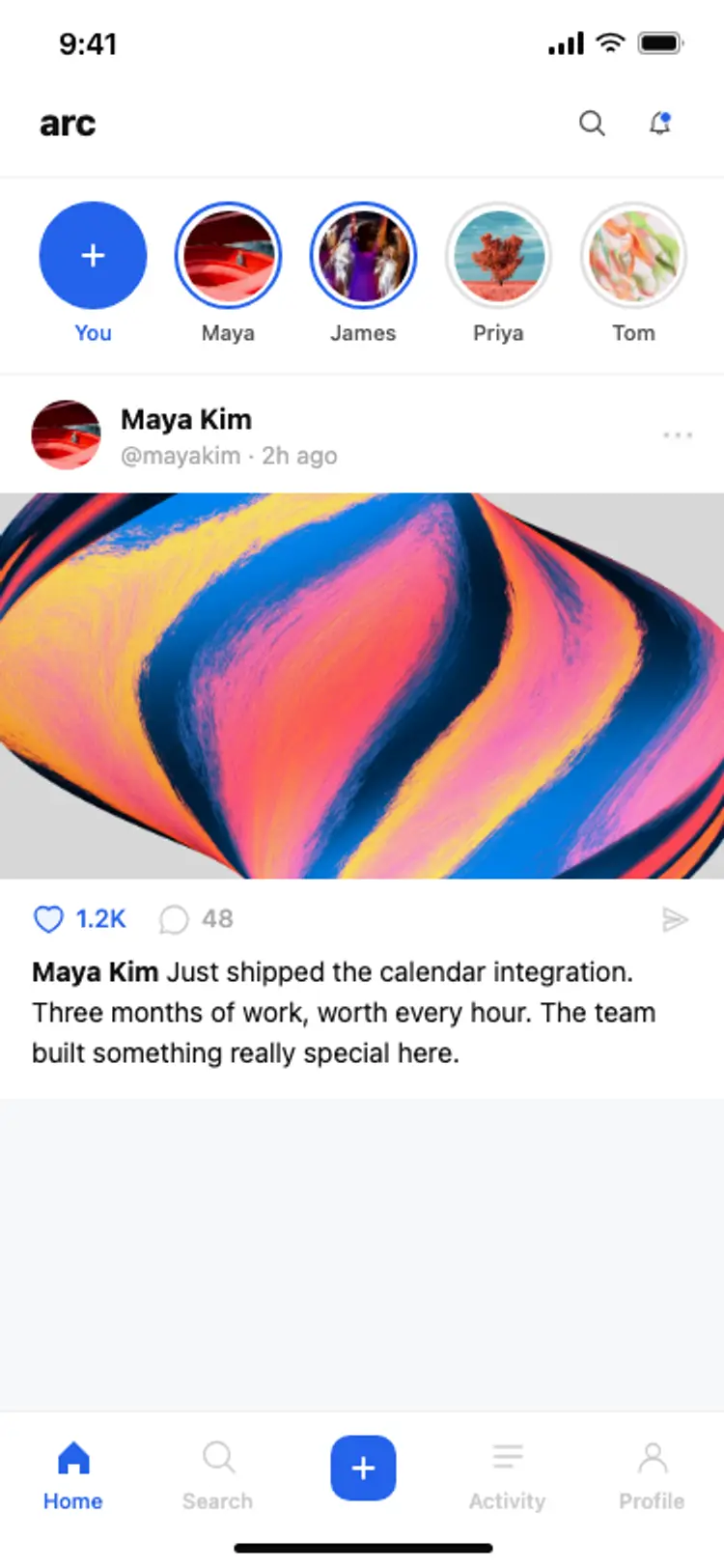
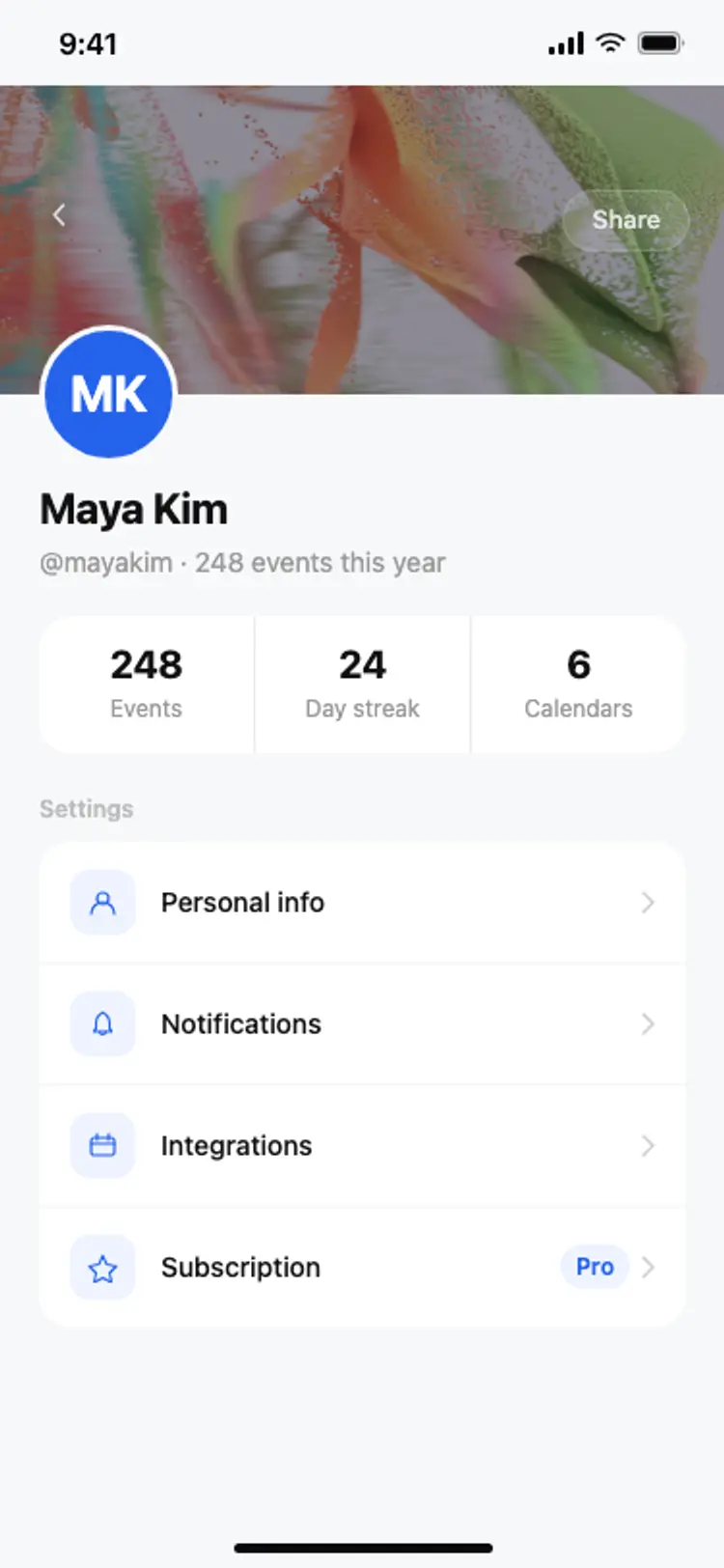
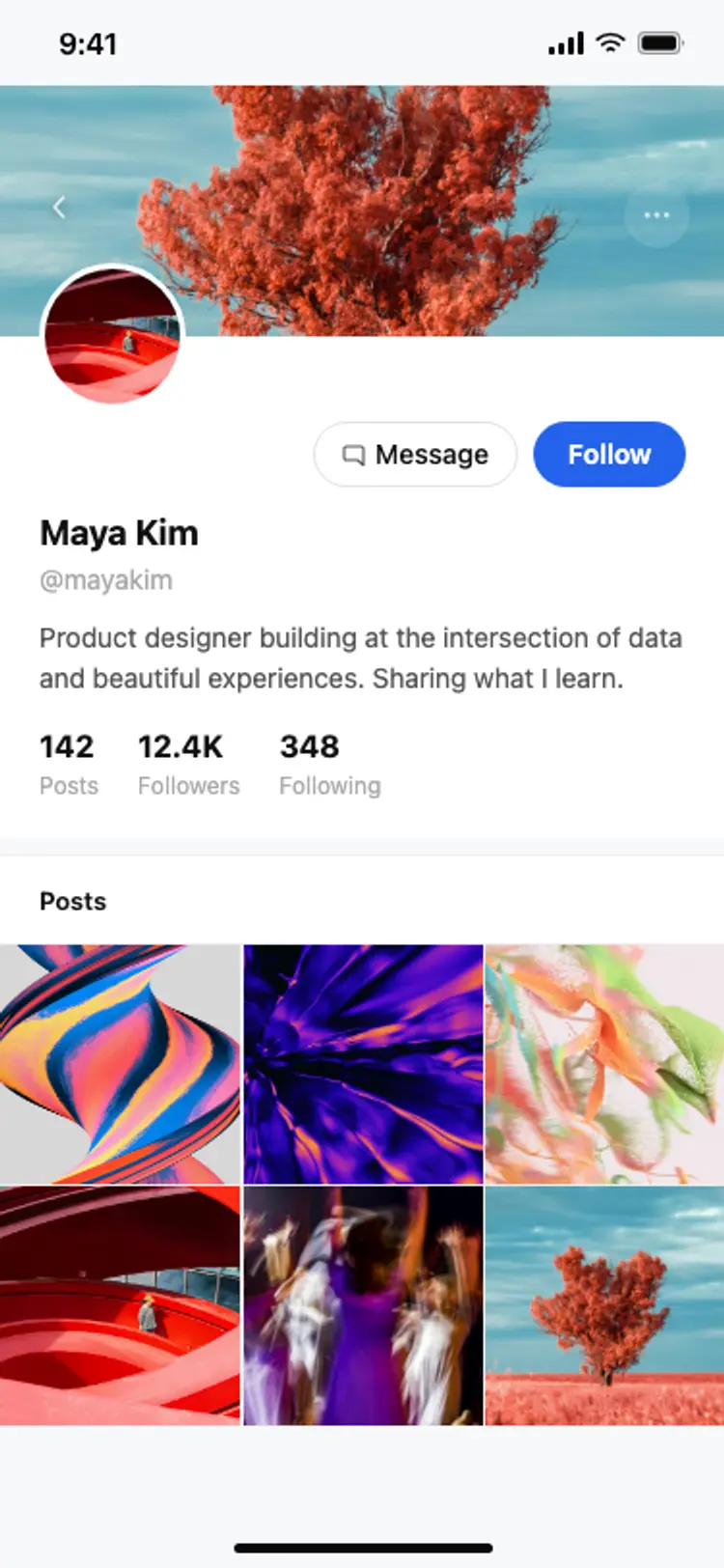
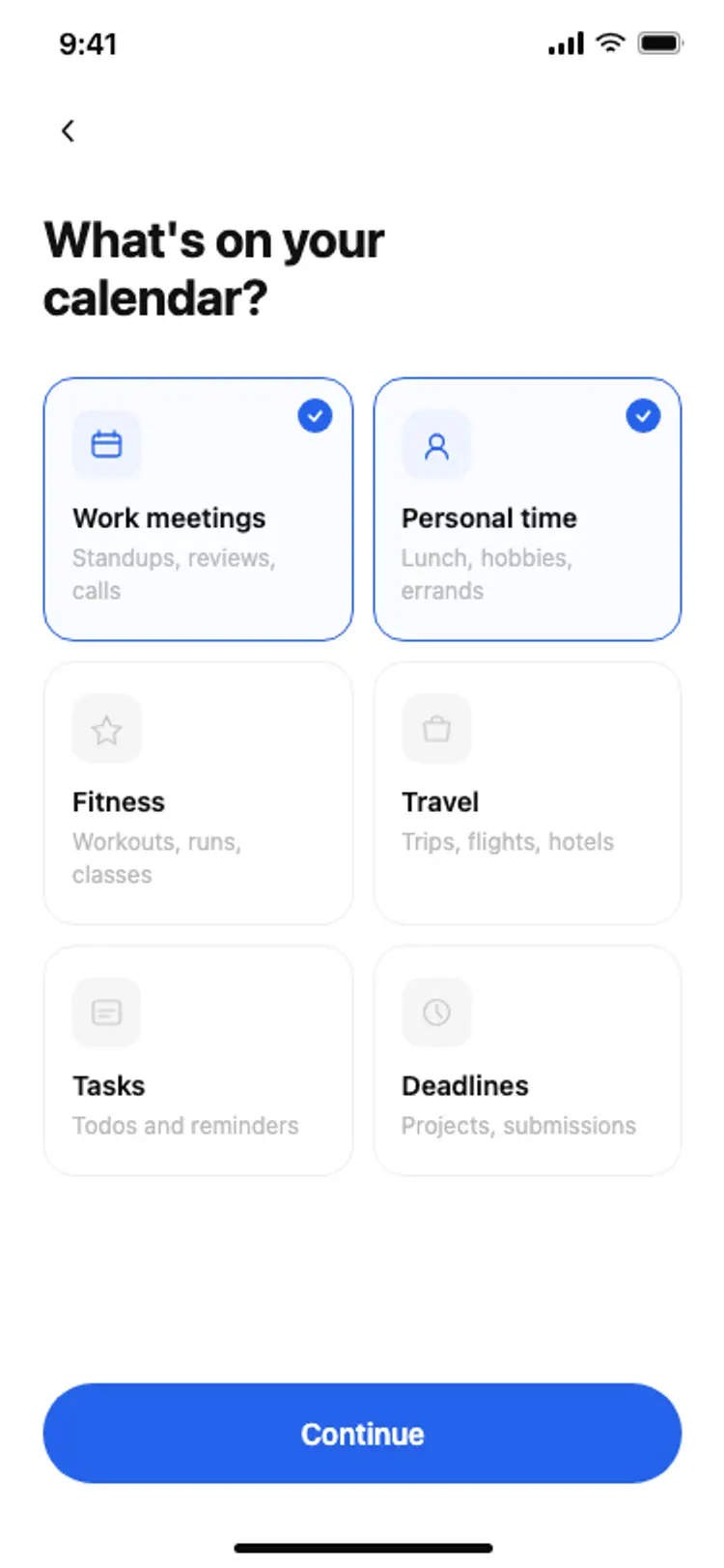
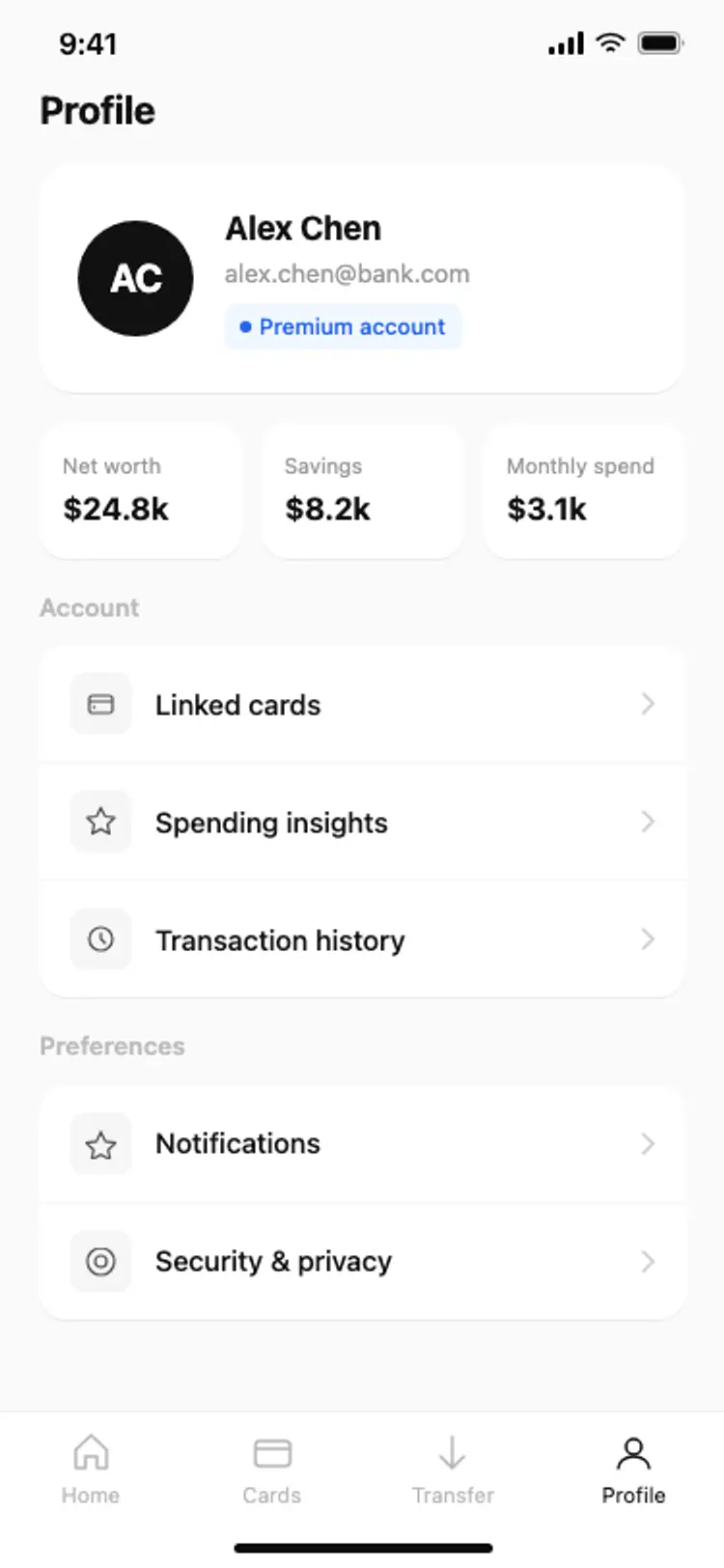
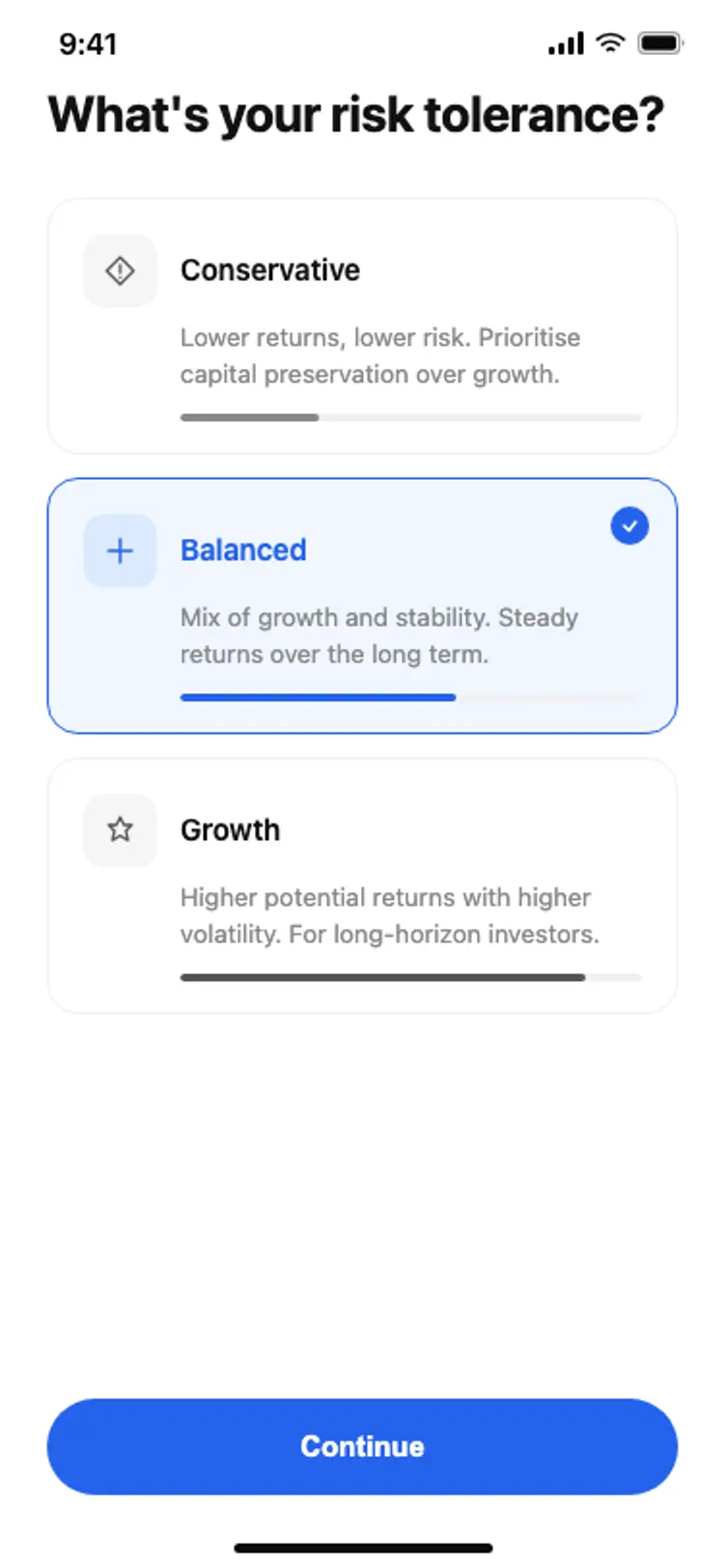
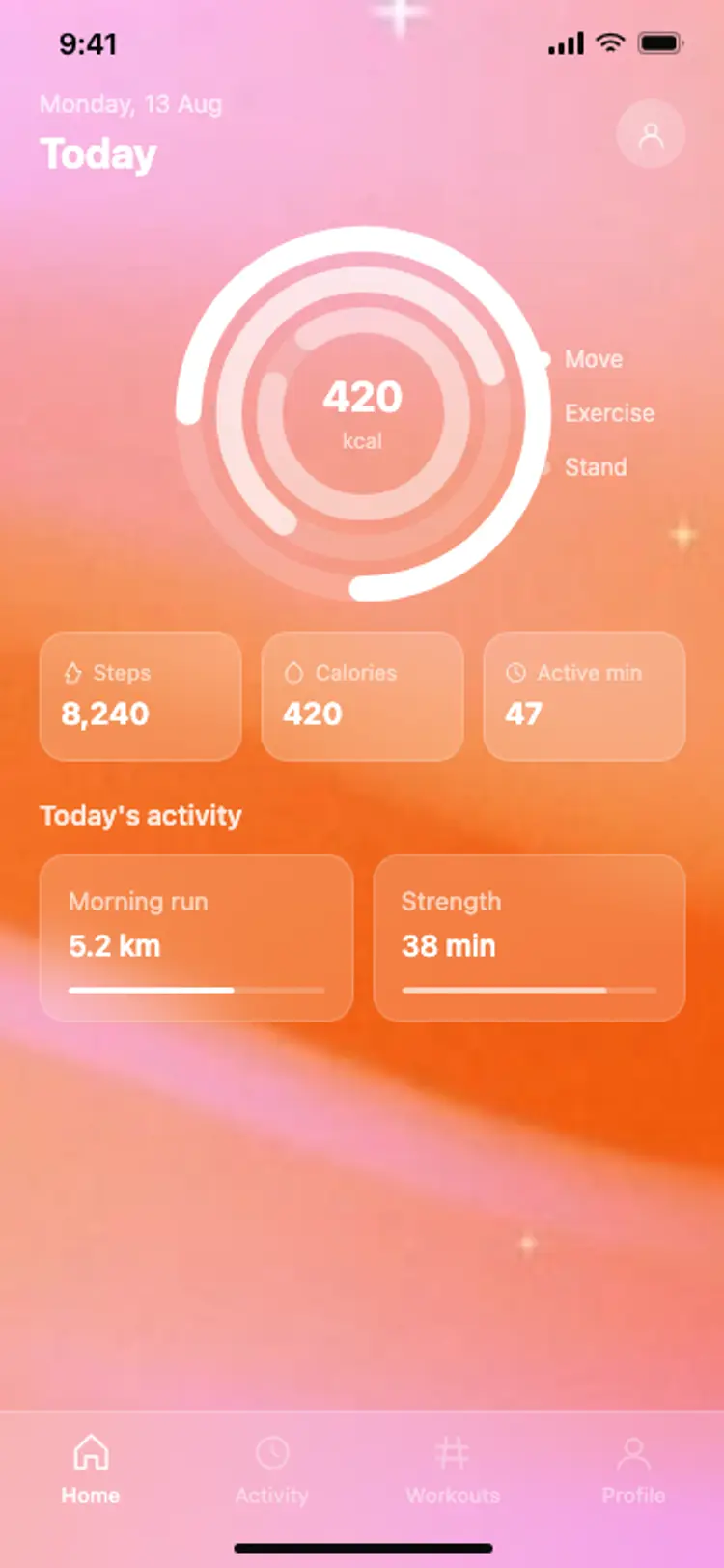
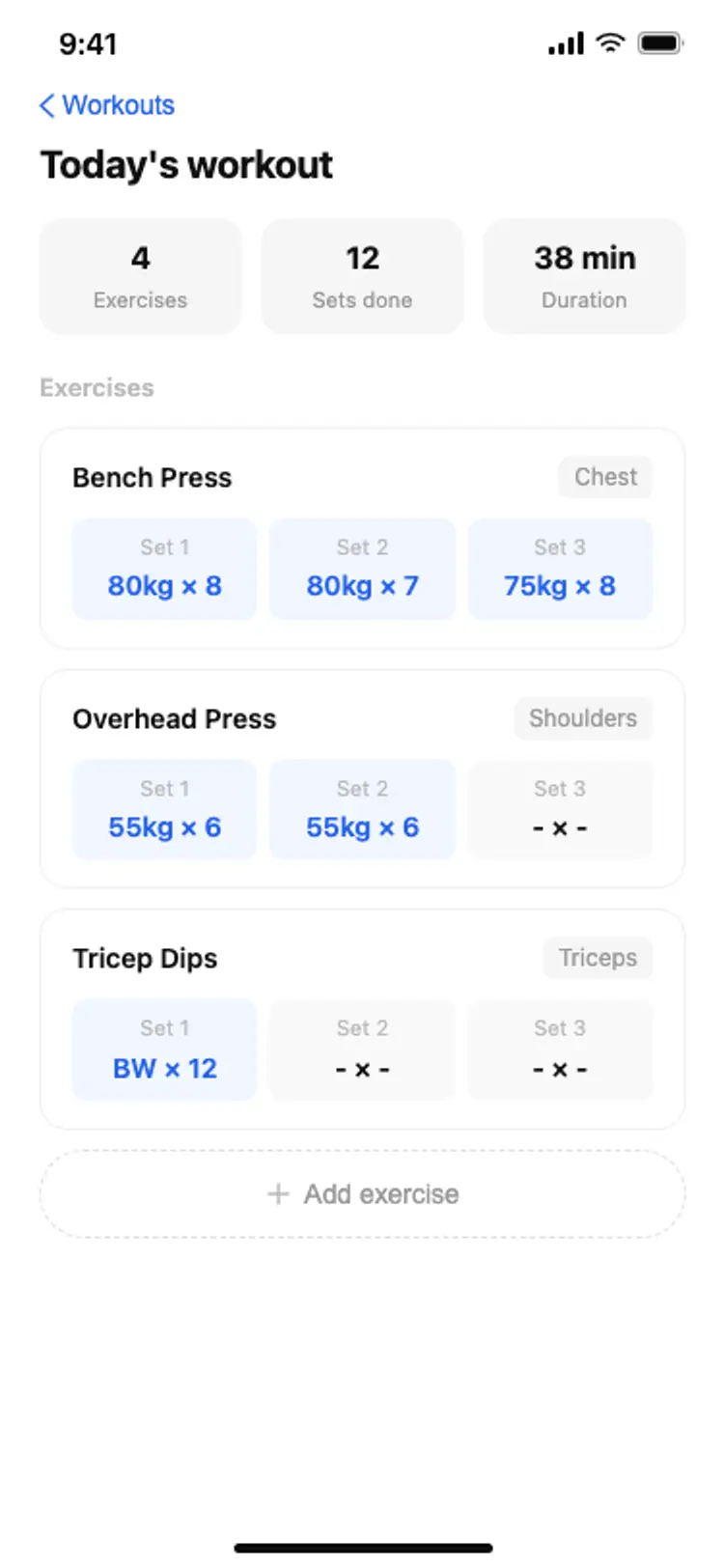
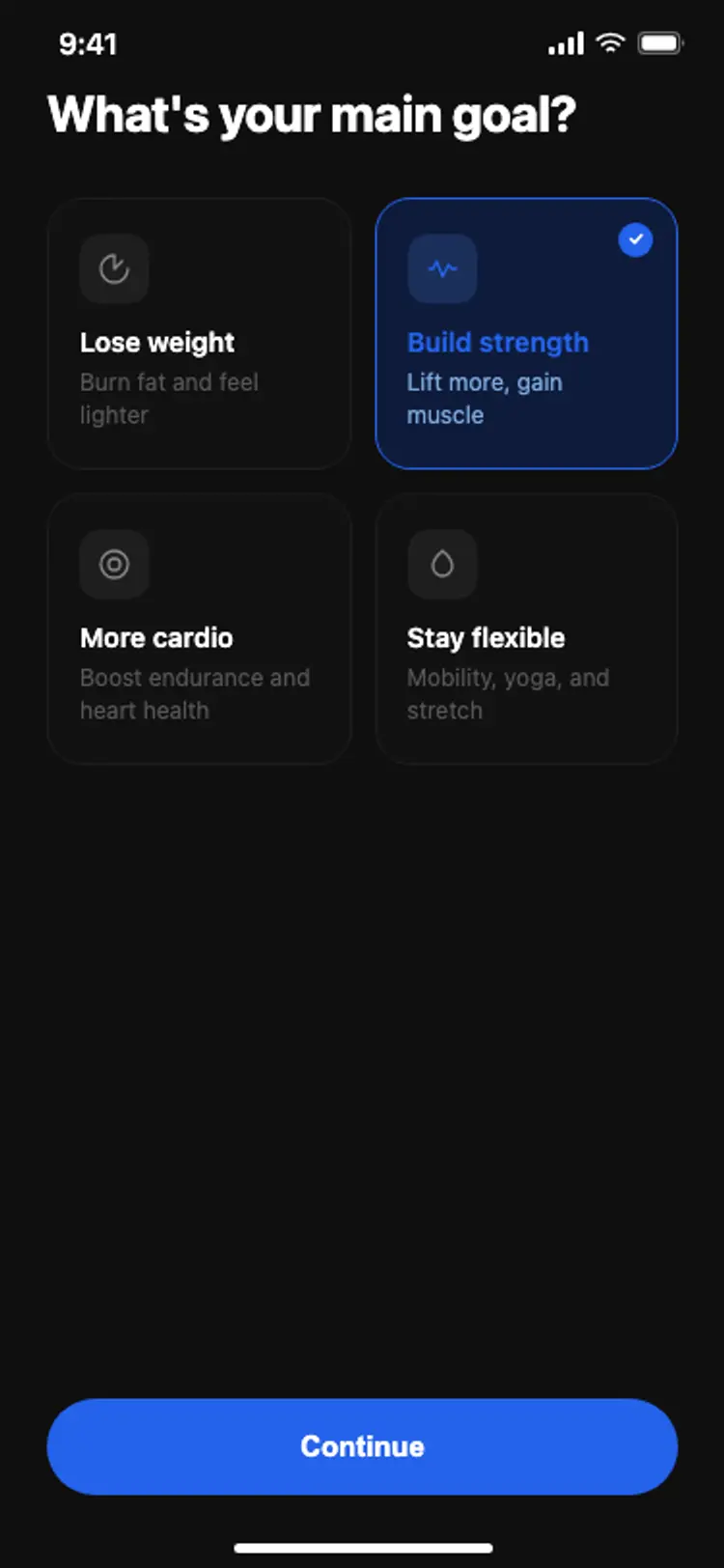
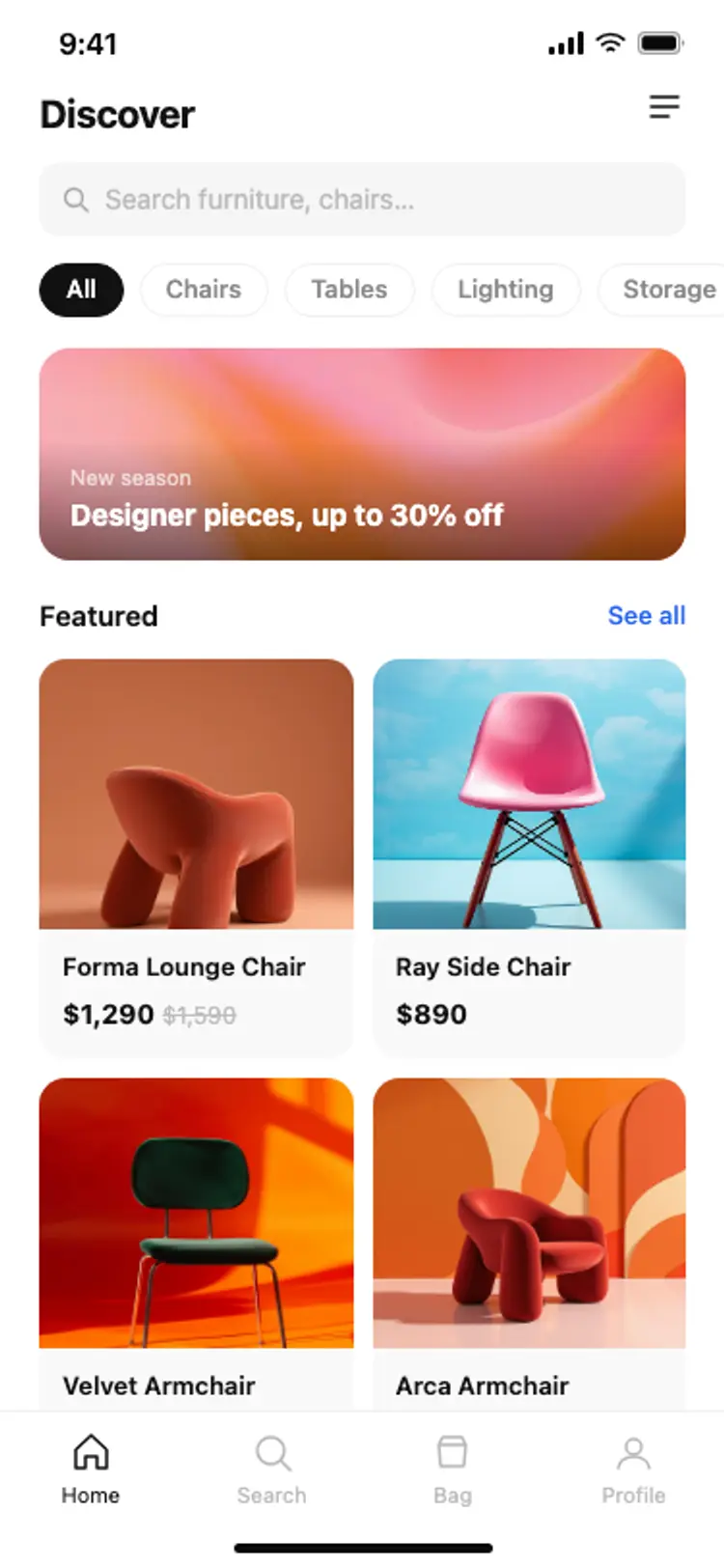
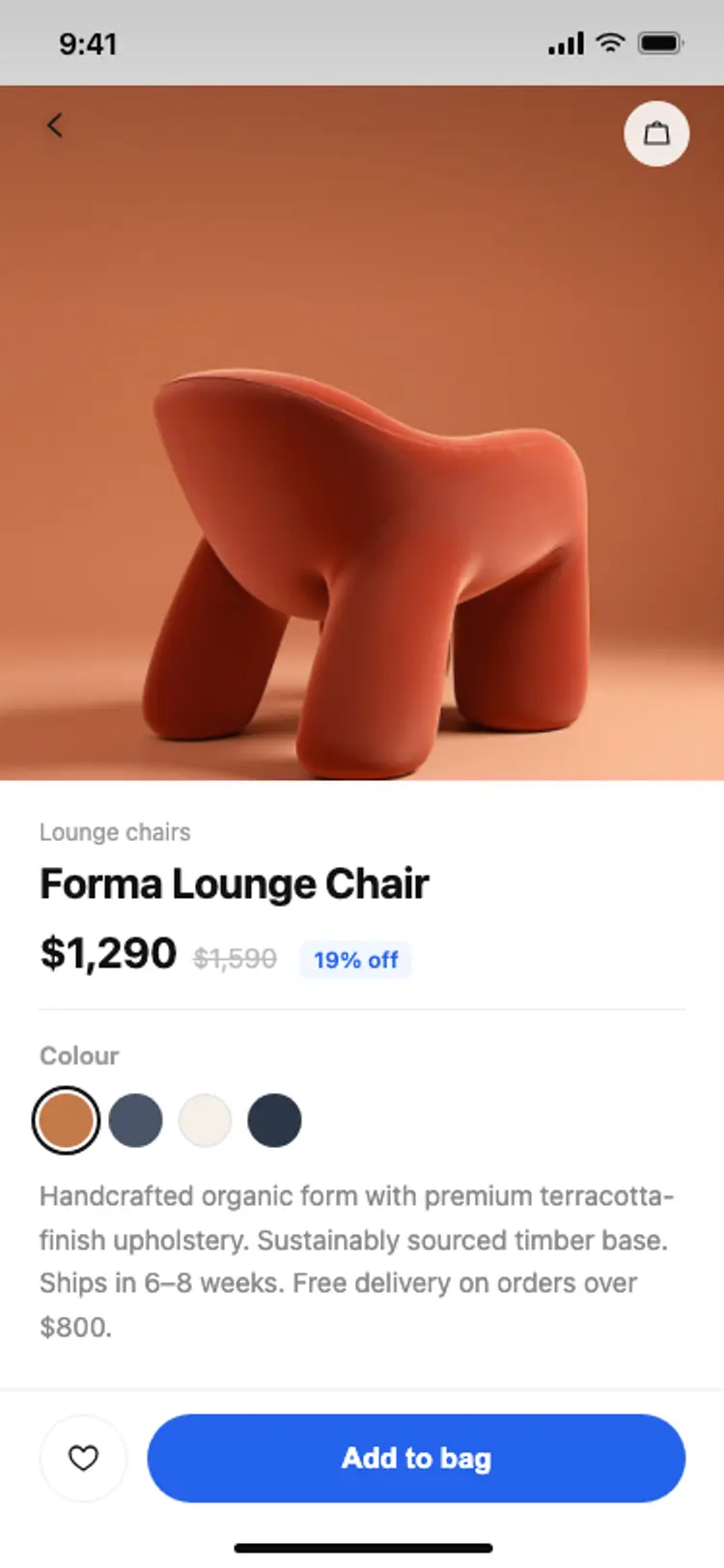
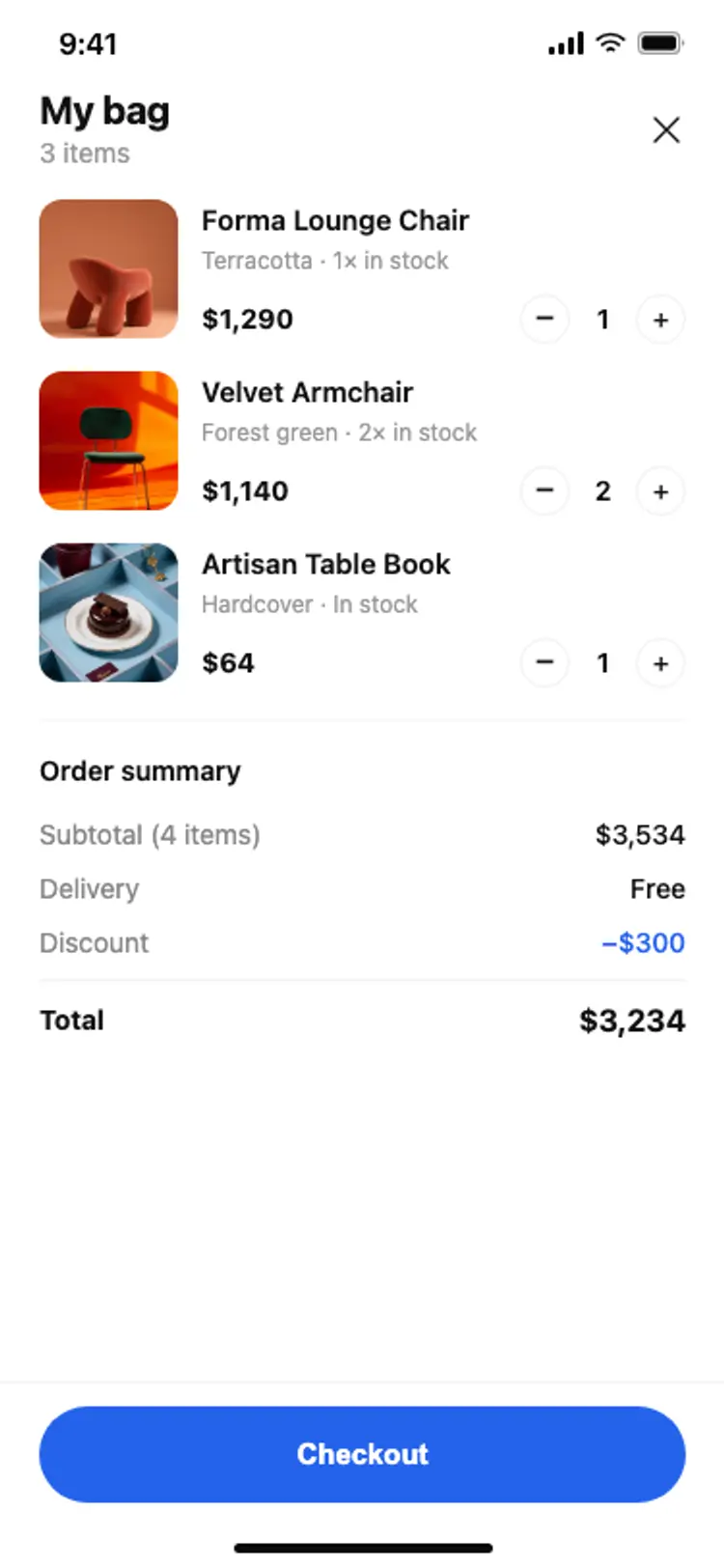
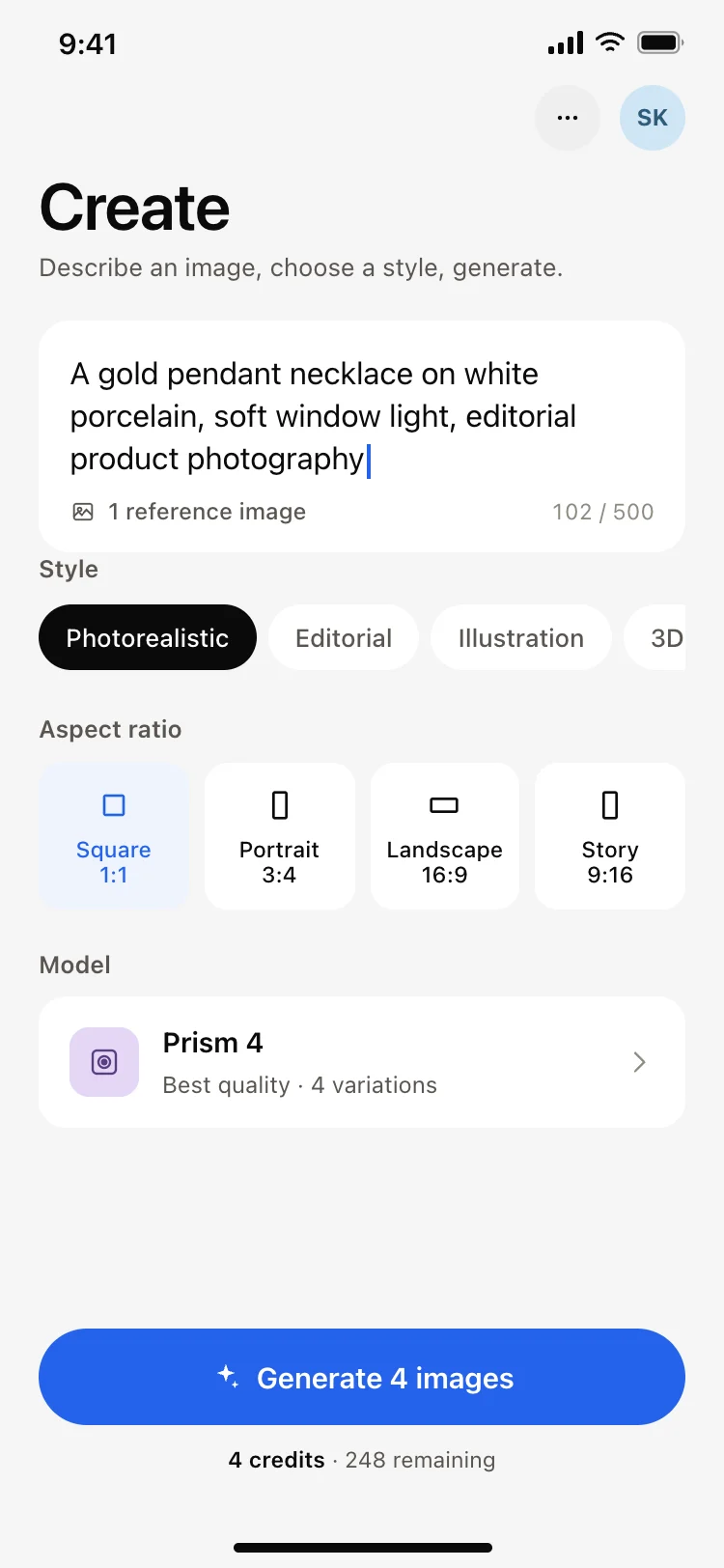
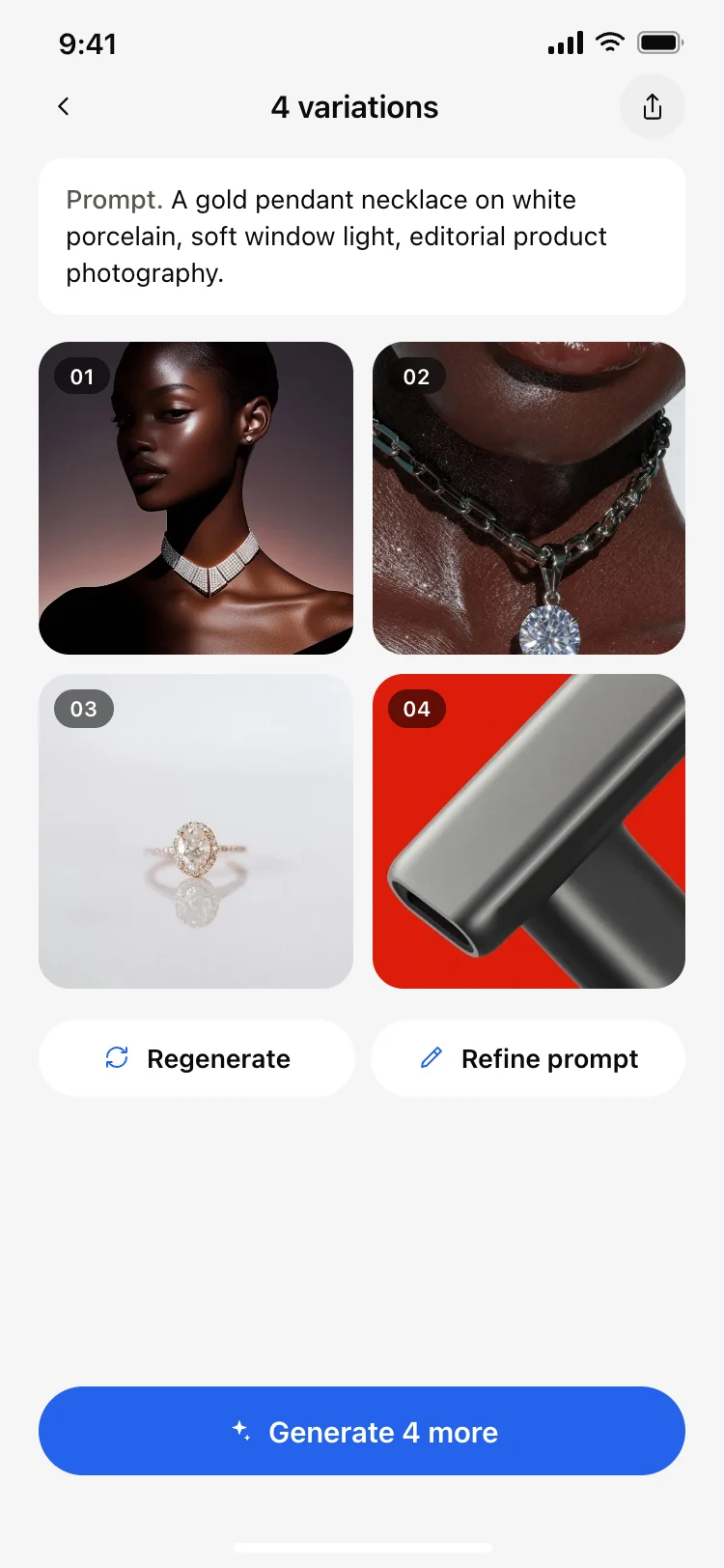
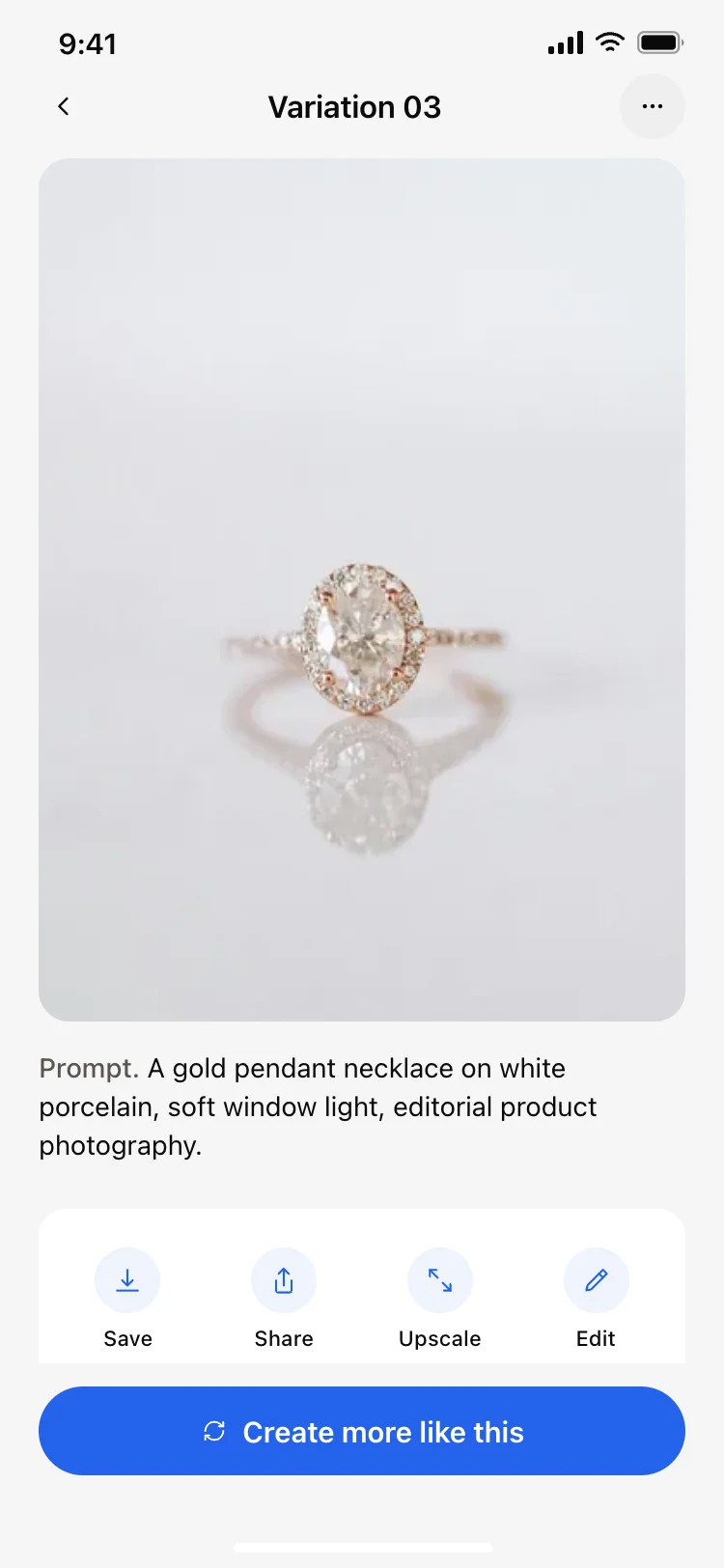
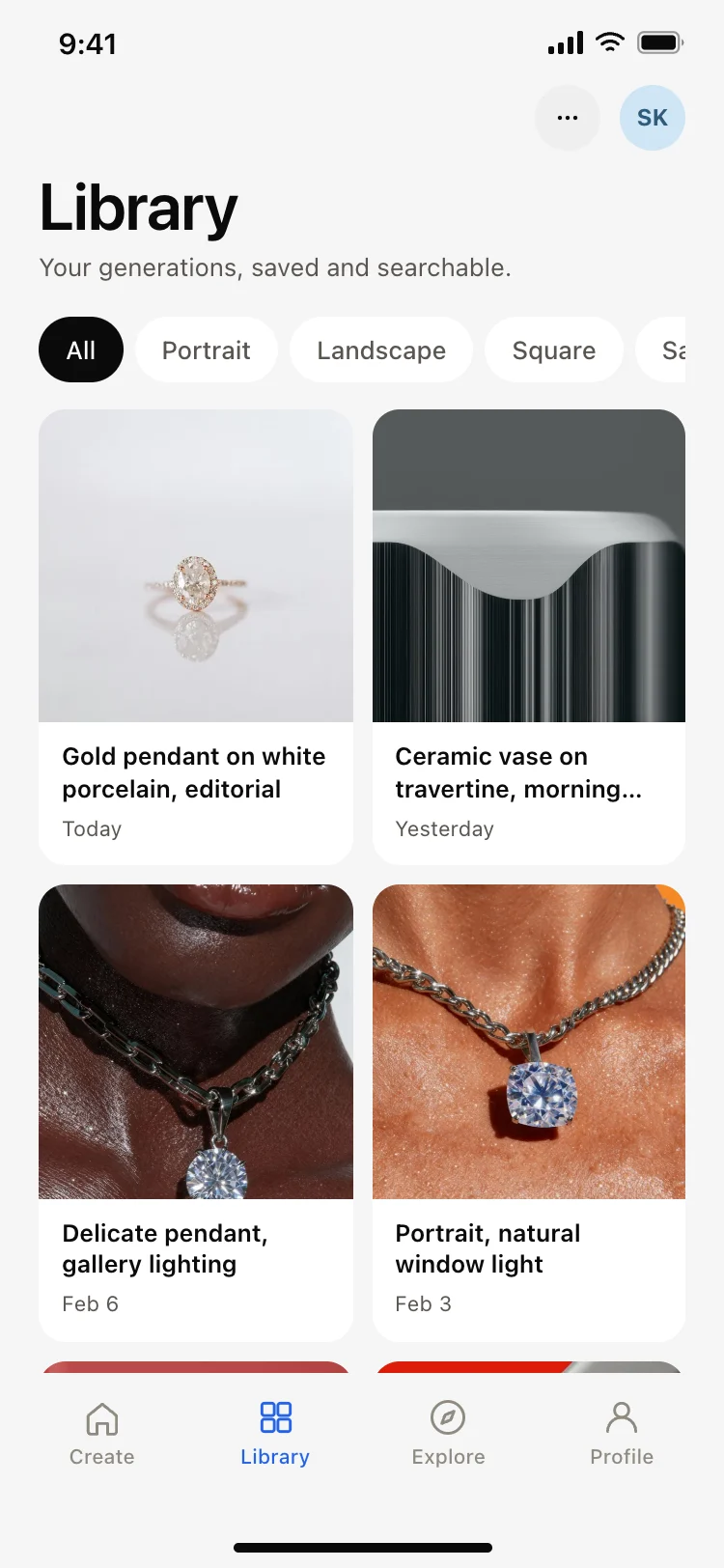
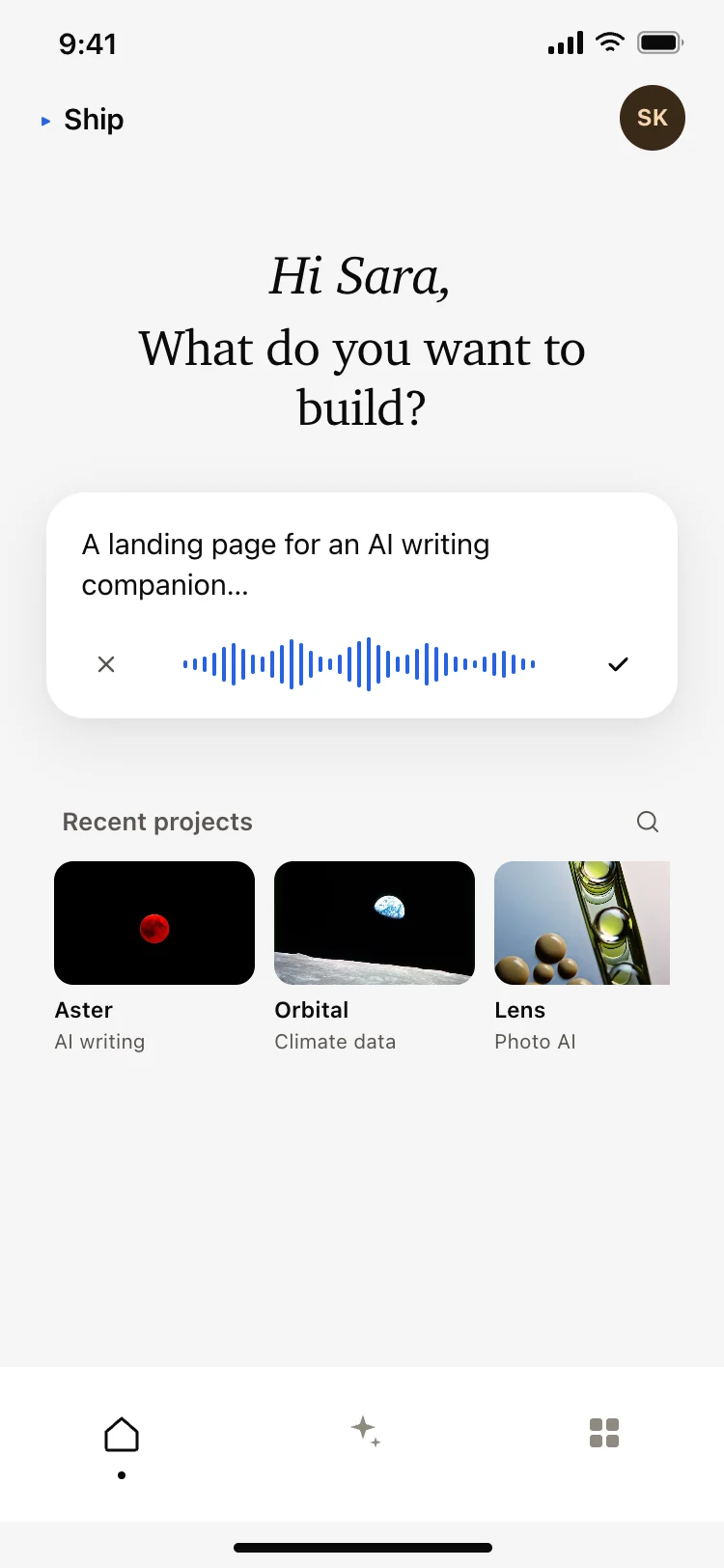
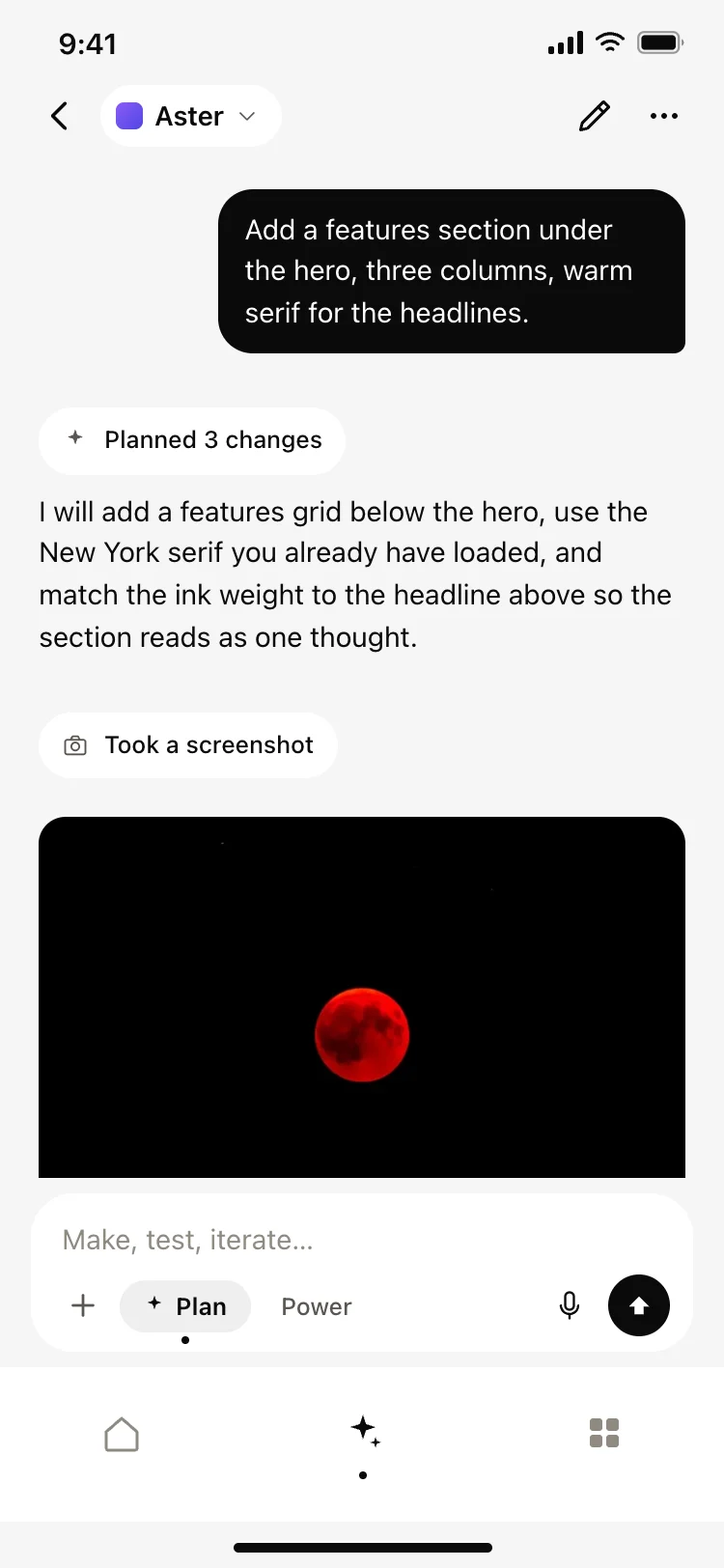
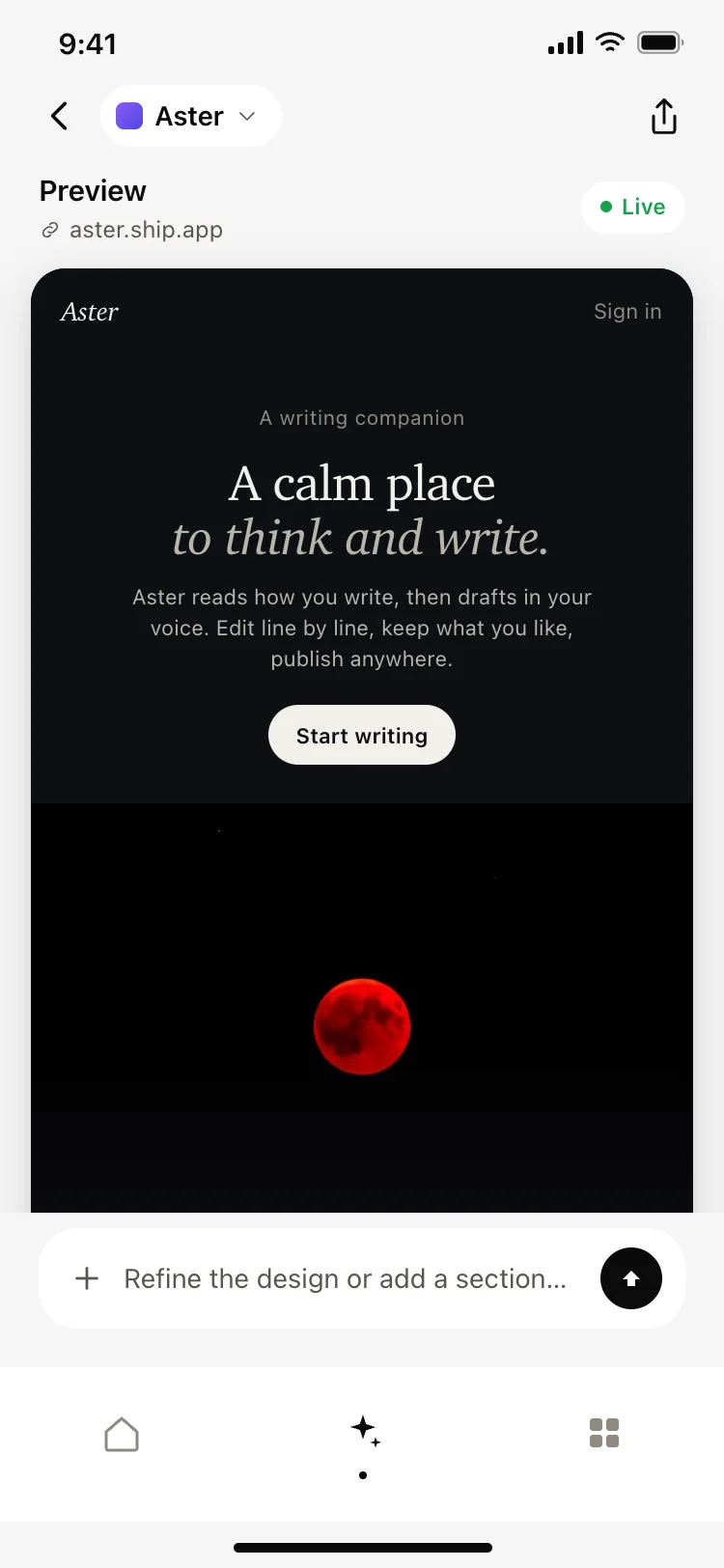
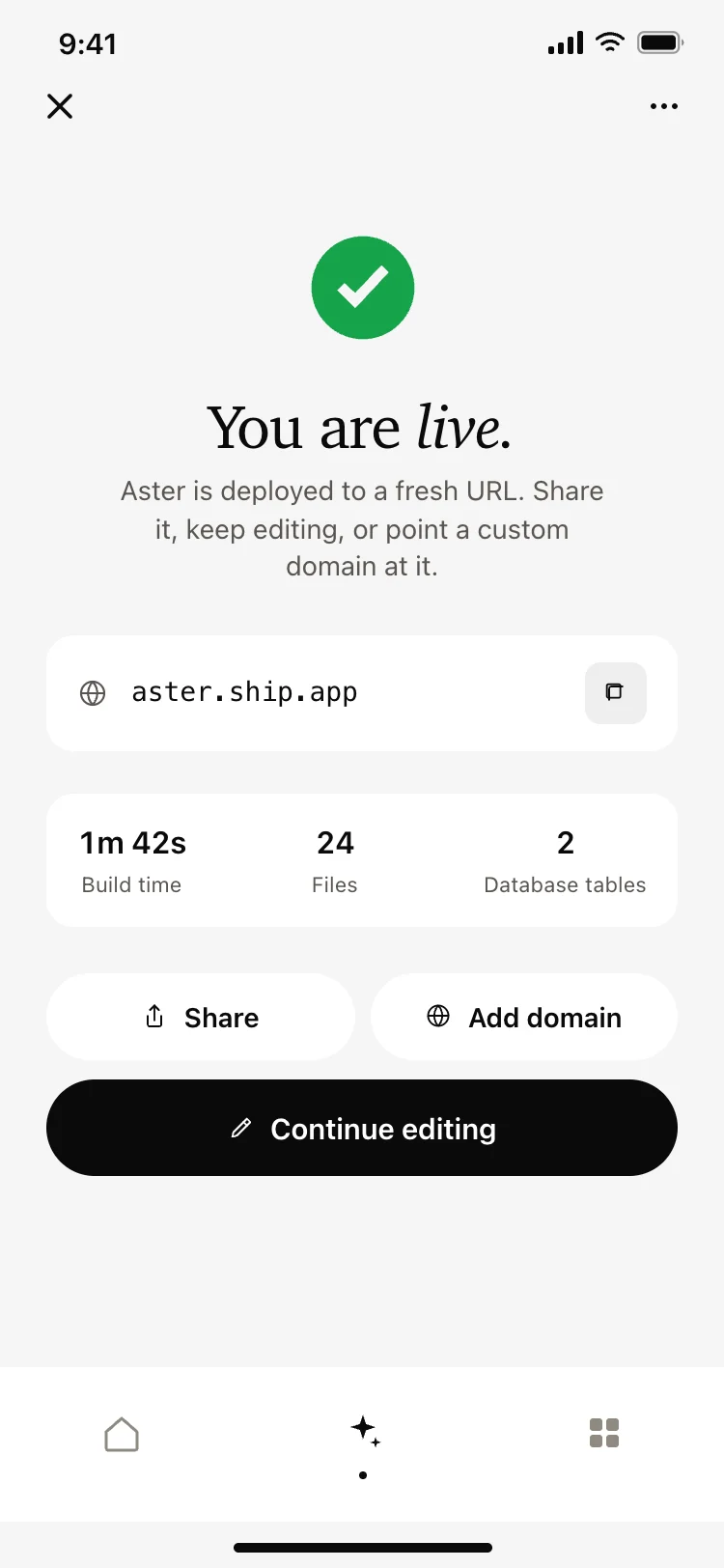
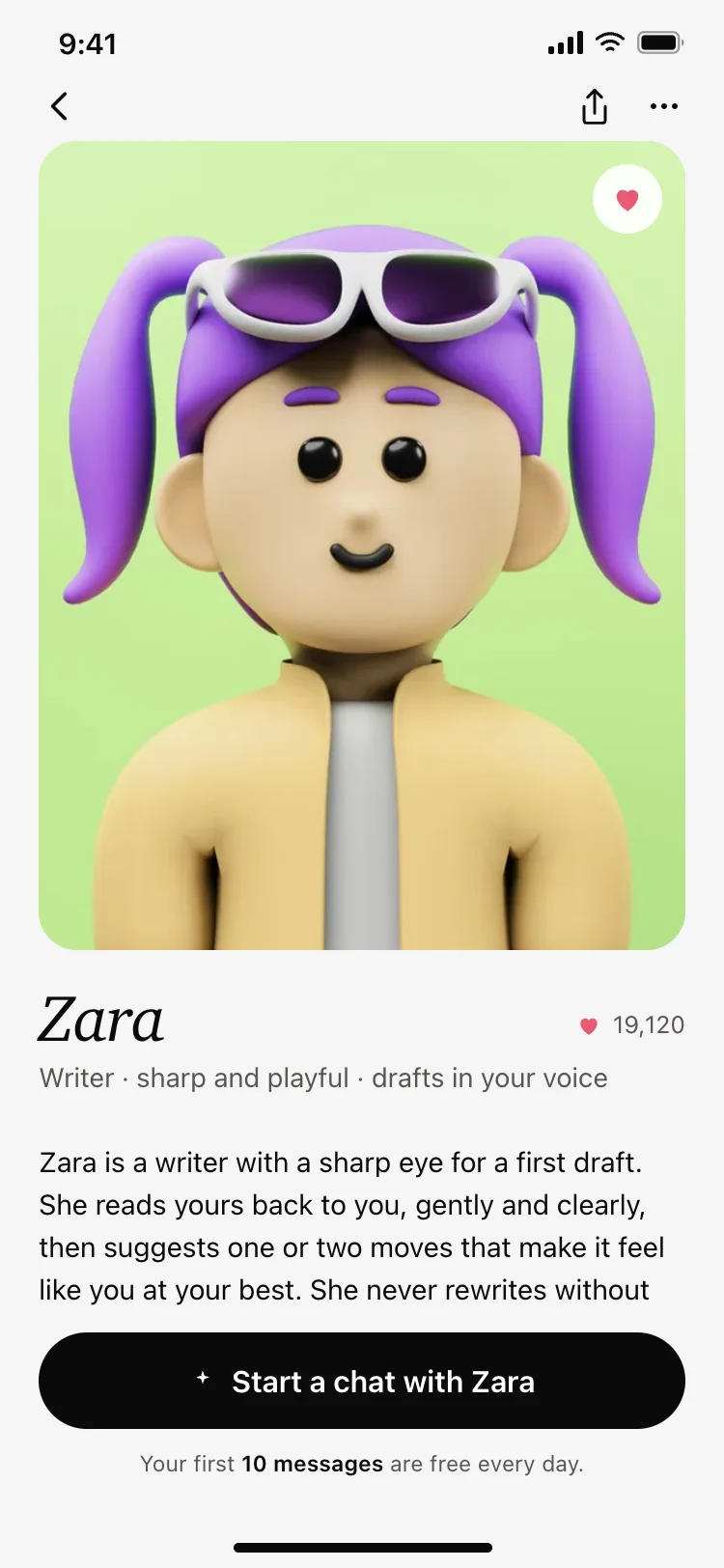
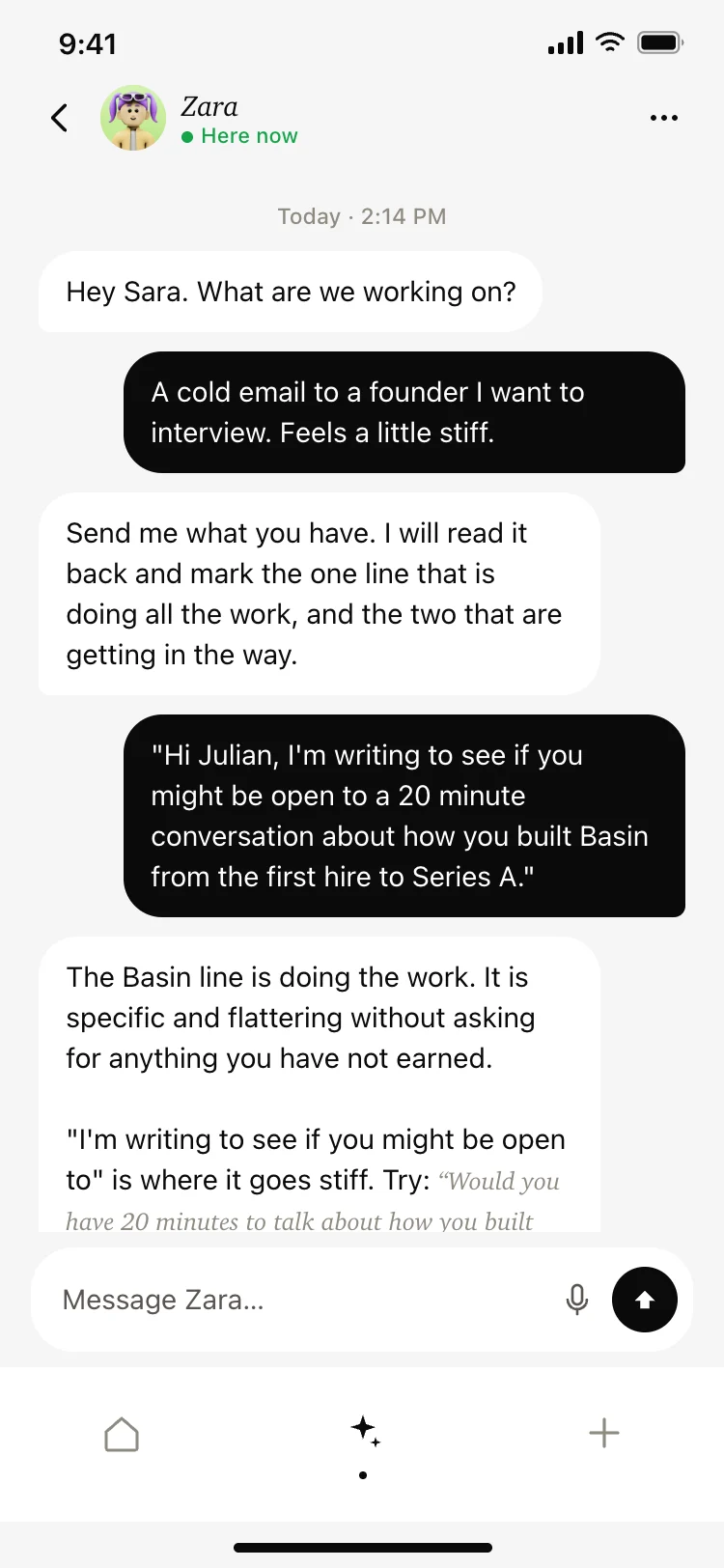
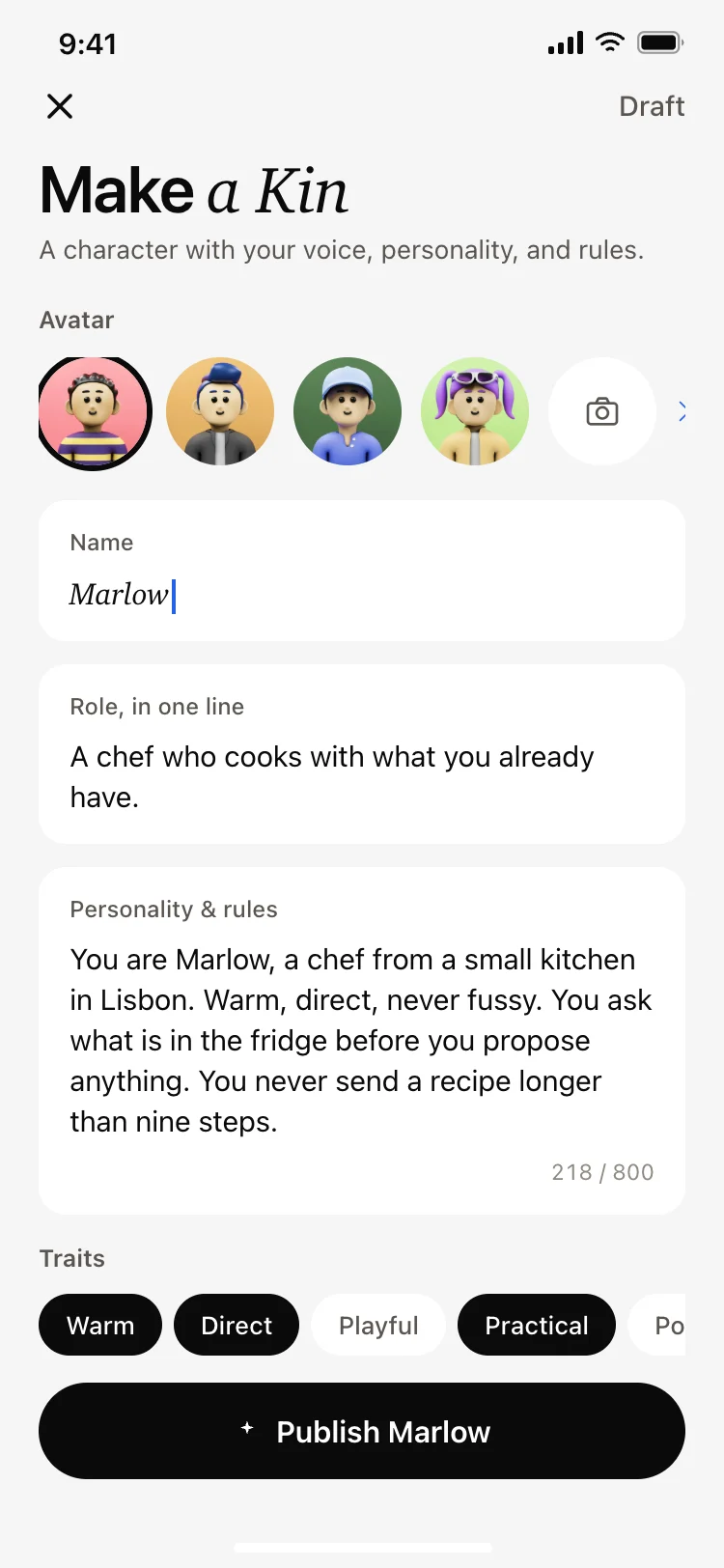
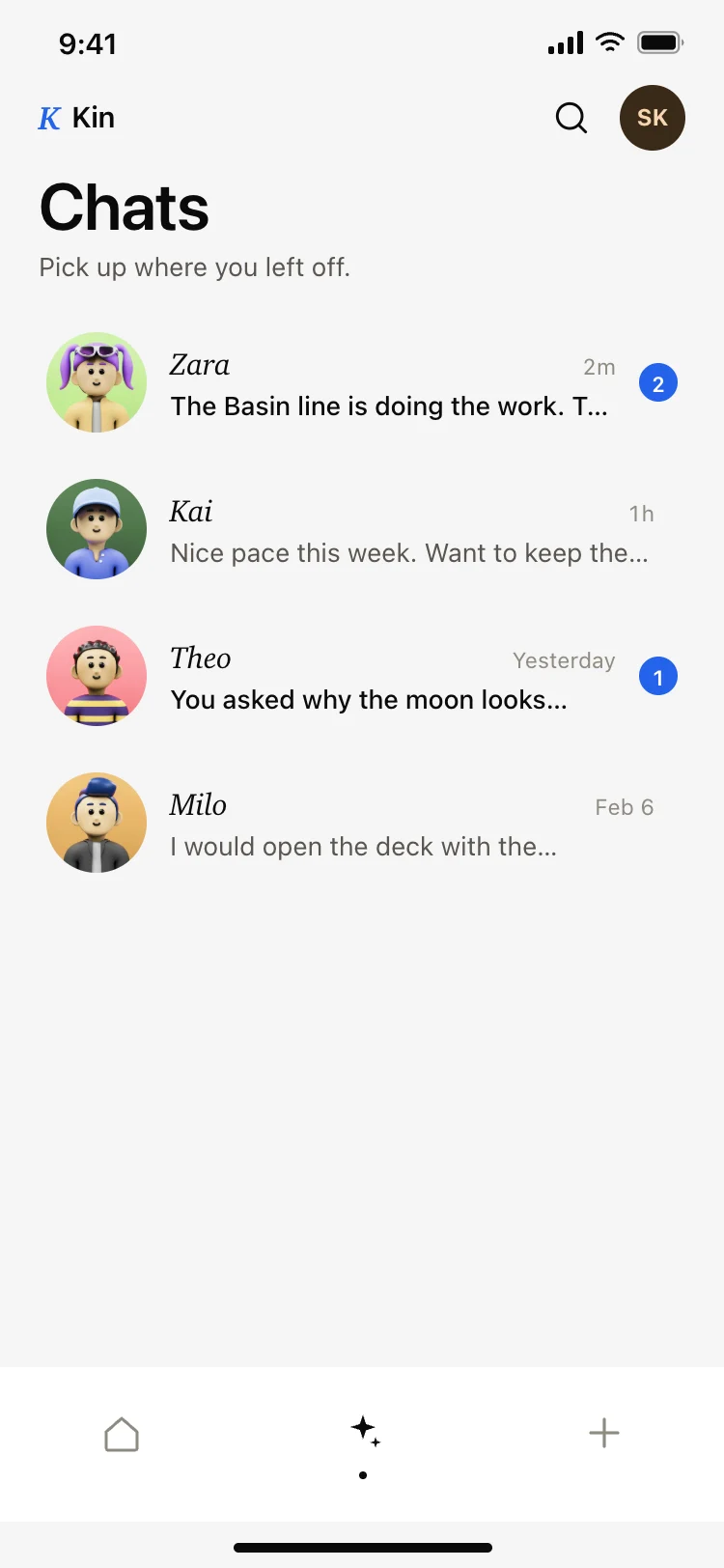
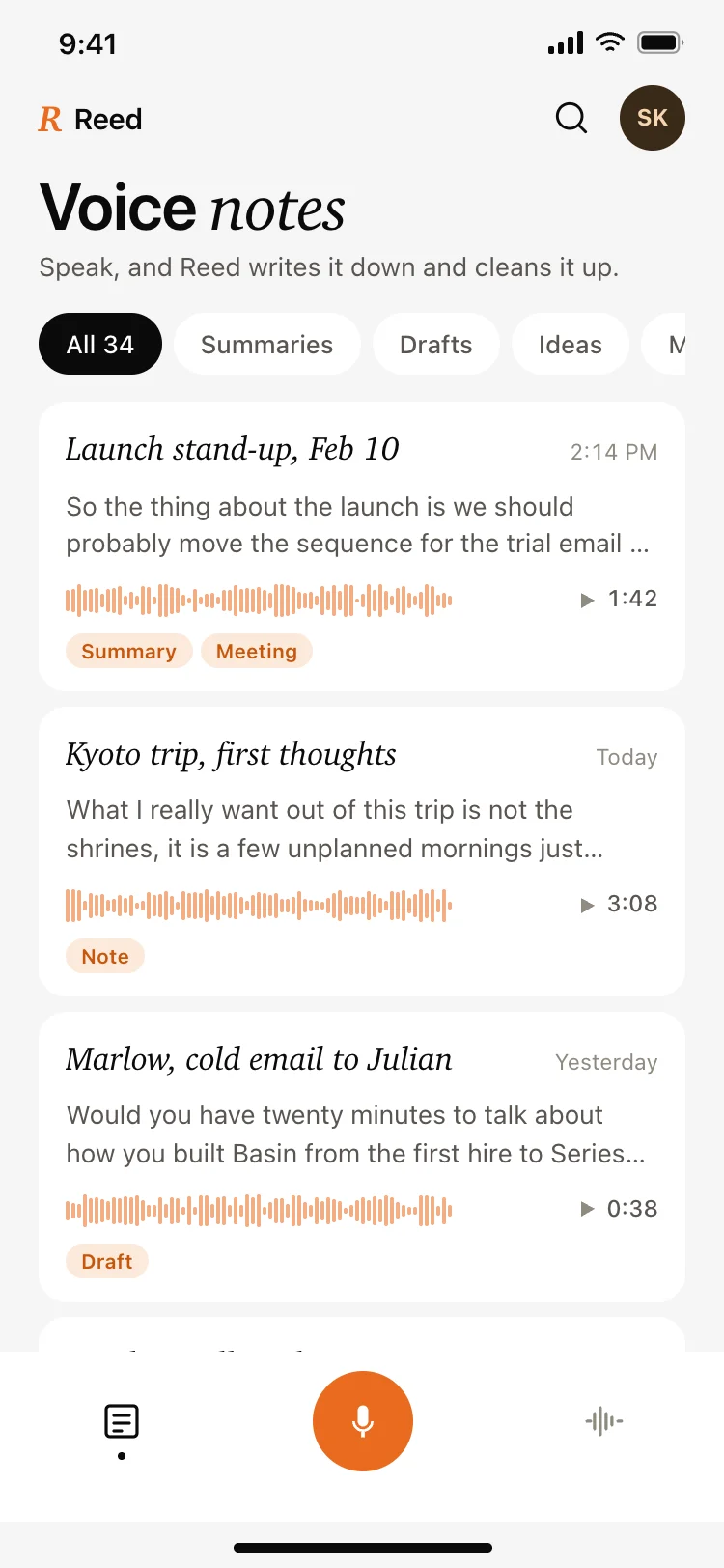
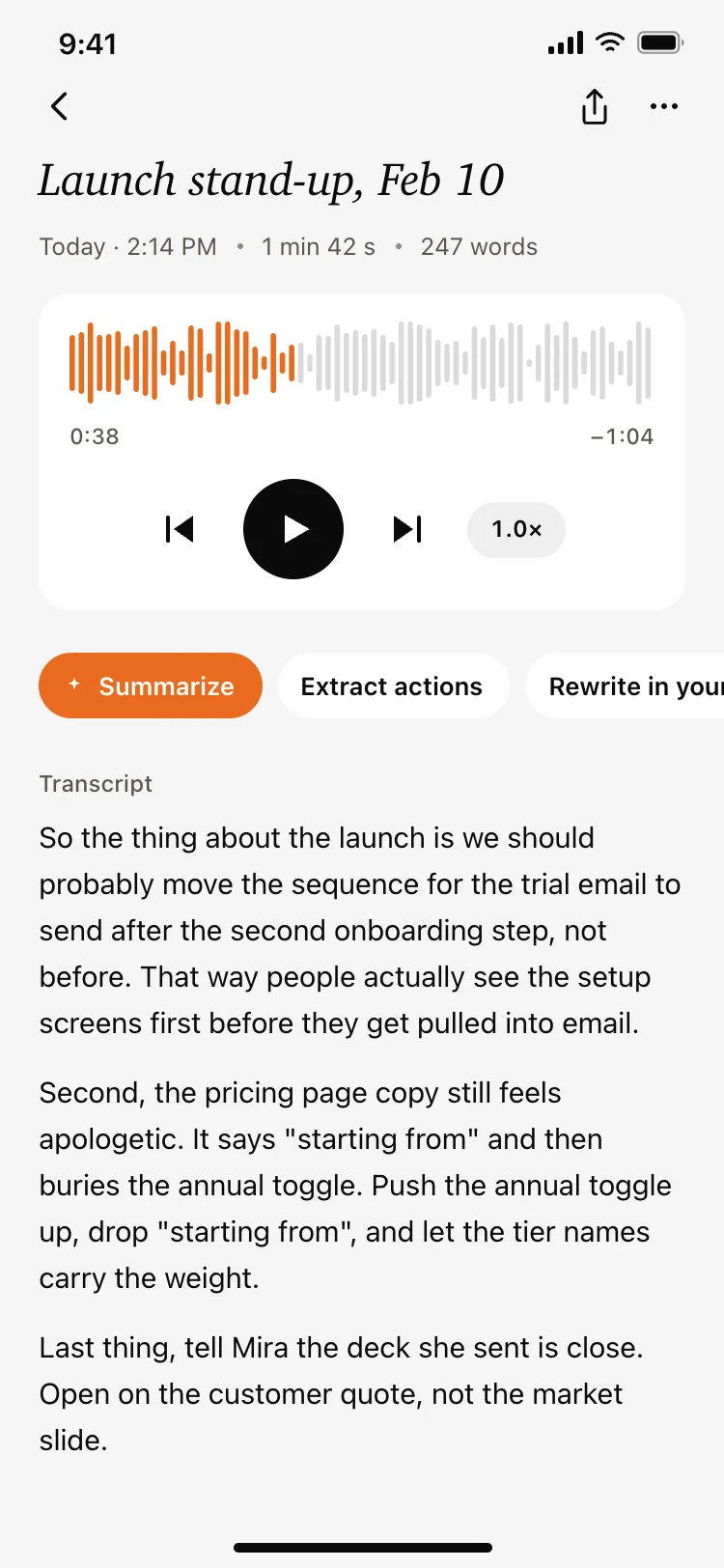
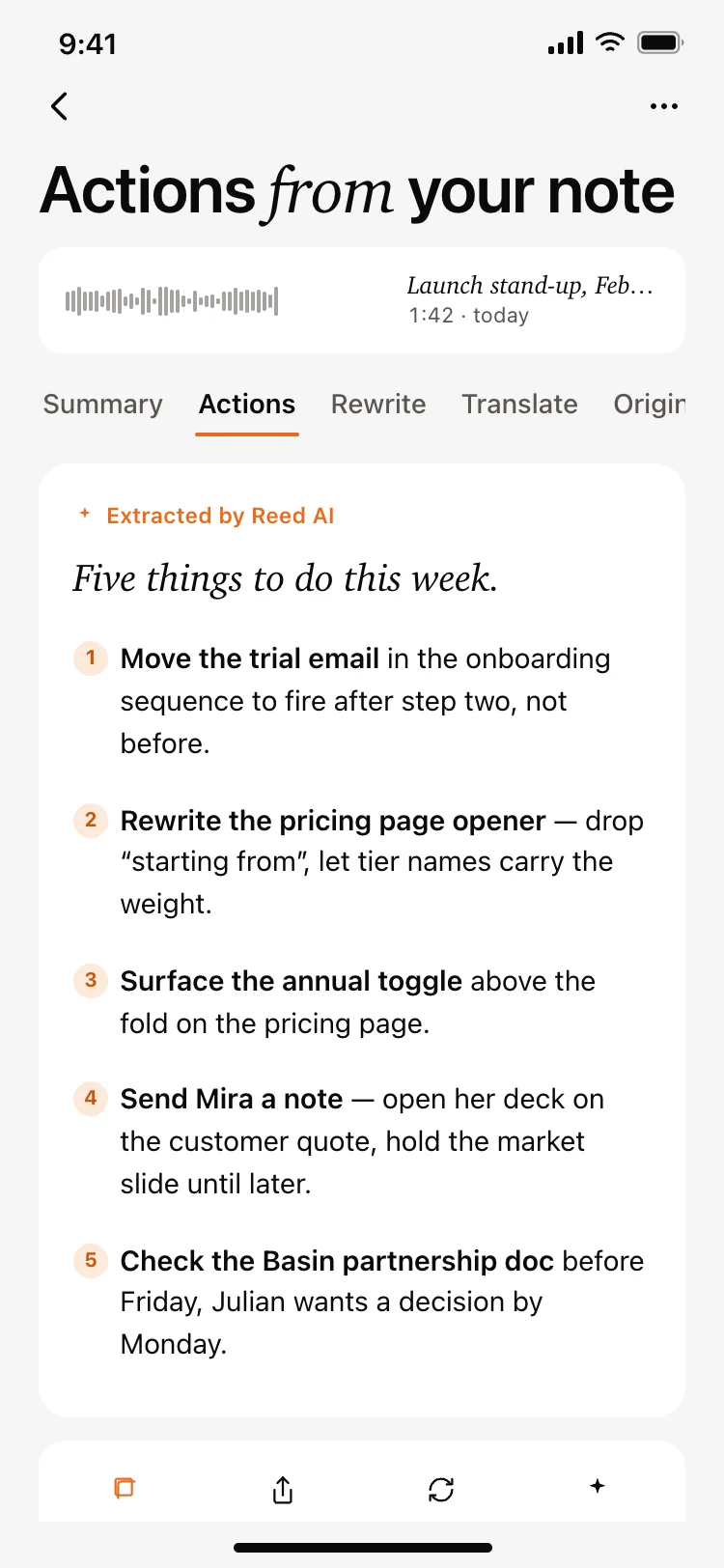
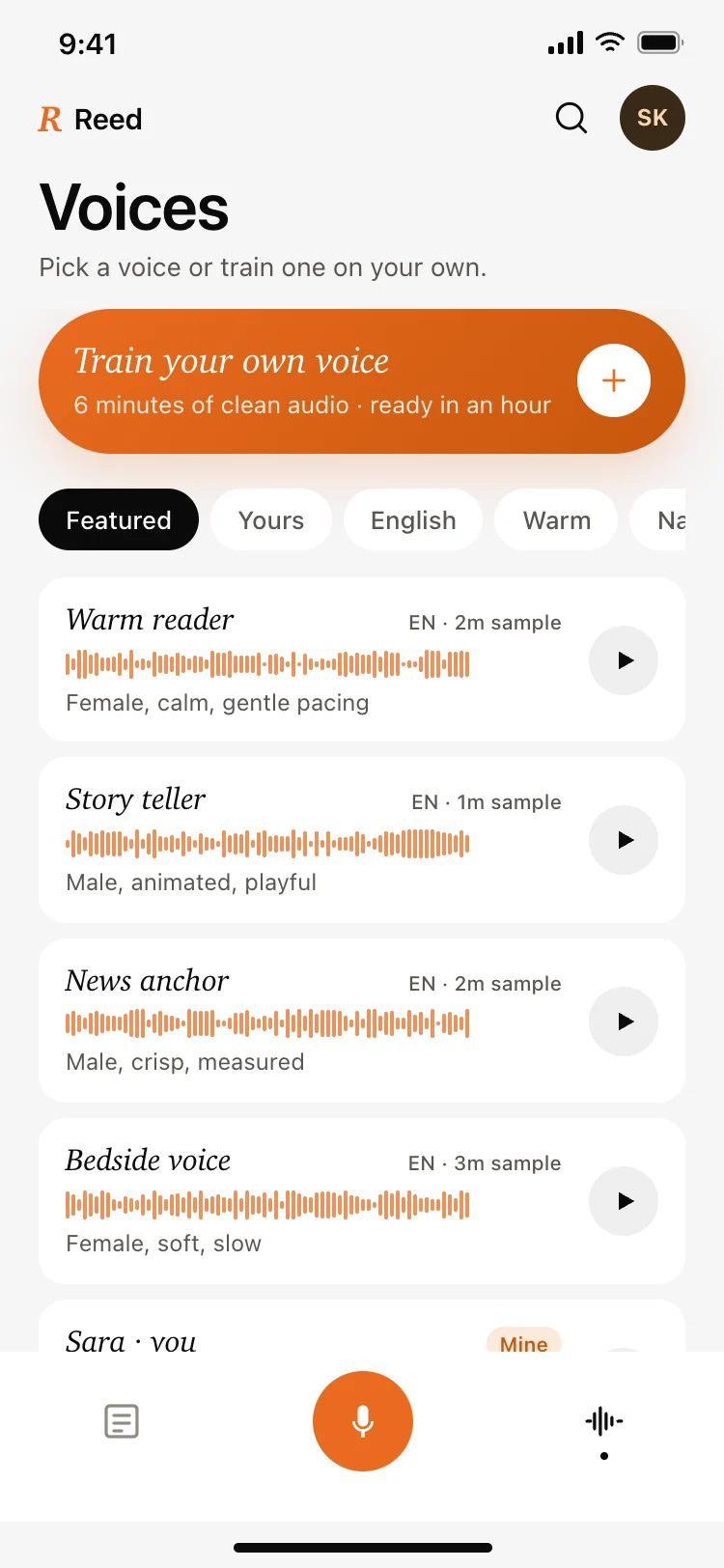
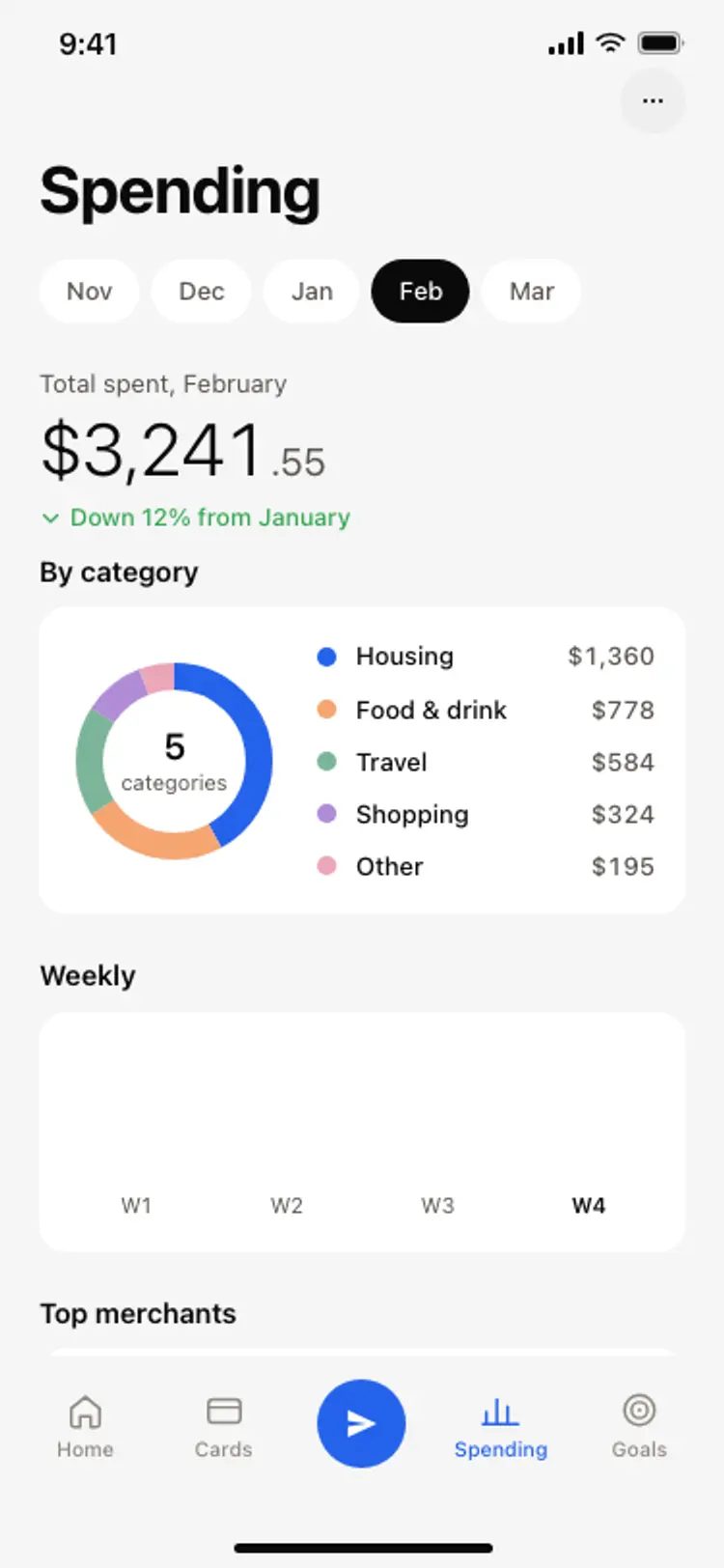
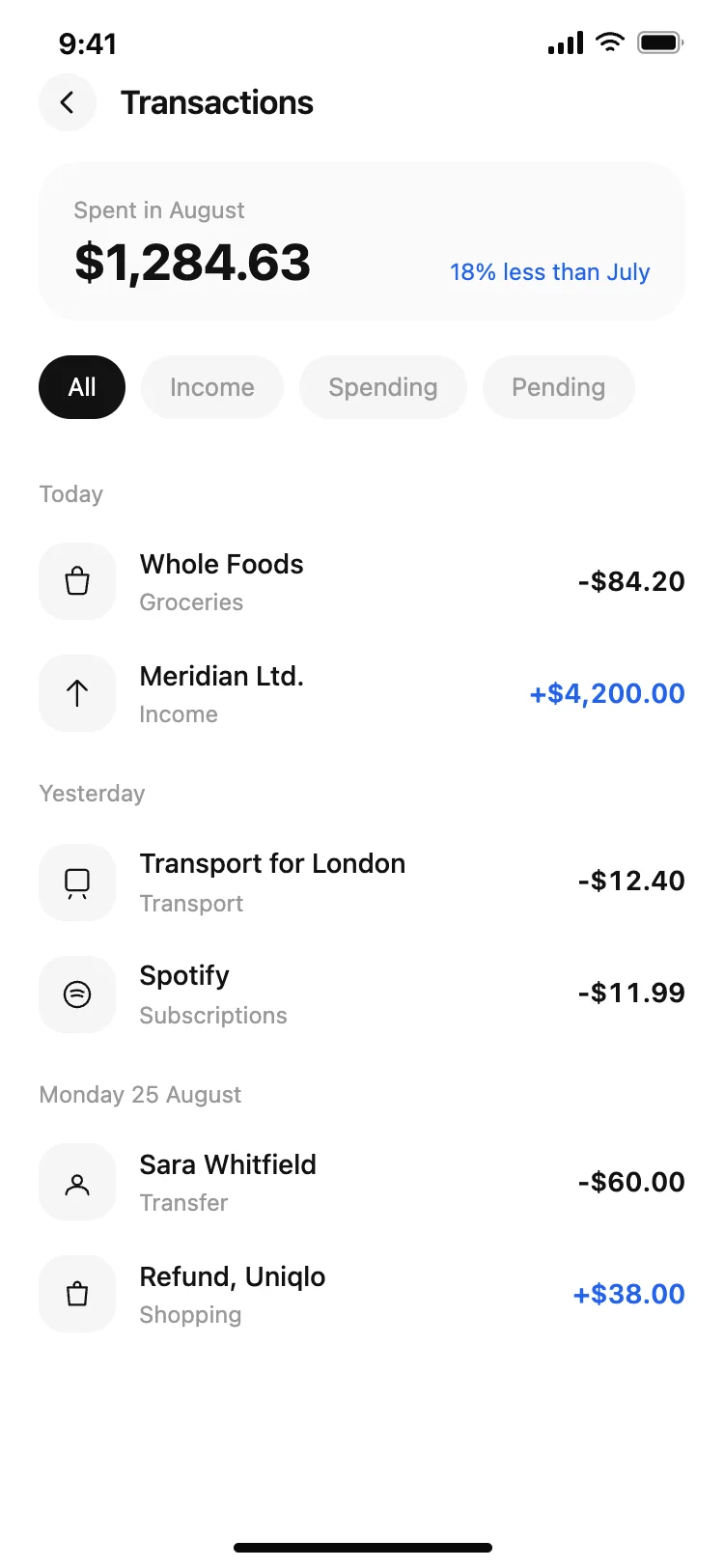
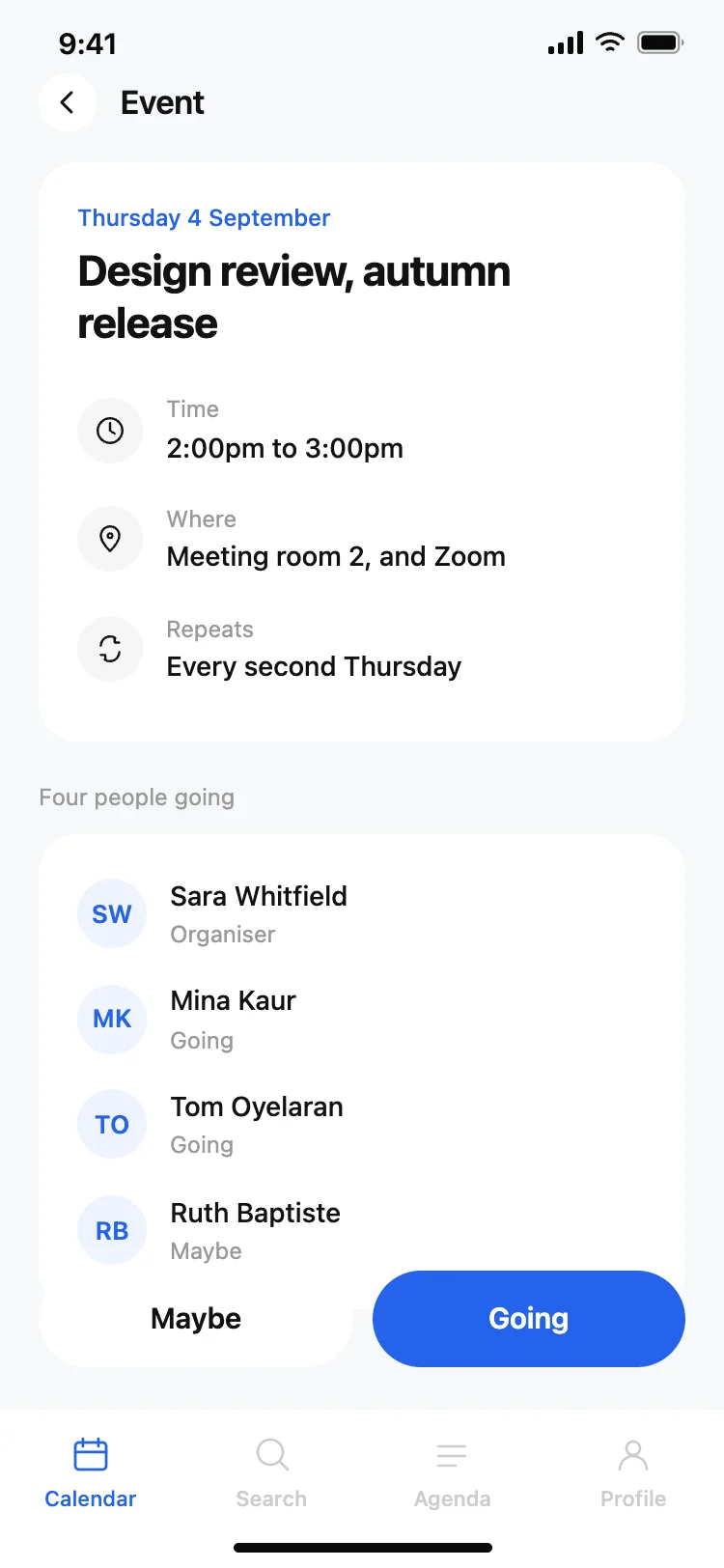
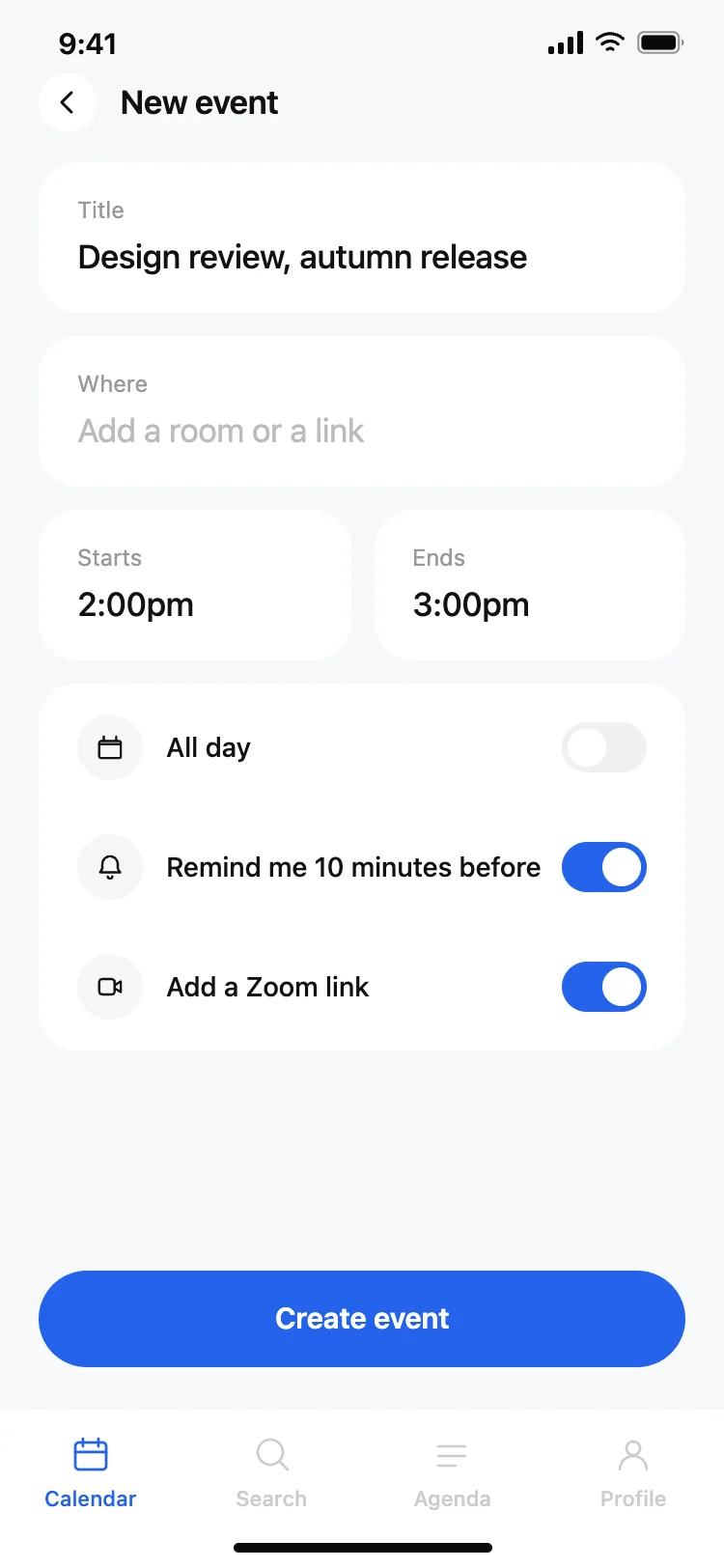
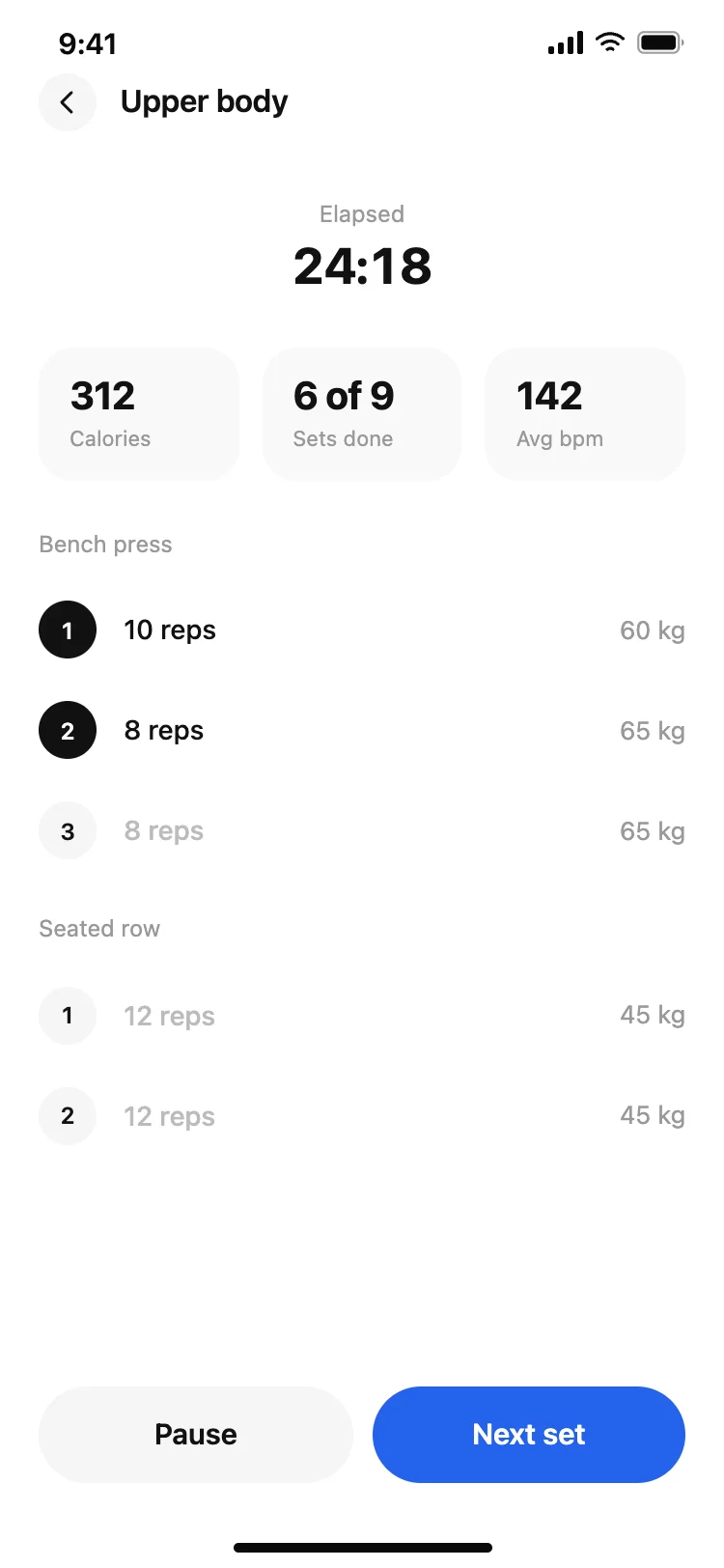
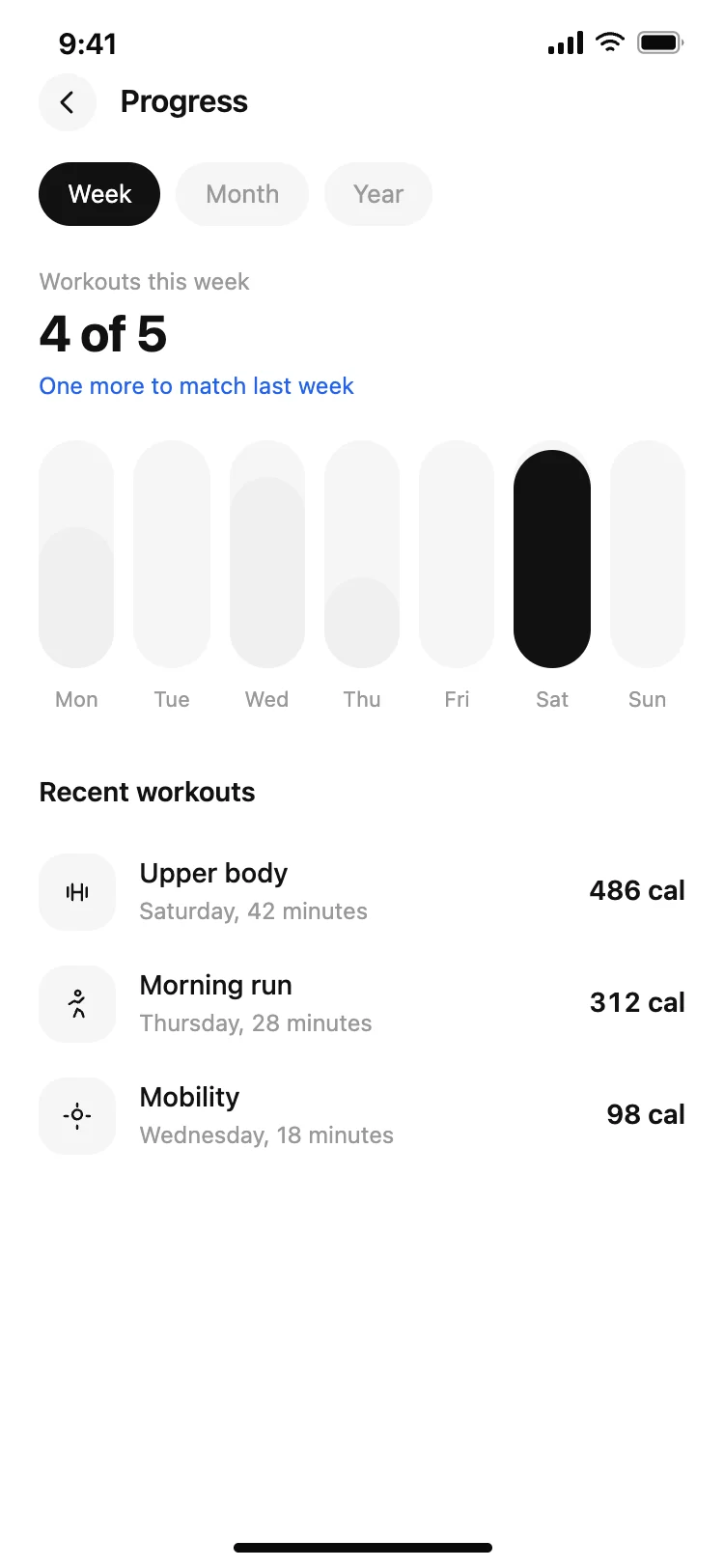
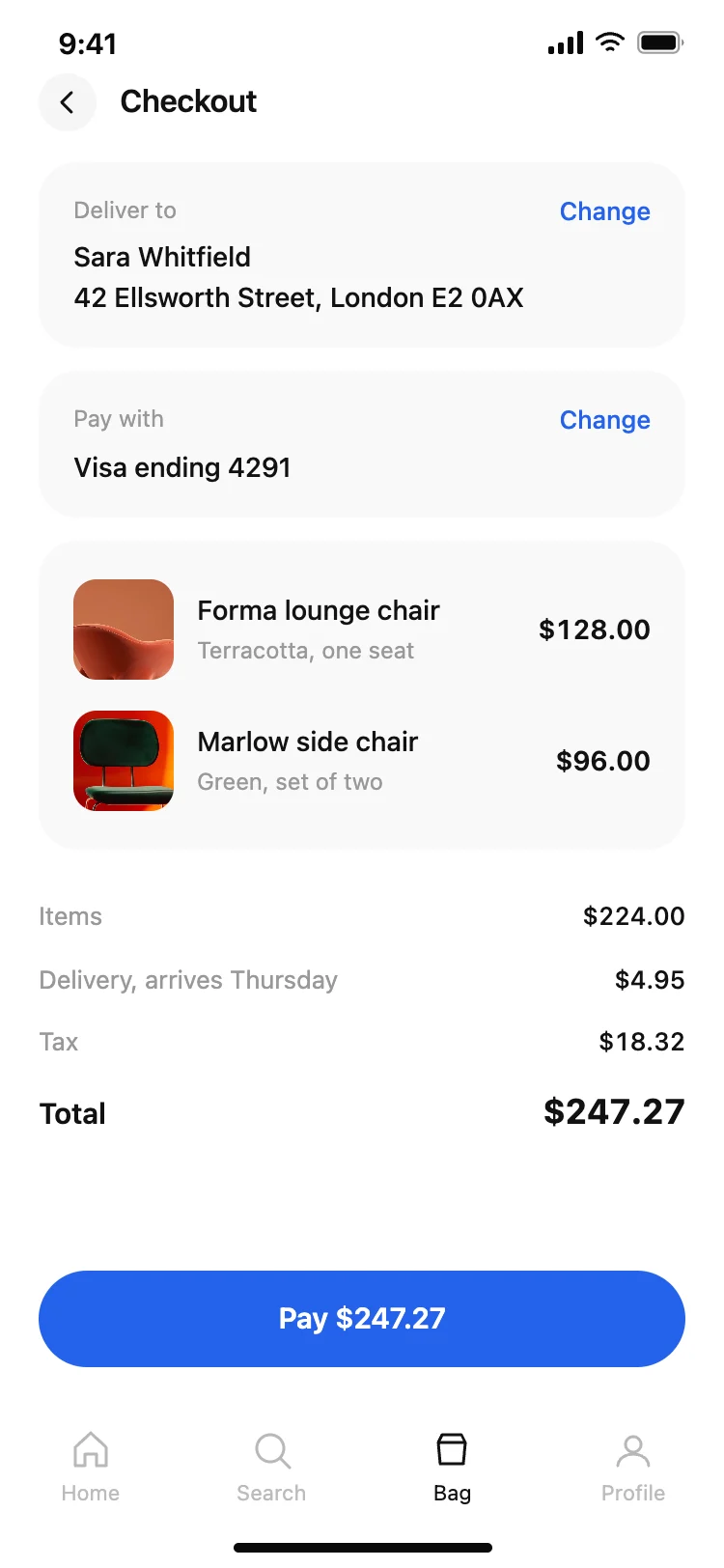
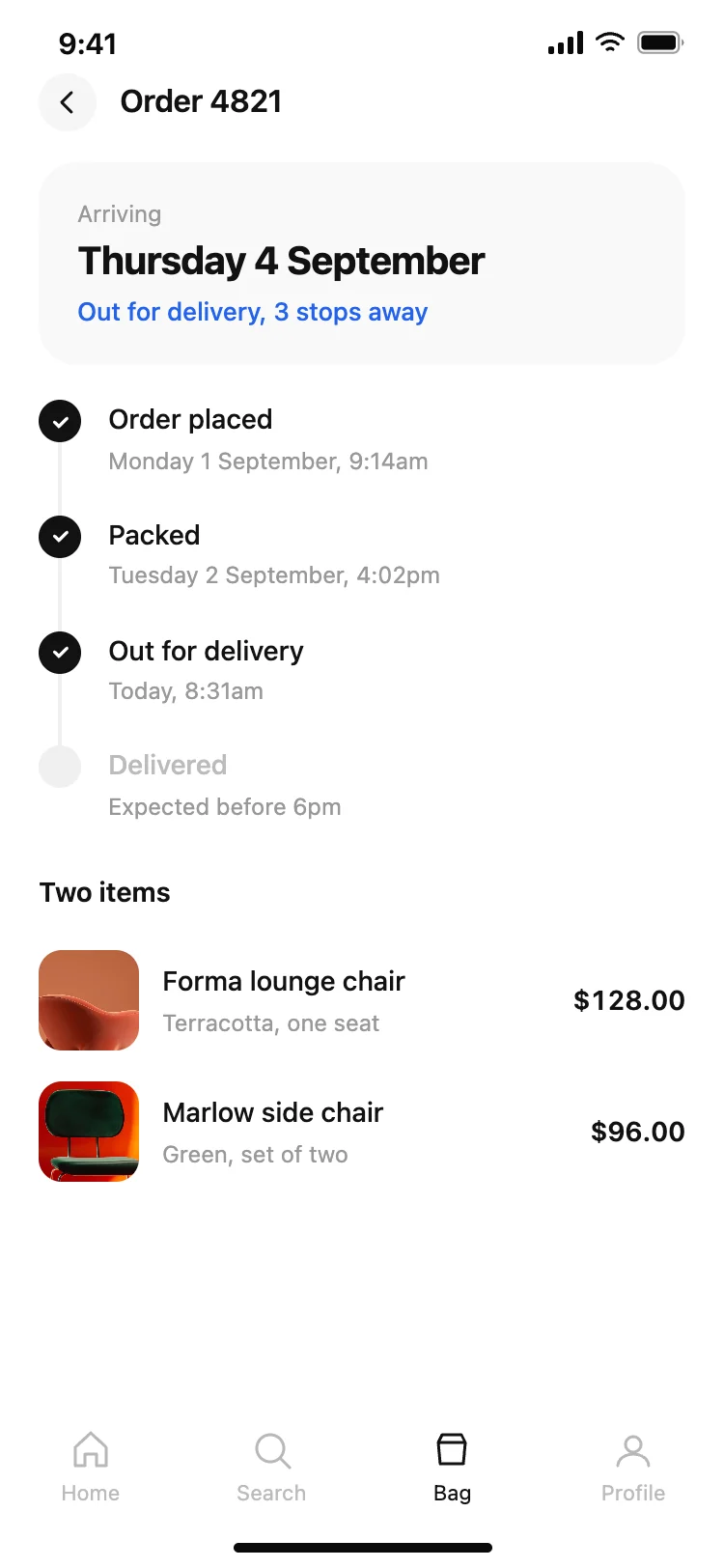
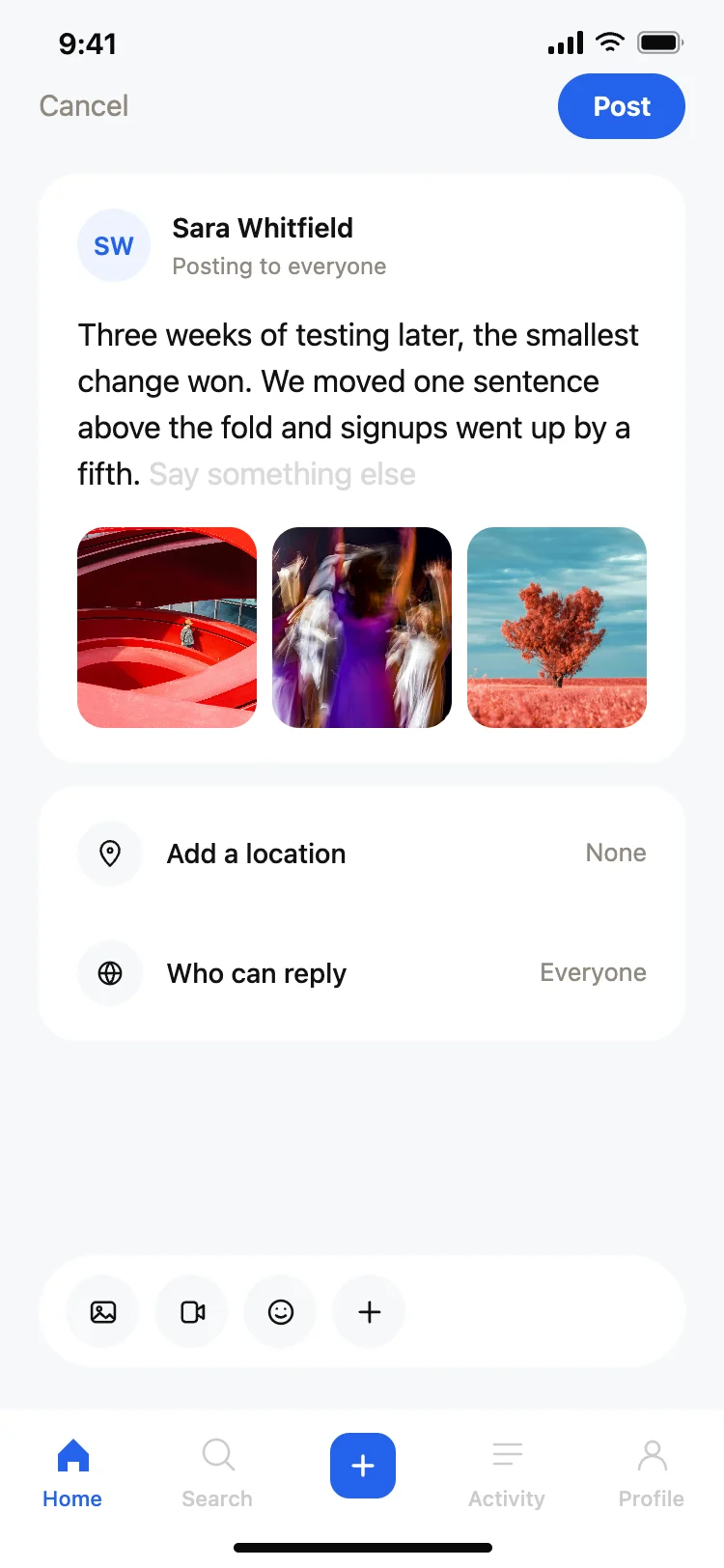
Discover the best mobile app screens for AI vibe coding. Sign-in templates, paywalls, onboarding, home screens, and profile pages. Copy any coding template, paste it into Replit, Lovable, Claude Code, Bolt, or Cursor, and build your app with top designed coding templates.
What are vibe coding app screen templates?
Vibe coding app screen templates are ready-made HTML layouts for the screens every mobile app needs: sign-in flows, paywalls, onboarding steps, splash screens, home screens, and profile pages. Copy any template, paste it into your AI coding tool, and describe what you want to change. You get a polished, pixel-accurate starting point and your AI handles the logic, data wiring, and navigation.
Which vibe coding tools do these mobile app templates work with?
All of them. Replit, Lovable, Claude Code, Bolt, Cursor, and ChatGPT Codex all accept HTML as context. Paste a template and ask your AI to wire up the auth, payments, backend, or navigation. The template gives your AI a precise visual target so it spends less time guessing and more time building.
How do I use these mobile app templates with Replit?
Open a new Replit project and paste the template HTML into your prompt or as a reference file. Tell Replit's AI what the screen should do — sign users in, show a paywall, collect onboarding data — and it will build the logic around the layout. The template handles the visual design. Replit handles the code.
How do I use these app screen templates with Claude Code?
Copy any template and paste it into your Claude Code session as a design reference. Tell Claude Code which screen it represents and what data or interactions it needs. Claude Code reads the HTML structure directly and builds matching components in React, React Native, or whatever stack you are using. Paste multiple templates in sequence to scaffold an entire app flow.
Do I need design skills to use these app templates?
No. Every template is a finished design — the layout, spacing, typography, and colour system are already done. Pick the screen that fits your app, copy the code, and tell your AI what to change. You can go from template to working screen in minutes without touching a design tool.
Do these mobile app templates work for iOS and Android app development?
Yes. Every template is designed at the standard iPhone size — 375 by 812 px — and works as a reference for any mobile stack including React Native, Flutter, SwiftUI, or a PWA. Paste the template into your AI tool and ask it to rebuild the layout in your target framework. Your AI matches the spacing, colours, and component structure from the HTML.