What is a dashboard UI template?
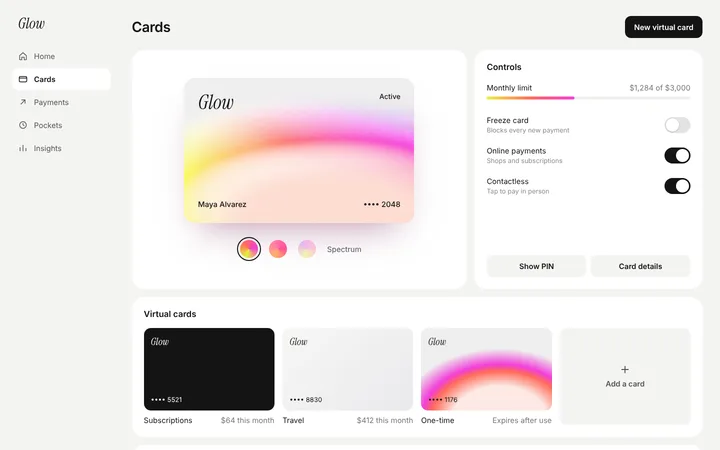
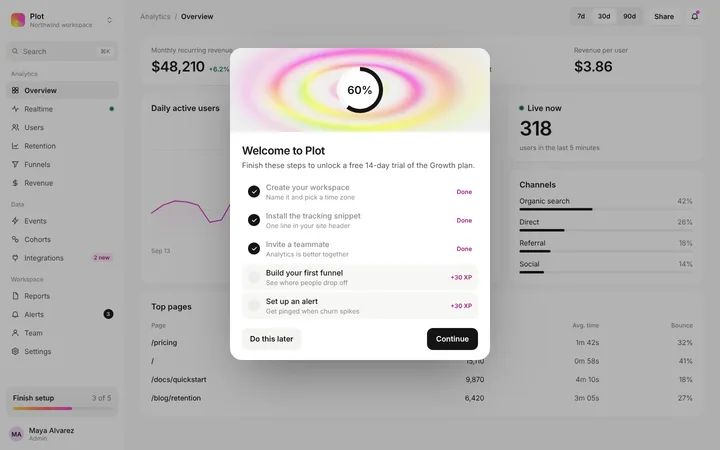
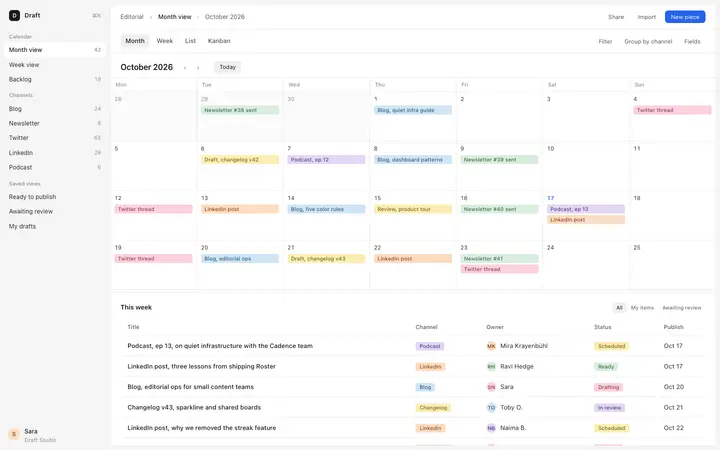
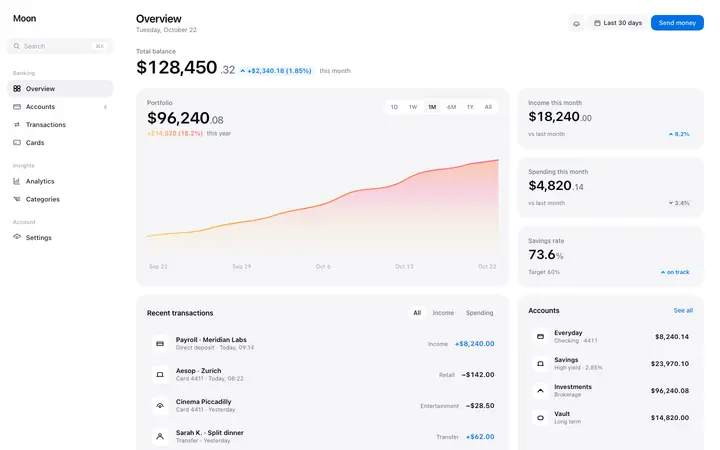
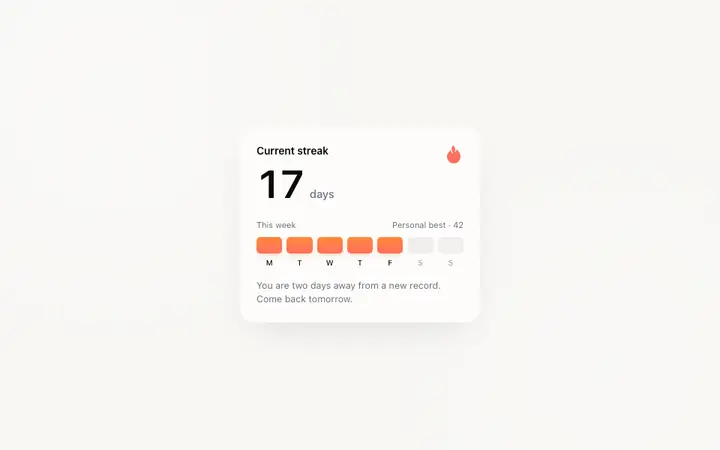
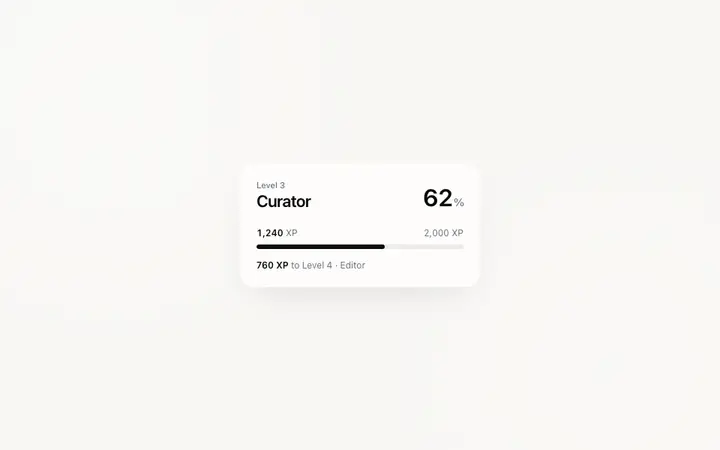
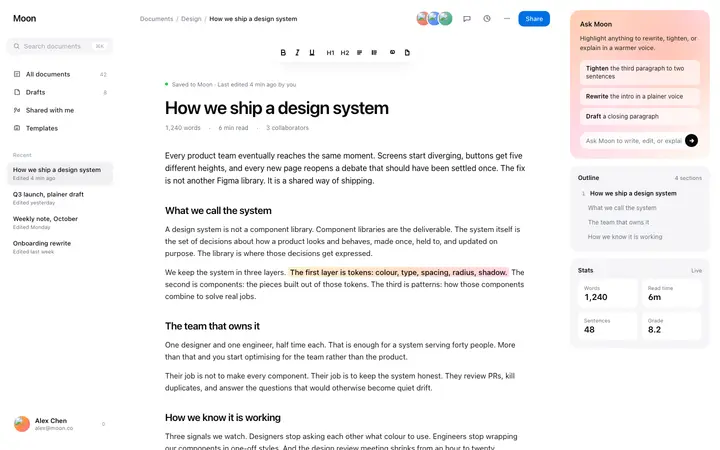
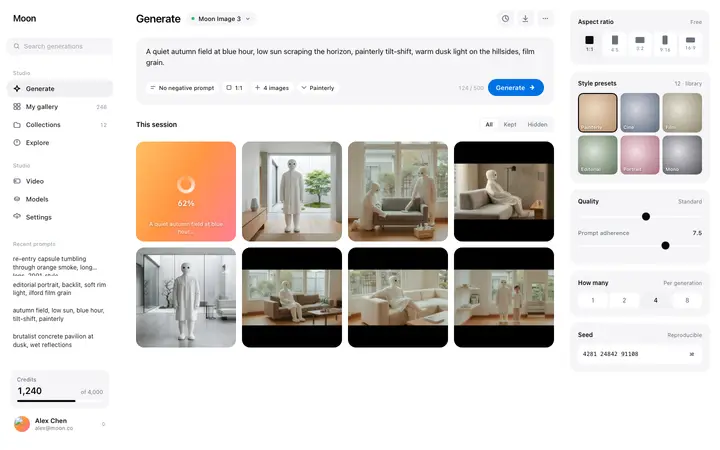
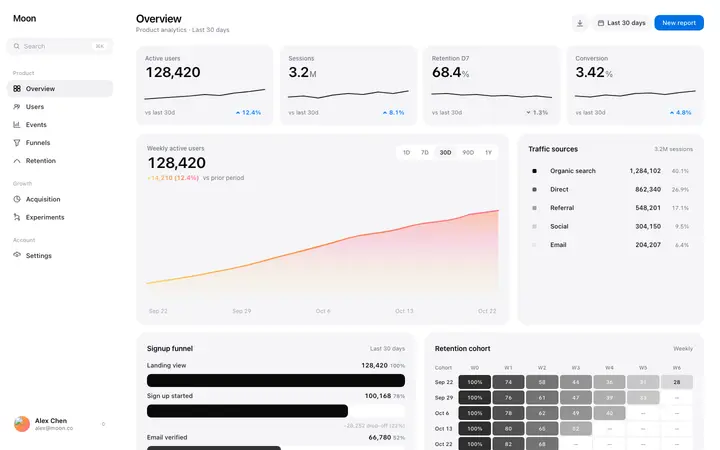
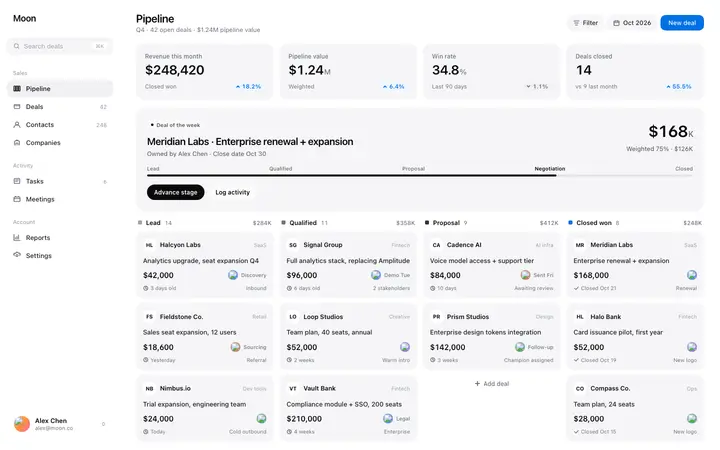
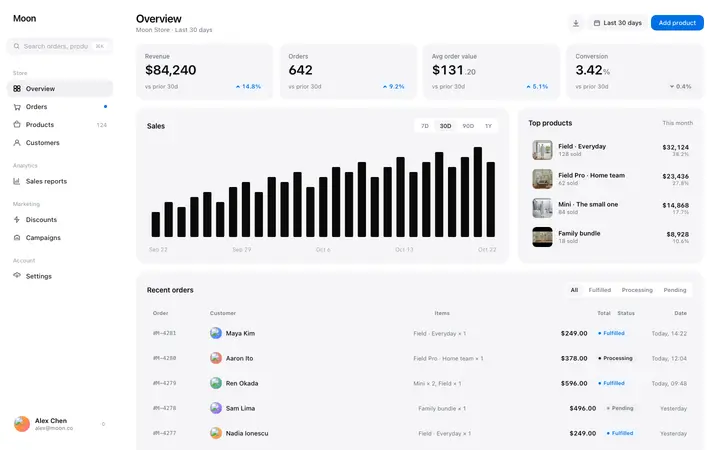
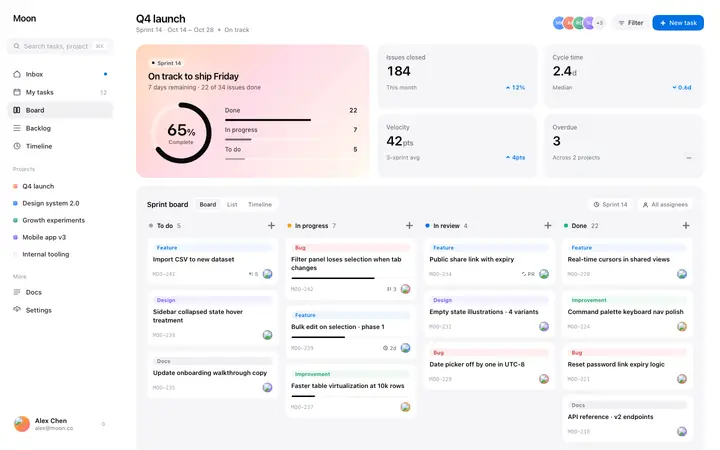
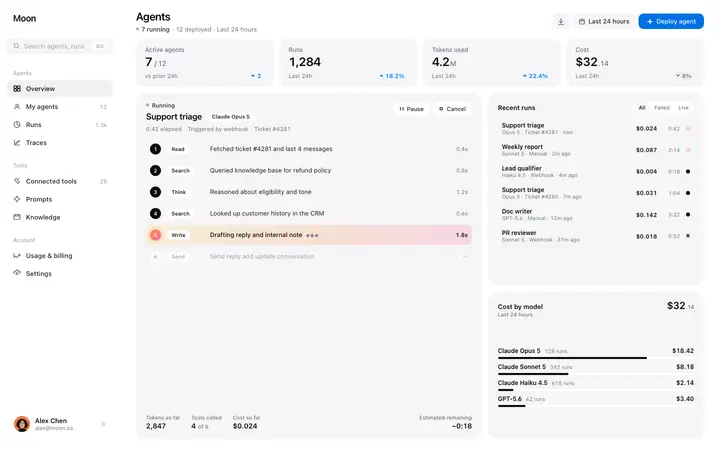
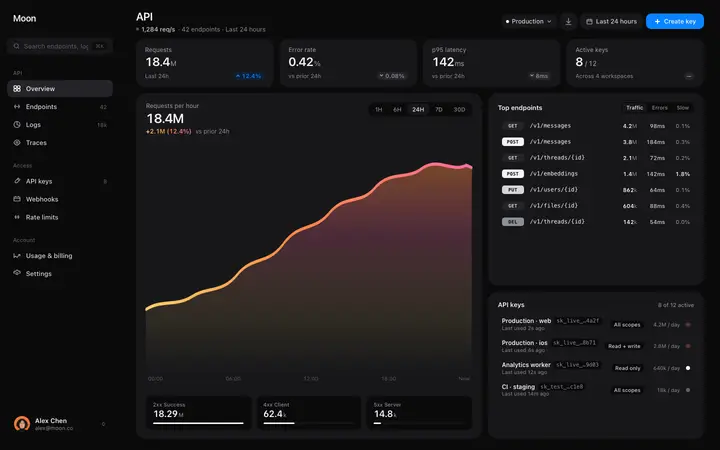
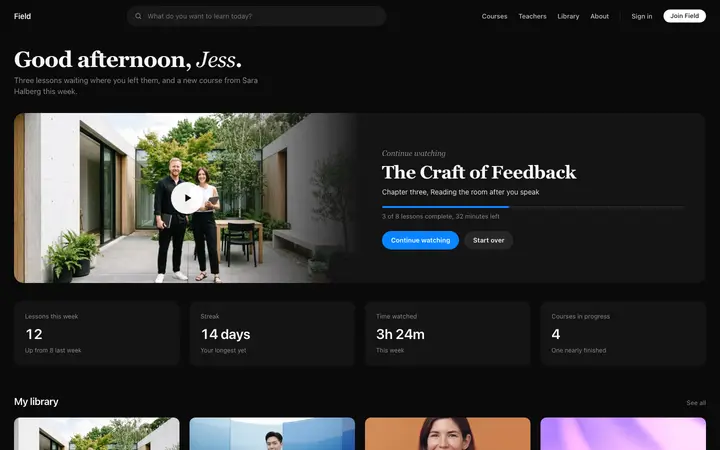
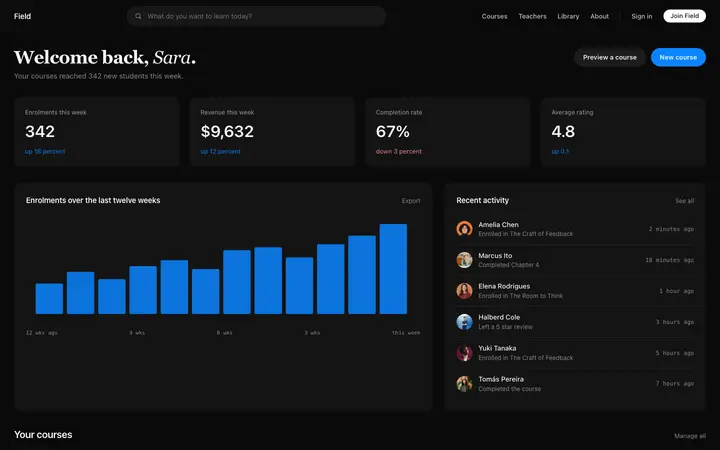
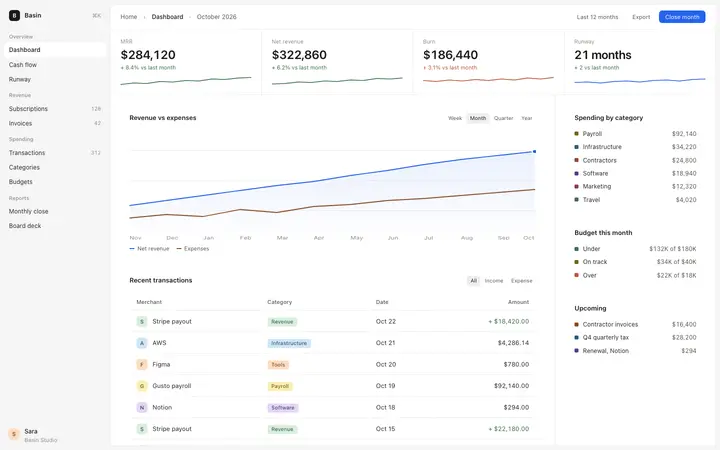
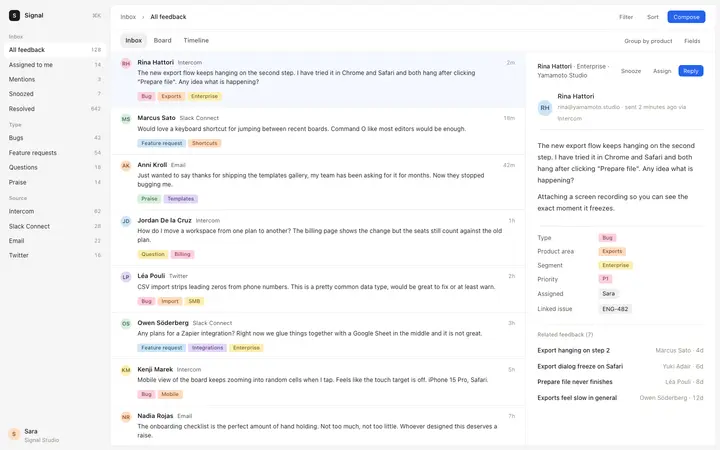
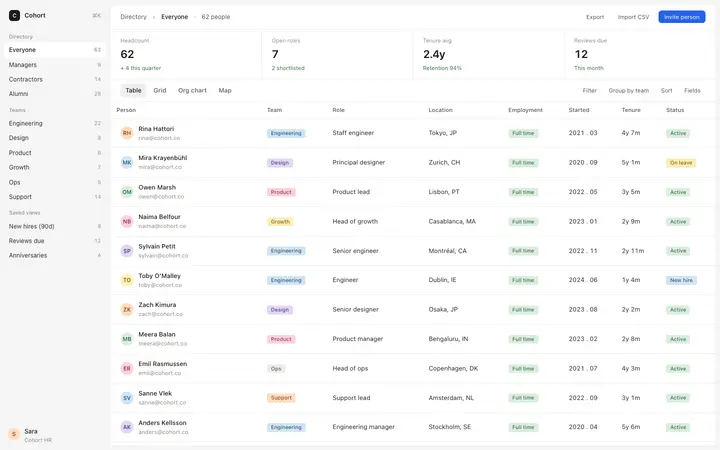
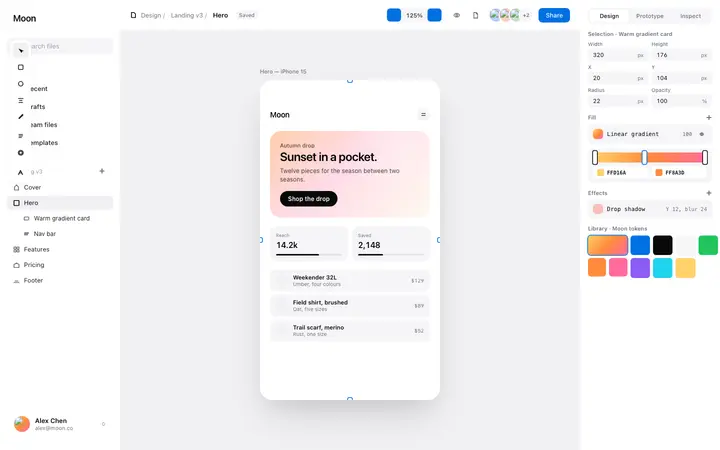
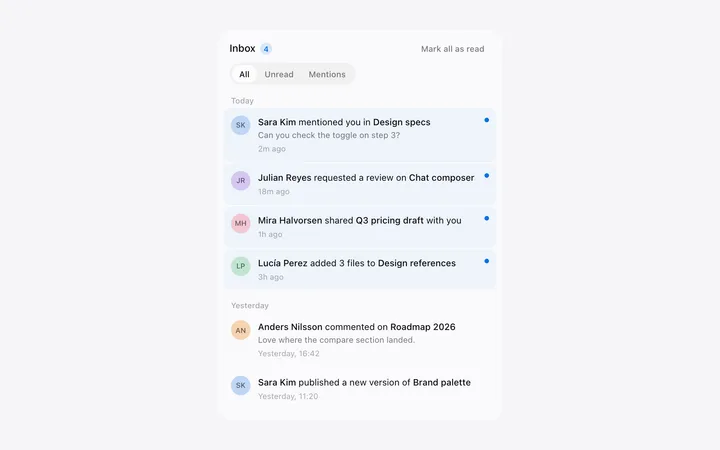
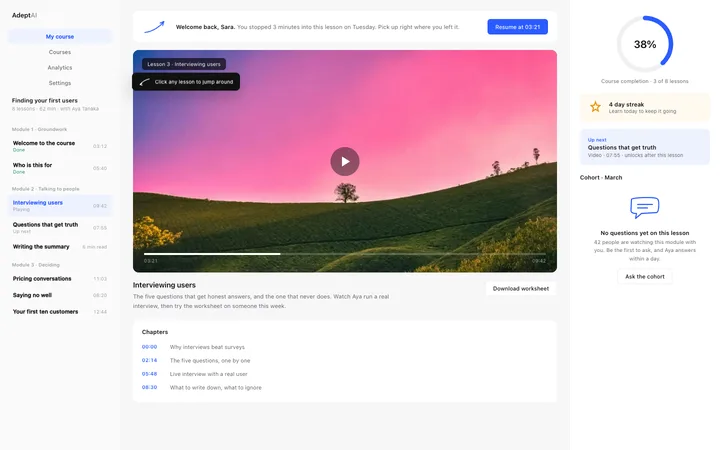
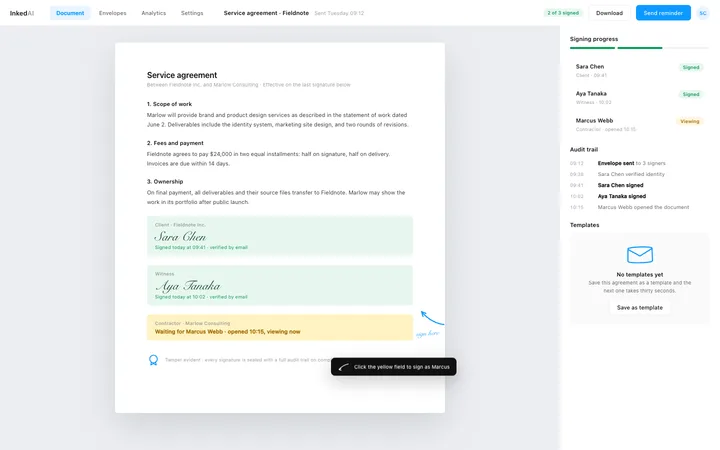
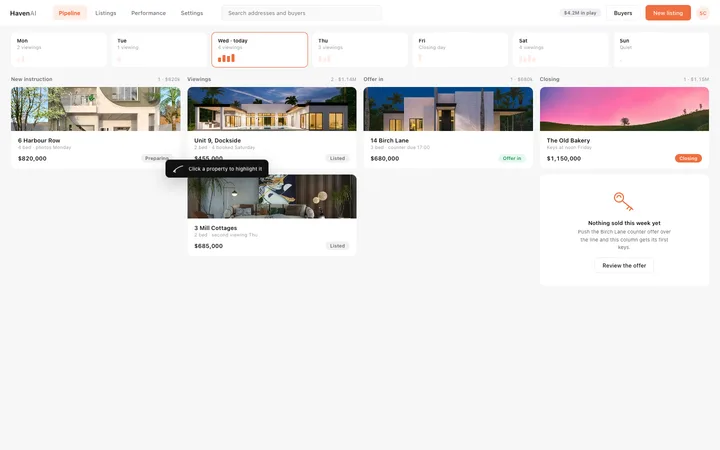
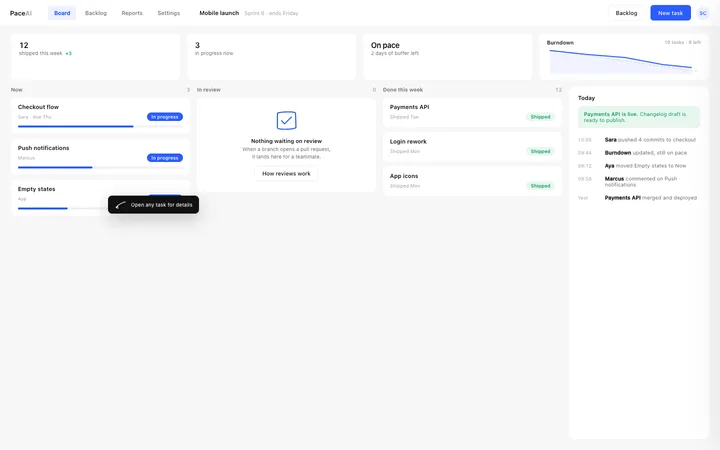
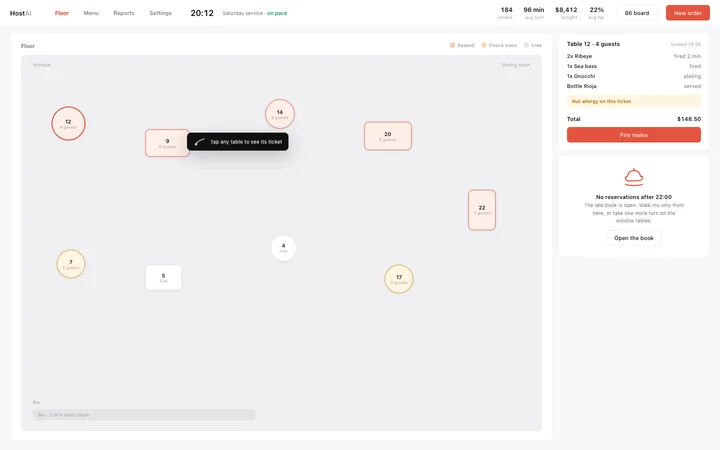
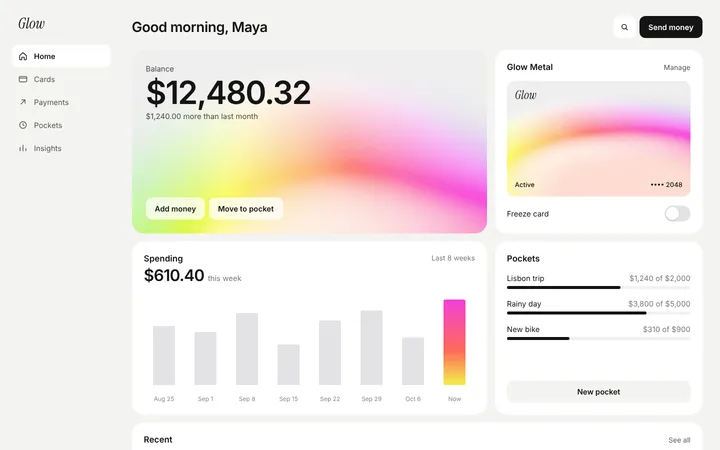
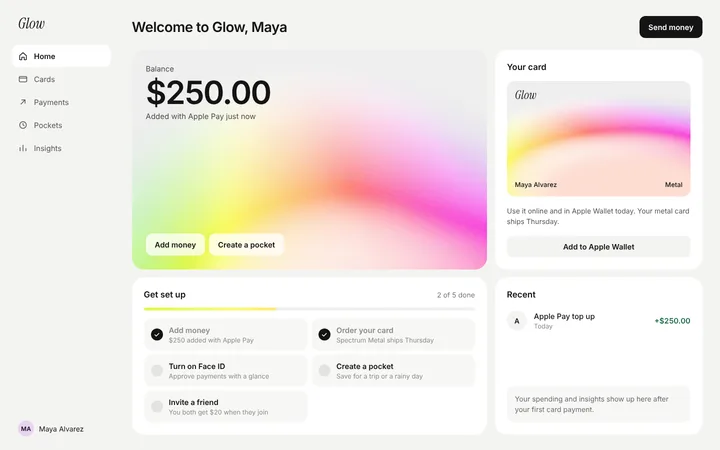
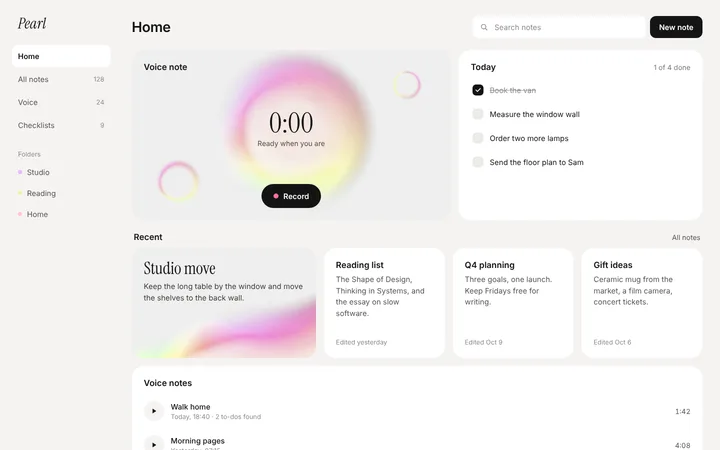
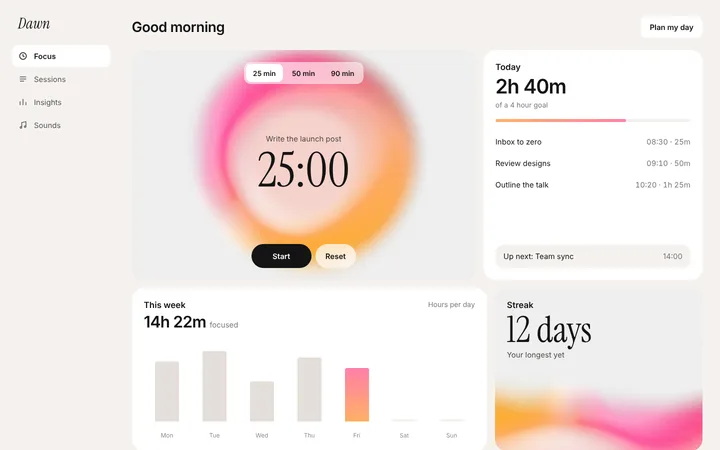
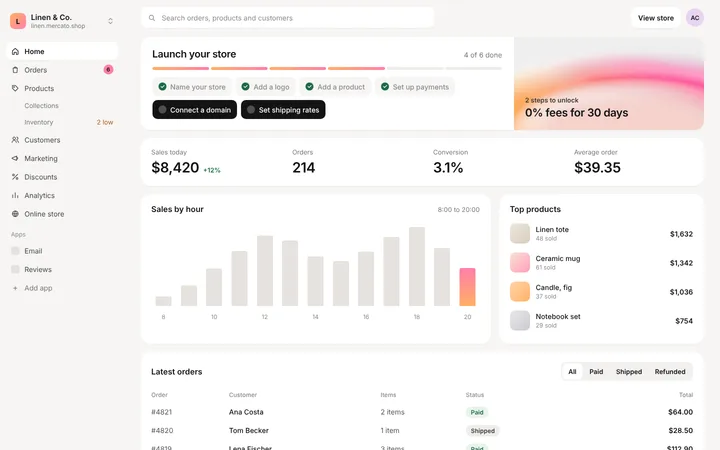
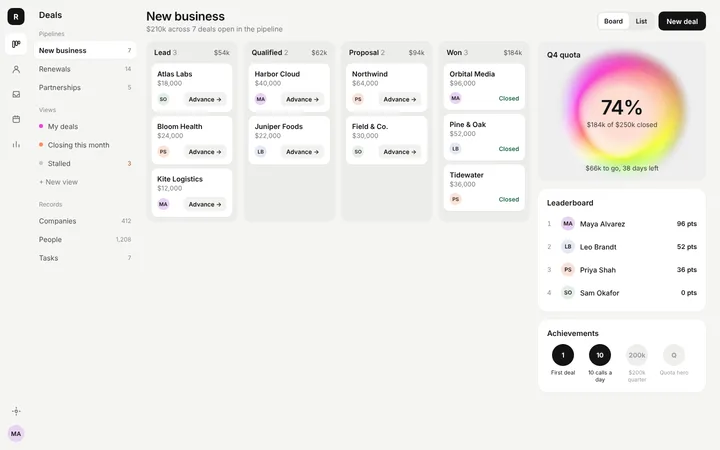
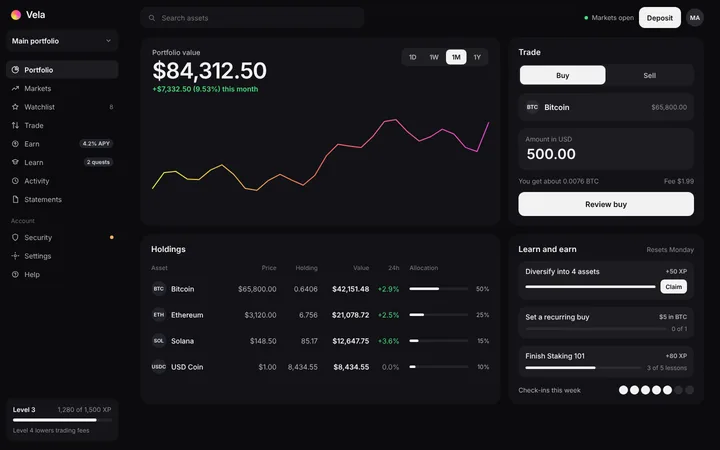
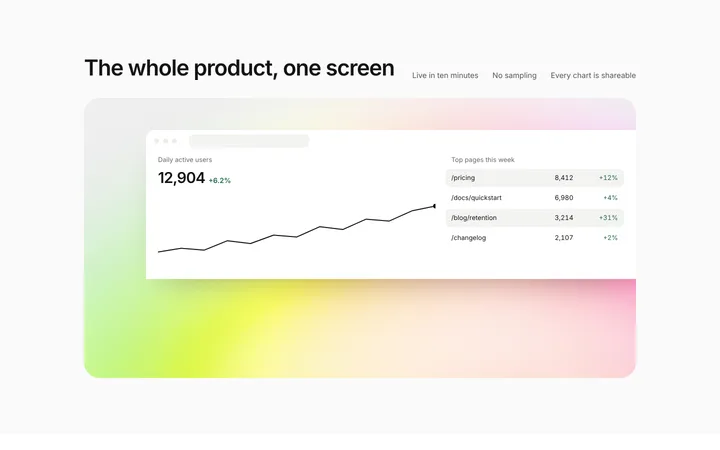
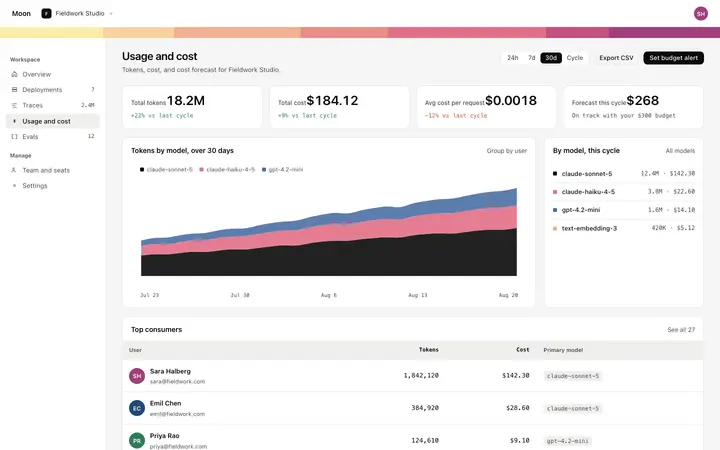
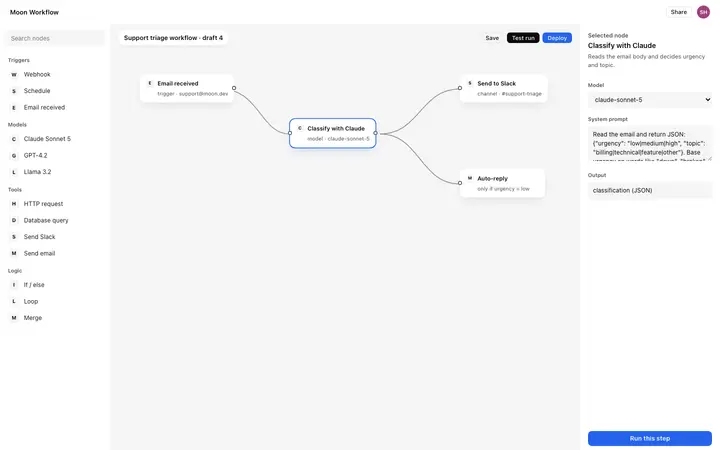
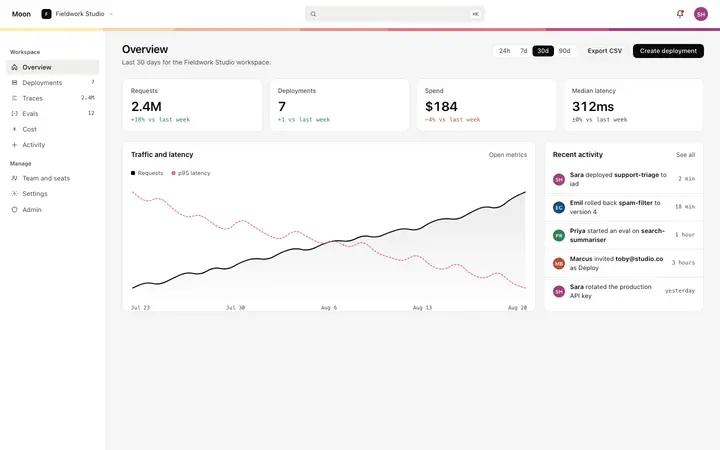
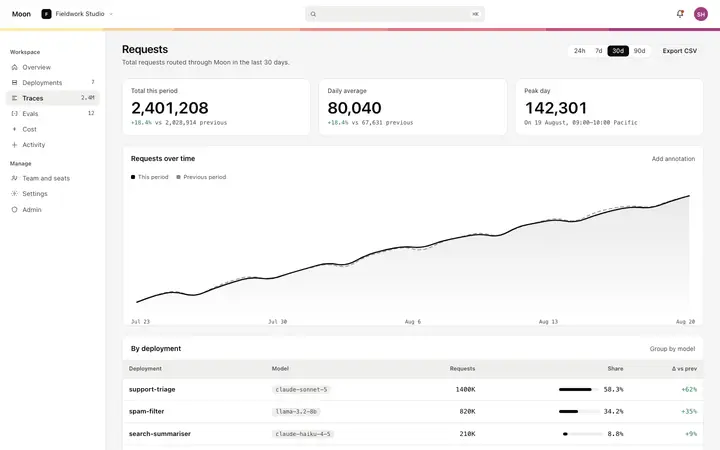
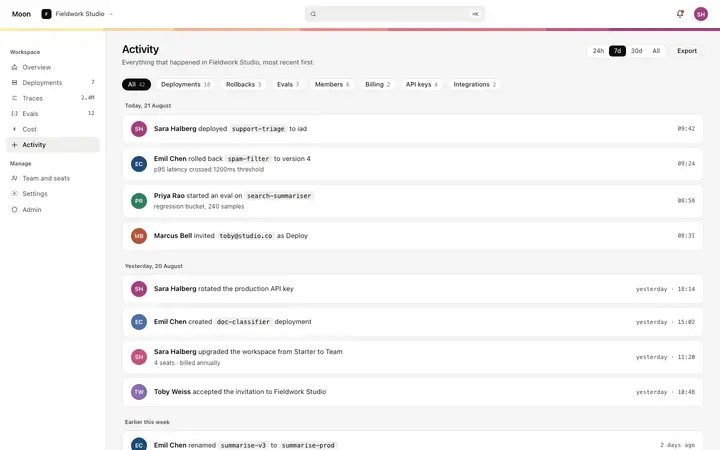
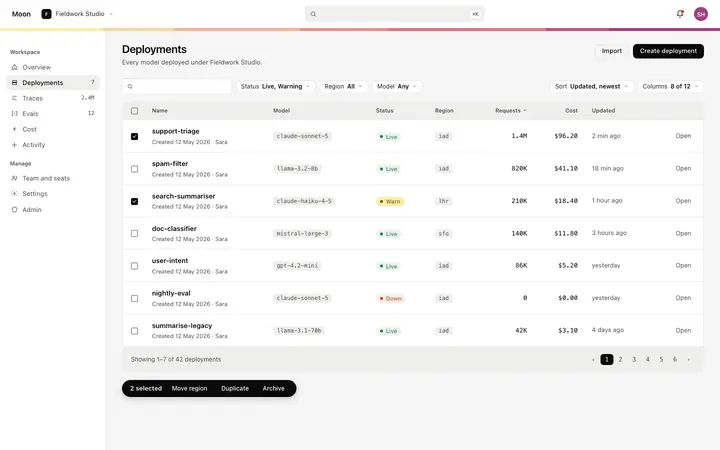
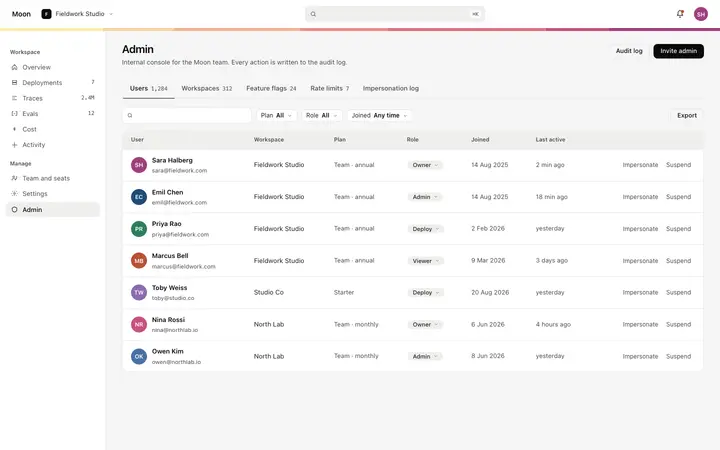
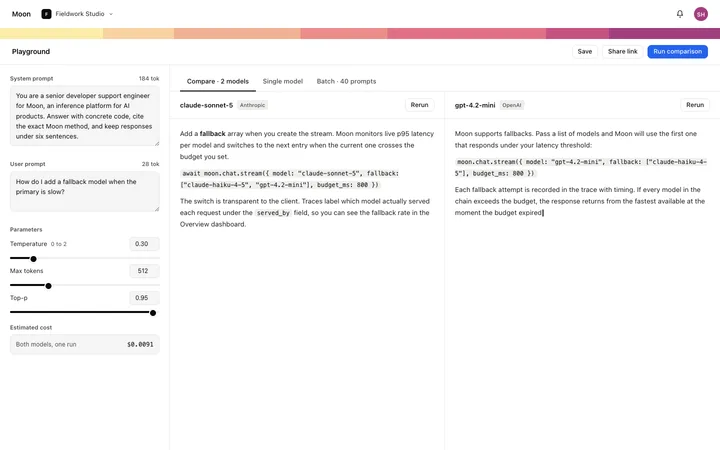
A dashboard UI template is a ready made component designed for use inside a web app or SaaS product, where a marketing page has different needs. BrowserMoon dashboard templates cover onboarding flows, analytics views, gamification cards, command palettes, status pages, and notification components, the UI patterns product and engineering teams build most often.
Which vibe coding tools work with these dashboard templates?
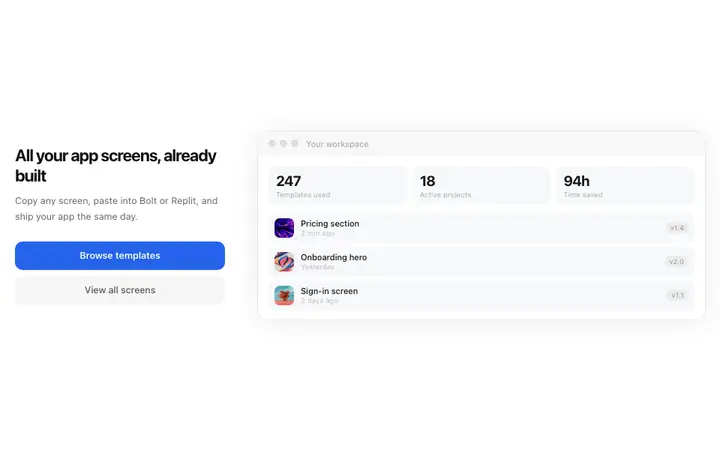
All of them. Copy any BrowserMoon dashboard template and paste it into Claude Code, Replit, Lovable, ChatGPT Codex, Bolt, or Cursor. Describe how the component connects to your data and the AI tool wires up the logic while keeping the design intact.
Can I use these dashboard templates for a SaaS app built with Bolt or Replit?
Yes. Every dashboard template is self contained HTML and CSS that you can paste directly into a Bolt, Replit, Lovable, Claude Code, or ChatGPT Codex project. Describe the data or actions the component should handle and the AI tool adapts it to your product.
What belongs on a SaaS dashboard?
The thing the customer came to do, and as little else as possible. Everything competing for that first screen costs you the moment when someone decides your product is worth returning to.
How do I connect a dashboard template to my own data?
Paste it into your AI coding tool as the reference design and describe your data source. The template is plain HTML, so there is no state library to unpick and nothing to match a version against.
Should a dashboard and a marketing site look the same?
They should feel like the same company. Buyers who liked the landing page and then meet a different product inside read it as two teams, and it costs trust at exactly the wrong moment.
What does a dashboard need before launch?
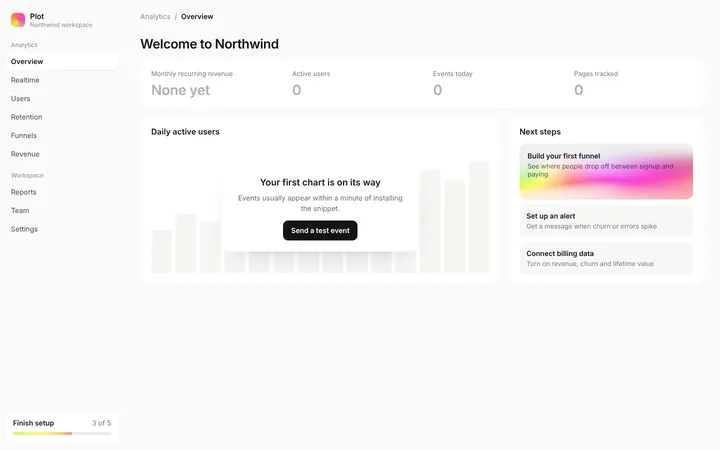
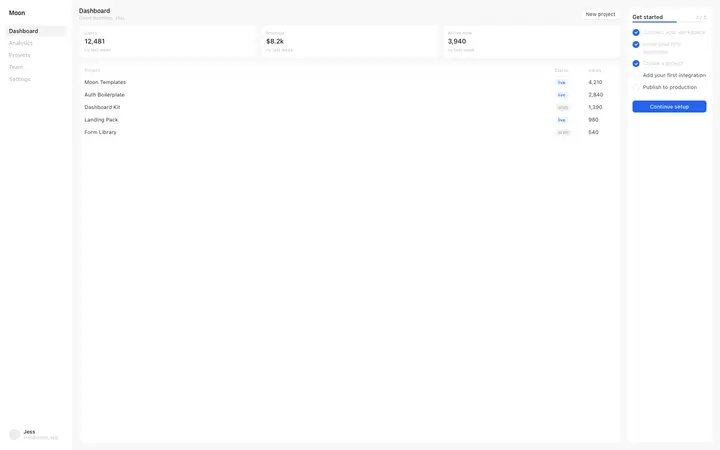
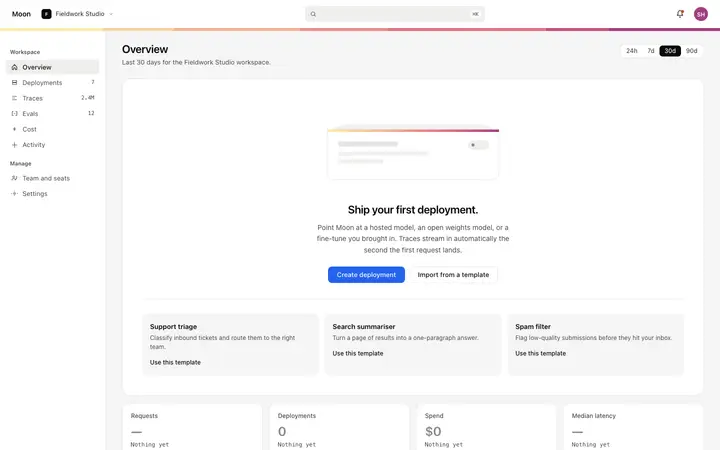
An empty state. Most dashboards are designed full and shipped empty, and the first thing a new customer sees is the version nobody drew.