What is an AI design assistant?
An AI design assistant is an AI tool that gives layout advice, reviews visual hierarchy, and recommends design patterns for digital products, on demand, without requiring a design tool or a designer. In 2026, AI design assistants are used alongside vibe coding tools such as Claude Code, Lovable, Replit, Bolt, and Cursor to close the gap between a working product and a well-designed one.
What an AI design assistant does
An AI design assistant reviews the design decisions in your product and tells you what to change. It does not generate images, create brand assets, or export design files. Its job is advice: the specific layout moves, hierarchy fixes, and pattern choices that make a digital product read as professional rather than amateur.
The best AI design assistants work like a senior designer looking over your shoulder while you build. You describe the screen you are working on, what feels off, or what is not converting, and the assistant tells you the cause and the fix. The recommendation names the design principle so you understand the reasoning, not just the answer.
Mon, the BrowserMoon AI design assistant, goes one step further. When it gives a layout recommendation, it matches you with the BrowserMoon template that implements that pattern in production-ready code. You paste the template into your vibe coding tool and the design is done.
AI design assistant vs traditional design tools
Figma, Adobe, and Sketch are tools for building designs manually. They are powerful for designers who already know what the design should be. For builders who need to know what the design should be in the first place, a design tool without design judgment is an empty canvas. An AI design assistant provides the judgment.
How Mon works as your AI design assistant
Mon runs alongside your vibe coding tool. Ask Mon a design question, get a specific recommendation and the template that implements it, paste it into Claude Code, Lovable, Replit, Bolt, or Cursor. Design and code stay in sync without switching tools.
Describe the design problem
Tell Mon what you are building and what is not working. You do not need design vocabulary. 'My hero section looks boring' or 'users are not clicking the CTA' is enough to start a diagnosis.
Mon asks one diagnostic question
Rather than giving generic advice, Mon asks one focused question to understand the specific cause. The question is designed to surface the design decision that is creating the problem.
Mon gives a specific recommendation
The recommendation names the layout change, the hierarchy fix, or the pattern to use. It explains the design principle behind the advice so the decision makes sense, not just the outcome.
Switch to Templates mode for the code
Mon points you to the BrowserMoon template that implements the recommendation. Copy the HTML and paste it into your vibe coding tool. The design is done.
What an AI design assistant can help you with
Onboarding flow structure and where users drop off
Pricing page hierarchy and paid plan visual prominence
Hero section design for SaaS products and AI apps
Feature section layout and information hierarchy
Navigation design and information scent
Landing page conversion critiques for Claude Code and Lovable projects
Mobile layout and responsive design decisions
Dashboard information architecture for SaaS products
CTA placement and visual weight on any page type
Design template selection matched to your specific use case
Templates your AI design assistant recommends
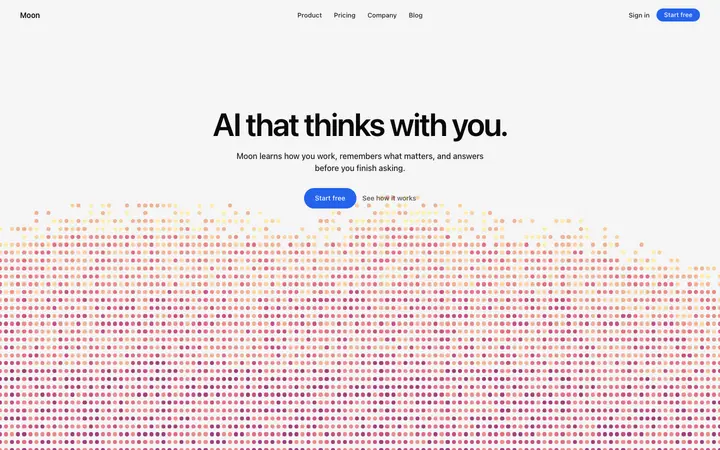
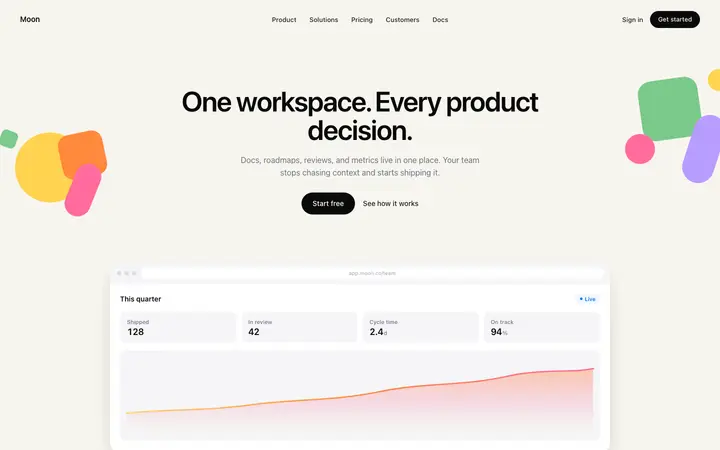
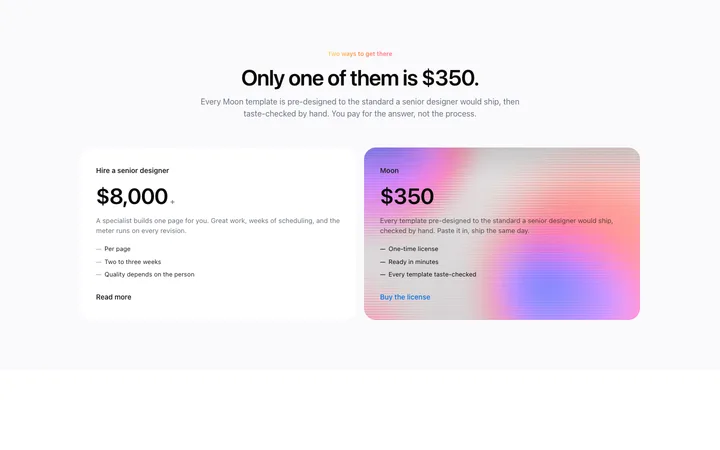
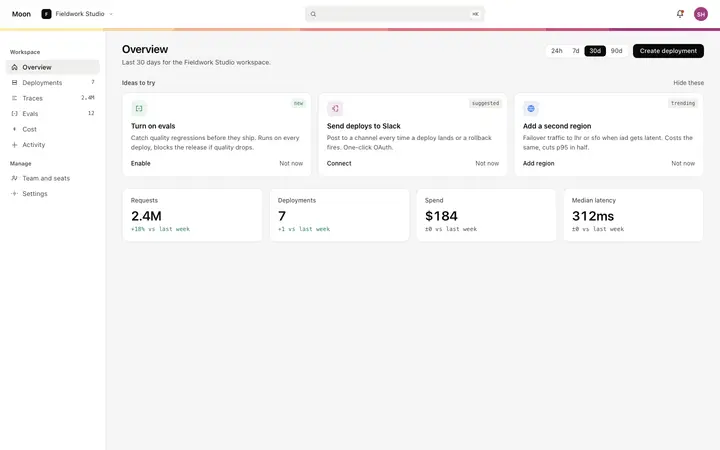
Every Mon recommendation comes with the template that implements it. Browse the full library or paste any template directly into Claude Code, Lovable, Replit, Bolt, or Cursor.

Frequently asked questions
What is an AI design assistant?
An AI design assistant is an AI tool that gives layout advice, reviews visual hierarchy decisions, and recommends design patterns for digital products. Unlike Figma or Adobe, an AI design assistant does not require you to build mockups manually. You describe what you are building or what is not working, and the assistant gives you specific design recommendations grounded in real design principles.
What is the best AI design assistant in 2026?
Mon by BrowserMoon is the AI design assistant built for vibe coders and builders. It is trained on design principles and matched to the BrowserMoon template library, so every recommendation it gives comes with the specific template that implements it, ready to paste into Claude Code, Lovable, Replit, Bolt, or Cursor.
How does an AI design assistant differ from Figma or Adobe?
Figma and Adobe are tools for building and editing visual designs manually. An AI design assistant gives you design advice without requiring you to open a design tool at all. You ask a design question, describe what is wrong with your current layout, or paste a screenshot, and the AI design assistant tells you what to change and why. For vibe coders, this is far faster than switching to a design tool mid-build.
Can an AI design assistant work alongside my vibe coding tool?
Yes. Mon is designed to run alongside Claude Code, Lovable, Replit, Bolt, and Cursor. You ask Mon for design advice, Mon gives you a specific recommendation and a template, and you paste that template into your vibe coding tool. The two tools work together: Mon handles design decisions, the vibe coding tool handles code.
Is there a free AI design assistant I can use?
Anyone can make their vibe coded site or app look top designed with Mon, the AI design assistant of Moon. Ask Mon a design question, get a template recommendation, and implement it in your vibe coding tool.
What design problems does an AI design assistant solve?
An AI design assistant solves the most common design problems builders face: visual hierarchy that is not guiding users to the right action, pricing page layouts where the paid plan does not stand out, hero sections that do not communicate the product value clearly, and onboarding flows that lose users at the wrong moment. Mon diagnoses the specific problem first, then gives a targeted recommendation.
Can an AI design assistant review a screenshot of my product?
Yes. Paste a screenshot or describe your current design to Mon and it gives you a critique: what is visually weakest, what to change first, and which design pattern to use instead. The feedback is grounded in the specific design in front of you, not generic advice about design best practices.
Try Mon, your AI design assistant
Anyone can make their vibe coded site or app look top designed with Mon, the AI designer of Moon.
Related