What is a form template?
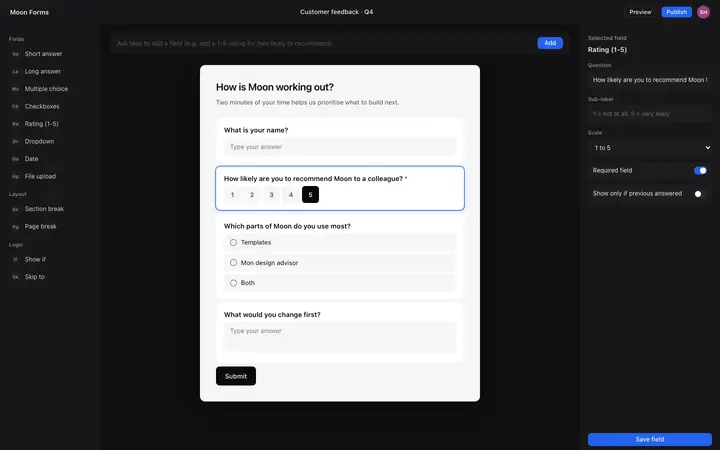
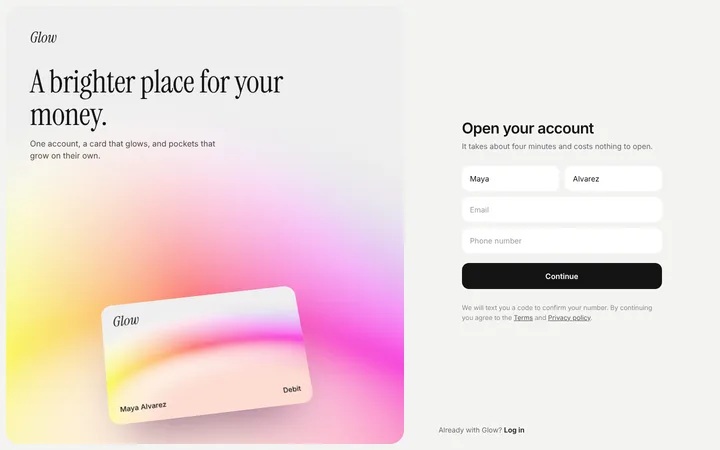
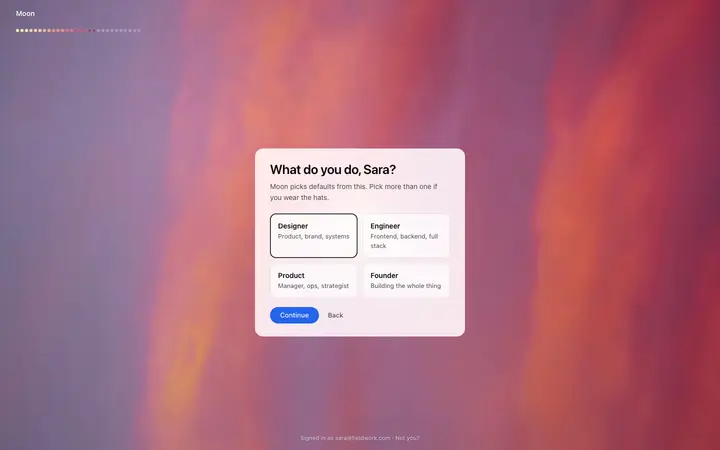
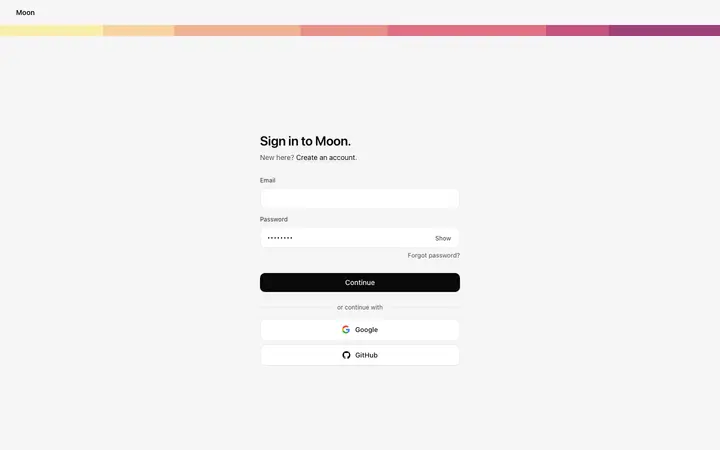
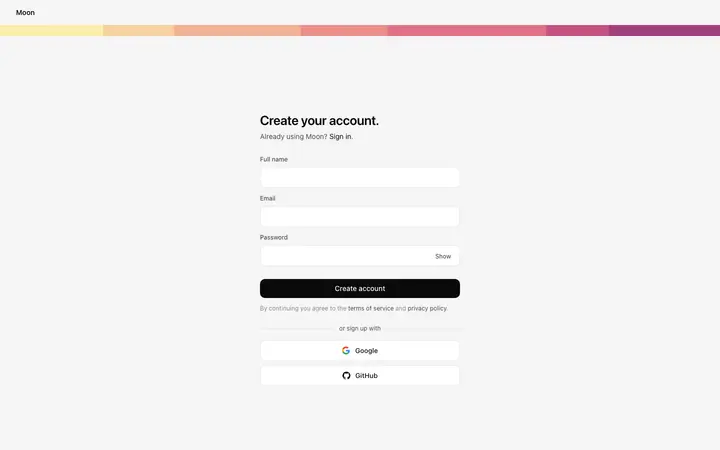
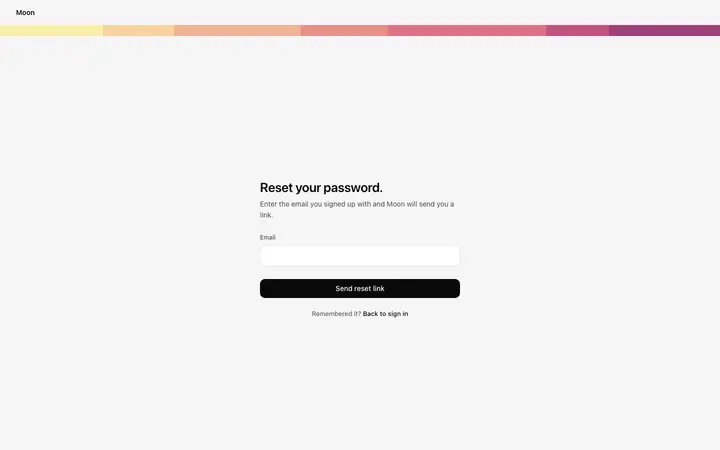
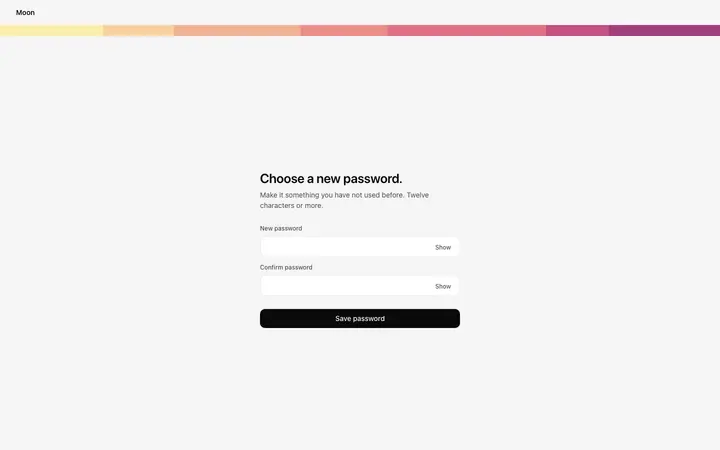
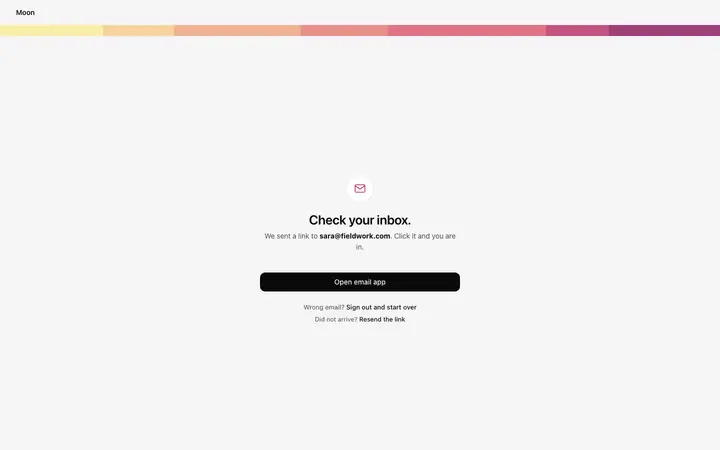
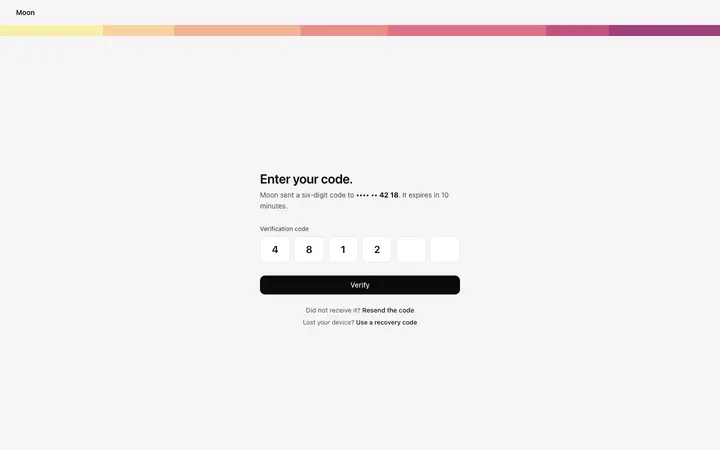
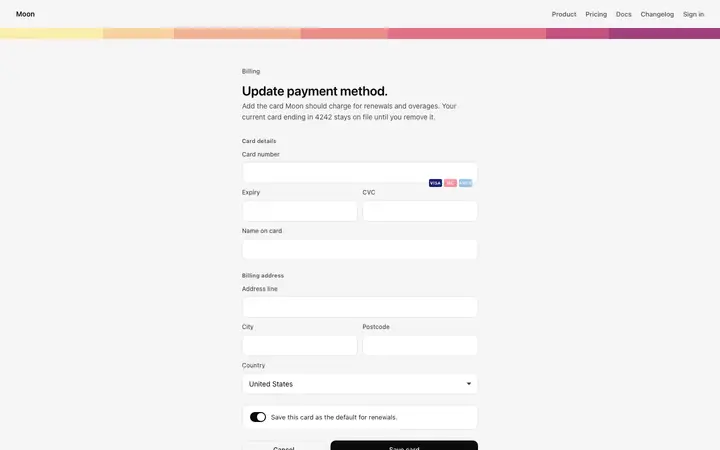
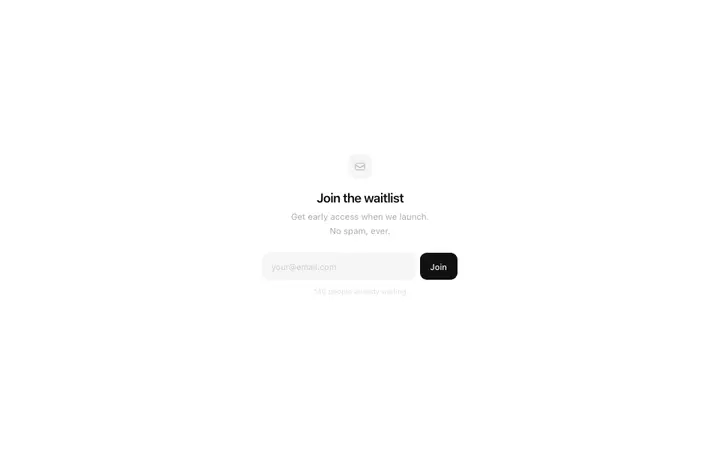
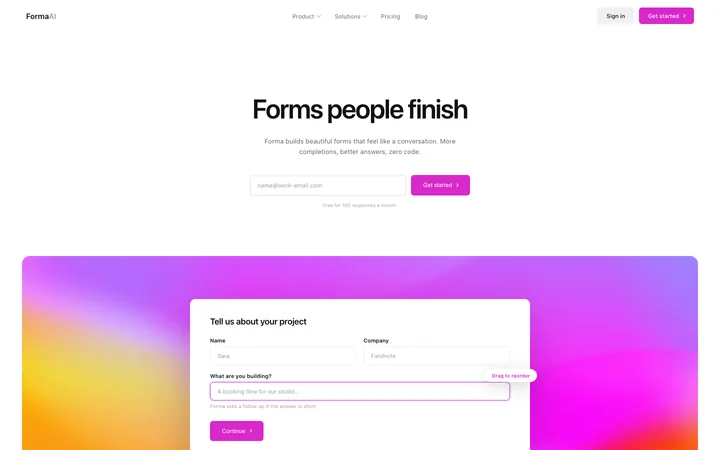
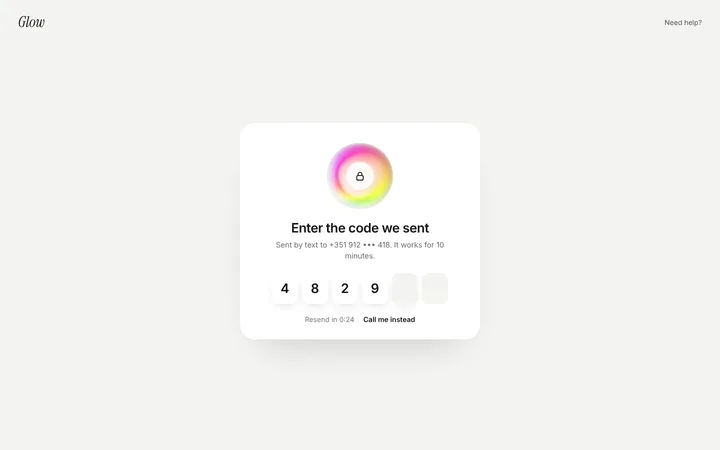
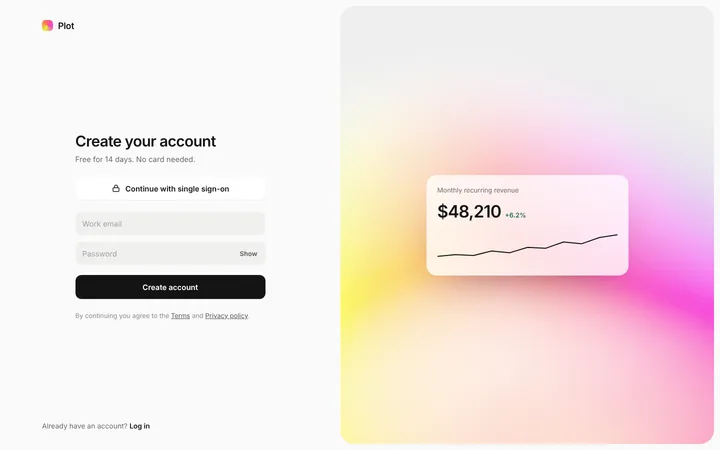
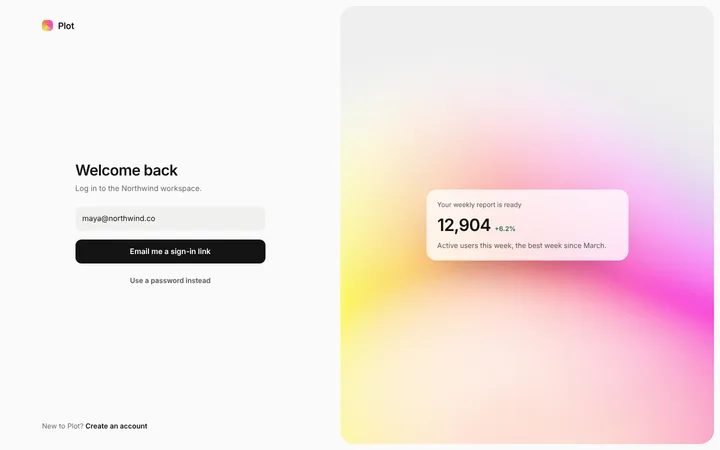
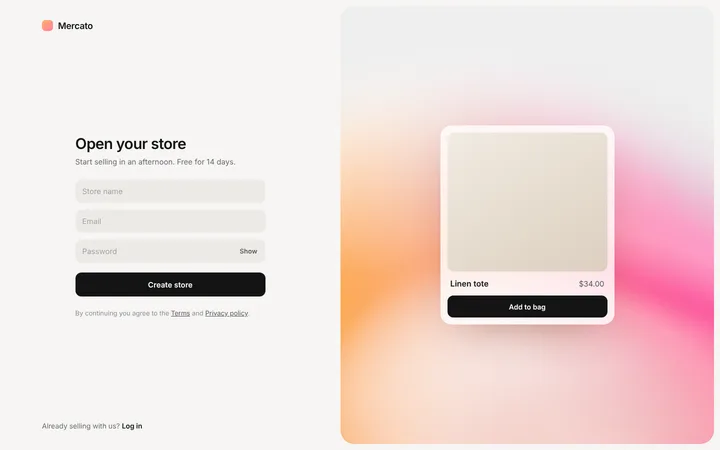
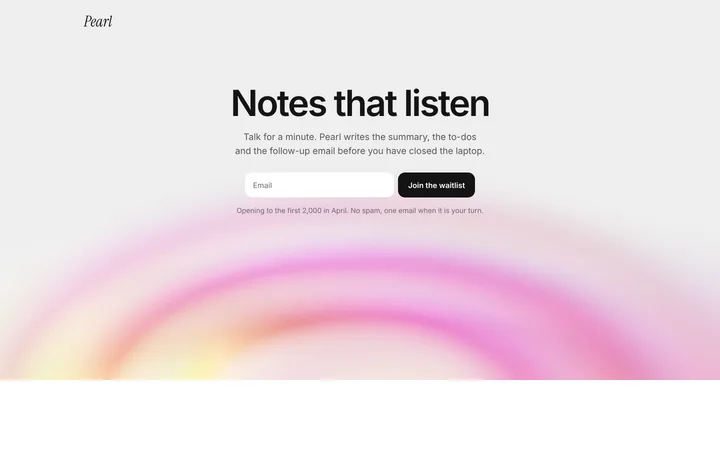
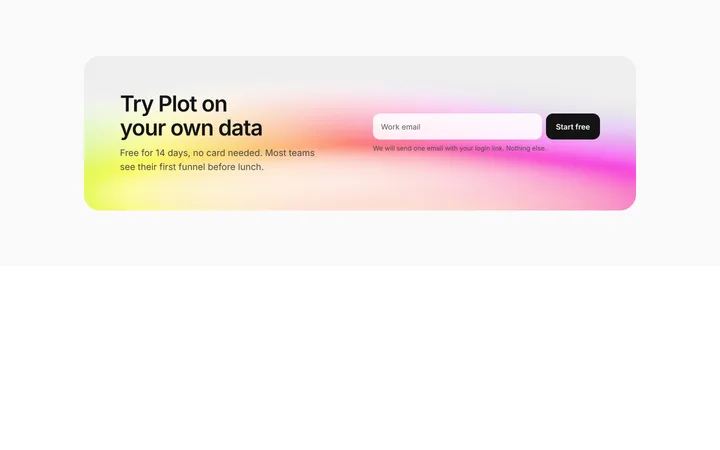
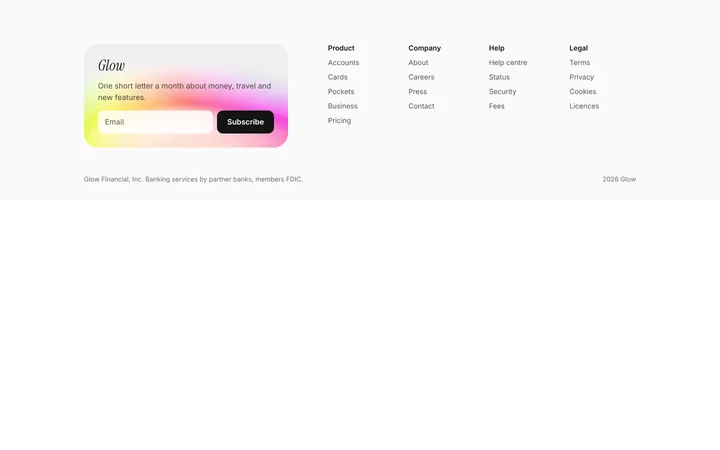
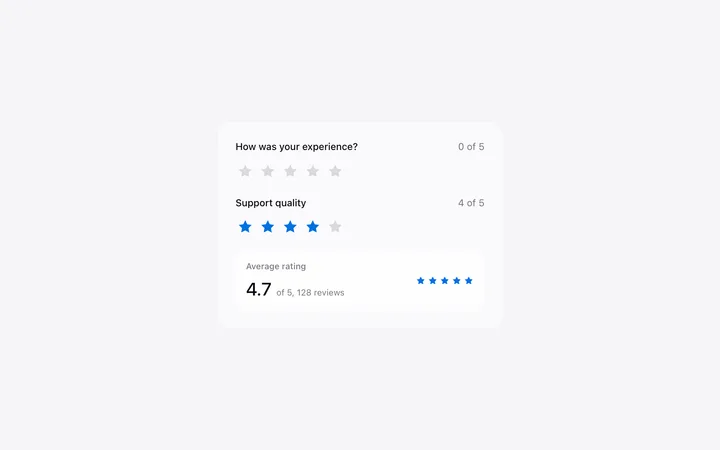
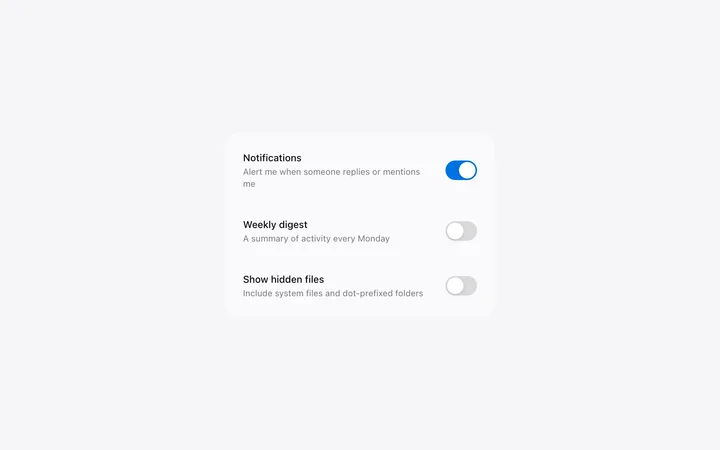
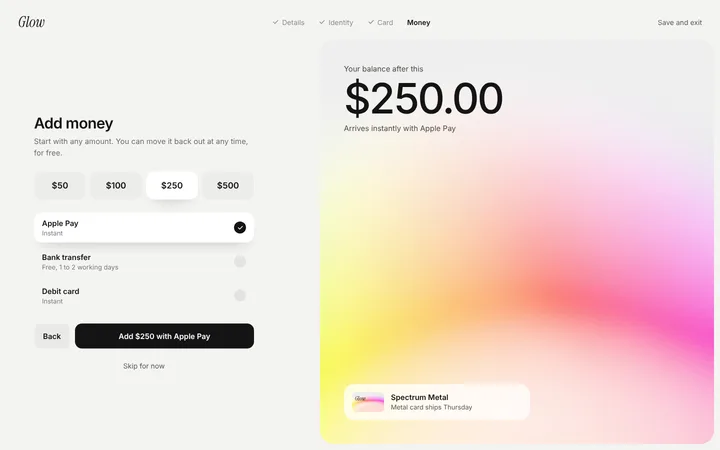
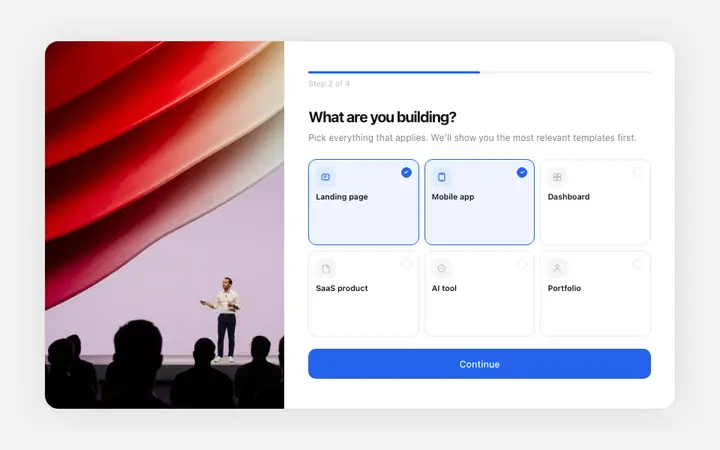
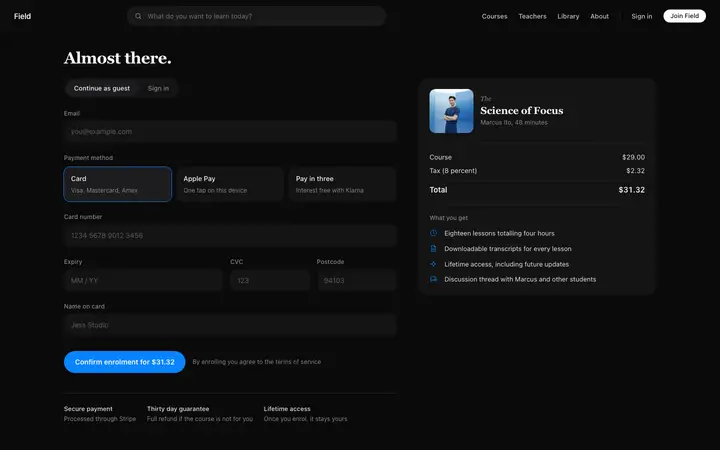
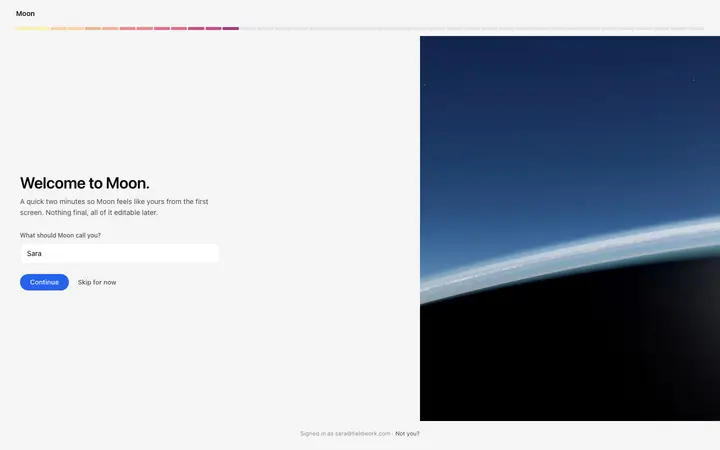
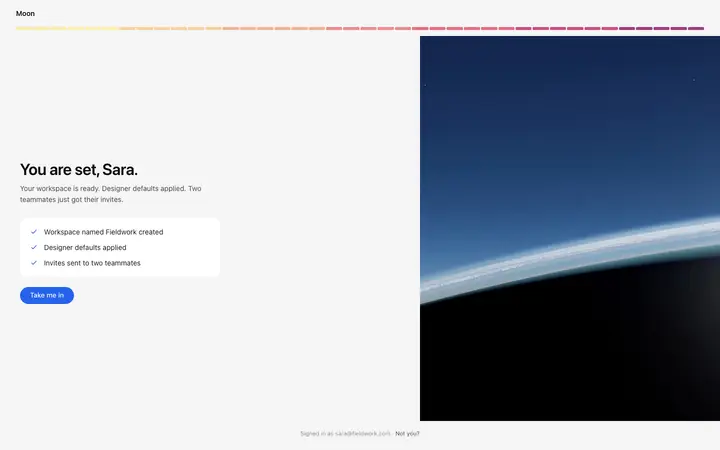
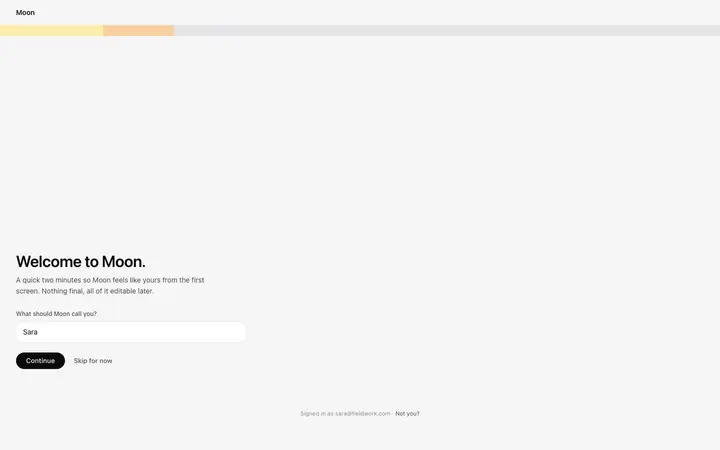
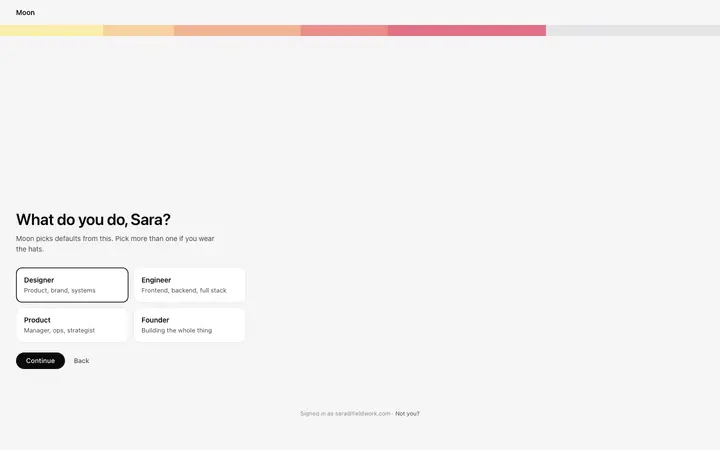
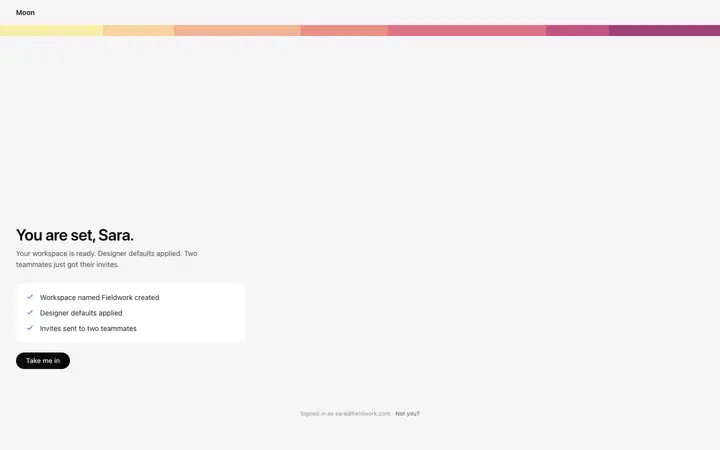
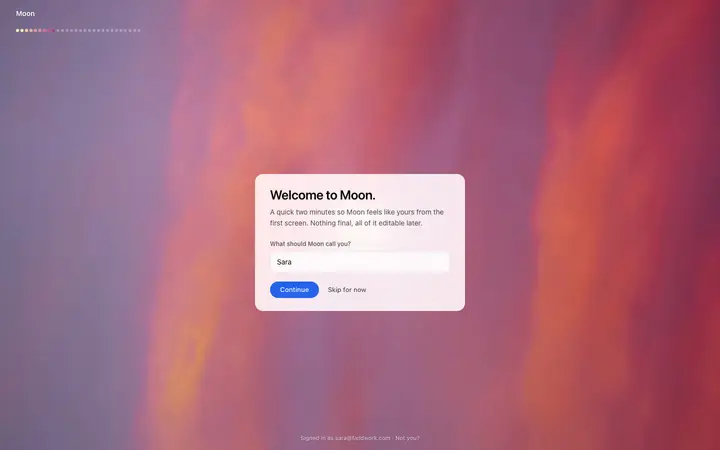
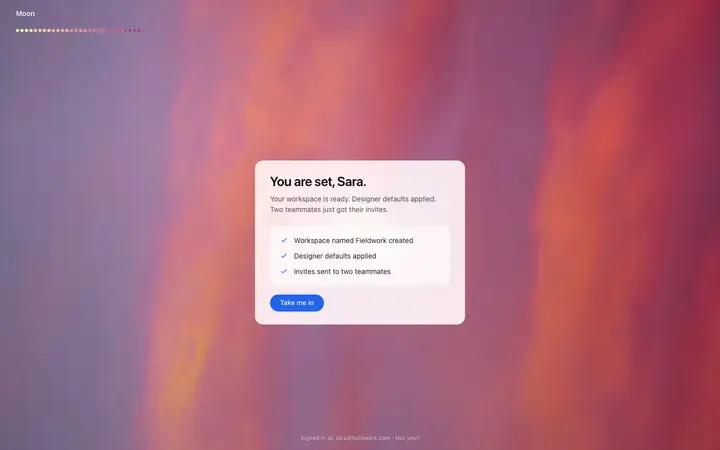
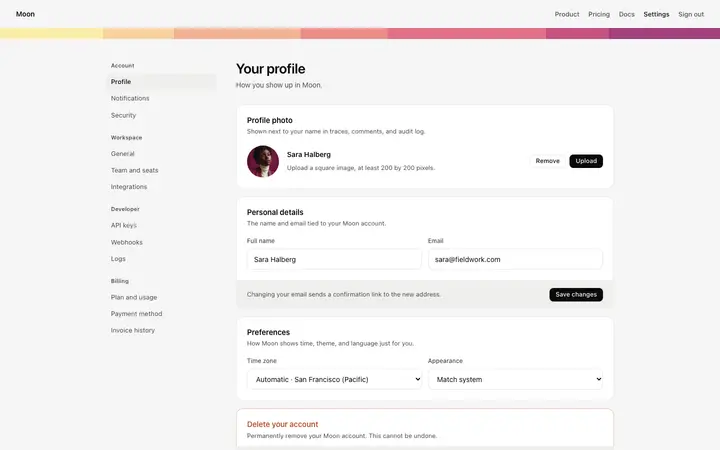
A form template is a ready made design with input fields, a submit button, and the surrounding layout. BrowserMoon form templates cover contact forms, newsletter signups, waitlist captures, and lead forms for SaaS and AI landing pages.
How do I connect a form template to a backend using a vibe coding tool?
Paste the form template into Claude Code, Replit, or Lovable and describe the backend you want. Tell the AI which service to send the form data to: your own database, Resend for email, or a third party tool. It wires the form submission while keeping the professional design intact.
Can I use these form templates with Supabase, Airtable, or Resend?
Yes. Claude Code, Replit, and Lovable can connect any BrowserMoon form template to Supabase, Airtable, Resend, or any other backend. Describe the integration you want in your prompt and the AI handles all the wiring while preserving the form layout.
How many fields should a signup form have?
As few as the product actually needs. Every field is another chance to reconsider, and most of what teams collect at signup could be asked later.
Should a demo form ask for company size?
If sales route on it, yes, and say why you are asking. Qualifying questions cost conversions when they arrive without a reason.
Do these forms come with a backend?
No. They are the design. Paste one into your AI coding tool and describe where the data should go, and it wires the submit to your own stack.
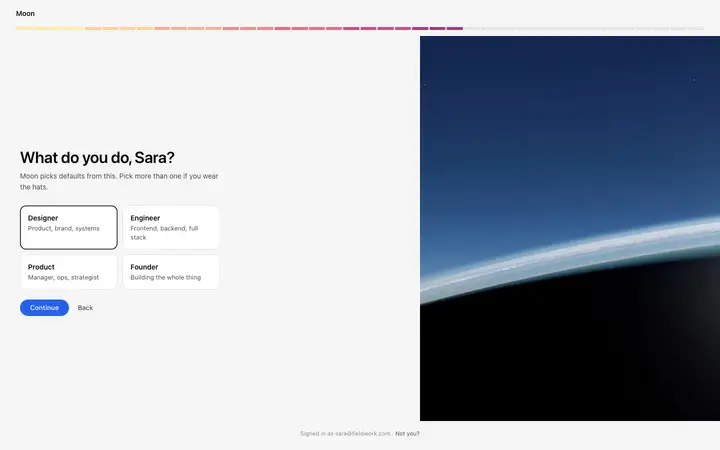
Single step or multi step?
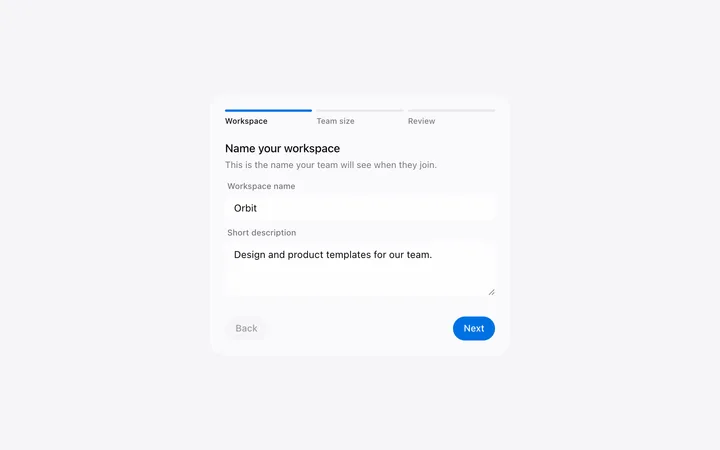
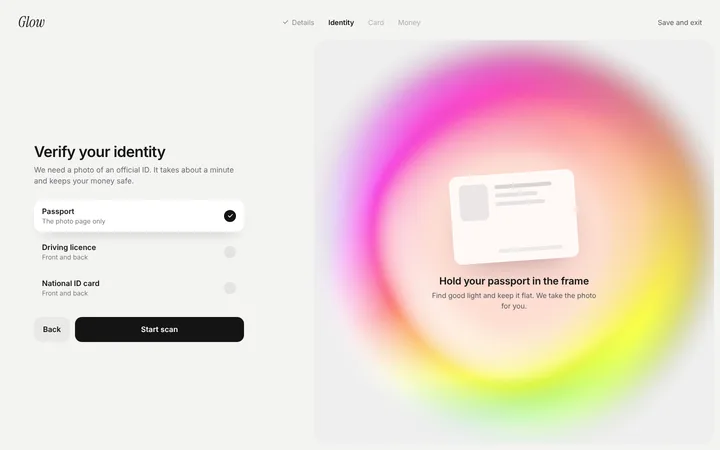
Single, unless the form is truly long. Multi step helps a ten field form and hurts a three field one by making it look longer than it is.