Documentation templates for SaaS and developer tools

Documentation site templates for SaaS products, developer tools, and API platforms. A docs home, a guide article layout, an API reference, a changelog, and a search results page, all in one visual style so the whole site matches. Every template is plain HTML and CSS, so paste one into Claude Code, Replit, Lovable, ChatGPT Codex, Bolt, or Cursor and fill it with your own guides.

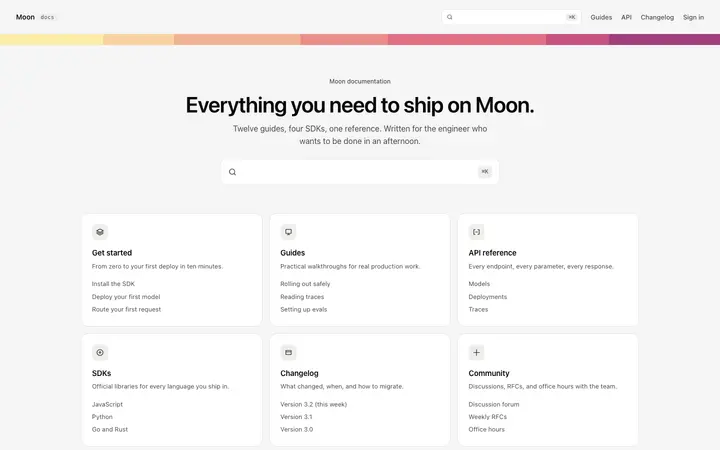
Documentation site template for SaaS

SaaS · 1,847 copies

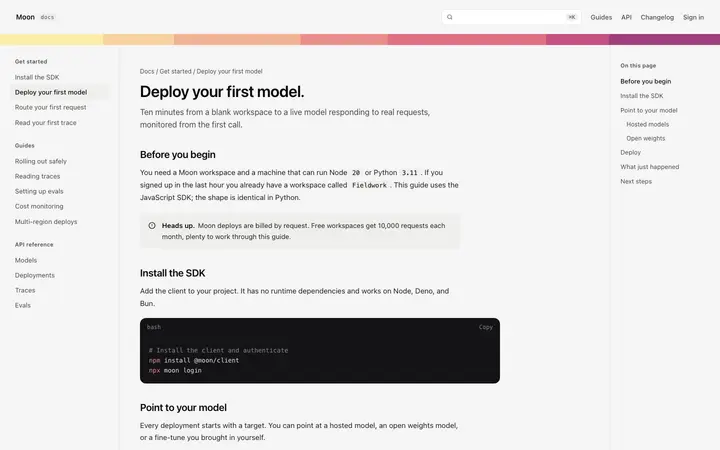
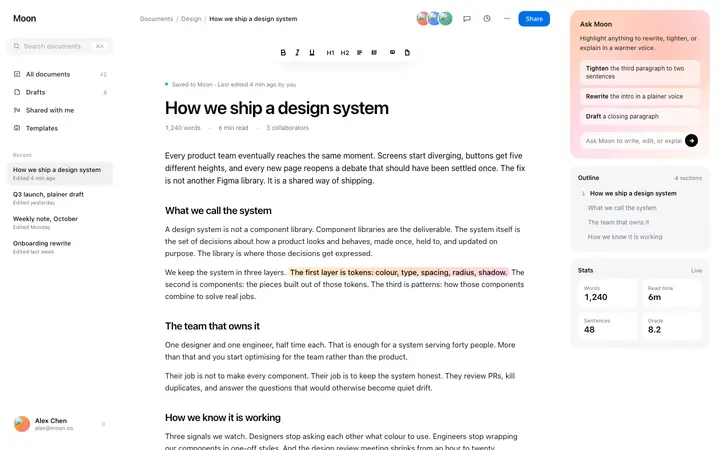
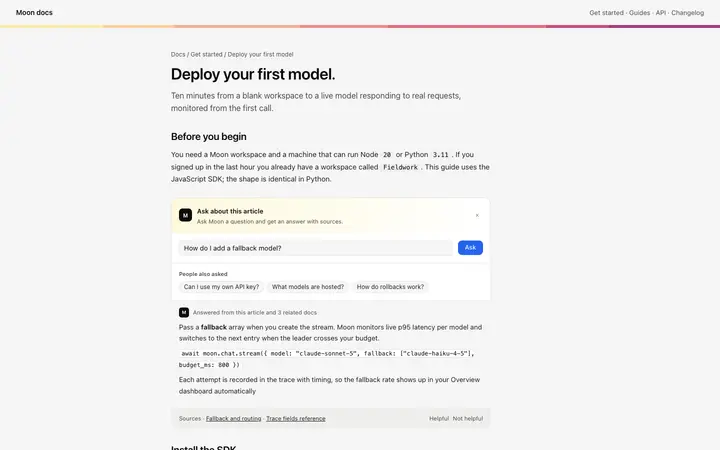
Documentation article template for SaaS

SaaS · 2,183 copies

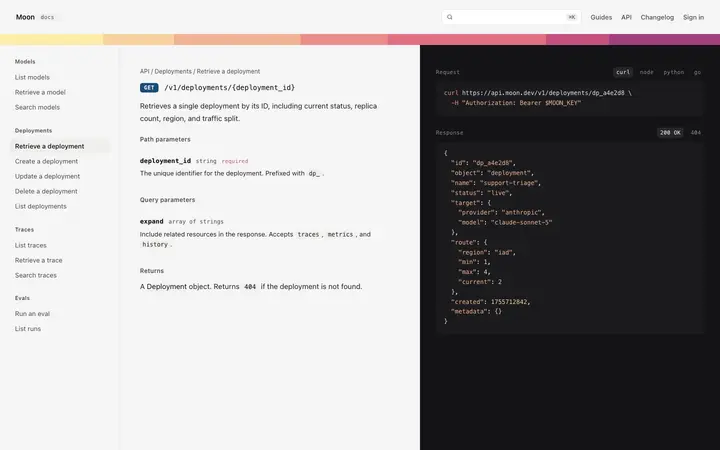
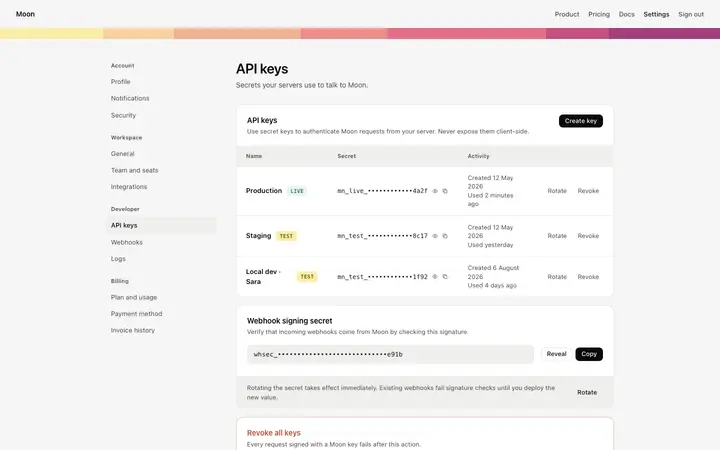
API documentation template for developers

SaaS · 1,624 copies

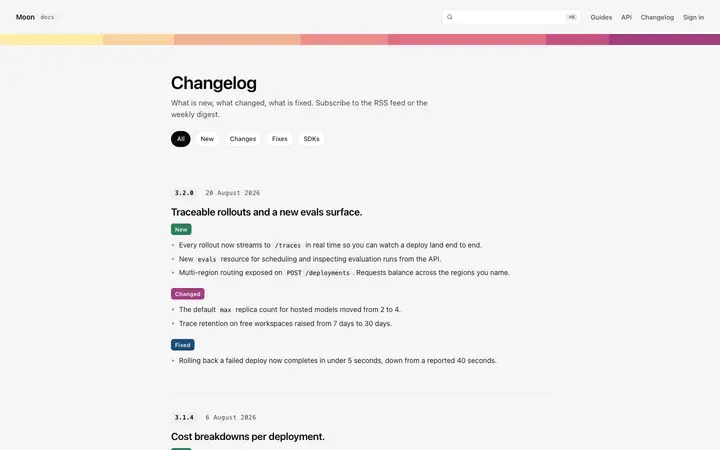
Changelog page template for SaaS products

SaaS · 1,438 copies

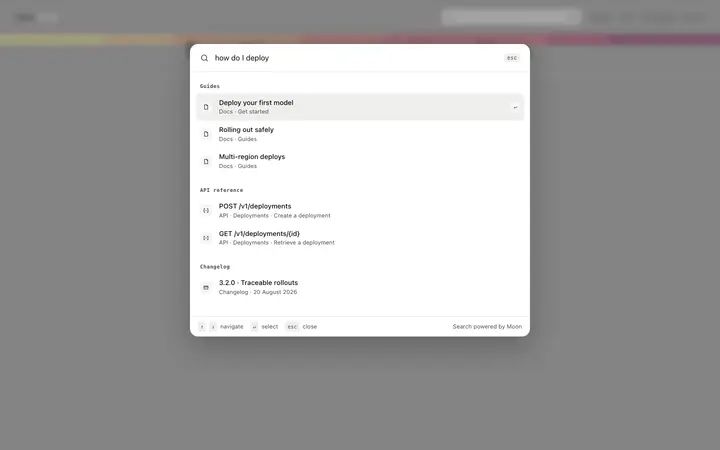
Documentation search template for SaaS

SaaS · 1,089 copies

Frequently asked questions

What is a documentation template?

A ready made layout for the pages a docs site needs: the home page people land on, a single guide with its own page outline, an API reference grouped by endpoint, a changelog of releases, and search results. BrowserMoon documentation templates cover the whole site in one style.

What pages does a documentation site need?

A home page that shows people where to start, article pages for the guides themselves, an API reference if you have an API, a changelog so users can see what shipped, and search. Anything past that is usually a variation on those five.

Do these documentation templates connect to a docs tool?

They are the design layer. Paste one into your AI coding tool and ask it to pull content from your markdown files, your CMS, or an OpenAPI file, and it wires the pages up while the layout holds.

Which vibe coding tools work with these documentation templates?

All of them. Paste any documentation template into Claude Code, Replit, Lovable, ChatGPT Codex, Bolt, or Cursor and describe your product and your sections. The tool rewrites the navigation and the copy while the design holds.

Works with any vibe coding tool