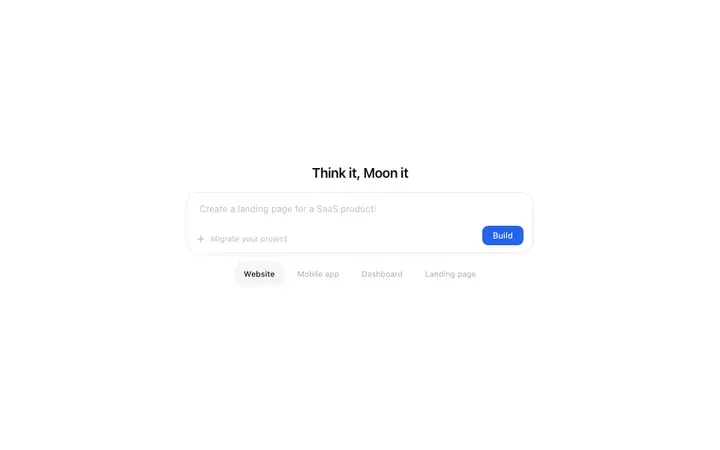
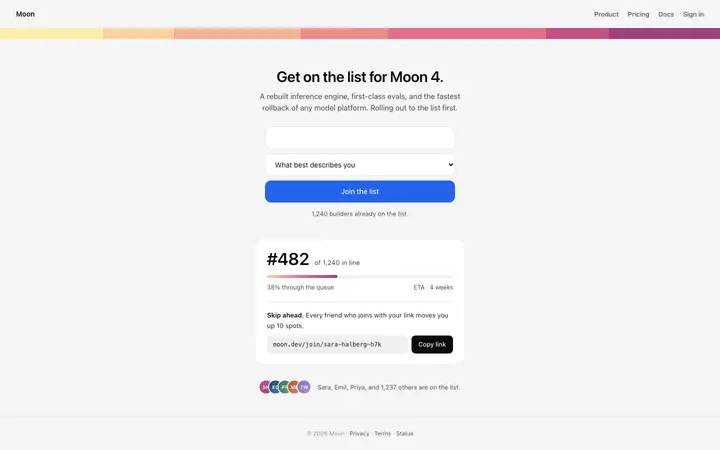
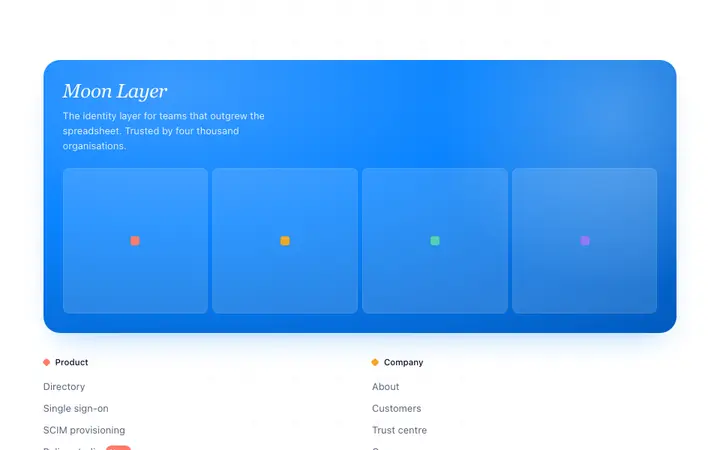
Cursor is an AI code editor that operates directly on your files. It reads your project structure, understands imports and dependencies, and makes targeted edits without regenerating the rest of the file. For vibe coding, that means Cursor does not start from a blank prompt. It starts from your codebase. A BrowserMoon template works as a design reference that Cursor integrates into what already exists, rather than generating something new alongside it.
This makes Cursor the right vibe coding tool for two scenarios: you have an existing project and want to add or replace a design component, or you want precise control over how the template maps to your Tailwind config, your design system, or your existing components.
Save the BrowserMoon template as a reference file
Create a reference/ folder in your project and save the template there. Then open Cursor's AI chat and instruct it:
"Read reference/hero.html and rebuild the homepage hero to match this design. Convert all styles to Tailwind classes. Keep the animation. Import our existing Button component from components/ui/Button."
Cursor reads the template, cross-references your project's Tailwind config and component library, and produces a file that fits your codebase. The reference file stays in the project for future sessions and chat threads.
Inline editing with a Moon vibe coding template in Cursor
Cursor's inline edit lets you select code and instruct it directly. This is the fastest way to apply targeted changes from a BrowserMoon template to an existing component.
Open the component file, select the region you want to redesign, and send a scoped instruction: "Replace this region with the design from reference/pricing.html. Convert the styles to Tailwind. Keep the existing data bindings and props."
Cursor replaces the selected code with a version that matches the template design while preserving the component's existing logic. No other file changes.
Tailwind conversion in Cursor with BrowserMoon templates
BrowserMoon templates use inline CSS. Cursor converts these to Tailwind classes accurately. The instruction that works best:
"Convert all inline styles to the nearest Tailwind equivalent. Where a value has no direct Tailwind class, add it to tailwind.config.js and use the custom token."
Cursor handles the conversion, creates the config entries, and produces a clean component that uses your project's Tailwind system throughout. This is the most precise vibe coding approach for projects with an established Tailwind setup.
Using BrowserMoon templates with an existing design system in Cursor
If your project has its own component library or design system, Cursor maps the template design to your existing tokens rather than creating new ones. Include the mapping in your instruction:
"Match the template's primary colour to our theme.colors.brand.primary token. Use our existing Text and Heading components for all typography. Wrap interactive elements in our Button component."
Cursor reads both the template and your design system files, then produces a component that uses your tokens, your naming conventions, and your import paths.
When to use Cursor instead of Bolt or Lovable for vibe coding
Choose Cursor when you already have a codebase and want the template to fit it. Choose Bolt or Lovable when you want the template to be the starting point for a new project. The distinction is whether the design is the foundation (use Bolt or Lovable) or an addition to something that already exists (use Cursor or Claude Code).
For the principles behind what makes a vibe-coded app or website look professional in any tool, the guide to making vibe-coded sites look professional covers the six design decisions that matter most.