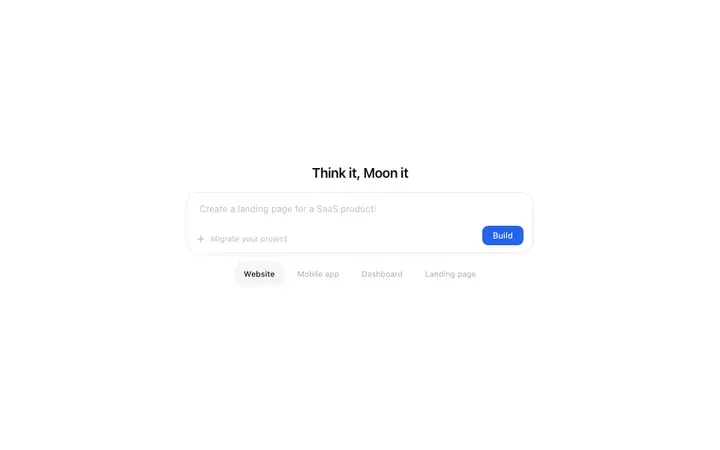
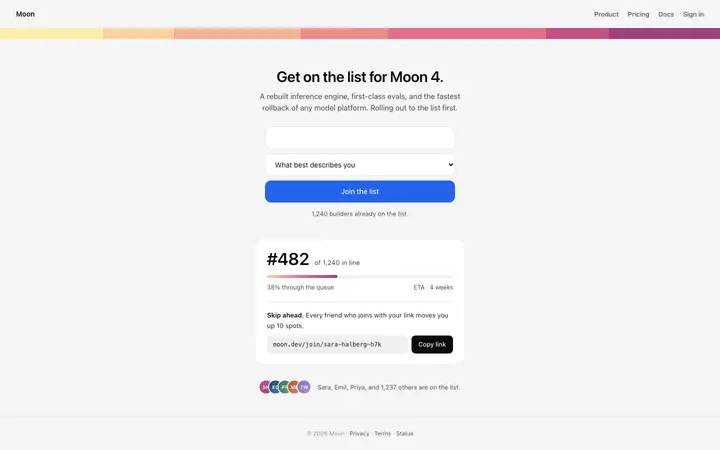
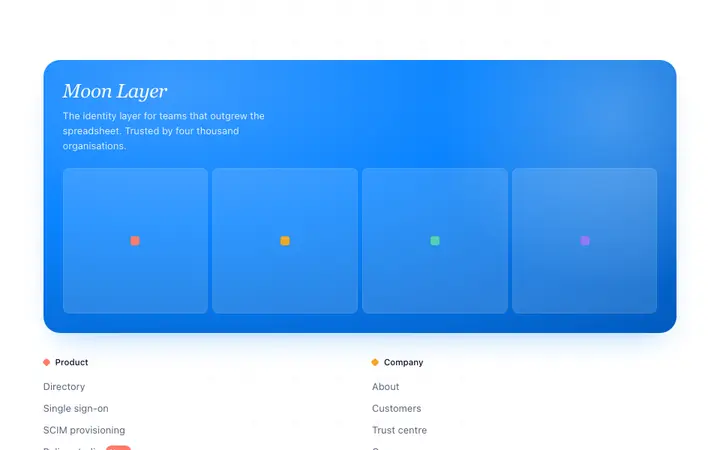
Claude Code reads your entire codebase before it writes a line of code. That makes it fundamentally different from prompt-first vibe coding tools like Bolt or Lovable. When you give Claude Code a BrowserMoon template, it does not just paste it into a new file. It reads your Tailwind config, your existing components, your font imports, and your folder structure, then integrates the template design into what you already have. That is why developers building in Next.js, React, or SvelteKit reach for Claude Code: the output matches the project, not just the prompt.
Save the template as a reference file in your project
The strongest approach for Claude Code is to save the BrowserMoon template to a file inside your project. Create a folder called reference/ and save the template there. Then tell Claude Code:
"Read reference/hero.html. Build a React component that matches this design exactly. Use our existing Tailwind theme tokens for colours and spacing. Import the Button component from components/ui/Button."
Claude Code reads the file, cross-references your existing theme, and produces a component that uses your project's own tokens and imports rather than inventing new ones. If your Tailwind config already defines a primary colour, Claude Code uses it. If your project uses shadcn/ui, it wraps the interactive elements in your existing components.
Tailwind and React conversion with Claude Code
BrowserMoon templates ship as plain HTML and CSS with no framework dependencies. Claude Code converts them to any framework and styling approach in your project. The instruction that works best is specific:
"Convert reference/hero.html to a React component. Use Tailwind for all styles. Map the template's colour values to our existing Tailwind theme. Flag any values that have no Tailwind equivalent so I can add them to the config."
Claude Code produces a single component file, a list of any missing Tailwind config entries, and a note on which design values it mapped to existing tokens. This is the fastest vibe coding approach for getting a professional design into an existing React or Next.js codebase.
Building a full page from multiple BrowserMoon templates
For a full landing page, save three or four BrowserMoon templates to the reference folder: a hero like the Parallax scroll hero template for AI SaaS, a pricing table like the Three tier pricing template for SaaS, and a navigation bar. Then instruct Claude Code:
"Read every file in reference/. Build a landing page at app/page.tsx that stacks these templates in order: navbar, hero, pricing, footer. Convert all styles to Tailwind. Use our existing layout components for the page wrapper."
Claude Code handles the assembly, the responsive breakpoints, and the connections between the templates. Each template becomes a separate component, imported and composed on the page.
When Claude Code is the right vibe coding tool for design
Claude Code outperforms other vibe coding tools in three scenarios: you have an existing codebase with established conventions, you need Tailwind or shadcn/ui integration, or you are building a multi-page app or website where design consistency across routes matters. If you are starting from scratch with no codebase, Bolt or Lovable will get you to a first version faster. If you have a project and want the design to fit it, Claude Code is the right choice.
For a deeper understanding of which design decisions have the most impact on whether a vibe-coded app or website looks professional, the vibe coder's design guide covers typography, colour, spacing, and component style with specific values.