In short
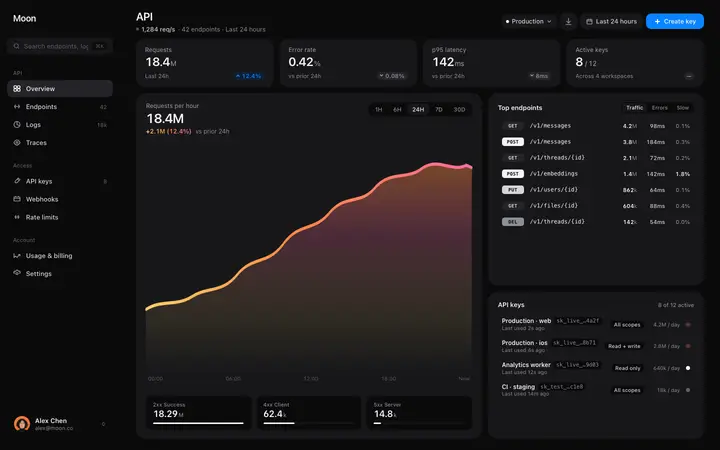
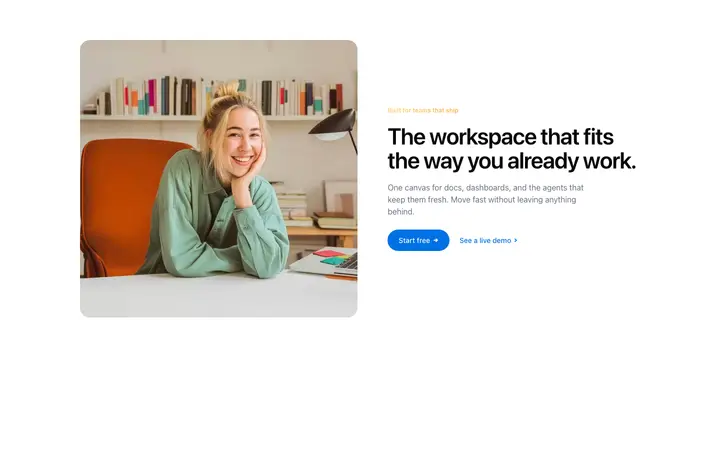
Cursor templates are ready-made website and app designs you reference in Cursor as a starting point. Instead of describing a design in words, you give Cursor a real design template and it builds your website or app around it. BrowserMoon is a library of these templates, covering landing pages, hero sections, pricing pages, dashboards, and more.
Cursor templates by category
How to design a website with Cursor using templates
Copy the template
Browse the gallery and copy the template you want to use as your starting point. Hero templates and navigation templates are the highest-value starting points for any project.
Paste into Cursor chat
Open Cursor, start a new chat or use the composer, and paste the template. Include your instruction in the same message.
Describe what to build
Tell Cursor the format you need: 'Convert this to a Next.js App Router component with Tailwind classes. The headline should read [your headline]. The CTA should link to /signup.' Cursor handles the transformation.
Use @-references for ongoing sessions
Save BrowserMoon templates to a reference folder in your project. Use @file references in Cursor to pull them into future chat sessions, so new components stay consistent with the original design.
Why vibe coding with Cursor works better with a template
Cursor understands your entire codebase and makes edits across multiple files in a single instruction. But the look and feel of what it builds depends on the design you give it. Without a template, Cursor invents a different style for each component, and your app or website ends up looking inconsistent as it grows.
A BrowserMoon template gives Cursor a consistent design to follow throughout a project. When you reference the same template in each vibe coding session, every new component matches the look of the first one.
Browse Cursor templates
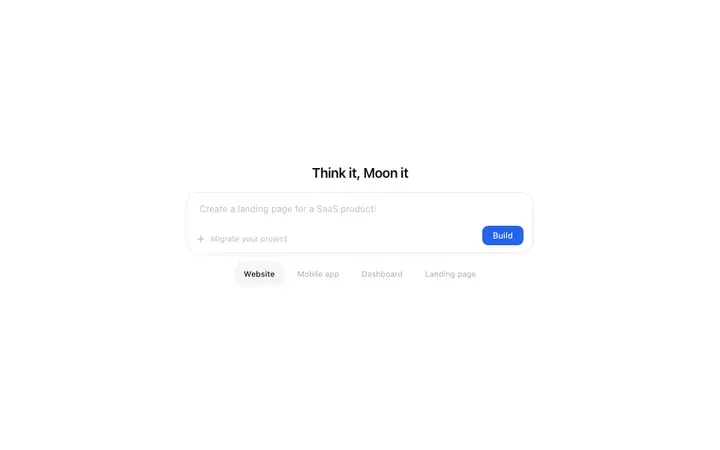
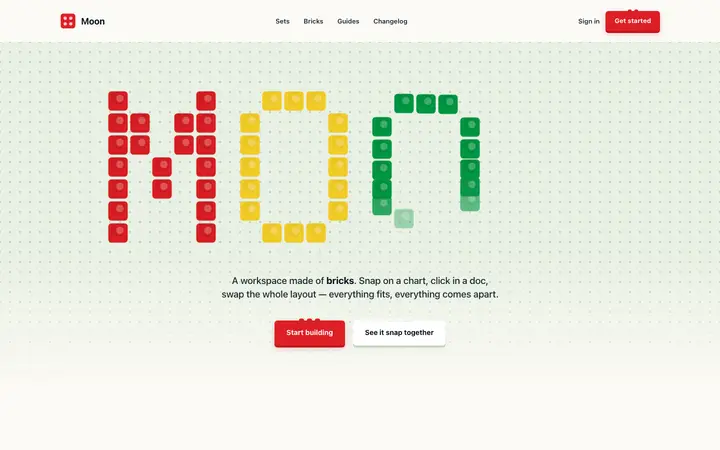
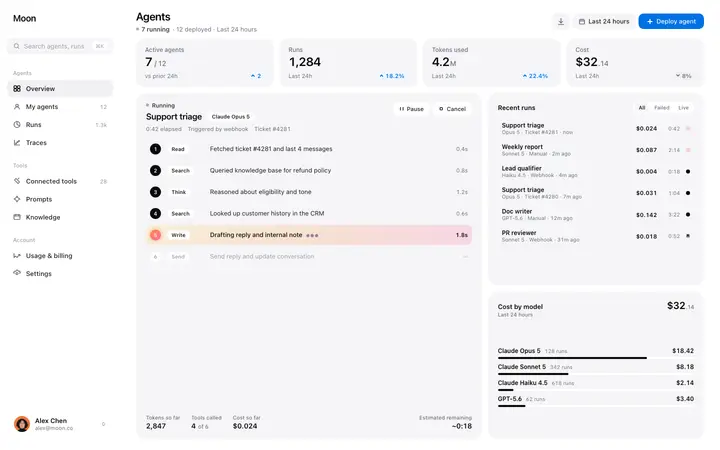
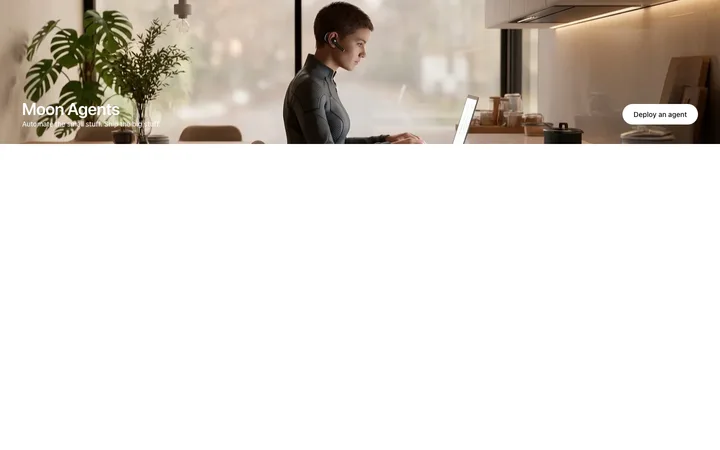
Every BrowserMoon section works with Cursor. Hero sections, navbars, pricing, dashboards, features, and footers.





Frequently asked questions
What are Cursor templates?
Cursor templates are ready-made design templates you paste into a Cursor chat session or save as a reference file in your project. BrowserMoon templates give Cursor a complete design to work from, so it generates components that match a specific visual style rather than inventing one from scratch.
How do I use a BrowserMoon template in Cursor?
Copy any BrowserMoon template and paste it into a Cursor chat message. Tell Cursor what to build: convert to a React component, add Tailwind classes, integrate it into your existing page layout. Cursor picks up the design from the template and applies it across your codebase.
Can Cursor convert HTML templates to Tailwind components?
Yes. Tell Cursor to convert the BrowserMoon template to Tailwind classes in your Cursor chat. Cursor translates the design into the nearest Tailwind utilities and wraps the output in a React or other framework component.
Can I use BrowserMoon templates in a Cursor Rules file?
Yes. Save a BrowserMoon template to your project's reference folder and point to it in your Cursor Rules. Cursor reads referenced files when generating components, which keeps the design consistent across every new file it creates.
Do Cursor templates work for Next.js projects?
Yes. Cursor converts BrowserMoon templates to Next.js App Router components, adds TypeScript types, applies Tailwind classes, and integrates them into your project structure. The design carries over directly.
Related