In short
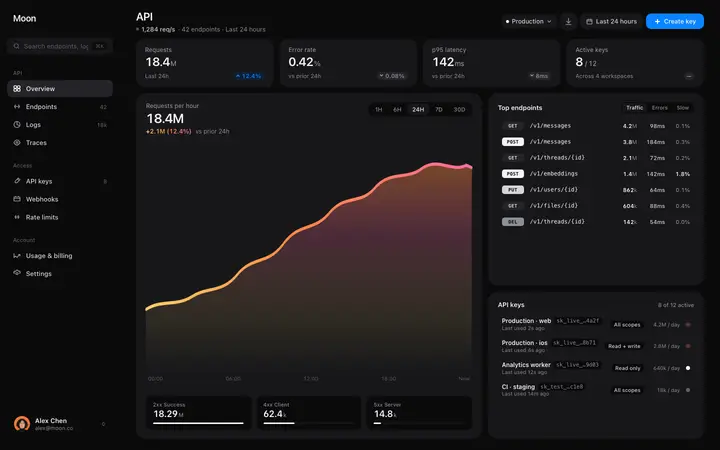
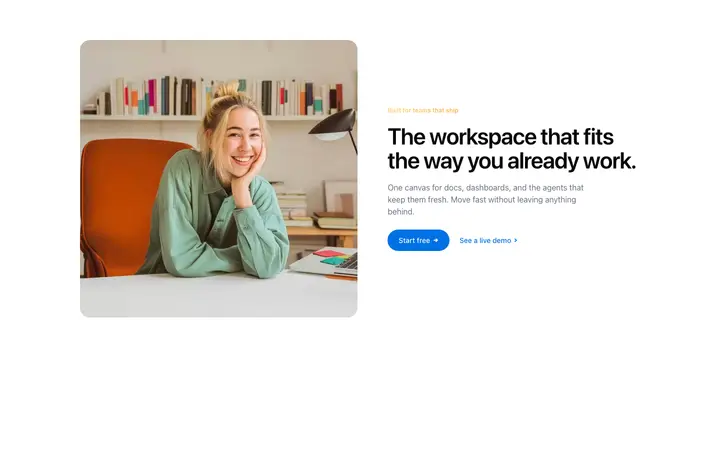
Claude Code templates are ready-made website and app designs you paste into Claude Code as a starting point. Instead of building from a blank screen or getting stuck with the default look, you start with a professional design and let Claude Code turn it into working code for your project. BrowserMoon is a library of these templates, covering landing pages, dashboards, pricing sections, hero blocks, and more. This is the fastest way to vibe code a website or app that actually looks finished.
Claude Code templates by category
How to use templates with Claude Code
Pick a template from BrowserMoon
Browse the gallery and copy the design you need. Landing page templates, hero sections, pricing tables, dashboards, navbars, and footers are all available as Claude Code design references.
Paste it into Claude Code and describe your app or website
Open Claude Code and paste the template with a description. For example: 'Use this as my homepage hero. My headline is: Build faster with AI. Link the button to /signup.' Claude Code does the rest.
Claude Code builds around the design
Claude Code adapts the template to your project, replaces placeholder text with your copy, and integrates everything into your existing files. It matches the conventions you already have.
Refine with follow-up messages
Ask for specific changes and Claude Code edits only the relevant files. Adjust colours, spacing, or layout without starting from scratch.
Why vibe coding with Claude Code needs a design template
Claude Code is one of the best tools for building apps and websites with AI. It writes directly into your project files, connects APIs, sets up databases, and handles complex logic. But it was not built to design. Without a reference, Claude Code invents a different look for every page. The spacing is off, the typography is inconsistent, and the result looks like a prototype instead of a product.
A design template changes that completely. When you paste a BrowserMoon template into Claude Code, it treats that design as the standard for everything it builds. Every page, every section, every component follows the same visual direction. The result looks like a designer and a developer worked on it together, because the design decisions were already made by a human.
What makes Claude Code different from other AI coding tools
Most AI coding tools run in the browser. Claude Code runs in your terminal. It reads your project files, understands your folder structure, and writes code directly into the files where it belongs. When you paste a design template, Claude Code does not generate a standalone preview. It builds the design into your actual codebase using whatever stack you already have.
This makes Claude Code the best option when you want full control. You see every file it creates. You can review every line before it runs. And because it works inside your existing project, it automatically matches your conventions, your framework, and your folder structure. A BrowserMoon template gives Claude Code the design. Claude Code gives you the code.
For developers who want the speed of vibe coding without giving up control over their codebase, Claude Code with a design template is the cleanest path from idea to finished product.
Who uses Claude Code templates
Claude Code templates are used by developers and builders who want professional design without switching tools. If you already work in a terminal and want your AI-generated pages to look as good as a hand-designed site, this is the fastest way to get there.
Solo builders use Claude Code templates to ship full products, from landing pages to dashboards, without a design phase. Developers at startups use them to add new pages that match an existing brand. Freelancers use them to move faster on client projects without starting from a blank file every time.
The common thread is speed. A design template turns Claude Code from a code generator into a full design and code solution. You get a polished result on the first try instead of going back and forth trying to describe what you want the page to look like.
Claude Code templates vs other AI coding tools
BrowserMoon templates work with every AI coding tool. Here is how Claude Code compares when using design templates.
| Tool | Best for | Writes to your files | Full codebase control |
|---|---|---|---|
| Claude Code | Full apps, existing projects | Yes | Yes |
| Lovable | Multi-page apps, full stack | No, hosted | Partial |
| Bolt | Landing pages, quick deploys | No, hosted | No |
| Replit | Full stack, cloud IDE | Cloud files | Partial |
| Cursor | Existing codebases, IDE users | Yes | Yes |
Claude Code and Cursor are the two tools that write directly into your local project files. The difference is that Claude Code works in the terminal, while Cursor works in a code editor. Both pair well with BrowserMoon templates. Lovable and Bolt are better when you want everything hosted and deployed in one step, but you trade some control for that convenience.
Browse Claude Code templates
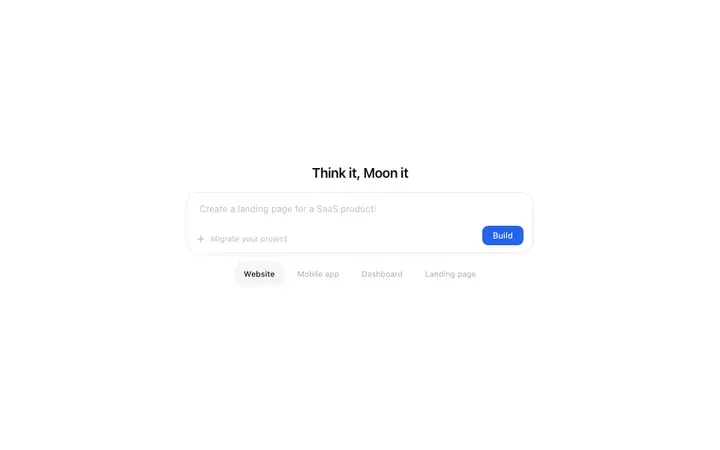
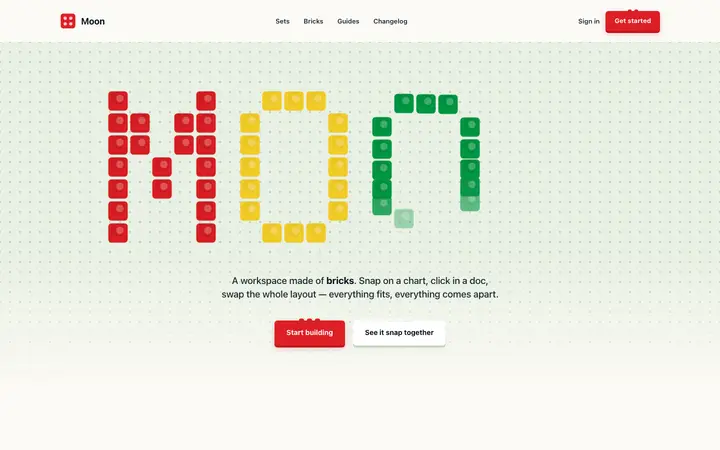
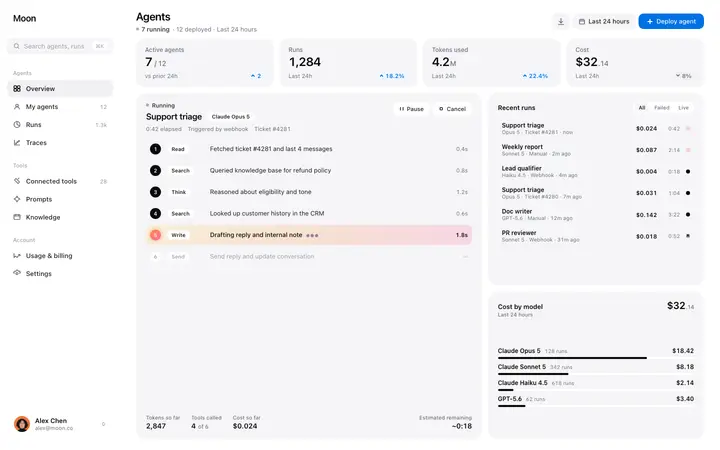
Every template in the BrowserMoon library is designed for vibe coding with Claude Code. Landing page designs, hero sections, pricing pages, dashboards, navigation bars, and more.






Frequently asked questions
What are the best templates for Claude Code?
The best Claude Code templates are ready-made website and app designs you paste into Claude Code as a design reference. BrowserMoon offers professional templates for landing pages, dashboards, pricing sections, hero sections, and more. Claude Code reads the design, adapts it to your project, and builds around it so every page looks polished from the start.
How do I design a website with Claude Code?
Start with a template from BrowserMoon. Copy it, paste it into Claude Code, and describe what you want: your headline, your colours, where the sign-up button should go. Claude Code turns the template into working code for your project and matches your existing setup. This is vibe coding at its best: you focus on the design you want and Claude Code handles the code.
Can I use vibe coding templates with Claude Code?
Yes. BrowserMoon templates are built for vibe coding with Claude Code. Paste any template into your Claude Code session and describe the app or website you are building. Claude Code converts the design to React, Next.js, Svelte, Vue, or any other framework and keeps the design consistent across your entire project.
Do Claude Code templates work with React and Next.js?
Yes. Claude Code automatically converts any BrowserMoon template to React, Next.js, Tailwind, or whatever stack your project uses. Just tell Claude Code your framework and it handles the conversion while keeping the design intact.
How many templates can I use in one Claude Code project?
As many as you need. For a single section, paste the template directly in chat. For a full website with multiple pages, save the templates to a folder in your project and point Claude Code to that folder. It combines them into a cohesive layout and keeps the design consistent across every page.
Related