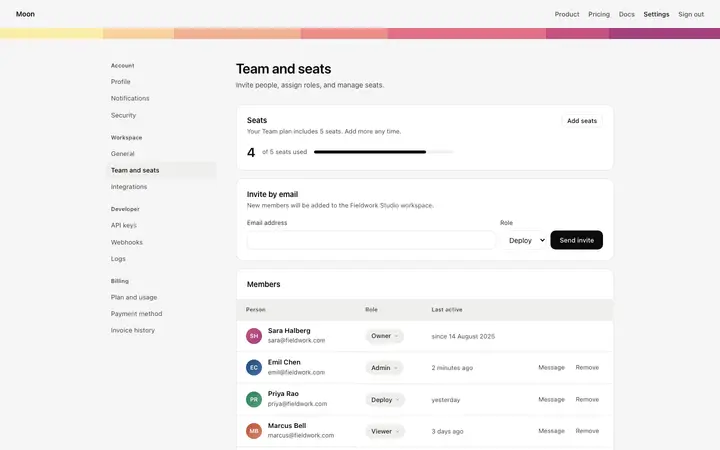
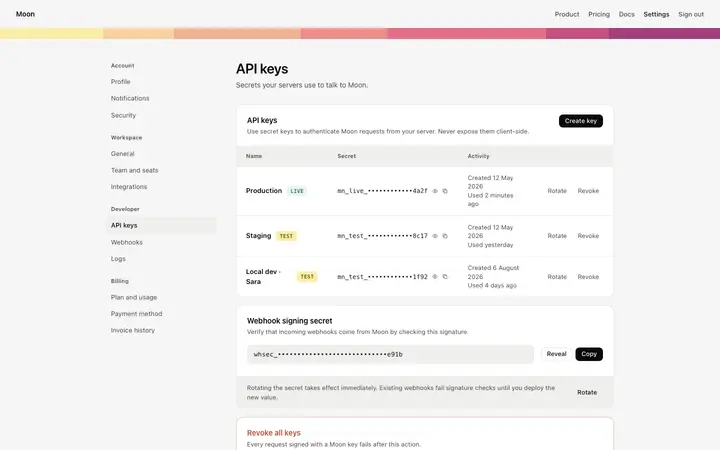
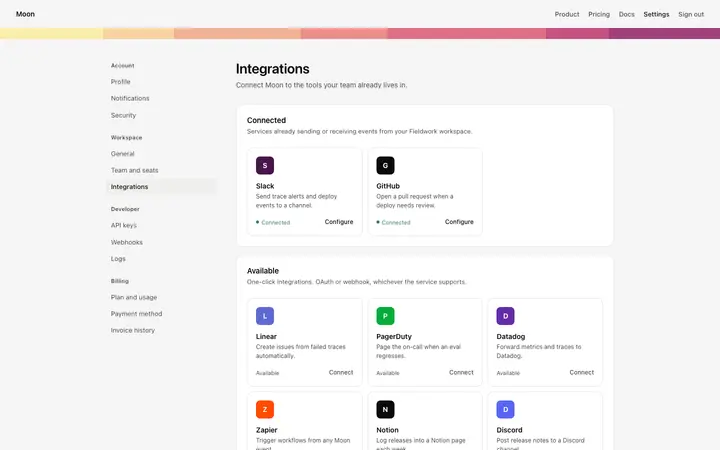
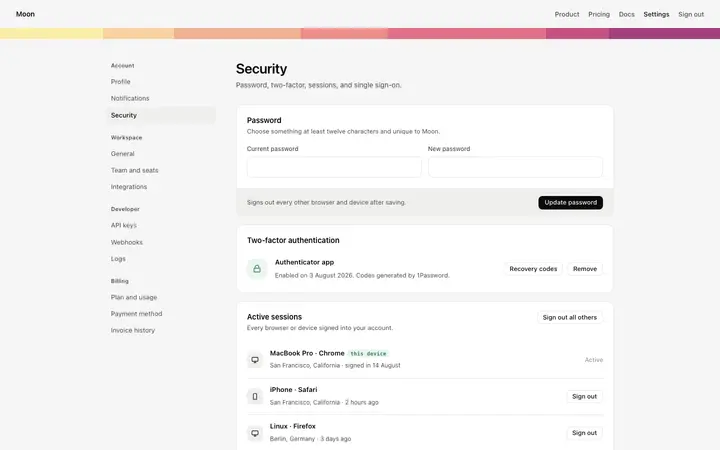
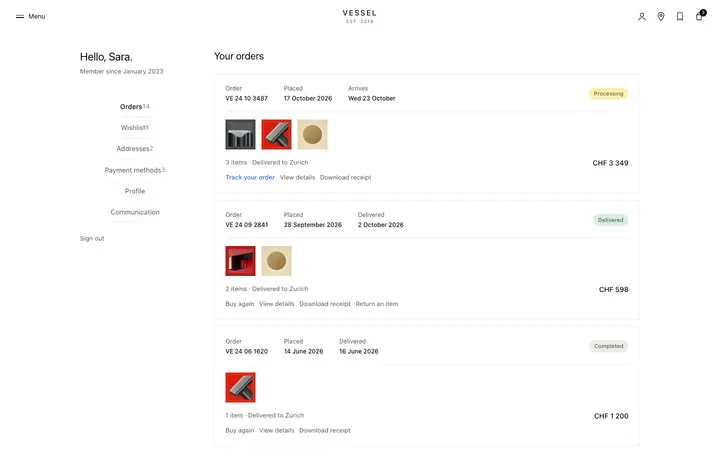
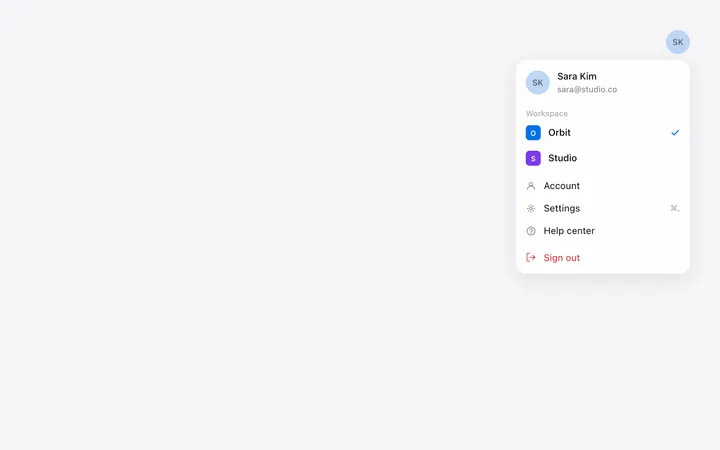
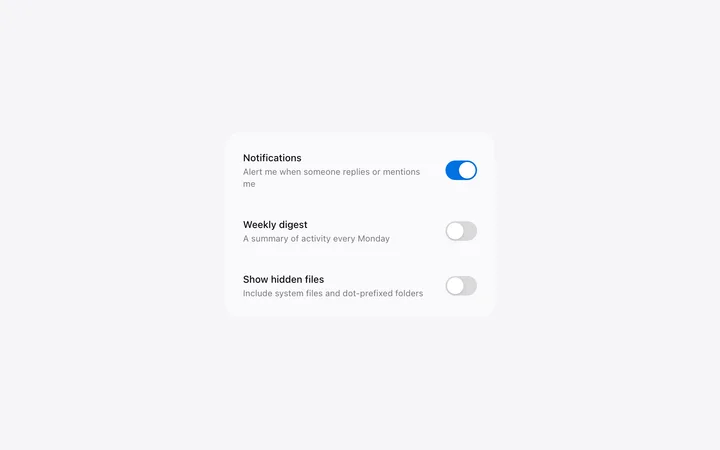
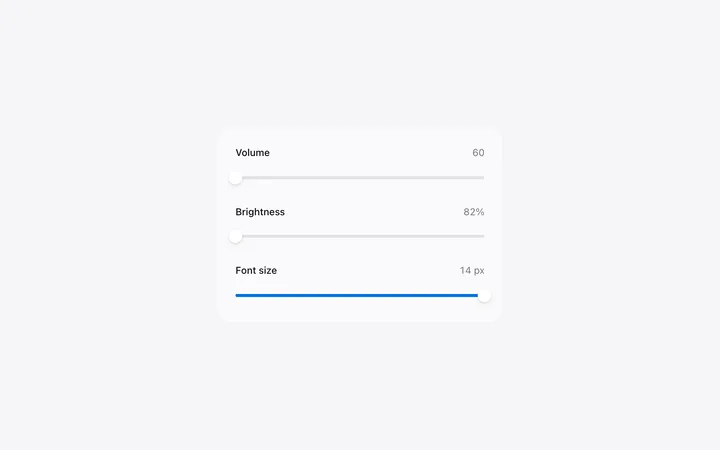
Settings templates for SaaS apps, developer tools, and web products. Account settings, workspace settings, team members with roles, API keys, integrations, and security, all sharing one sidebar so they read as a single surface. Every template is plain HTML and CSS, so paste one into Claude Code, Replit, Lovable, ChatGPT Codex, Bolt, or Cursor and connect it to your own product.
Frequently asked questions
What is a settings page template?
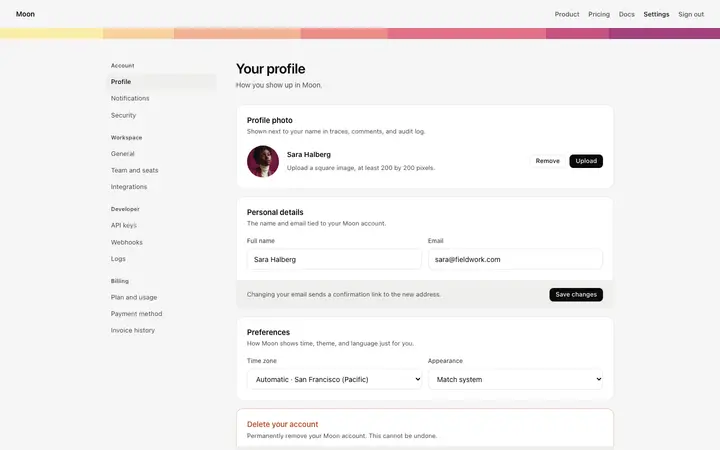
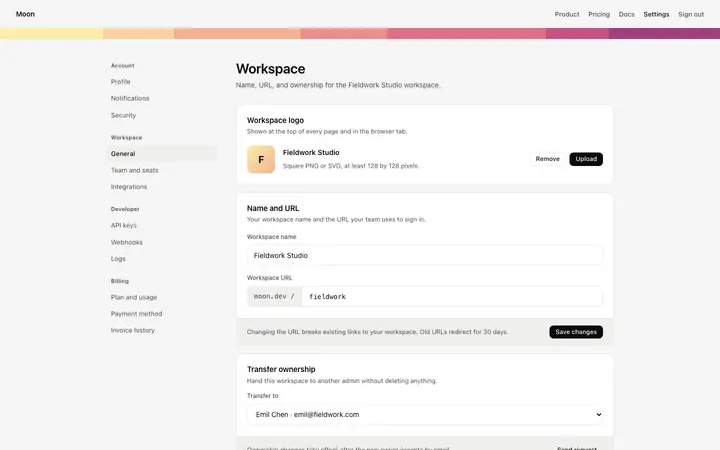
A ready made screen for the parts of a product where people change how it works: their account, the workspace, team members and roles, API keys, connected apps, and security. BrowserMoon settings templates share one sidebar so the whole area feels continuous.
What pages does a SaaS settings area need?
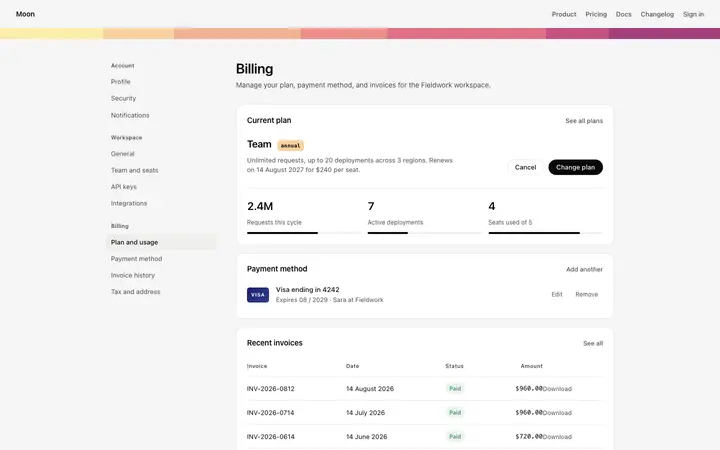
Account settings for the person, workspace settings for the organization, team members for roles and invites, security for passwords and sessions, and billing. Developer products add API keys and integrations on top of those.
Where do destructive actions belong in settings?
At the bottom of the page they apply to, set apart from everything else, with the consequence spelled out. Deleting an account belongs on account settings, and deleting a workspace belongs on workspace settings, so neither is reachable by accident.
Which vibe coding tools work with these settings templates?
All of them. Paste any settings template into Claude Code, Replit, Lovable, ChatGPT Codex, Bolt, or Cursor and describe your product and your options. The tool rewrites the sections and the fields while the design holds.
Works with any vibe coding tool