What is a CTA template?
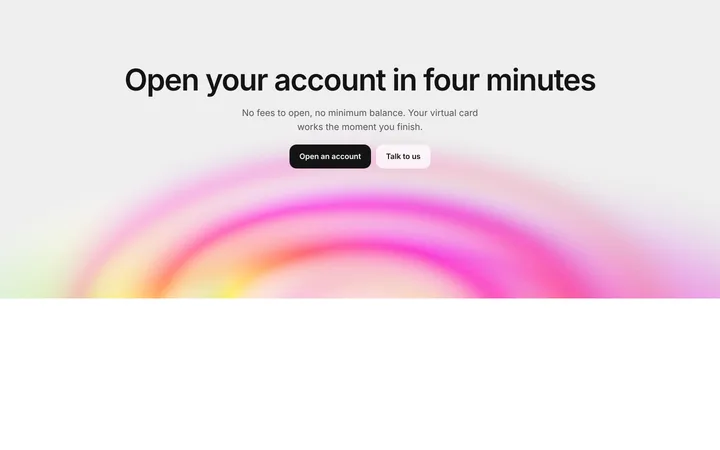
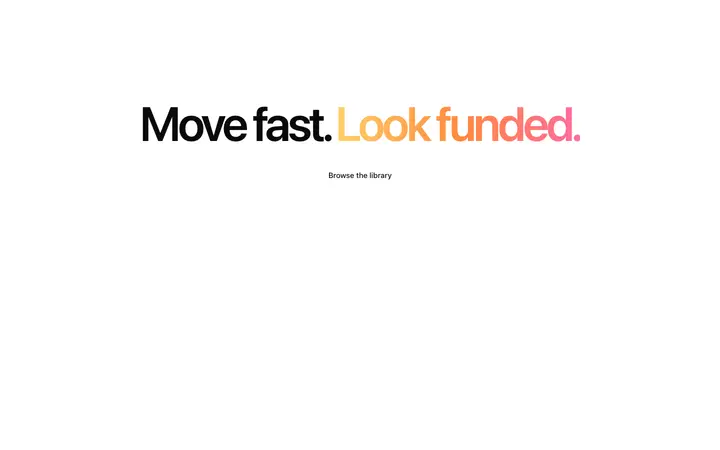
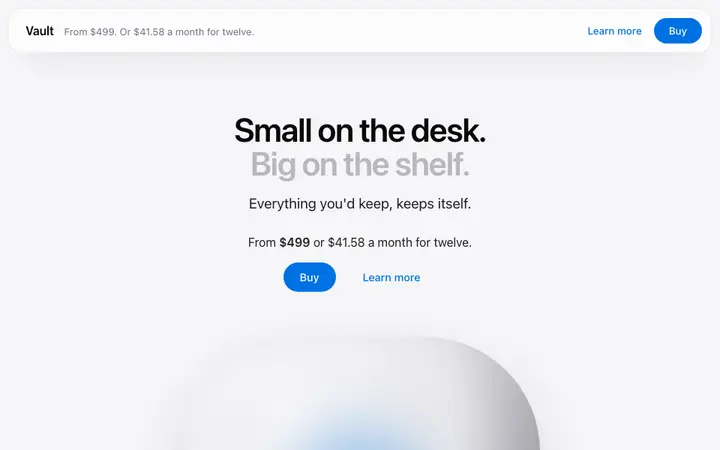
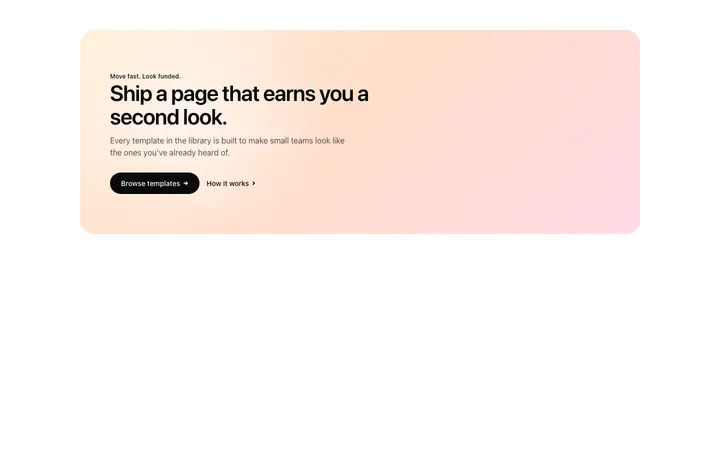
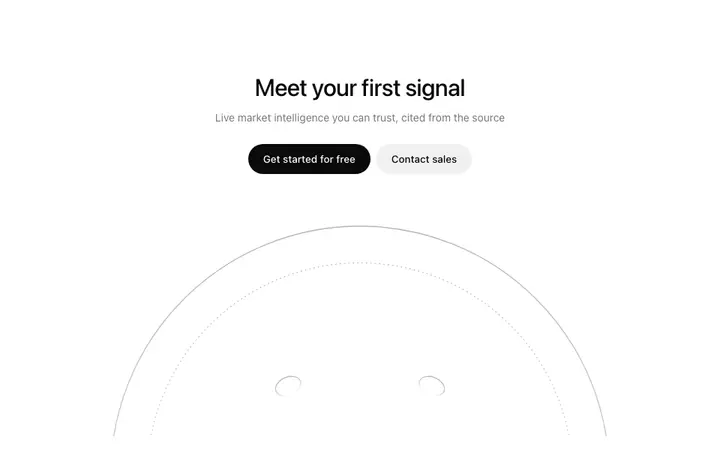
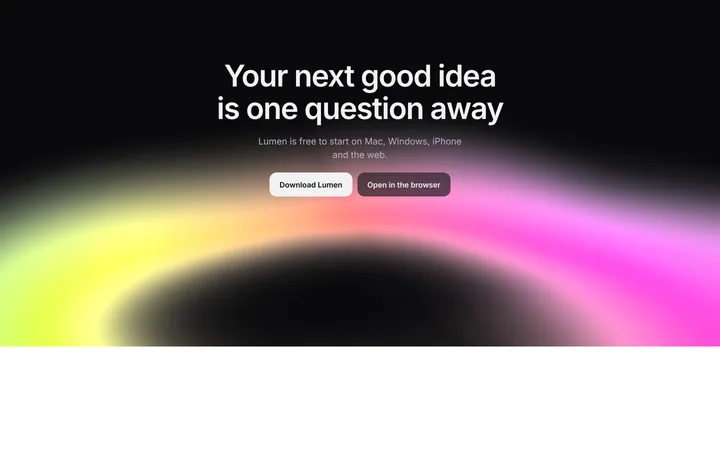
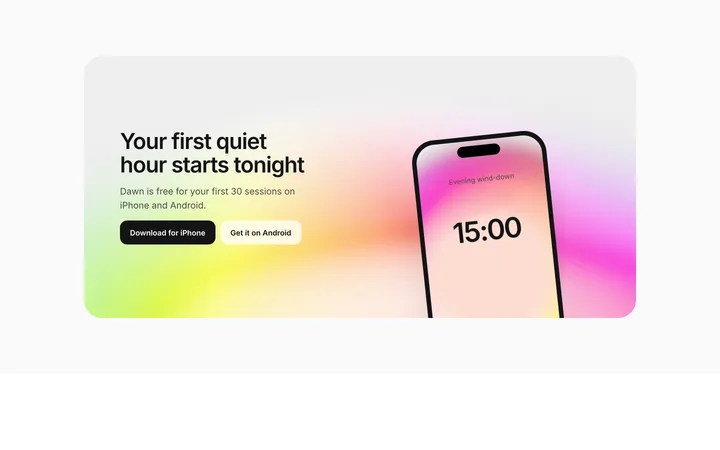
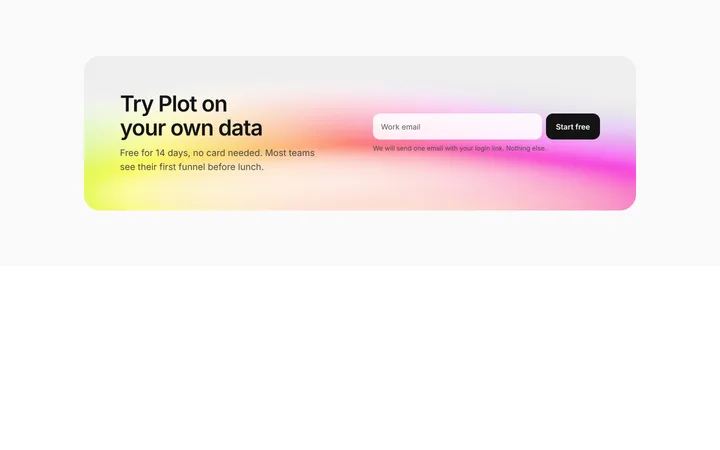
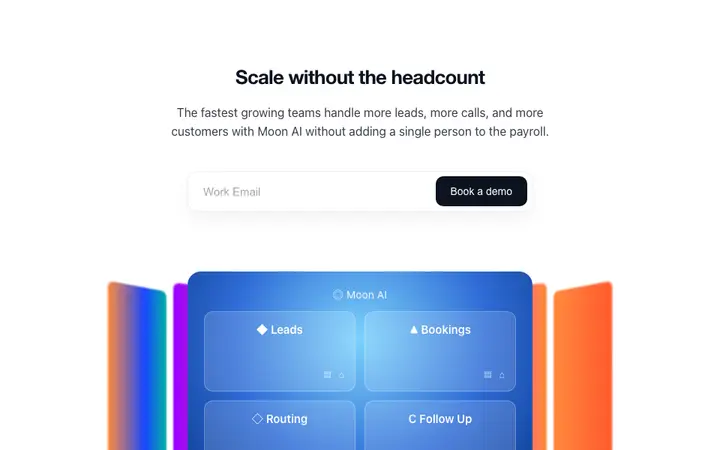
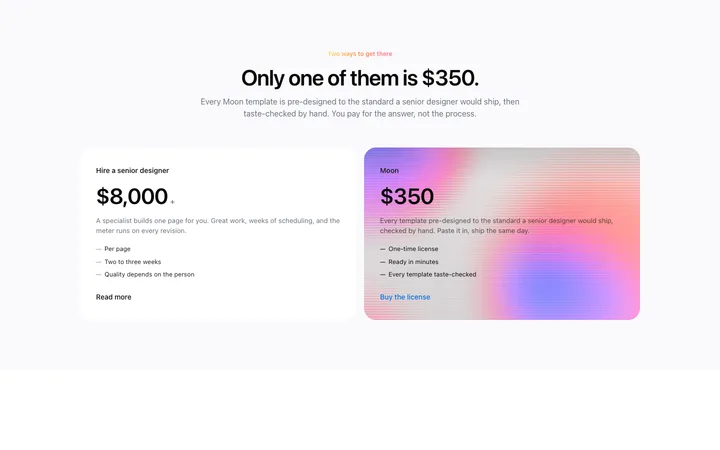
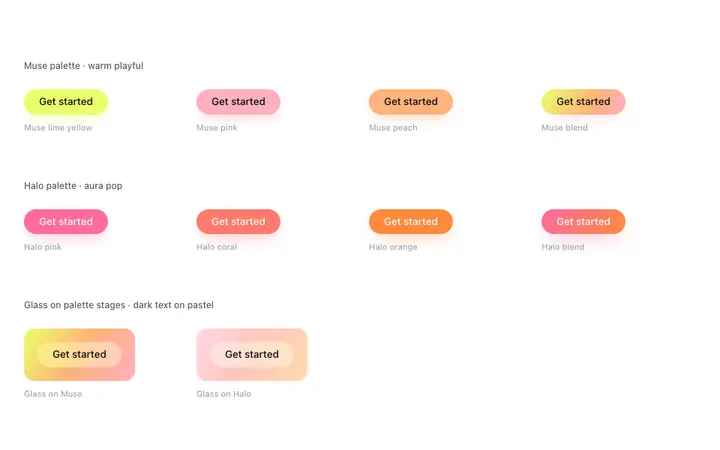
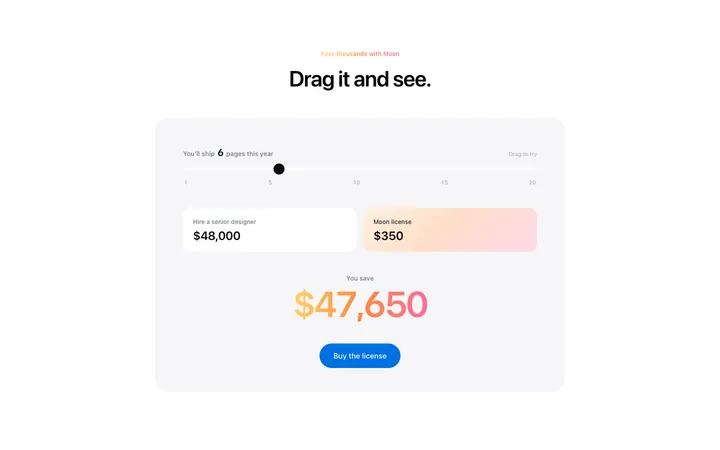
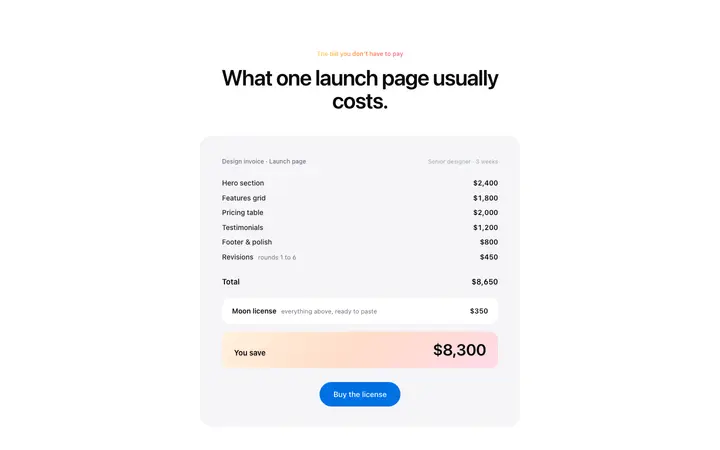
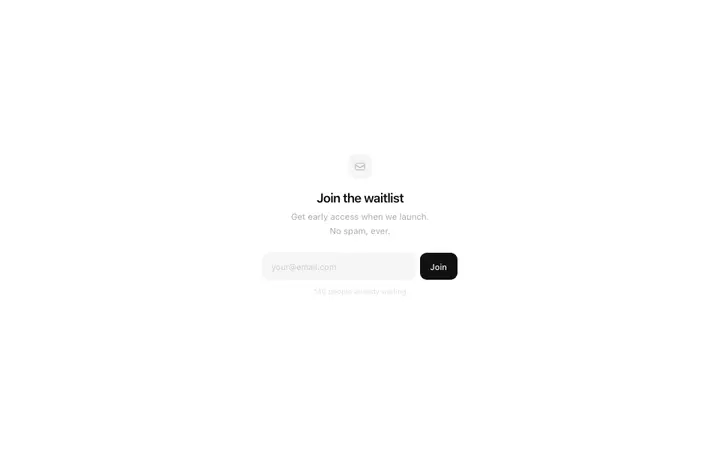
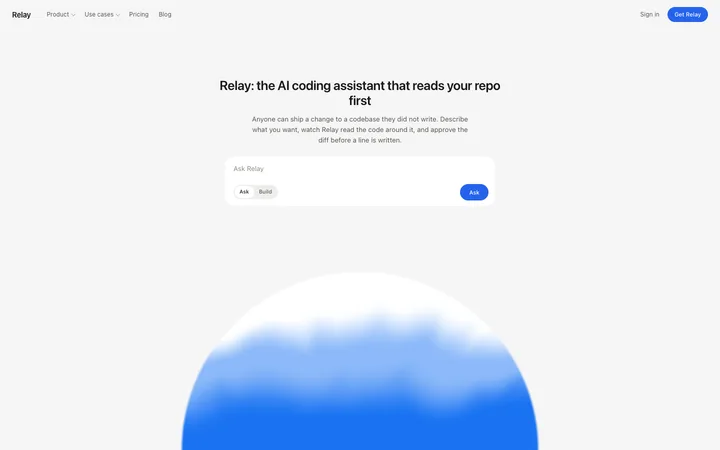
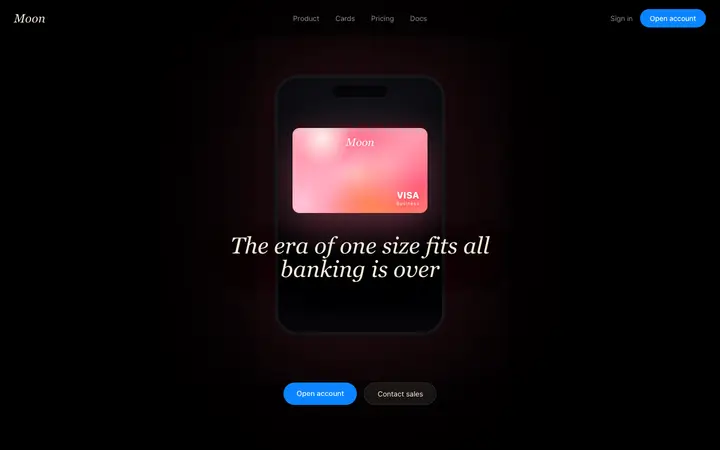
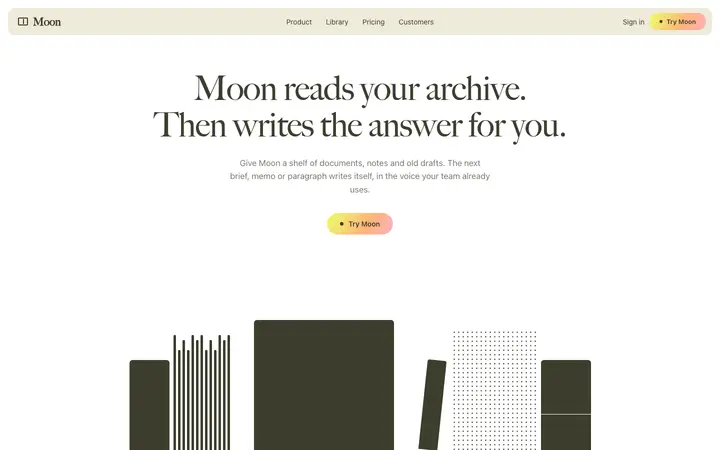
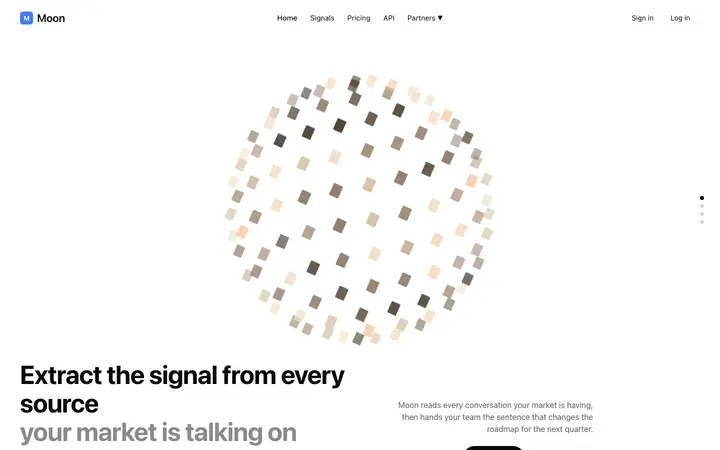
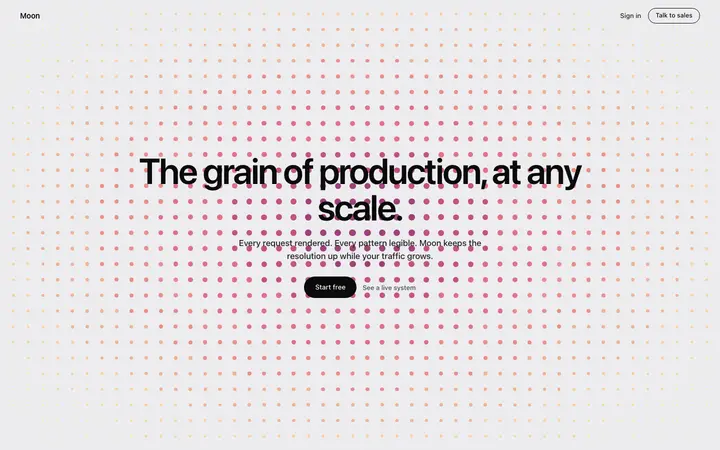
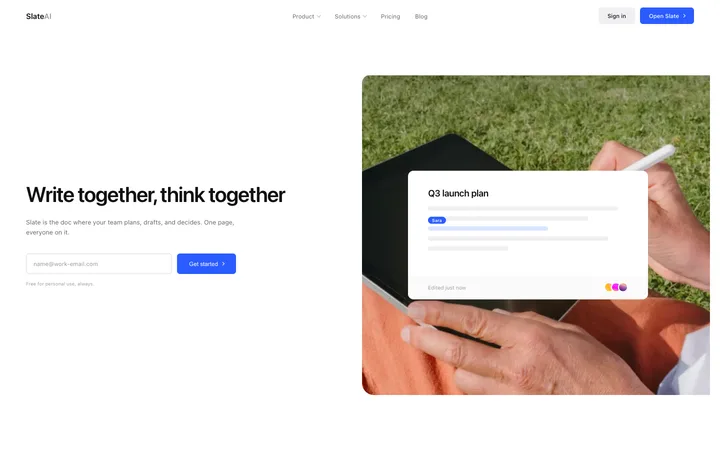
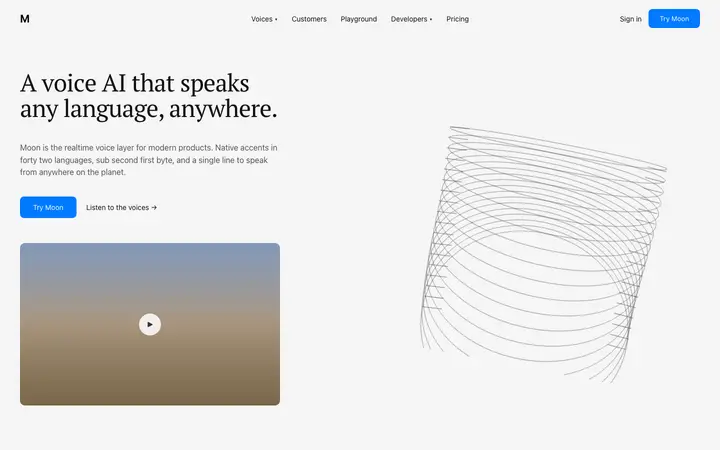
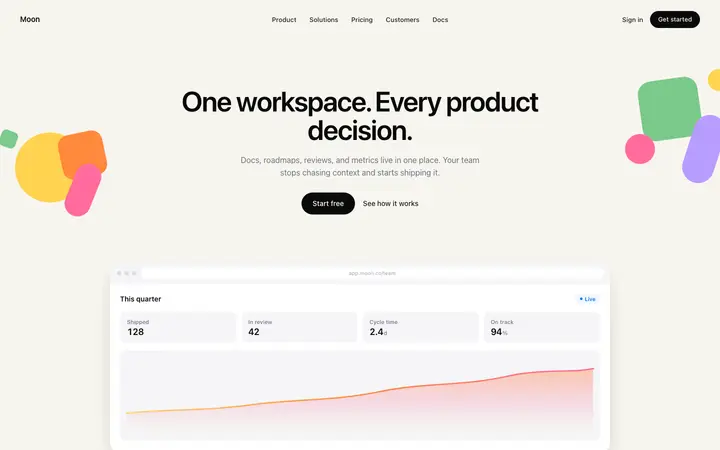
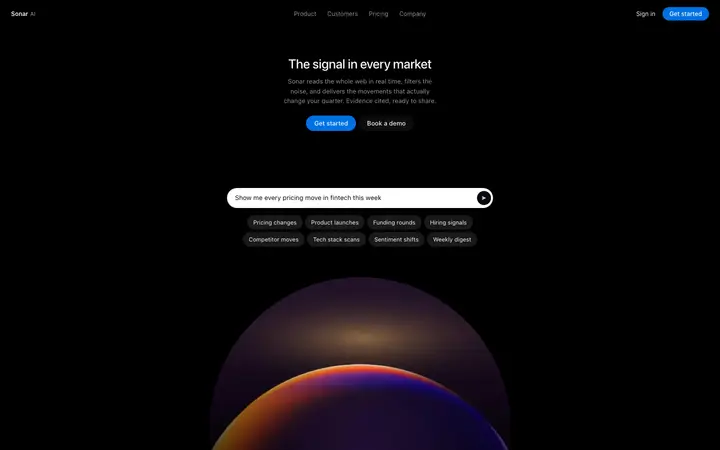
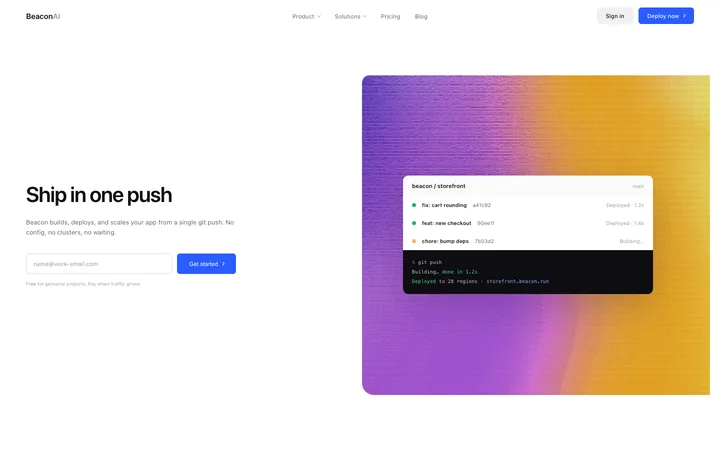
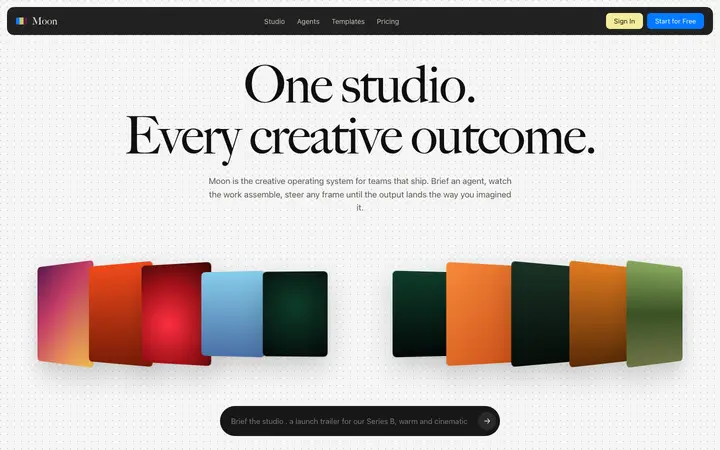
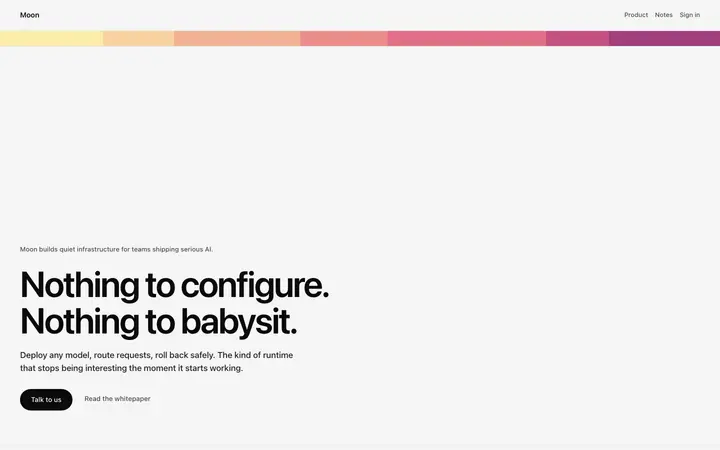
A CTA template is a ready made design that prompts a specific action from a visitor, such as signing up, starting a trial, or contacting sales. BrowserMoon CTA templates are focused layouts with a headline, supporting copy, and a primary button designed for AI products and SaaS landing pages.
How do I use a CTA template with Bolt, Claude Code, or Lovable?
Paste a BrowserMoon CTA template into Bolt, Claude Code, Replit, or Lovable and tell the AI what the headline should say and where the button should take the visitor. The AI updates the copy and wires the button to your signup flow, waitlist, or checkout page.
Where on a landing page should I place the CTA section?
The CTA section typically appears near the bottom of a landing page, after the features or pricing section. A secondary CTA directly below the hero section also works well for longer pages where visitors need to scroll through content before deciding. Ask your vibe coding tool to position it in your page layout.
What should a closing CTA say?
The same thing the hero said, now that the visitor has read the argument. A closing section that introduces a new idea restarts the decision.
How many calls to action does a page need?
One repeated, at the hero and at the close, and once more mid page on a long one. Different asks in each spot split the traffic and convert none of it.
Should the closing CTA carry a form?
If the next step is short. An email field converts better in place than a button that opens a page asking for the same thing.
Does the closing section need to look different?
It needs to look like an ending. A change of background is usually enough to mark that the argument is over and a decision is being asked for.