In short
Lovable templates are ready-made website and app designs you paste into Lovable as a starting point. Instead of the generic vibe-coded look, you start with a professional design and Lovable builds your website or app around it. BrowserMoon is a library of these templates, covering landing pages, hero sections, pricing pages, dashboards, and more.
Lovable templates by category
How to design a website with Lovable using templates
Pick a template that sets the tone for your design
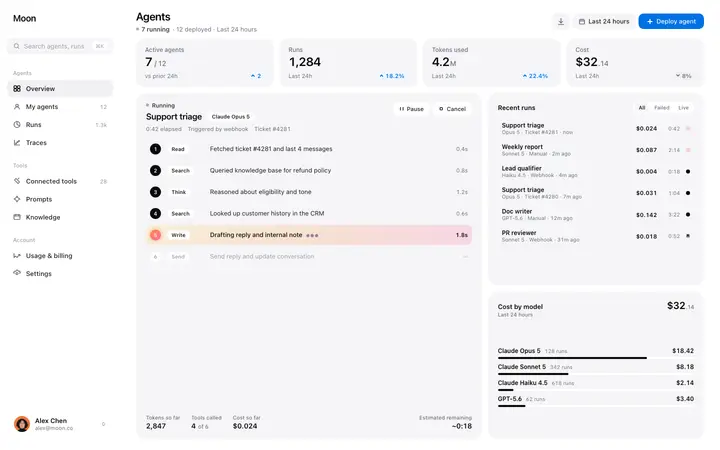
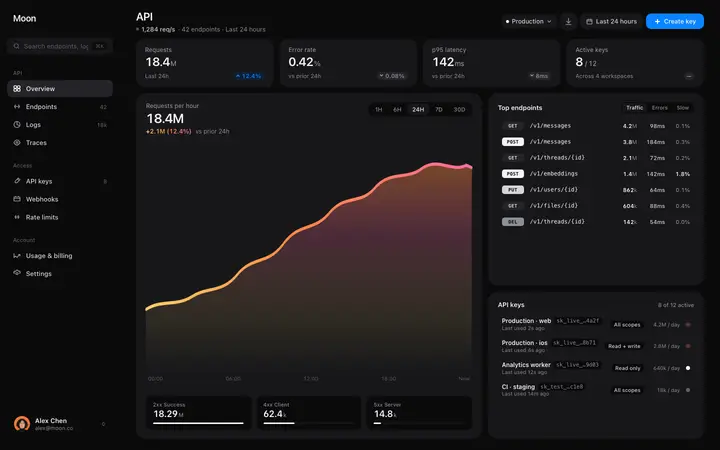
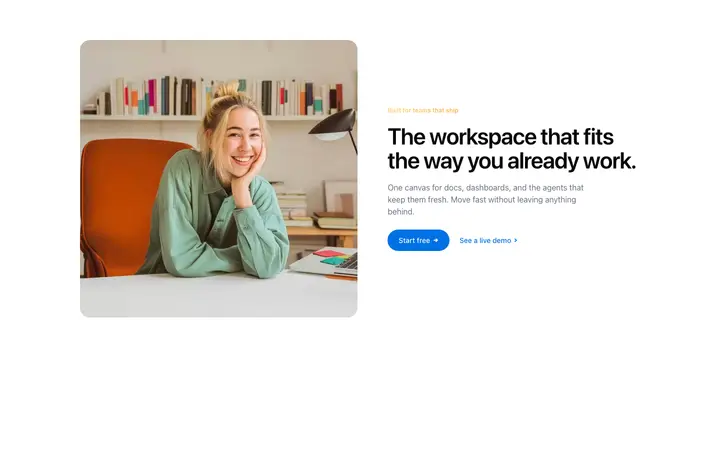
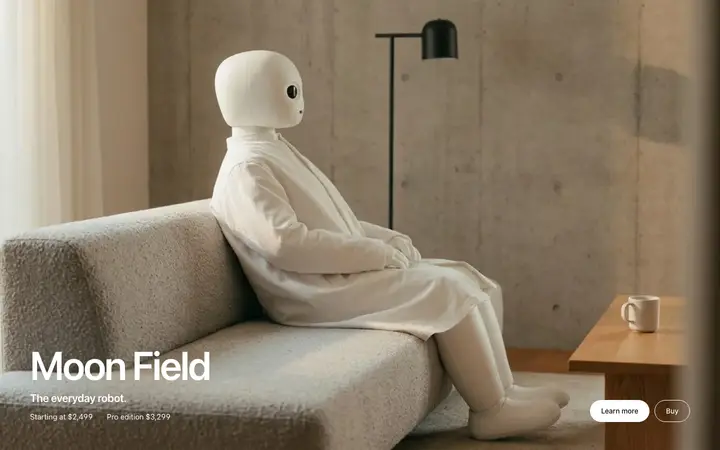
The template you start with shapes the look and feel of your whole app or website. A hero or dashboard template is the best starting point because it sets the typography, spacing, and colour palette for everything Lovable generates next.
Copy the template from BrowserMoon
Open any template on BrowserMoon and click Copy. The template is ready to paste.
Paste it into your Lovable prompt
Open Lovable and start a new project or open an existing one. Paste the template and describe what you want to build. Be specific about your app or website, who it is for, and the pages you need.
Fine-tune with visual edits
After Lovable generates the first version, use its visual editing mode to adjust colours, spacing, and text. Use the prompt for bigger changes like adding new pages or features.
Why vibe coding with Lovable works better with a template
Lovable is great at building complete apps and websites with authentication, databases, and working pages. But when you vibe code from a blank prompt, the result tends to look generic. Giving Lovable a real design to work from makes a noticeable difference in how polished the output looks.
A BrowserMoon template gives Lovable a clear design to follow. Every page and section it generates in the session picks up the same style, so the whole app or website looks consistent without fixing the design afterwards.
Browse Lovable templates
Every BrowserMoon template works with Lovable. Browse hero sections, pricing pages, dashboards, navigation bars, feature sections, and footers.



Frequently asked questions
What are Lovable templates?
Lovable templates are ready-made design templates you give to Lovable as a starting point when you are vibe coding a new app or website. BrowserMoon templates give Lovable a real design to work from so everything it generates looks polished from the first prompt.
How do I use a BrowserMoon template in Lovable?
Copy any template from BrowserMoon and paste it into your Lovable prompt. Tell Lovable which part of your app or website the template should become, such as the homepage hero, the pricing page, or the dashboard layout, and describe what you are building. Lovable builds the rest around the design.
Can Lovable convert a BrowserMoon template to React components?
Yes. When you paste a BrowserMoon template into your prompt, Lovable converts it into React components and integrates them into your app or website. The design carries over so the finished page matches the template you started with.
Which BrowserMoon templates work best in Lovable?
Hero templates, pricing templates, and dashboard templates make the biggest difference when vibe coding with Lovable. These are the hardest sections to get right from a blank prompt. Start with one and build the rest of your app or website around it.
Can I add BrowserMoon templates to an existing Lovable project?
Yes. Open your existing project in Lovable and tell it which page or section to update. Paste the BrowserMoon template as the new design and Lovable makes the targeted changes without disrupting the rest of your app or website.
Related