An AI coding tool will build a complete website from a paragraph of description. It handles the code, the responsive behavior and the deployment. The part it handles badly is design, and on a website the design is most of what a visitor judges.
This hub covers how to build a website with AI, and links to a guide for each type of site. Building the product too? See how to build an app with AI. Every guide gives you the prompt, the sections to include, and website templates you can paste into your tool so the page starts from a finished design.
Whichever tool you use, the templates work the same way, because they are plain HTML with no framework attached. Start from the set for yours: Lovable, Bolt, Replit, Claude Code, ChatGPT Codex and Cursor.
The four steps to build a website with AI
- Describe the site. Name the audience, the one action you want, and the pages you need. A prompt that names the audience produces a page that speaks to someone.
- Choose your sections. Most websites are a hero, features, social proof, pricing and a footer. Paste the ones you want before generating.
- Generate and edit the copy. AI coding tools write placeholder copy that reads like every other AI site. Replace it before you publish.
- Publish. Bolt, Lovable and Replit deploy from the same place you built. Claude Code and Cursor push to your own hosting.
Which sections does a website need
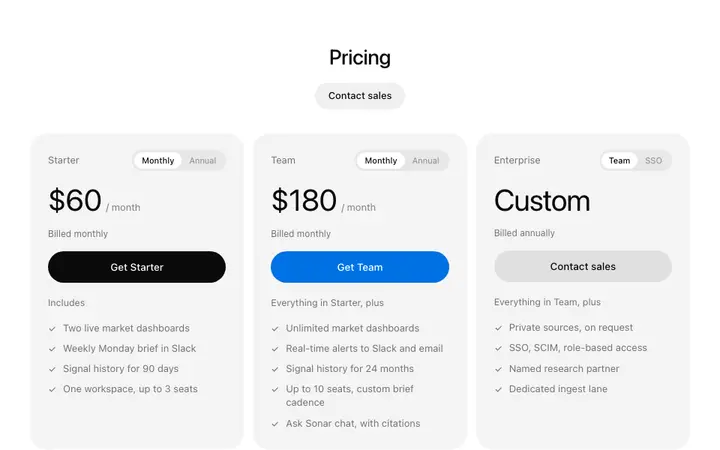
Almost every marketing site uses the same set: a hero that says what the product does, a features section, social proof, pricing and a footer. Add a call to action before the footer. That structure converts because visitors already know how to read it.
Why AI built websites look generic
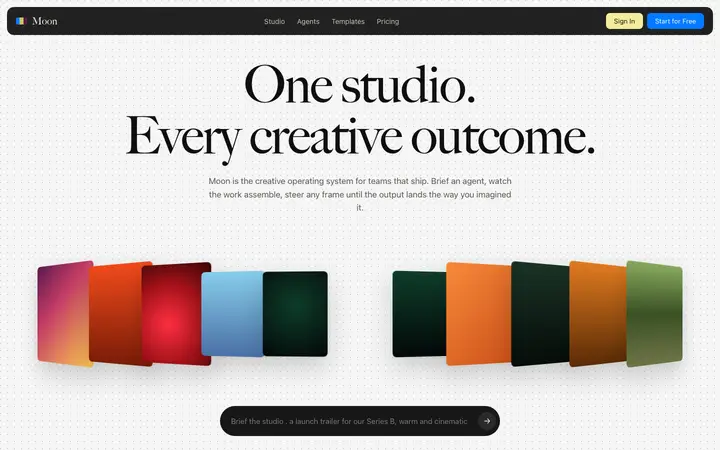
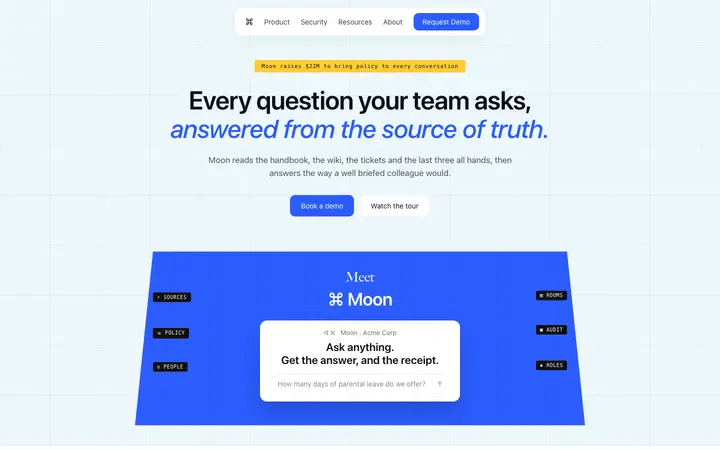
Ask any AI coding tool for a landing page and you get the same page: centered hero, three feature columns with icons, a blue gradient and default type. It works and it signals that nobody made a decision. This guide covers the design rules that separate a professional page from a generated one.
Pasting a designed section into the prompt fixes it at the source. The AI matches your design.
What AI coding tools do well and where they struggle
They handle the technical side of a website reliably. Responsive layout, semantic HTML, meta tags, forms, deployment and page speed all come out in reasonable shape on the first pass.
Two things come out weak. Design is the first, and it is the same generated look on every site. The second is copy, which arrives as category language that could describe any product. Both are fixable and neither is fixed by better prompting alone.
What it costs to build a website with AI
- AI coding tool: 20 to 30 dollars a month
- Hosting: free on Vercel, Netlify or Replit at the traffic a new site gets
- Domain: around 15 dollars a year
- Forms and email: free at low volume on Resend, Formspree or Supabase
A comparable site from an agency runs 5,000 to 50,000 dollars, and a Webflow or Squarespace subscription runs 200 to 500 dollars a year with less control over the output.
Common mistakes when building a website with AI
- Publishing the generated copy. It is the fastest way to look like every other AI built site.
- Letting the tool choose the design. Paste sections before the first generation.
- One long page with no structure. Search engines and readers both need headings that describe what follows.
- Skipping the mobile check. Most first visits arrive on a phone.
- No analytics. Add it on day one, because the first month of data is the most useful you will get.
Getting an AI built website to rank
The technical work is handled: AI coding tools output clean HTML with headings, meta tags and fast loading. What decides rankings is the copy, and generic copy ranks poorly regardless of who wrote it.
Write one page per thing people search for, use the words your buyers use, and answer the question the page title promises within the first two sentences. That last habit also determines whether AI answer engines quote your page.