
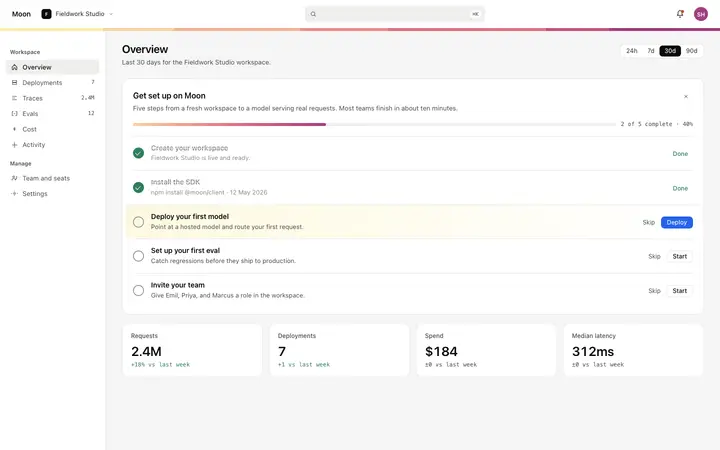
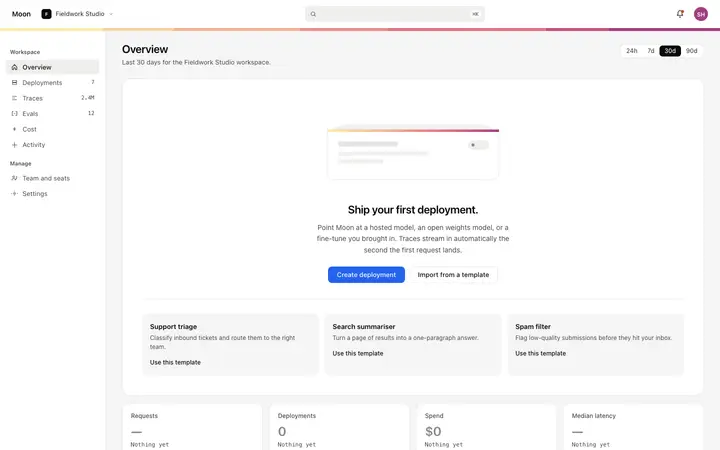
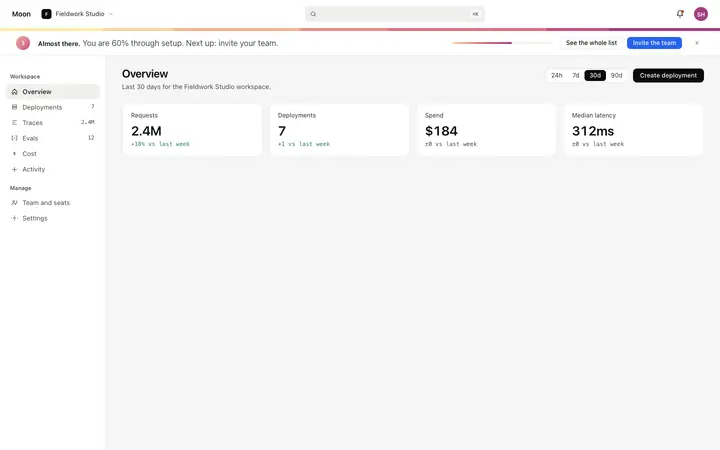
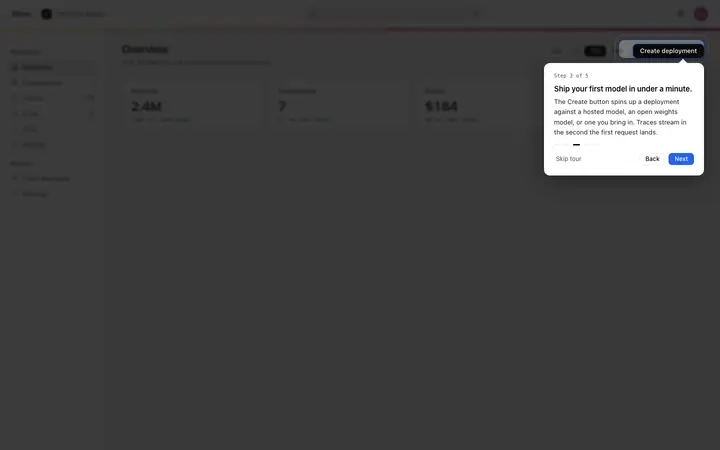
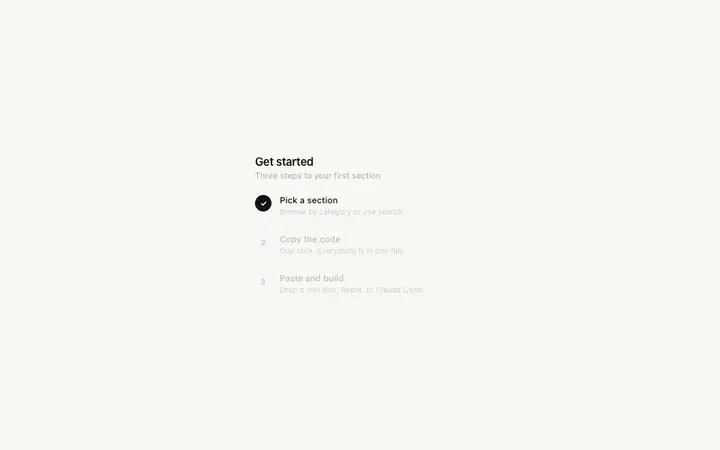
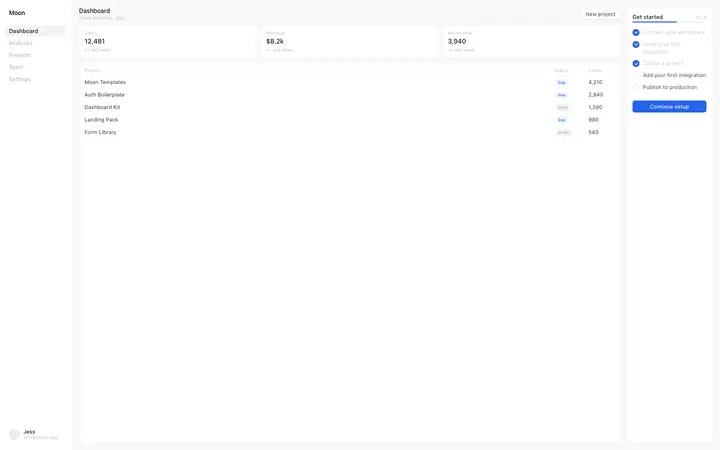
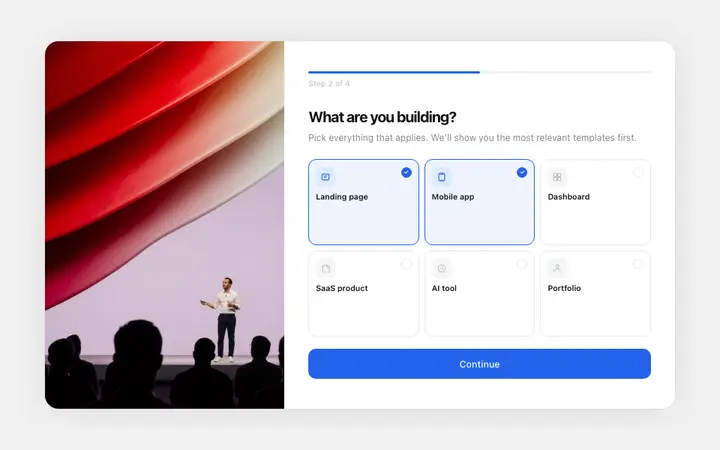
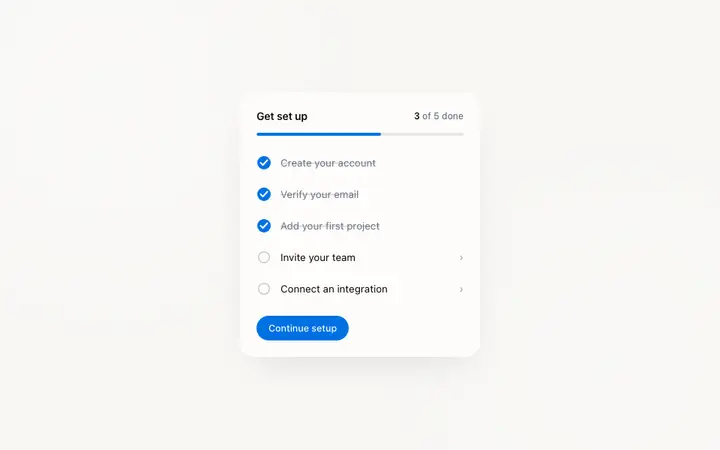
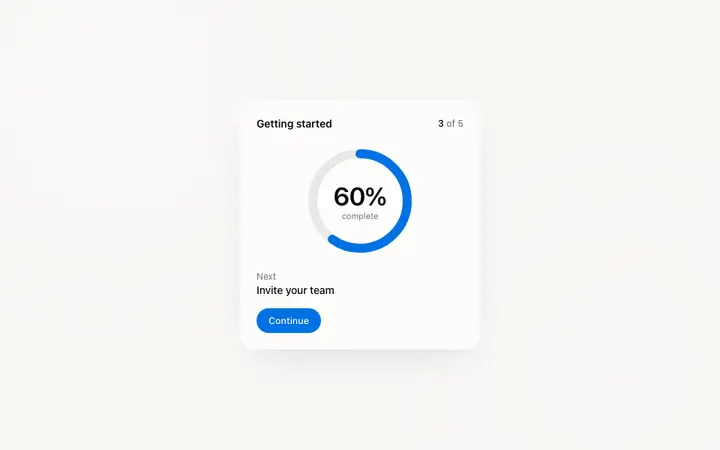
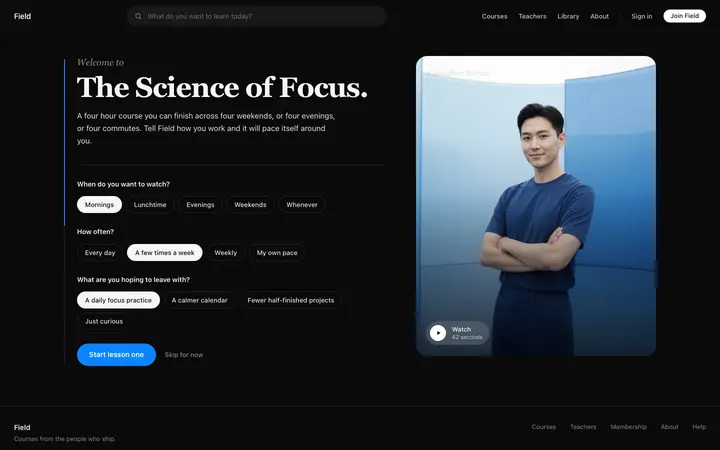
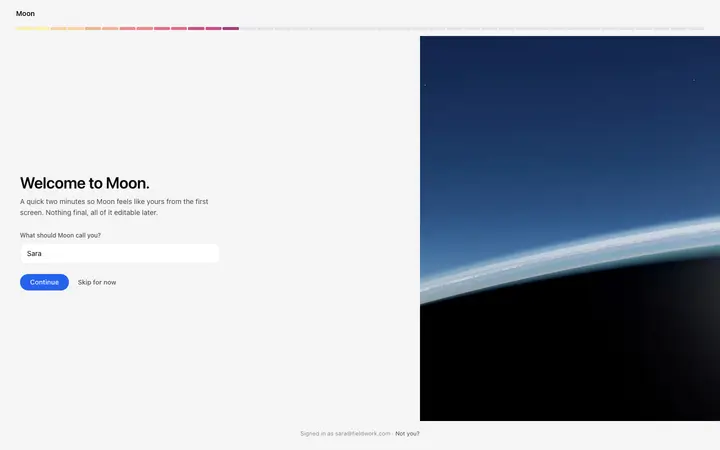
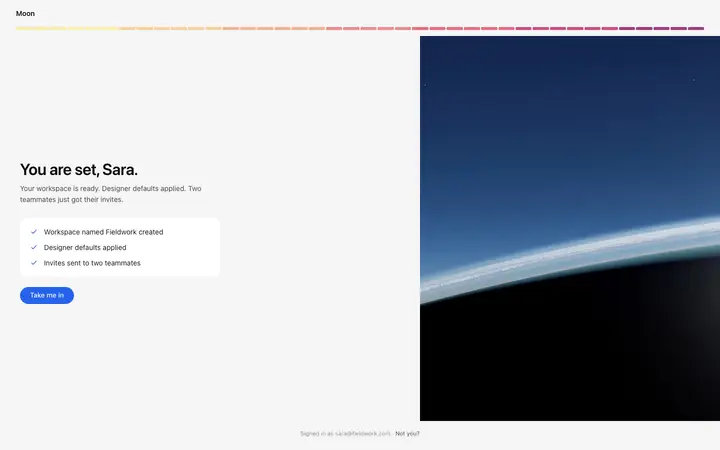
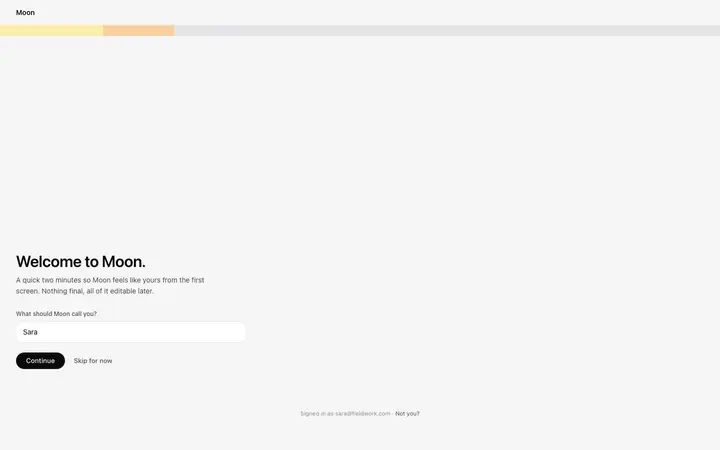
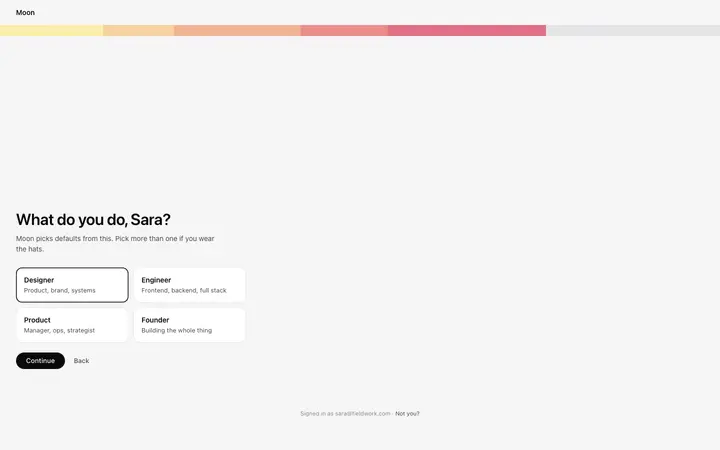
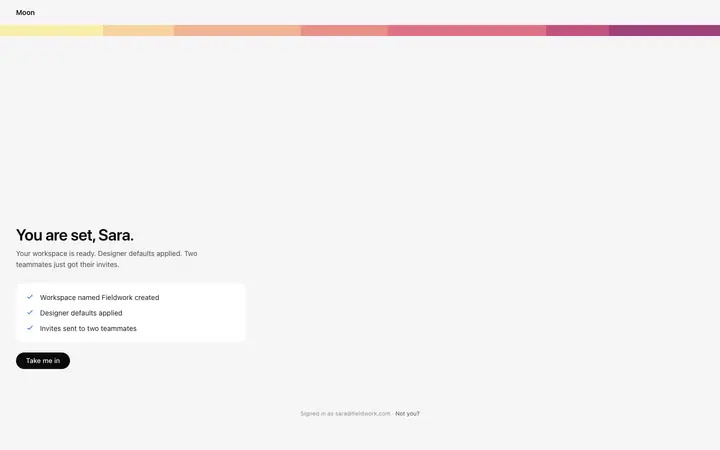
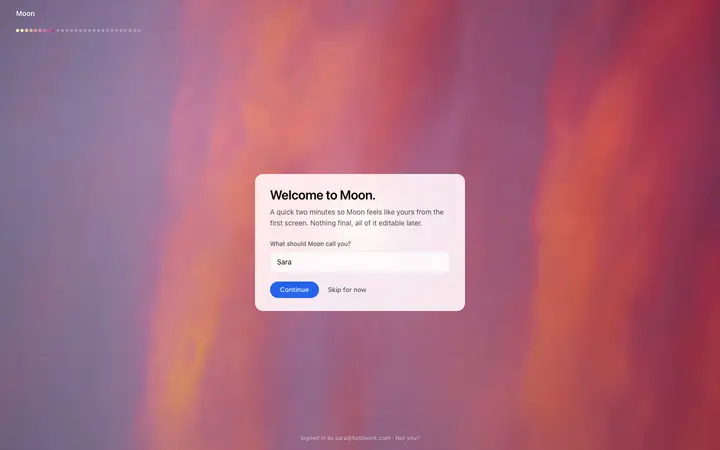
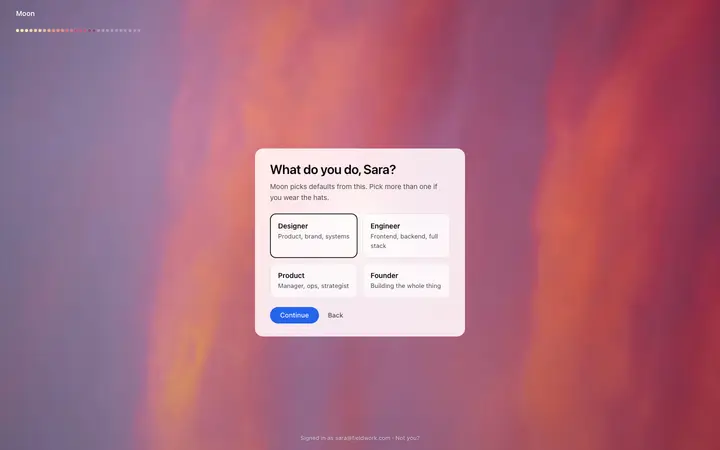
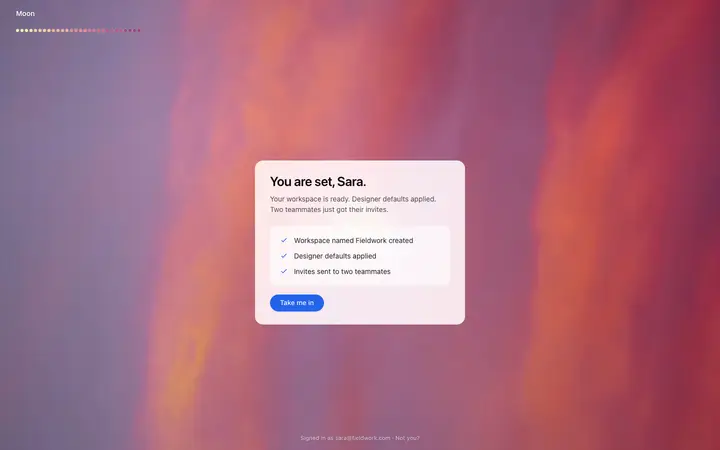
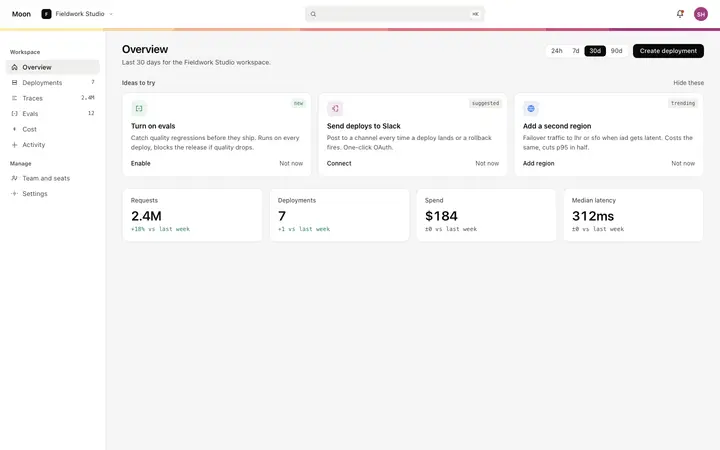
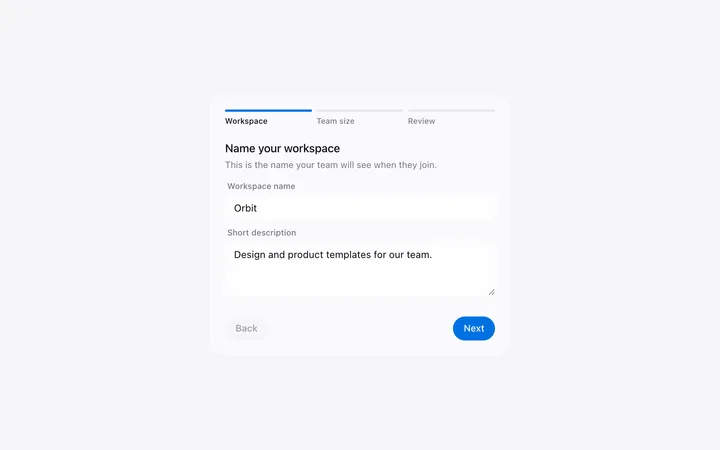
Onboarding templates for SaaS apps, AI products, and course platforms. Checklists, progress cards, preference surveys, and welcome screens that carry a new user from signup to their first real result. Every template is plain HTML and CSS, so it drops into Claude Code, Replit, Lovable, ChatGPT Codex, Bolt, or Cursor and takes your product name and colors in one prompt.
Frequently asked questions
What is an onboarding template?
A ready made screen or component that guides a new user through their first session. BrowserMoon onboarding templates cover checklists, progress cards, preference surveys, and welcome screens for SaaS apps, AI products, and online course platforms.
How many steps should SaaS onboarding have?
Three to five. Past that, completion drops sharply. The steps worth keeping are the ones that carry a user to their first real result in your product.
Where does onboarding belong in a SaaS product?
Inside the dashboard on first login, as a checklist or a progress card that stays visible until it is finished. A separate onboarding page earns its place when the setup needs real input from the user, such as preferences or a goal.
Which vibe coding tools work with these onboarding templates?
All of them. Paste any onboarding template into Claude Code, Replit, Lovable, ChatGPT Codex, Bolt, or Cursor and describe your product and your setup steps. The tool rewrites the copy and wires the actions while the design holds.
Works with any vibe coding tool