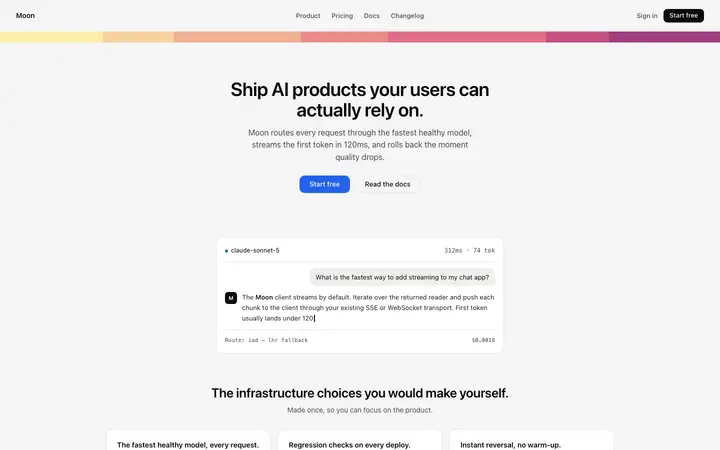
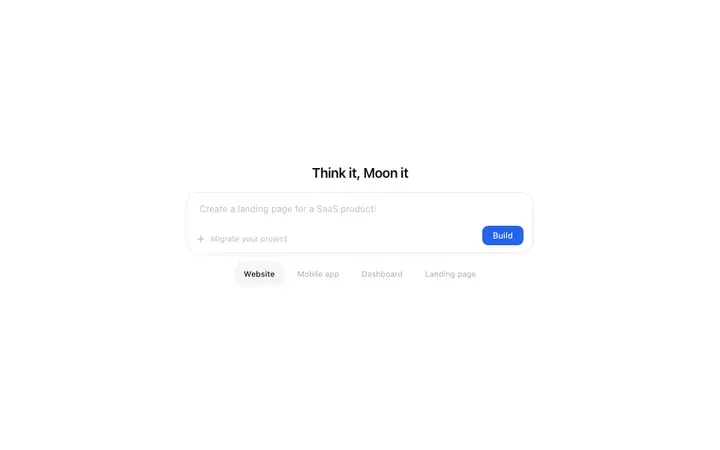
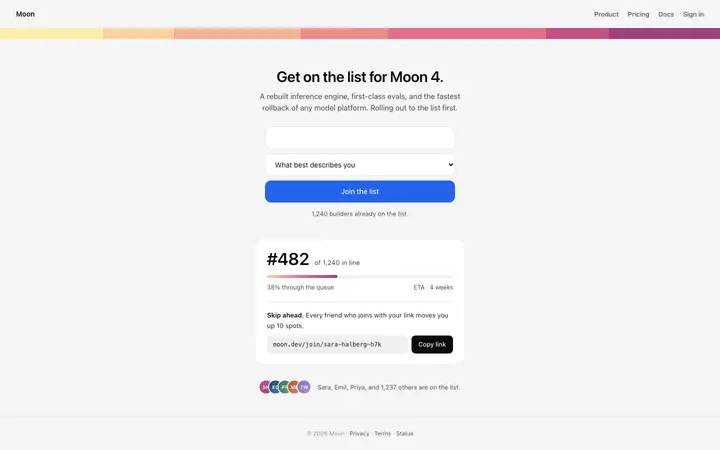
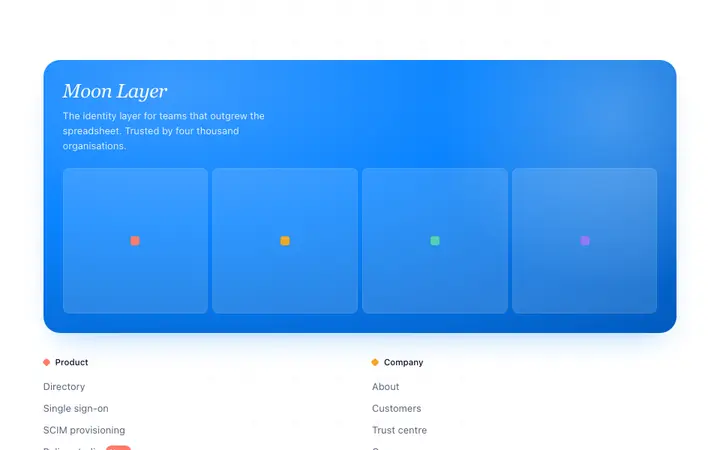
Replit builds full-stack apps better than any other vibe coding platform. Its agent handles databases, authentication, API routes, payments, and deployment in a single prompt. The part it needs help with is design. Without a design reference, the Replit agent defaults to basic styling: system fonts, tight spacing, generic card layouts, and default button styles. The backend is production-ready. The frontend looks like a prototype.
A BrowserMoon vibe coding template solves this by giving the Replit agent a professional design to build around. The template handles the fonts, spacing, colours, and layout. The agent handles the routes, the database, and the server logic. Each side does what it does best.
Starting a Replit app with a BrowserMoon template
Create a new Replit app and open the agent. Paste a Moon template into your opening prompt alongside the app description. Separate the design instruction from the backend instruction:
Build a subscription management SaaS app for small businesses.
Frontend: use the hero template below as the homepage. Replace the headline with "Track every subscription in one place." Keep all the design unchanged.
Backend: add user authentication with email and password, a PostgreSQL database that stores subscription records (name, cost, billing date, status), and a dashboard page that lists active subscriptions sorted by next billing date.
[paste Moon template here]
The Replit agent treats the template as a fixed design reference for the homepage and builds the entire backend around it. The database, the auth, the API routes, and the dashboard all generate in one session, with the homepage design matching the template.
Adding a Moon template to an existing Replit project
For a Replit project that already has backend logic in place, copy a BrowserMoon template and send it to the agent with a scoped instruction:
"Replace the current navigation bar with this template. Keep all existing routes, authentication, and database connections. Only update the navigation design."
The agent locates the correct component file, swaps the design, and verifies that the rest of the app still works. This is the safest way to upgrade the look of an existing Replit app or website without risking the backend.
Why the Replit agent produces better apps with a design template
Without a template, the first three or four iterations of a Replit session go toward fixing design problems: margins that collapse on mobile, fonts that default to Times New Roman, buttons with no hover state, and cards with no spacing between them. Each correction costs a prompt turn and burns context.
With a BrowserMoon vibe coding template, those iterations are skipped entirely. The design is correct from the first build. The agent spends its full context on the backend architecture, which is the part that actually needs the iteration.
Best BrowserMoon templates for Replit app projects
For a SaaS app with a landing page and a dashboard, start with a hero template like the AI chatbot assistant SaaS landing page template or the Content calendar SaaS landing page template. These include the typography, the colour palette, and the CTA style that define the entire app or website.
For a dashboard-first app, the AI image generator dashboard template for SaaS or the Content calendar dashboard template for SaaS give the Replit agent a reference for card layouts, sidebar navigation, and data display.