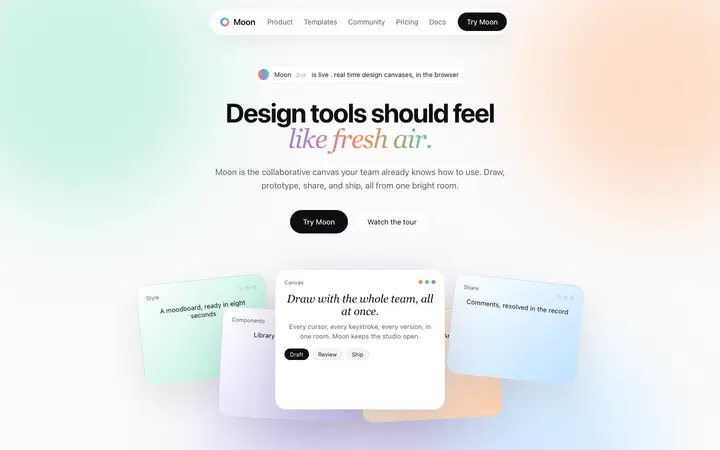
Claude Code pricing page prompt
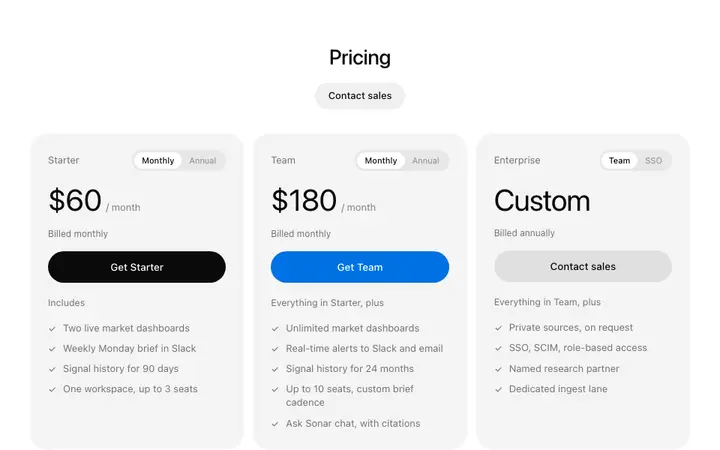
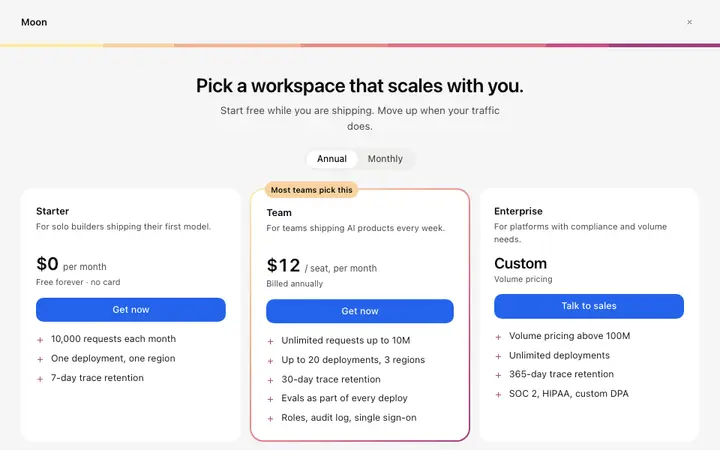
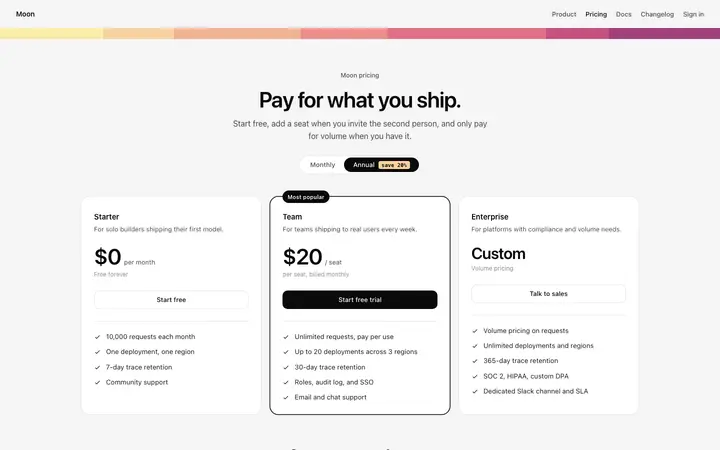
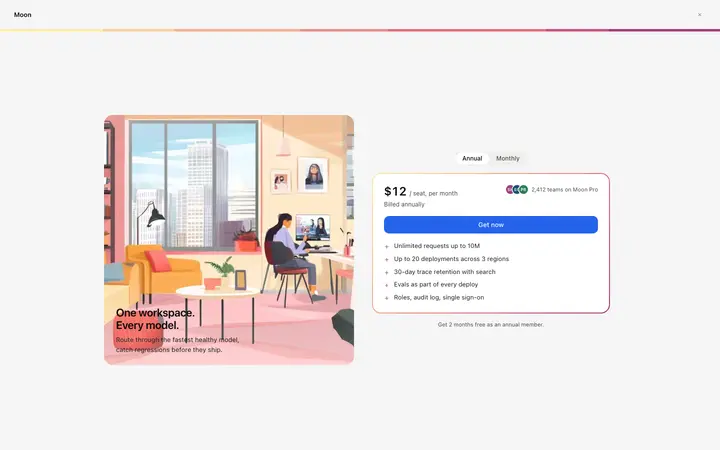
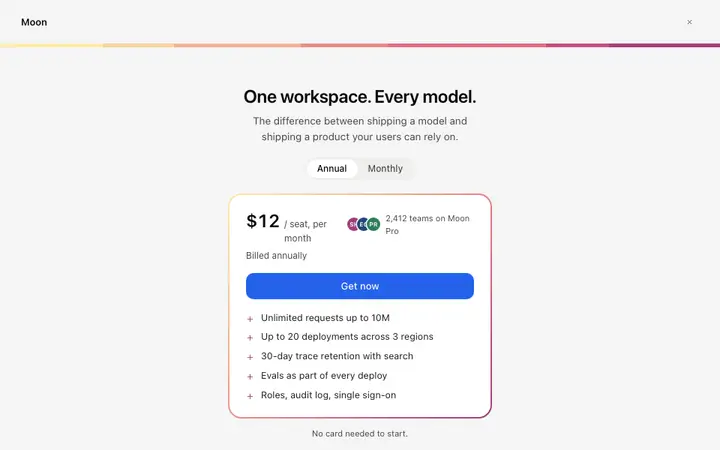
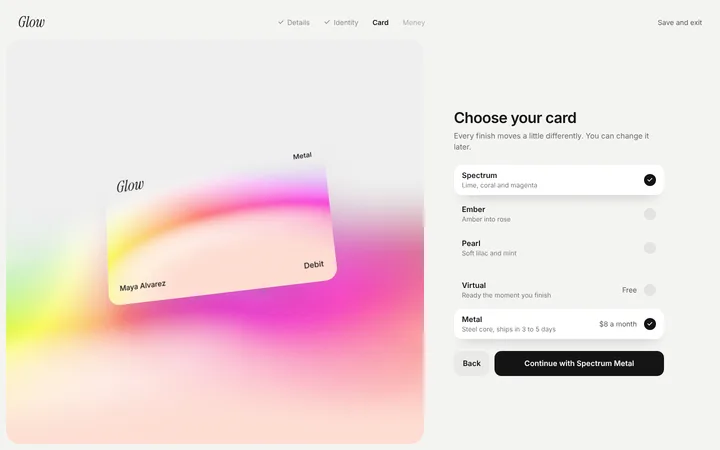
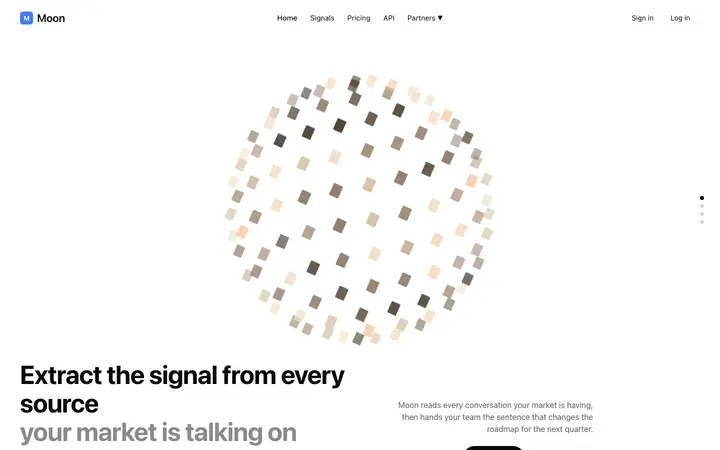
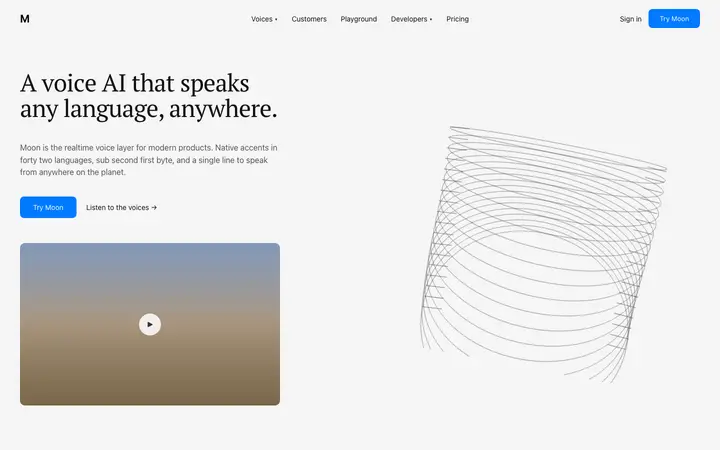
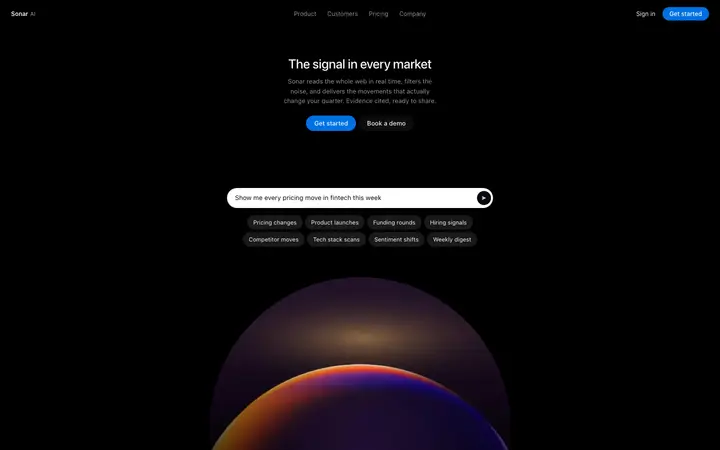
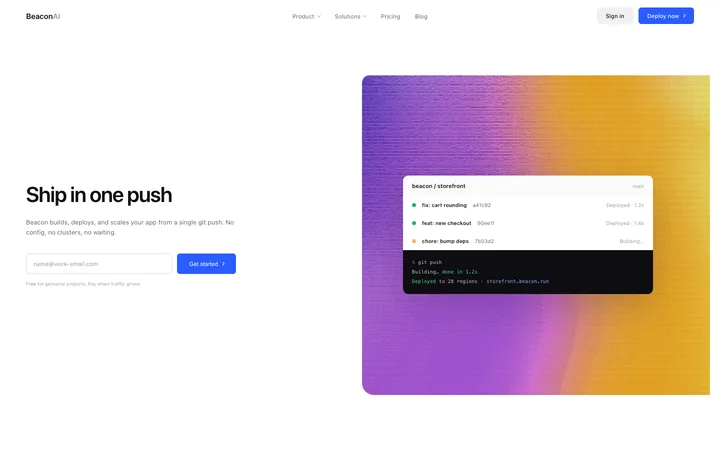
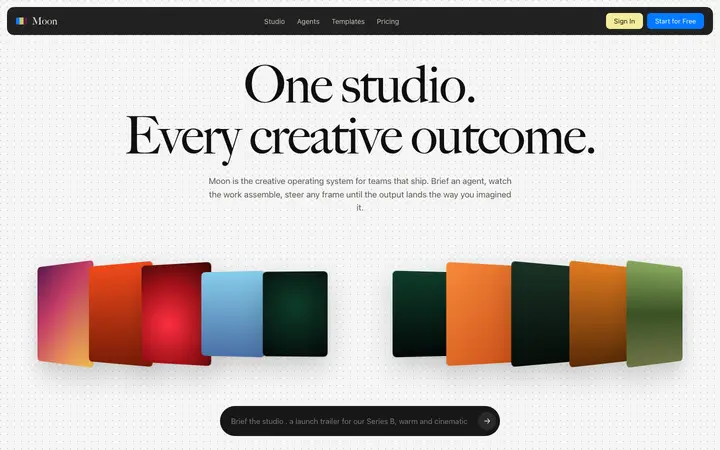
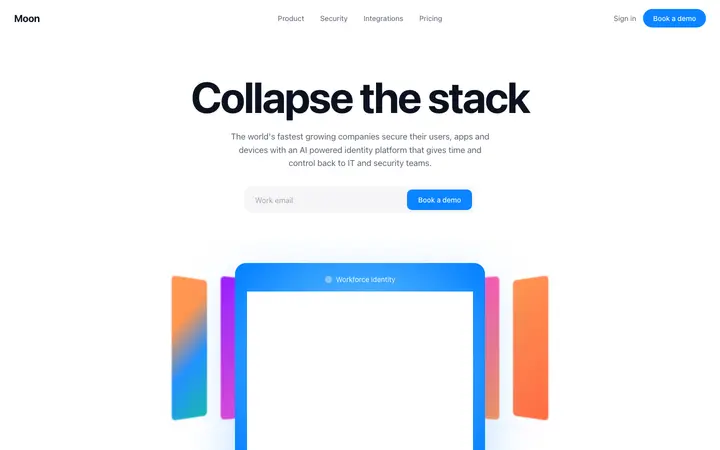
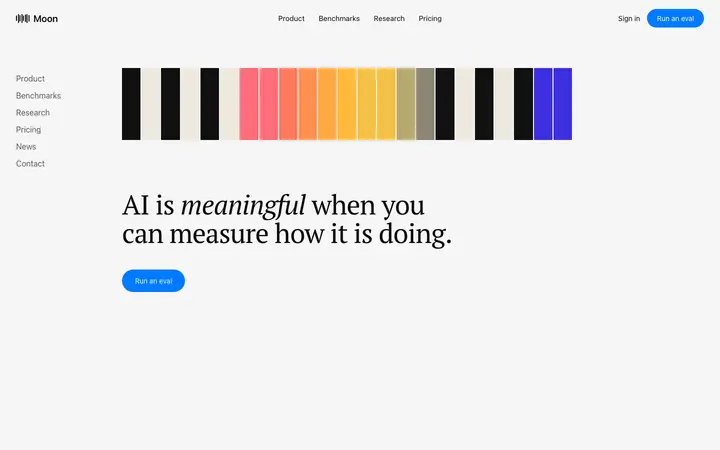
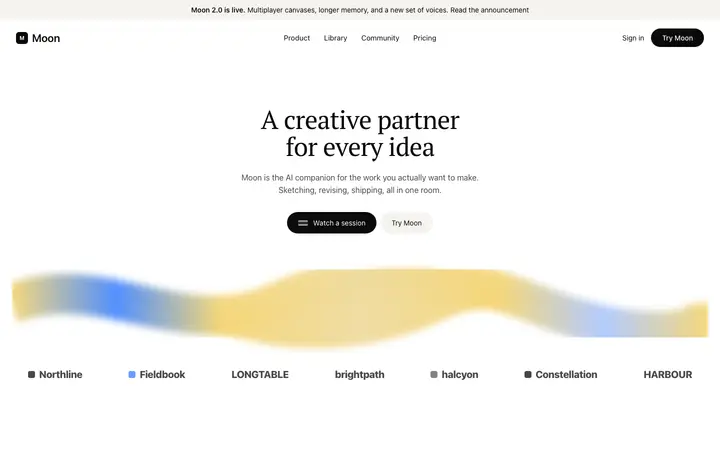
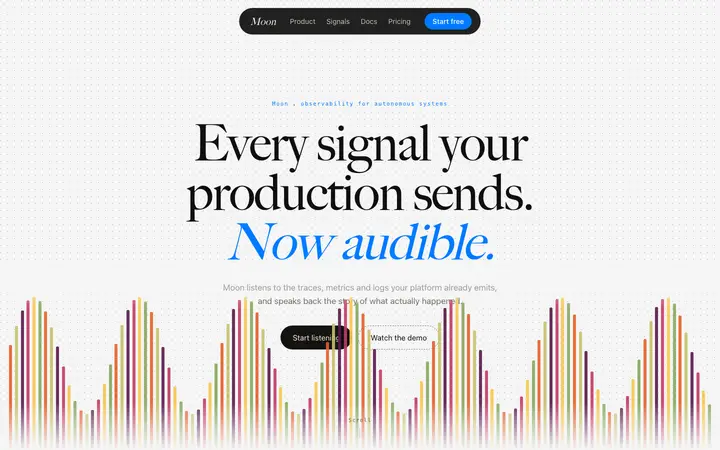
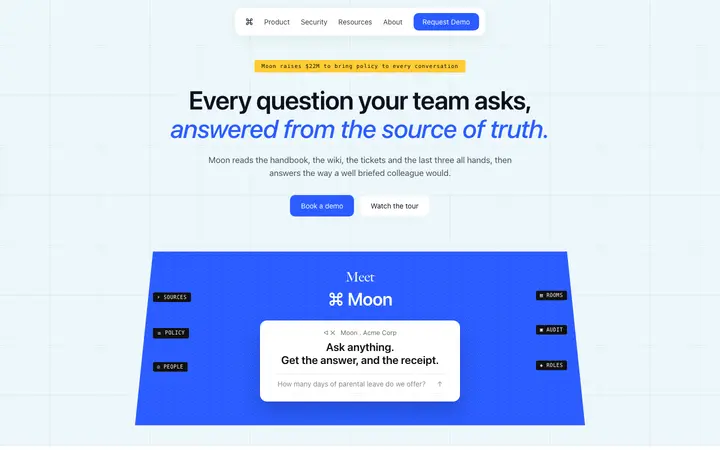
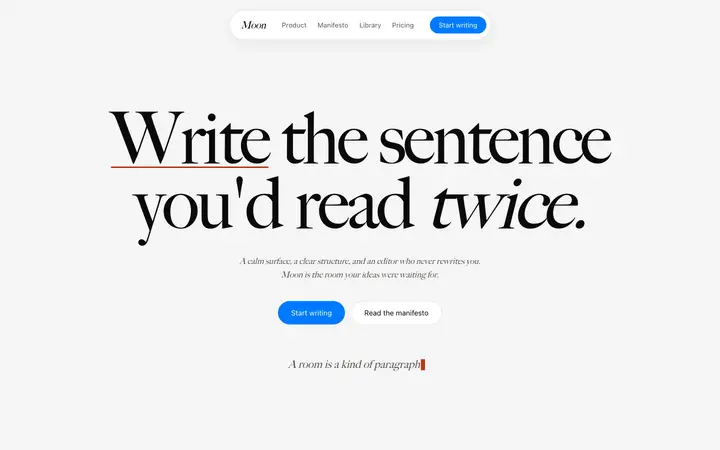
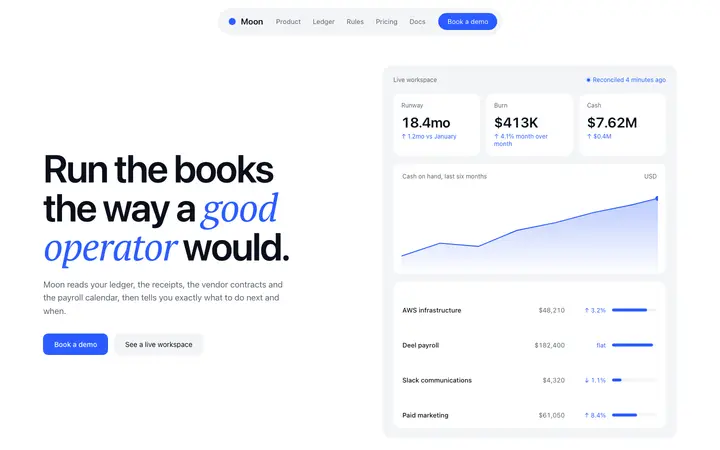
A pricing page with three plans, a monthly and yearly toggle, a comparison table and a pricing FAQ.
Template: Three tier pricing section
“Build a pricing page for [product name]…”
Real pricing designs you can copy into Claude Code. Claude Code turns a pasted template into code in whatever stack your project already uses, from plain HTML to Next.js or SvelteKit. Below: the designs, how to set Claude Code up so it keeps the design, and what makes a good pricing section.
74 pricing design templates for Claude Code. Browse the full BrowserMoon library for every template category.
48 of 74
Pick a design
Choose a pricing design above and open it to see it live.
Copy the template
Copy the template from its page. It is one HTML file with no dependencies.
Set up Claude Code
Save the template in your repo, for example as design/template.html, and point to it from CLAUDE.md so Claude Code reads it at the start of every session.
Prompt, then refine
Paste it and describe your product. Then follow up with: "Rebuild this section in our stack using design/template.html. Keep its spacing, type sizes and colours exactly; change only the text."
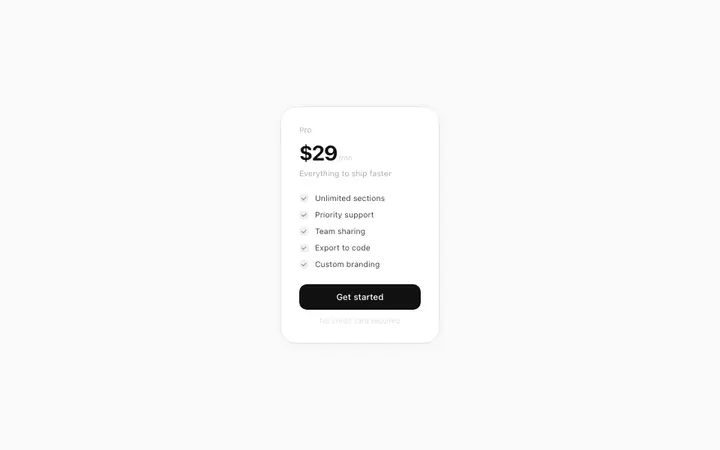
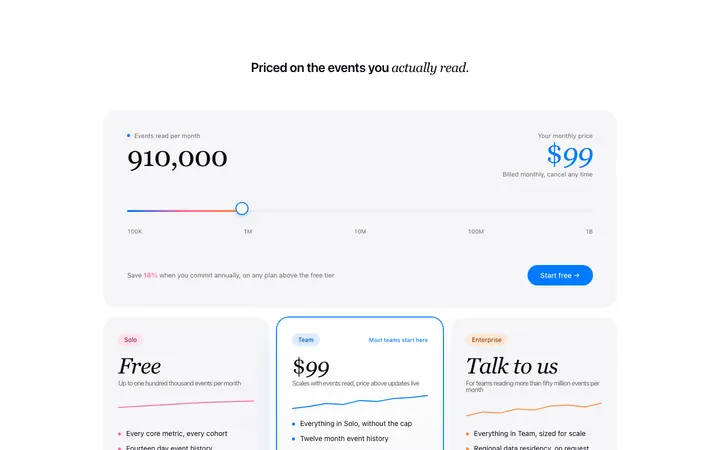
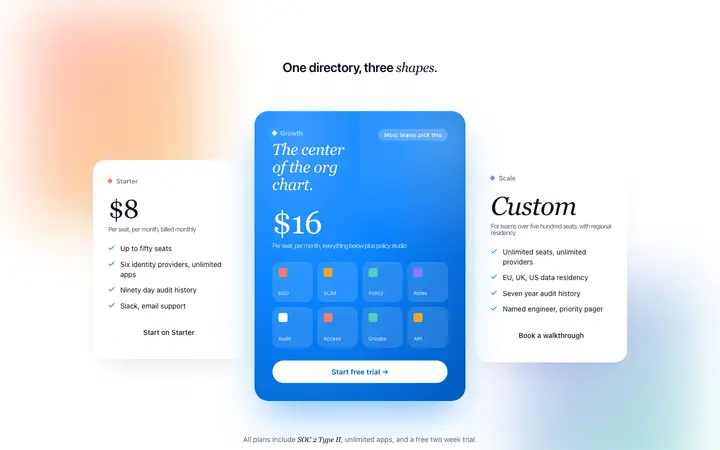
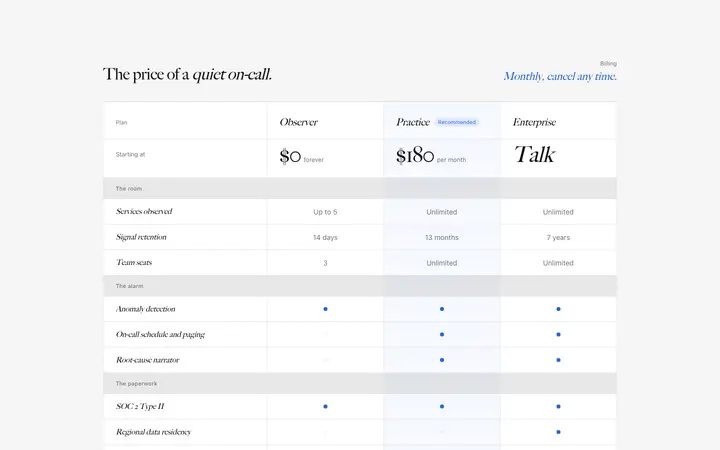
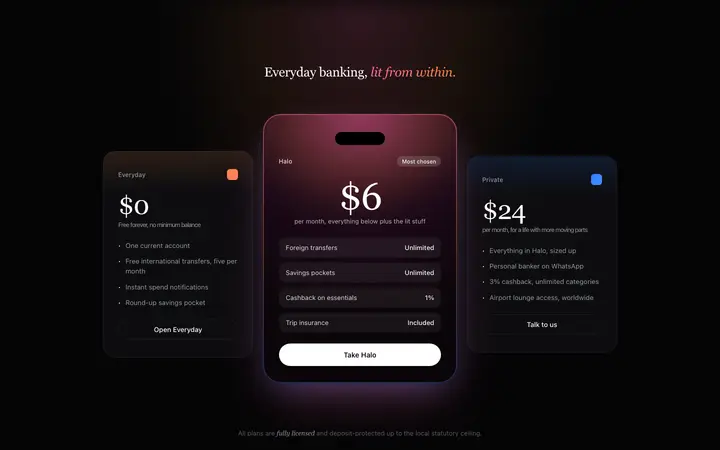
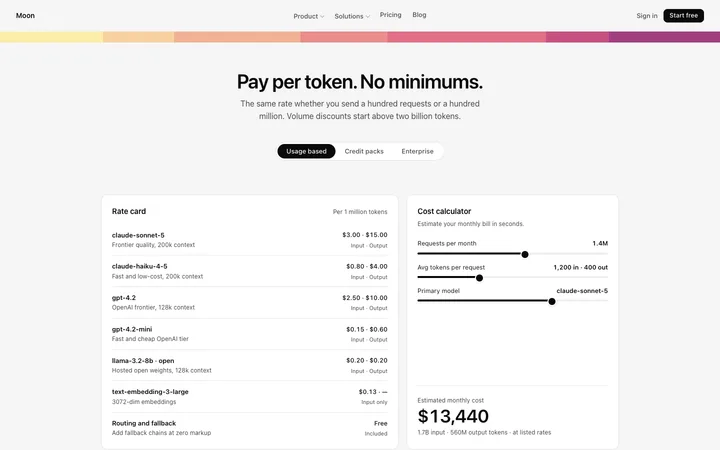
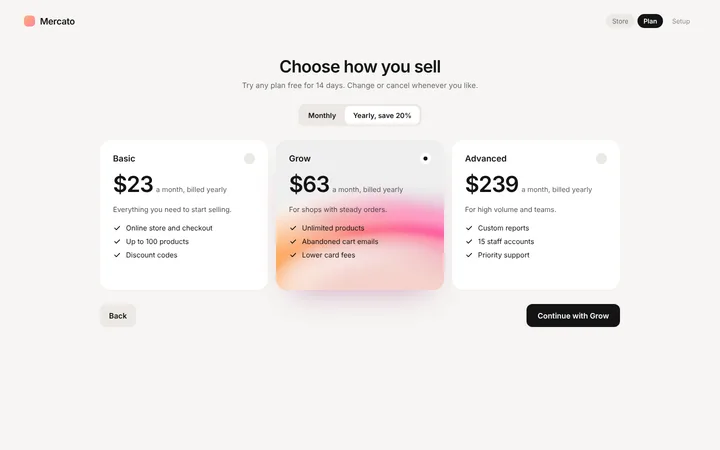
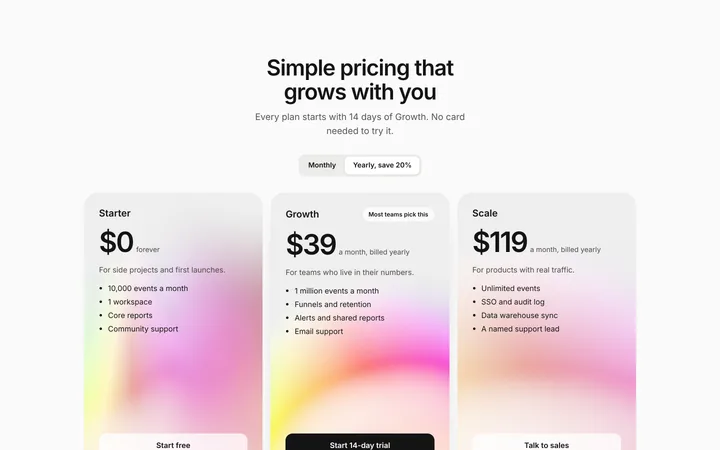
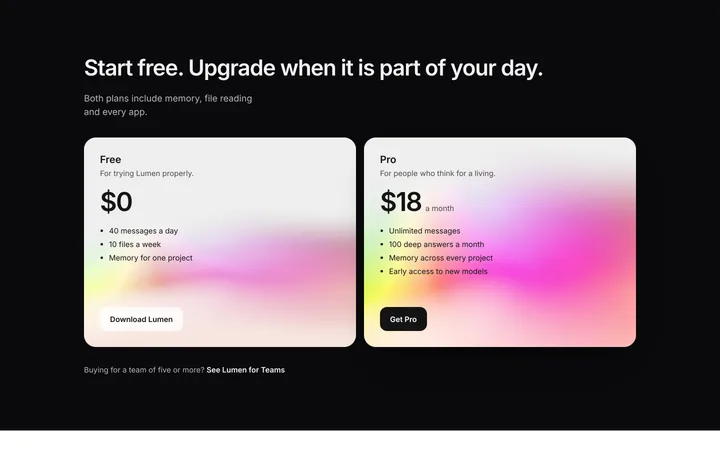
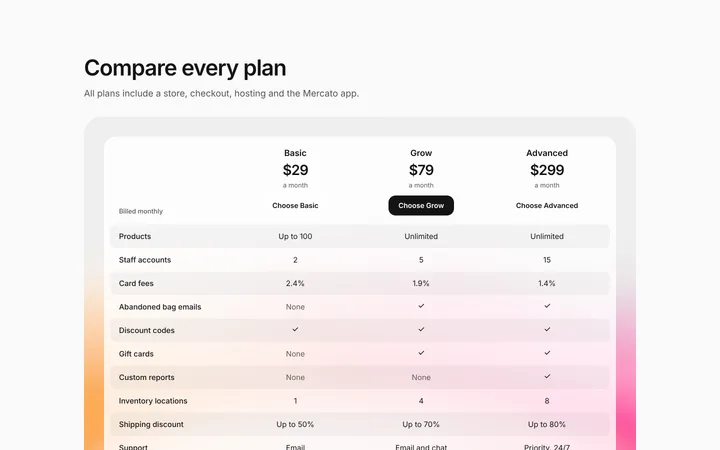
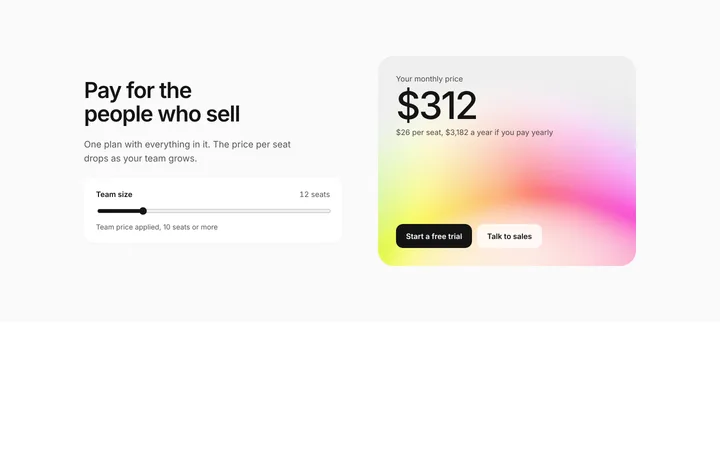
Common types: three-tier plan cards, comparison tables, single-plan pages and usage-based pricing with a calculator.
Each one clearly for a different kind of customer.
Highlighted so visitors can decide quickly.
Say what happens after the click, like whether a card is needed.
Common mistake: Feature lists full of jargon that make visitors do the maths. Pricing page design ideas →
Claude Code works in your terminal on a real codebase, so it suits developers who want the design built into an existing project and kept consistent across many sessions.
Code in whatever stack your project already uses, from plain HTML to Next.js or SvelteKit.
Save the template in your repo, for example as design/template.html, and point to it from CLAUDE.md so Claude Code reads it at the start of every session.
Without a rule in CLAUDE.md, later sessions drift back to generic spacing and colours. Paste the template again with your follow-up prompt if it starts to drift.
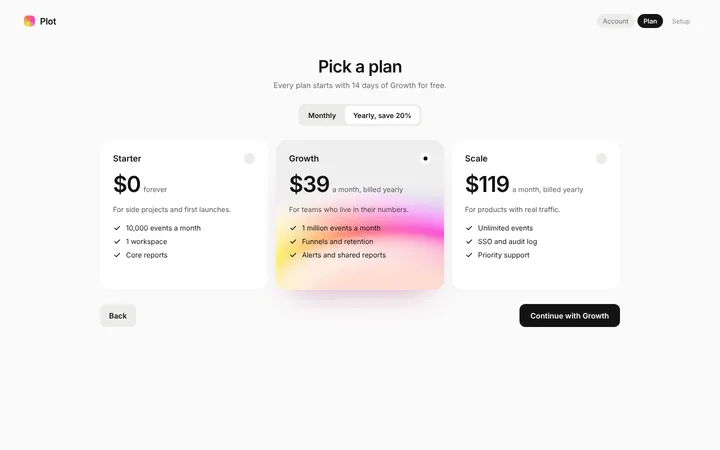
Keep the highlighted plan and the layout, write each plan for a type of customer, and say under each button what happens next.
Set it up once with our CLAUDE.md design template.
A pricing page with three plans, a monthly and yearly toggle, a comparison table and a pricing FAQ.
Template: Three tier pricing section
“Build a pricing page for [product name]…”
More in Claude Code prompts.
Ask Mon, the AI design assistant, describe your product and Mon suggests the pricing design and how to prompt Claude Code with it.
Paste the template code into your Claude Code session and tell it what to build around the design. Save the template in your repo, for example as design/template.html, and point to it from CLAUDE.md so Claude Code reads it at the start of every session.
Code in whatever stack your project already uses, from plain HTML to Next.js or SvelteKit.
Without a rule in CLAUDE.md, later sessions drift back to generic spacing and colours. A follow-up prompt that helps: "Rebuild this section in our stack using design/template.html. Keep its spacing, type sizes and colours exactly; change only the text."
Two to four plans: each one clearly for a different kind of customer. One recommended plan: highlighted so visitors can decide quickly. Clear next step: say what happens after the click, like whether a card is needed.
Without a rule in CLAUDE.md, later sessions drift back to generic spacing and colours. Paste the template again with your follow-up prompt if it starts to drift.
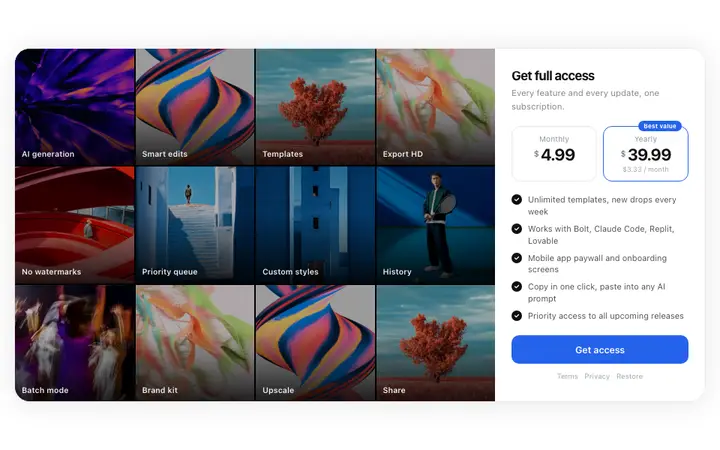
More Claude Code template categories
Pricing templates for other tools