In short
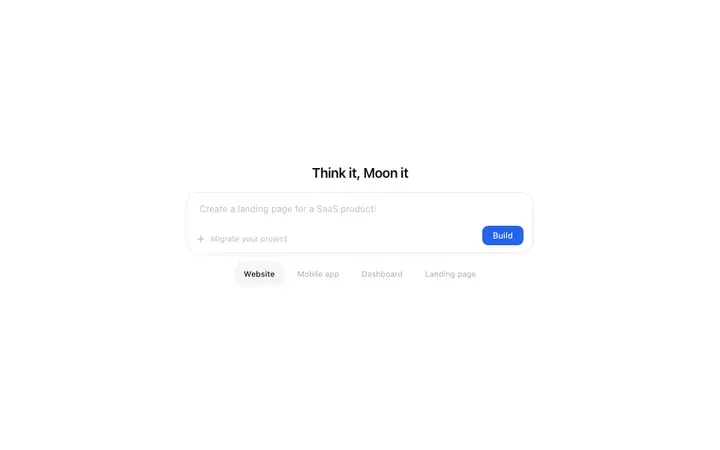
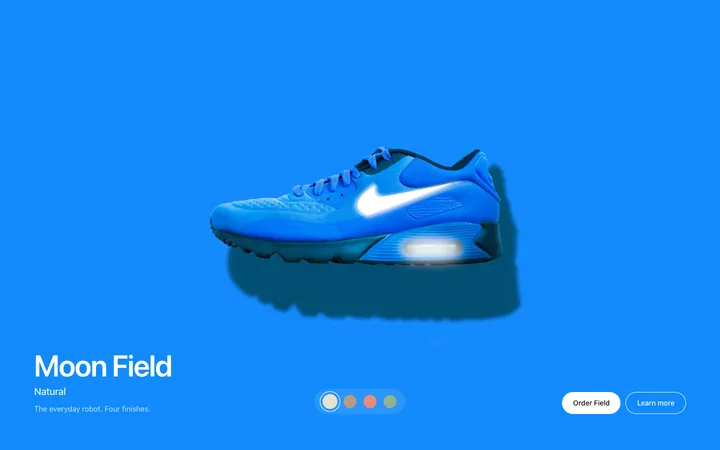
Framer templates from BrowserMoon are ready-made website designs you use as a reference when building in Framer. Instead of starting from a blank canvas, you start with a professional layout and adapt it to your brand. The library covers landing pages, hero sections, pricing pages, navigation, and more.
Framer templates by category
How to use Framer templates from BrowserMoon
Pick a template
Browse the BrowserMoon gallery and choose the template you want. Templates cover every section of a product page: hero sections, navigation bars, feature grids, pricing tables, CTA sections, and more.
Copy the template
Open any template detail page and click Copy. The template is ready to paste.
Paste into Framer AI
Open Framer AI in your project and paste the BrowserMoon template into your prompt. Describe your app or website: your headline, your brand colours, and what the CTA button should say. Framer generates pages that match the template's style.
Publish from Framer
Adjust any content in Framer's visual editor, connect your domain, and publish. Your site goes live without touching a build command.
Why vibe coding with Framer works better with a template
Framer AI generates pages fast, but the quality of the result depends on the design you give it. Without a template, Framer produces a generic layout that takes multiple rounds of editing to look like a real app or website.
A BrowserMoon template gives Framer AI a polished design to build on. The layout, spacing, and typography are already sorted. Framer works from that foundation instead of inventing one, and every section generated in the same vibe coding session keeps a consistent look.
Browse Framer templates
All templates work with Framer. Browse the full library for hero sections, navbars, pricing, features, CTA sections, and more.







Frequently asked questions
What are Framer templates?
Framer templates are ready-made designs you use in Framer AI to generate pages with a specific visual style. BrowserMoon Framer templates include complete layouts, typography, and spacing. Paste them into Framer AI as a starting point or add them as code components inside your Framer project.
How do I use a BrowserMoon template in Framer?
Copy any BrowserMoon template and paste it into your Framer AI prompt as a starting point. Describe your app or website and what you want on the page. Framer AI generates sections that match the visual style of the template, including the layout, spacing, and typography.
Can I use BrowserMoon templates as Framer code components?
Yes. Paste any BrowserMoon template into a Framer code component to render the design directly on your Framer canvas. The component works straight away with no extra setup.
Do Framer templates work for AI product landing pages?
Yes. BrowserMoon templates are designed for AI products, SaaS tools, and apps. The style matches the design standards of top AI brands, with precise spacing, clean typography, and layouts built for conversion. Use them with Framer AI to build pages for your app or website that look designed, not generated.
How do I get BrowserMoon Framer templates?
Browse the BrowserMoon gallery, open any template, and click Copy. The template is ready to paste into Framer AI or a Framer code component.
Related