Stats section template for SaaS landing pages
Stats section template for SaaS landing pages, AI products, and marketplaces that want to show scale. Use it below the hero, before the features, or anywhere the page needs proof of size. Use this AI template with Claude Code, Replit, Lovable, ChatGPT Codex, Bolt, Cursor, or another coding tool.
About this vibe coding template
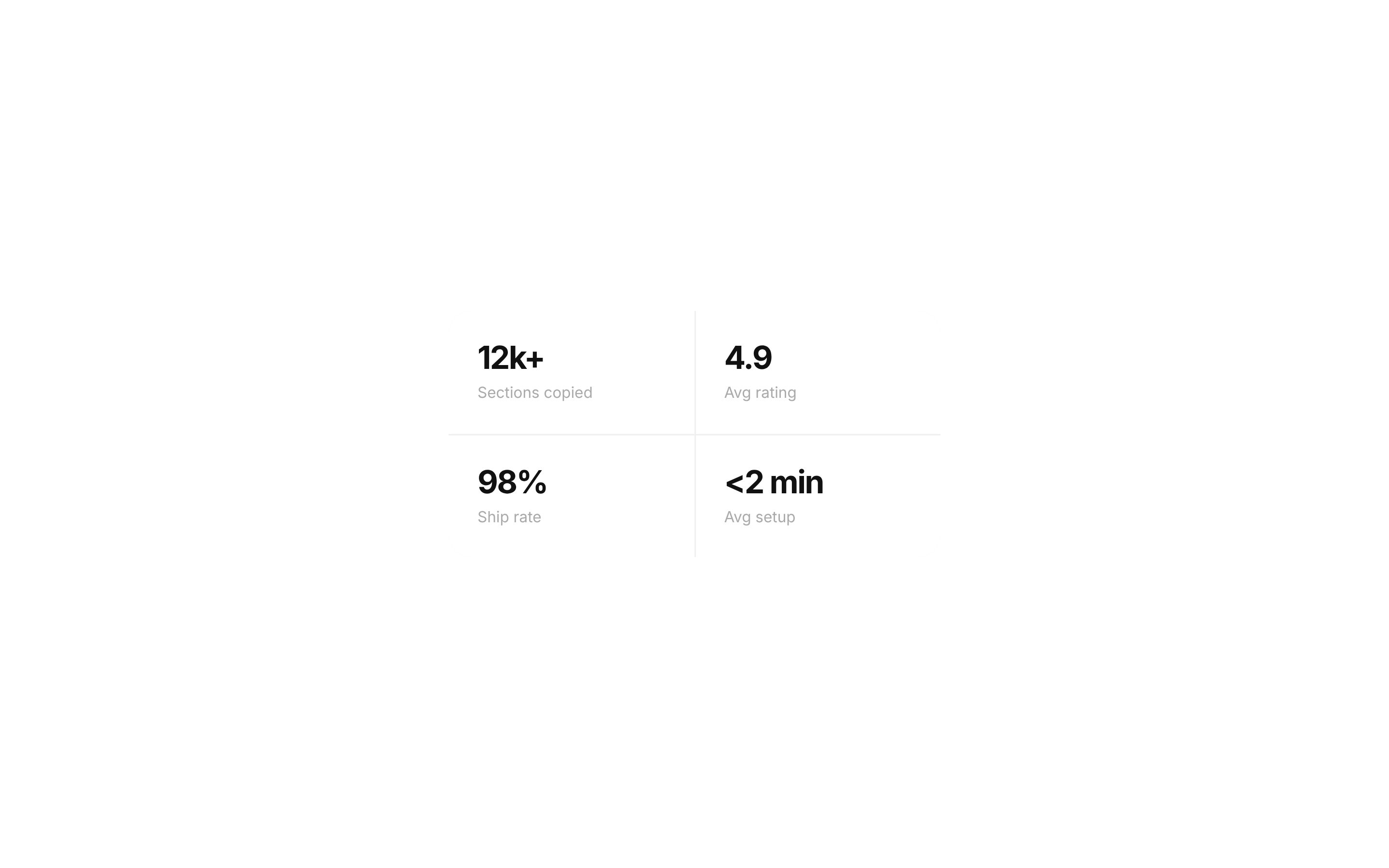
Stats section template for products whose numbers are part of the argument. Popular with SaaS platforms, AI products, marketplaces, developer tools, and any company with user counts, volume, or growth figures worth showing. Put it below the hero as early proof, before the features section, or near the closing call to action to reinforce the decision. It works for growth teams turning traction into a selling point and for marketplaces where scale is the product. Minimal design. It works in Claude Code, Replit, Lovable, ChatGPT Codex, Bolt, and Cursor.
Build a full SaaS app or admin dashboard with this template design
A SaaS app or admin dashboard is dozens of screens sharing one shell, so one dashboard template can set the standard for the navigation, the spacing, and the card design on every screen after it. Copy the template, paste it into Claude Code, Replit, Lovable, ChatGPT Codex, Bolt, or Cursor, and send this alongside it.
Paste into Claude Code, Replit, Lovable, Bolt, or Cursor
Not sure this design fits?
Ask Mon, the AI design assistant, if the Stats section template for SaaS landing pages works for your product and how to adapt it.
Design guides: Why is my landing page not converting? · Stripe website design
Show it off: See this template in a free laptop mockup
Common questions about this template
Which SaaS products should show stats on a landing page?
Marketplaces, platforms, and developer tools where scale reassures buyers. It also suits any startup with growth numbers that beat expectations for its stage.
Where do stats belong on a landing page?
Just below the hero, where they act as early proof, or near the closing call to action. Both positions catch people at the point of doubt.
What numbers work best in a SaaS stats section?
Whatever a buyer would use to judge whether you are established: customers, volume processed, uptime, or countries served. Pick a small set and keep them current.
What makes a stats section template build trust on a SaaS landing page?
Specific numbers are harder to dismiss than adjectives, and they answer the question every new buyer has about whether anyone else uses this. Keeping them accurate matters most.
How do I build a full SaaS app or admin dashboard with this template?
Send the template and the instruction above to Claude Code, Replit, Lovable, ChatGPT Codex, Bolt, or Cursor together. The design decisions are already made in the markup, so your AI coding tool has a pattern to follow across the whole SaaS app or admin dashboard.
Can I use the gradients and visuals from this template commercially?
Yes. With a BrowserMoon subscription you can use this template, including its original gradients, backgrounds and animated visuals, in personal and commercial work: client projects, products you sell, ads and social posts. It is royalty-free with no attribution and no per project fee. The only thing you can't do is resell them as gradients or templates. See the template licence.
Use this AI coding template for
- ·Stats section for a SaaS landing page
- ·Platform numbers for a marketplace homepage
- ·Traction section for an AI product page
- ·Vibe coding stats template for a startup site
Works with every vibe coding tool
Not sure which tool to use? Lovable vs Bolt, best AI tool to build a website or for a mobile app.
More stats templates
View all
AI writing SaaS landing page template
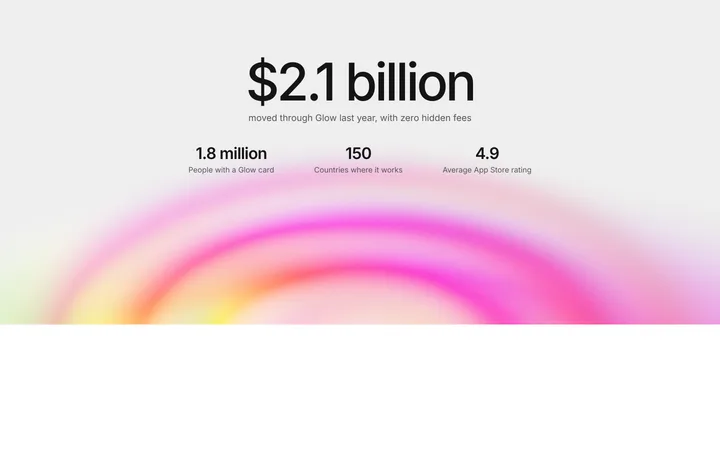
Fintech SaaS stats section with big numbers
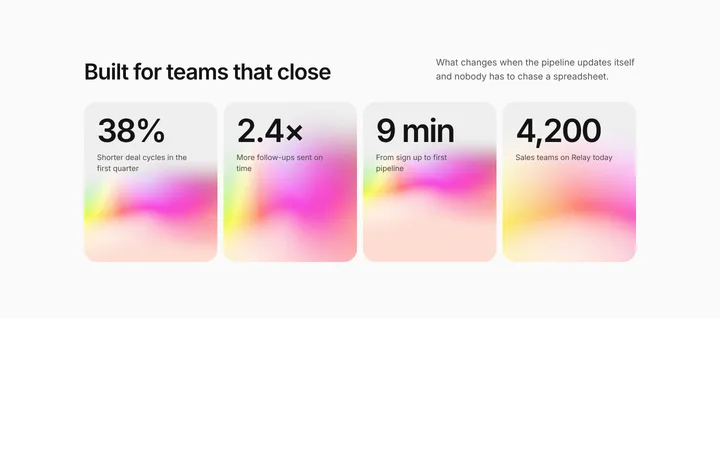
SaaS stats section with gradient cards
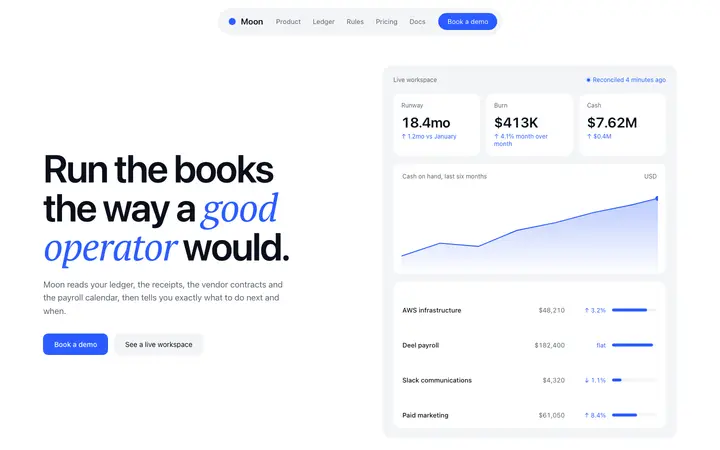
Fintech SaaS landing page template
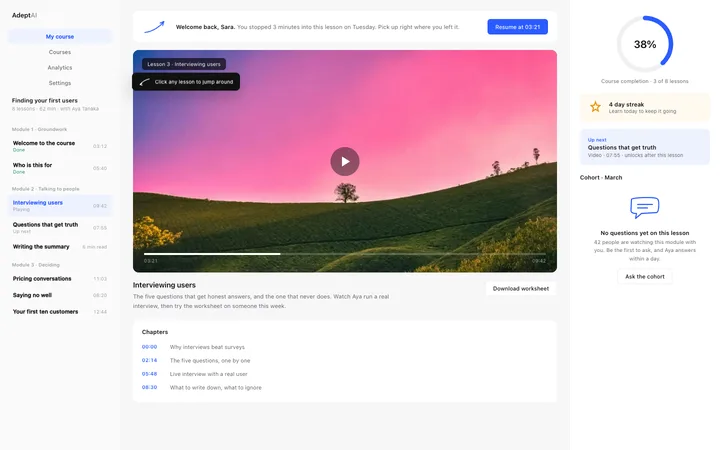
LMS course dashboard template for SaaS
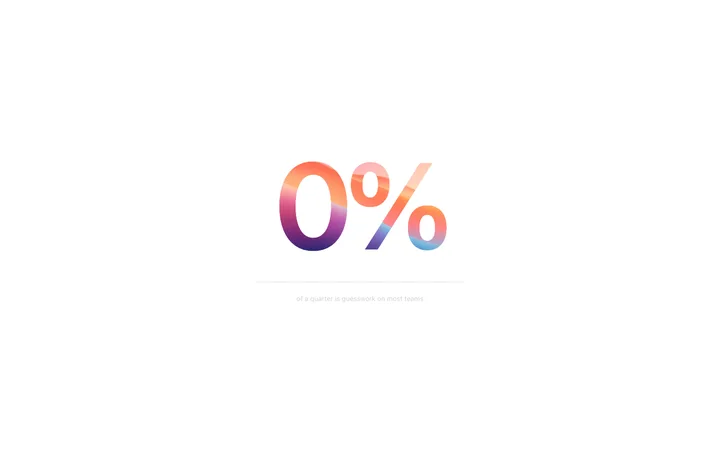
Scroll linked percentage animation for SaaS
More vibe coding dashboard templates
View all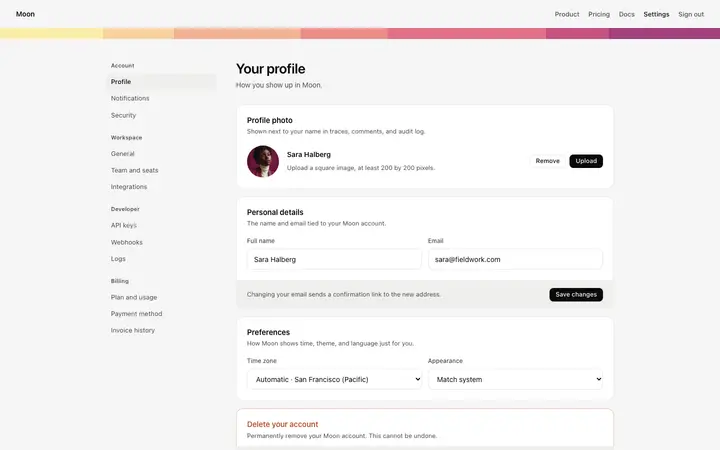
Account settings page template for SaaS
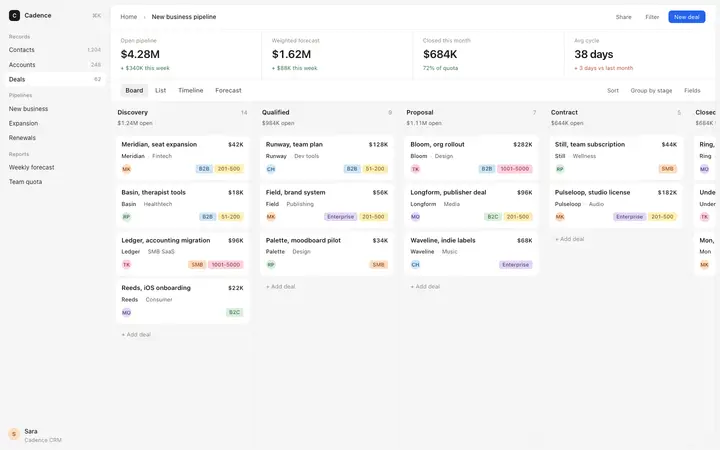
Sales pipeline kanban template for CRM SaaS apps
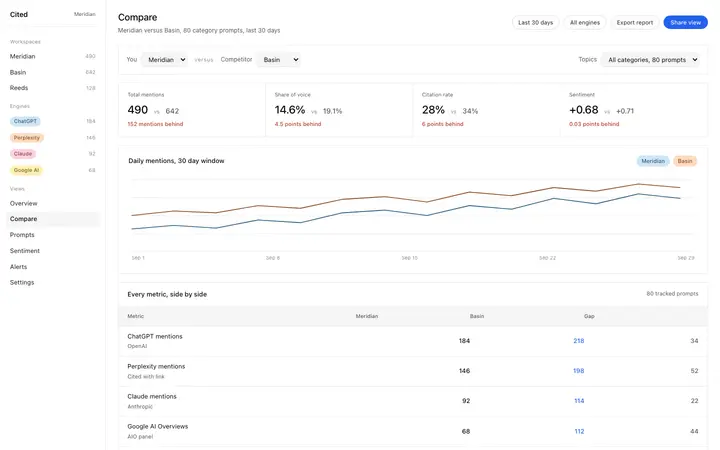
AEO comparison dashboard template for SaaS
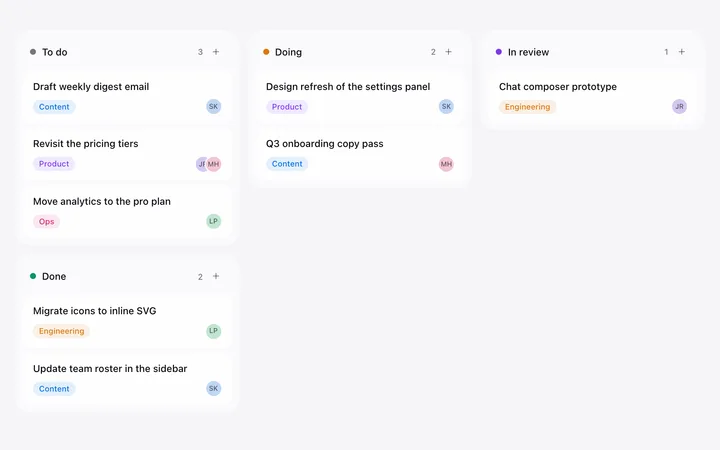
Kanban board template for SaaS project tools
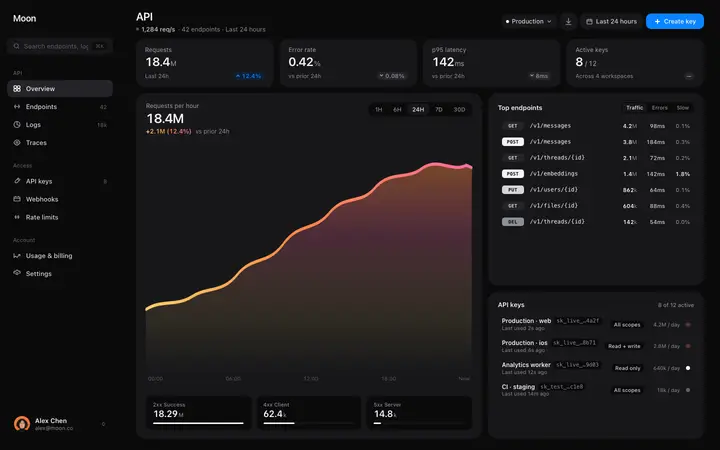
API monitoring dashboard template for SaaS
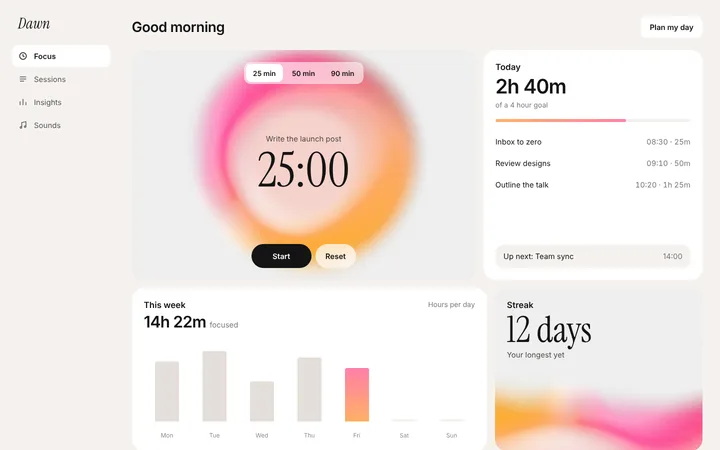
Productivity SaaS pomodoro timer template
Other templates you might like