Framer animation templates for AI websites and apps
Real animation designs you can copy into Framer. Framer turns a pasted template into a Framer page built on Framer's canvas, not code in a repo. Below: the designs, how to set Framer up so it keeps the design, and what makes a good animation section.
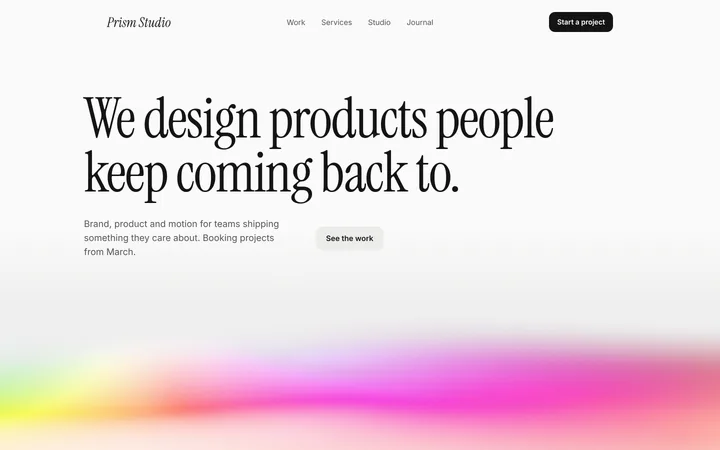
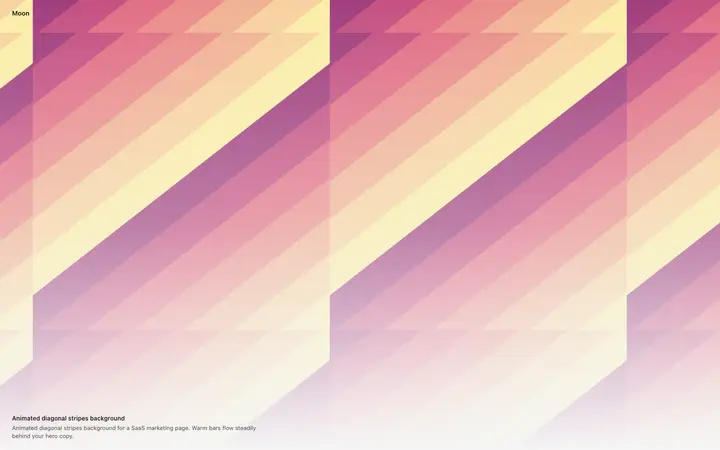
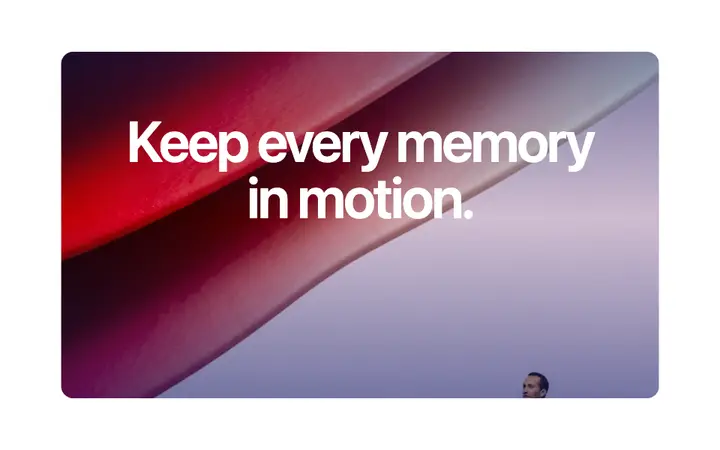
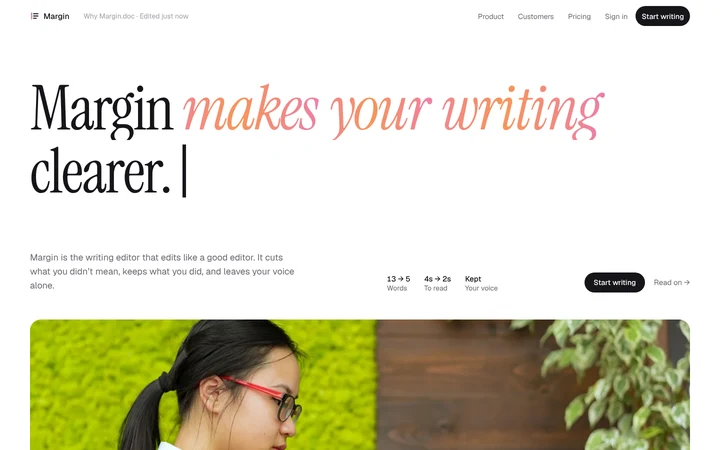
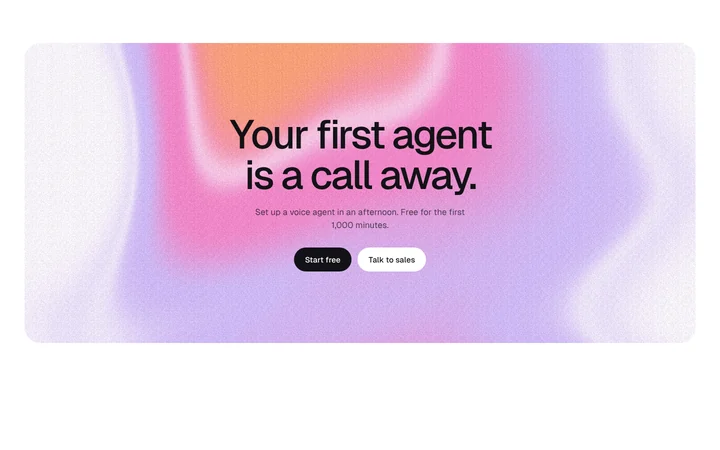
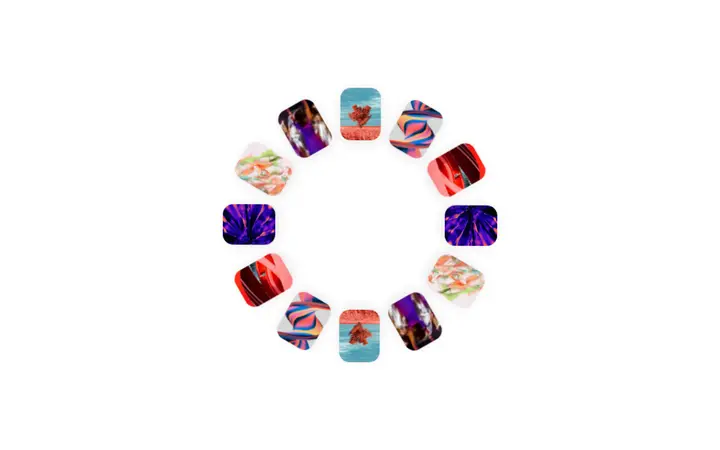
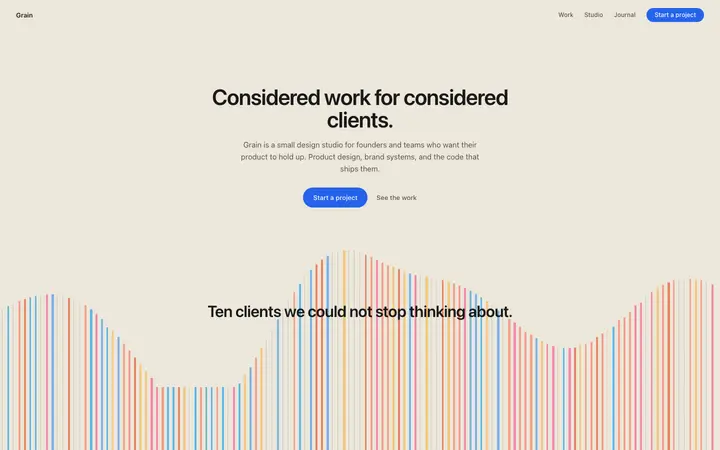
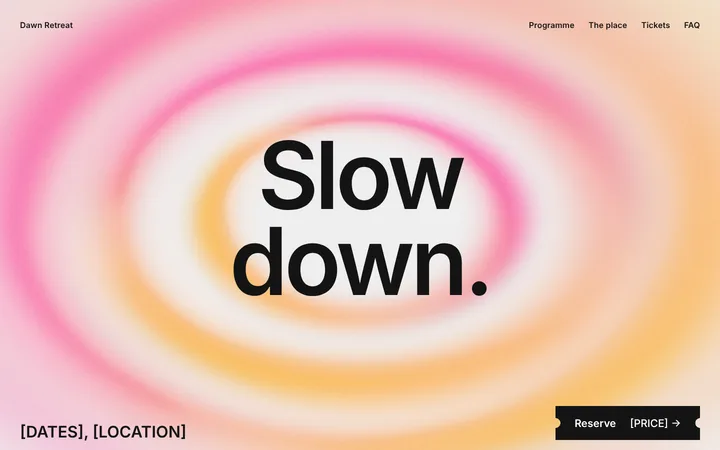
Framer animation templates
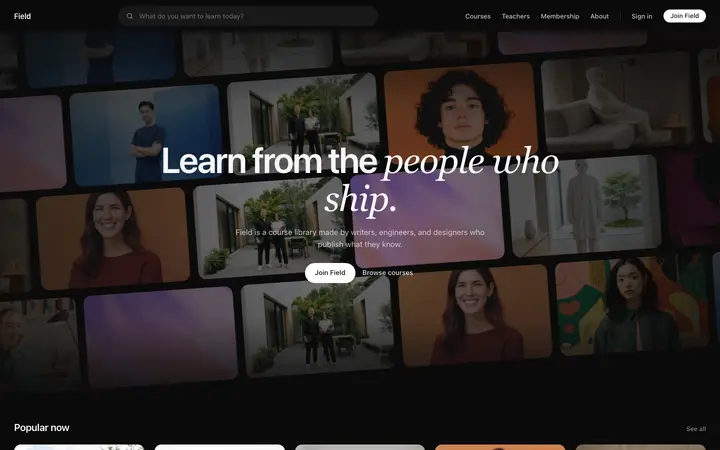
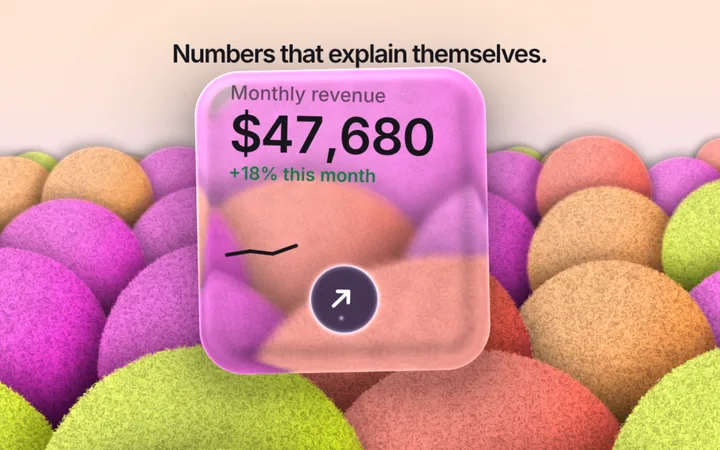
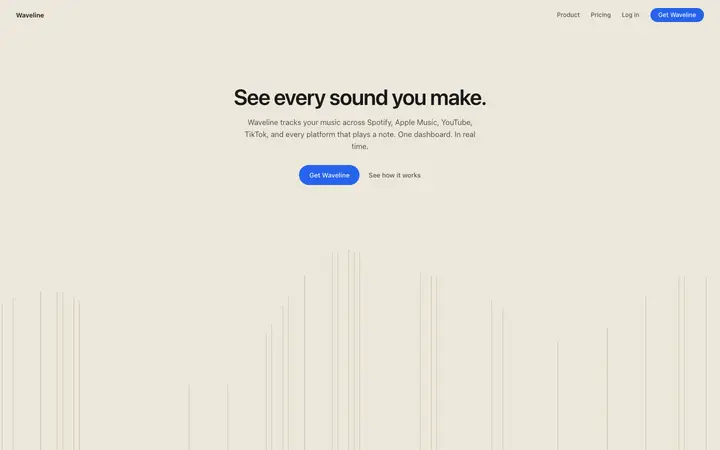
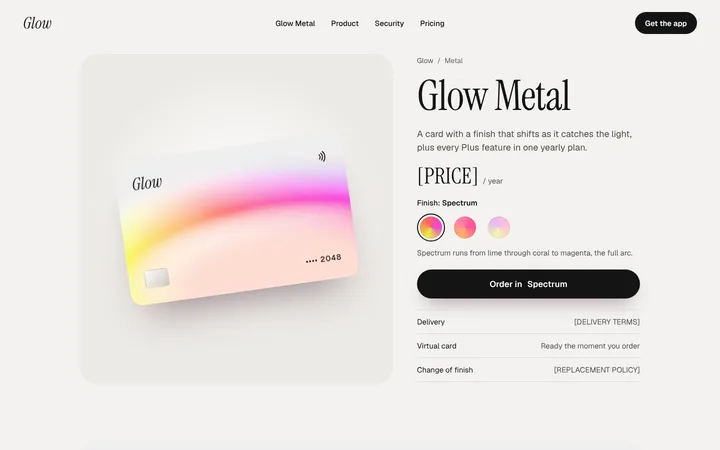
216 animation design templates for Framer. Browse the full BrowserMoon library for every template category.
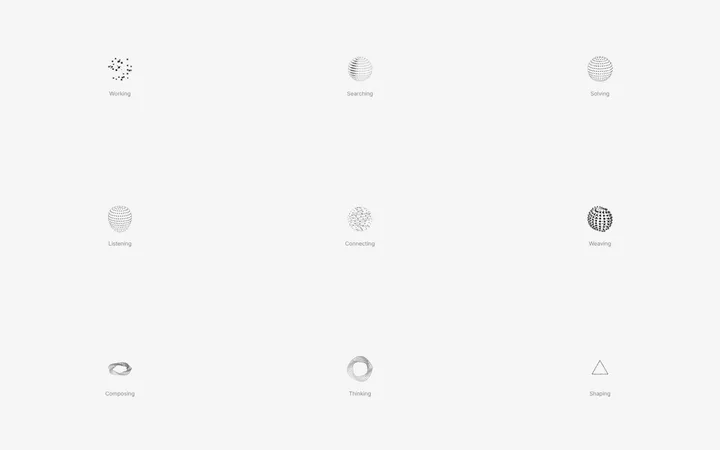
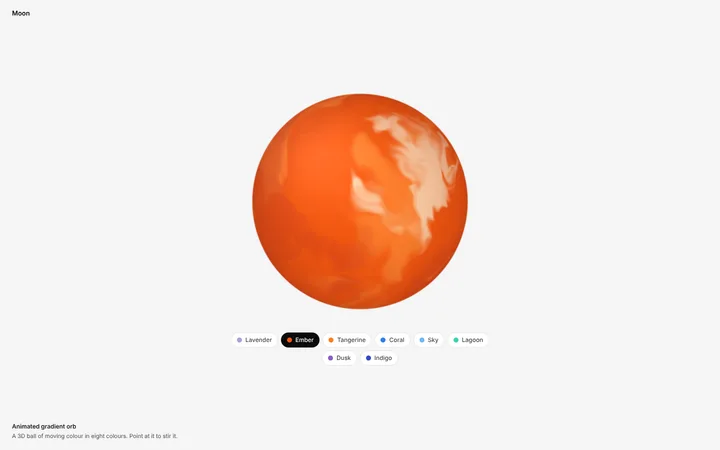
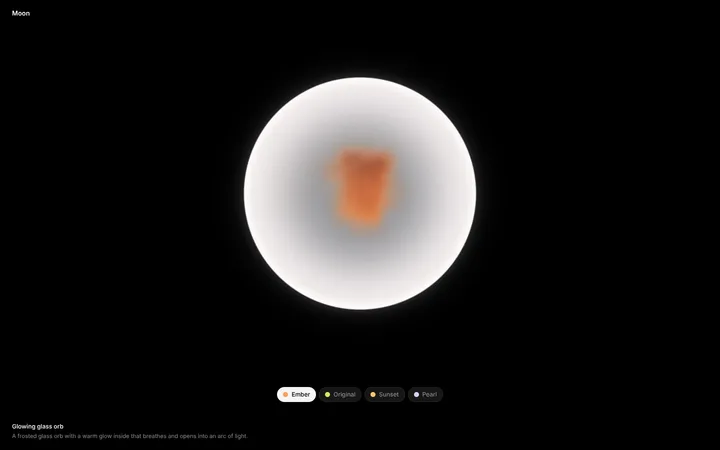
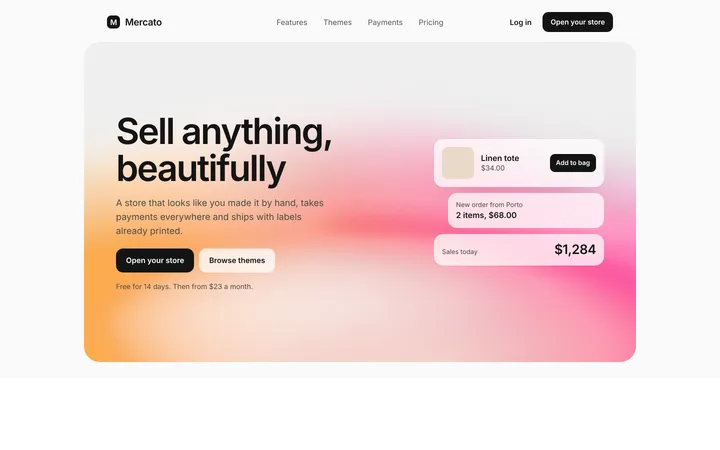


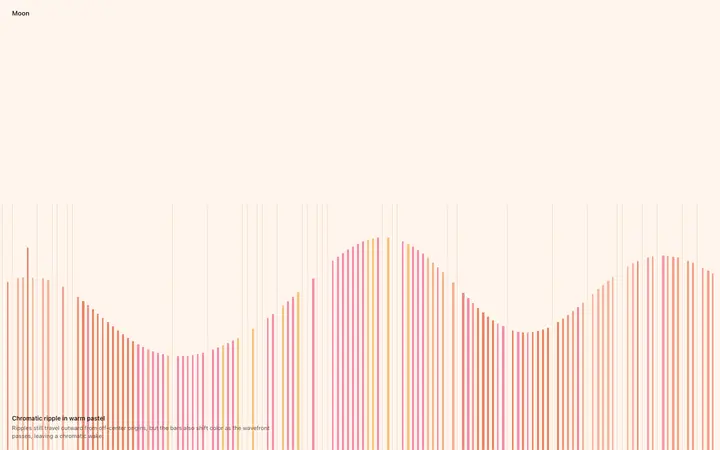
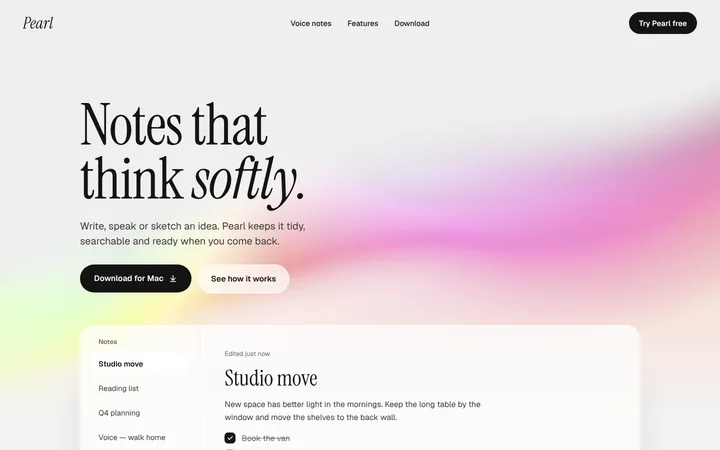

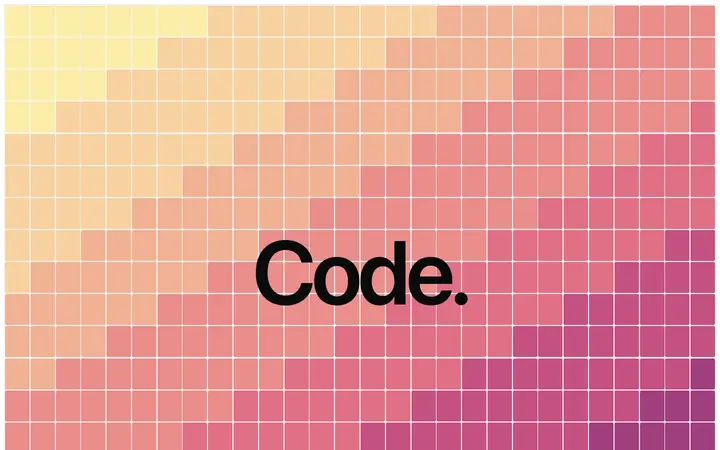
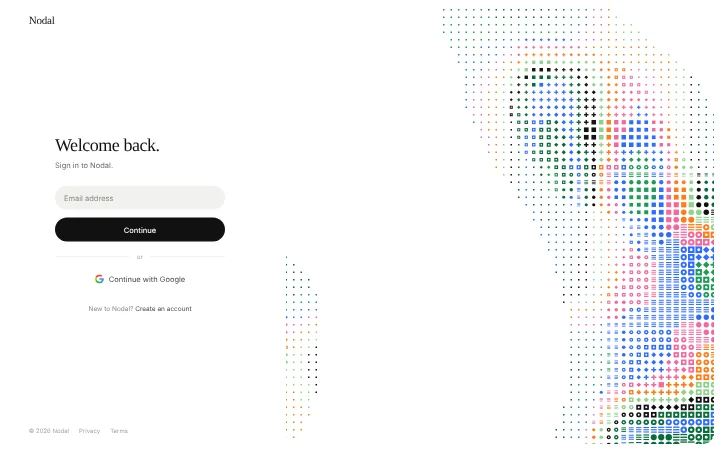
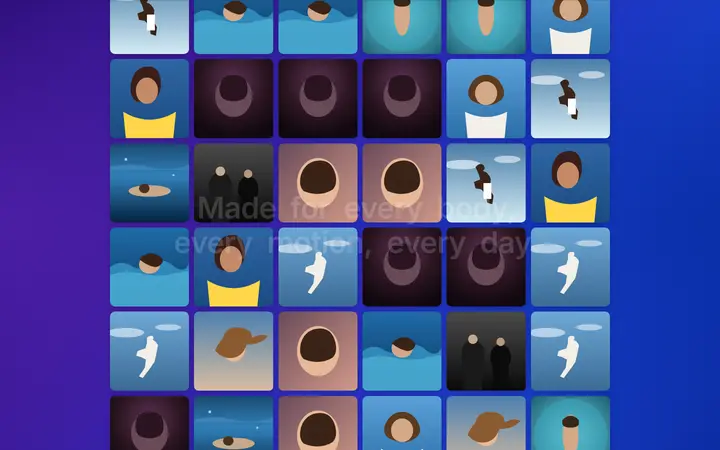
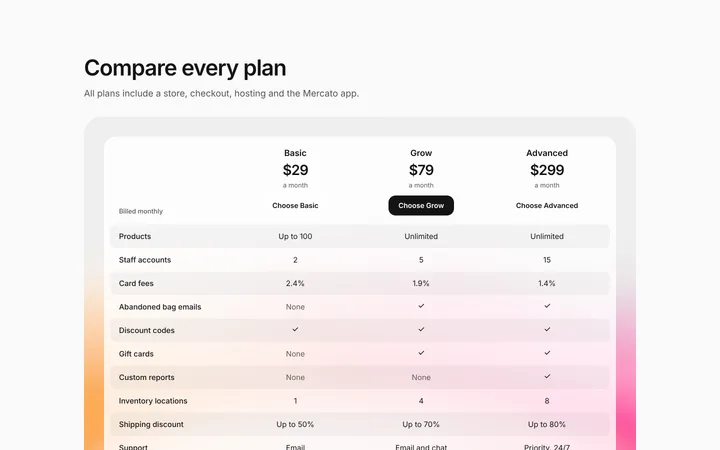
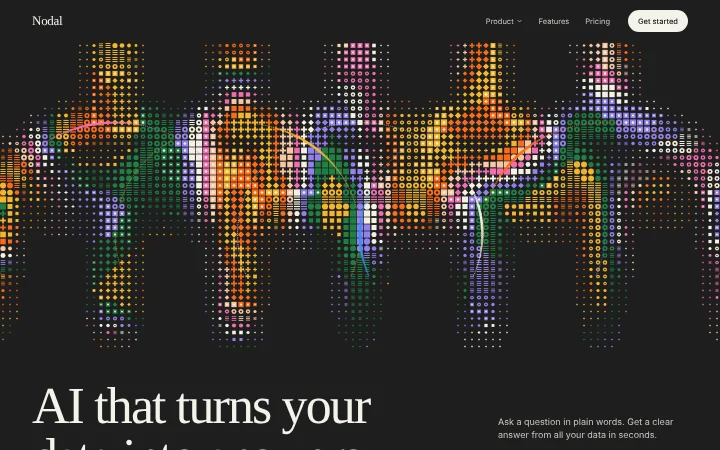
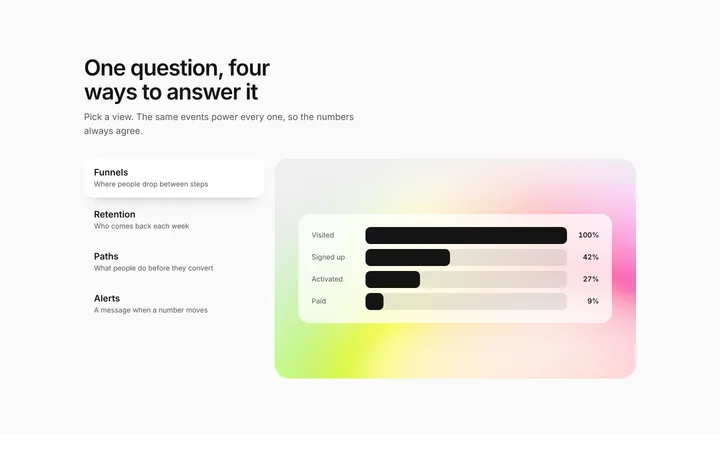
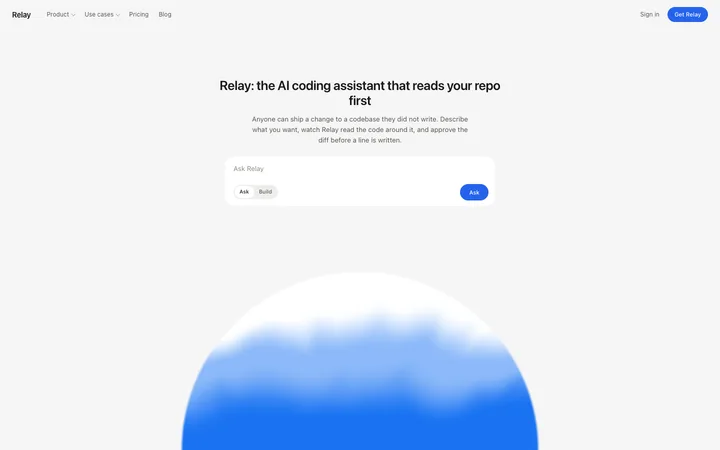
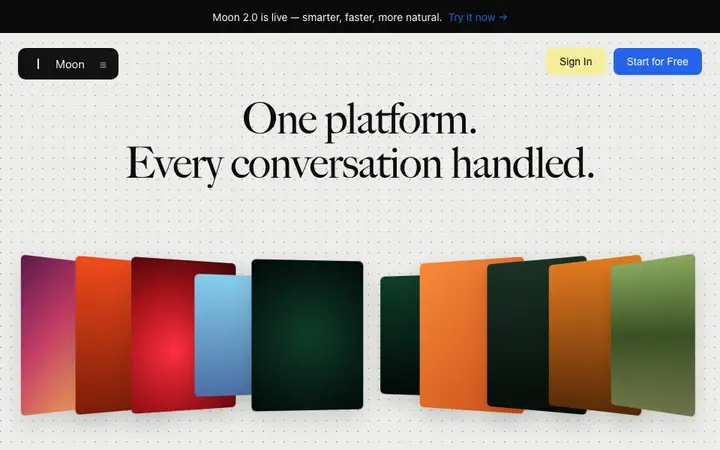
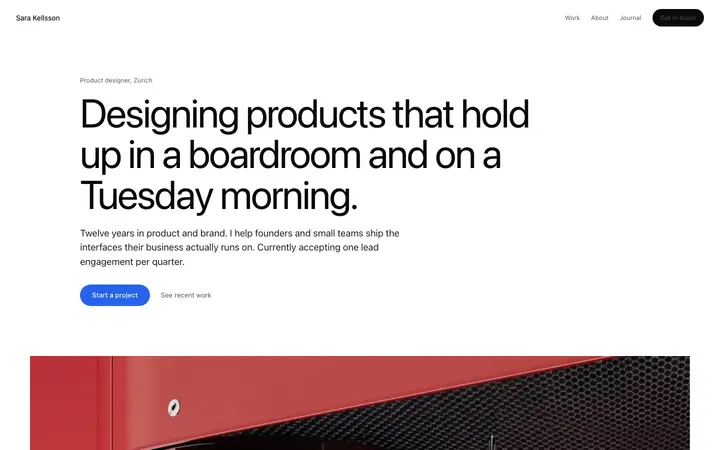
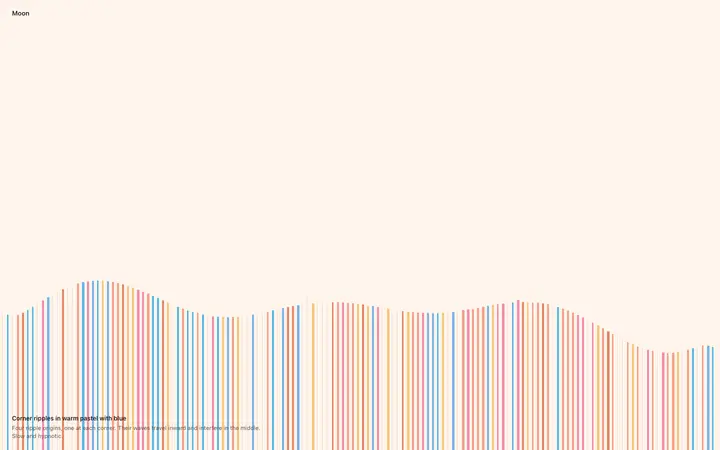
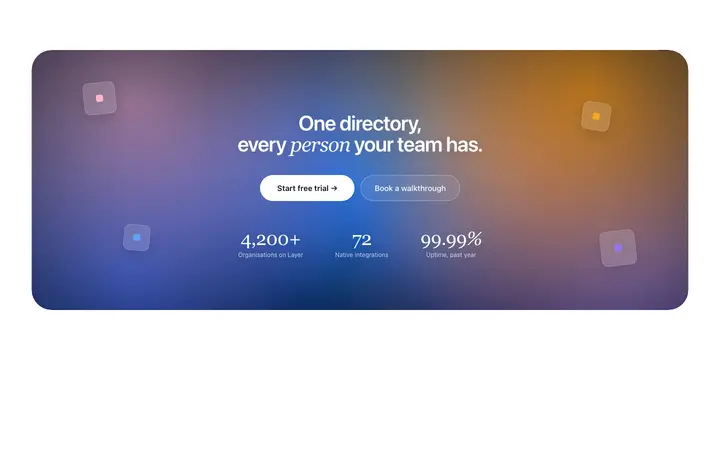
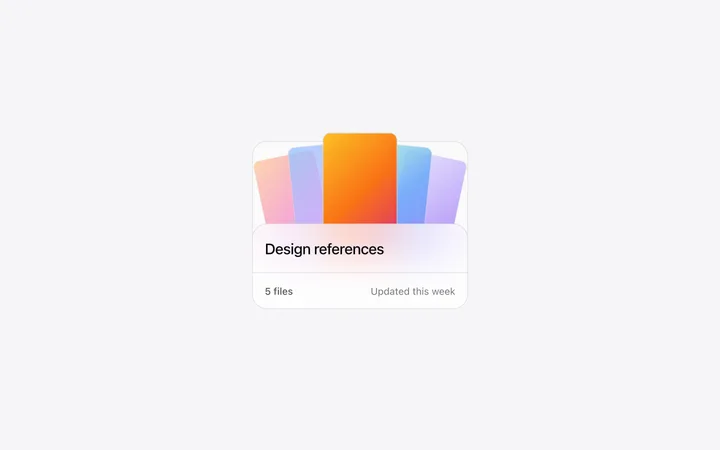
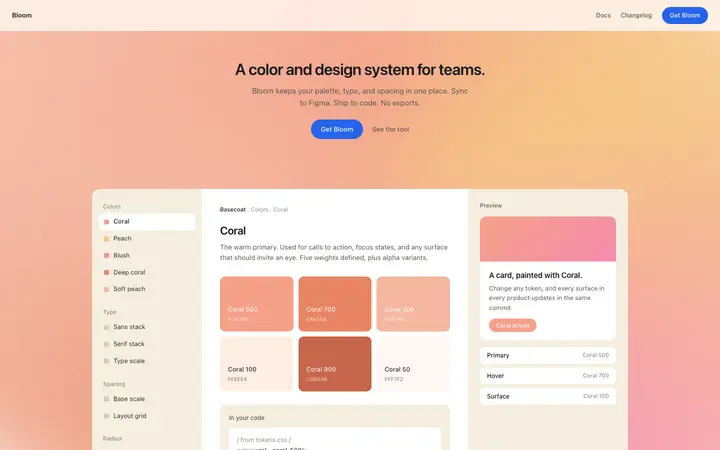
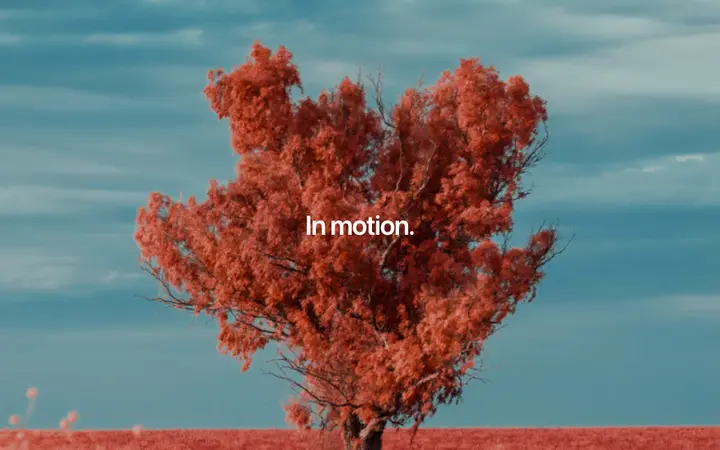
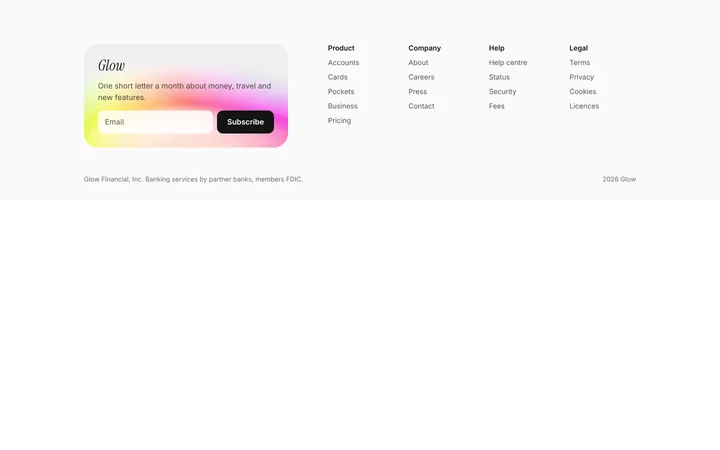
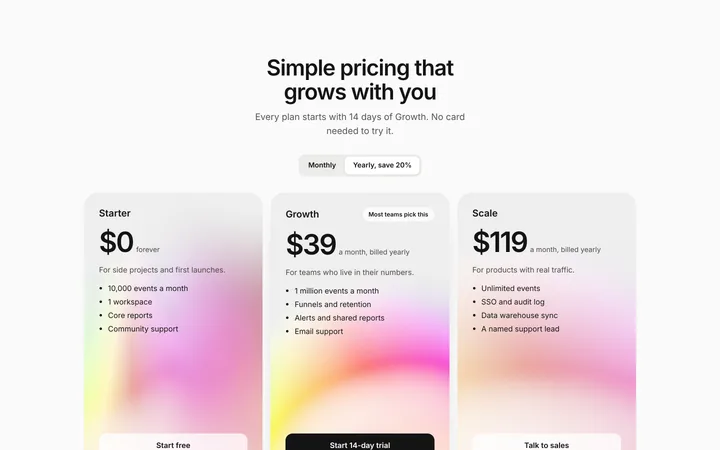
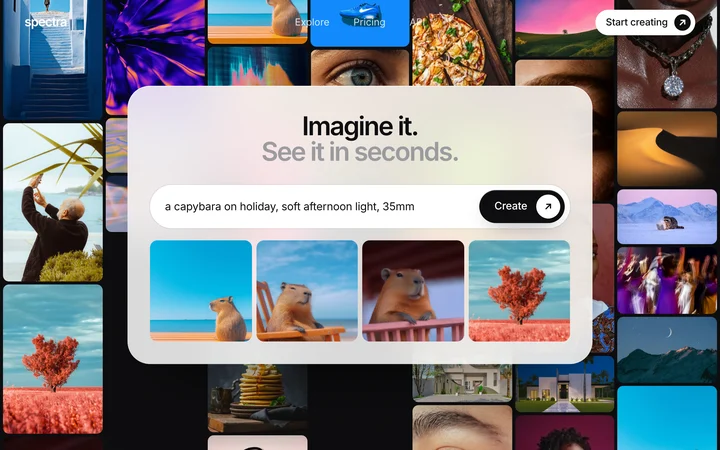
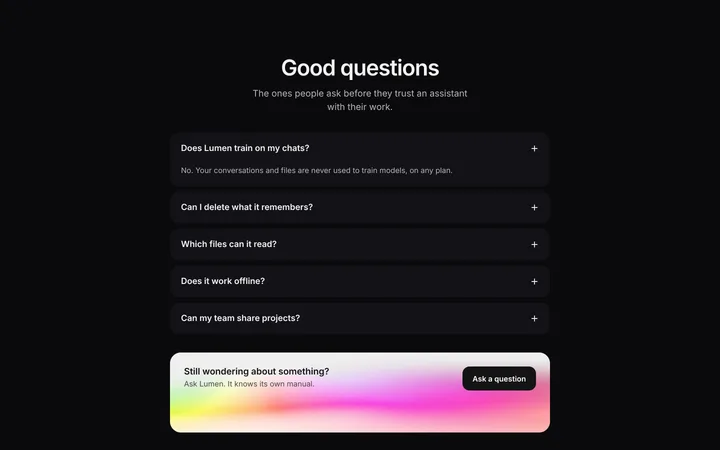

How to use animation templates with Framer
Pick a design
Choose a animation design above and open it to see it live.
Copy the template
Copy the template from its page. It is one HTML file with no dependencies.
Set up Framer
Use the template as the visual reference for your Framer page, and rebuild it with Framer's own layout tools or Framer AI.
Prompt, then refine
Paste it and describe your product. Then follow up with: "Recreate this section to match the reference: same layout, spacing and type scale, with my own copy."
What makes a good animation section
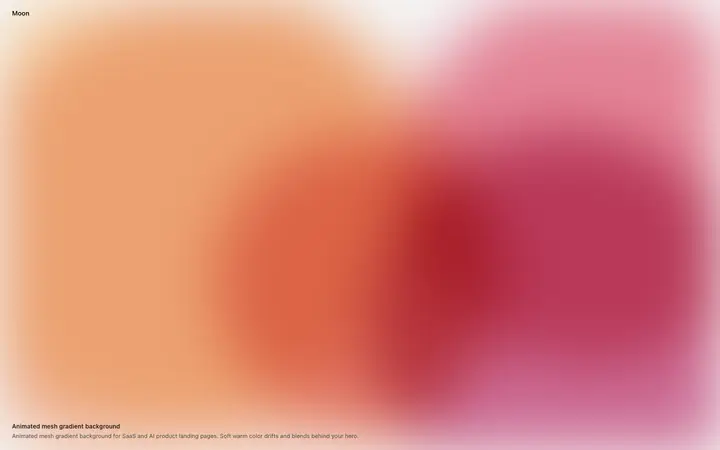
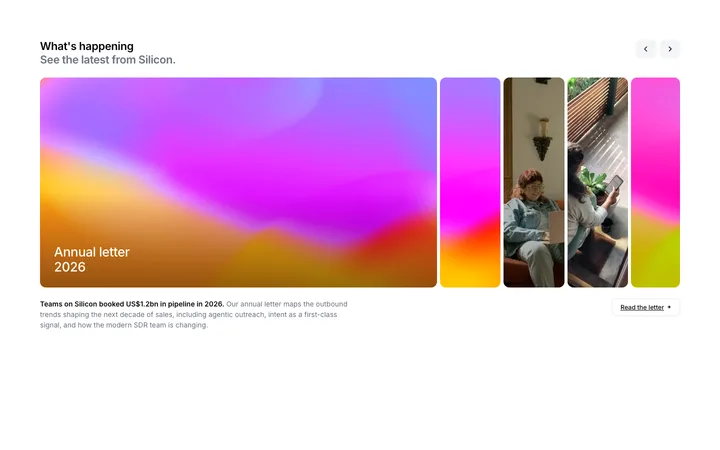
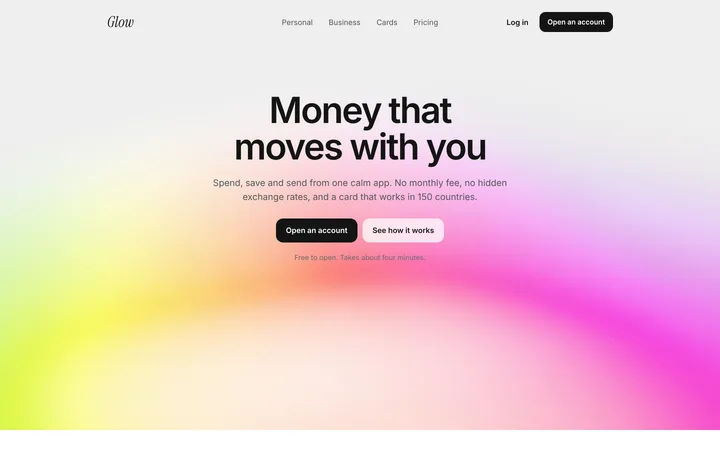
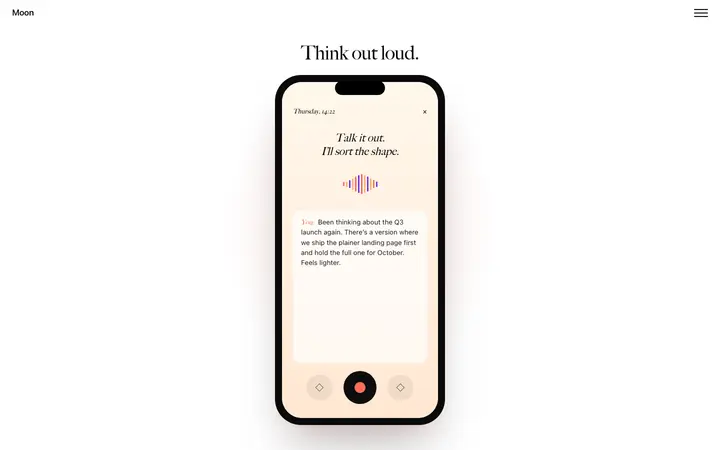
Common types: scroll reveals, animated backgrounds, text animations, hover effects and loading states.
Motion with a job
Show what changed, what is clickable or how something works.
Short and smooth
Most interface motion feels right well under half a second.
Respect reduced motion
Turn motion off for people who ask for less.
Common mistake: Animating everything on scroll so the page feels slow.
Keeping the design in Framer
Framer is a visual website builder, so it suits designers and marketers who want to publish a site without managing code.
What Framer builds
A Framer page built on Framer's canvas, not code in a repo.
Where the design goes
Use the template as the visual reference for your Framer page, and rebuild it with Framer's own layout tools or Framer AI.
Framer and animation sections
Ask it to keep the template's CSS keyframes and timing as they are, rather than adding a new animation library.
What to tell it
Keep the animation timing and easing from the template, and switch it off when the visitor prefers reduced motion.
Not sure which animation design fits?
Ask Mon, the AI design assistant, describe your product and Mon suggests the animation design and how to prompt Framer with it.
Frequently asked questions
How do I use a animation template in Framer?
Open Framer AI in your project, paste the BrowserMoon HTML into your prompt as a design reference, and describe what your product does. Use the template as the visual reference for your Framer page, and rebuild it with Framer's own layout tools or Framer AI.
What does Framer turn the template into?
A Framer page built on Framer's canvas, not code in a repo.
How do I stop Framer changing the design?
Framer does not import HTML directly, so treat the template as the design to match, section by section. A follow-up prompt that helps: "Recreate this section to match the reference: same layout, spacing and type scale, with my own copy."
What makes a good animation section?
Motion with a job: show what changed, what is clickable or how something works. Short and smooth: most interface motion feels right well under half a second. Respect reduced motion: turn motion off for people who ask for less.
Any Framer tips for animation sections?
Ask it to keep the template's CSS keyframes and timing as they are, rather than adding a new animation library.
More Framer template categories
Animation templates for other tools