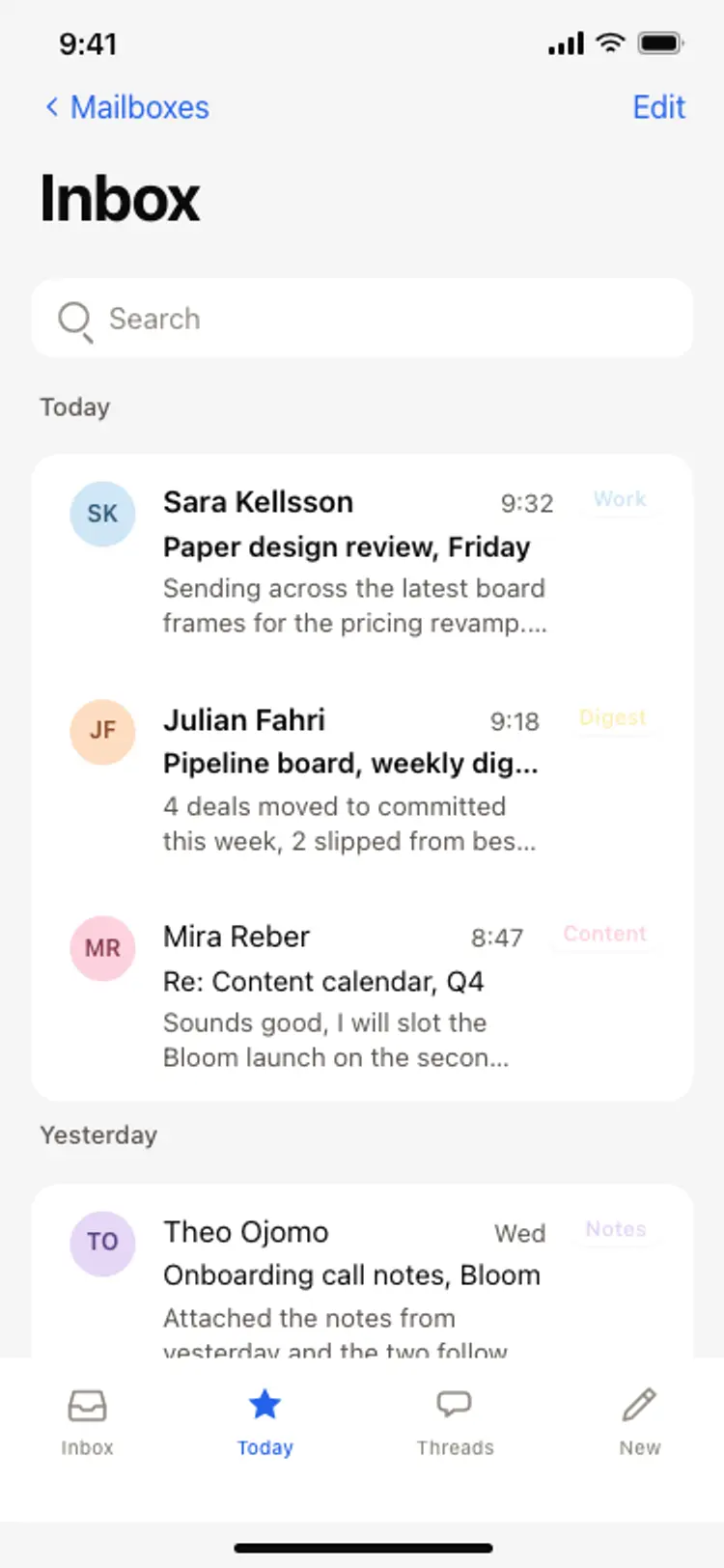
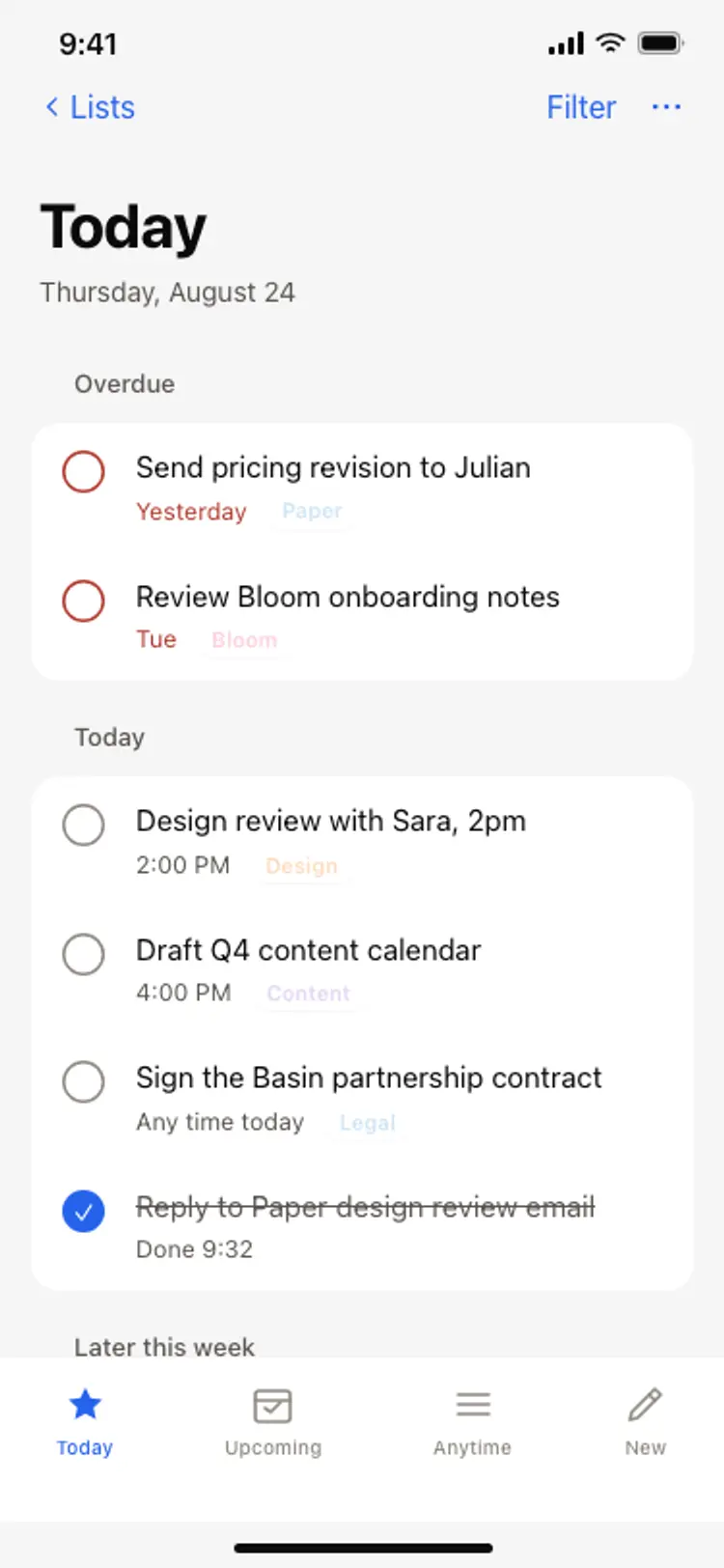
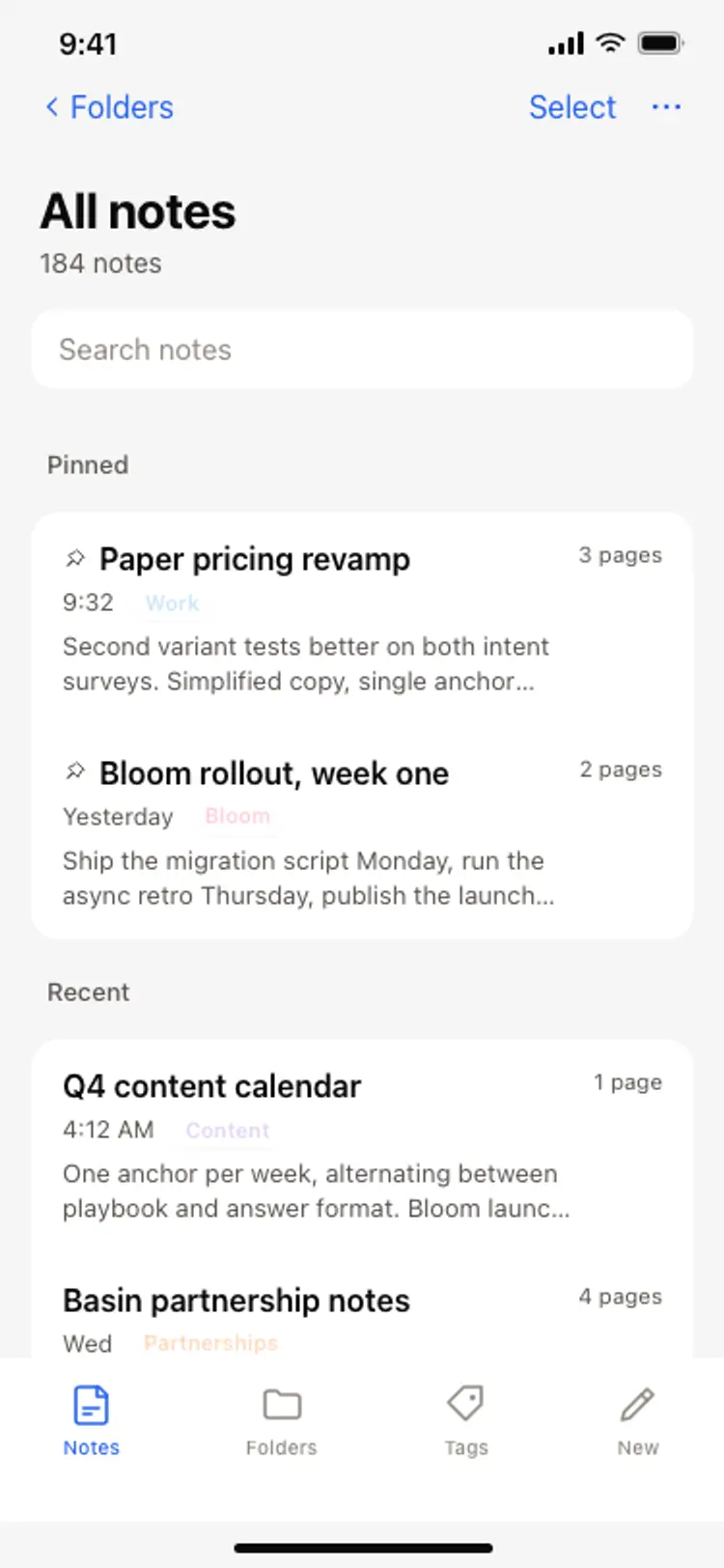
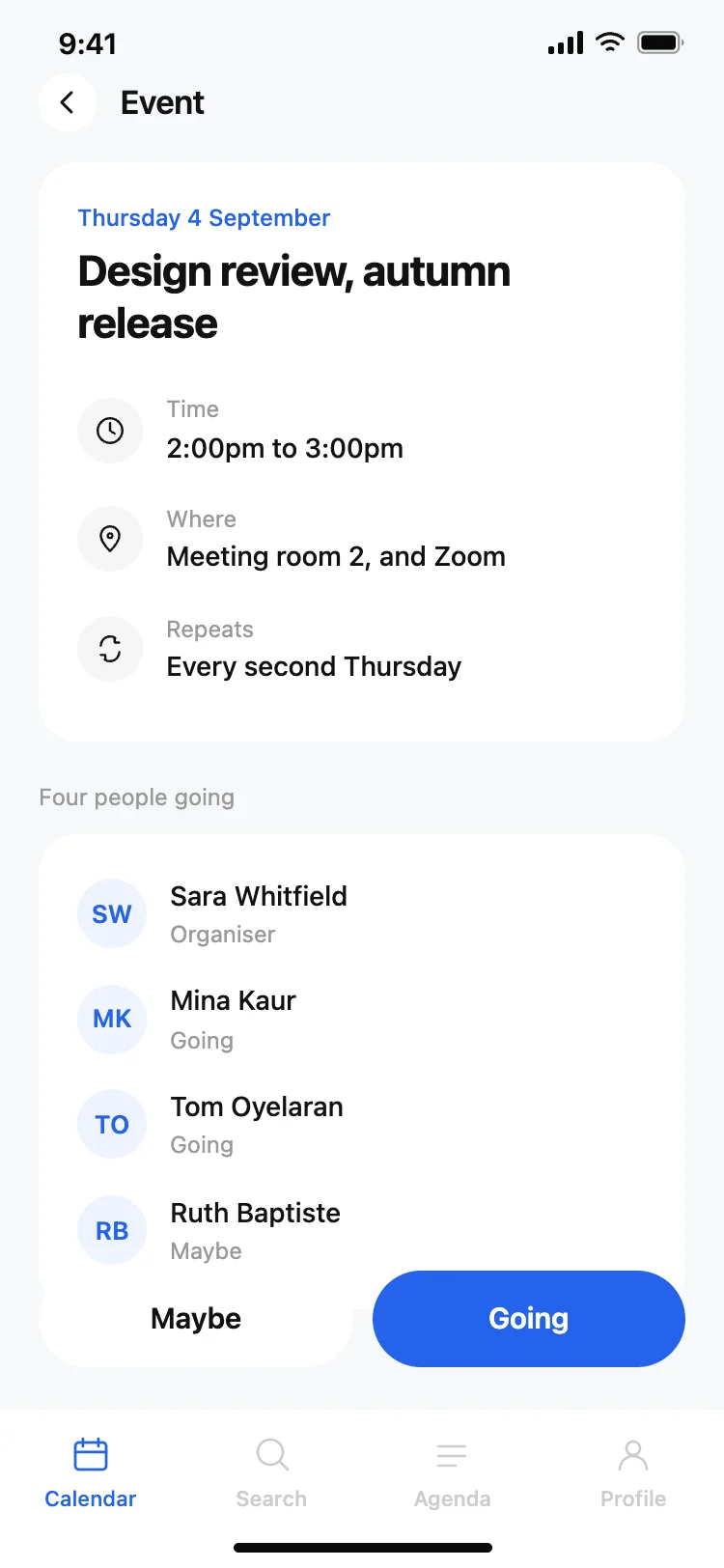
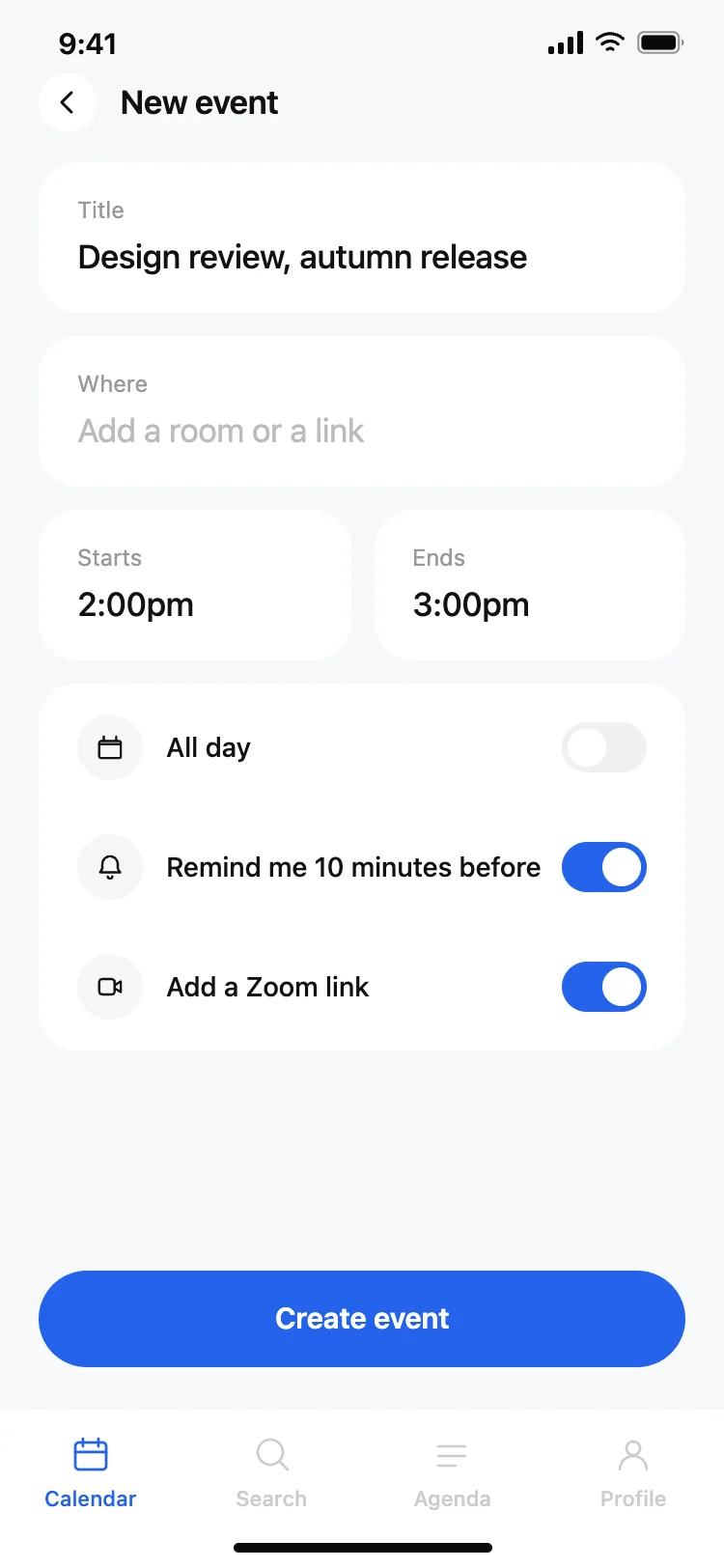
Discover the best productivity app screens for AI vibe coding: inboxes, chat threads, task lists, notes, and AI assistant conversations. Copy any coding template, paste it into Replit, Lovable, Claude Code, Bolt, or Cursor, and build your productivity app with top designed screens.
An inbox or list to come back to, a detail view to act inside, and a composer to add something new. Email, chat, tasks and notes are the same three shapes wearing different clothes, which is why one set covers all four.
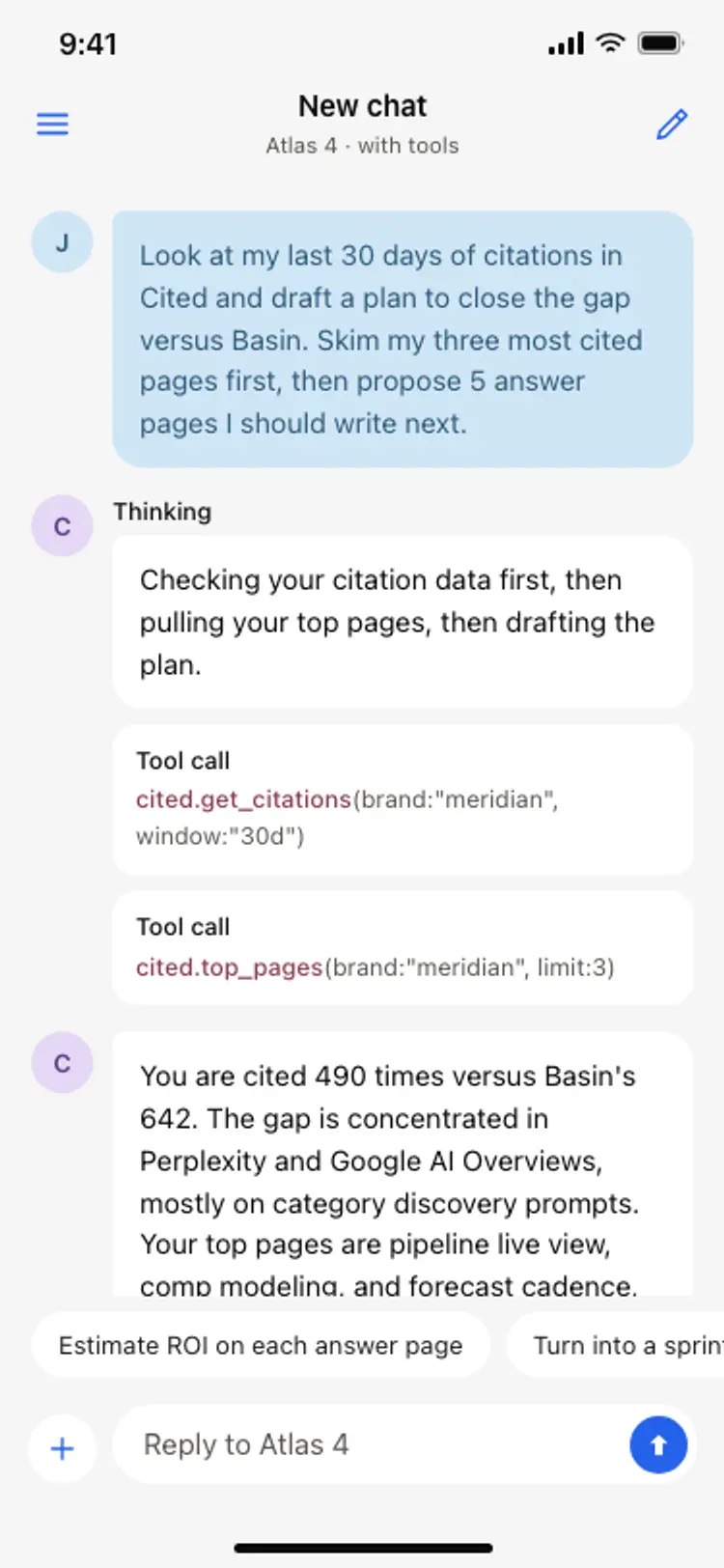
Anchor the composer to the bottom, group messages under a date so a long history stays readable, and let the newest message sit above the keyboard. The chat design here follows that order so it works the moment the keyboard opens.
Paste it into Replit, Lovable, Claude Code, Bolt or Cursor and name your backend. Your AI coding tool reads your messages, tasks or notes into the list and wires the composer to write back.
Room for a long answer and a composer that never moves. An assistant reply is longer than a human one, so the design has to stay readable at length, and cannot assume short bubbles.