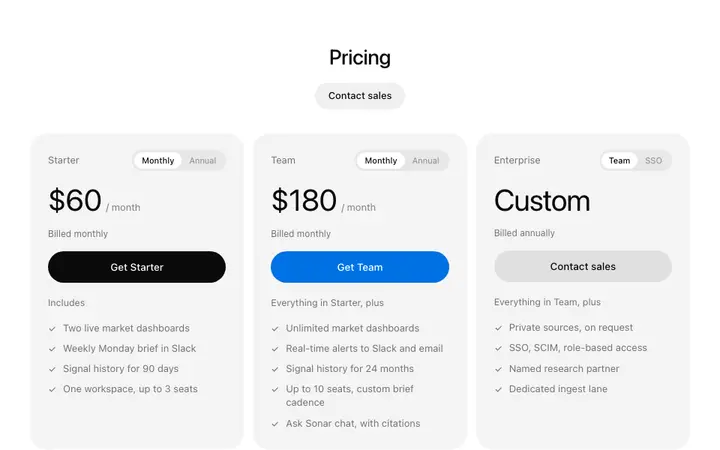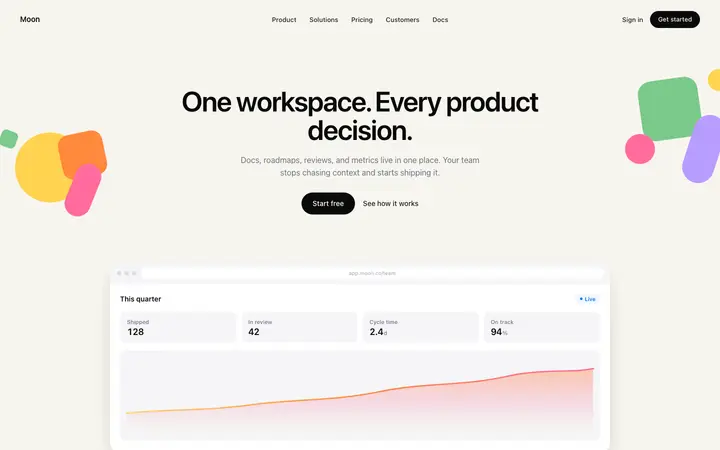
Stripe style SaaS landing page template
Hero
Build this design with AI →Stripe's website is the one designers point to when they say "make it look like that". Its animated gradient is the most copied background on the internet, and it is only half the story. Here is what makes the Stripe homepage work, the gradient included, explained the way a senior UX designer would, and how to build a site with the same design quality using AI.
A simplified map of the page, drawn by us. Open stripe.com next to it to compare.
Product menu, a sign in link and one button.
The animated gradient behind the top of the page, cut off by a sharp diagonal edge. One short headline, one line on who it is for, and two buttons: start now and contact sales.
Well known companies, straight after the hero.
Each one pairs a short headline and paragraph with the real product interface, not an illustration.
Real code, because developers often choose the payment provider.
Case studies and numbers.
One last button, then links grouped by topic.
The moving gradient is what makes Stripe recognisable in one second. Four things make it work.
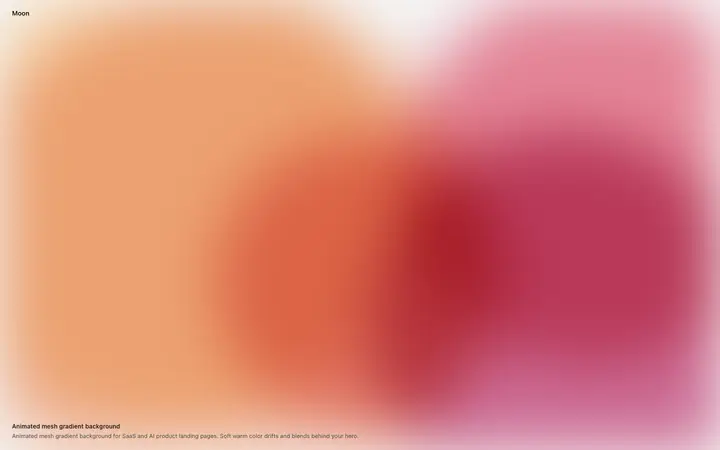
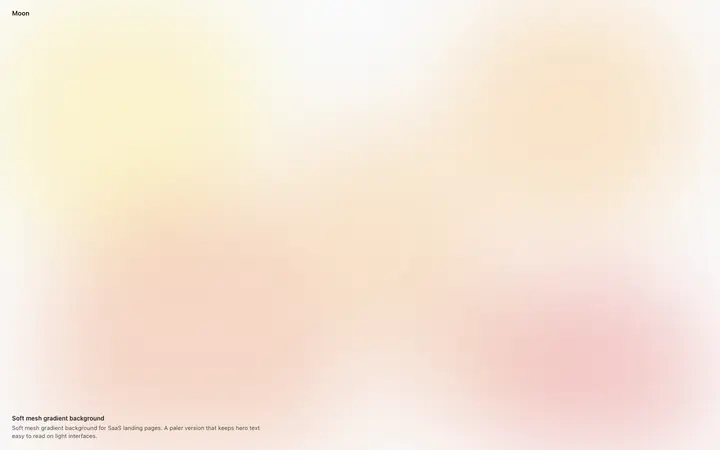
Soft colour blending that feels alive without pulling your eyes off the headline.
The section is tilted, so the gradient ends in a sharp diagonal edge. That slant is as much Stripe's signature as the colours.
The colour sits behind the hero; the rest of the page stays calm and white, so the colour feels special instead of loud.
Developers who studied it found a small WebGL script that draws the gradient in the browser, so it stays sharp and light.
Make your own with our Stripe gradient generator, or start from a template below that has it built in.
The gradient gets the attention. These seven decisions turn that attention into sign ups.
Stripe has described itself as "financial infrastructure for the internet". No adjectives, no wordplay. A visitor knows the category in three seconds. Most startup headlines fail here: they describe a feeling, not a product.
Two buttons for two kinds of visitor: start now for developers and small teams, contact sales for large companies. Each button has one job, so nobody has to think.
Logos right under the hero answer "can I trust this?" before the page asks for anything.
Every section shows the real interface. It proves the product exists and looks good, which matters when you sell to people who judge software for a living.
Big headlines, a calm body size, and weight and colour to rank what matters. The gradient gets attention; the type tells you where to look next. Strip the gradient away and the page still reads clearly. That is the test of good visual hierarchy.
Animation shows what is clickable and draws the eye down the page. It never blocks reading.
Long pauses between sections give each idea its own moment. Cramped pages feel cheap; space feels confident.
Copying only Stripe's gradient is the most common mistake. Stripe sells to everyone from a solo developer to the largest companies, and its page is built for that. Yours probably is not.
Stripe can name its category because everyone knows it. Unless yours is famous, say what the visitor gets.
Contact sales only makes sense with a sales team. Without one, a second button just splits attention.
Use a short quote from a real user or a number you can prove, in the same spot under the hero.
Keep it behind one section, with your headline and product on top. Gradient everywhere looks loud, not premium.
Even a simple screenshot beats a decorative background. It is what proves you are real.
Ask Mon, the AI design assistant, to review your homepage and tell you what to keep from Stripe and what to change.
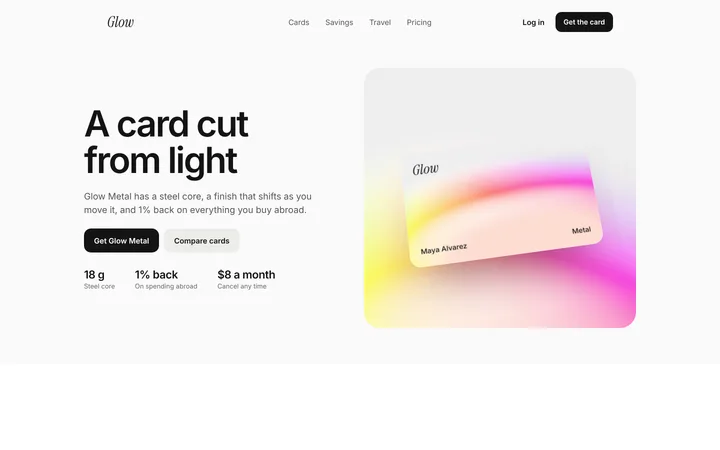
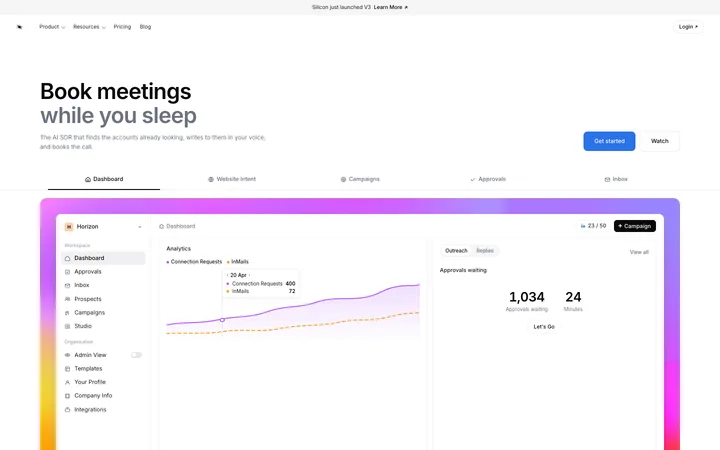
Pick one below and copy it. The gradient, spacing and type scale are already done.
Claude Code, Lovable, Bolt, Cursor or v0. Ask for it in your stack.
Ask the tool to keep the layout, spacing and type scale, and change only the words, colours and screenshots.
Mon tells you what to fix before you launch, the way a senior designer would.
Hero
Build this design with AI →Animations
Build this design with AI →Hero
Build this design with AI →Animations
Build this design with AI →Landing pages
Build this design with AI →Pricing
Build this design with AI →Every Stripe style template above is an original BrowserMoon design. Preview them all; copy the code with a BrowserMoon licence.
Get a licenceA signature animated gradient and angled sections make it memorable. A clear headline, one main action, early proof, the real product as the visual and strong typography make it work. Most copies take the first part and miss the second.
Developers who studied the code found a small WebGL script that draws the gradient live in the browser, inside a section tilted at an angle so it ends in a diagonal edge. Our Stripe gradient tool makes a similar animated gradient for your site without code.
Start from a Stripe style template, paste it into an AI tool like Claude Code or Lovable, swap in your own headline and product, then ask Mon to review it before you launch.
Copy the principles, not the brand. Use your own words, colours, logo and product on a layout built on the same patterns. The templates on this page are original BrowserMoon designs.
It suits SaaS, fintech, developer tools and AI products that want to look premium and technical. For a local business or a shop, a warmer, simpler layout usually converts better. Ask Mon about your product if you are unsure.
More design breakdowns: Apple product page design · Linear website design · Notion onboarding flow · SaaS landing page design · hero section design · pricing page design
BrowserMoon is not affiliated with Stripe. Stripe is a trademark of its owner. This page is independent design commentary.