Build with AI

How to build a SaaS with AI

The complete guide to building a SaaS product with AI coding tools. Landing page, onboarding, activation, dashboard, pricing, and conversion at every stage of the user journey.

Short answer

Building a SaaS with AI takes hours. Getting each stage right takes a plan. A SaaS product has six stages every user moves through: landing page, onboarding, activation, dashboard, pricing, and conversion. AI coding tools like Bolt, Lovable, Replit, and Claude Code build all of them. The design of each stage determines whether users convert, activate, and stay paying. BrowserMoon has a template for every stage.

Building a good SaaS is not the same as building a functional SaaS

A regular app has screens. A SaaS has a user lifecycle. The difference matters because design decisions at each stage of that lifecycle affect the metrics that determine whether the business grows: signup rate, activation rate, day-30 retention, and conversion from free to paid.

When you describe a SaaS product to an AI coding tool in plain text, the tool generates each screen independently. The landing page looks like a generic marketing page. The onboarding looks like a multi step wizard. The dashboard looks like a data table. Each screen works in isolation. The product as a whole lacks the visual coherence and conversion logic that makes users stay.

Starting each stage from a designed template changes this. The landing page gets a hero section built to convert, not just to describe. The onboarding gets an empty state that guides users to first value, not just a form that collects settings. The pricing page gets card hierarchy that makes one plan the obvious choice. The template is the design reference the AI builds around at every stage.

The six stages below cover what each part of a SaaS needs to do, why AI-generated defaults fall short, and which BrowserMoon templates fix it. Use them in sequence. The landing page defines what the product is. Every stage after it builds on that foundation.

The six stages

01

Landing page

The landing page converts paid traffic, organic search, and word of mouth into signups. It is the first screen most users see, and it has to communicate what the product does, who it is for, and why it is worth trying in the first ten seconds.

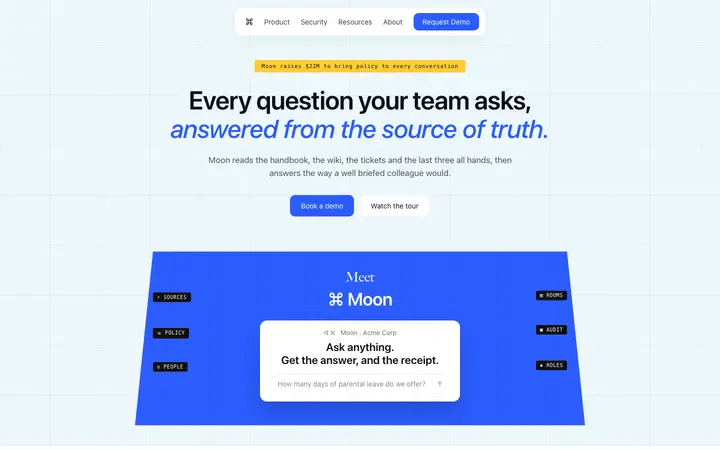
An AI coding tool given a text description produces a headline, a feature list, and a CTA. A landing page built from a SaaS template has real visual hierarchy: a hero section with an outcome headline, social proof placed immediately below it, a features section that names results not mechanisms, and a pricing teaser above the fold. That structure converts because it answers the visitor's questions in the order they ask them.

Landing pageHero sectionSocial proof
02

Onboarding

Onboarding moves a new user from signup to first value. It is the single biggest driver of whether users come back after day one. A weak onboarding flow asks users to configure settings before showing them anything useful.

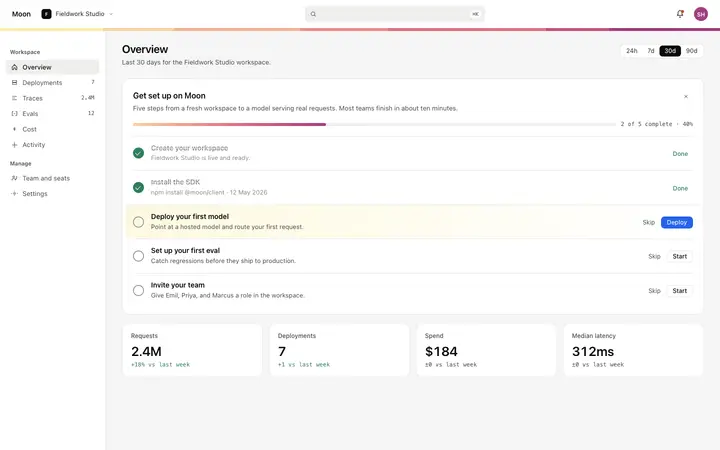
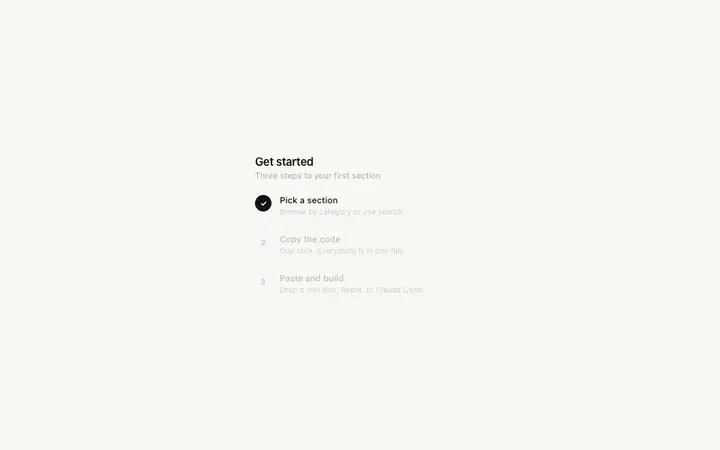
A strong onboarding flow takes the user to one specific moment where the product proves its value, then surfaces configuration after. The design of that path matters. A progress indicator shows users how close they are. An empty state guides them to the first action. A checklist surfaces the two or three things they need to do before the product is fully useful. These are design decisions, and they determine activation rate.

Onboarding flowEmpty stateProgress
03

Activation

Activation is the moment a user completes the action that predicts long-term retention. It is specific to every product: sending a first message, generating a first output, completing a first task. Most AI-built SaaS products have no activation design.

There is no empty state guiding users to the activation action. No checklist showing how close they are. No feedback when they get there. These missing moments are not code problems. They are design problems. An activation checklist card, a progress banner, and a success state are three templates that change whether users move from curious to committed.

ActivationFirst valueRetention
04

Dashboard

The dashboard is the screen users work in every day. It has to make the core action fast, the user's data legible at a glance, and the next step obvious. AI-generated dashboards apply marketing-grade type sizes and spacing to a screen that should feel like a tool.

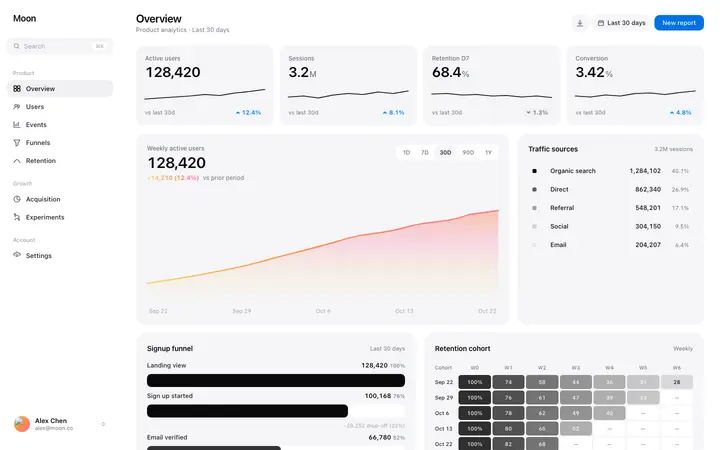
That mismatch makes the product slow to use and tiring over time. Data dense SaaS dashboards use smaller type, tighter spacing, and more information per screen than a landing page. Stats sections show key metrics without requiring the user to hunt for them. A well designed dashboard is one where the user can see what they need to know and take the next action without reading anything twice.

DashboardAnalyticsData display
05

Pricing

The pricing page converts free users to paying customers. It is the most revenue-critical screen in a SaaS product. An AI-generated pricing page typically produces three plan cards with identical visual weight.

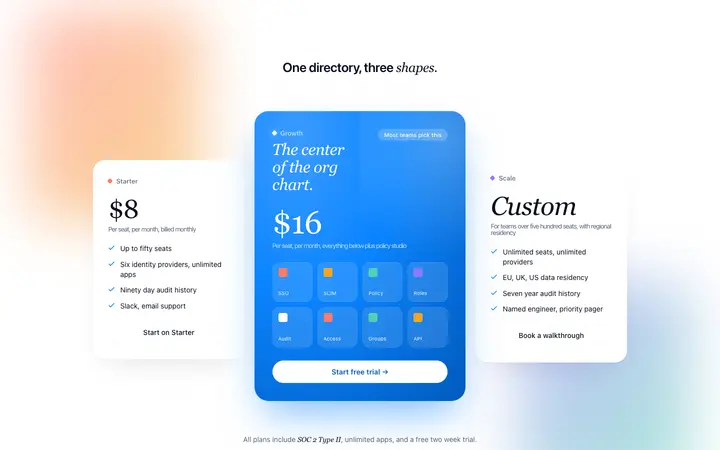
When every plan looks the same, visitors anchor to the cheapest option or leave to compare competitors. A converting pricing page makes one plan the visual hero before the user reads a feature: a border in the brand color, a badge, a slightly larger card. The feature rows name outcomes, not technical capabilities. A billing toggle lets price sensitive users find their own anchor. These are design decisions with direct revenue impact.

Pricing pageTiersConversion
06

Conversion

Conversion design is the set of patterns that move users from free to paid throughout the product, not only on the pricing page. Feature gates, upgrade modals, and contextual CTAs are all conversion design.

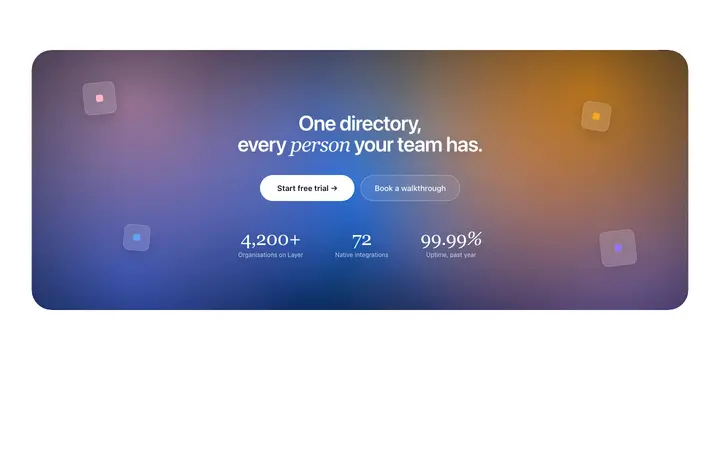
The best SaaS products surface the upgrade prompt at the exact moment the user hits the limit of what the free tier can do. That moment is designed, not accidental. An upgrade modal that names the specific feature the free user is trying to access converts ahead of a link to the pricing page. A closing CTA section that pairs a headline with three trust signals converts ahead of a button alone. Conversion is the design layer that sits on top of every other stage.

ConversionUpgradeFeature gates
browsermoon.com/mon
Mon
New chat
Mon Notes
Building a SaaS in Lovable.
Team productivity tool.
Not sure what to build first.
I am starting a SaaS in Lovable. It is a team productivity tool. What do I build first?
Start with the landing page, before any other screen. Building the landing page first forces you to write one sentence that says what the product does and who it is for. Every design decision after that builds from that sentence. If you build the dashboard first, you end up with a product that works but cannot explain itself.
Which template should I start with?
Use the Enterprise SaaS Landing Page. It has the hero, a social proof bar, a features section, and a closing CTA in one file. Paste it into Lovable with your product description and your headline. Then once the landing page is done, come back and I will guide you through the onboarding design.
After the landing page, what is the most important stage?
Onboarding. It is the single biggest driver of whether users come back after day one. Most SaaS products built with AI have no onboarding design at all. A progress bar, an empty state, and a checklist of first actions change activation rate more than any other design change.
Ask Mon
General
Templates
Ask

Templates for every stage

One template per stage of the SaaS build journey. Copy any template and paste it directly into Bolt, Lovable, Replit, or Claude Code as a design reference before writing the product description.

Browse all SaaS templates

Frequently asked questions

What AI tools can you use to build a SaaS?

Bolt, Lovable, Replit, Claude Code, Cursor, and ChatGPT Codex all build SaaS products from plain English descriptions. They differ in where they are strongest. Bolt and Lovable start from a blank project and produce a running app quickly. Claude Code and Cursor work inside an existing codebase and suit developers who want more control. Replit adds hosting and a database in the same place. All of them produce better output when given a designed template as a visual reference alongside the product description.

How long does it take to build a SaaS with AI?

A functional SaaS product with a landing page, onboarding, dashboard, and pricing page takes one to three days to build with an AI coding tool. The code is the fast part. Getting each stage right takes longer: the landing page needs to convert, the onboarding needs to activate users, the dashboard needs to be fast to use daily, and the pricing page needs to make one plan the obvious choice. Starting each stage from a BrowserMoon template cuts the design work at every stage.

What pages does a SaaS product need?

A SaaS product needs six core pages or screens: a landing page to convert visitors to signups, an onboarding flow to get new users to first value, an activation experience to move users to the action that predicts retention, a dashboard or main product screen for daily use, a pricing page to convert free users to paid, and conversion patterns throughout the product to surface the upgrade at the right moment. Most AI-built SaaS products have the first and fourth. The others are where the product either grows or stalls.

How do I make a SaaS built with AI look professional?

The look of an AI-built SaaS comes from the design reference the tool uses. With no reference, the tool converges on a generic visual style shared by most AI-generated products: default type sizes, default spacing, a blue or purple accent, the same component library. Pasting a BrowserMoon template into the prompt before the tool generates anything shifts that reference to a specific, considered design. The AI inherits the spacing, type, and visual hierarchy from the template and builds around it.

Can you build a SaaS without a developer using AI?

Yes. Bolt, Lovable, and Replit are designed specifically for building products without writing code directly. They handle routing, authentication, database connections, and deployment from plain English instructions. The parts of a SaaS that people who do not code typically struggle with are the design decisions at each stage: what goes in the hero, how the onboarding should flow, how the pricing cards should be weighted. Templates solve that layer without code.

What is the difference between building a SaaS and building a website with AI?

A website has pages. A SaaS has a user lifecycle. The design decisions that matter for a SaaS are about what happens after a user signs up: the onboarding flow that gets them to first value, the dashboard they use every day, the pricing page that upgrades them, the conversion patterns that surface the upgrade at the right moment. A website does not have those stages. Building a SaaS well means designing each stage of the user journey, not just the marketing page.
Not sure which stage to work on first?

Anyone can make their vibe coded site or app look top designed with Mon, the AI designer of Moon.

Ask Mon now

Related