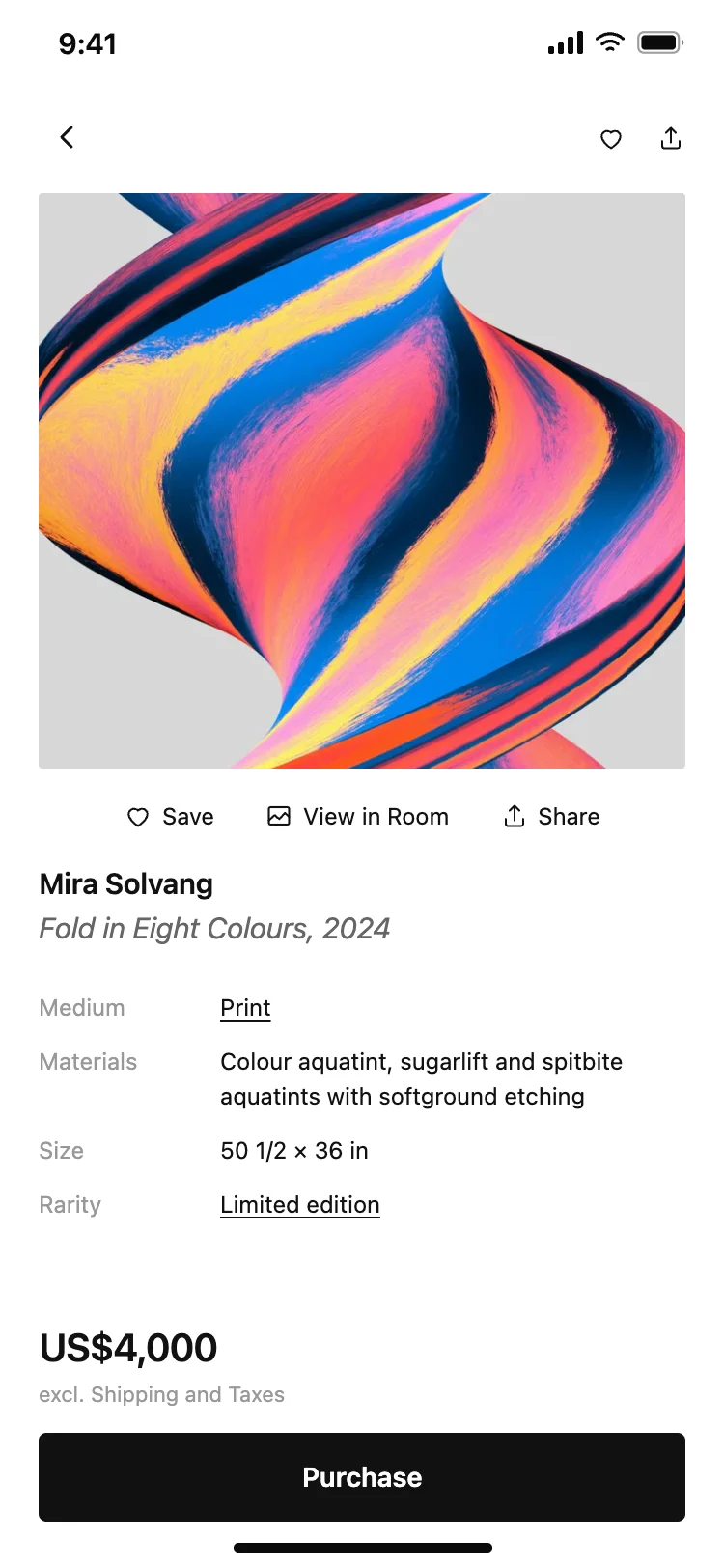
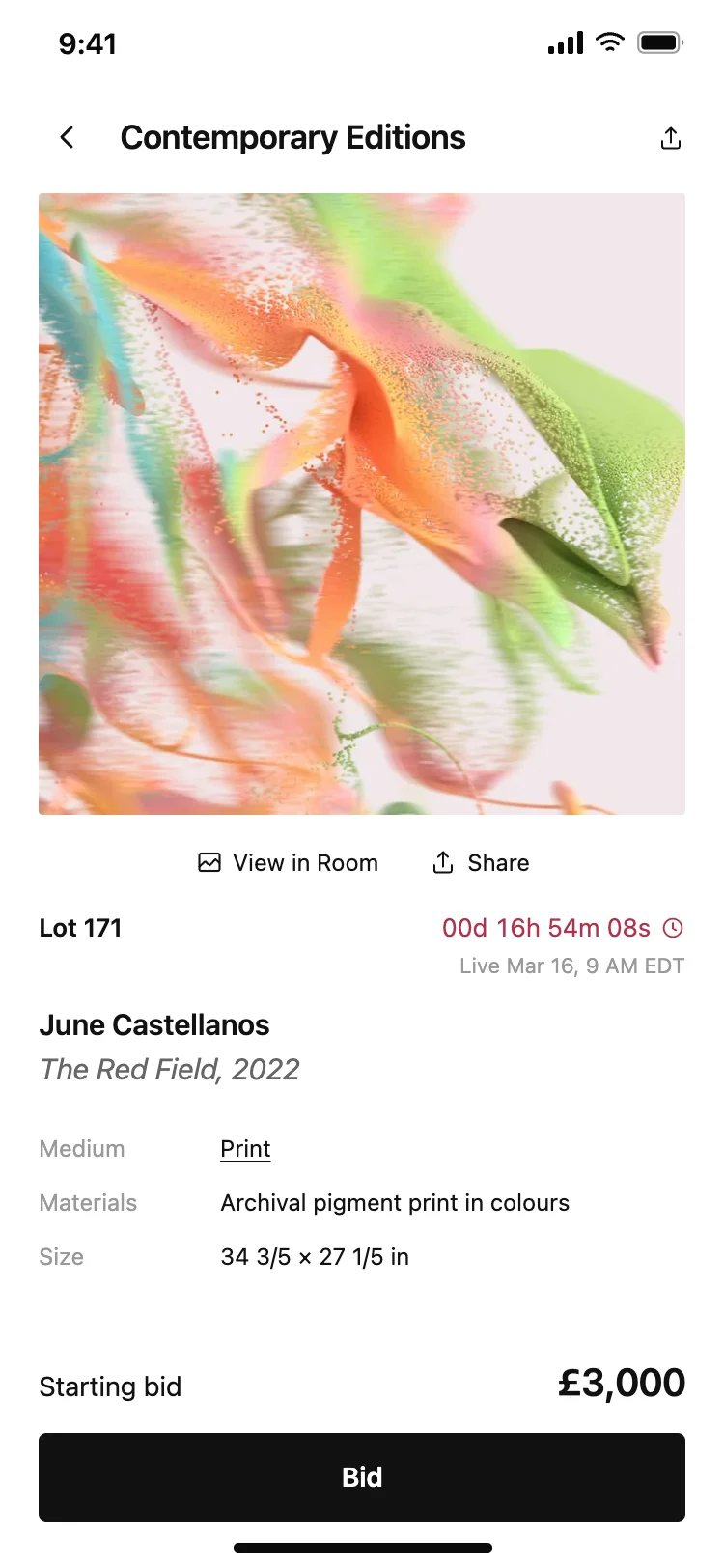
Discover the best detail screen designs for AI vibe coding: product pages, article views, recipe cards, and content previews. A detail screen is where someone decides to act, buy, save, or share. Copy any coding template, paste it into Replit, Lovable, Claude Code, Bolt, or Cursor, and build your detail views with top designed screens.
A hero image or media, the title, the one thing someone needs to decide, and an action. Detail screens are where browsing becomes doing, so the design has to answer the deciding question above the fold.
As long as the decision needs, and no longer. A product detail needs price, images, and a buy button. A recipe needs ingredients and steps. Padding the scroll with content that does not help the decision only delays it.
Pinned to the bottom, always visible. A buy button or a save button that scrolls away with the content is a button people have to hunt for, and hunting is where they leave.
Paste it into Replit, Lovable, Claude Code, Bolt or Cursor alongside a list or feed screen from this set. Your AI coding tool wires the list tap to the detail and the detail action to your backend.