

What is a vibe coding prompt?
A vibe coding prompt is what you type into an AI coding tool to build a page or an app. The difference between a generic result and a professional one is usually the prompt: what it asks for, in what order, and whether it gives the tool a real design to copy. These prompts are written separately for each tool, because Lovable, Cursor and Codex each read a design and build code in a different way.
Vibe coding prompts by page type
SaaS landing page prompt
A full landing page for a SaaS product: hero, logos, features, how it works, pricing, FAQ and a closing call to action.
Hero section prompt
A hero section that explains the product in one line and gets the click, with a product visual and social proof.
Pricing page prompt
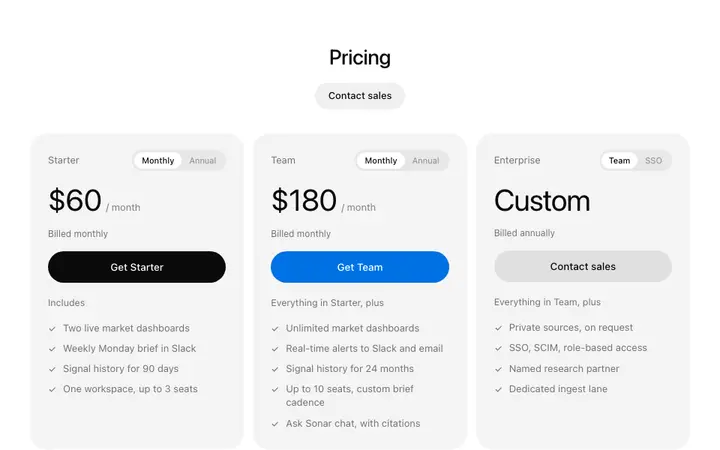
A pricing page with three plans, a monthly and yearly toggle, a comparison table and a pricing FAQ.
SaaS dashboard prompt
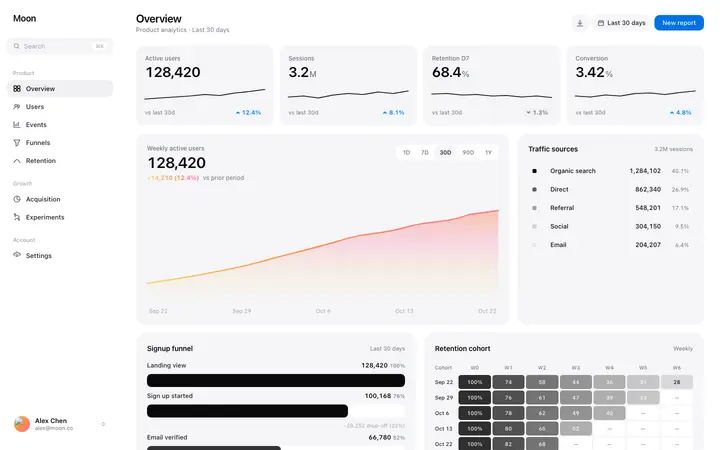
An app dashboard with sidebar navigation, key metrics, a chart, a recent activity table and empty states.
Login and signup page prompt
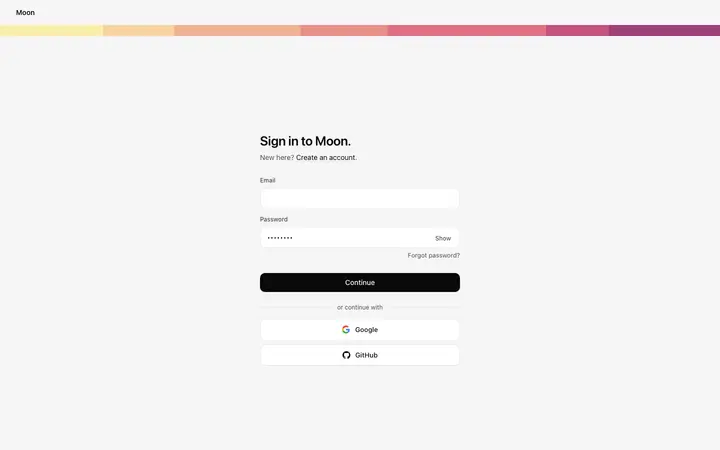
Sign in, sign up and forgot password screens with social login, clear errors and a branded side panel.
Onboarding flow prompt
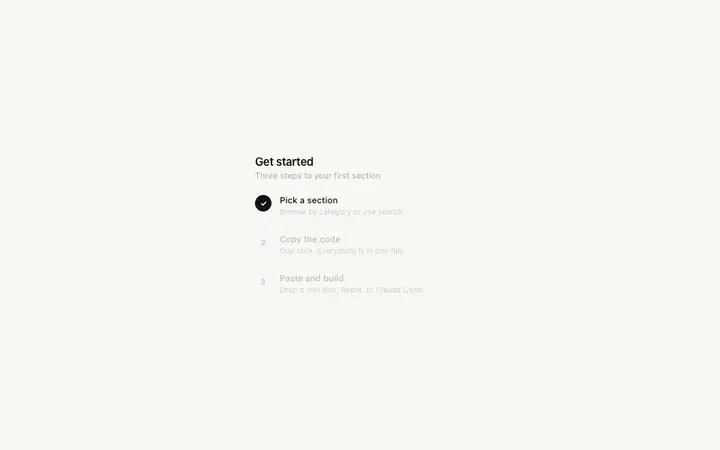
A short onboarding flow: welcome, role, goals and a first-step checklist that gets new users to value fast.
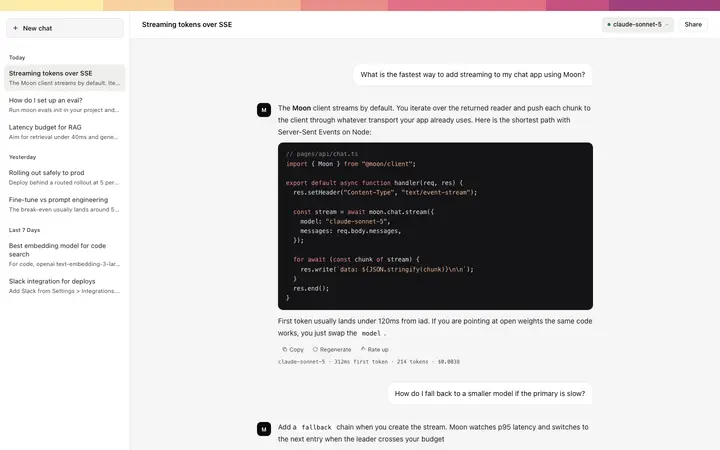
AI chat app prompt
A ChatGPT-style AI chat app: conversation list, streaming answers, suggested prompts and a clean message box.
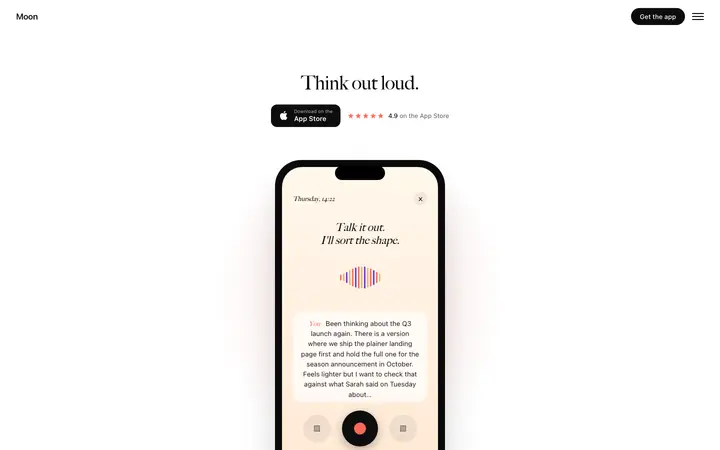
App landing page prompt
A landing page for a mobile app with phone mockups, feature screens, reviews and App Store and Google Play buttons.
Portfolio website prompt
A personal portfolio site with selected work, case study pages, an about section and a contact form.
Settings page prompt
Account, billing, team and notification settings pages with a settings sidebar and clear save states.
Waitlist page prompt
A pre-launch waitlist page that collects emails, shows the product and gives people a reason to share.
Product launch video prompt
A short launch video built in code: hook, product name, three feature scenes and a closing line, exported as MP4.
Redesign prompt
Redesign an existing vibe-coded site or app to match a professional template, without breaking content or routes.
How to write a vibe coding prompt that looks professional
Start with the outcome
Say what the product is, who it is for and what the page must do, in one or two sentences.
List every section in order
Name each section and what goes in it. AI tools fill gaps with generic filler, so leave none.
Give it a design to copy
Paste or reference a design template and say: match the fonts, spacing and colours exactly. This one line changes the result the most.
Set the rules
One accent colour, the template's type scale, real copy, and a layout that works on a 375px phone.
Change one thing at a time
After the first version, use short prompts that change one thing. Big rewrites make the design drift.
Which vibe coding tool each prompt set is for
Lovable prompts
Founders building an MVP over a weekend, product people testing an idea before they hire, and agencies shipping client sites in Lovable all hit the same wall: the app works, but it looks like every other Lovable app. These prompts are for anyone who wants the first version to look like a real product, without writing design rules from scratch every time.
Bolt prompts
Bolt is where many people build their first site with AI: indie hackers, students, freelancers and small teams who want a working page in minutes. These Bolt prompts are for anyone who has built something in Bolt that works but looks generic, and wants the next project to look like a funded startup's site.
v0 prompts
v0 is popular with developers and designers who work in Next.js and want UI they can drop into a real codebase. These v0 prompts are for anyone who likes v0's clean code but is tired of every generation looking like the same shadcn/ui starter.
Claude Code prompts
Claude Code is used by developers who already have a codebase and want an agent that edits it properly. These Claude Code prompts are for engineers who can build anything but do not want to hand-design every page, and for teams who want Claude to follow one design across the whole repo.
Cursor prompts
Cursor is the editor of choice for many developers who build with AI every day. These Cursor prompts are for developers who use Agent to build features and want the UI to look as good as the code, without opening Figma.
Replit prompts
Replit Agent is used by makers who want the whole app built and hosted in one place: front end, back end, database and deployment. These Replit prompts are for anyone who has a working Replit app that looks unfinished, or who wants the next one to look right from the start.
ChatGPT Codex prompts
Codex is used by developers and teams who hand off well-defined tasks to an agent and review the result as a pull request. These Codex prompts are for teams who want UI tasks to come back looking designed and consistent, not just working.
Windsurf prompts
Windsurf is used by developers who like an agent that keeps track of the whole project as it works. These Windsurf prompts are for developers who want Cascade to build UI that follows one design, across every page, without repeating design instructions in each chat.
Templates for vibe coding prompts
Every prompt is written to go with a design template. These are the templates the prompts use most.
Every vibe coding prompt above shows its opening line for free. The full prompts, and the templates they are written for, come with a BrowserMoon licence.
Get a licenceFrequently asked questions
What is a vibe coding prompt?
A plain language instruction you give an AI coding tool like Lovable, Bolt, Cursor or Claude Code to build a page, feature or app. Good prompts name the page, list its sections and point to a design to follow.
Why are the prompts different for each tool?
Each tool reads a design in a different way and builds with a different stack. Lovable and Bolt take a pasted template, Cursor and Windsurf read a file you reference, and Codex works as a task in your repo.
What makes an AI website prompt work?
Three things: a clear outcome, every section listed in order, and a real design to copy. Most prompts miss the third, which is why most AI-built sites look the same.
Do I need a template as well as a prompt?
You get much better results with one. The prompt says what to build; the template shows the tool exactly what it should look like.
Are the vibe coding prompts free?
The opening line of every prompt is free to read. The full prompts, and the templates they are written for, come with a BrowserMoon licence.
Which AI coding tool should I use?
Lovable, Bolt and Replit suit people who want a hosted app without a codebase. v0 suits Next.js projects. Claude Code, Cursor, Windsurf and Codex suit developers working in their own repo.
Related