Grainy Gradient Generator
Make a grainy gradient background with a soft noise texture. Animated, in many shapes and colours. Download a PNG, a video loop or the embed code.
Grainy Gradient Generator examples
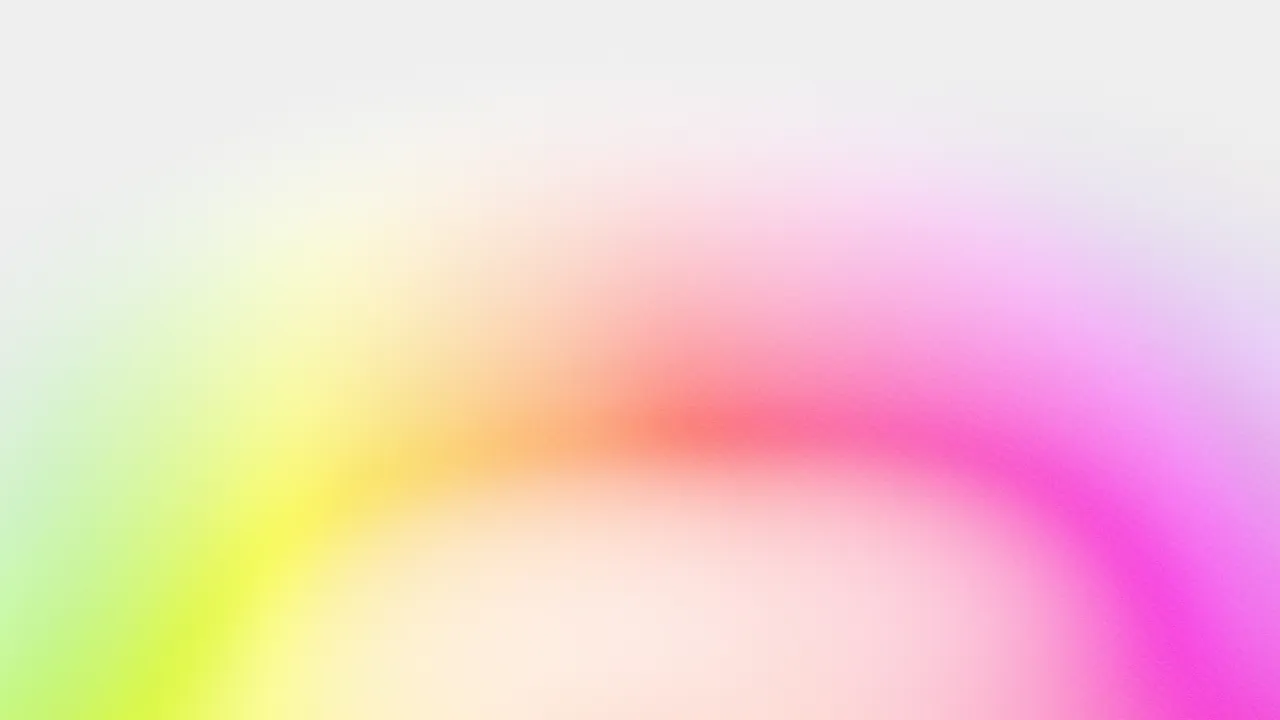
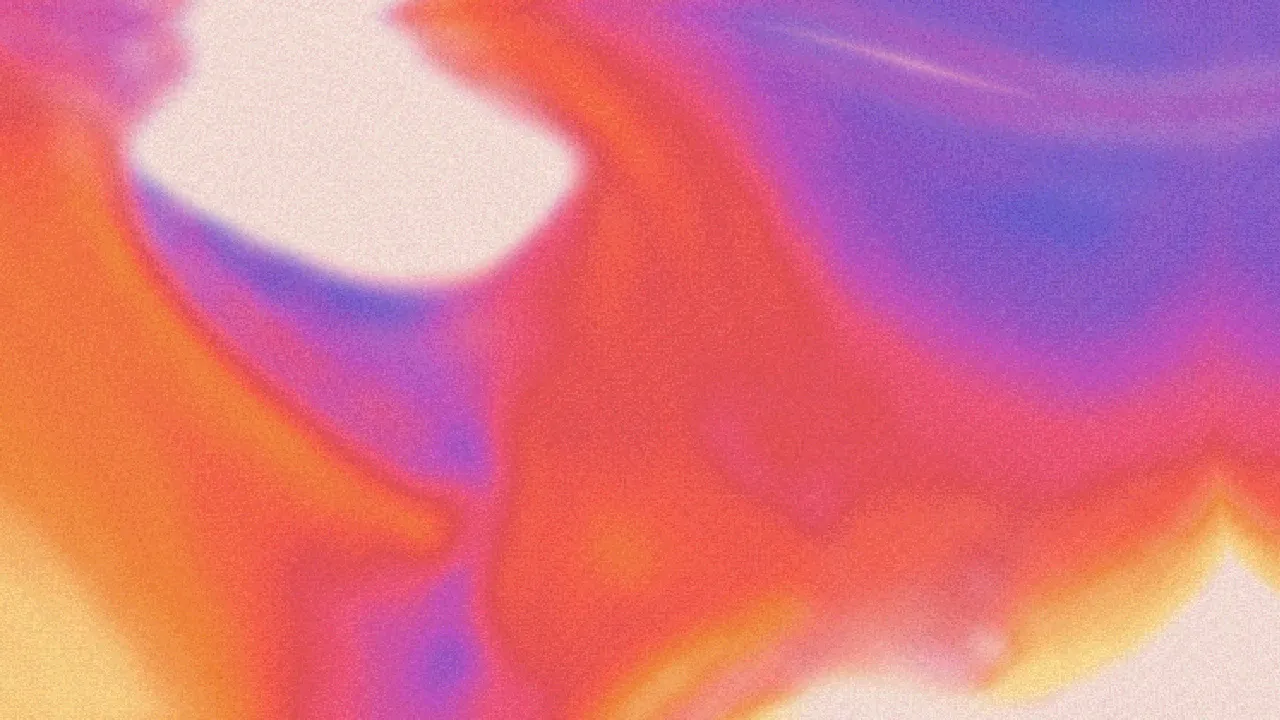

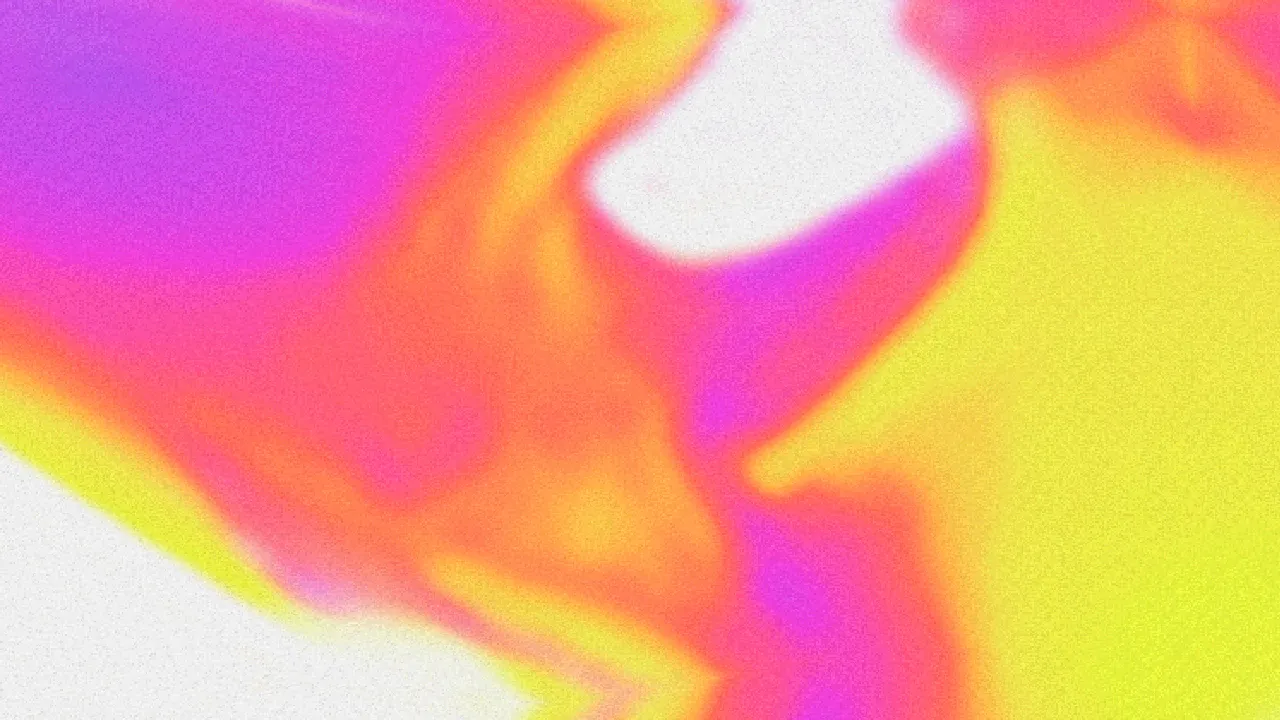

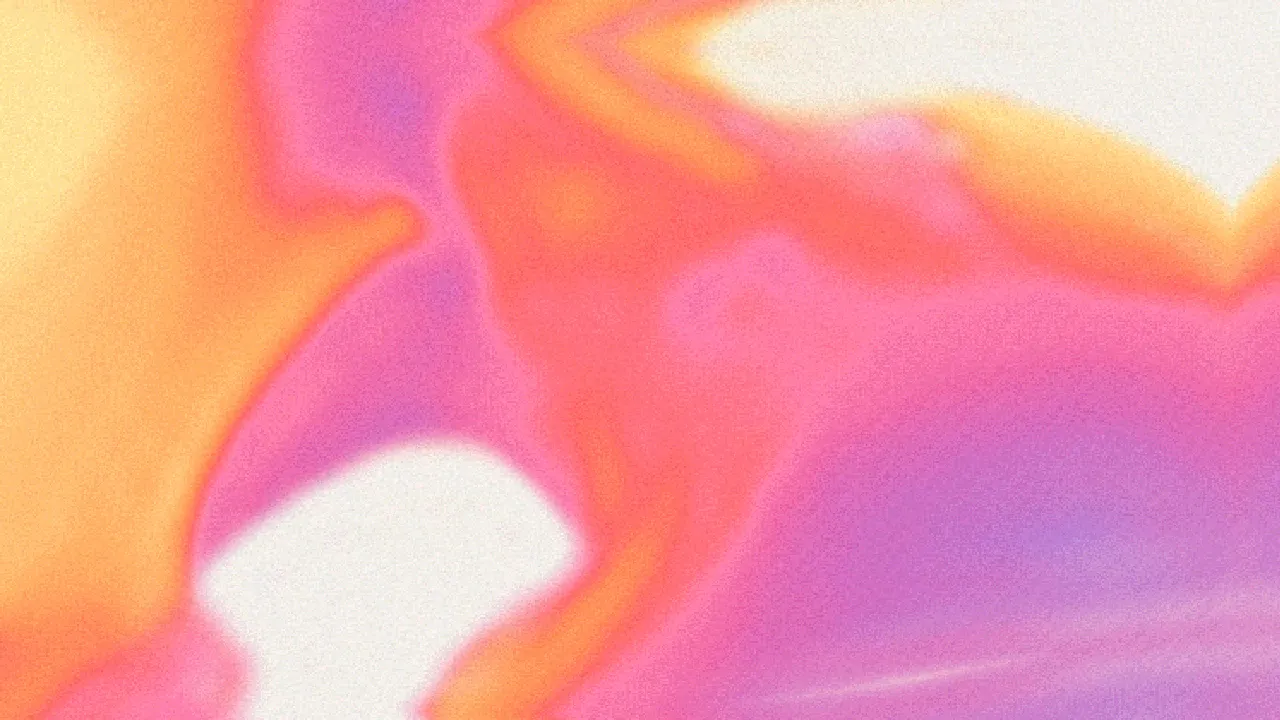
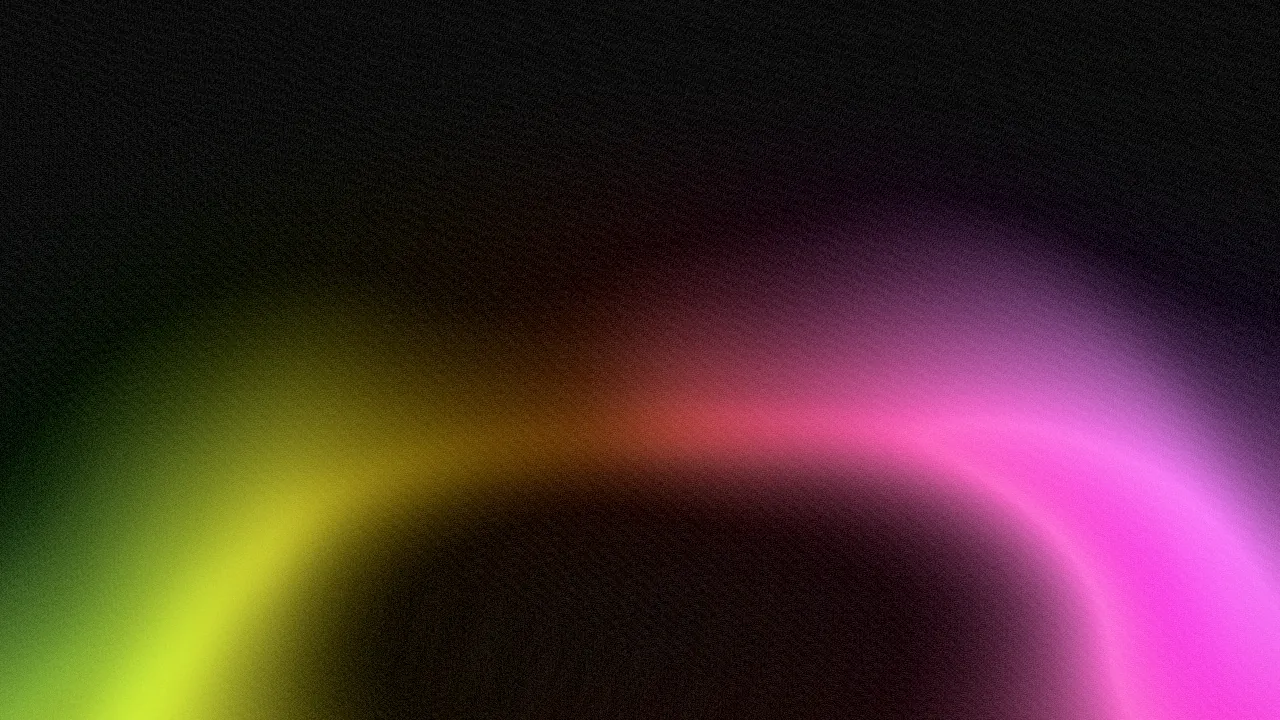
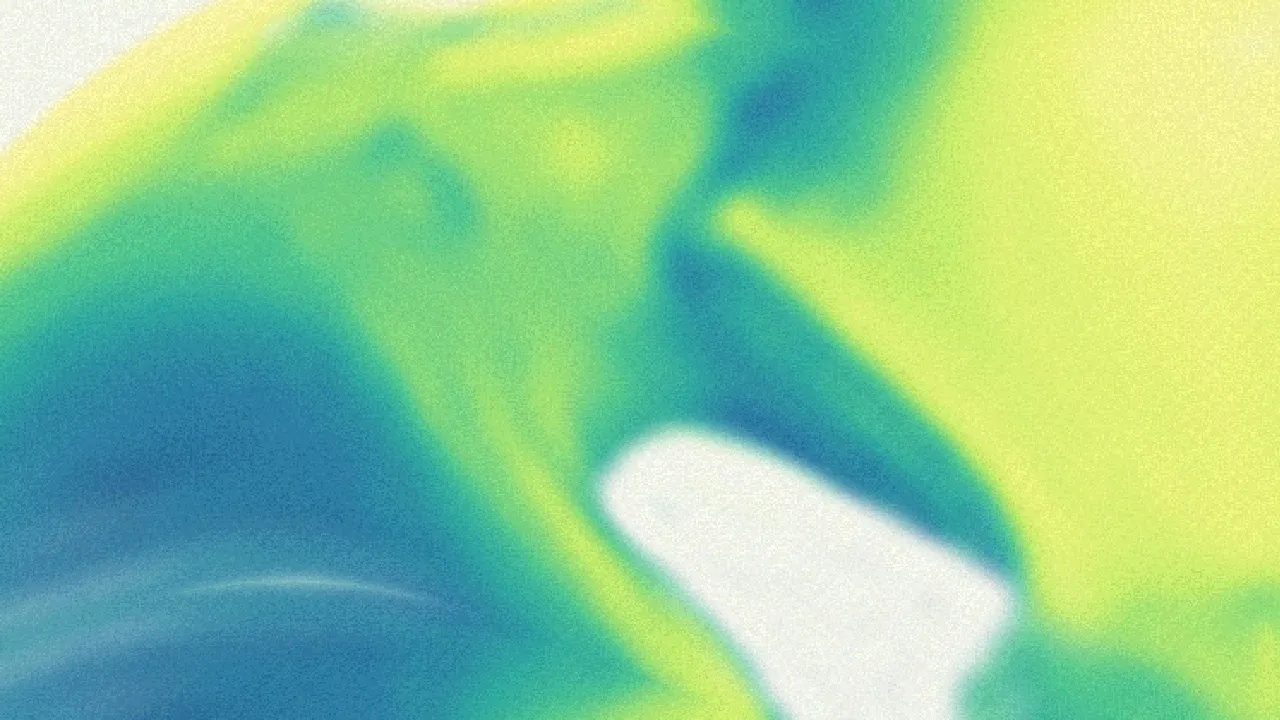
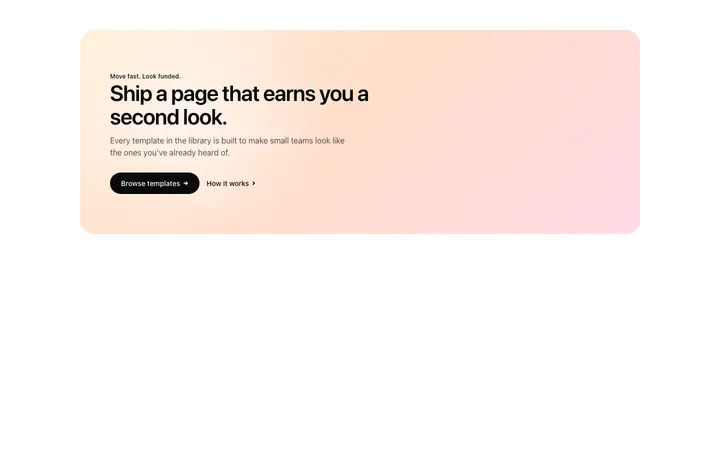
Templates with this gradient
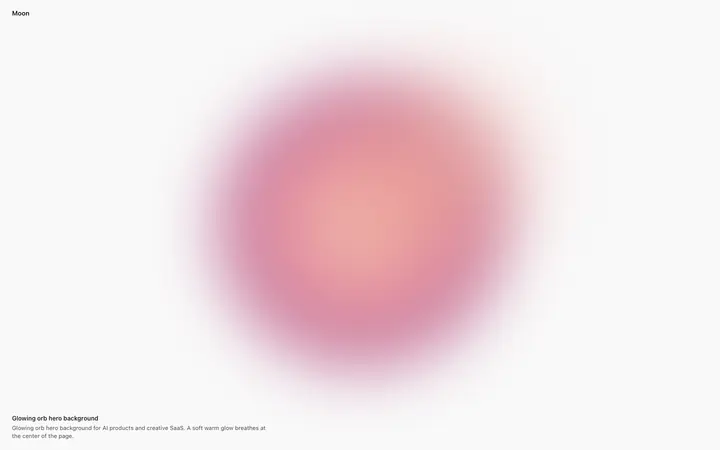
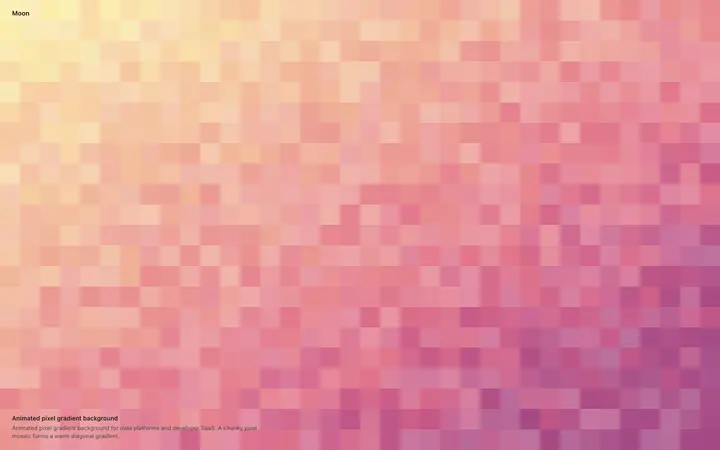
Other animated gradient styles
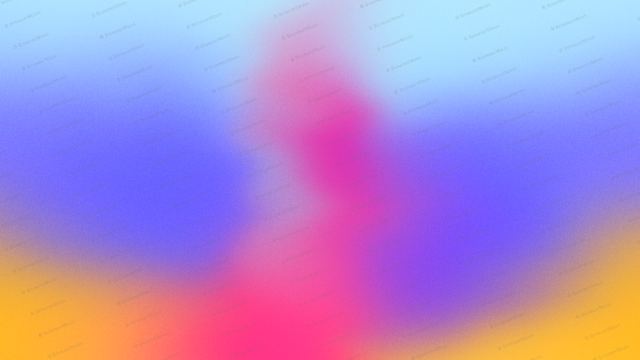
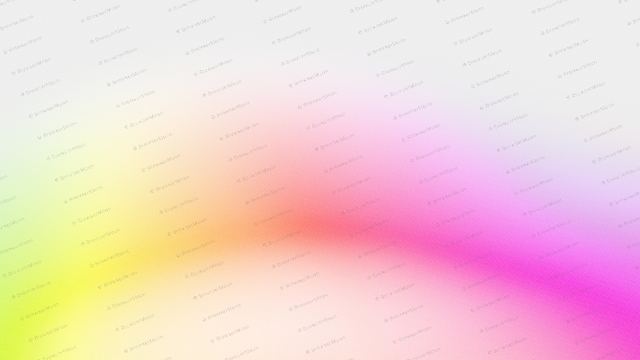
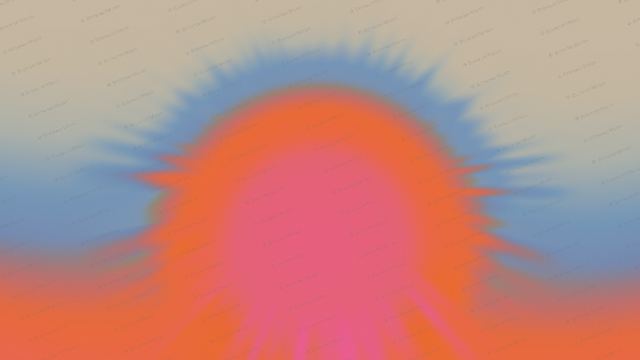
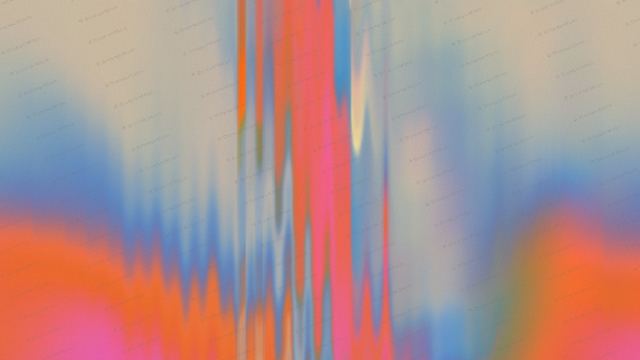
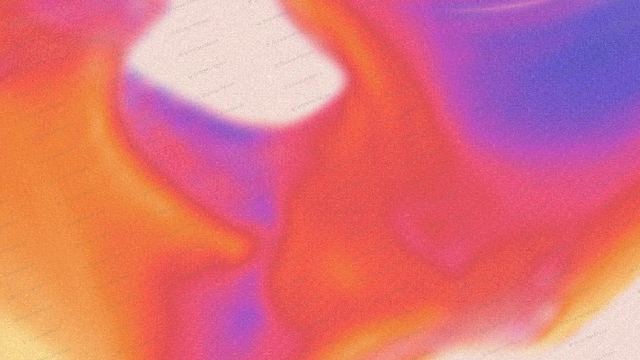
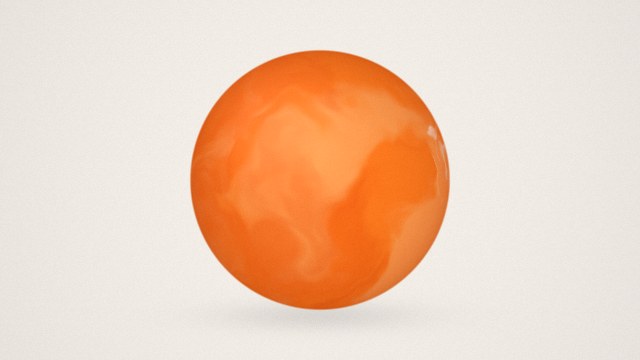
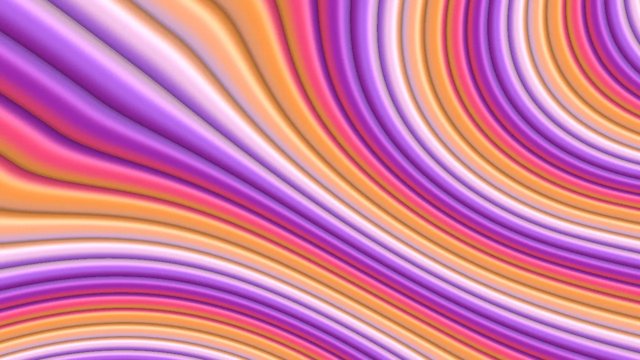
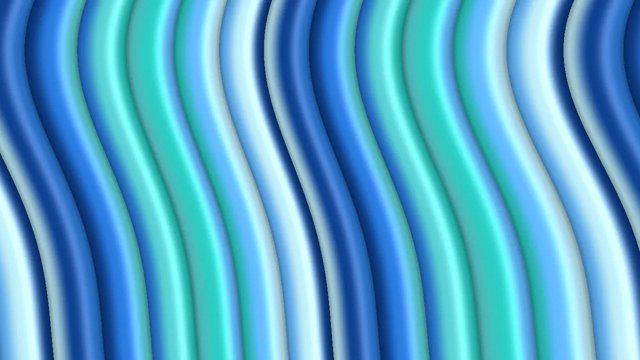
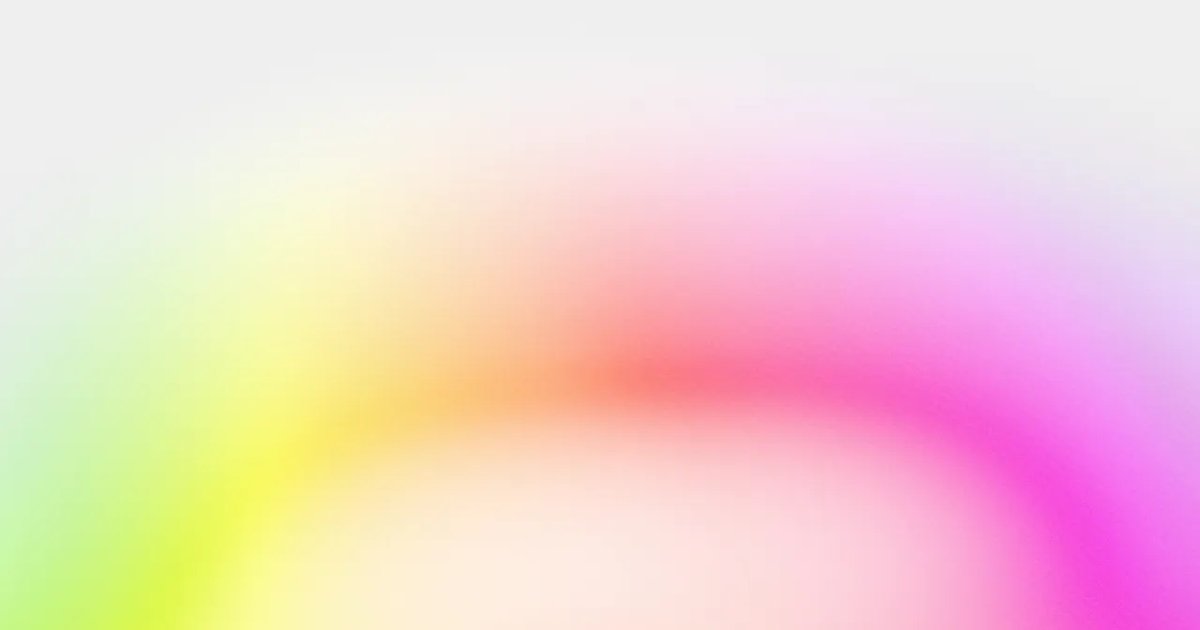
A grainy gradient is a soft gradient with a fine layer of noise on top, like film grain or a printed poster. The grain hides colour banding and gives flat colour a tactile, premium feel, which is why grainy gradients are everywhere on modern AI and SaaS websites. This grainy gradient generator lets you pick a shape and colours and turn the grain up or down, from barely there to a strong dither.
Show it off: put your gradient on a 3D laptop mockup
Where to use it
AI and SaaS hero sections
A grainy glow behind the headline is the signature look of many modern AI products. Keep the grain subtle so the text stays sharp.
Posters, covers and wallpapers
Turn the grain up for a printed, risograph feel on covers, event posters and phone wallpapers.
Cards and pricing panels
A grainy gradient corner on a card or plan panel adds colour without competing with the content.
How to make an animated gradient background
- Pick a shape or style.
- Pick your colours.
- Set the speed, flow and grain until it feels right.
- Pick a size: hero, square, social post, story, banner or card.
- Download a PNG or video loop, or copy the embed code into your site, Framer, Webflow, Bolt, Lovable or Claude Code.
Grain on every shape
Use a full panel for a hero background, an orb or ring for a single glowing object, or a low band for the bottom of a section. Every shape takes the same grain.
Light or dark
Switch between a light and a dark ground. Grainy gradients on dark backgrounds suit developer tools and AI apps, and light ones suit calm, editorial brands.
Frequently asked questions
What is a grainy gradient?
A grainy gradient is a colour gradient with a fine noise texture laid over it. The noise breaks up the smooth blend into tiny specks, which looks like film grain and stops the stripes, called banding, that smooth gradients can show on screens.
How do I make a gradient grainy?
Pick a shape and colours here, then move the Grain slider. 0% is a perfectly smooth gradient, 100% is a soft grain and 300% is a strong, printed dither.
Why do grainy gradients look better?
The grain adds texture, so a large area of colour feels like a material instead of a flat fill. It also hides banding, which makes the gradient look smoother on every screen.
Can I download a grainy gradient background?
Yes. Save a PNG at hero, square, post, story, banner or card size, or a short video loop. Licensed downloads have no watermark.
Is there a grainy gradient in CSS?
CSS can fake grain with an SVG noise filter, but it is heavy to render. The embed code here draws the grain with WebGL, which stays smooth even when the gradient moves.
How do I add it to my website?
Copy the embed code and paste it where the background should go. It is one HTML block with a small script and works in plain HTML, Framer, Webflow, WordPress and code from Bolt, Lovable, Cursor or Claude Code. You can also download a PNG or a video loop and use it as a background image or video.
Is it free?
You can make and preview every gradient for free in your browser, with no sign up. PNG, video and embed code downloads come with a BrowserMoon licence, and licensed files have no watermark.
Narrow it down
Works with any vibe coding tool
Stripe-style describes the look. BrowserMoon is not affiliated with Stripe.