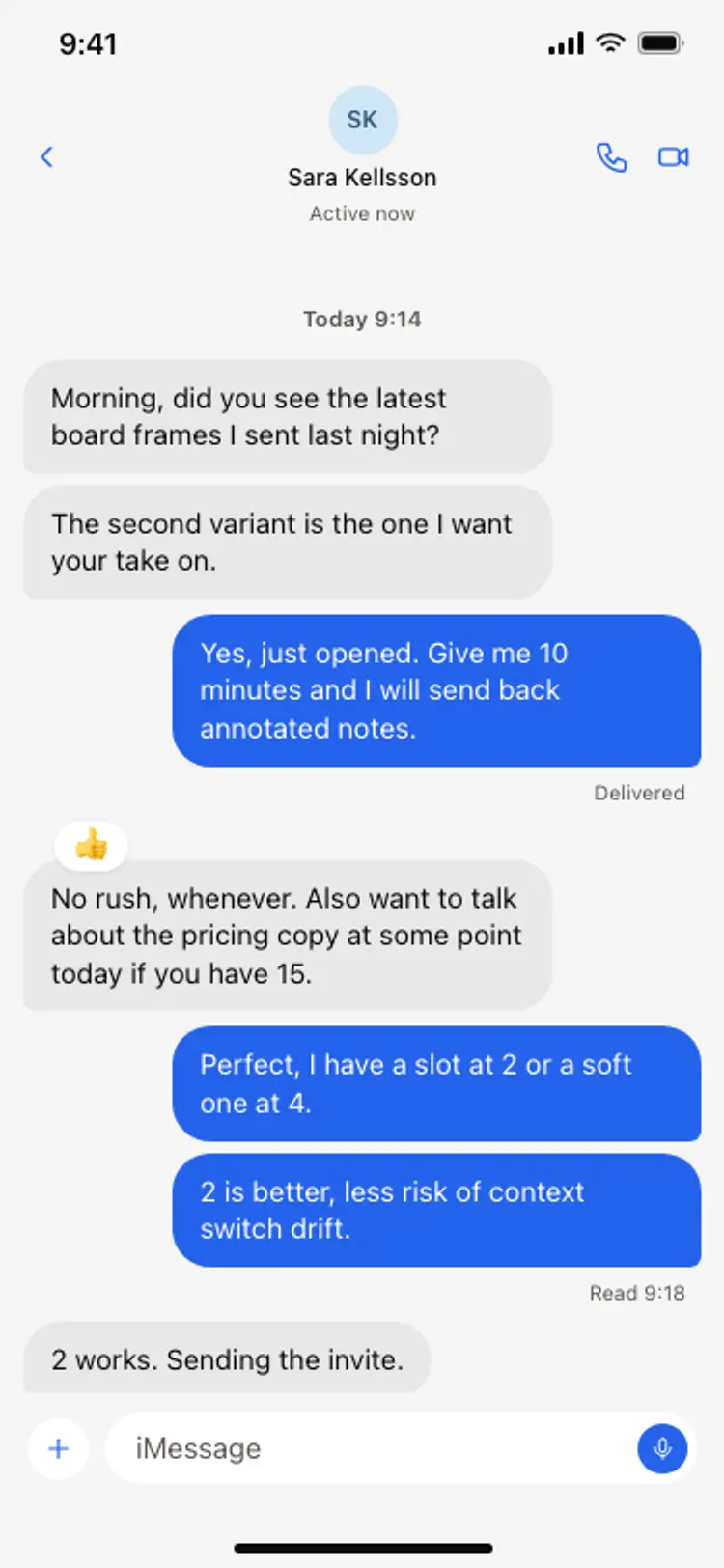
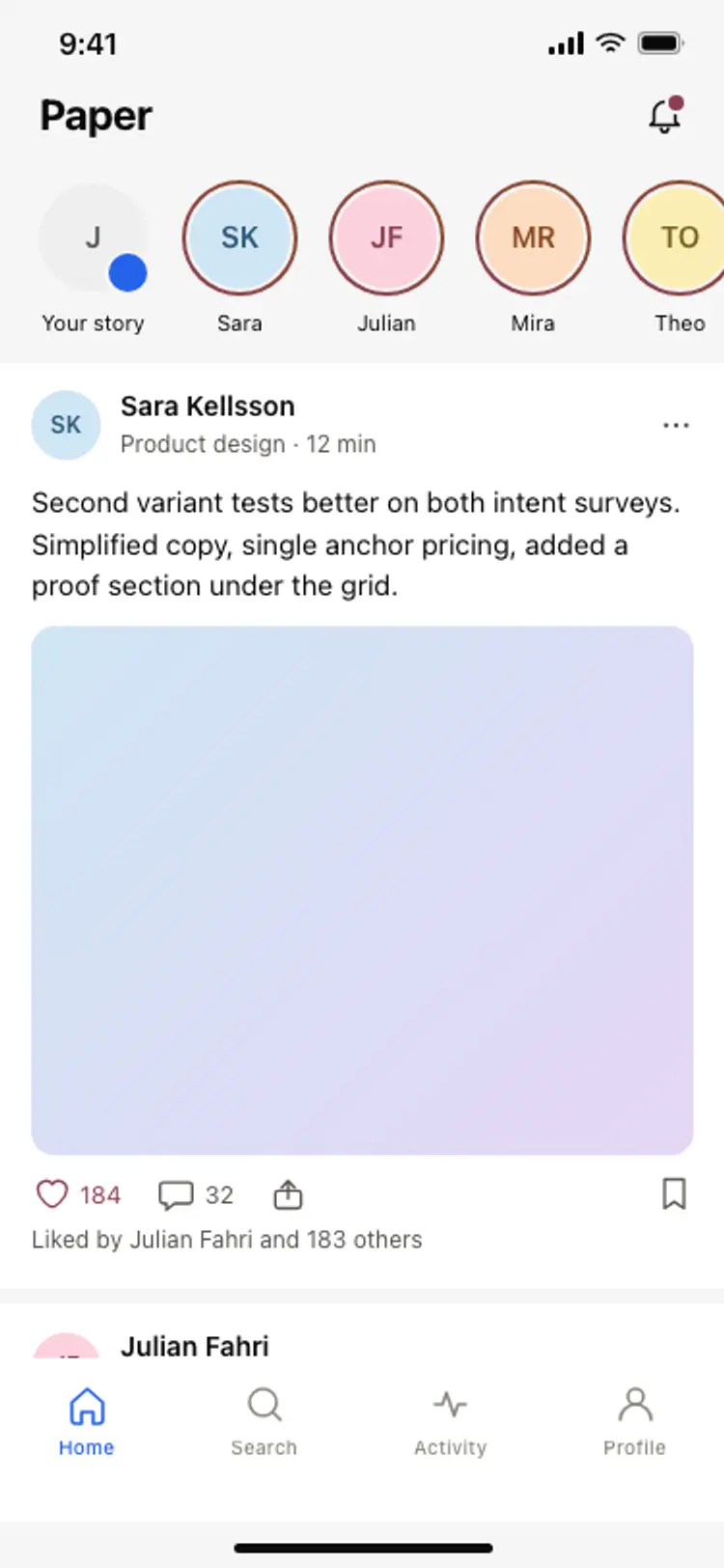
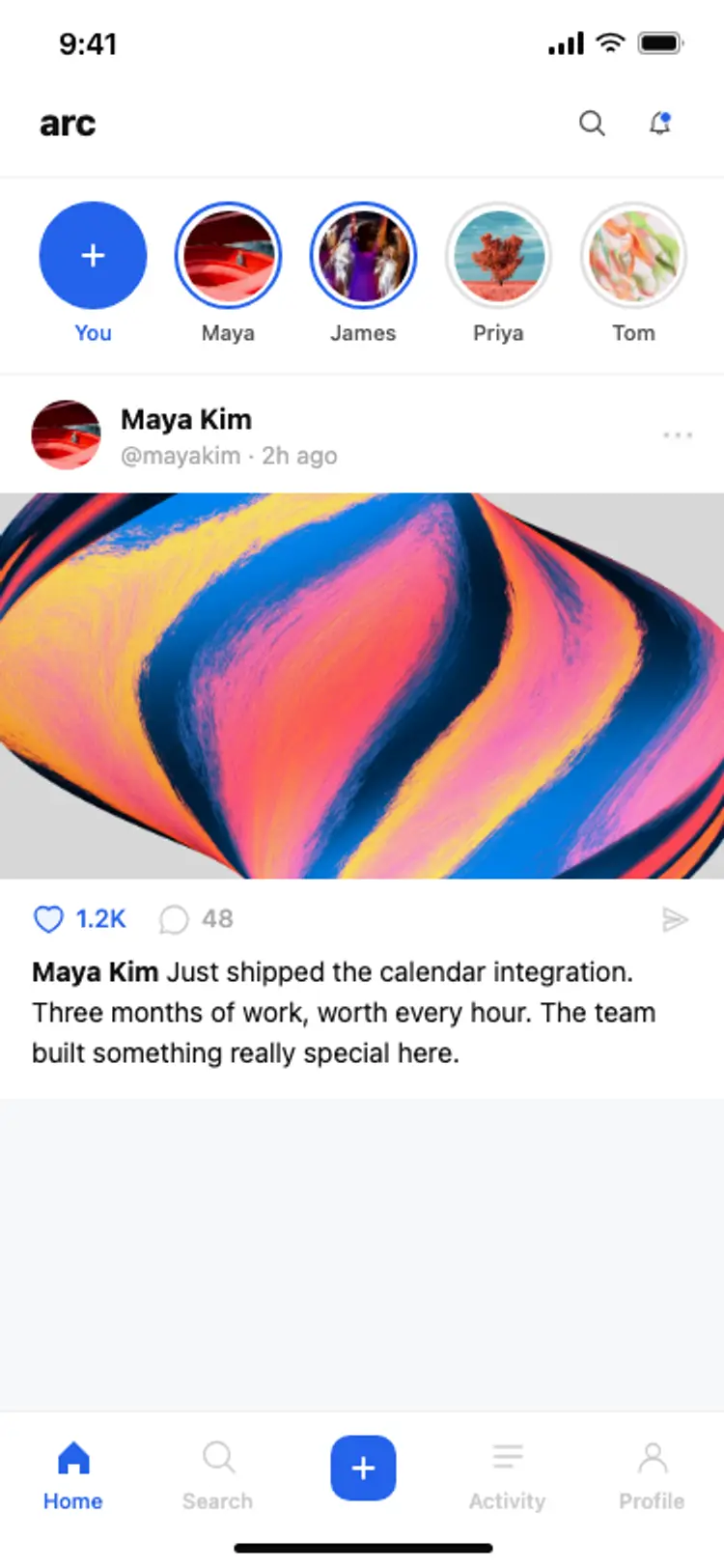
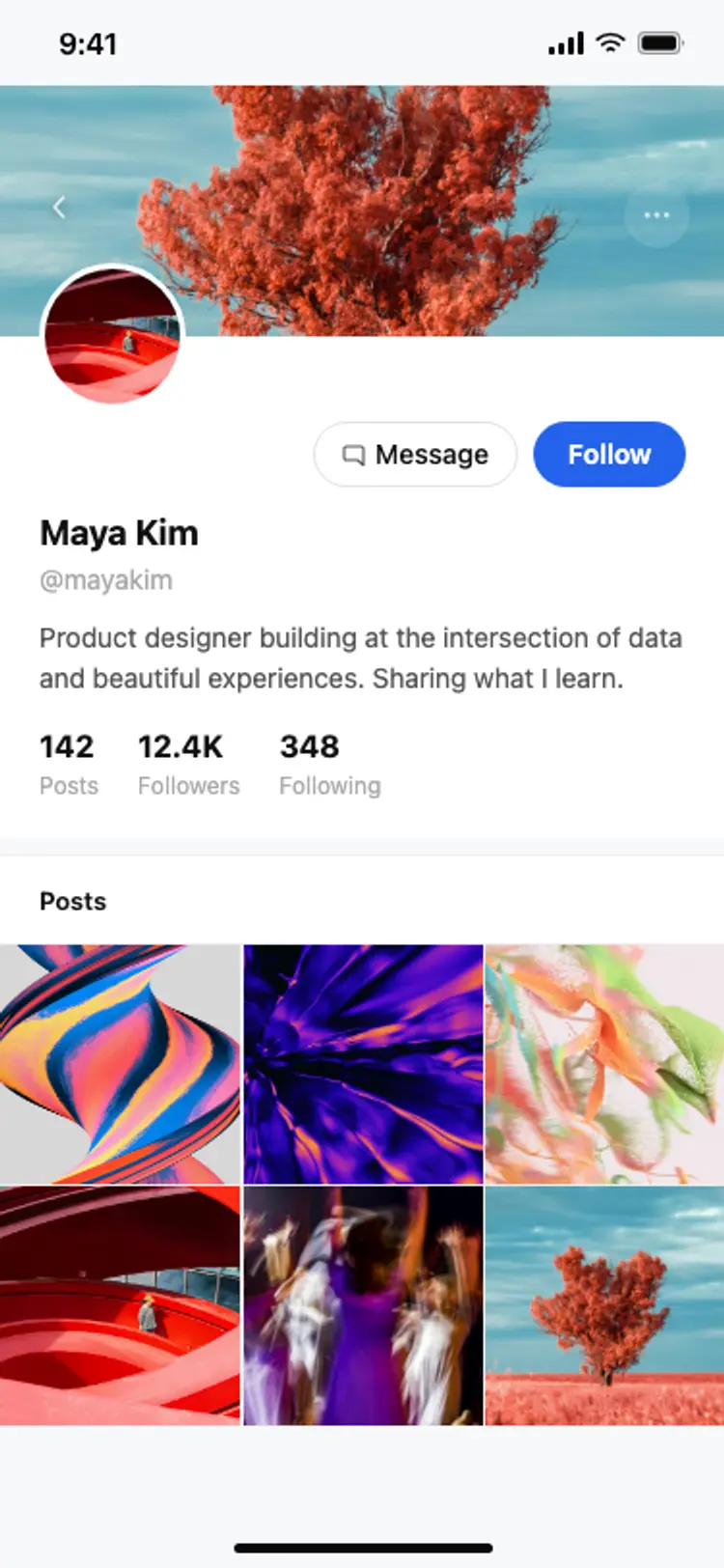
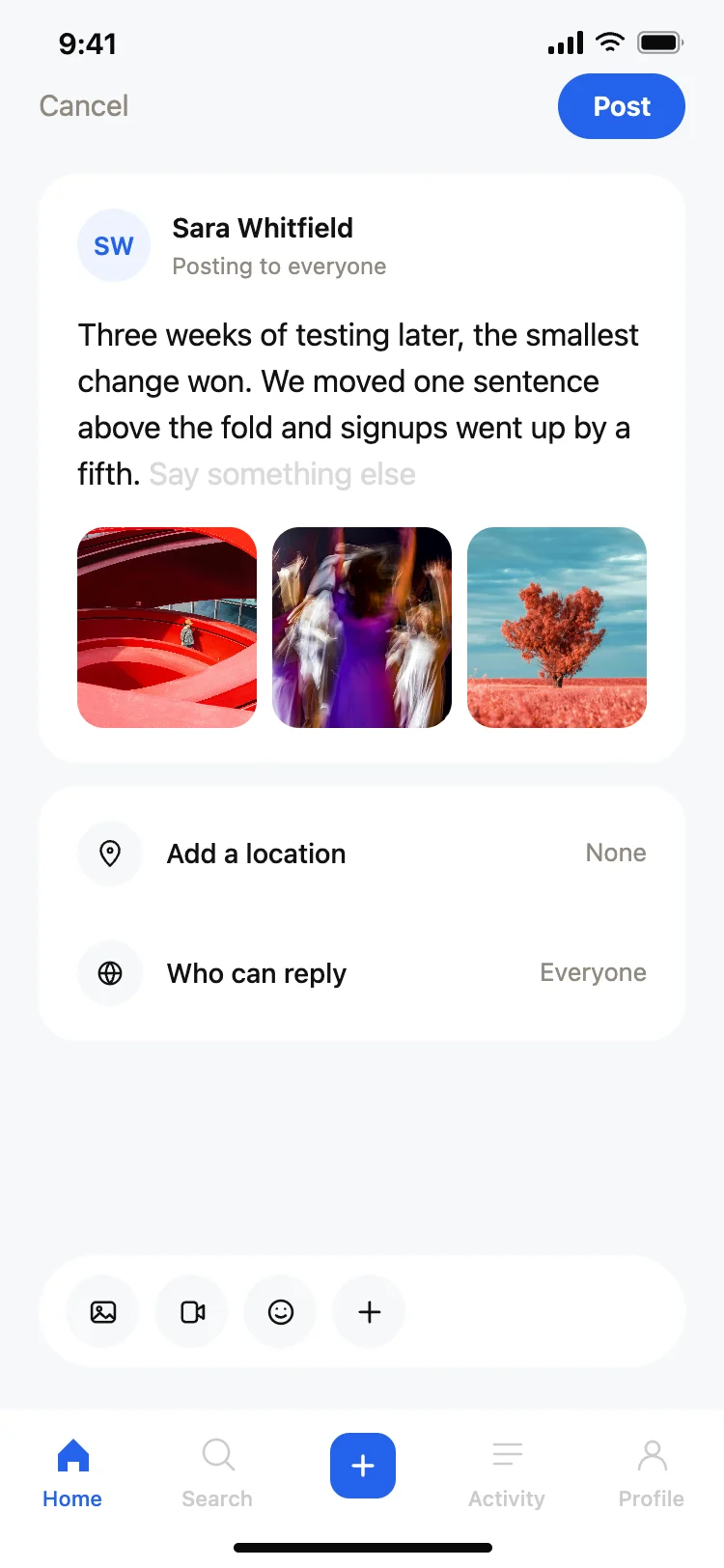
Discover the best social app screens for AI vibe coding: feeds, profiles, composers, story cards, and chat threads. Every coding template is built around the loop of posting, reacting, and messaging. Copy any design, paste it into Replit, Lovable, Claude Code, Bolt, or Cursor, and build your social app from there.
A feed to scroll, a profile to visit, a composer to post, and a thread to reply. Those four are the core loop, and every social app is some arrangement of them.
Full width cards, one post visible at a time, with the author and the action row always in view. A feed that forces someone to scroll past half a post to find the like button loses engagement on every card.
Horizontal scroll at the top, each card large enough to preview the content, and a tap target that fills the card. Stories are consumed fast, so the design rewards speed over detail.
Paste the chat thread design into your AI coding tool and name your real-time provider, whether that is Supabase Realtime, Ably, or your own WebSocket. The layout handles the messages while the provider handles the connection.