Laptop mockup video

Your website on a 3D laptop with a real camera move. Preview every move for free, download Full HD video with a licence.

White studio · Hero · Ribbon Sunset1920 × 1080

Laptop mockup video examples
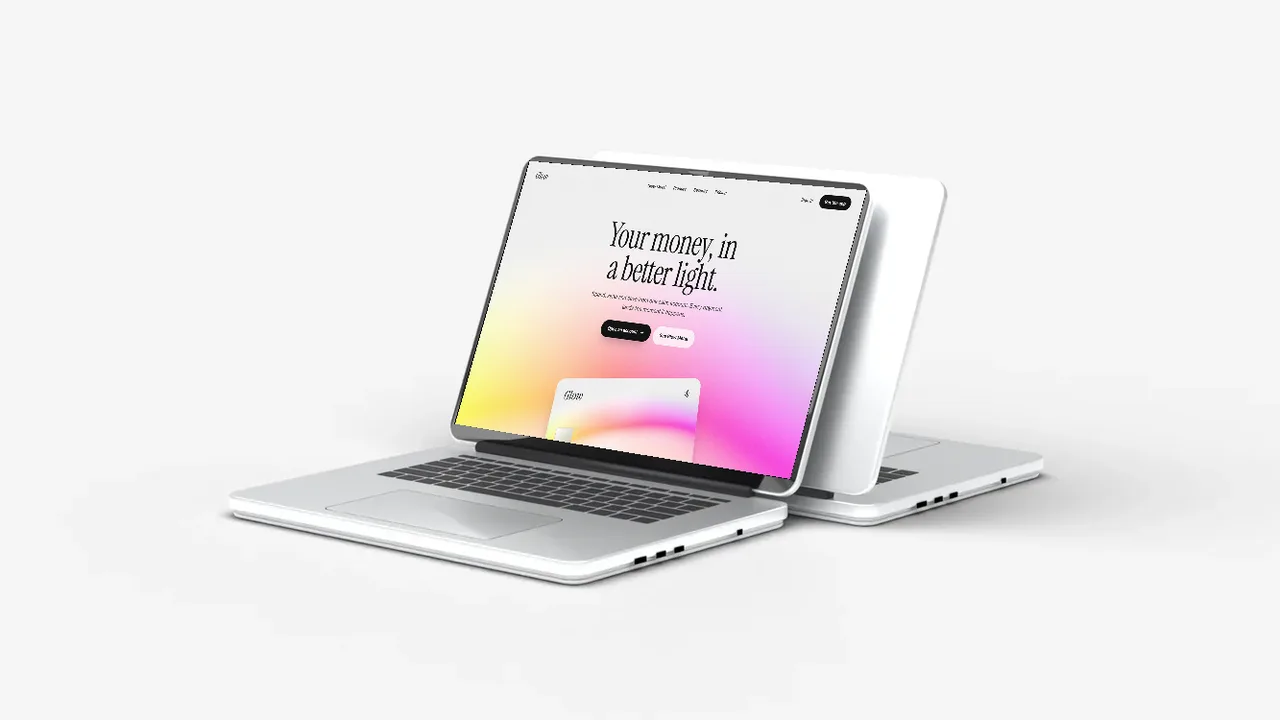
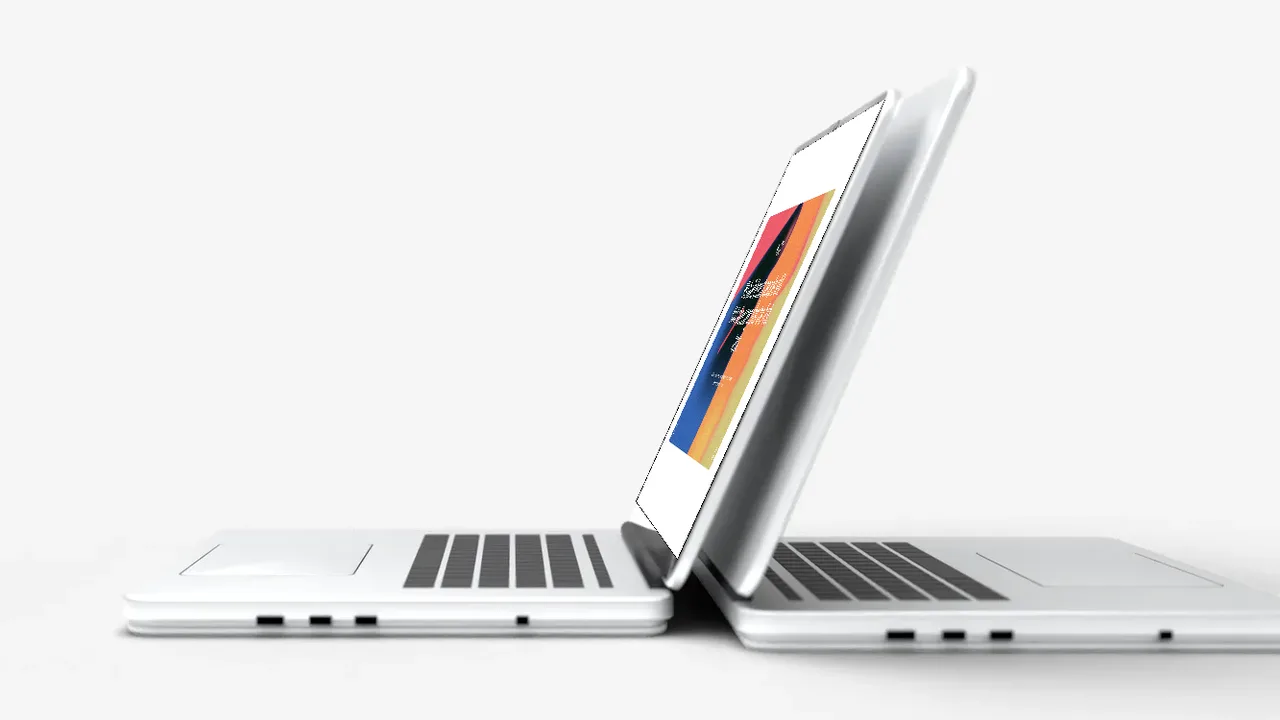
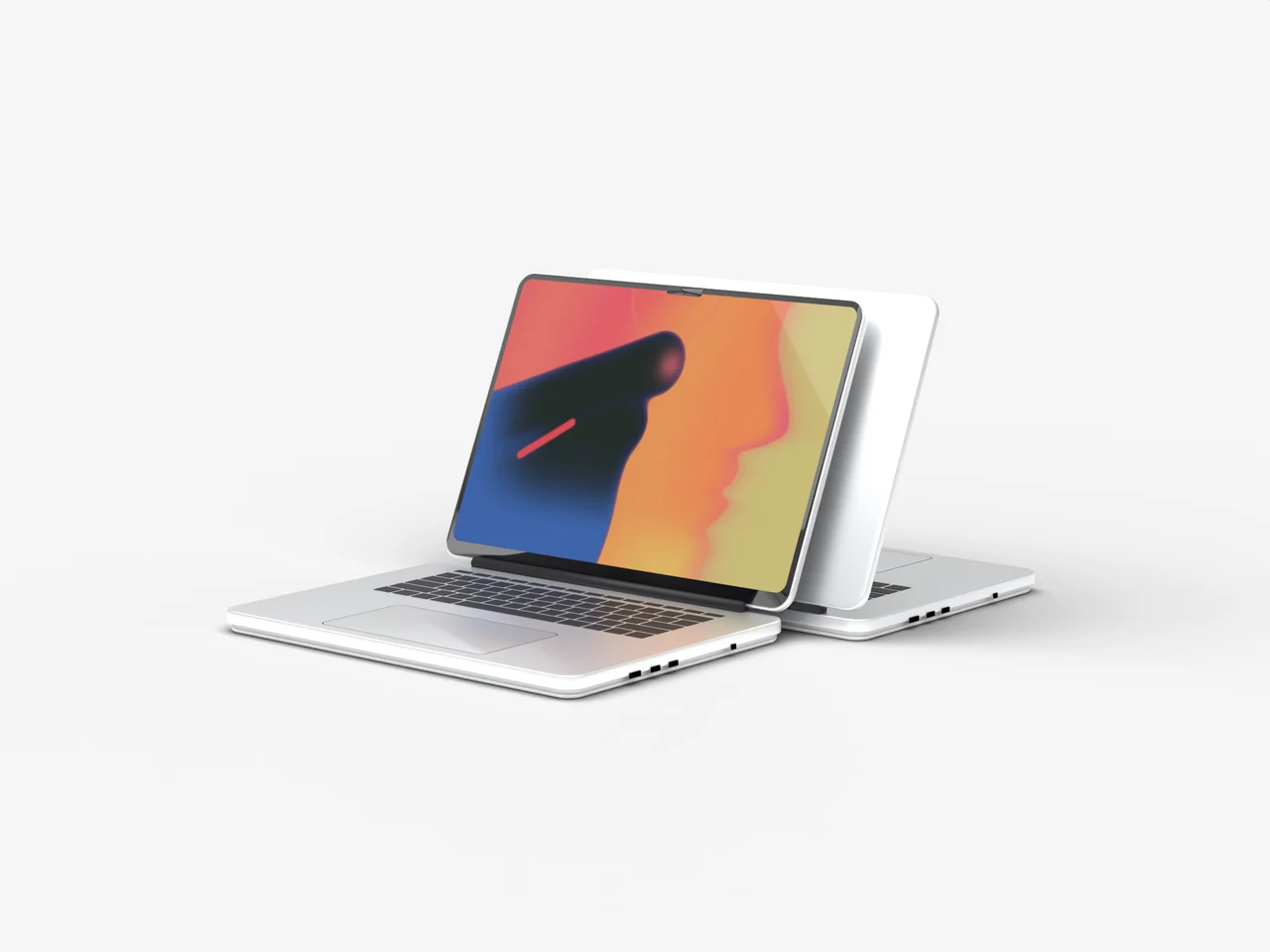
Two silver MacBook style laptops on a clean white background, hero angle, laptop mockup video
White studio, hero
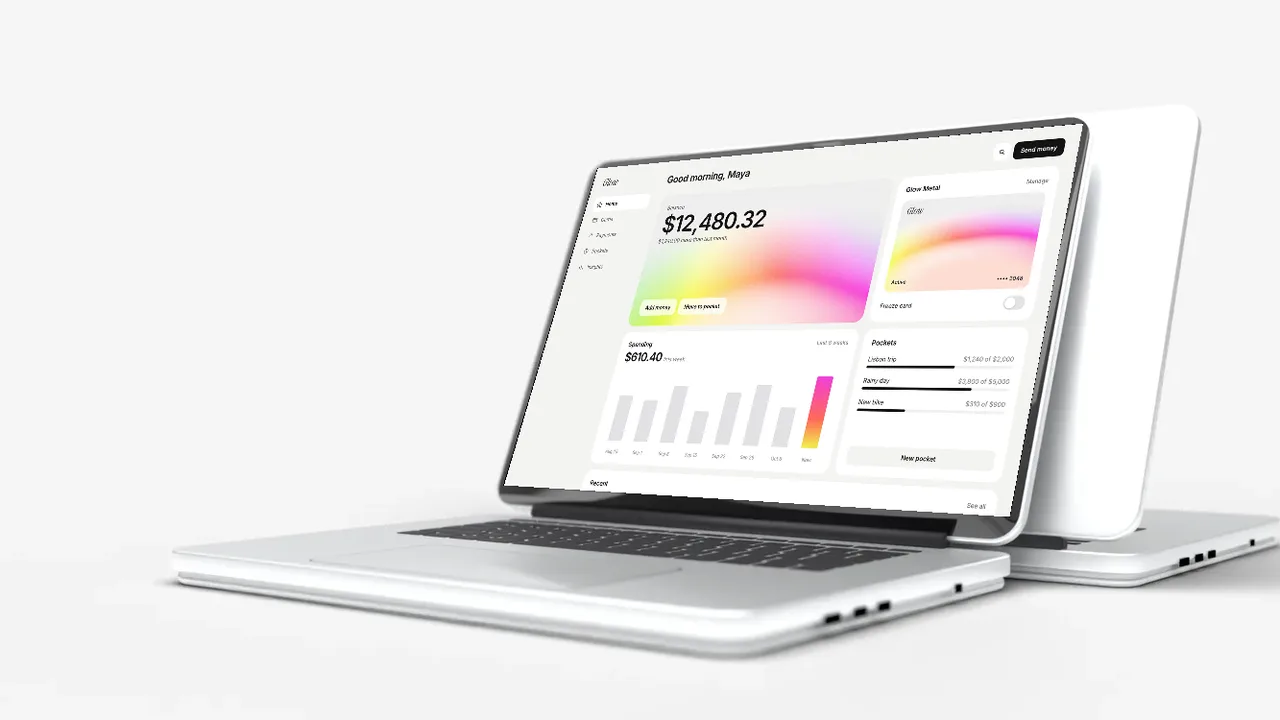
Two silver MacBook style laptops on a clean white background, low angle, laptop mockup video
White studio, low
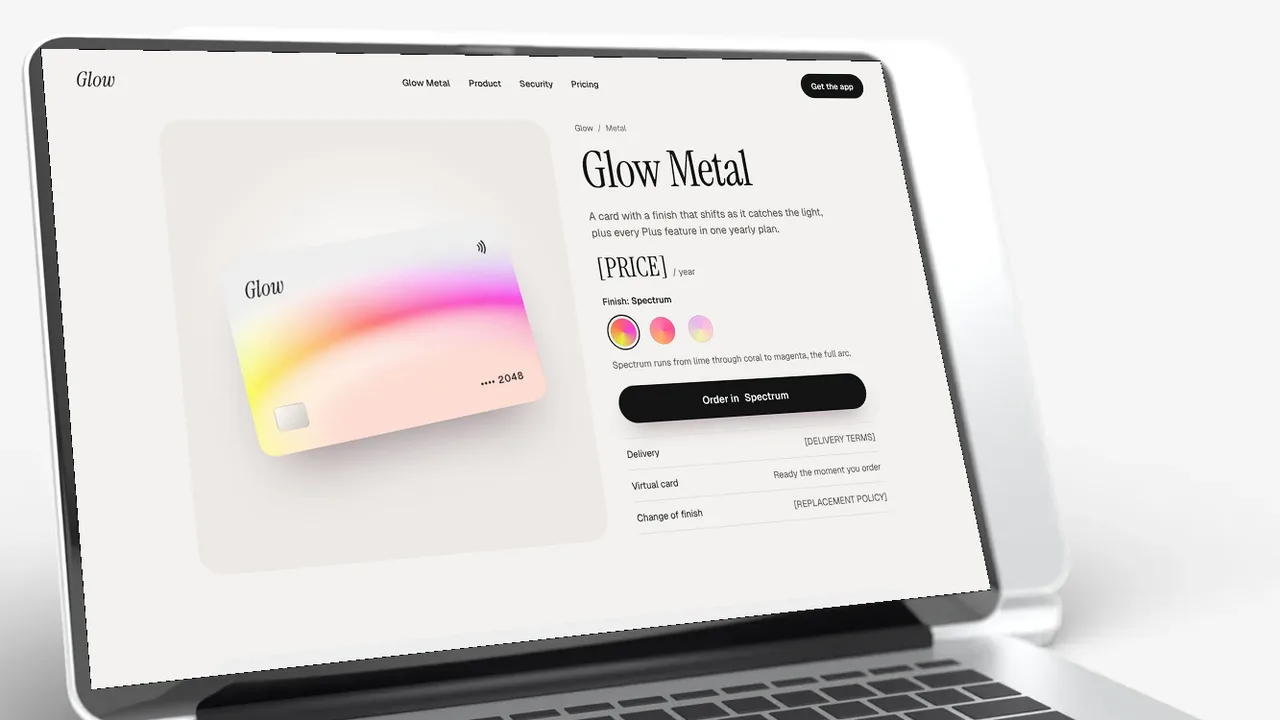
Two silver MacBook style laptops on a clean white background, close up angle, laptop mockup video
White studio, close up
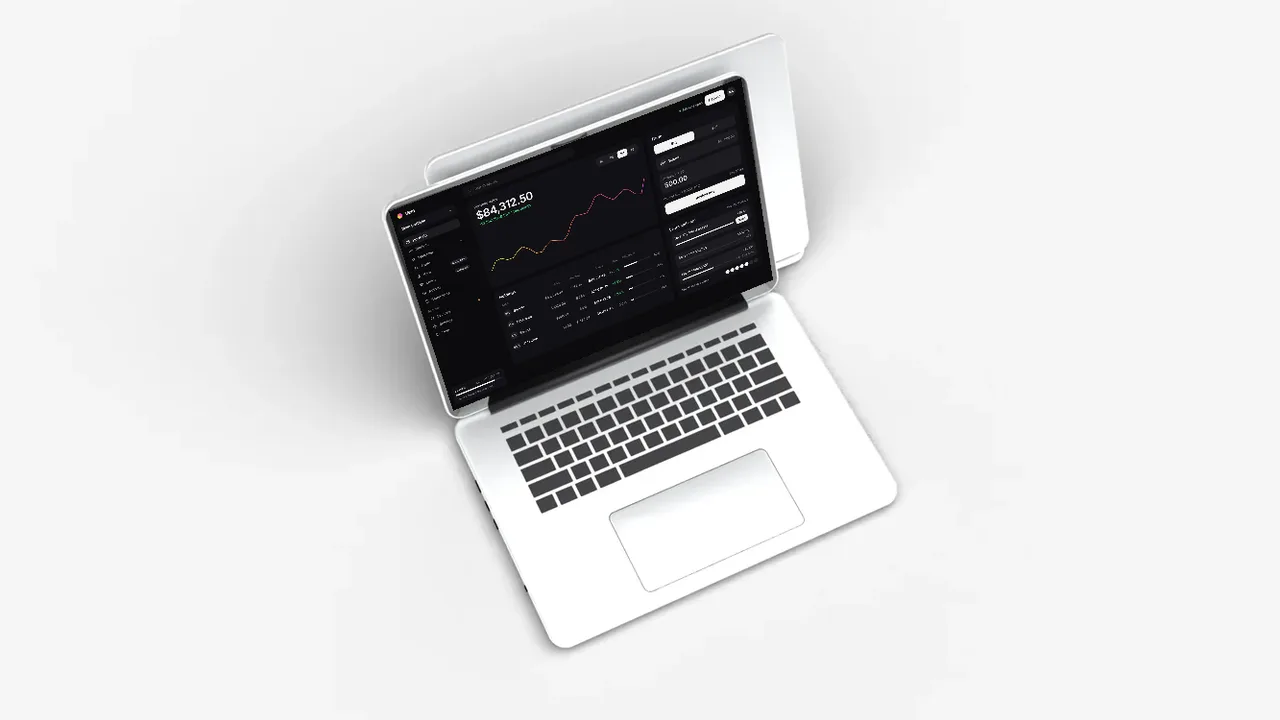
Two silver MacBook style laptops on a clean white background, top angle, laptop mockup video
White studio, top
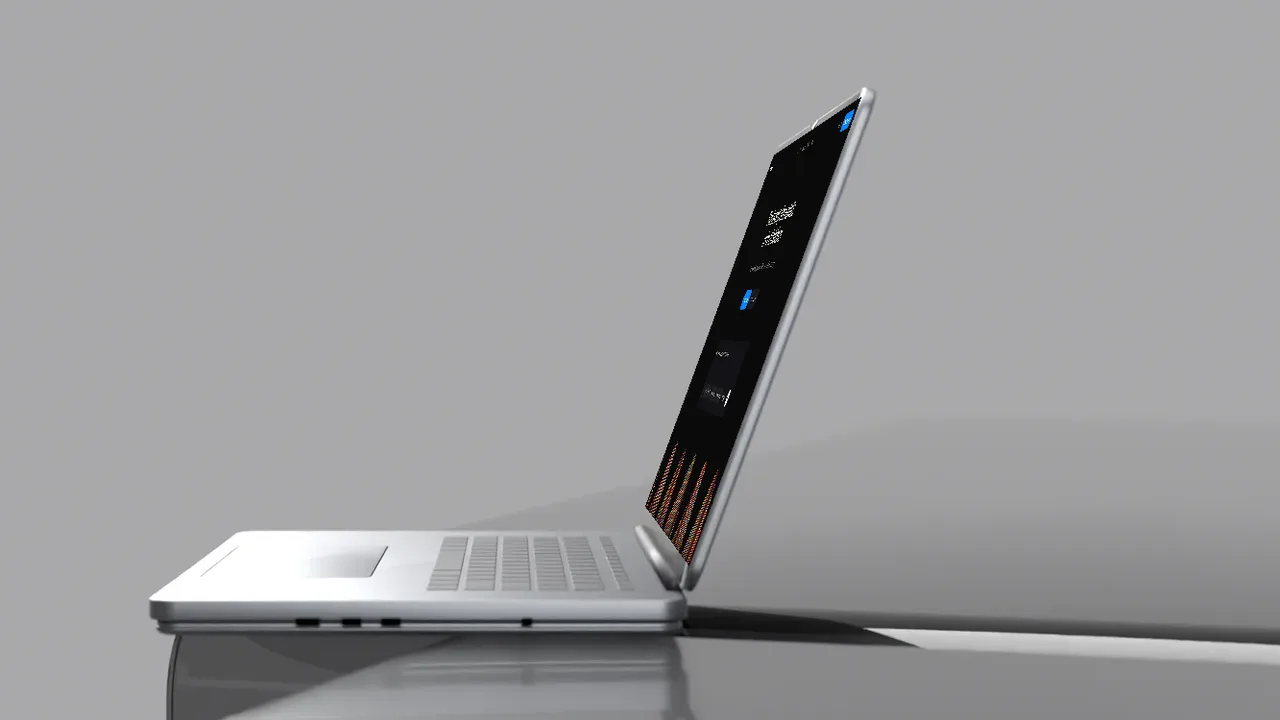
Two silver MacBook style laptops on a clean white background, side angle, laptop mockup video
White studio, side
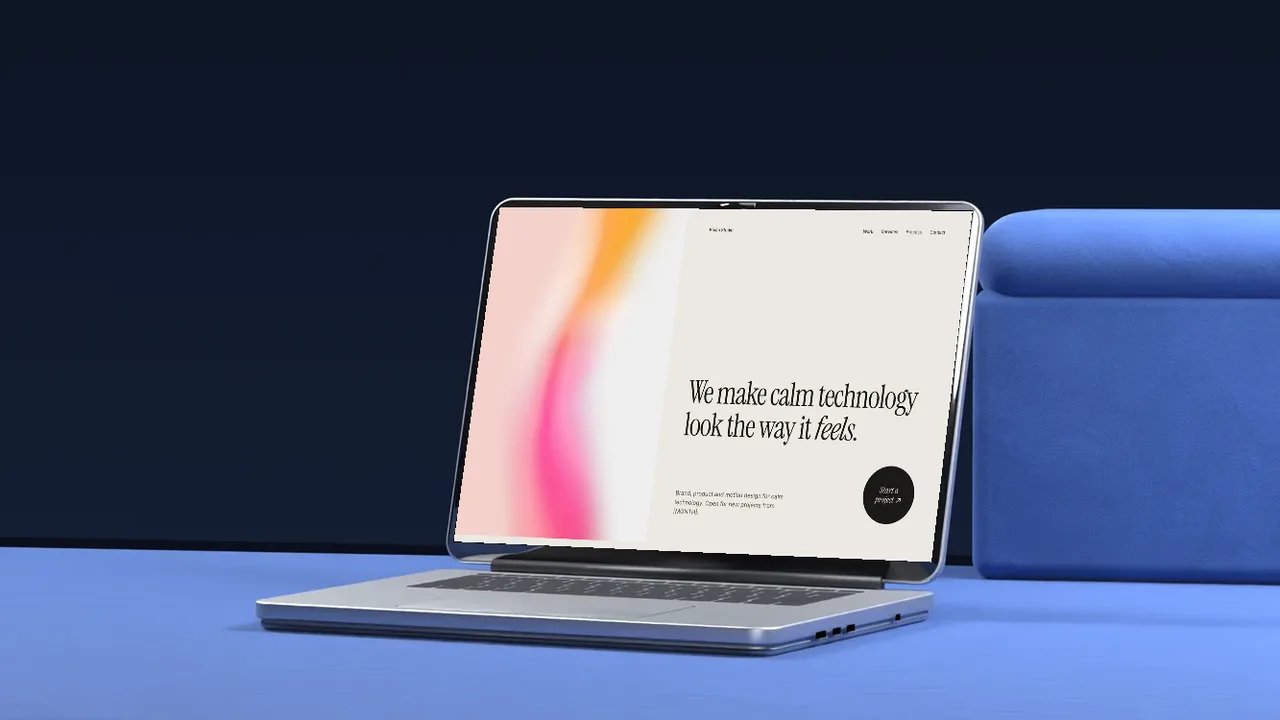
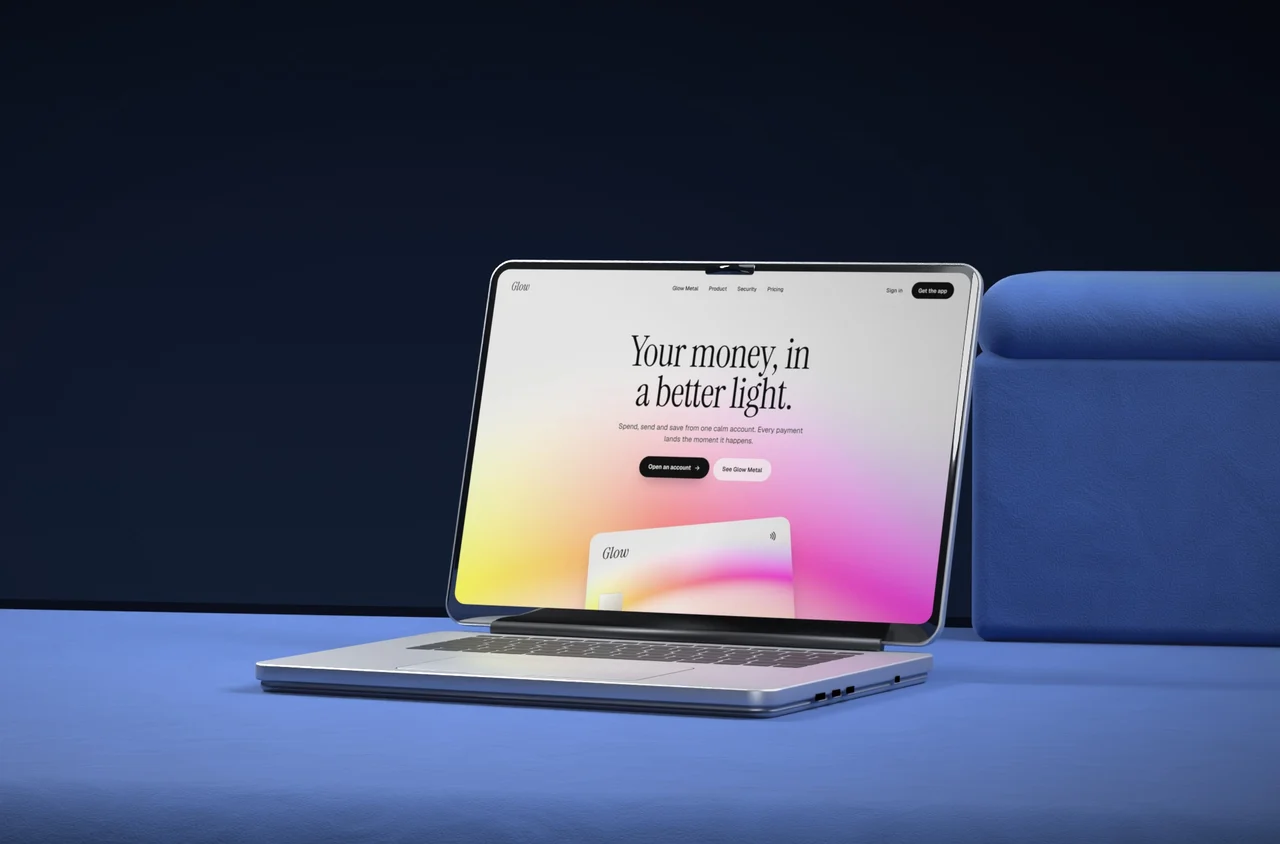
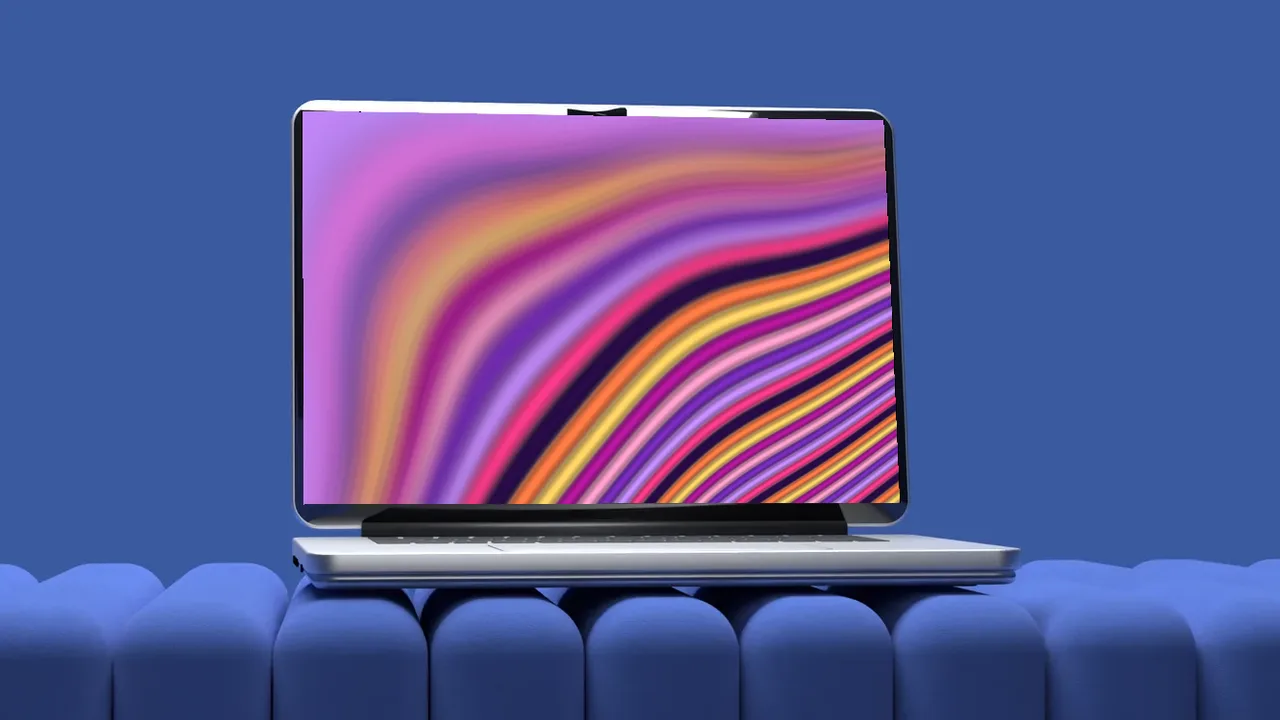
A silver MacBook style laptop on a deep blue velvet sofa, hero angle, laptop mockup video
Velvet sofa, hero
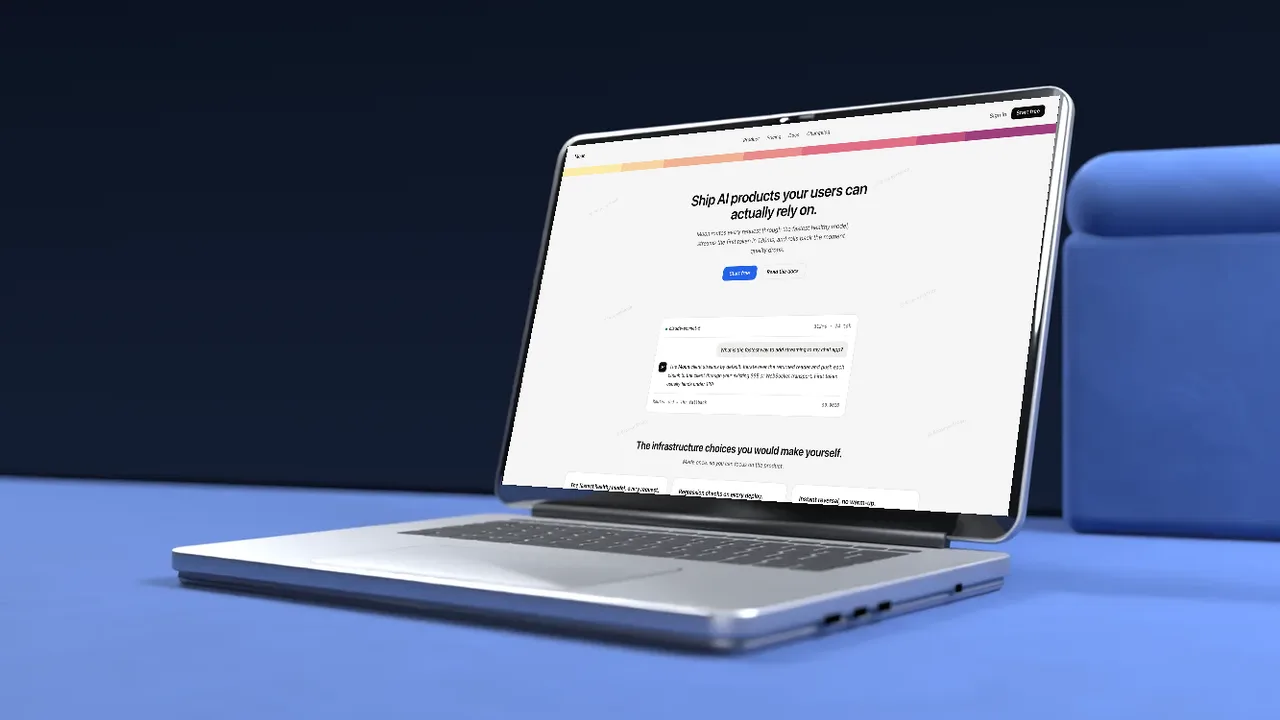
A silver MacBook style laptop on a deep blue velvet sofa, low angle, laptop mockup video
Velvet sofa, low
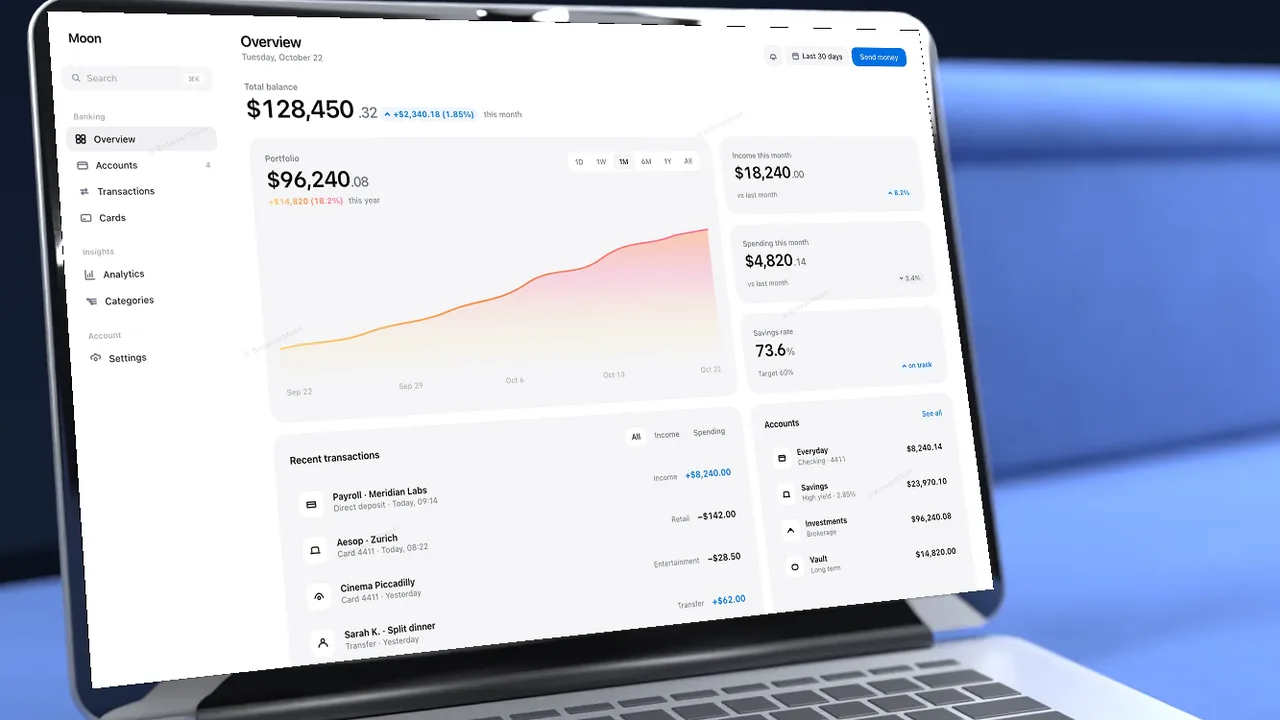
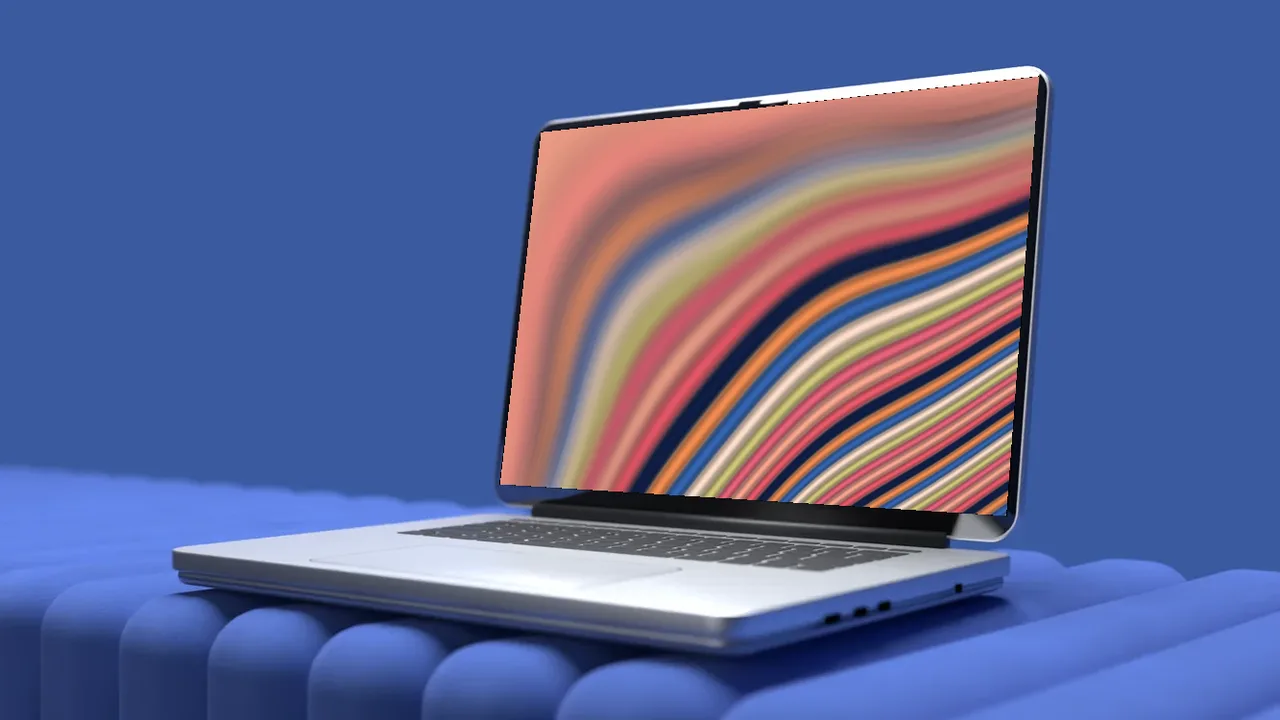
A silver MacBook style laptop on a deep blue velvet sofa, close up angle, laptop mockup video
Velvet sofa, close up
A silver MacBook style laptop on a deep blue velvet sofa, top angle, laptop mockup video
Velvet sofa, top
A silver MacBook style laptop on a deep blue velvet sofa, side angle, laptop mockup video
Velvet sofa, side
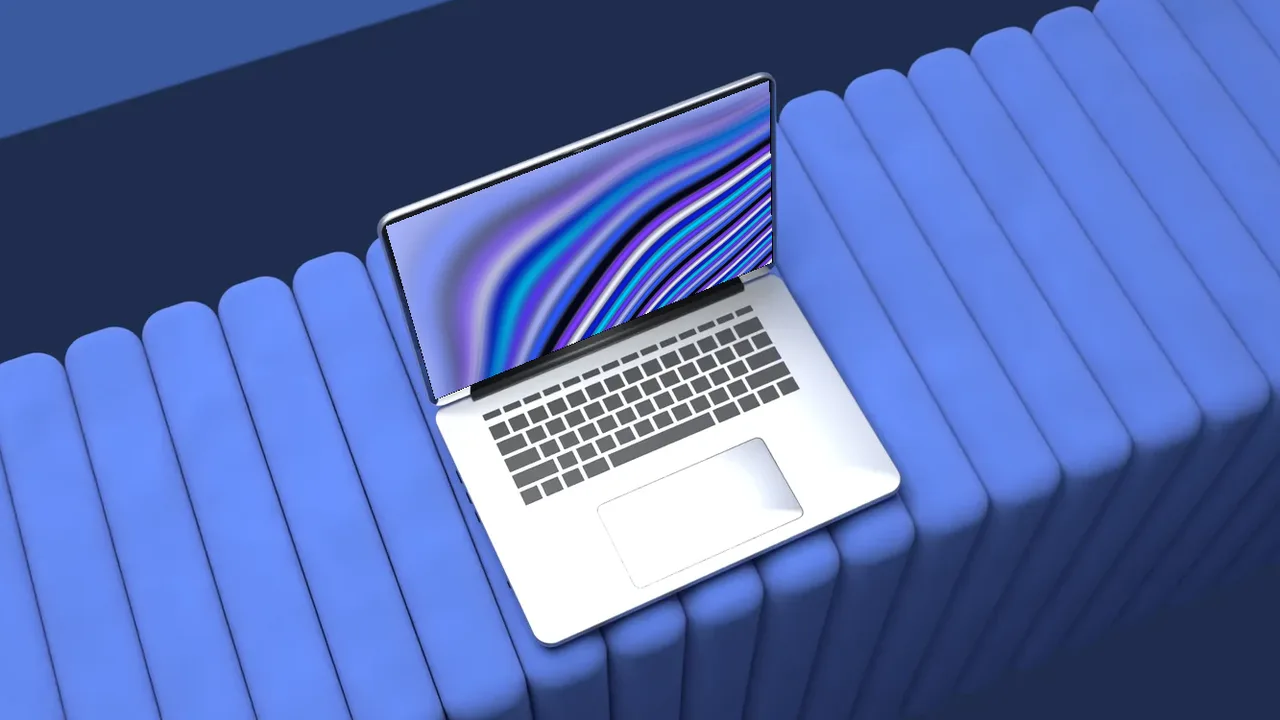
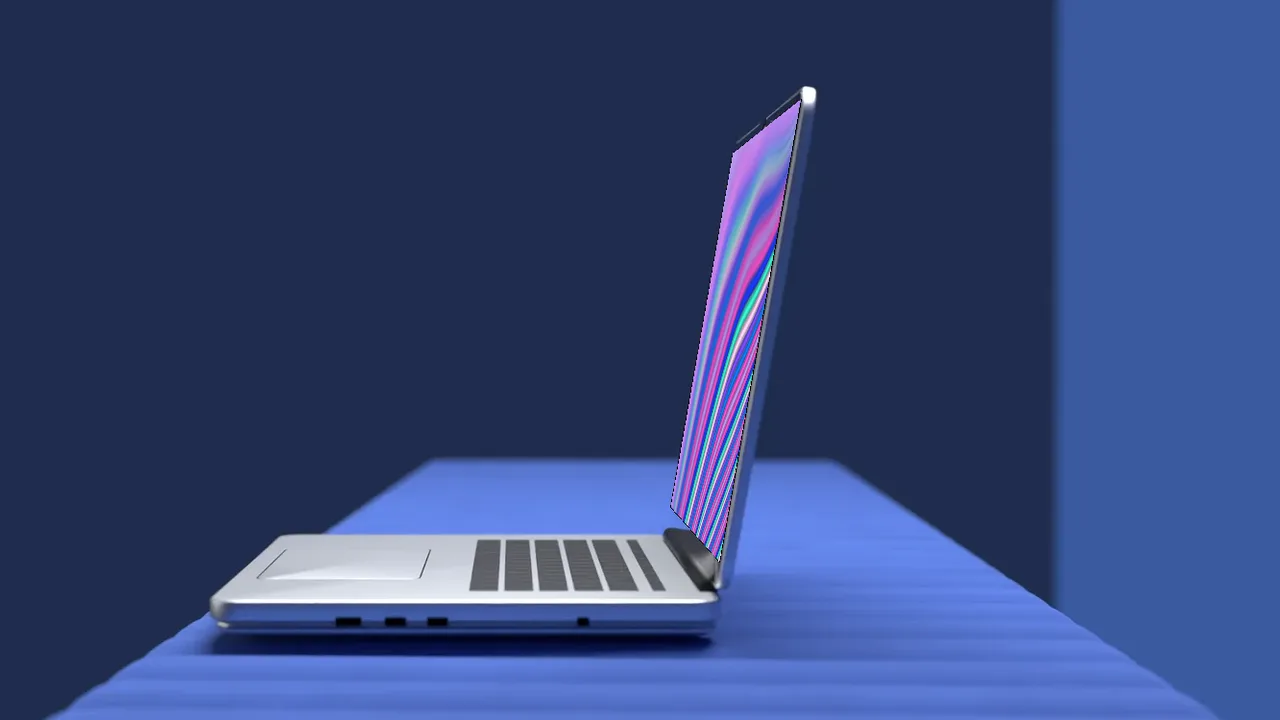
A laptop resting on a channel tufted blue sofa, hero angle, laptop mockup video
Tufted sofa, hero
A laptop resting on a channel tufted blue sofa, low angle, laptop mockup video
Tufted sofa, low
A laptop resting on a channel tufted blue sofa, close up angle, laptop mockup video
Tufted sofa, close up
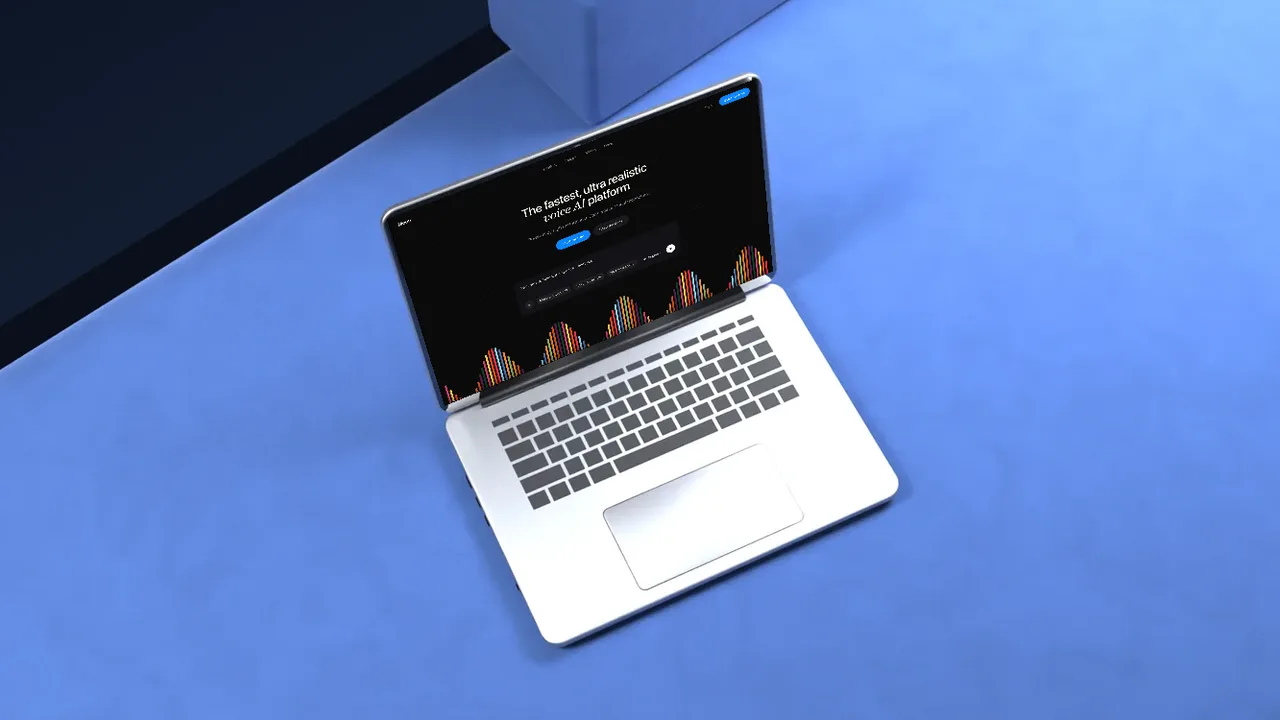
A laptop resting on a channel tufted blue sofa, top angle, laptop mockup video
Tufted sofa, top
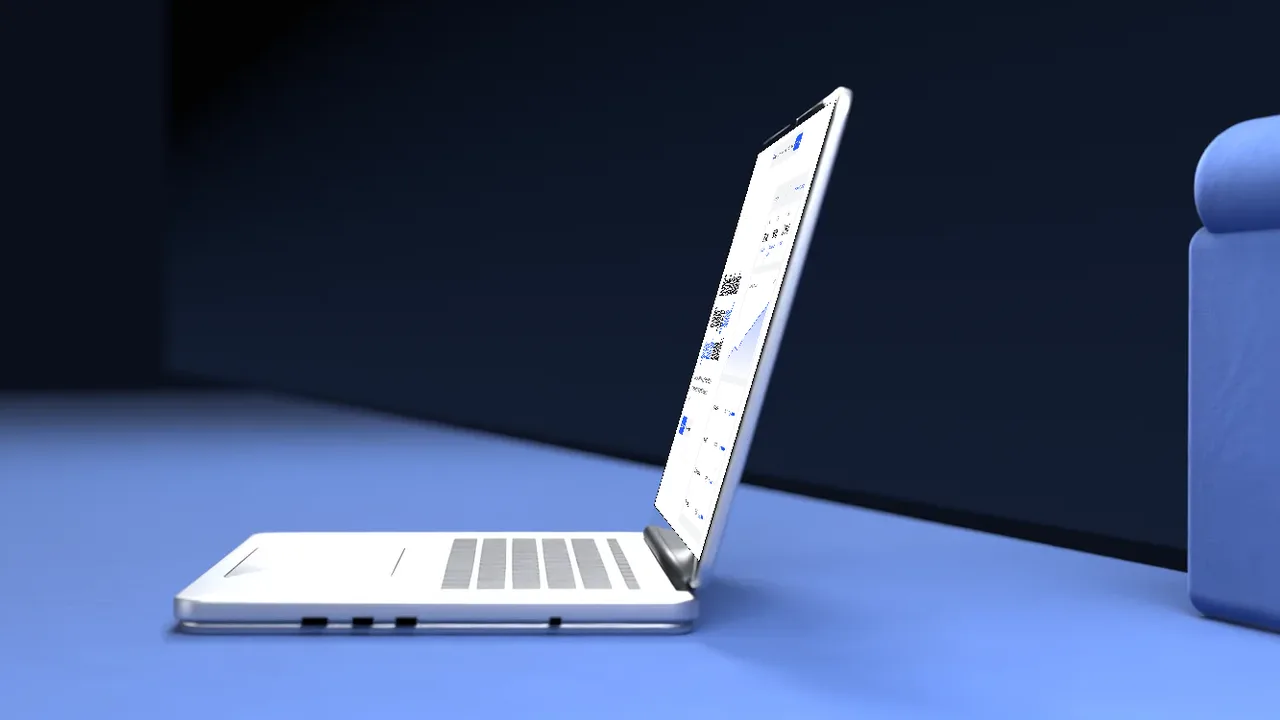
A laptop resting on a channel tufted blue sofa, side angle, laptop mockup video
Tufted sofa, side
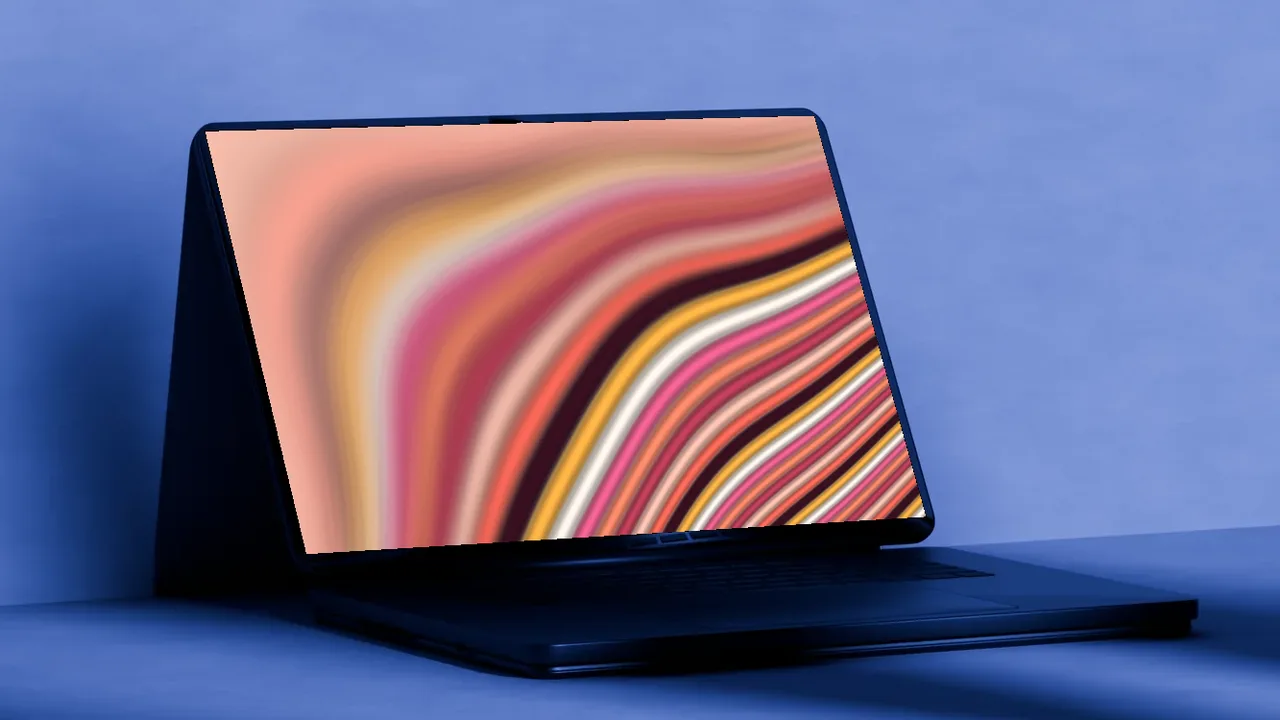
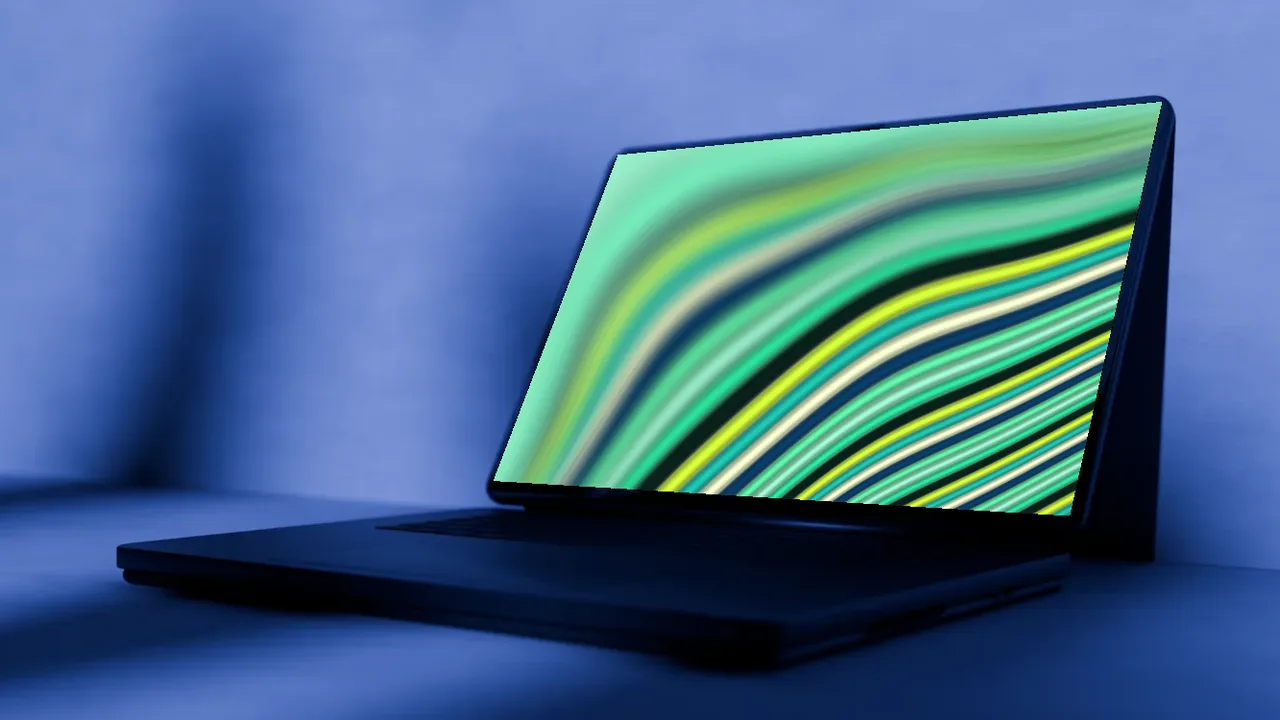
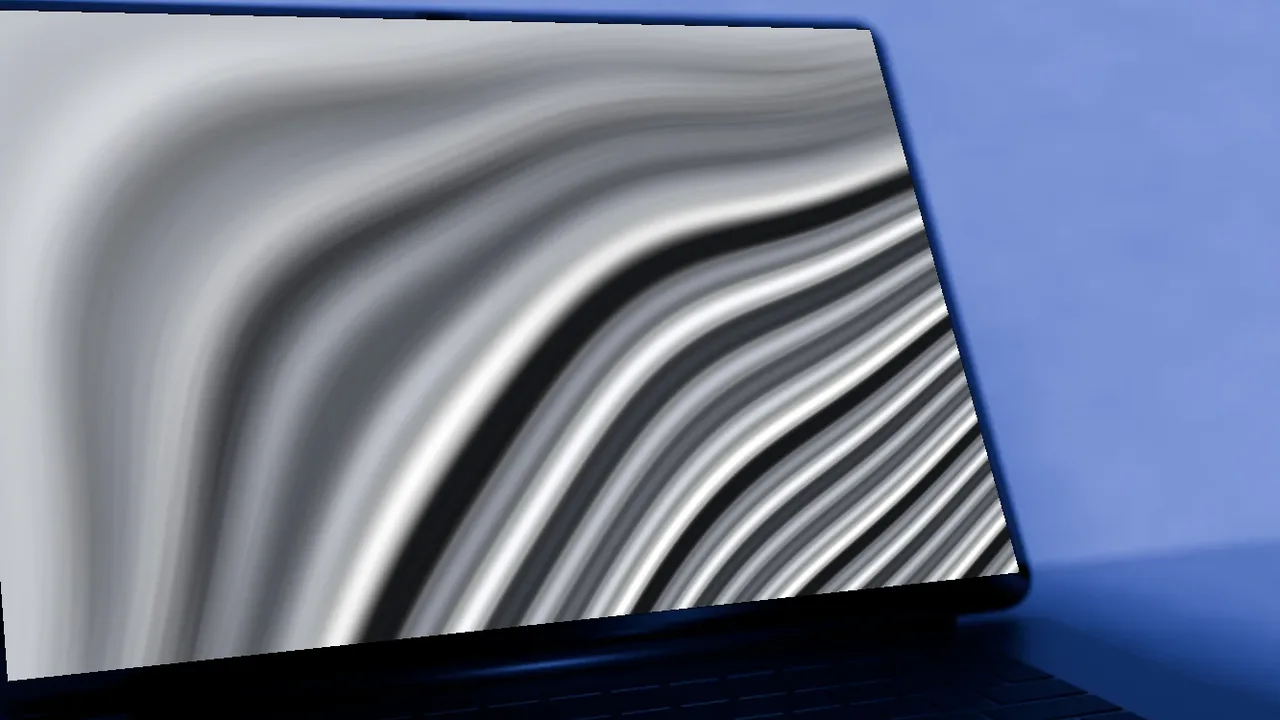
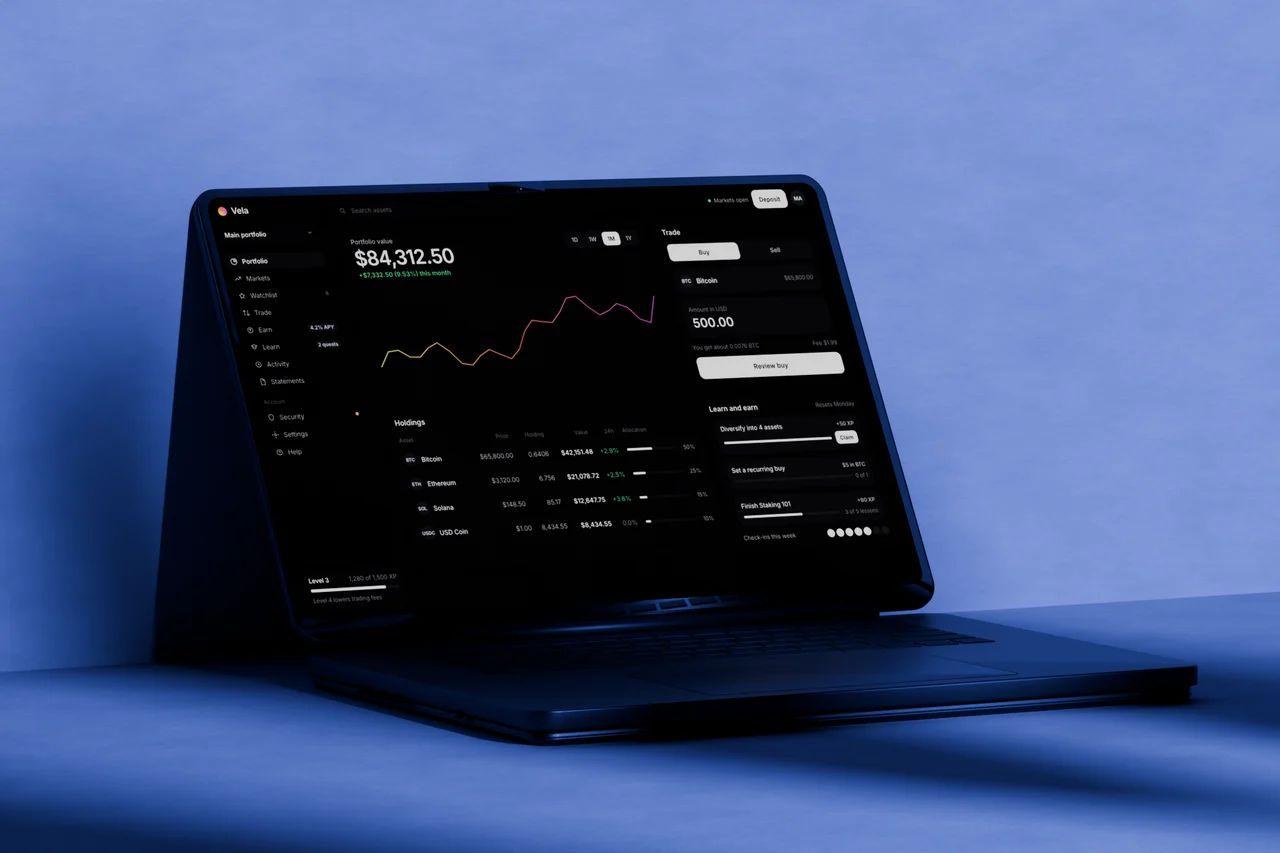
A space black MacBook style laptop in a dark corner with blue window light, hero angle, laptop mockup video
Dark concrete, hero
A space black MacBook style laptop in a dark corner with blue window light, low angle, laptop mockup video
Dark concrete, low
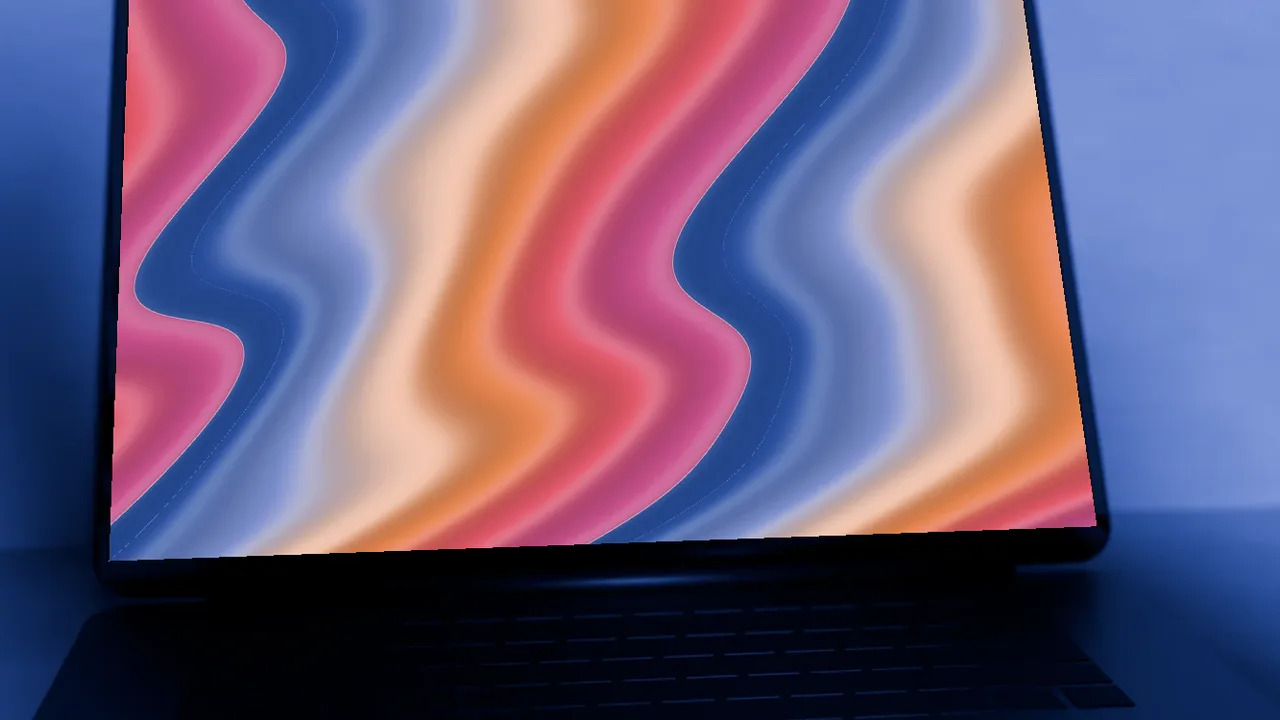
A space black MacBook style laptop in a dark corner with blue window light, close up angle, laptop mockup video
Dark concrete, close up
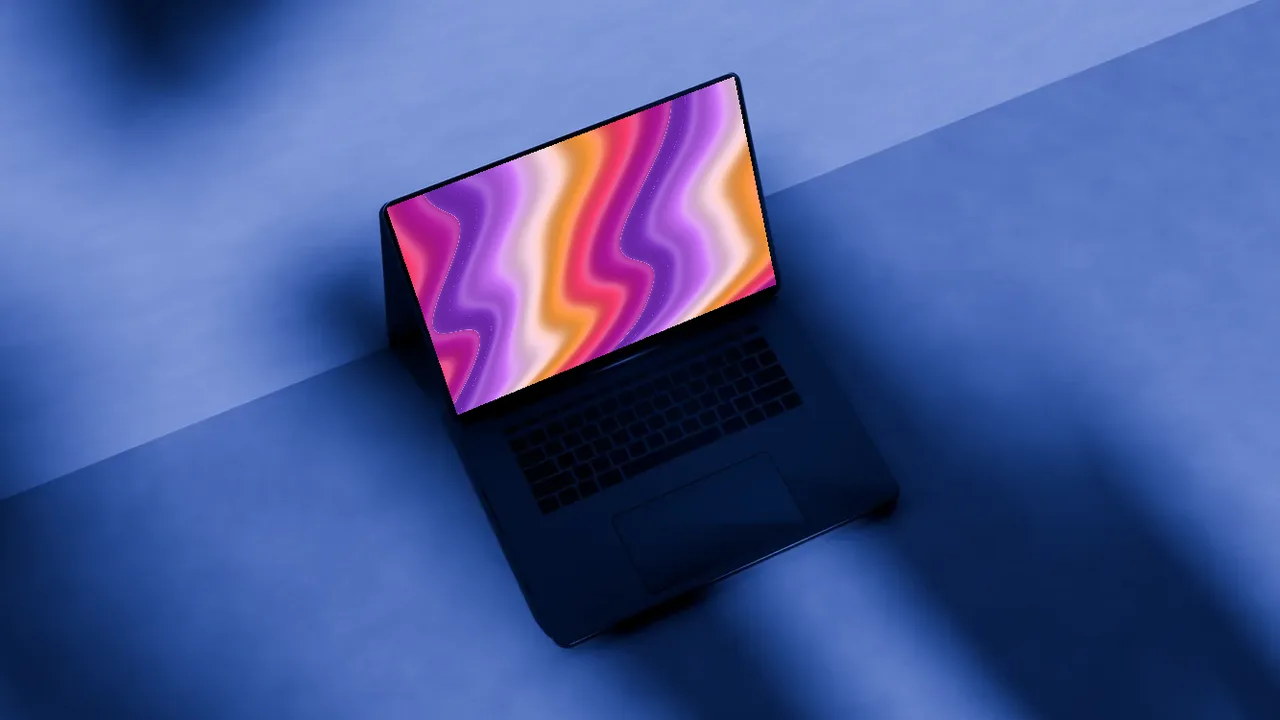
A space black MacBook style laptop in a dark corner with blue window light, top angle, laptop mockup video
Dark concrete, top
A space black MacBook style laptop in a dark corner with blue window light, front angle, laptop mockup video
Dark concrete, front
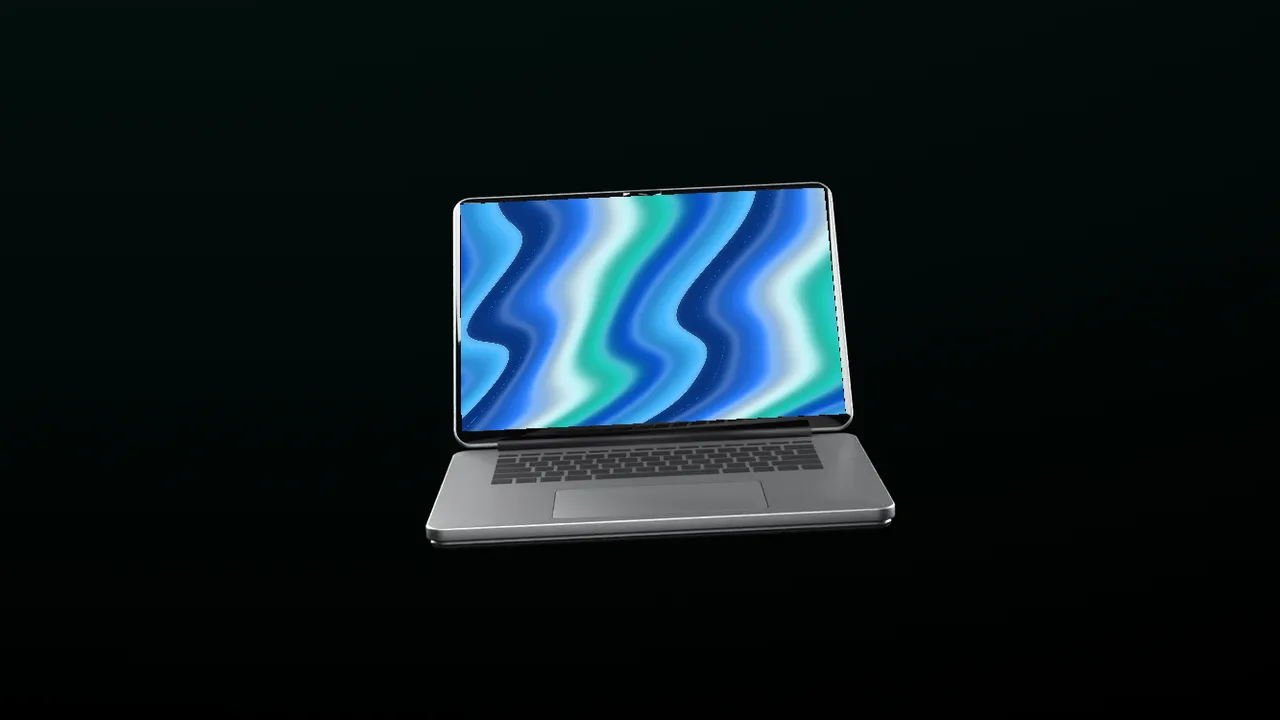
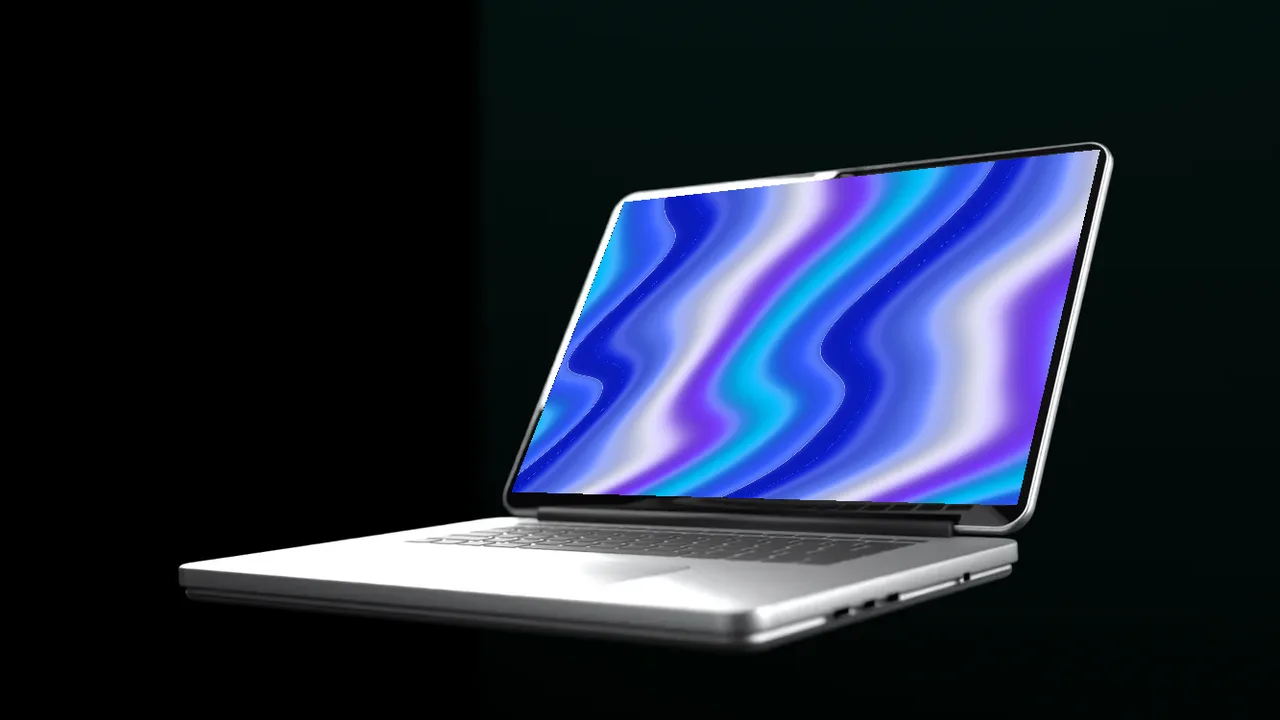
A laptop floating in a black room with soft rim light, hero angle, laptop mockup video
Floating on black, hero
A laptop floating in a black room with soft rim light, low angle, laptop mockup video
Floating on black, low
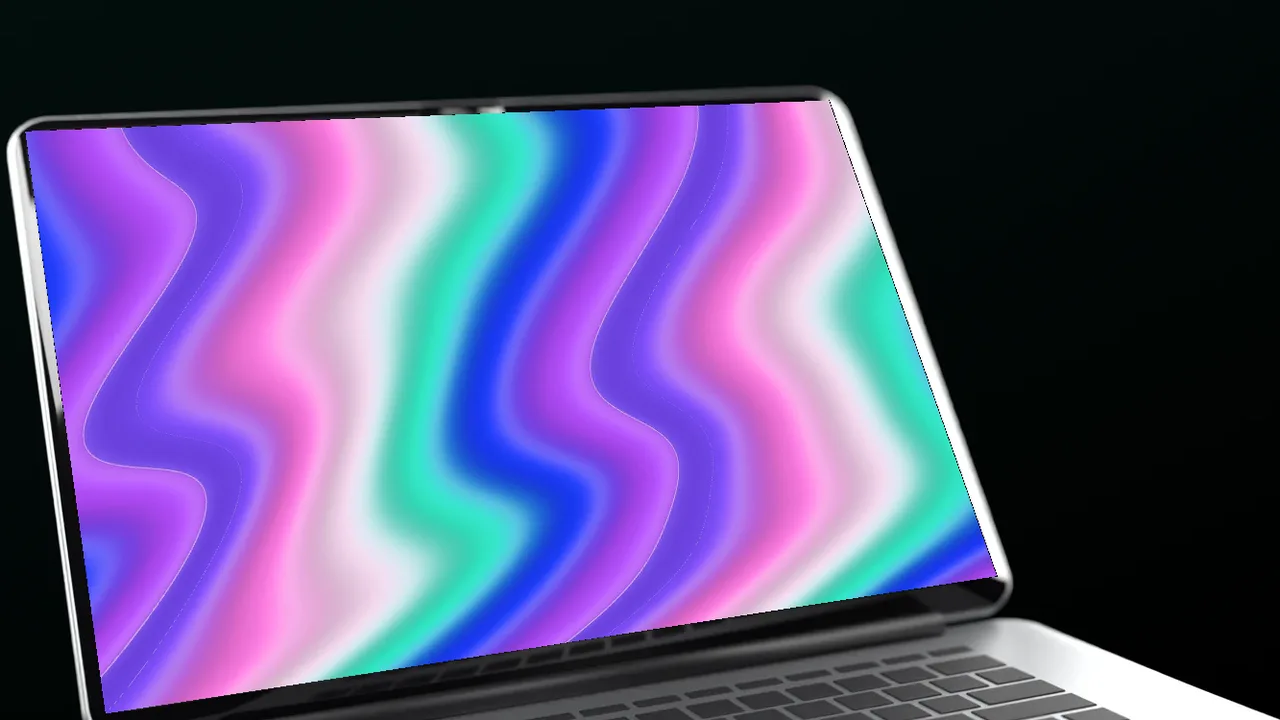
A laptop floating in a black room with soft rim light, close up angle, laptop mockup video
Floating on black, close up
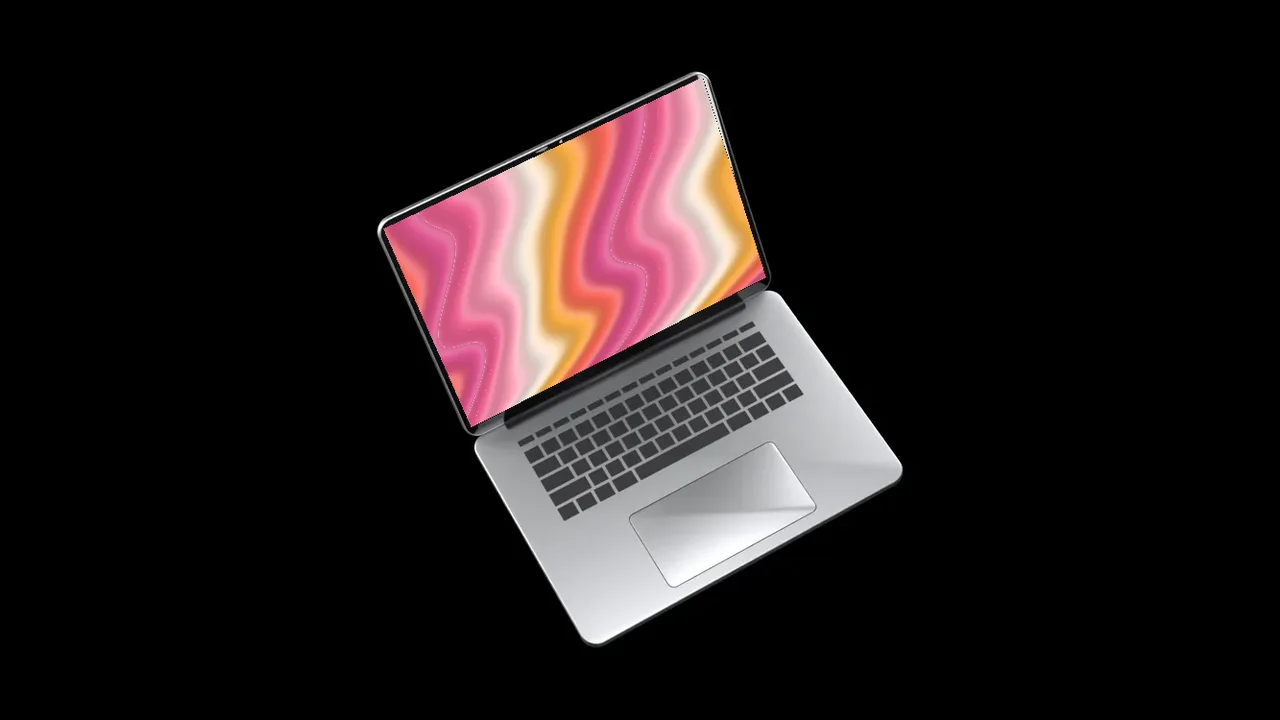
A laptop floating in a black room with soft rim light, top angle, laptop mockup video
Floating on black, top
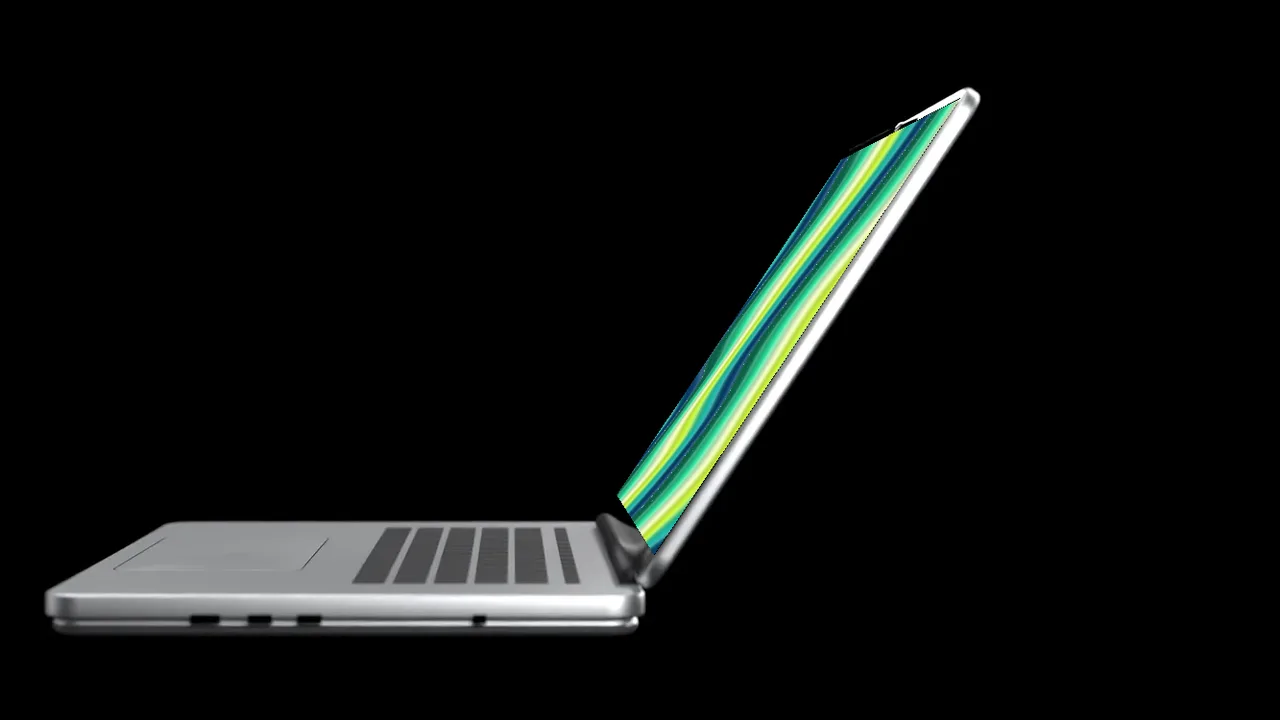
A laptop floating in a black room with soft rim light, side angle, laptop mockup video
Floating on black, side
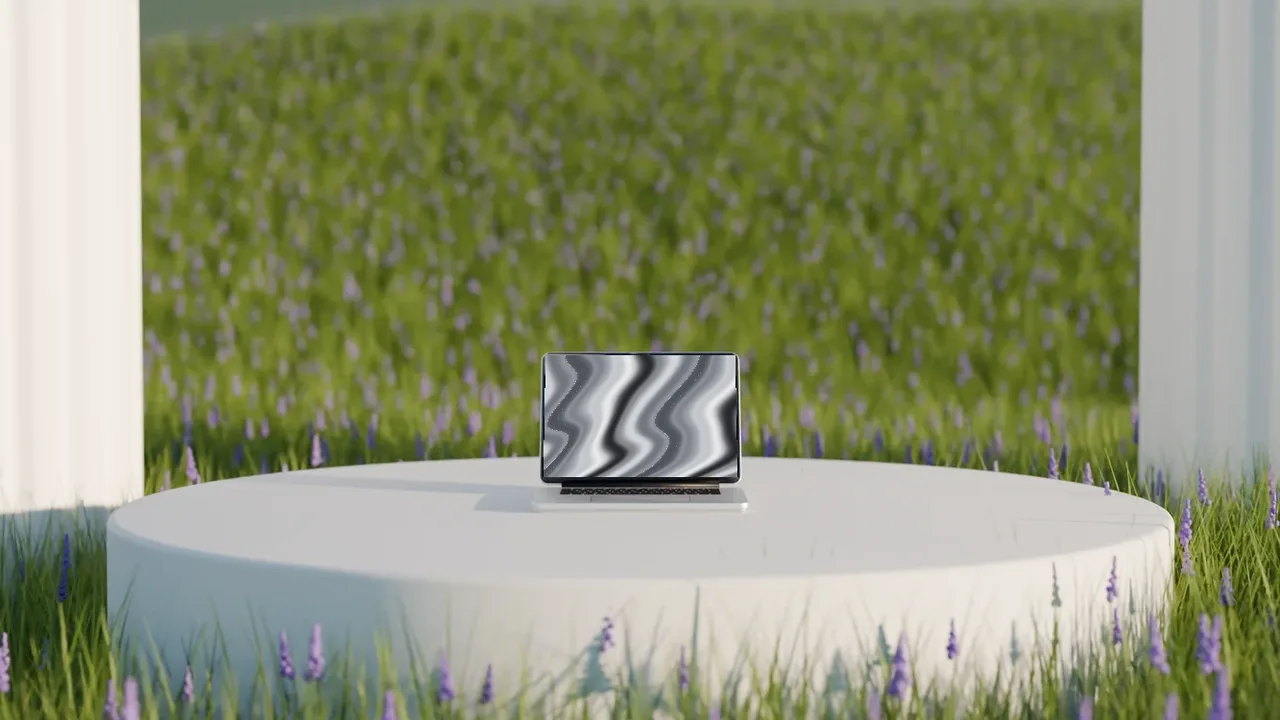
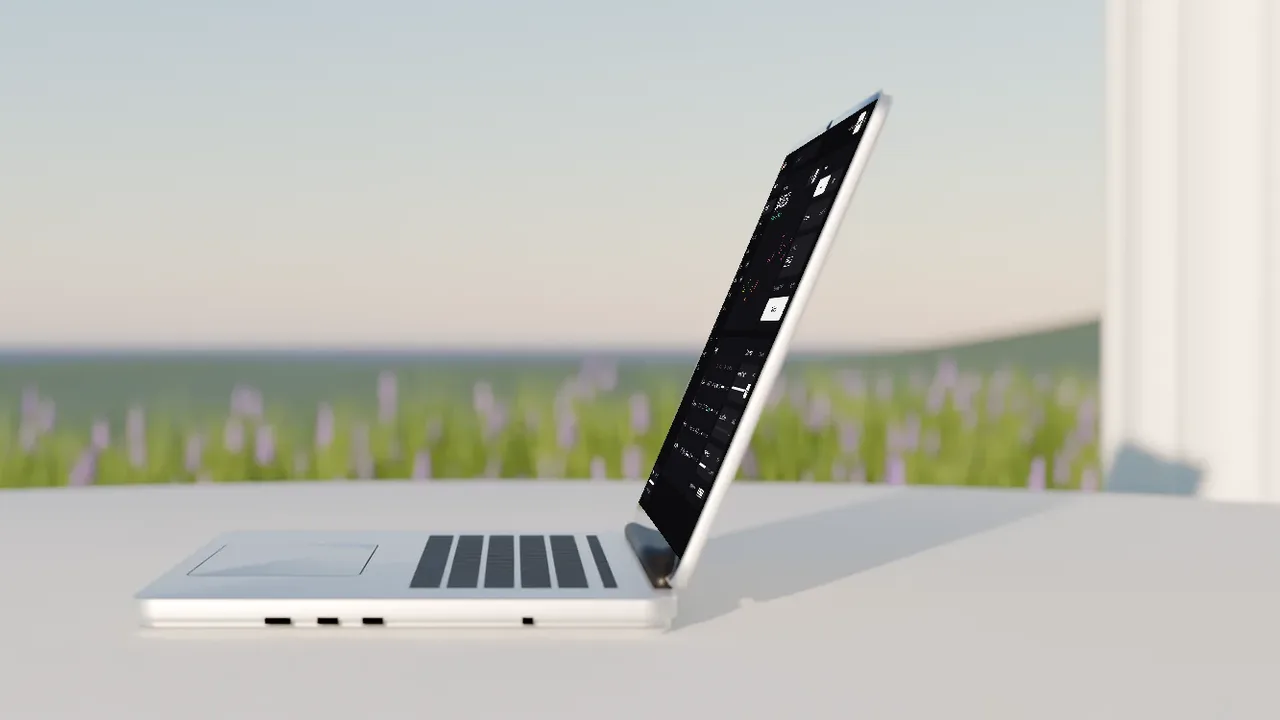
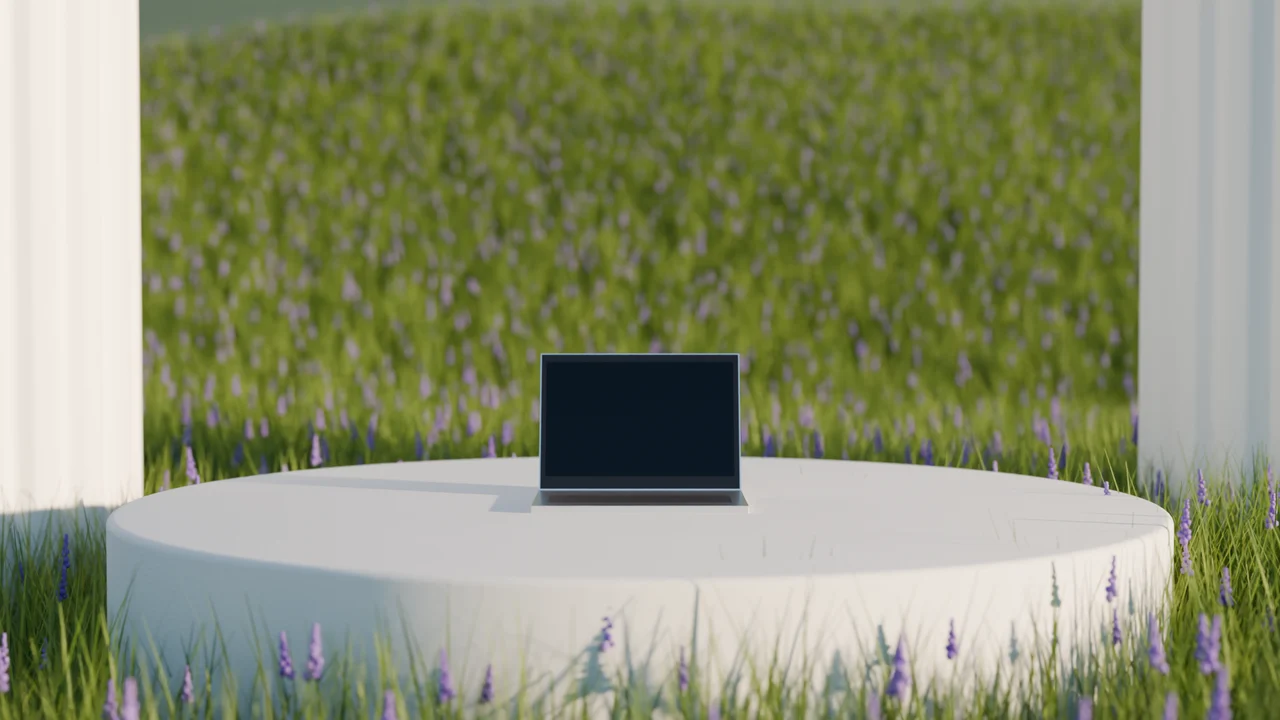
A laptop on a white plinth in a sunlit meadow of wildflowers, hero angle, laptop mockup video
Meadow plinth, hero
A laptop on a white plinth in a sunlit meadow of wildflowers, low angle, laptop mockup video
Meadow plinth, low
A laptop on a white plinth in a sunlit meadow of wildflowers, close up angle, laptop mockup video
Meadow plinth, close up
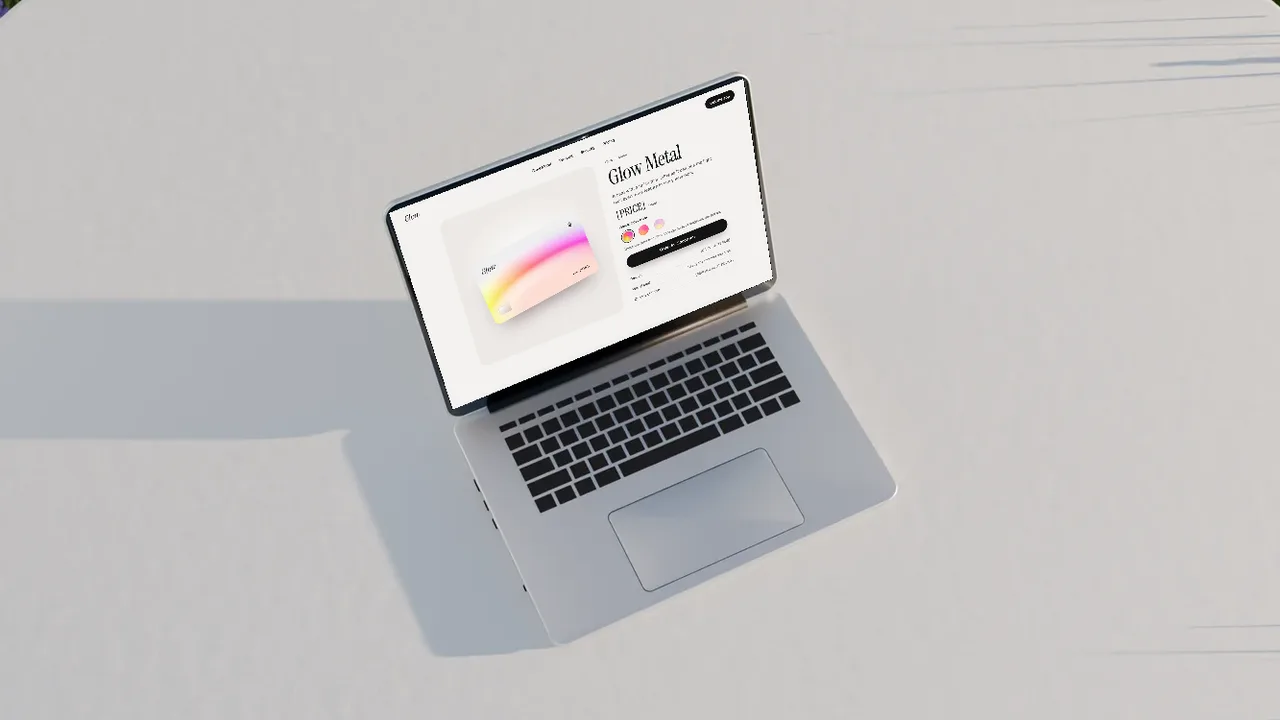
A laptop on a white plinth in a sunlit meadow of wildflowers, top angle, laptop mockup video
Meadow plinth, top
A laptop on a white plinth in a sunlit meadow of wildflowers, side angle, laptop mockup video
Meadow plinth, side
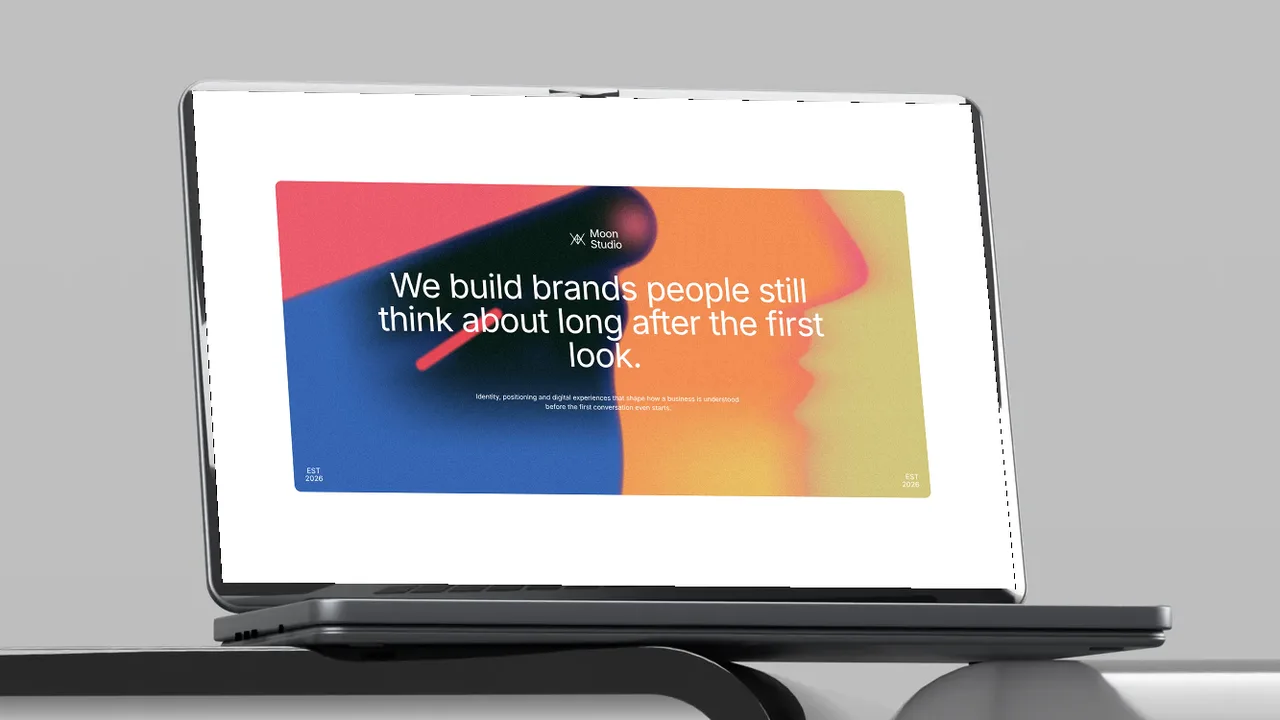
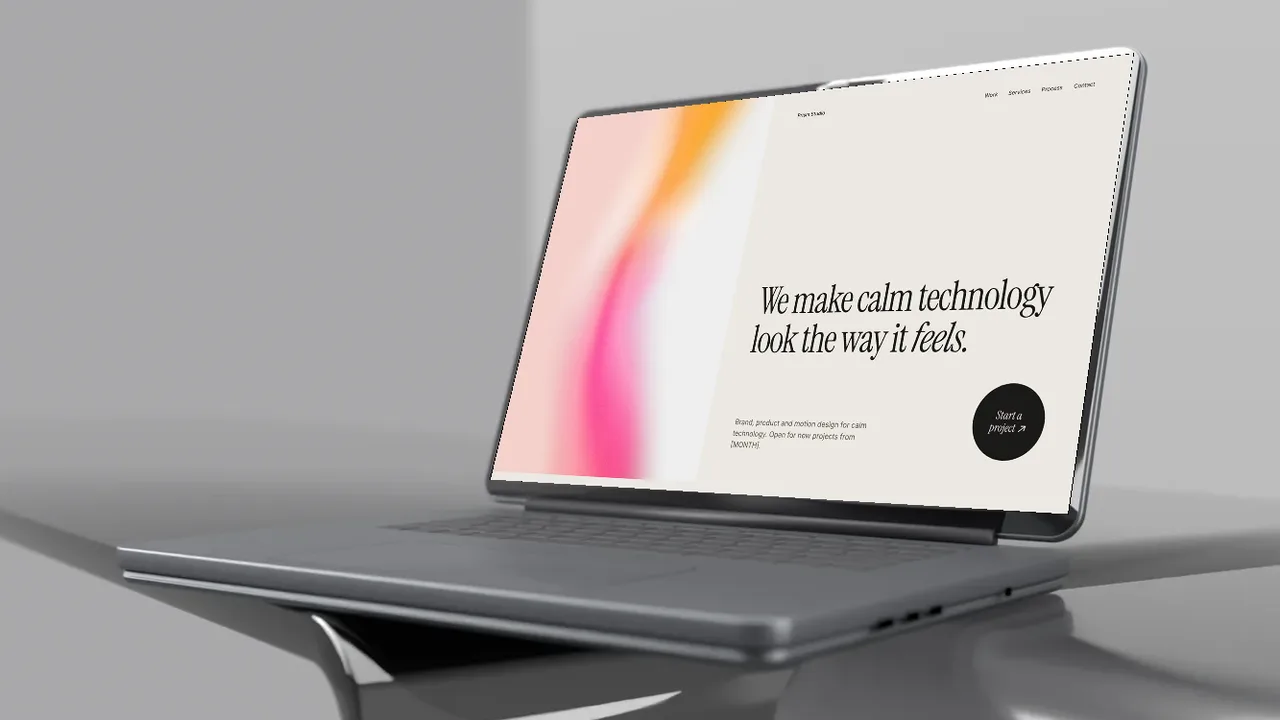
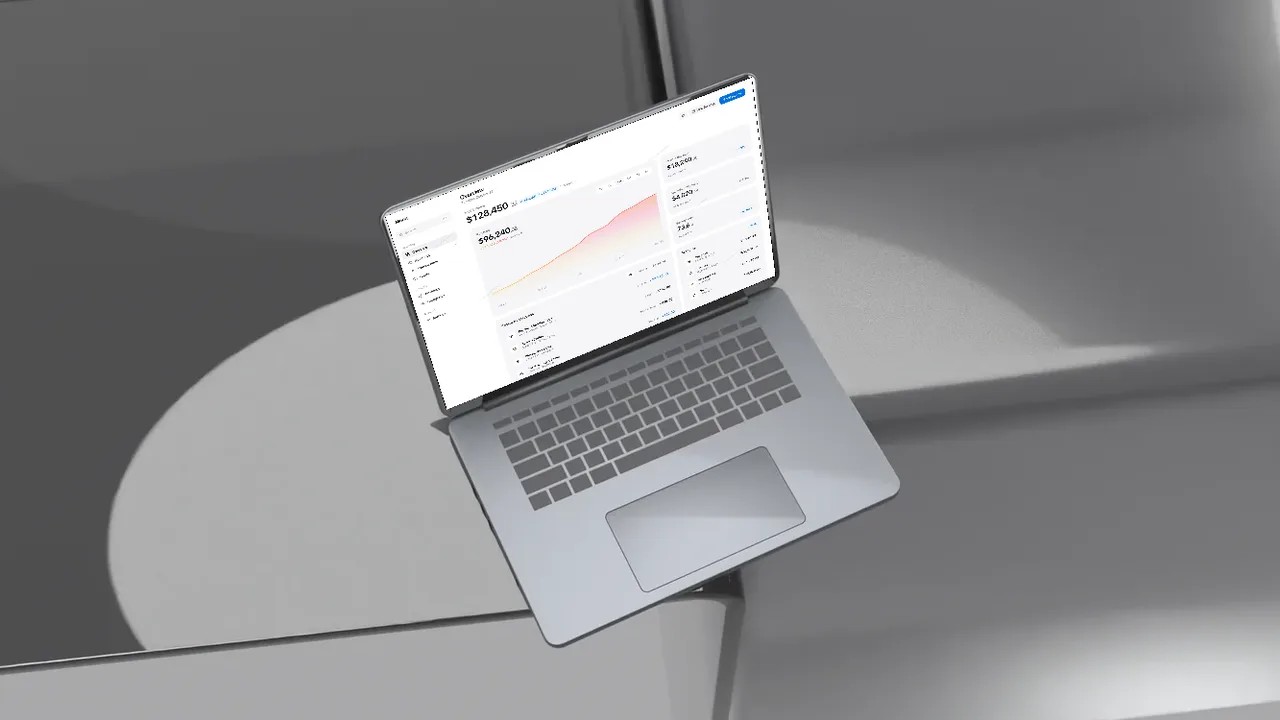
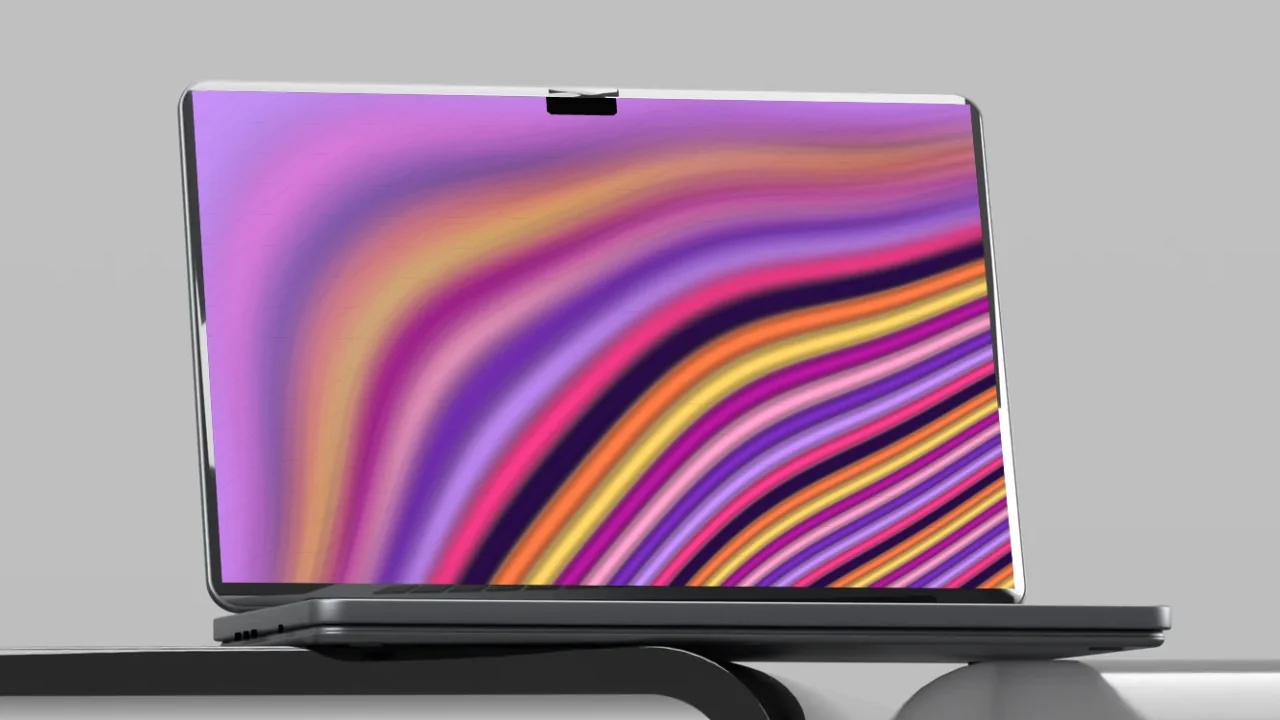
A space black MacBook style laptop on a smoked acrylic desk in a grey studio, hero angle, laptop mockup video
Acrylic desk, hero
A space black MacBook style laptop on a smoked acrylic desk in a grey studio, low angle, laptop mockup video
Acrylic desk, low
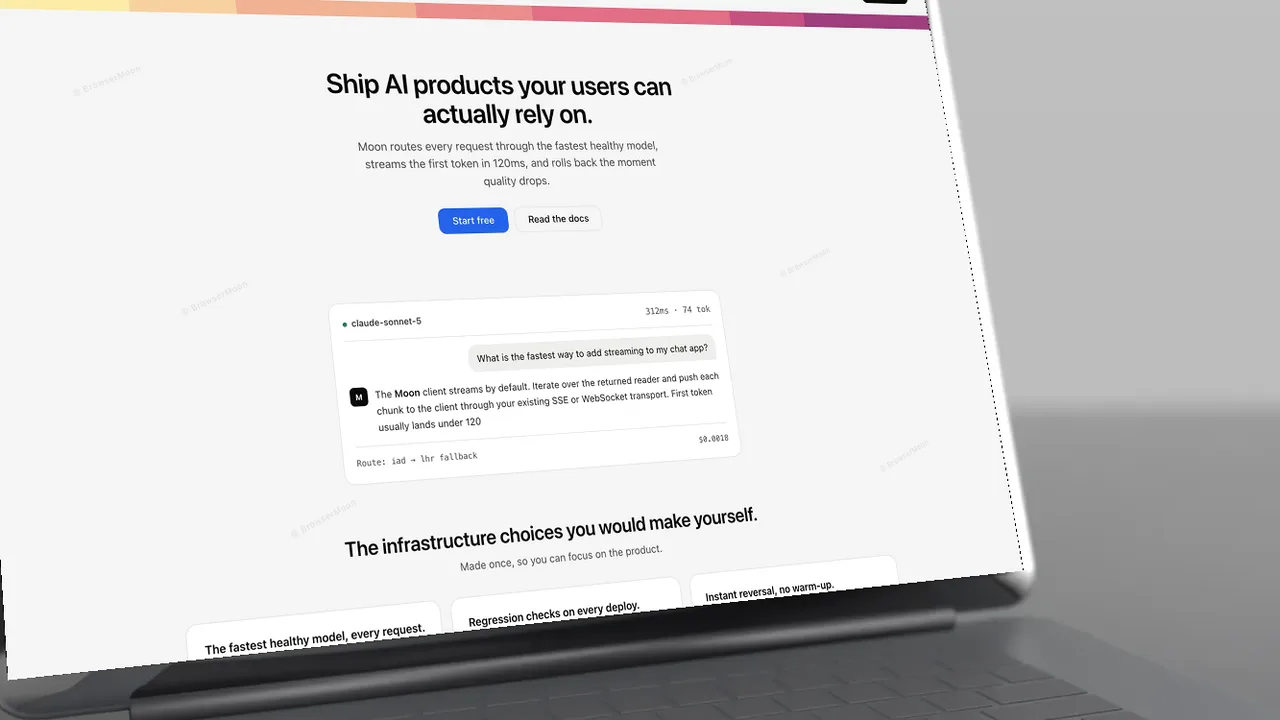
A space black MacBook style laptop on a smoked acrylic desk in a grey studio, close up angle, laptop mockup video
Acrylic desk, close up
A space black MacBook style laptop on a smoked acrylic desk in a grey studio, top angle, laptop mockup video
Acrylic desk, top
A space black MacBook style laptop on a smoked acrylic desk in a grey studio, side angle, laptop mockup video
Acrylic desk, side

More laptop mockups
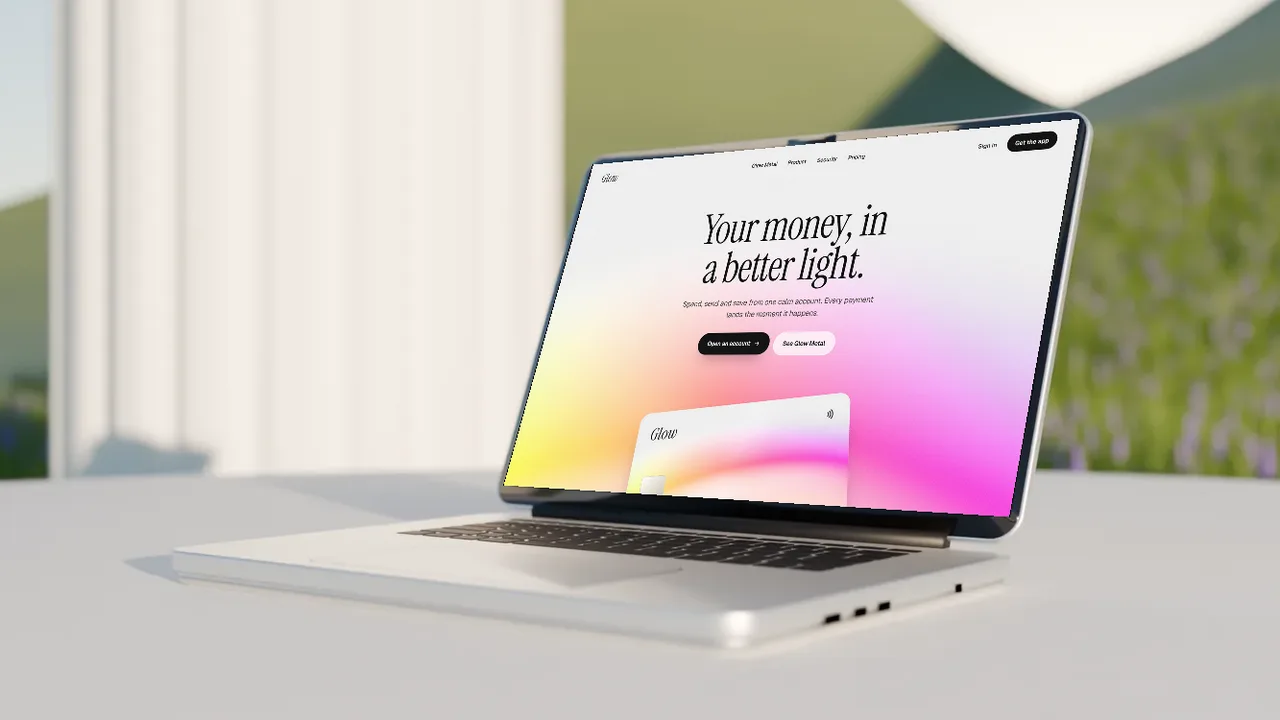
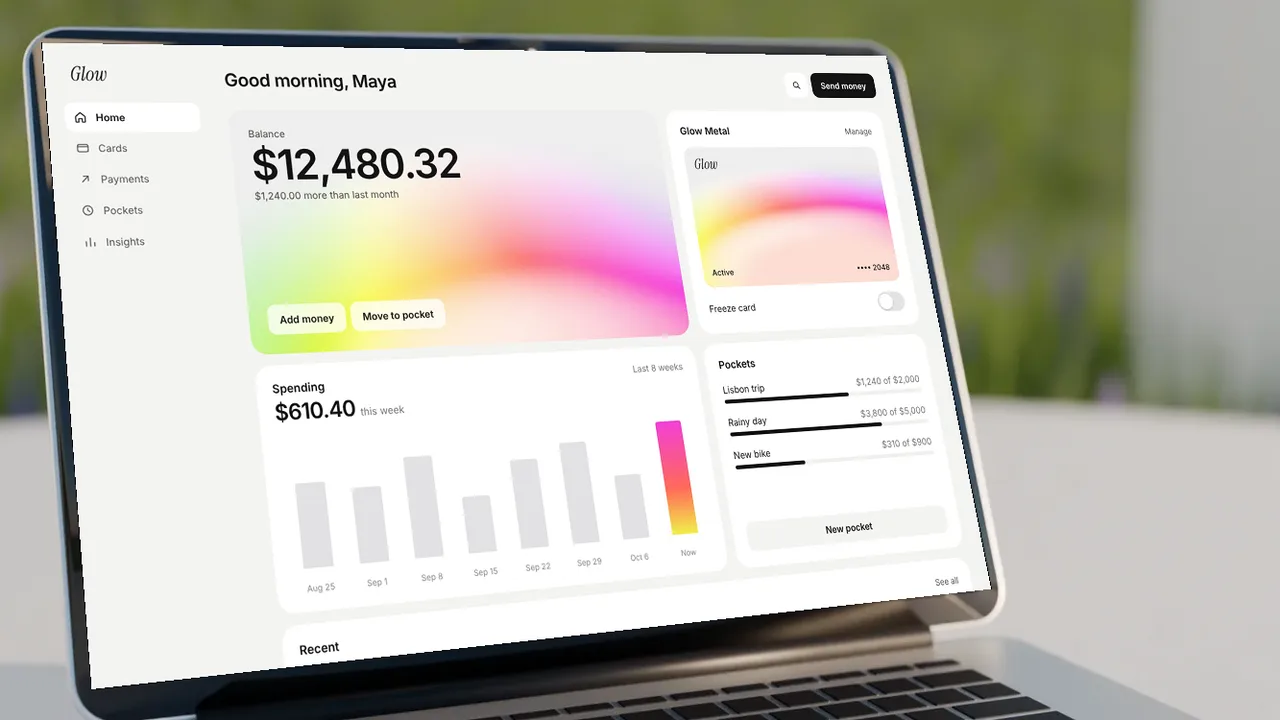
An animated laptop mockup turns a still screenshot into a short product video. Pick a scene, add your screenshot and choose a camera move: push in, rise, focus pull or showcase, which cuts between three angles. The camera moves through real 3D depth, so the laptop and the room move apart like a filmed shot.

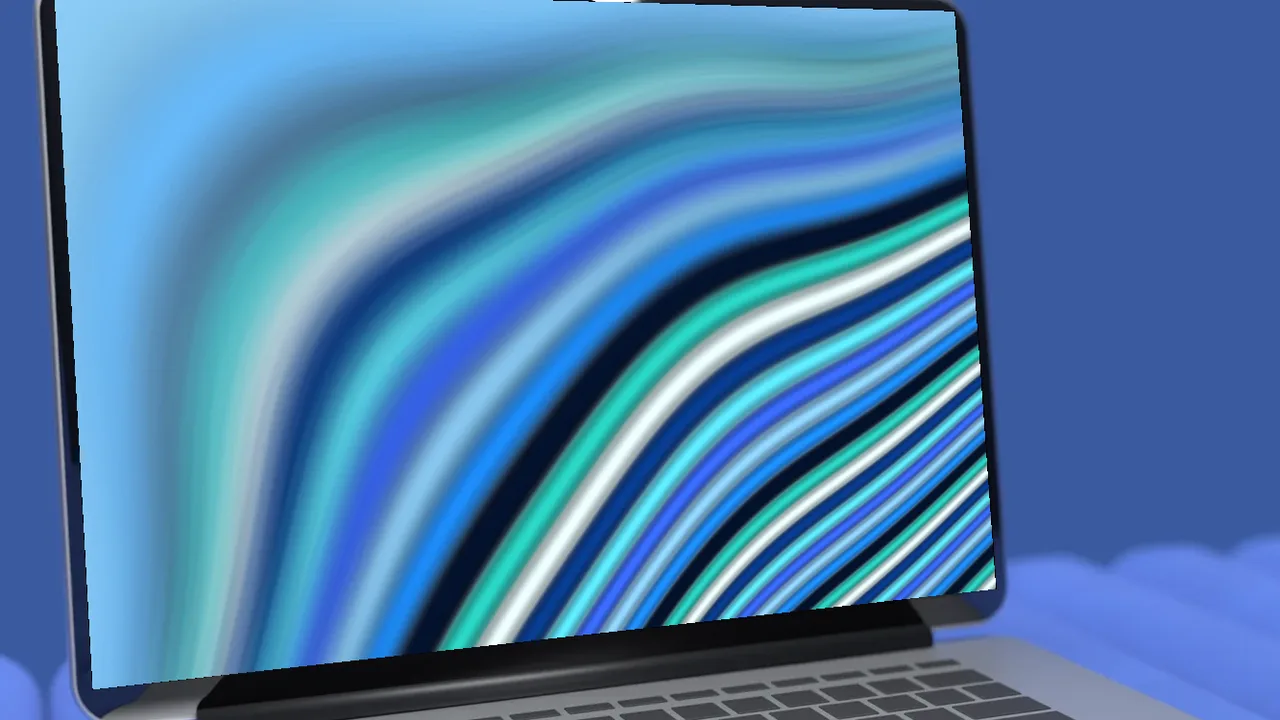
No screenshot yet? Put an animated gradient on the screen: ribbon, liquid or any animated gradient.
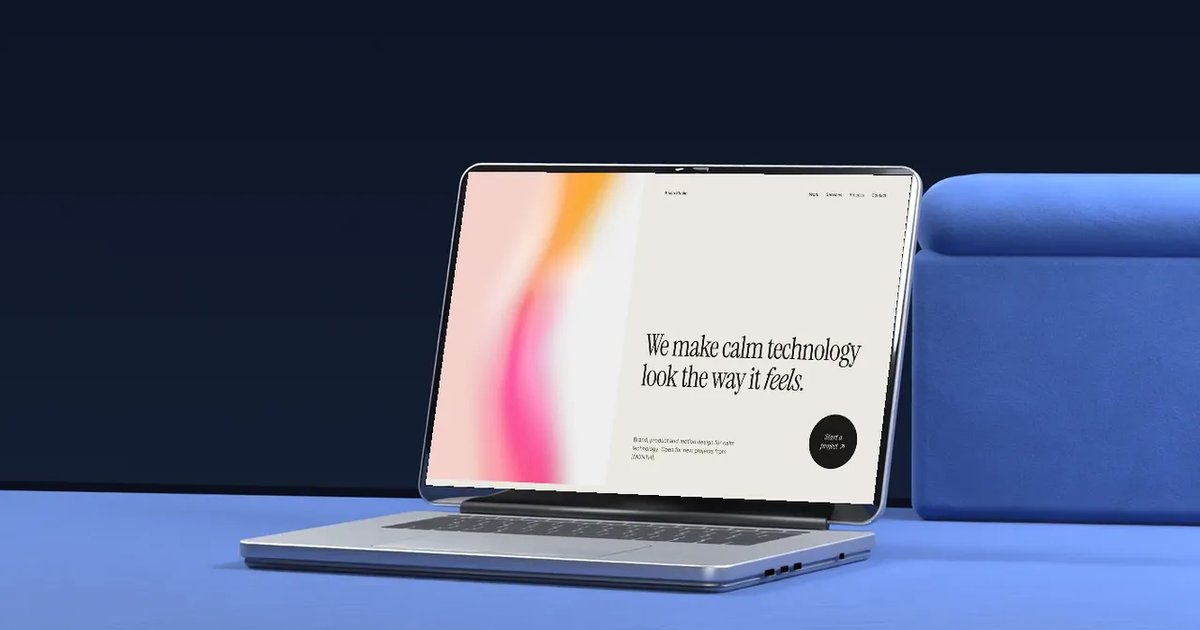
Laptop mockup video made with the BrowserMoon mockup generator
Laptop mockup video: example

Where to use it

Launch videos

A short animated mockup for X, LinkedIn and Product Hunt, where video gets more attention than an image.

Landing page heroes

A looping laptop mockup video as the background of your hero section.

App Store and product pages

A moving device shot that shows the product in a few seconds.

How to make a laptop mockup

  1. Pick a scene, a camera angle and how close the camera is.
  2. Upload a screenshot of your website or app, or put one of our landing page templates or animated gradients on the screen.
  3. Pick a camera move, like push in, rise or focus pull, to see the scene move in 3D.
  4. Download a free PNG at 720p, or a Full HD PNG and a video with a licence.

What is a laptop mockup video?

A laptop mockup video is a short animation of your website or app on a laptop, with the camera moving around it. It shows the product the way a launch video would, without filming anything.

Real 3D camera moves

Most animated mockups slide a flat image across the screen. These scenes have depth, so when the camera pushes in or rises, the laptop, the sofa or the desk and the background move at different speeds, like a real camera.

Use it as a hero video

Export the video and use it as a looping background in your hero section, or as the first item in a Product Hunt or App Store gallery.

Frequently asked questions

Is the laptop mockup free?

Yes. Every scene is free to use at up to 1280 px (720p), with no sign up. Full HD PNGs and video exports come with a BrowserMoon licence.

Do I need Photoshop?

No. It works in your browser. Upload a screenshot or pick a template, then download the image. Nothing is uploaded to a server.

What size should my screenshot be?

Any 16:10 screenshot works best, for example 1440 × 900 or 2880 × 1800. Other sizes are fitted to the screen.

Can I use the mockups in client and commercial work?

Free downloads can be used anywhere, with the small BrowserMoon credit if you keep it on. Licensed downloads have no credit and are cleared for client and commercial work.

What camera moves are there?

Push in moves slowly towards the screen, rise lifts the camera up, focus pull shifts the focus from the room to the screen, and showcase cuts between three angles of the same scene.

How long is the laptop mockup video?

Each move is about six seconds, which is the right length for a social post or a looping hero background.

Is the video free?

You can preview every camera move for free. The Full HD video download comes with a BrowserMoon licence.

Can I make a full product launch video?

Yes. 3D Product Videos turns your website or app into a 15 second launch video with several screens, your headlines and your logo, and exports an MP4 for free up to 720p.

Narrow it down

Works with any vibe coding tool