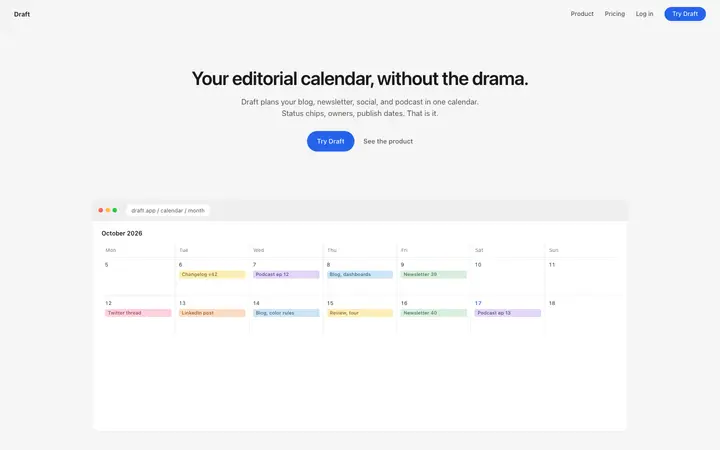


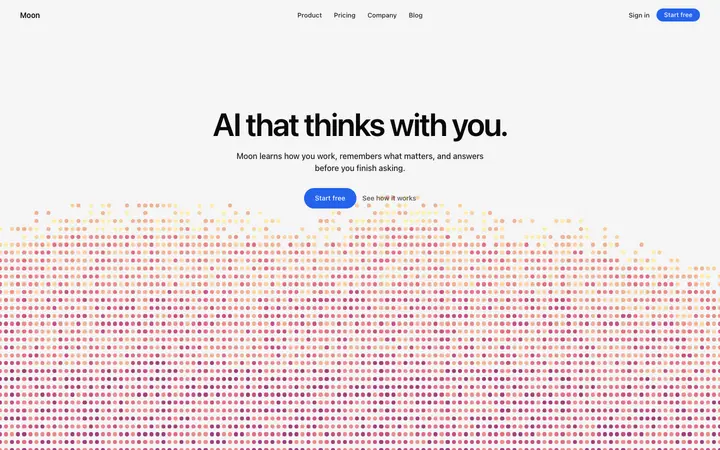
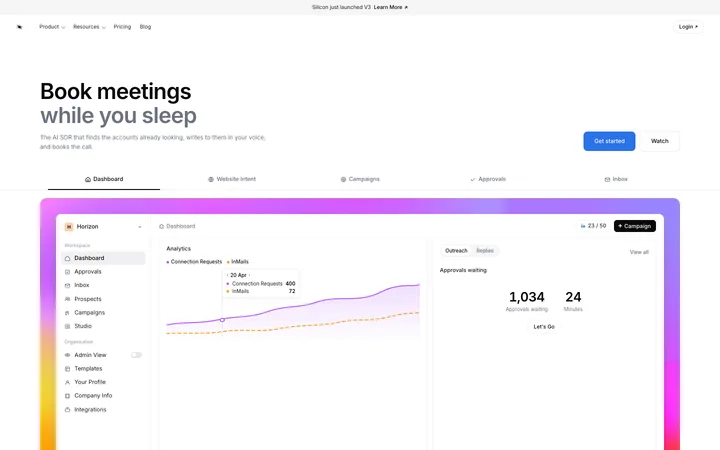


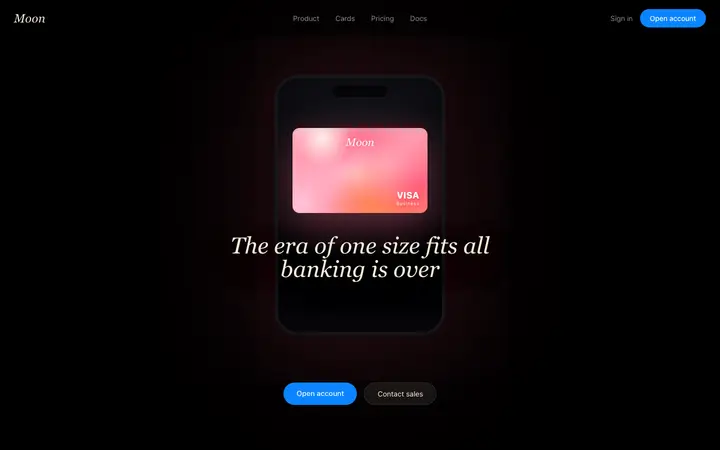
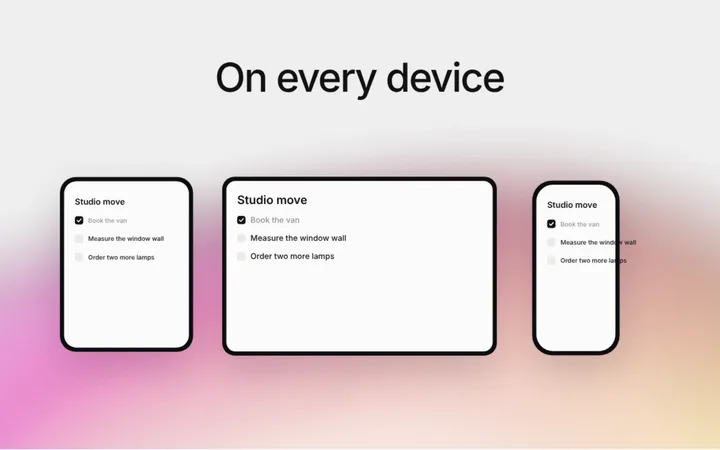
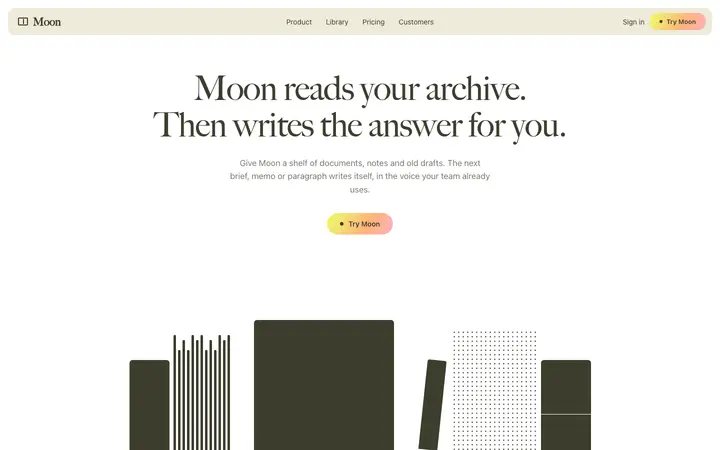
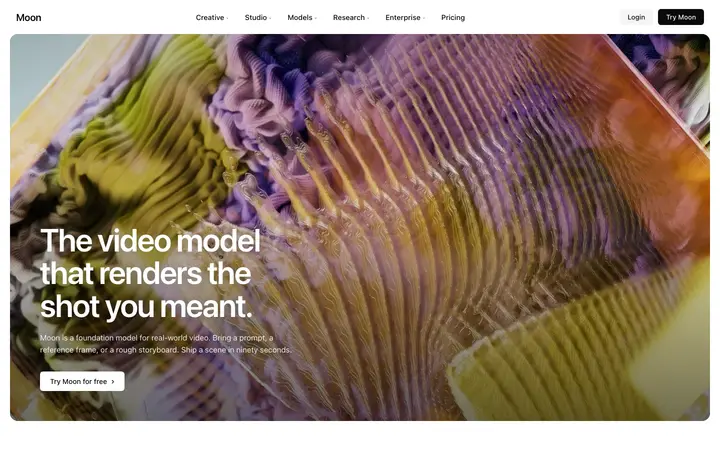
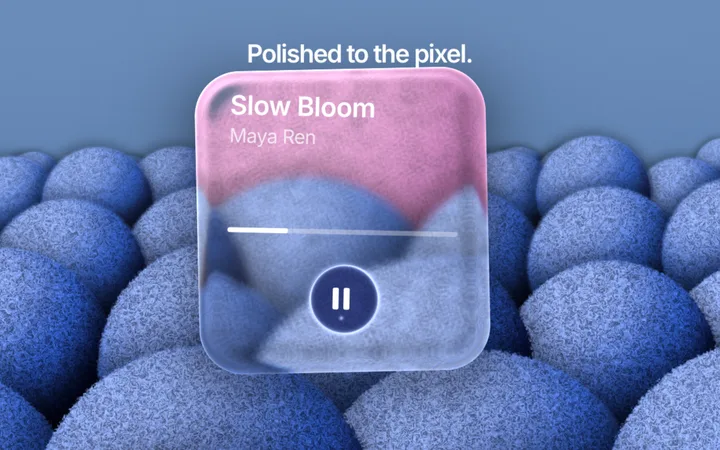
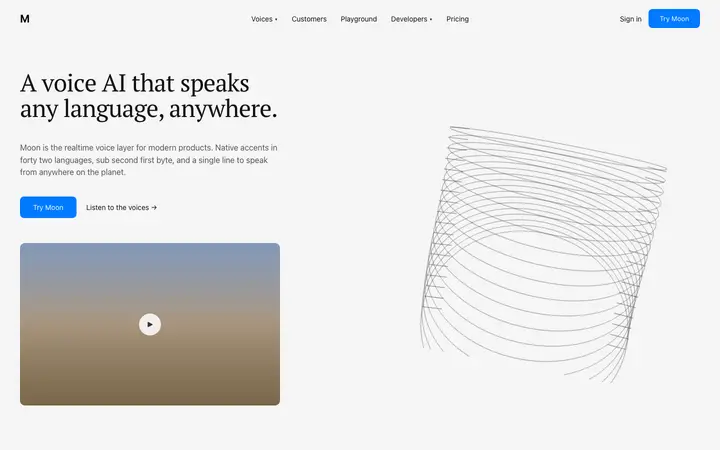
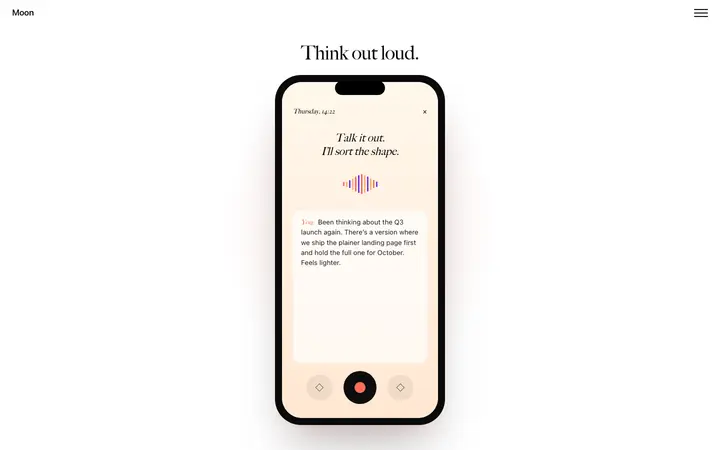

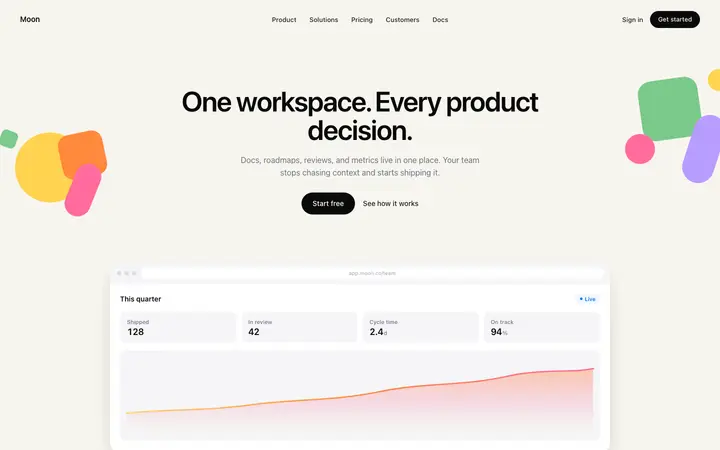
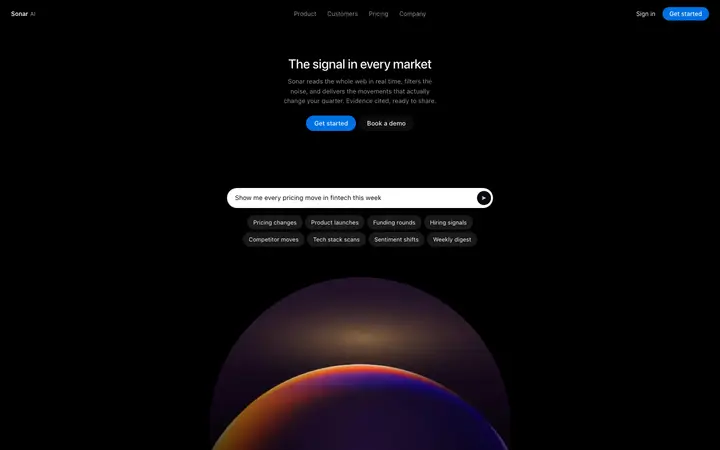
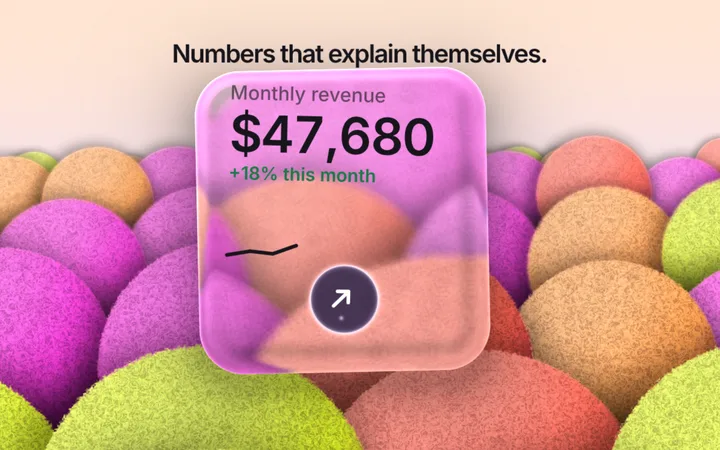
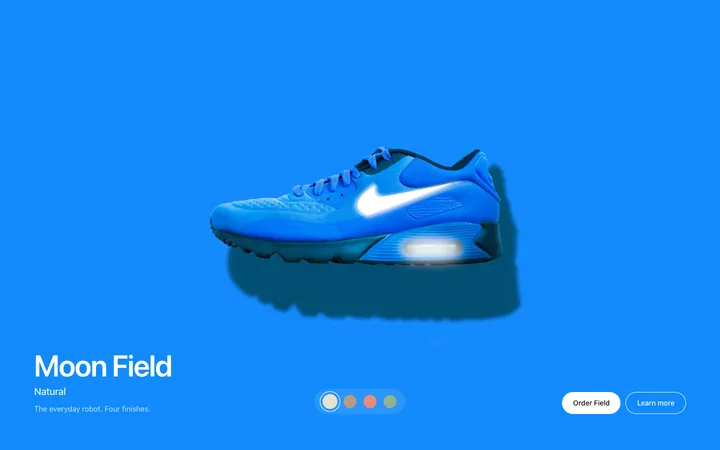
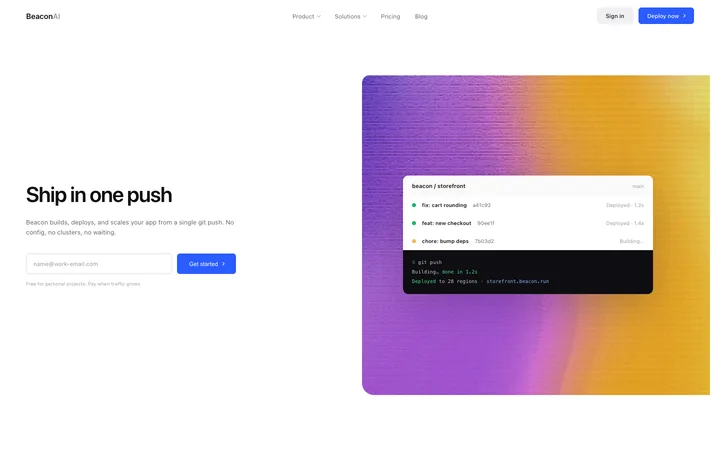
Browse and preview all 560+ Kiro templates for free. Copy any template, and every Kiro setup file on this page, with a BrowserMoon licence.
Get a licenceDesign help before you prompt Kiro
Ask Mon, the AI design assistant, which layout and template fit your app. Then paste it into Kiro.
What are Kiro templates?
Kiro templates are finished UI designs you save in your project for Kiro to follow. Put the template and its DESIGN.md in the project, add a steering file in .kiro/steering that says to follow them, and every spec and page Kiro builds matches one design.
How to use templates with Kiro
Save the template and its DESIGN.md
Copy a template into your project, for example as design/template.html, and save its DESIGN.md at the project root.
Add a steering file
Create .kiro/steering/ui-design.md with one rule: follow DESIGN.md and design/template.html for all UI work.
Write the spec
Describe the page or feature. Kiro's spec now includes the design rules, so the tasks build to them.
Run the tasks one by one
Review each task's result before the next, and check the page at phone and desktop width.
Why Kiro needs a design to follow
Kiro is Amazon's spec-driven AI coding tool: it turns a request into requirements, a technical design and tasks, then writes the code. The spec covers what to build and how, but not what it should look like, so without a visual design the UI falls back to generic choices.
A template and a DESIGN.md fill that gap. A steering file makes Kiro include them in every spec, so the look is decided once instead of in every task.
DESIGN.md is not Kiro's design.md
Kiro specs already use a file called design.md for the technical design of a feature: architecture, data and interfaces. DESIGN.md describes the visual design: colours, type, spacing and components. Keep DESIGN.md at the project root, keep Kiro's spec files in .kiro/specs, and use a steering file to connect the two.
Kiro templates for websites and apps
Dashboards, settings and forms suit Kiro's spec flow well, because each feature becomes a set of tasks that reuse the same components. Start with the main screen, then add each feature as its own spec.
How to keep every Kiro spec on design
Kiro writes requirements, a technical design and tasks for each feature, and steering files are included as context when it does. Put the design rules in one steering file that names DESIGN.md and the template, so each new spec starts from the same look without you repeating it.
When a task builds a screen, ask Kiro to compare it with the template at phone and desktop width before marking the task done. Small fixes during a task are cheaper than restyling a finished feature, and the steering file means later specs reuse the corrected components.
Who uses Kiro templates
Kiro templates are used by teams on Amazon's spec-driven tool who want the UI to be as planned as the code: dashboards, settings, auth and marketing pages built to one design across many specs.
Best Kiro templates by use case
SaaS dashboard template for Kiro
Turn the dashboard into a spec with one task per widget.
Settings and billing template for Kiro
The screens specs often leave vague; start from a finished design.
Sign up and sign in template for Kiro
Auth screens Kiro builds with your real validation.
Landing page template for Kiro
A marketing page built as reusable section components.
Pricing template for Kiro
A pricing section tied to your plans in the spec.
Tips for better results in Kiro
Add a UI steering file
Put the design rules in .kiro/steering/ui-design.md so every spec includes them.
Name the files clearly
DESIGN.md at the root for visuals; Kiro's design.md inside specs for architecture.
Check tasks one at a time
Look at each built screen before running the next task.
Reuse components
Tell Kiro to reuse existing components so later tasks do not create variants.
Kiro vs Cursor and Claude Code
Kiro plans with specs before it codes, Cursor edits in place and Claude Code works from the terminal. The design setup is the same idea in each: a template, a DESIGN.md and a rules or steering file that points to them.
What to ask Kiro after you paste a template
- Create a spec for the dashboard page using design/template.html and DESIGN.md for all UI.
- Add a task to check the page at 375px and fix overflow.
- Reuse the existing Button and Card components in every task.
- Update .kiro/steering/ui-design.md with the rules you followed.
Common mistakes with Kiro templates
Mixing up design.md and DESIGN.md
Keep the visual design at the root and the spec design in .kiro/specs.
No steering file
Without it, the design is missing from new specs.
Running every task at once
Check each screen before the next task builds on it.
Kiro templates by category
Kiro templates by framework
Frequently asked questions
What are Kiro templates?
Finished UI designs you save in your project for Kiro to follow, with a DESIGN.md file and a steering file that keeps every spec and task on design.
Where do steering files go in Kiro?
In .kiro/steering in your project, or ~/.kiro/steering for every project. Kiro includes them as context, and project steering wins if the two conflict.
Is DESIGN.md the same as Kiro's design.md?
No. Kiro's design.md, inside a spec, is the technical design of a feature. DESIGN.md at your project root describes the visual design. Use both, and link them with a steering file.
How do I add design rules to a Kiro spec?
Put them in a steering file in .kiro/steering that names DESIGN.md and your template. Kiro includes steering files as context when it writes specs and tasks.
Do the templates work with React and Next.js?
Yes. Kiro converts the HTML and CSS into components for your framework as part of its tasks.
Can I use the same design rules in other tools?
Yes. DESIGN.md works in any agent; point Claude Code to it from CLAUDE.md or Cursor from a project rule.
Do I need a licence for the templates?
Browsing and previewing are free. Copying a template and its DESIGN.md needs a BrowserMoon licence.
Is Kiro the replacement for Amazon Q Developer?
Amazon has been moving Q Developer users to Kiro, and Kiro is generally available. Check Amazon's site for current plans.
Templates for other AI coding tools