In short
BrowserMoon landing page templates are ready-made designs for every section of a landing page: hero, navigation, features, pricing, testimonials, call-to-action, and footer. Copy any template into Bolt, Claude Code, Replit, Lovable, or Cursor and build a professional landing page from the first generation. This is the fastest way to vibe code a landing page that looks like a designer made it.
Landing page templates by category
What landing page templates are in the library
The BrowserMoon library covers every major section category for a landing page. Hero sections for the top of the page. Navigation bars and hamburger menus. Feature grids and benefit sections. Pricing tables with plan comparisons. Testimonial and social proof blocks. Call-to-action sections. Footer layouts with navigation columns and legal links.
Every template is previewed live in the browser before you copy it. The designs share a consistent style across the library, so templates from different categories work together in a single landing page without clashing.
How to build a landing page with BrowserMoon and a vibe coding tool
Pick your templates
Choose the templates you need for your landing page from the BrowserMoon gallery. A standard landing page uses a hero, a features template, a pricing or CTA template, and a footer.
Copy each template
Open each template detail page and click Copy code. Paste the HTML into a text file or keep each template on a separate clipboard tab.
Paste into your AI tool
Open Bolt, Claude Code, Replit, Lovable, or Cursor. Paste all the templates into your prompt with a description of your product and how the templates should connect.
Describe your content
Tell the AI tool what headline to use, which features to describe, what your pricing plans are, and what the CTA button should say. It fills in the content while keeping the design.
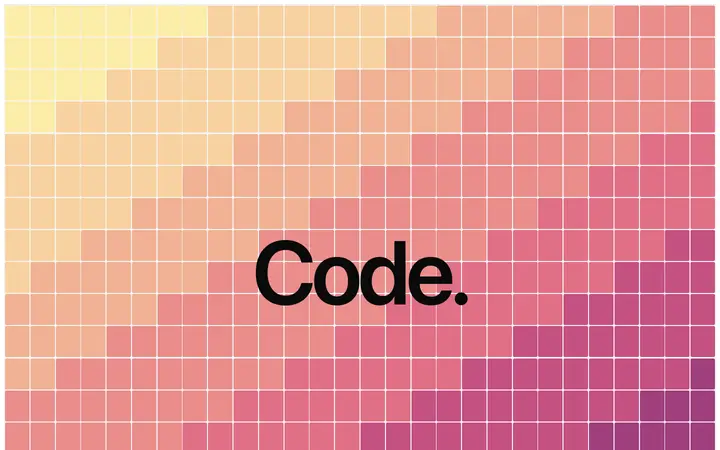
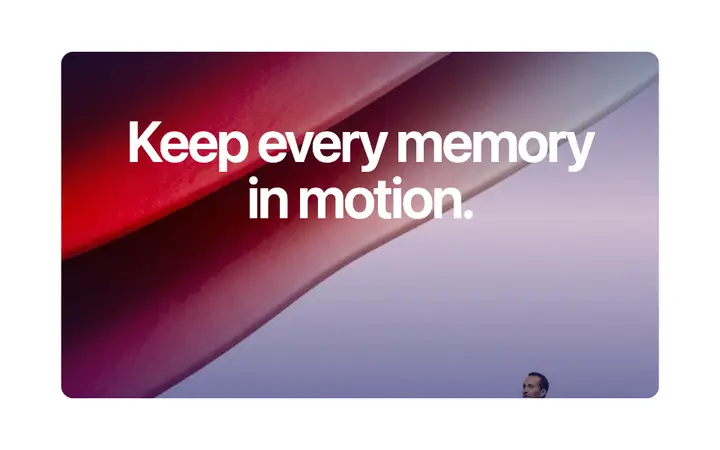
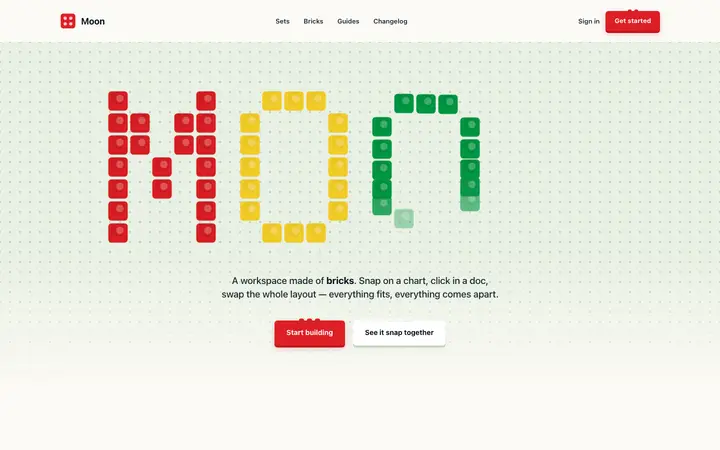
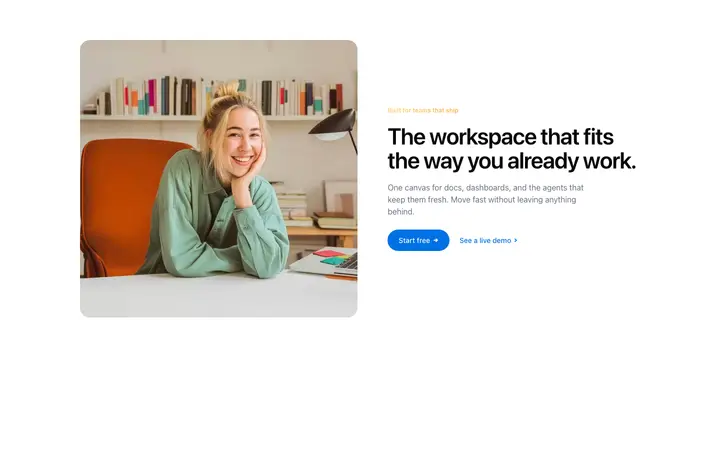
Featured landing page templates
A sample from the full library. Browse all 1,000+ templates for the complete collection.



Frequently asked questions
What are vibe coding landing page templates?
Vibe coding landing page templates are ready-made designs you copy into an AI coding tool like Bolt, Claude Code, Replit, Lovable, or Cursor. BrowserMoon templates cover every section of a landing page: hero sections, pricing tables, feature grids, testimonials, and footers. Each template works on its own with no extra setup.
What makes BrowserMoon the best landing page templates for vibe coding?
BrowserMoon templates are designed specifically for AI website design. Each template is a single file you paste straight into Bolt, Claude Code, Replit, Lovable, or Cursor. Other template libraries require multi-file setups that are harder to use with vibe coding tools.
Can I build a complete landing page with BrowserMoon templates?
Yes. A complete landing page uses a hero template, a features or benefits template, a pricing or call-to-action template, and a footer. Copy each template, paste them all into a single Bolt or Claude Code prompt, and describe how they should connect. The AI assembles a complete landing page from the templates.
Are BrowserMoon landing page templates responsive?
BrowserMoon landing page templates use responsive design. For fully responsive layouts at specific breakpoints, ask Claude Code, Bolt, or Lovable to add breakpoint adjustments to any template after copying it into your project.
Do these landing page templates work with Next.js or React?
Yes. Paste any BrowserMoon template into Claude Code or Cursor and ask it to convert to a Next.js or React component. The AI translates the template into your preferred framework and integrates it into your project.
Related