Free 3D laptop mockup generator
Put your website on a realistic 3D laptop in seconds. Pick a scene, add your screenshot and download. Free up to 720p.
Free 3D laptop mockup generator examples
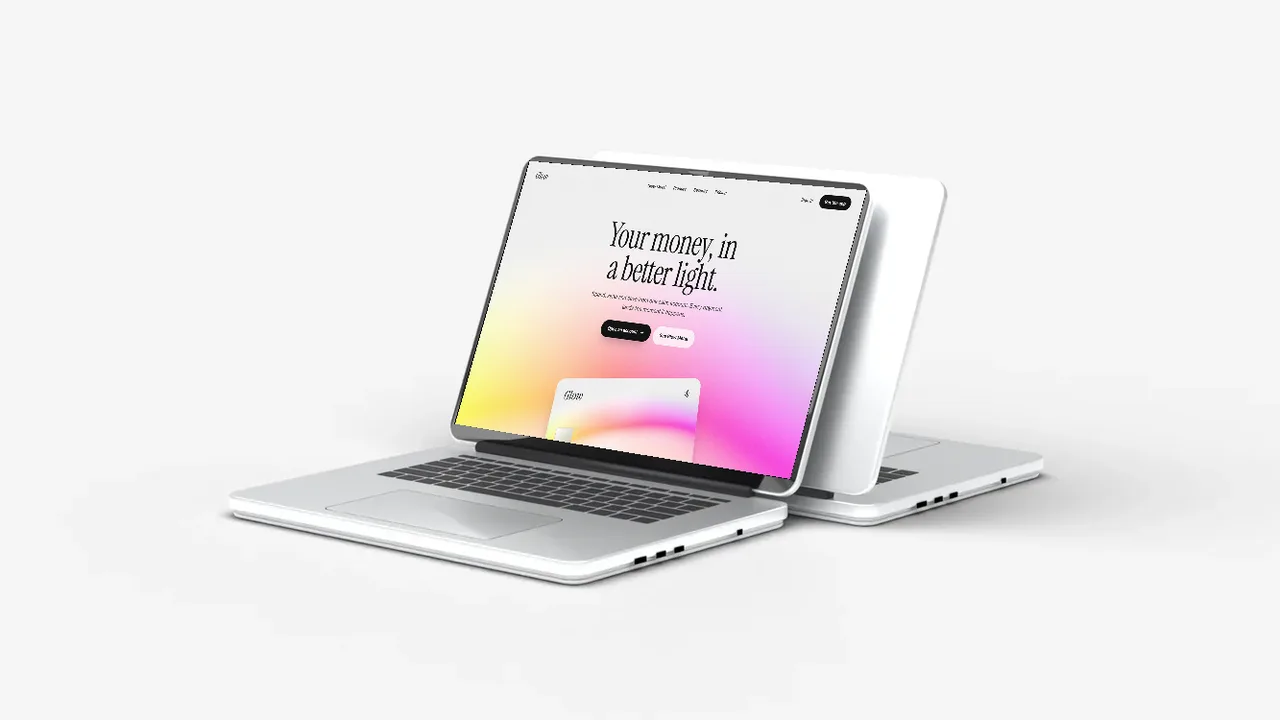
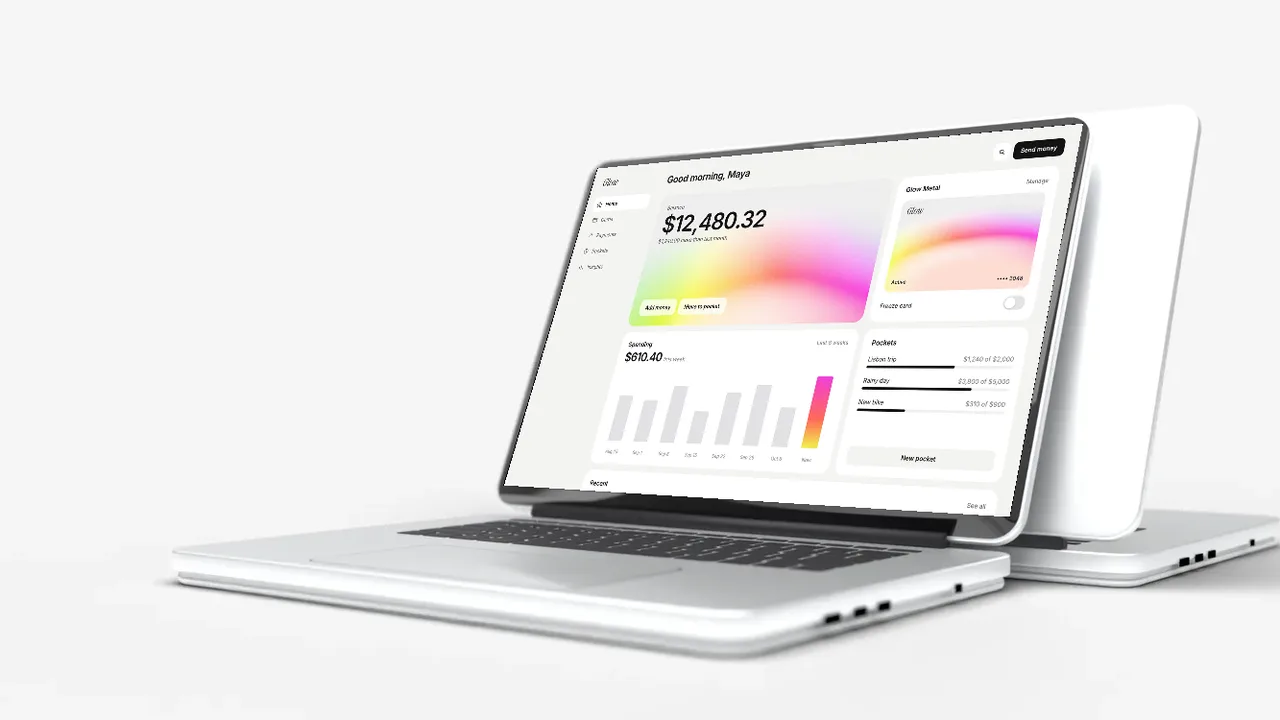
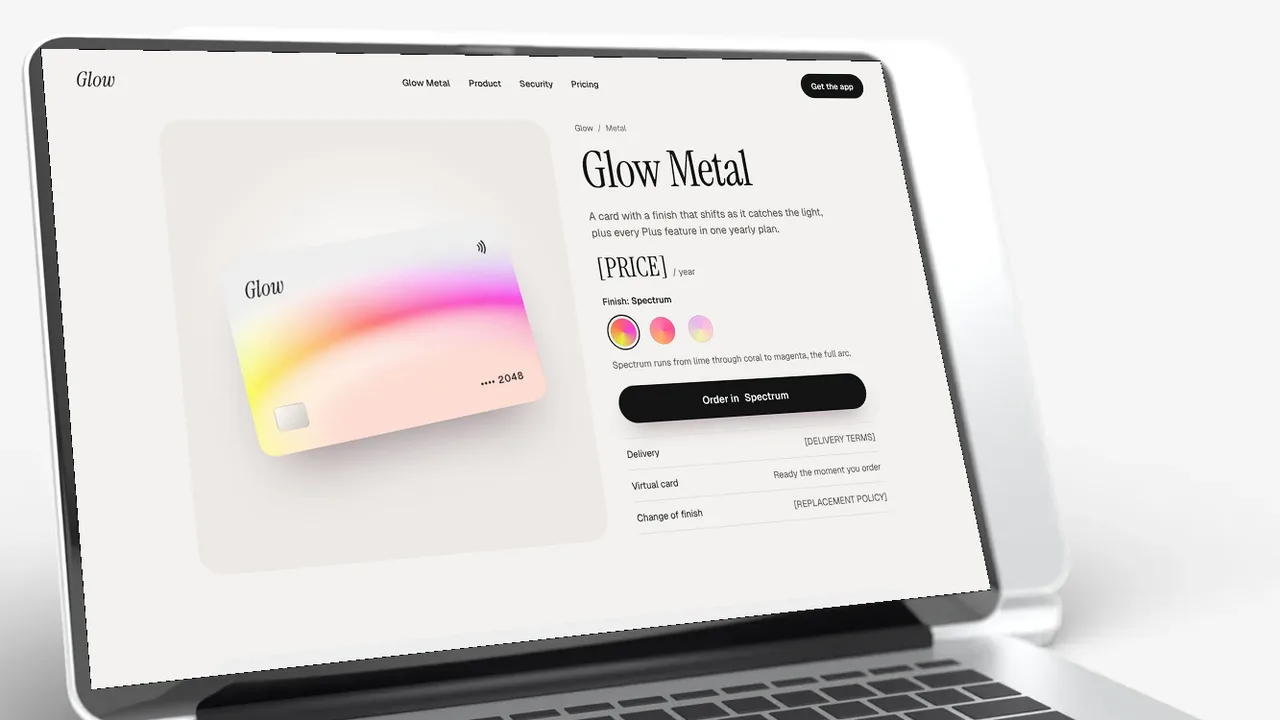
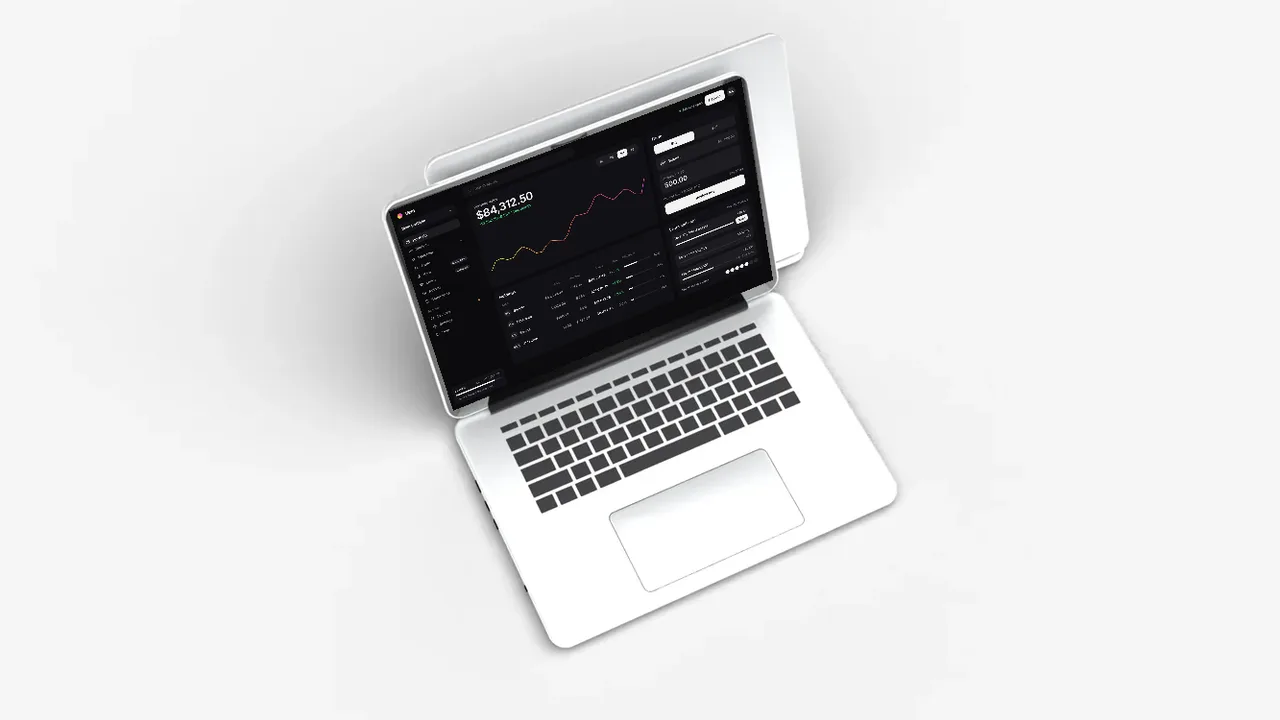
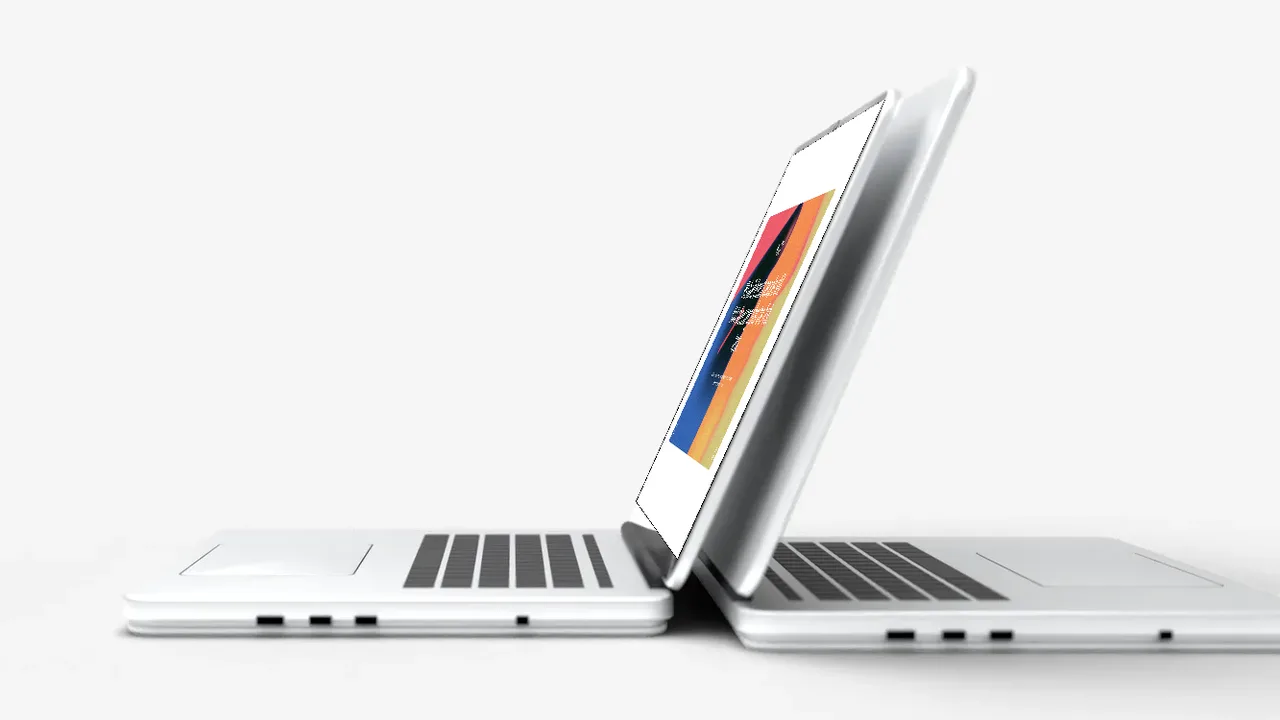
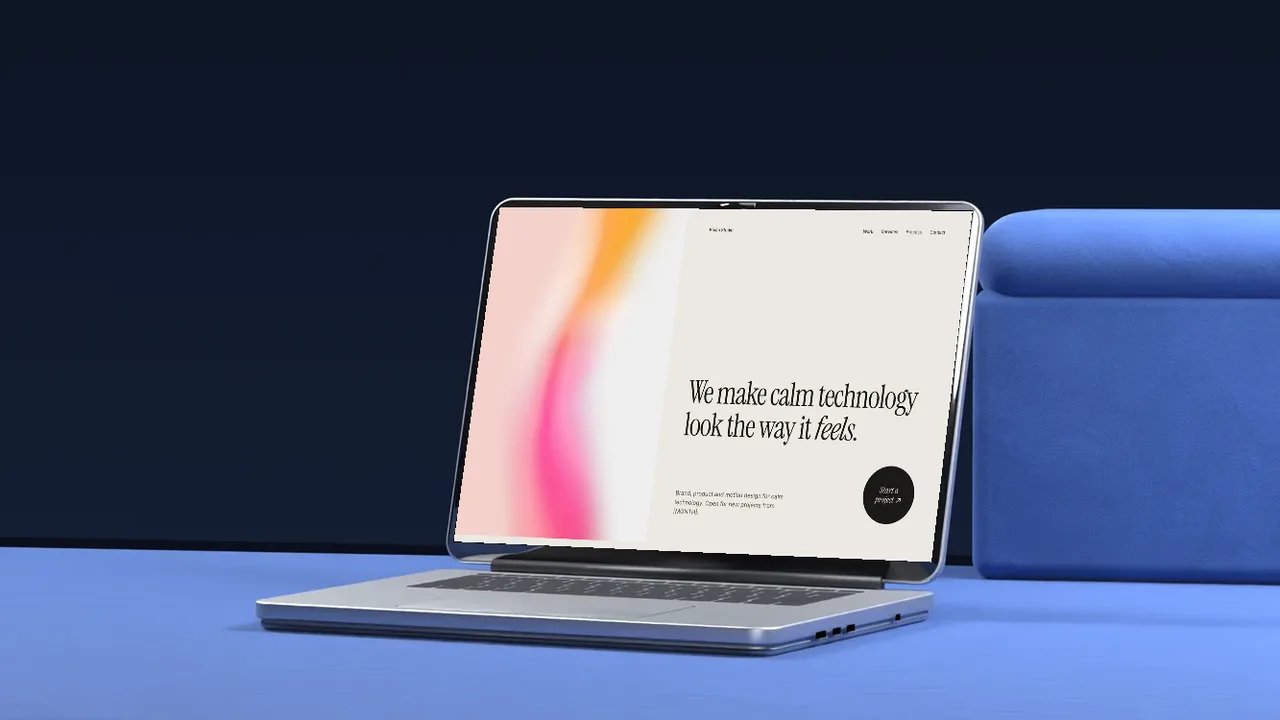
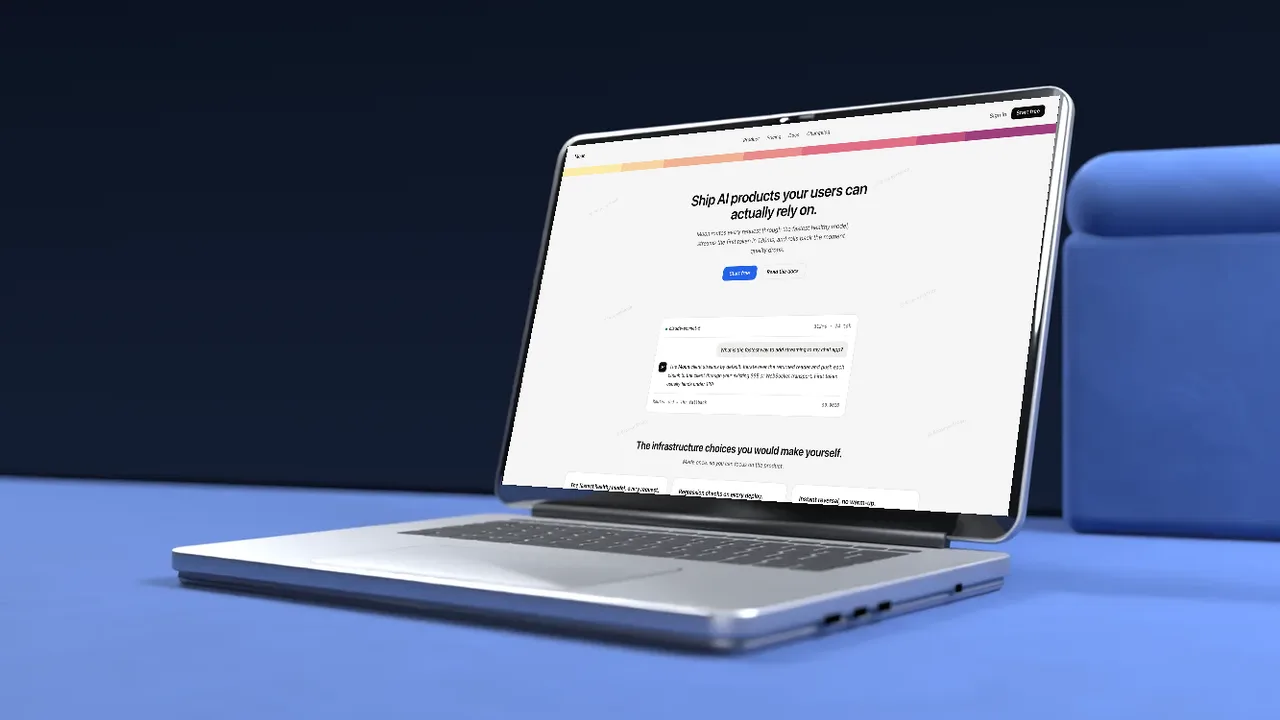
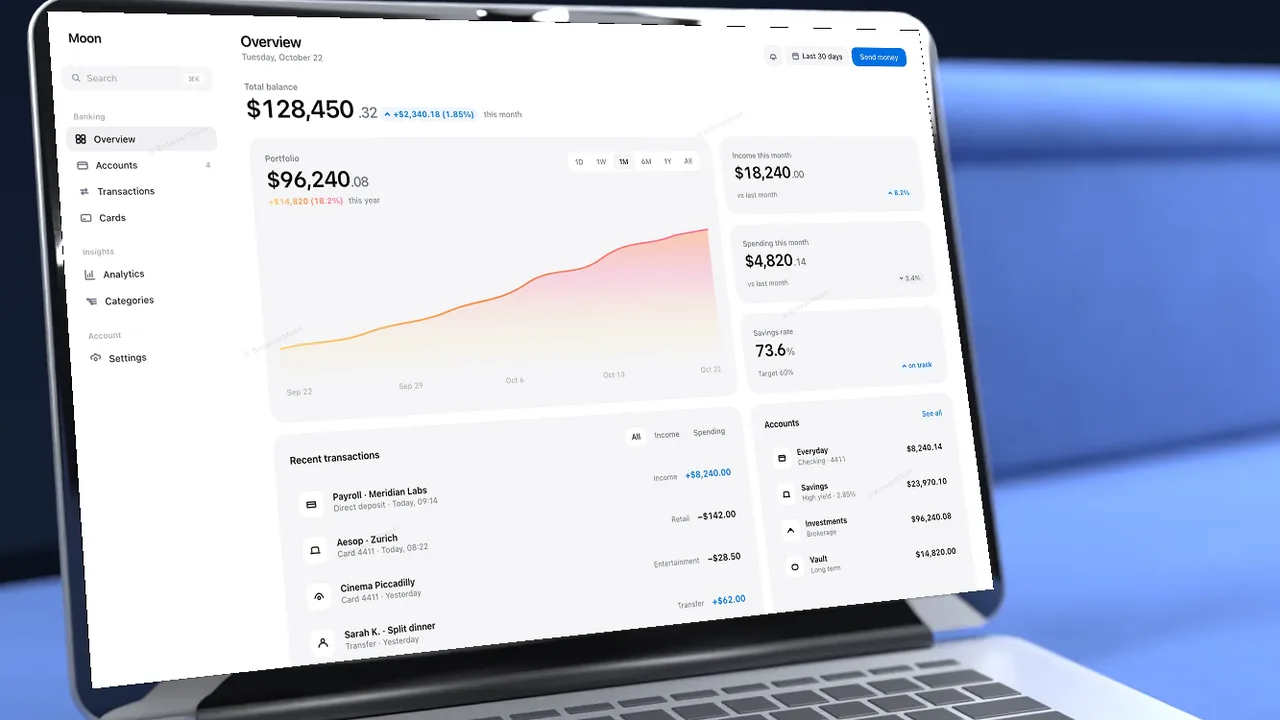
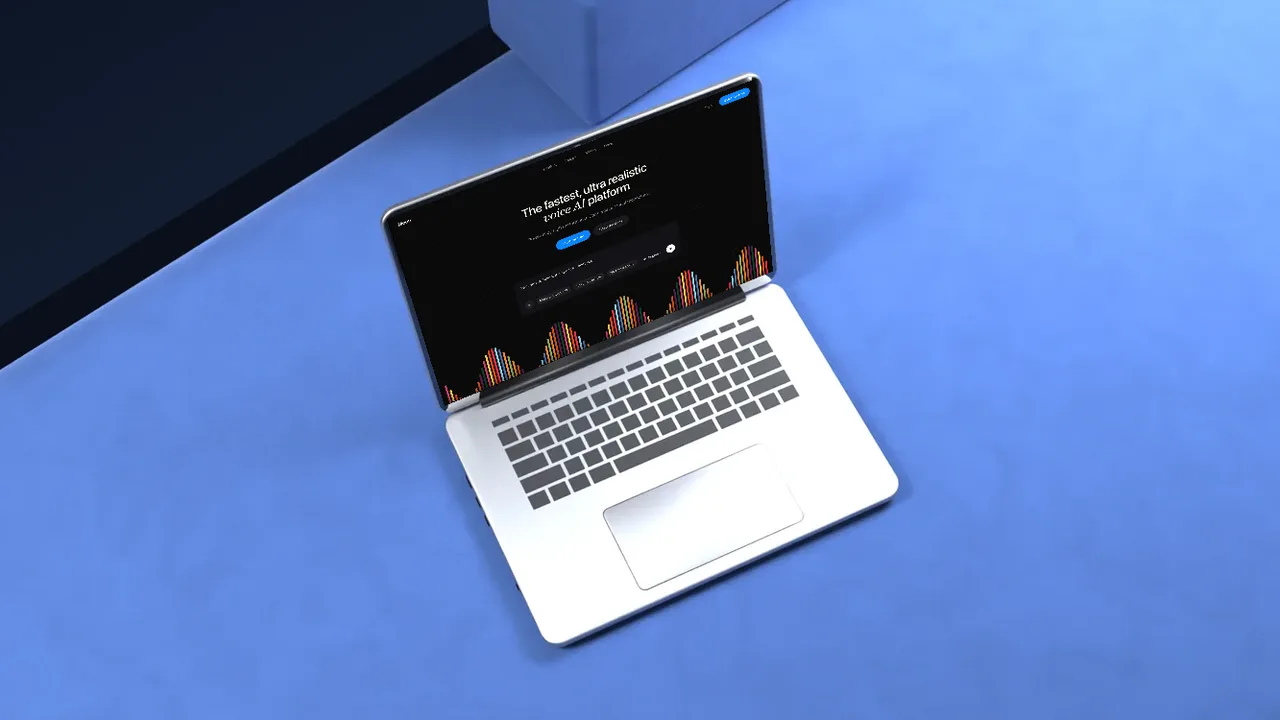
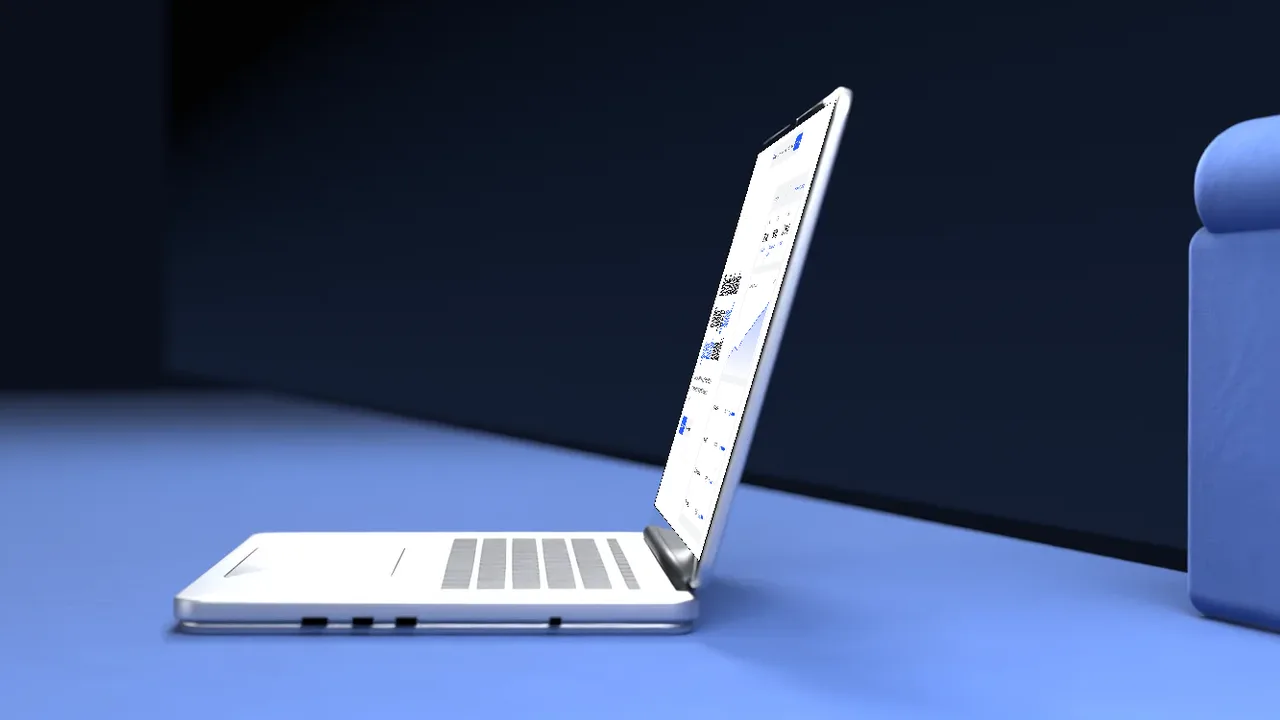
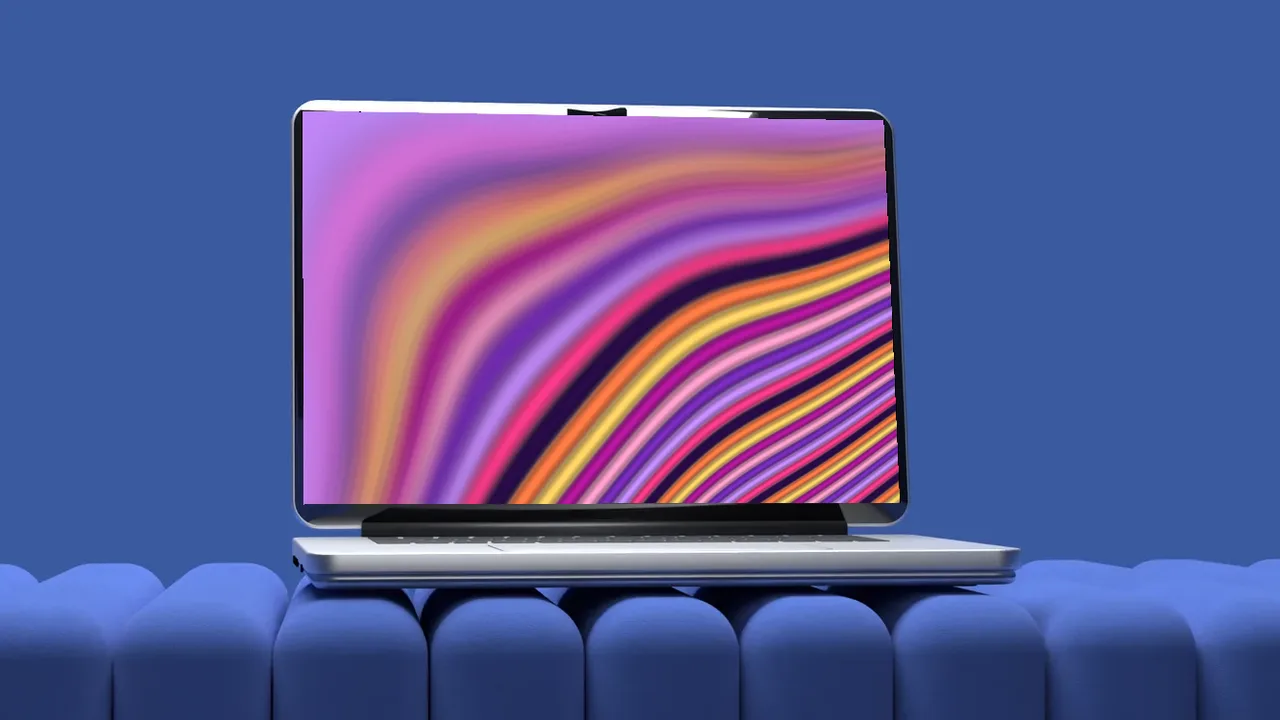
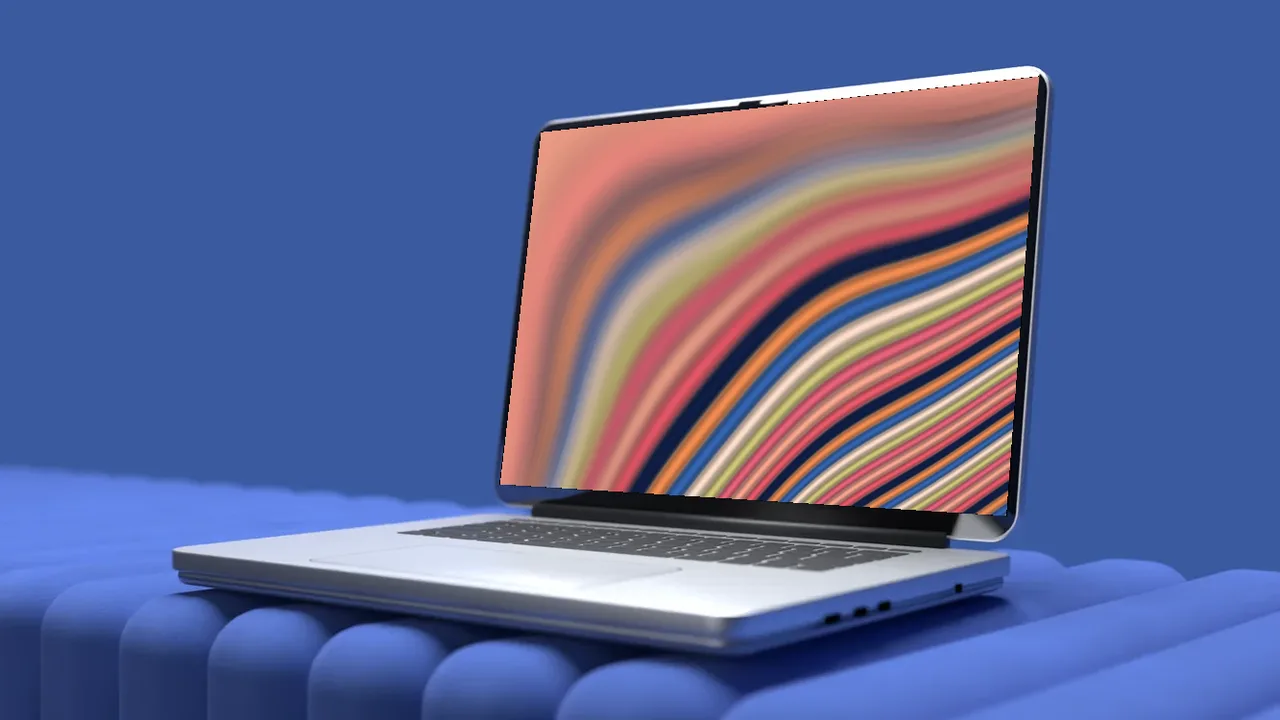
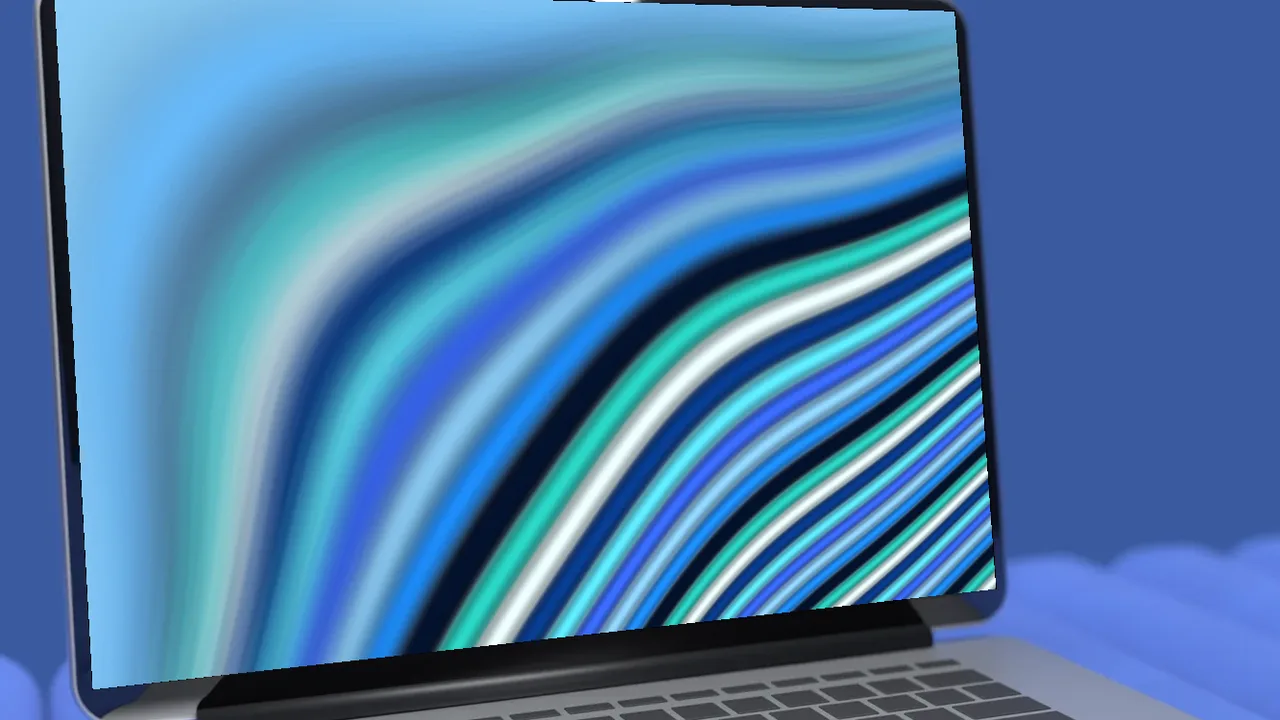
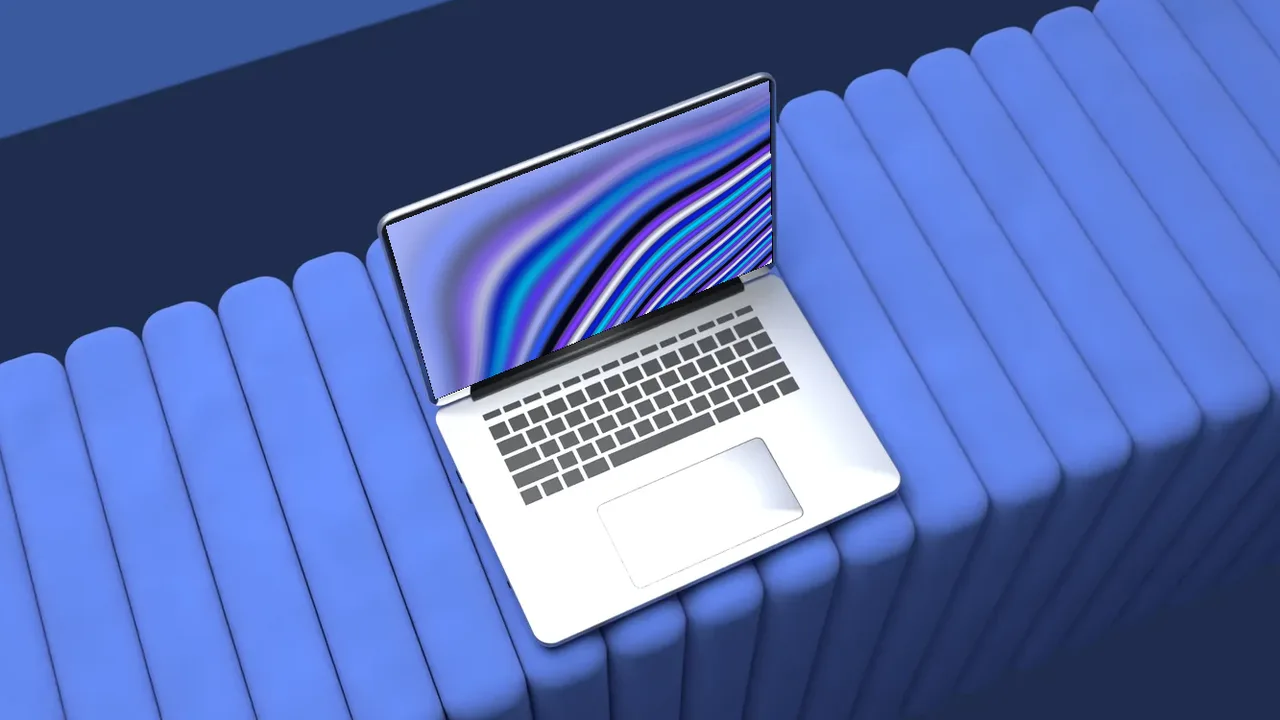
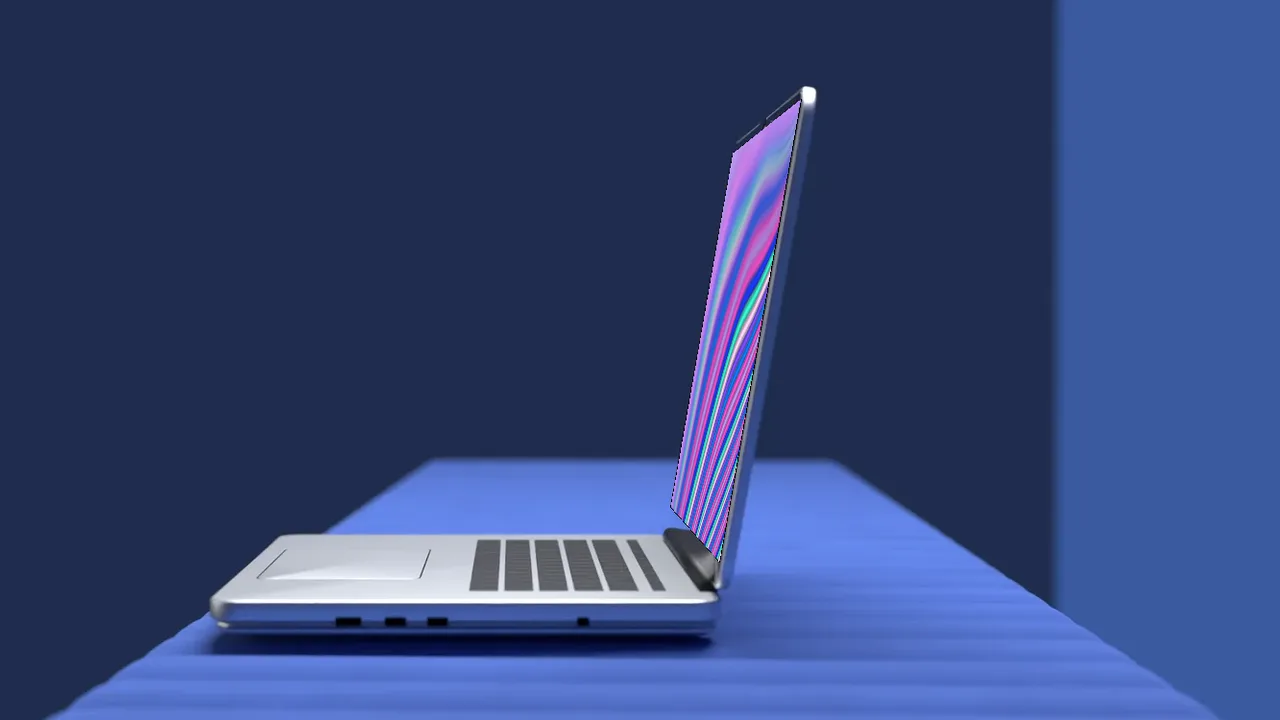
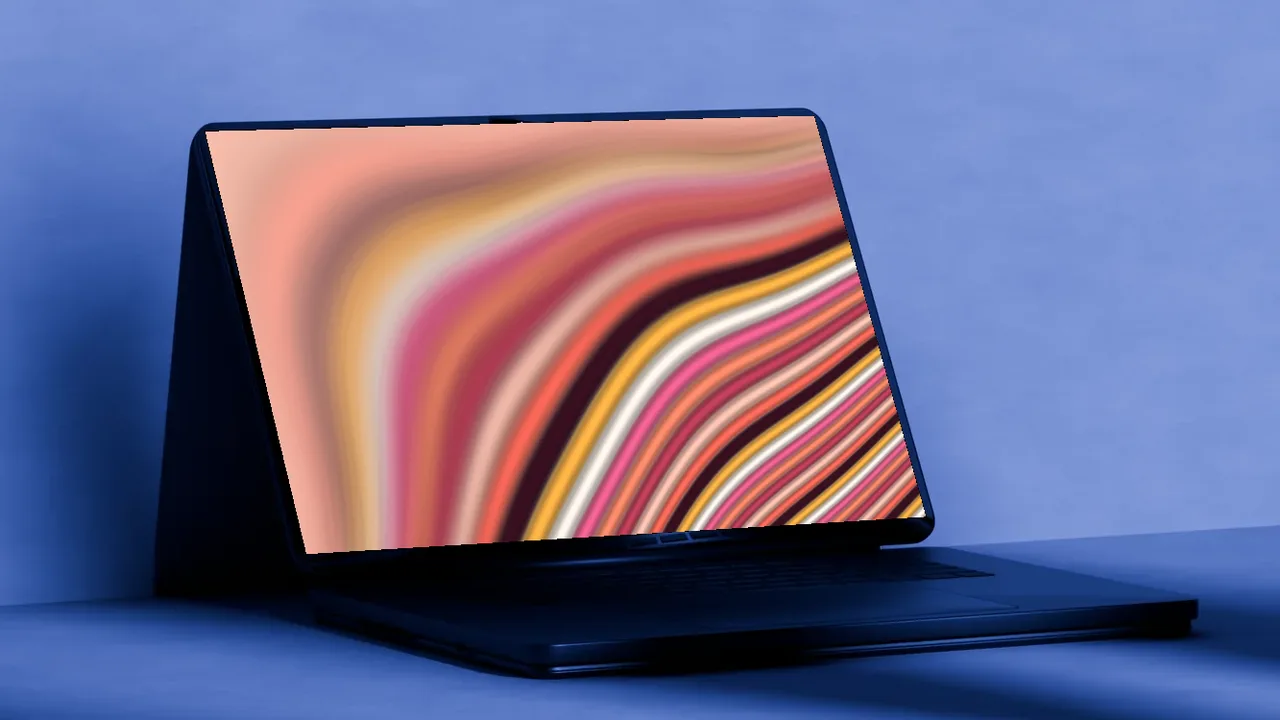
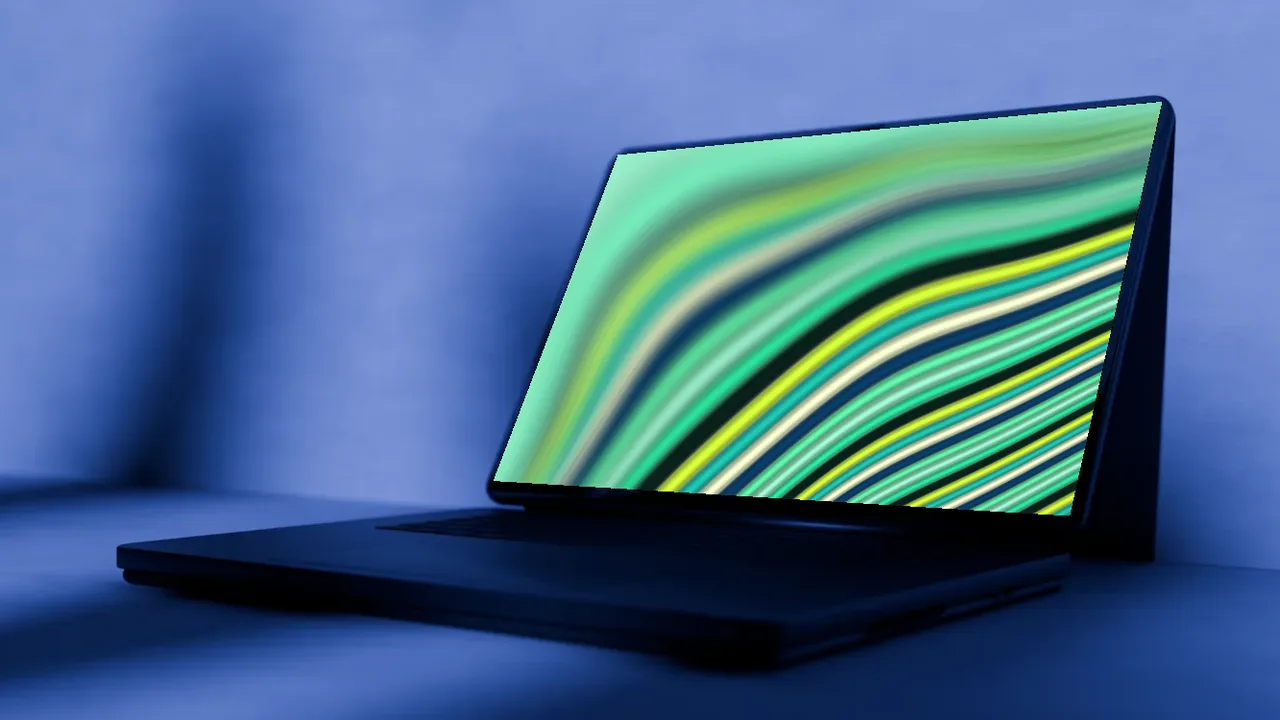
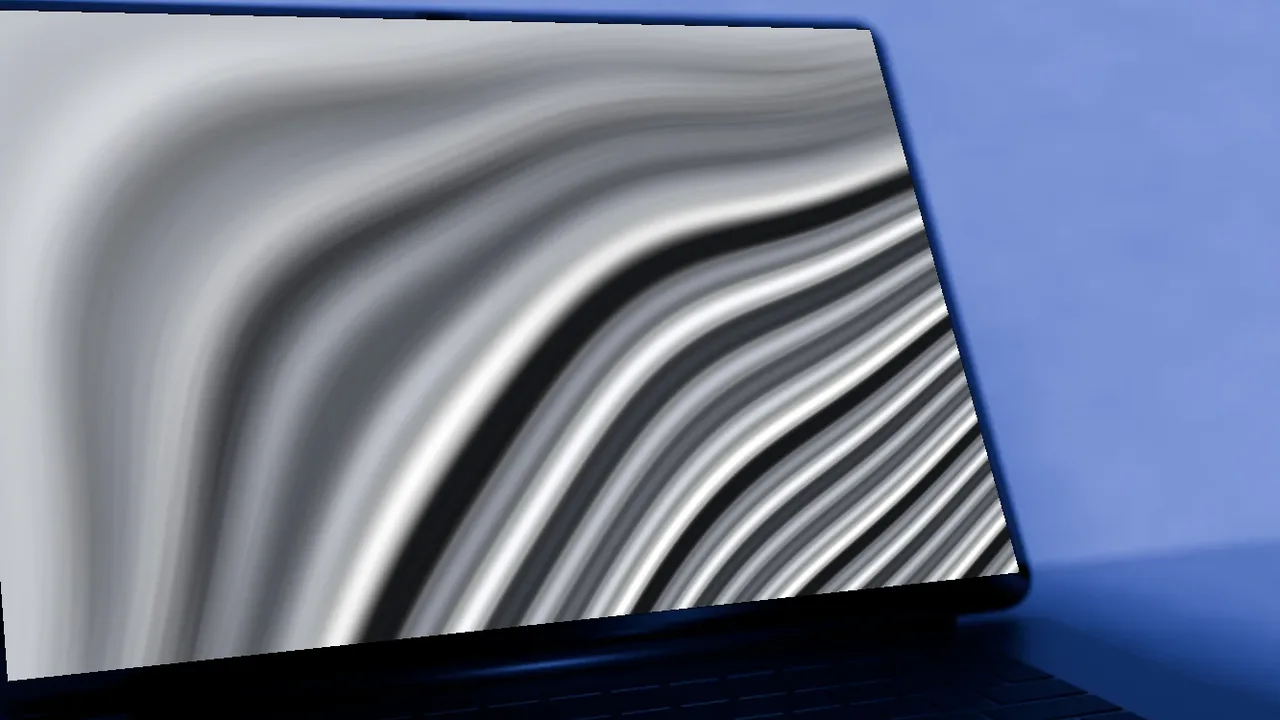
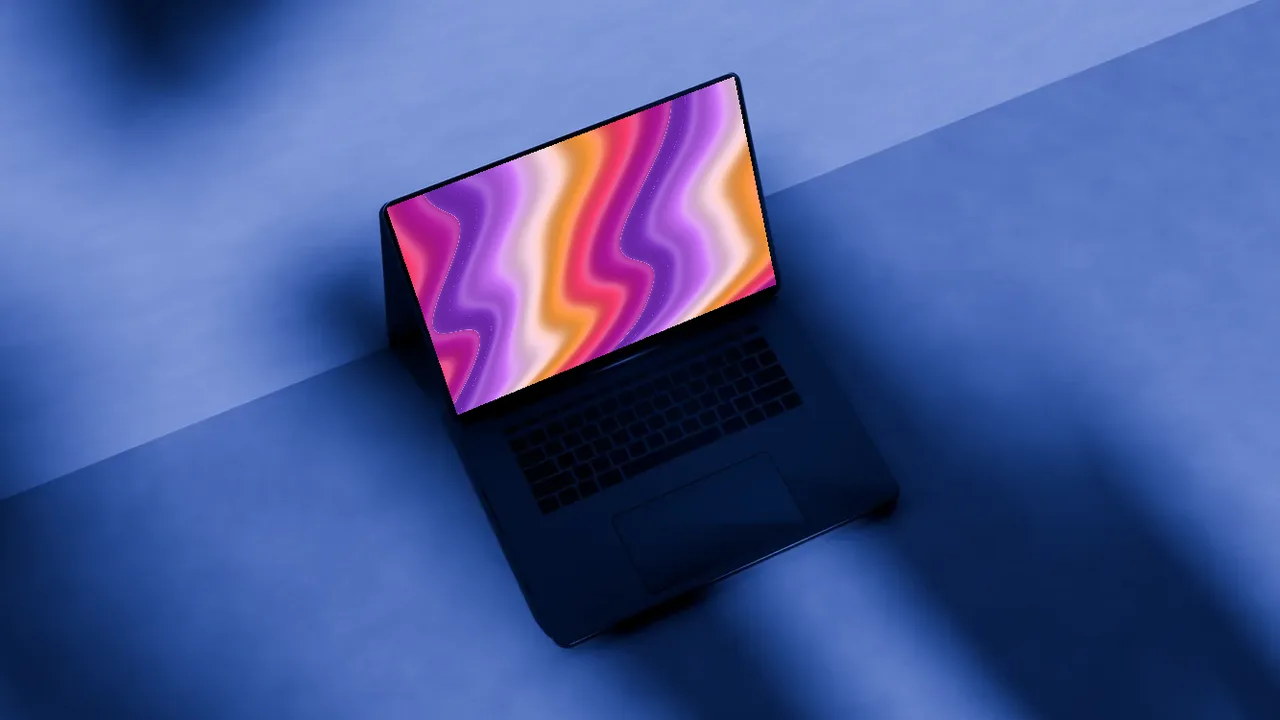
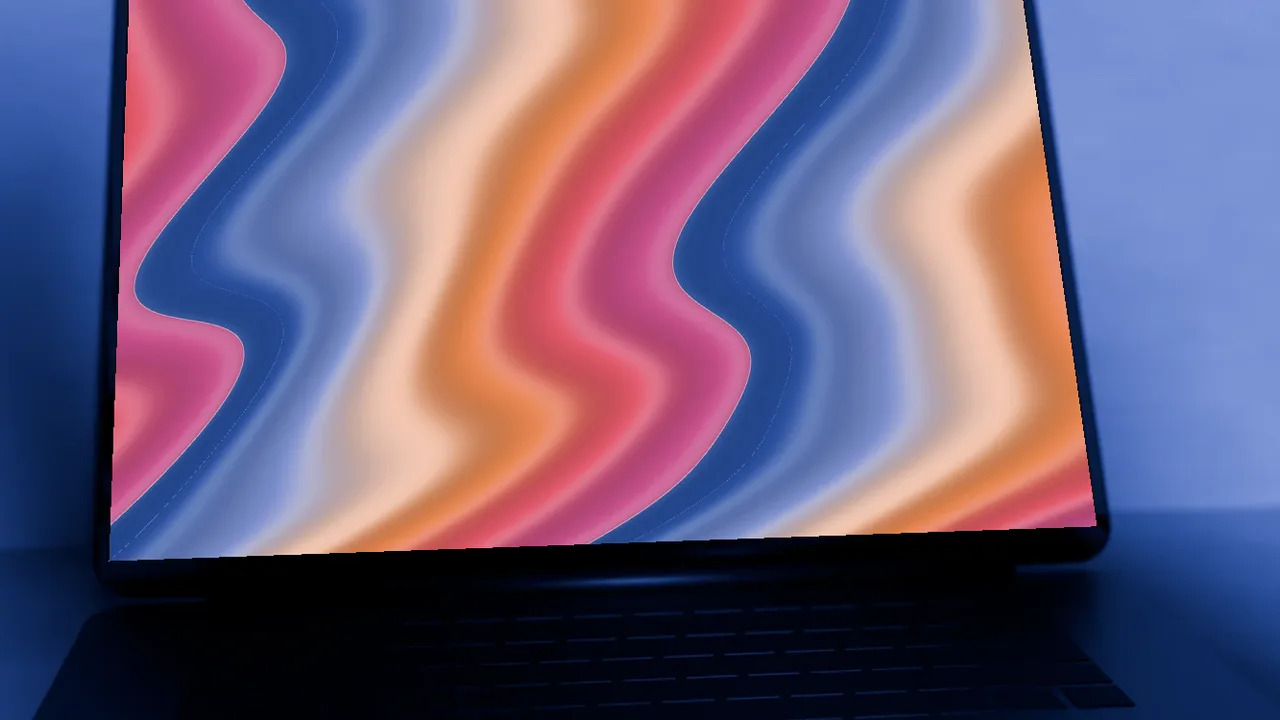
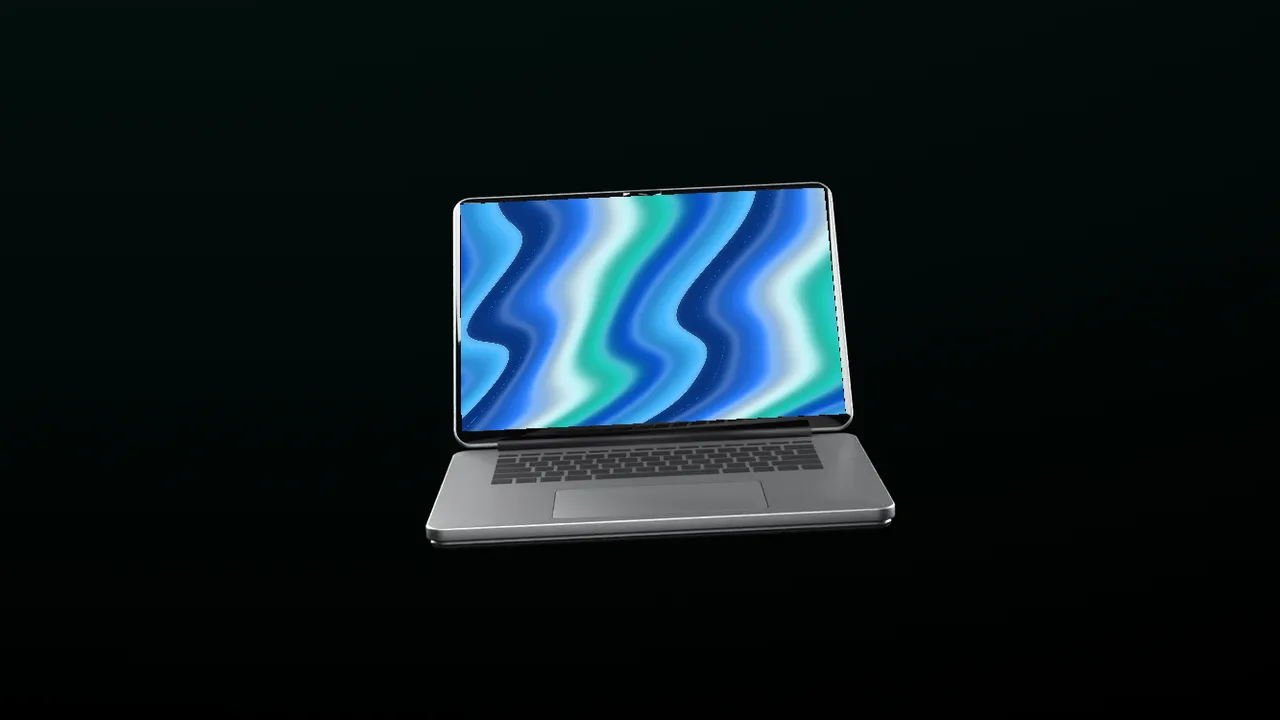
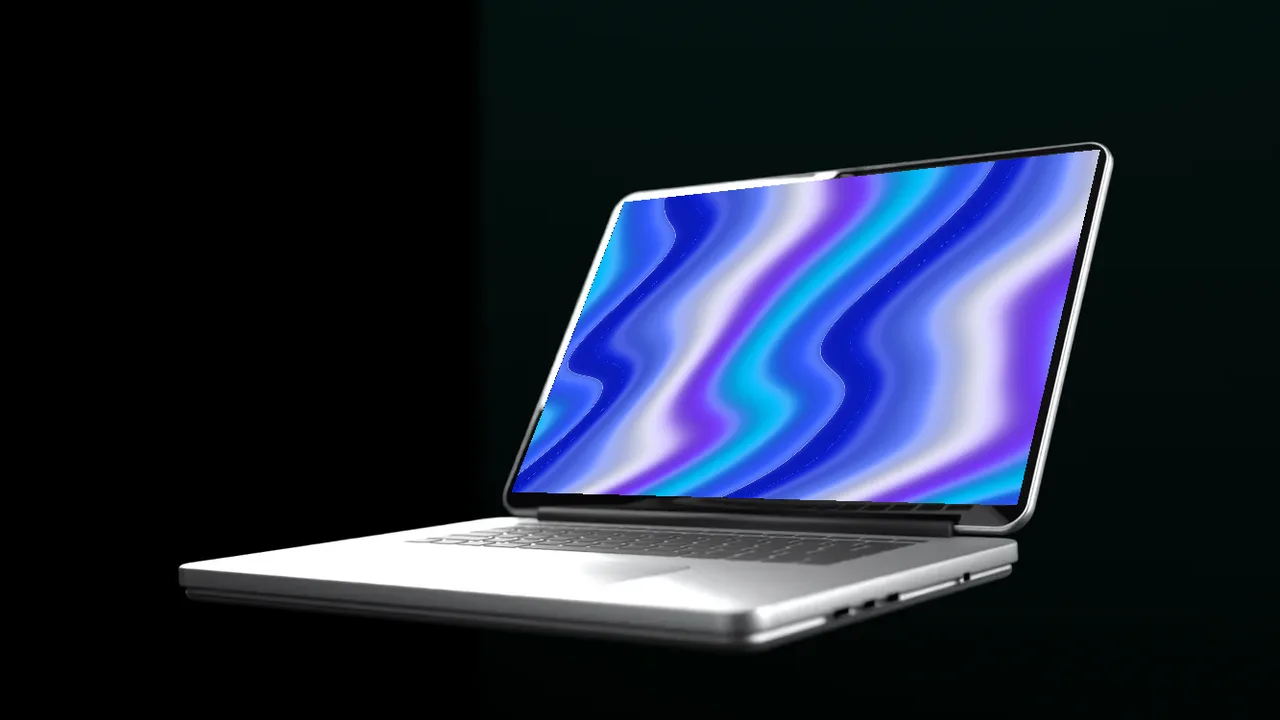
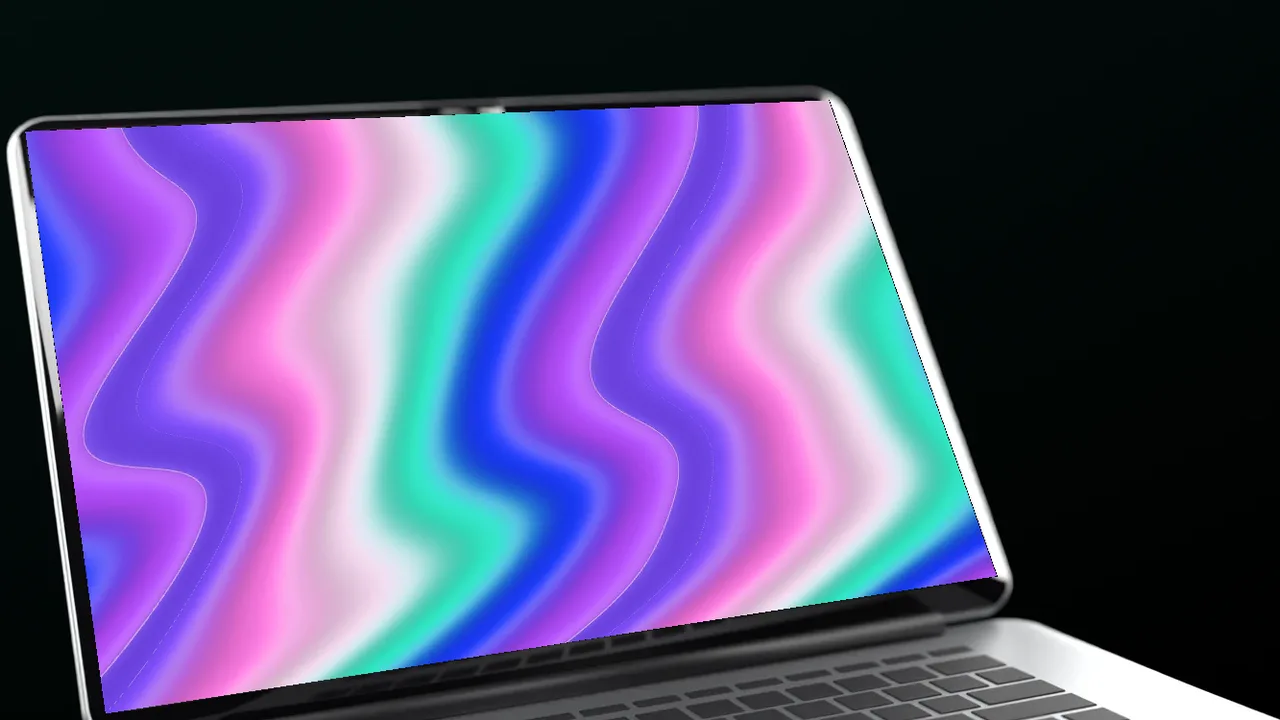
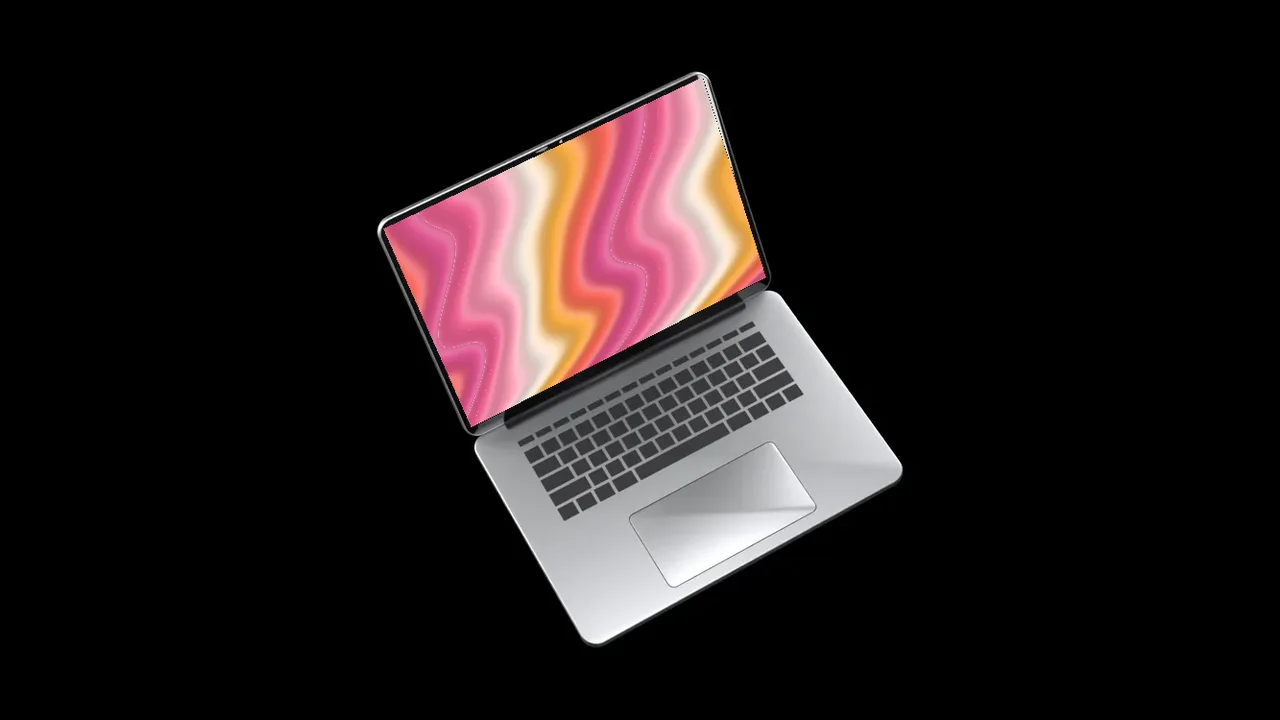
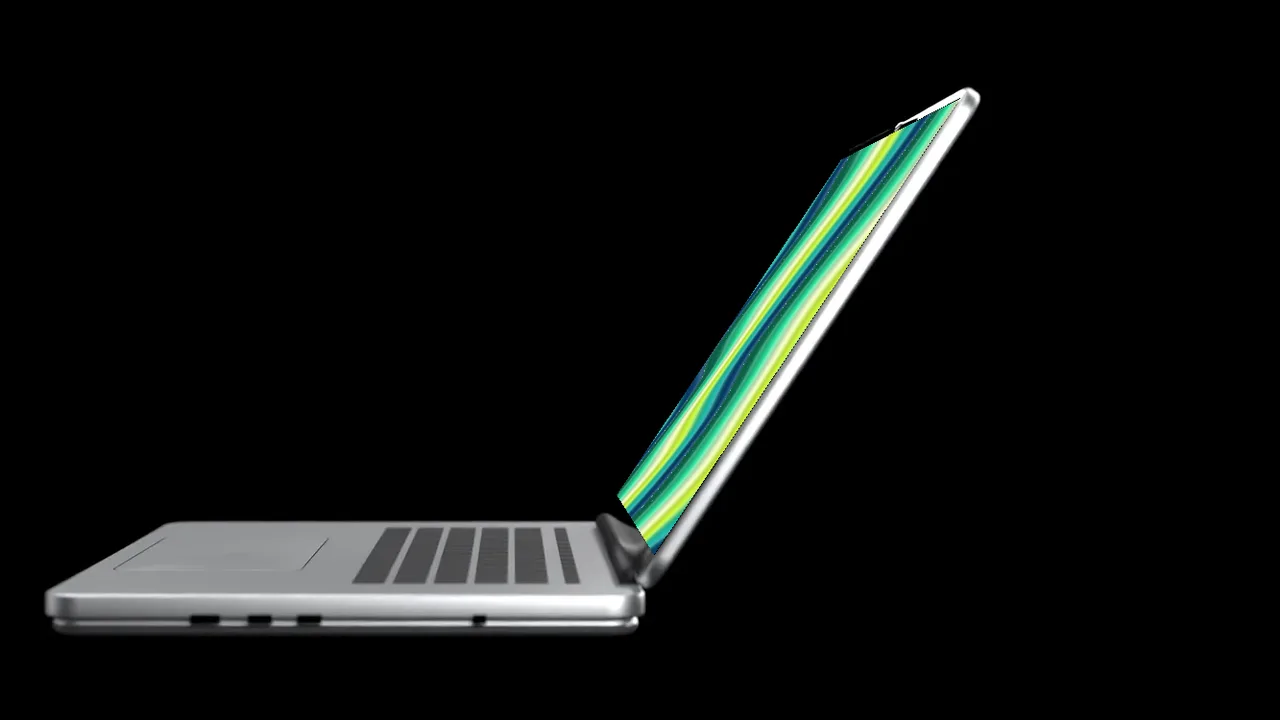
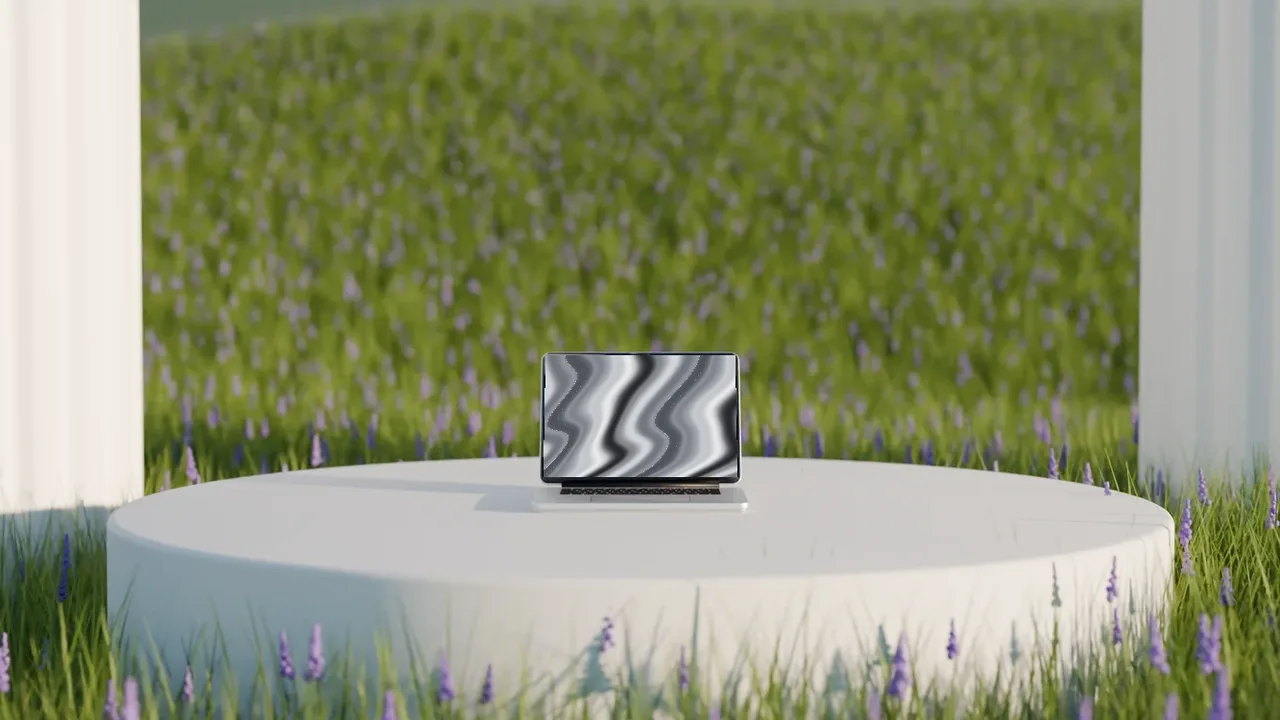
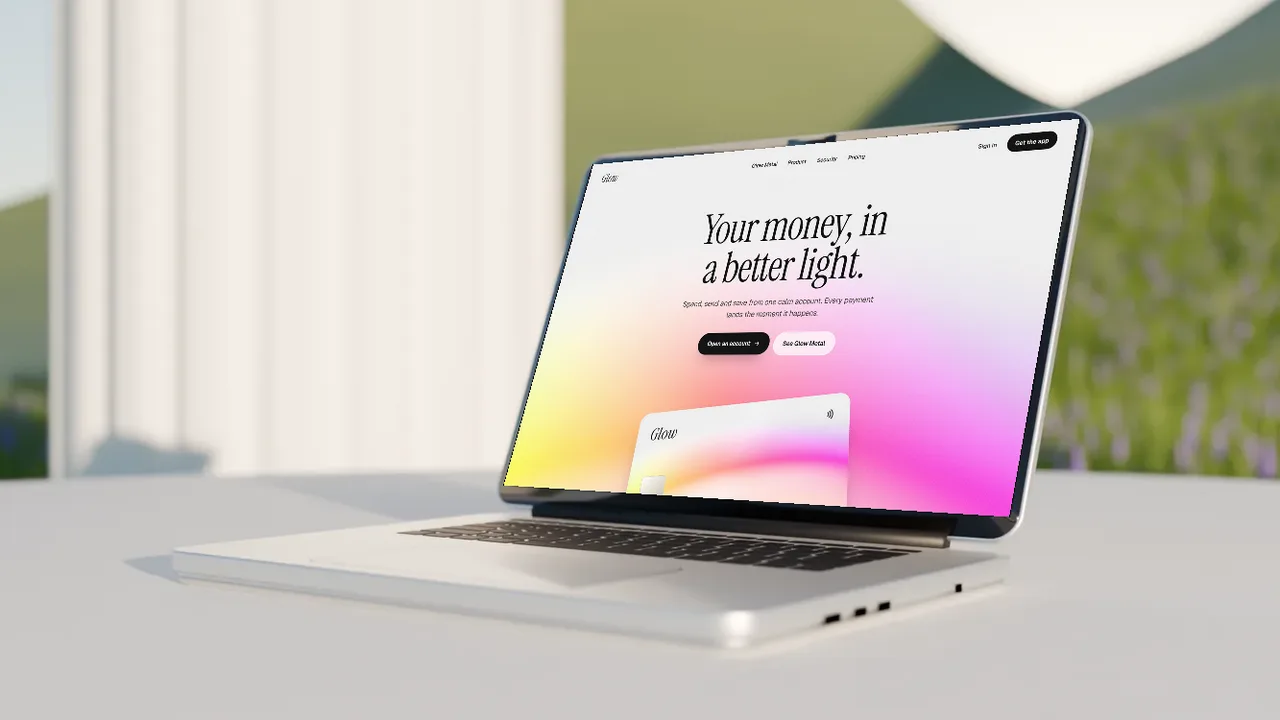
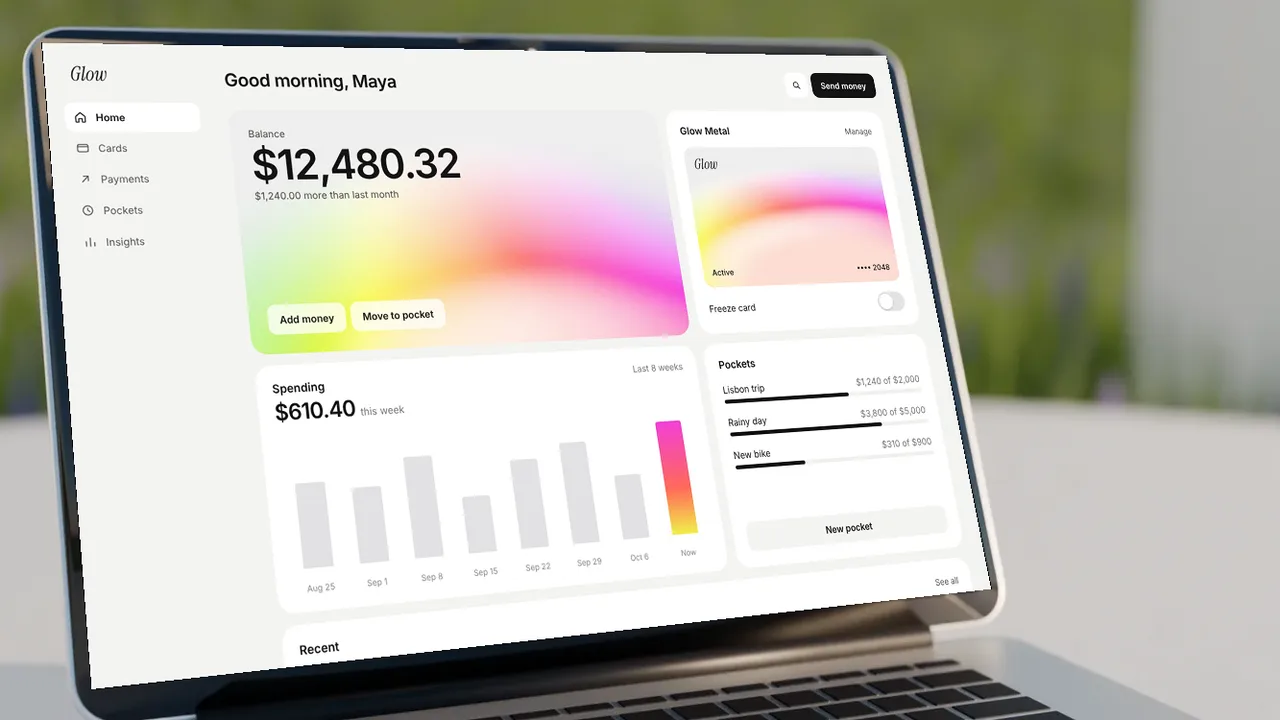
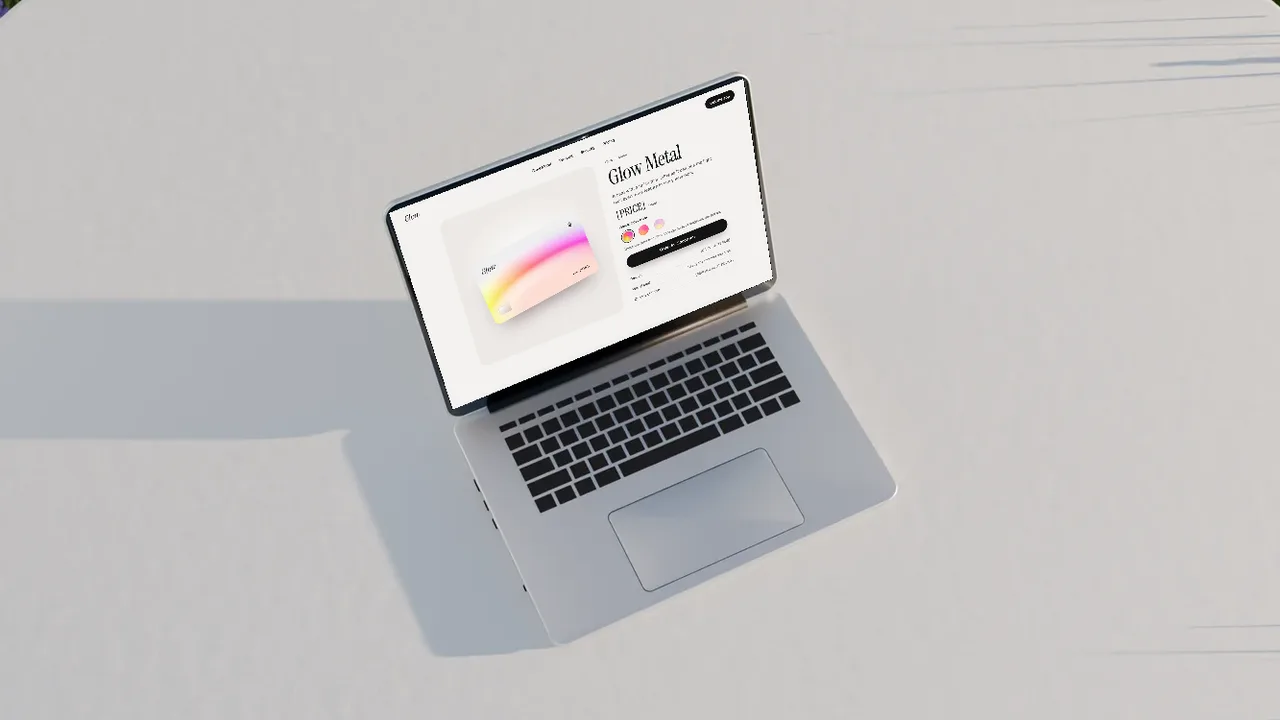
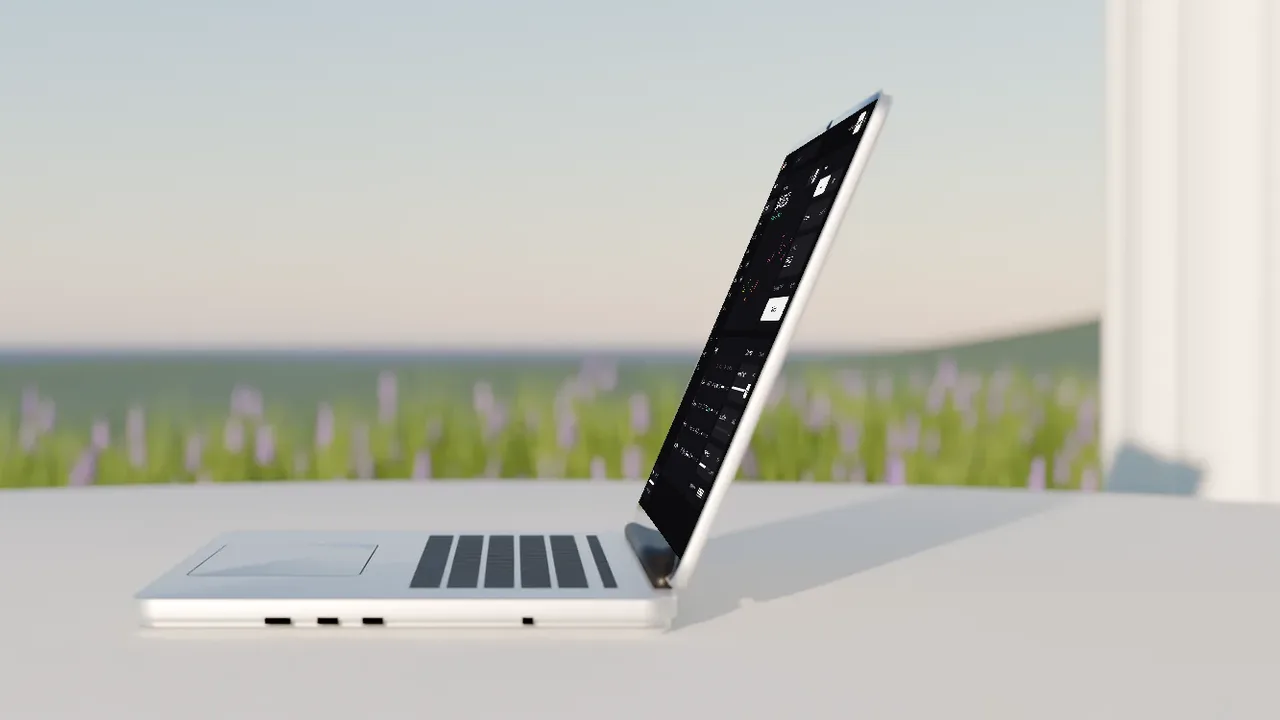
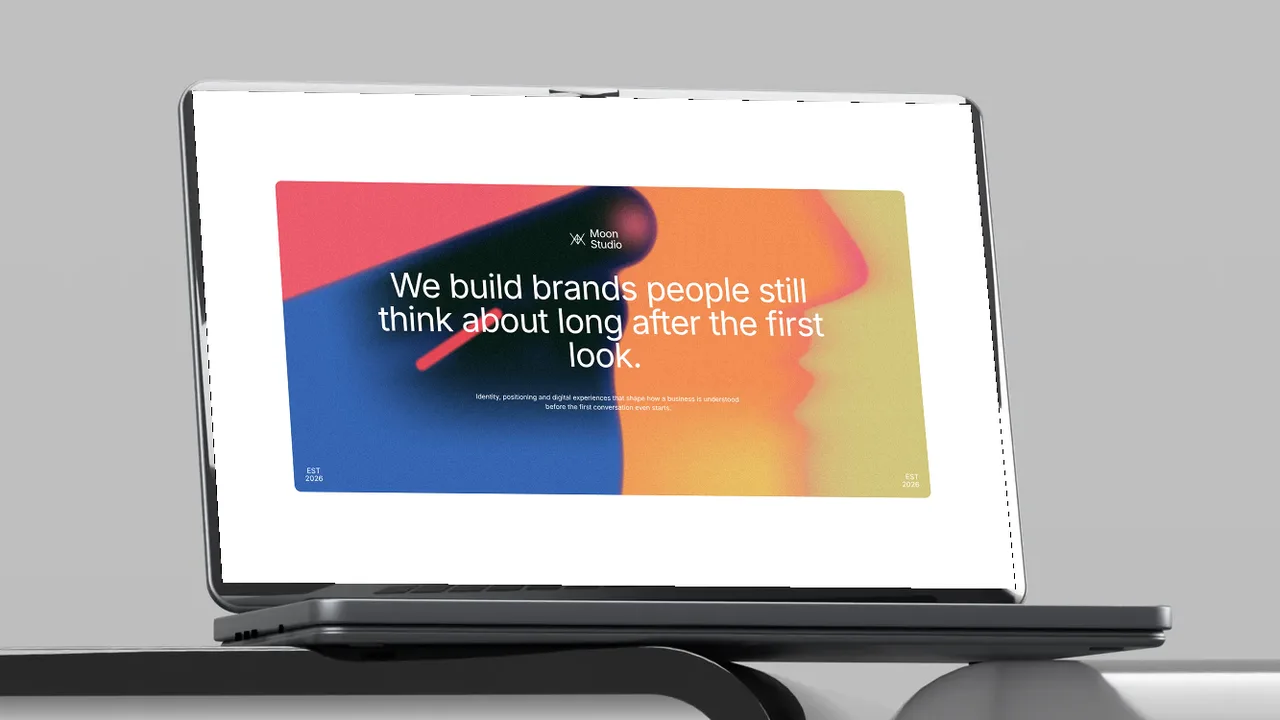
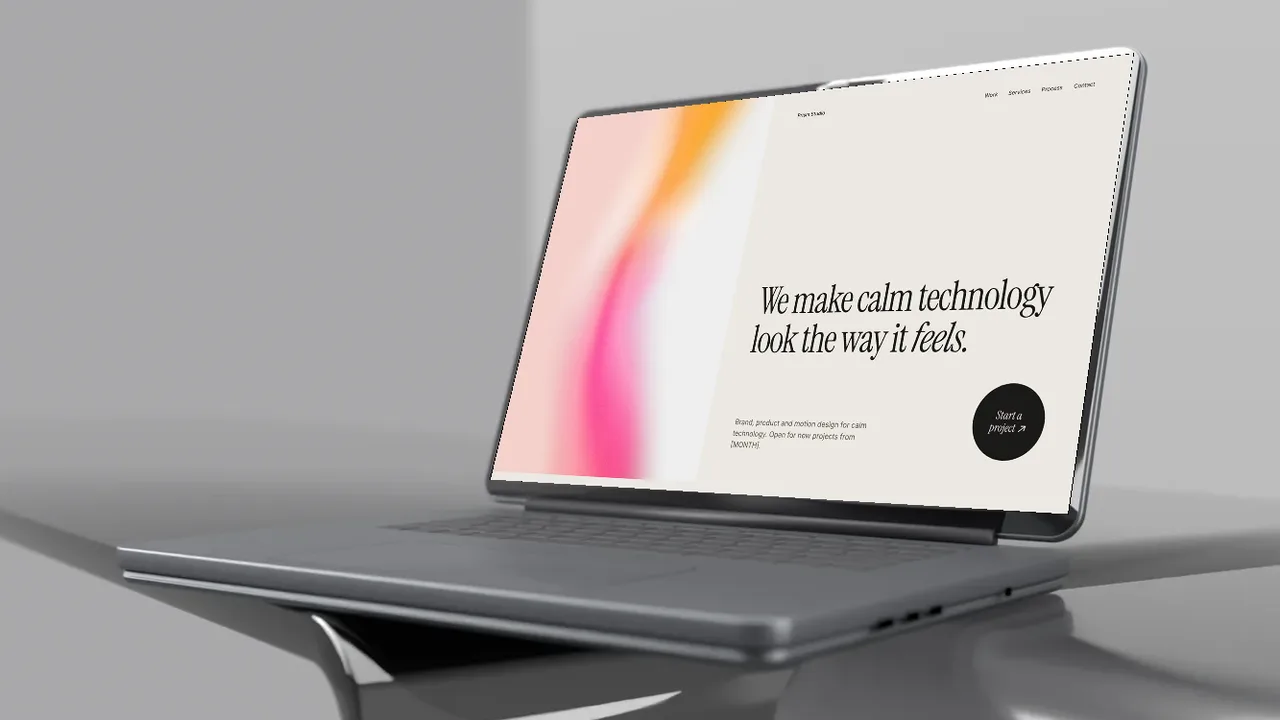
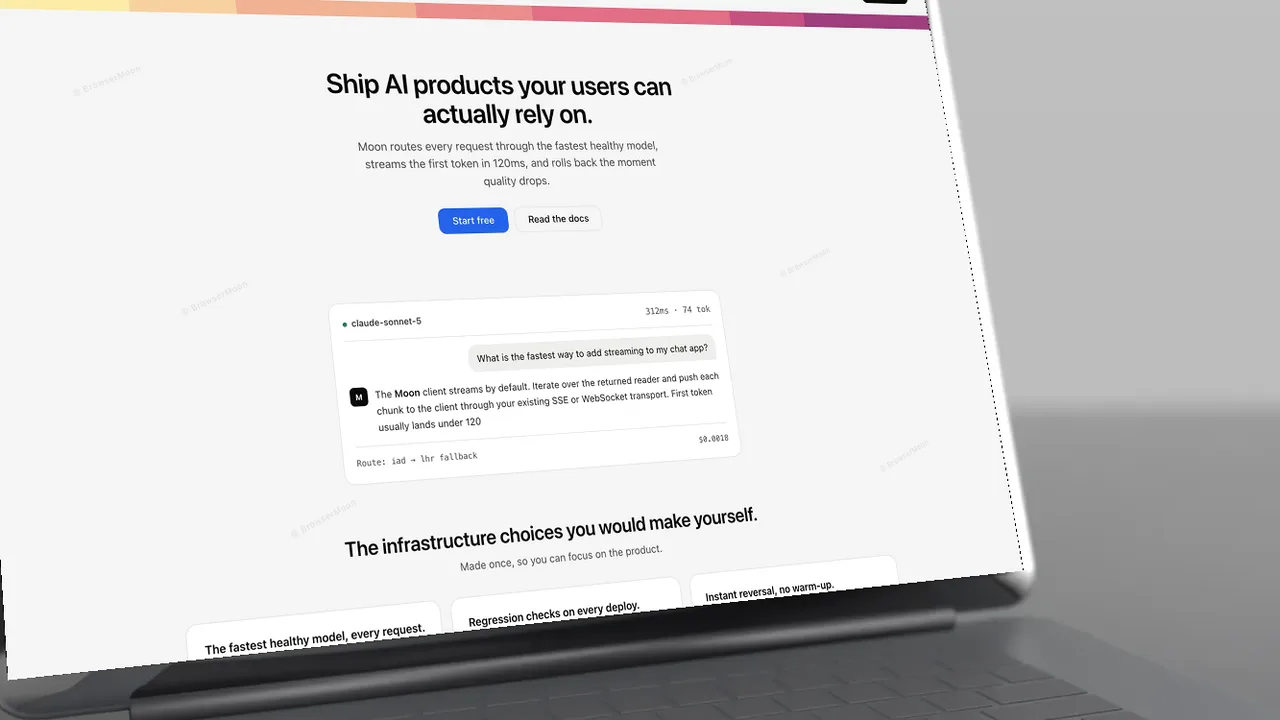
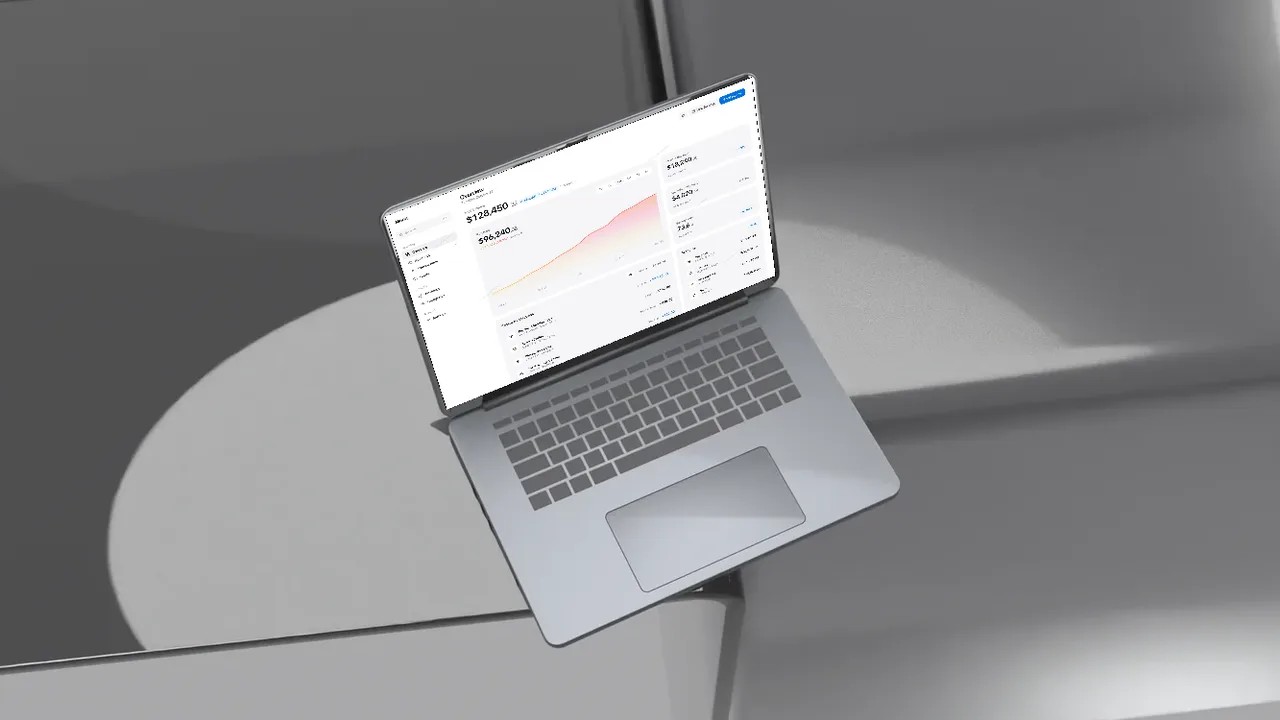
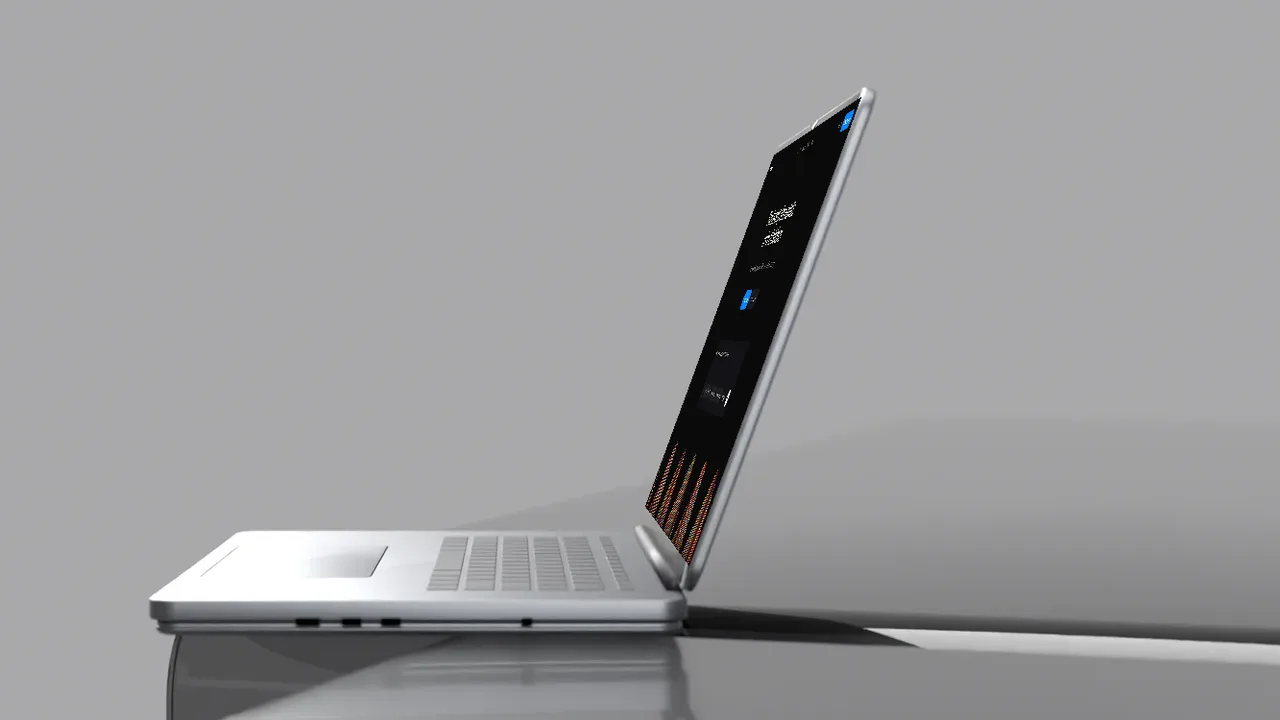
More laptop mockups
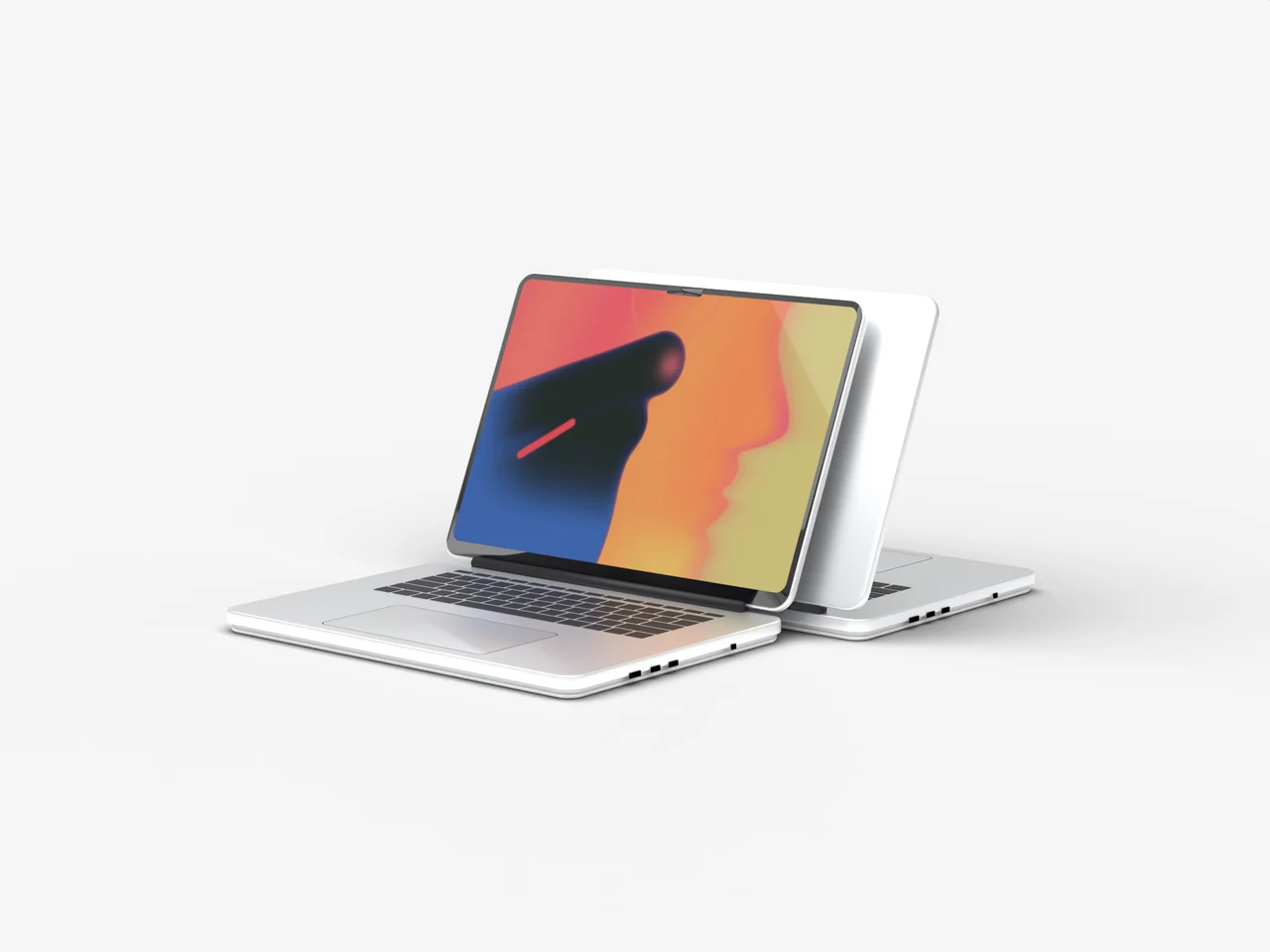
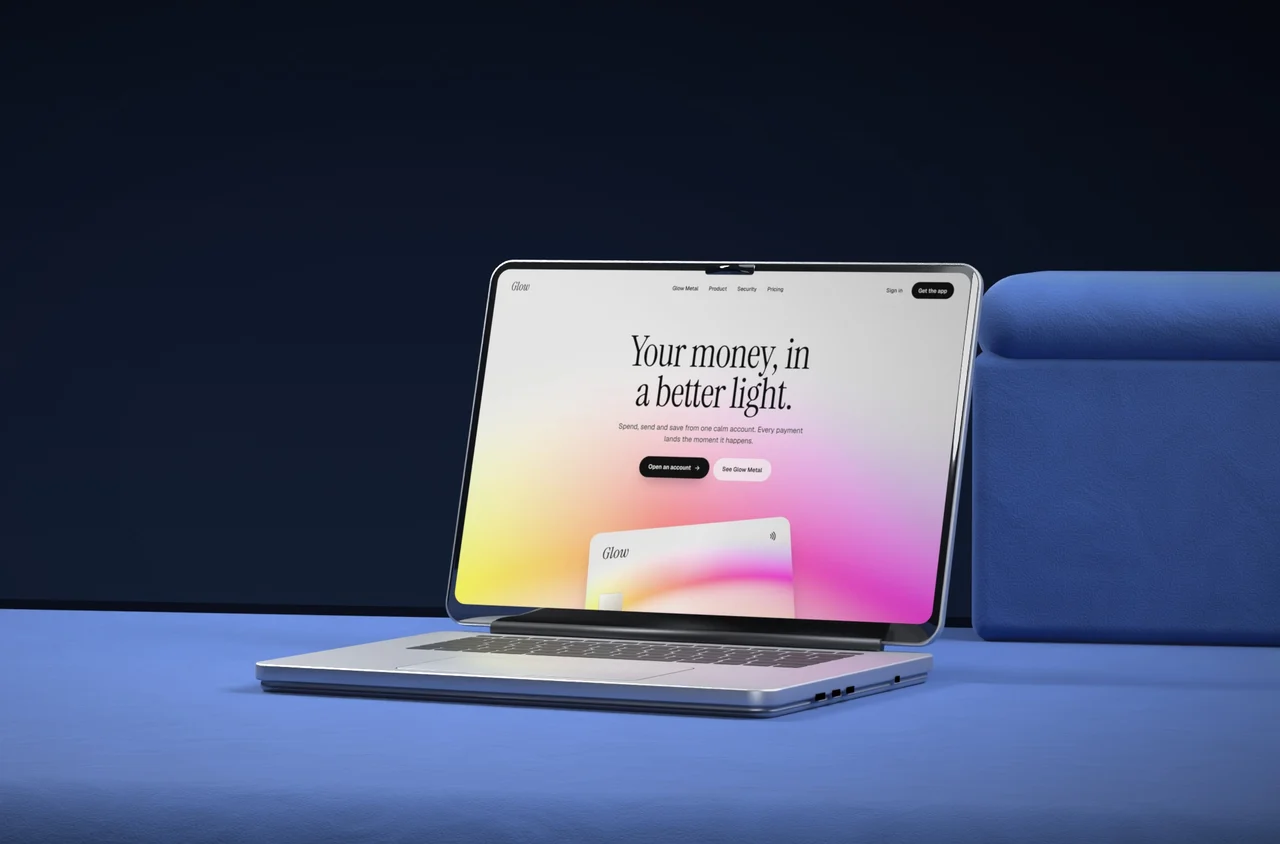
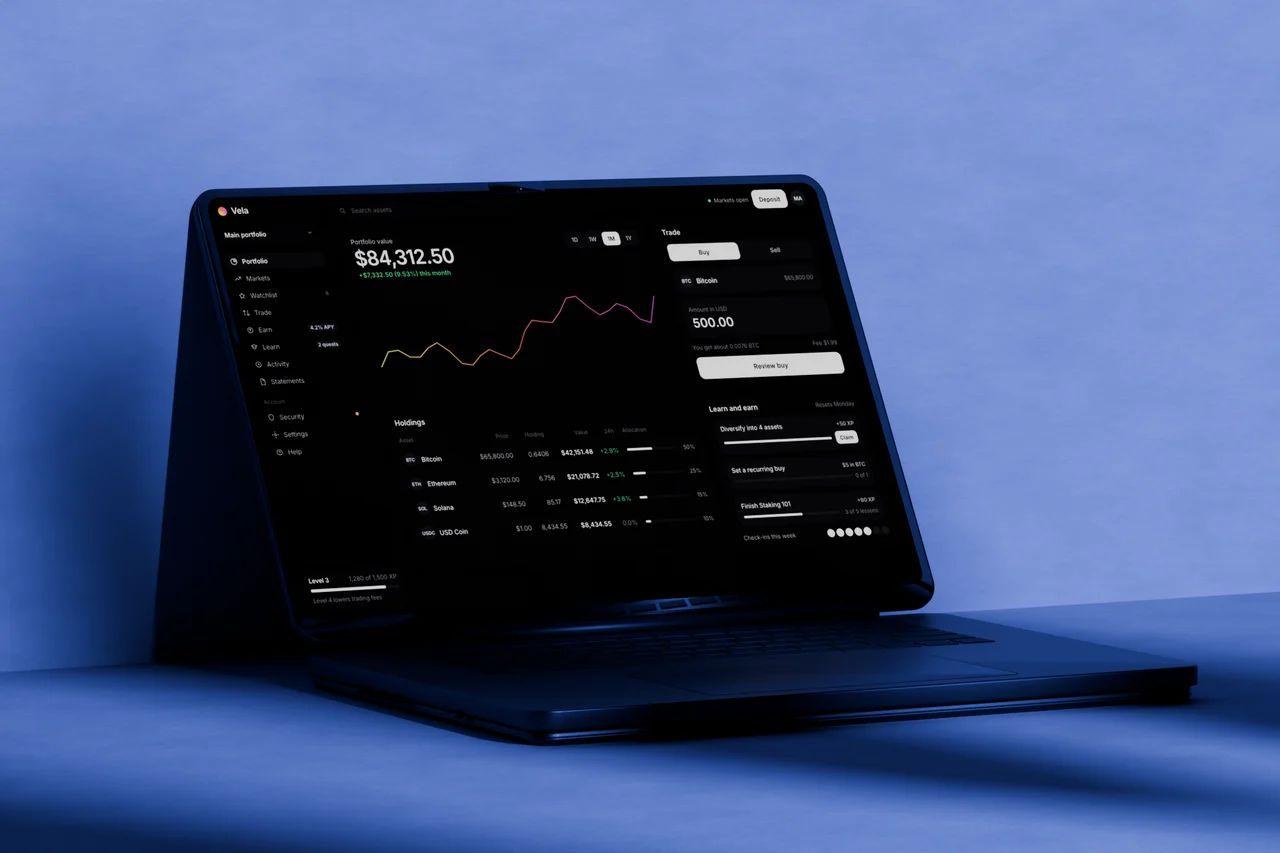
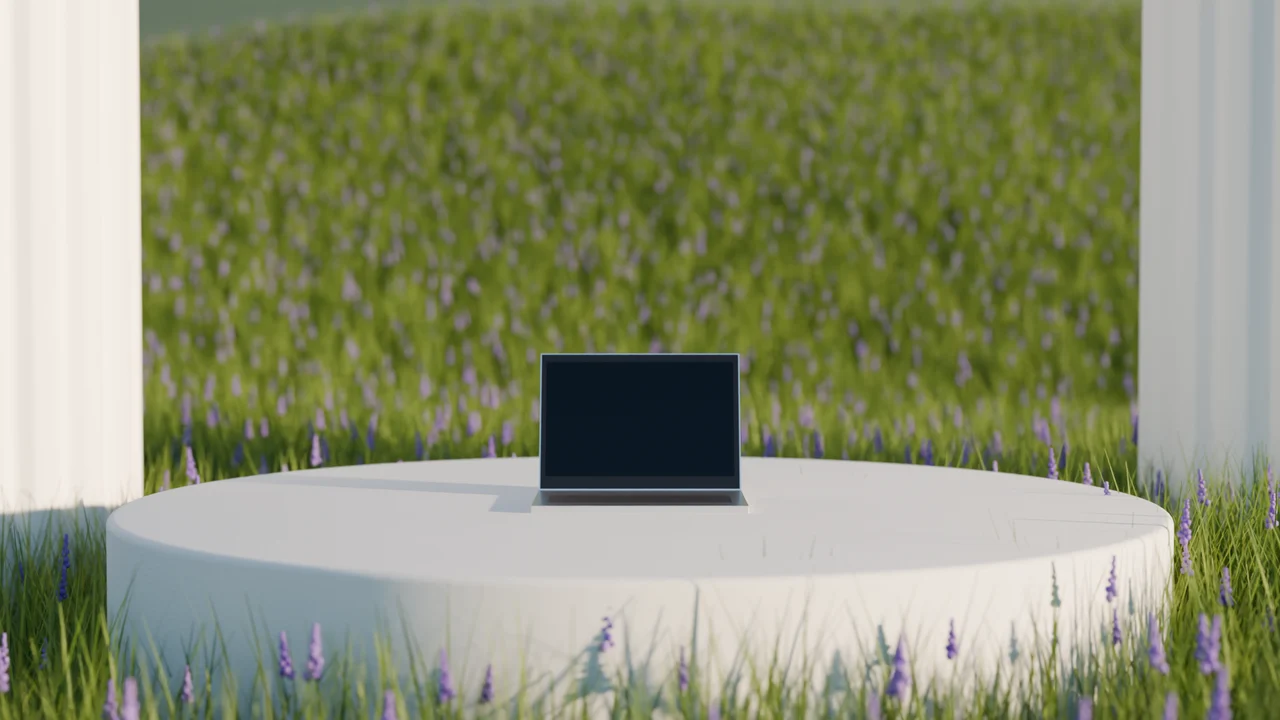
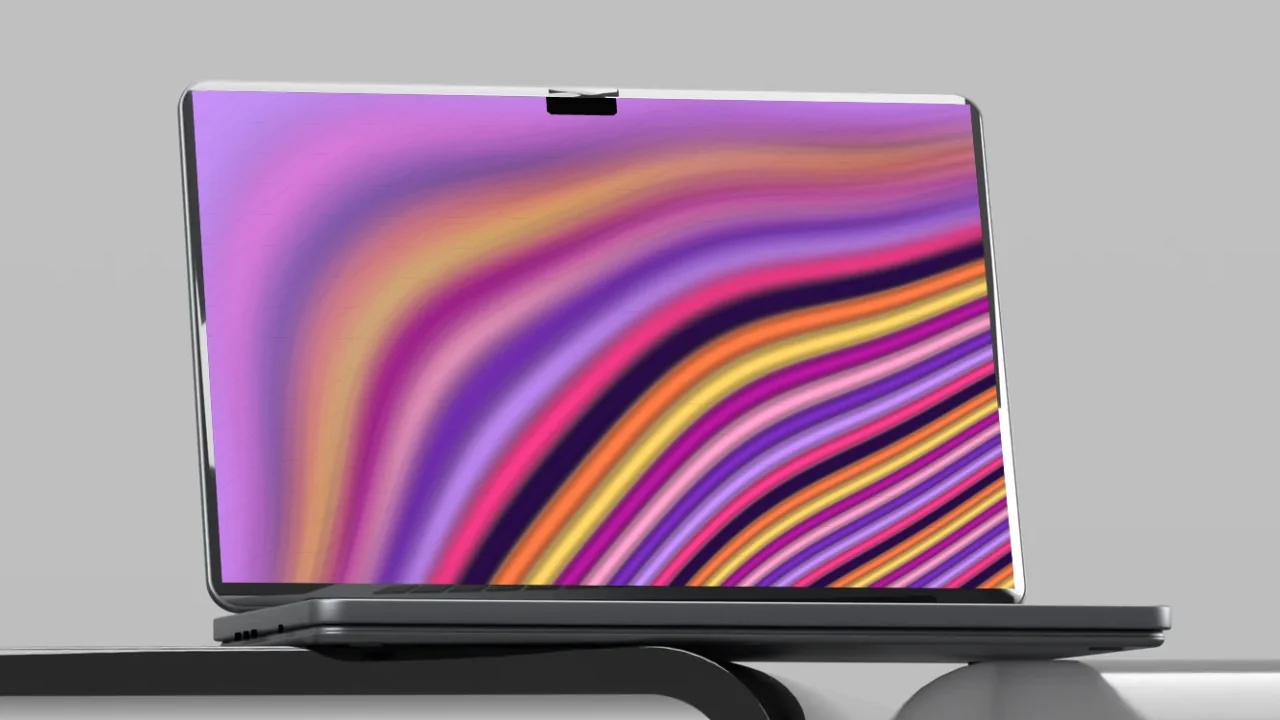
A good laptop mockup makes a website look finished, and it is the quickest device mockup for a website or app. These scenes are full 3D renders with real light, shadows and depth, not flat frames. Upload a screenshot, or try one of the BrowserMoon templates or gradients on the screen, and download a PNG. Everything happens in your browser, so your screenshot never leaves your computer.
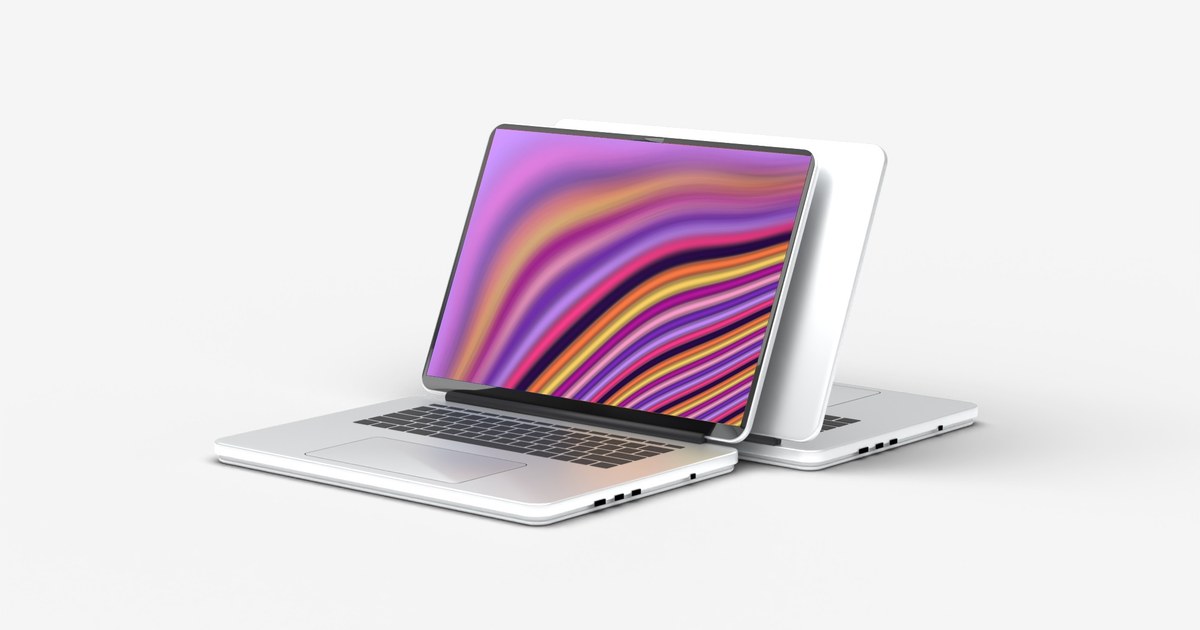
No screenshot yet? Put an animated gradient on the screen: ribbon, liquid or any animated gradient.
Where to use it
Website and portfolio covers
Show a site you built on a laptop instead of a flat screenshot. It reads as a real product at a glance.
Launch posts
A clean laptop shot for X, LinkedIn, Product Hunt and your changelog.
Landing page heroes
Use a mockup as the hero image of your own landing page, or as a section showing the product.
How to make a laptop mockup
- Pick a scene, a camera angle and how close the camera is.
- Upload a screenshot of your website or app, or put one of our landing page templates or animated gradients on the screen.
- Pick a camera move, like push in, rise or focus pull, to see the scene move in 3D.
- Download a free PNG at 720p, or a Full HD PNG and a video with a licence.
What is a laptop mockup?
A laptop mockup is a picture of a laptop with your own screenshot placed on the screen. It shows a website or app the way people will actually see it, which makes it look finished and real. Designers use them for portfolios, founders use them for launch posts, and agencies use them to present work to clients.
A website mockup generator that runs in your browser
Most mockup tools ask you to sign up, upload your design to their server or open a Photoshop file. This one does not. Pick a scene, drop in a screenshot and the mockup is drawn right in your browser. Your screenshot never leaves your computer, and the free PNG downloads at 720p straight away.
A real 3D laptop mockup, not a flat frame
Each scene is a full 3D render with real light, soft shadows, reflections and depth of field: a white studio, a blue velvet sofa, a tufted sofa, a dark concrete room, a laptop floating on black, a sunlit meadow and a smoked acrylic desk. Every scene comes from five camera angles, so you can show the laptop from the front, low down, up close, from above or from the side. Your screen is placed in perfect perspective, so the result looks like a photo, not a sticker on a picture.
A laptop screen mockup for websites, apps and landing pages
Use it as a website mockup for a client presentation, an app mockup for a launch post, a landing page mockup for Product Hunt or a portfolio mockup for Dribbble and Behance. It also works as a MacBook style mockup for anyone who searches for a Mac laptop mockup but wants something original. Drop in a screenshot, and the screenshot to mockup step takes a second, right in your browser.
Free laptop mockup PNG, or Full HD and video
Everyone can download a free laptop mockup PNG up to 720p, with a small optional credit. With a BrowserMoon licence you get the Full HD PNG with no credit and a short animated laptop mockup video, ready for a product page, a launch post or an app store gallery.
Frequently asked questions
Is the laptop mockup free?
Yes. Every scene is free to use at up to 1280 px (720p), with no sign up. Full HD PNGs and video exports come with a BrowserMoon licence.
Do I need Photoshop?
No. It works in your browser. Upload a screenshot or pick a template, then download the image. Nothing is uploaded to a server.
What size should my screenshot be?
Any 16:10 screenshot works best, for example 1440 × 900 or 2880 × 1800. Other sizes are fitted to the screen.
Can I use the mockups in client and commercial work?
Free downloads can be used anywhere, with the small BrowserMoon credit if you keep it on. Licensed downloads have no credit and are cleared for client and commercial work.
Is this a 3D mockup? Can I rotate the laptop?
Every scene is a real 3D render, with light, shadows, reflections and depth worked out in 3D, and your screen is placed in true perspective. Pick from five camera angles for every scene (hero, low, close up, top down and side) and zoom from wide to tight. The angles are fixed renders rather than free rotation, which keeps them photo realistic and fast in any browser.
Can I use it as a MacBook mockup or Mac mockup?
Yes, it looks the part: a slim aluminium MacBook style laptop with a thin black bezel and a camera notch, in silver and space black. It is an original 3D model, not an Apple product, and carries no Apple logo, so it is safe to use in commercial work.
Is there an animated laptop mockup or a mockup video?
Yes. Pick a camera move under the preview: push in, rise, focus pull or showcase, which cuts between three angles. The camera moves in 3D depth, so the laptop and the room move apart like a real shot. Preview every move for free; with a licence you can download it as a Full HD laptop mockup video.
Is this a mockup template I can edit?
There is nothing to install. Instead of a PSD laptop mockup template, you change the screen and scene right here and download the result. It works on Mac, Windows and phones.
Can I make a website mockup from a URL?
For now, take a screenshot of the page (full width, 16:10 if you can) and upload it. Your screenshot stays on your computer.
Narrow it down
Works with any vibe coding tool